
Try a Dress on Your Photo
Virtual Dress Try-On
Add a person photo and one dress image to create a try-on preview.
Your Photo
Upload the person who will wear the dress.
Longer dresses preview better when more of the body is in frame.
Dress
Upload a clear image of the dress.
A clean product or flat-lay image where the full dress is visible works best.
No clothing photo? To change clothes with a text description, use the AI Photo Editor.
Optional instructions
Usually you can leave this blank. Add a note only if the image shows more than one garment.
Dress Preview
Example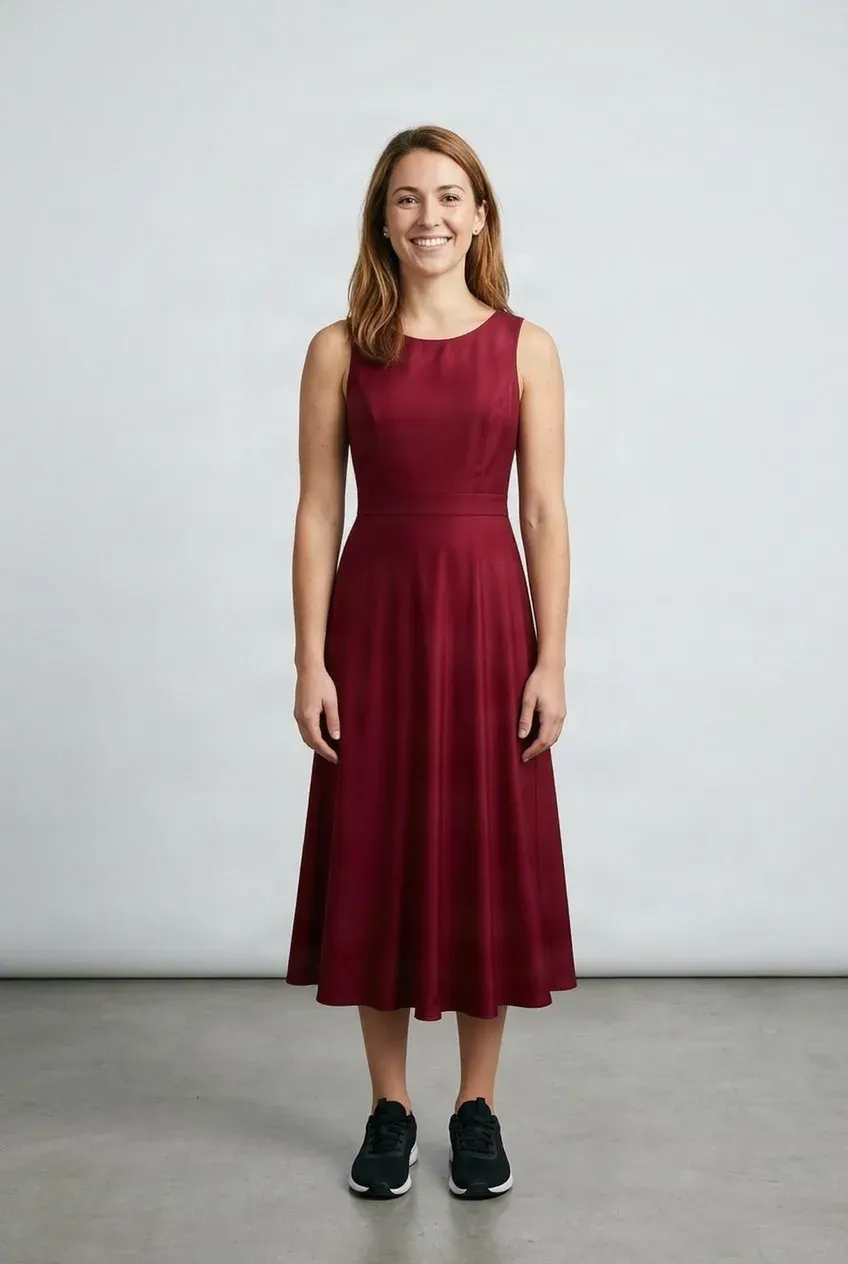
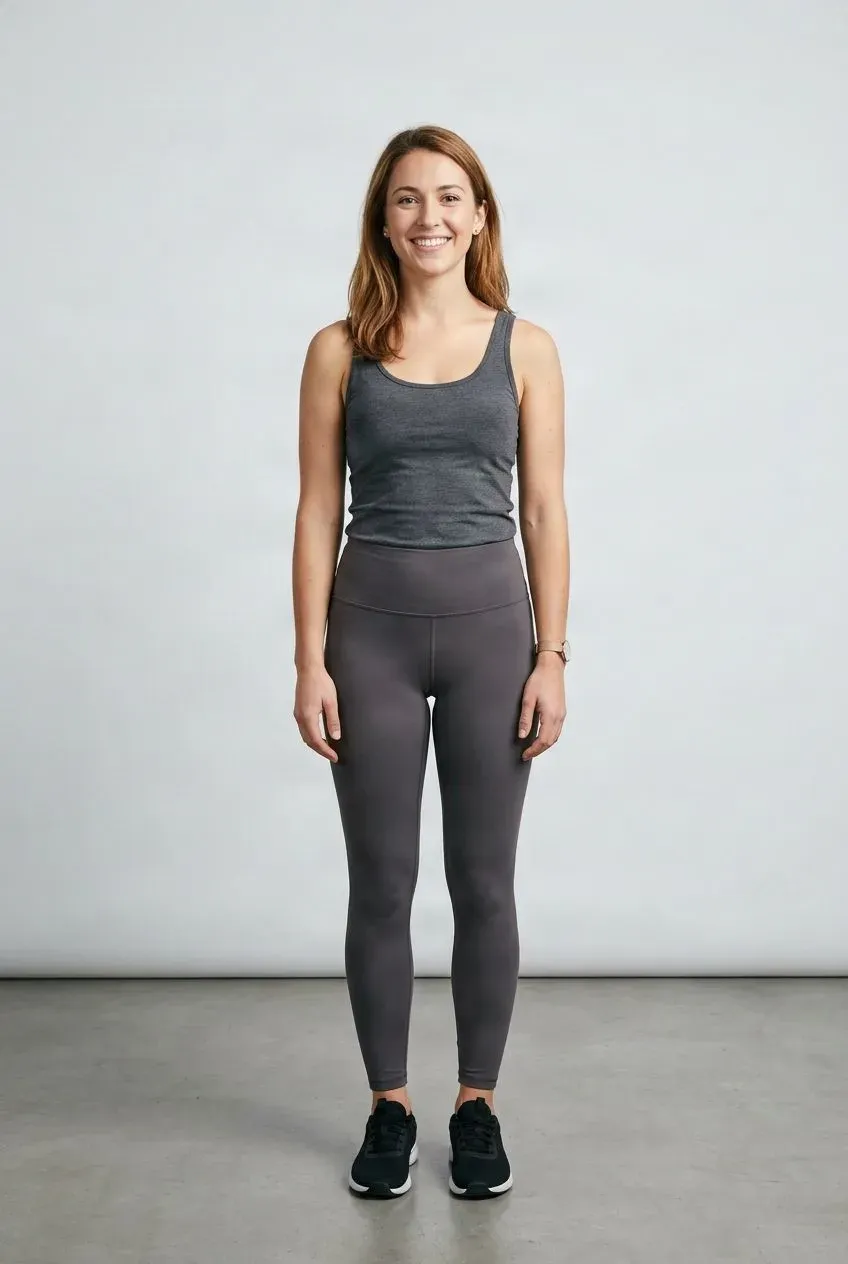
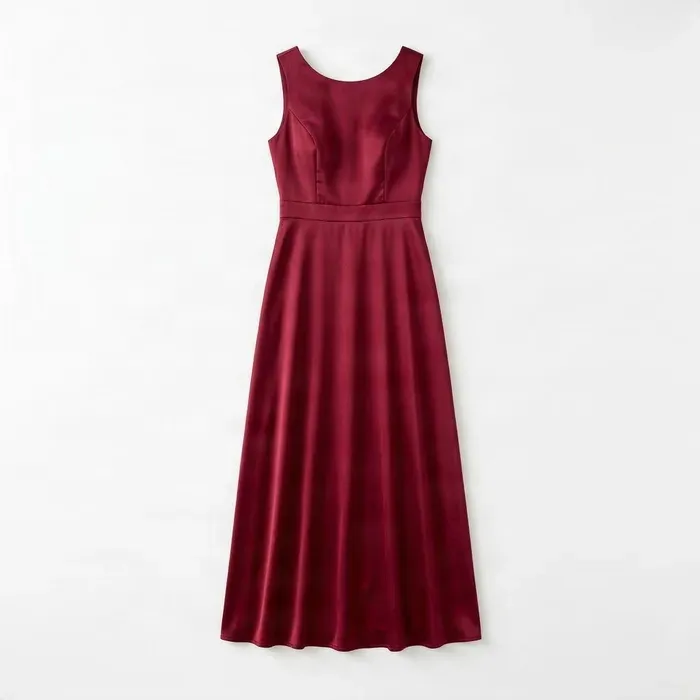 Dress
Drag to compare — the same person in a different outfit.
Upload a person photo and a dress image to get started.
Choosing between silhouettes, necklines, or lengths? Upload your photo and one dress reference to compare the visual direction before shopping or planning an event.
See it in action
One Photo. Different Dresses.
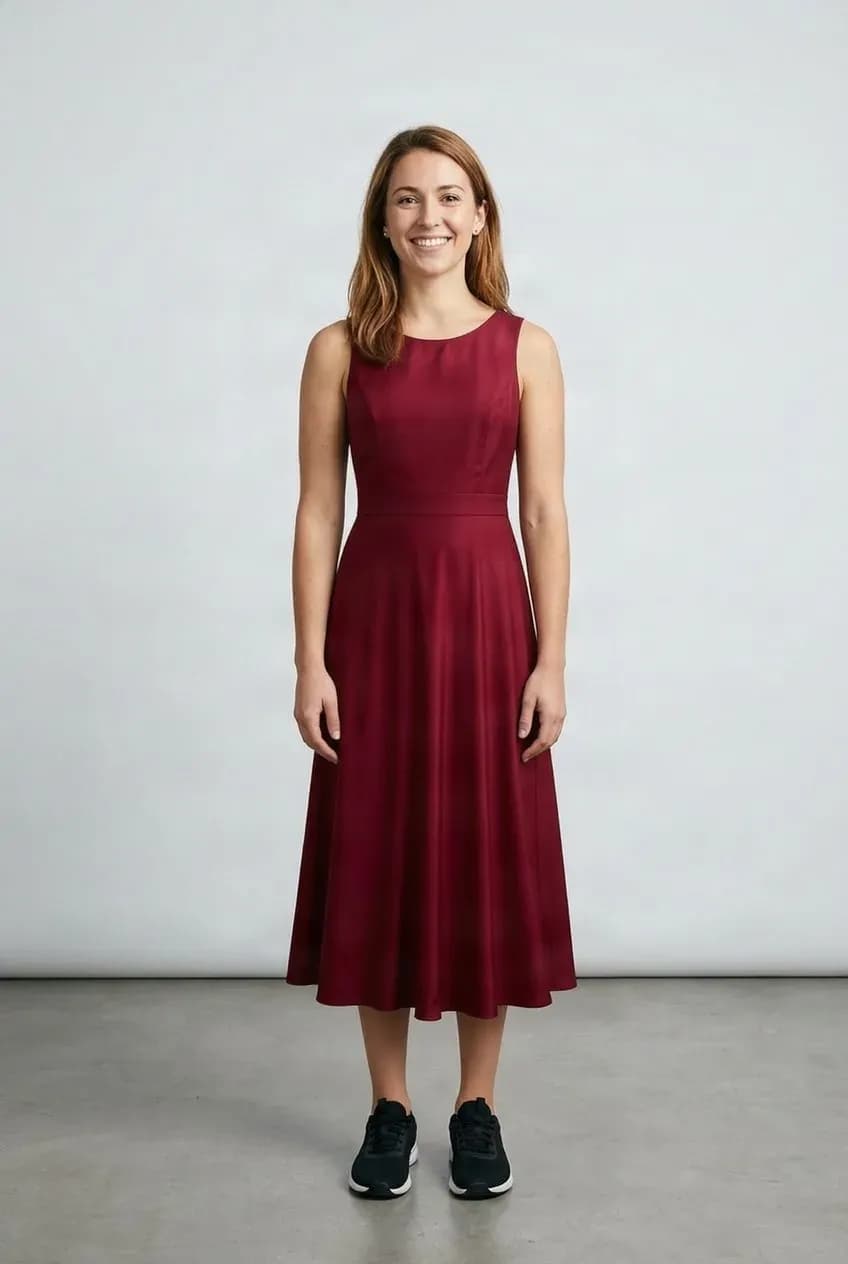
Every result below was created with this tool. Same person and pose, different dress.
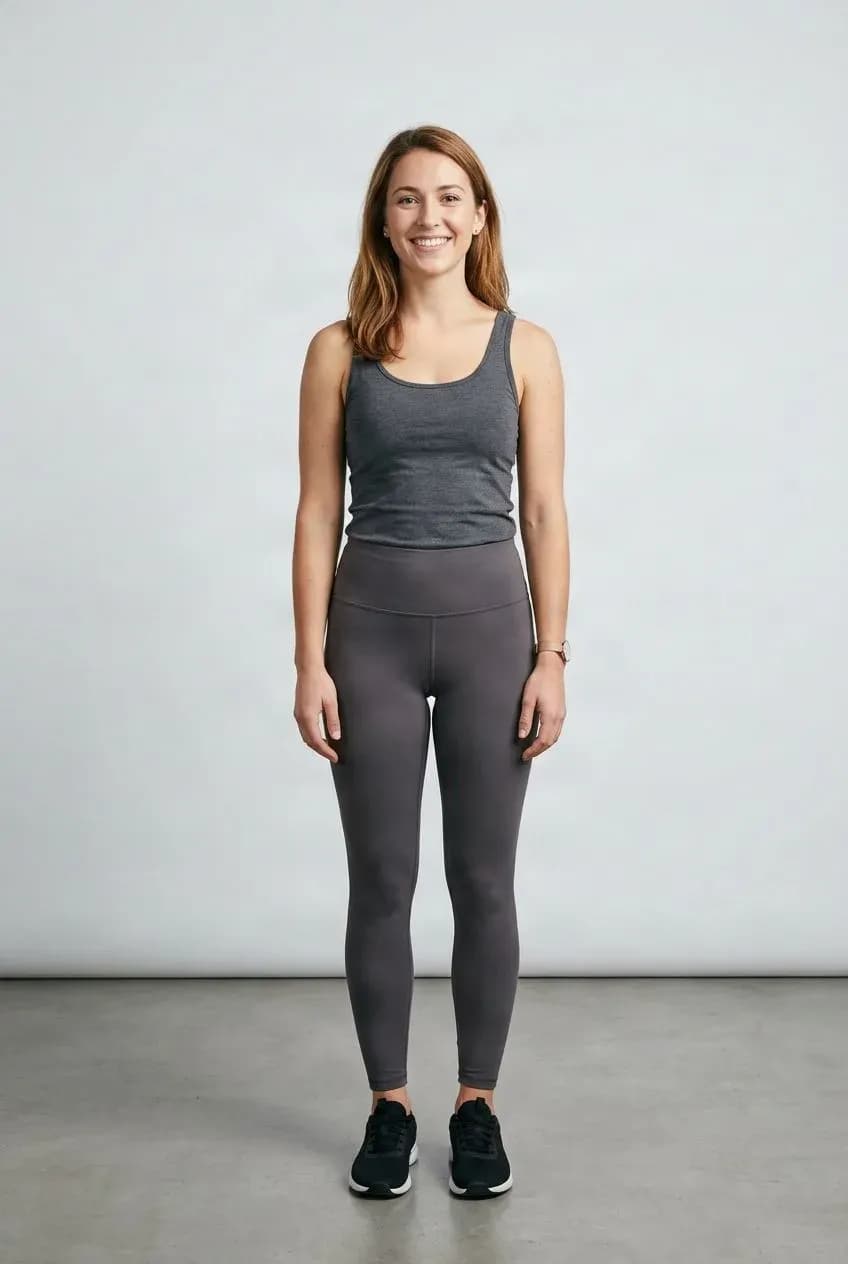
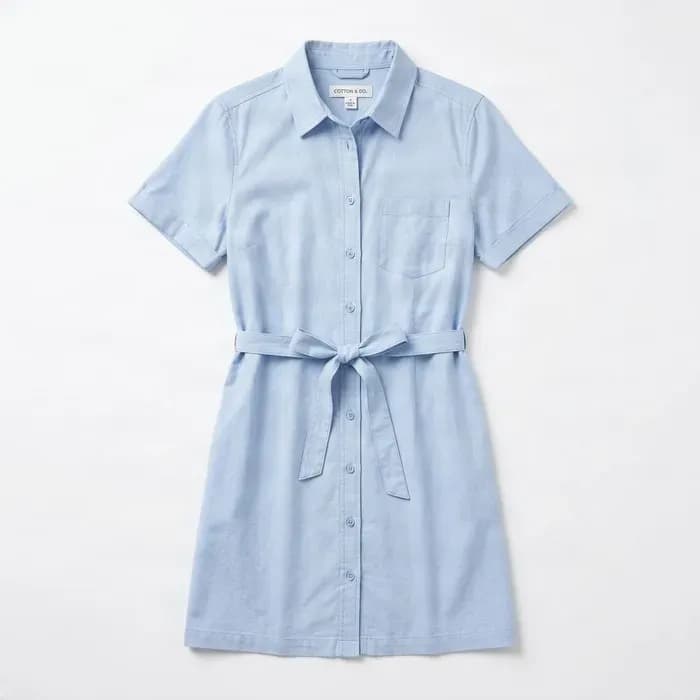
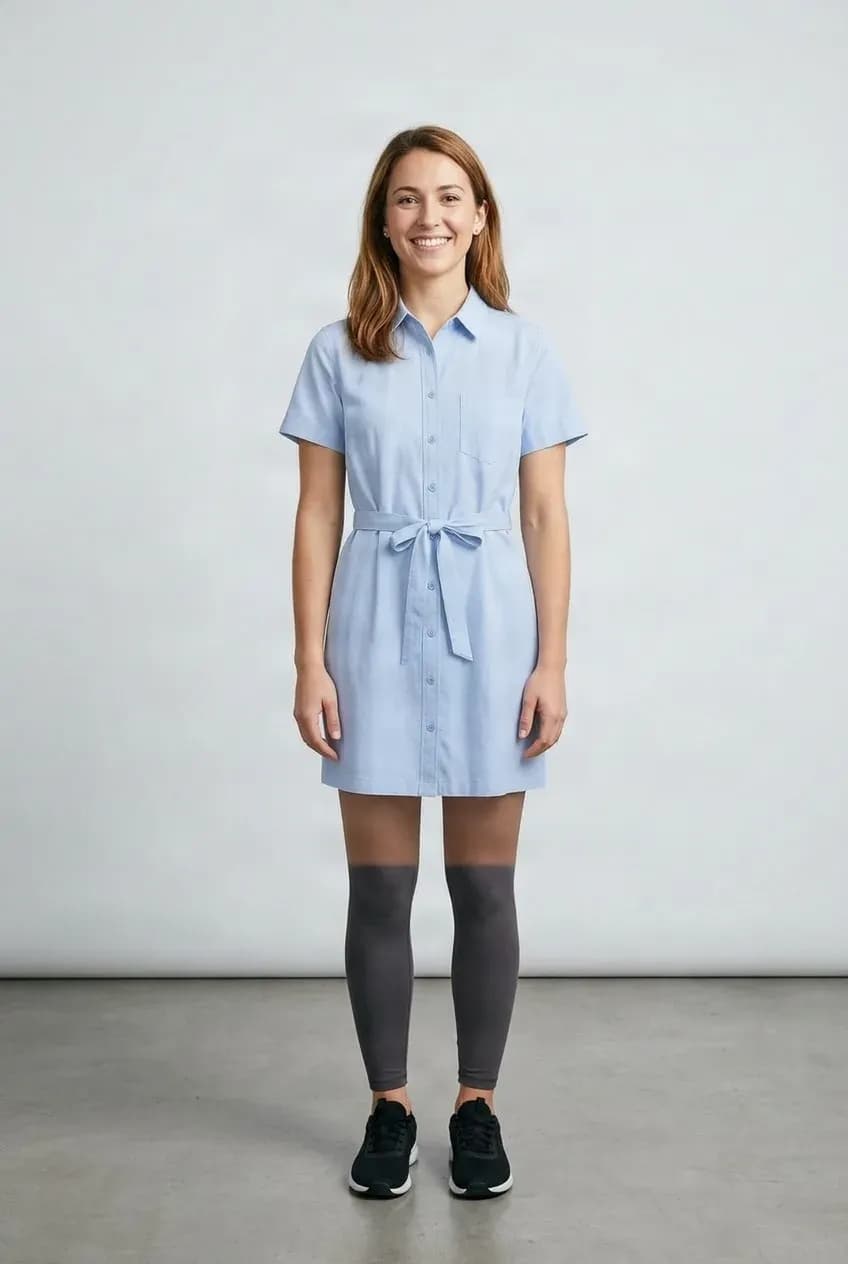
Try an Everyday Dress
Preview a casual style using your existing photo.
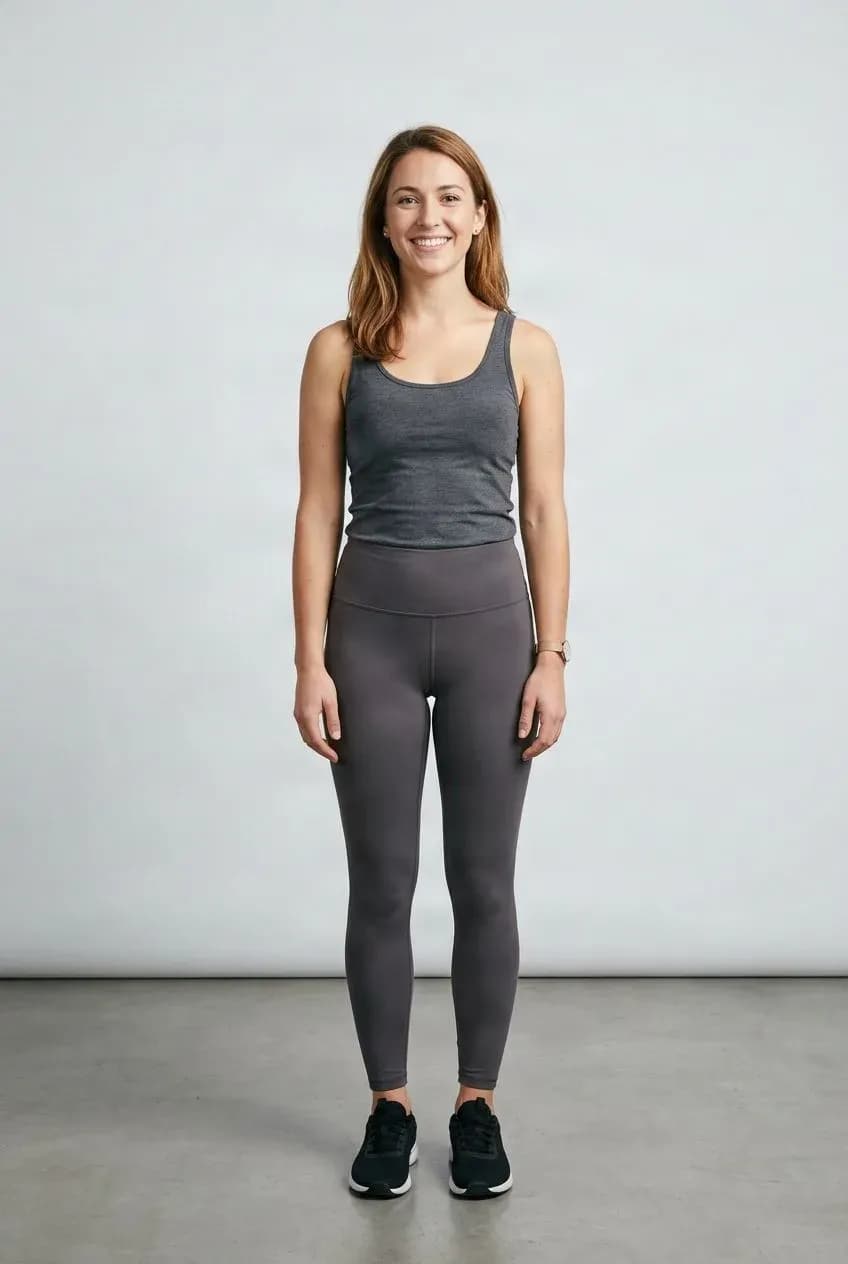
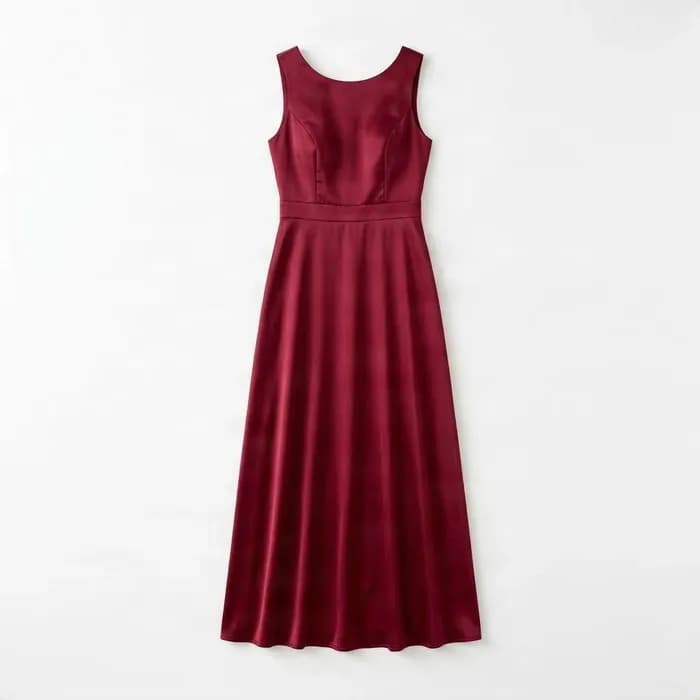
Preview an Evening Look
See how a more formal dress changes the overall look.
Compare the Details That Make a Dress Feel Right
A dress listing can show the fabric and silhouette clearly while still leaving questions about the neckline, hem, shape, or occasion on your own body.
Use one photo to compare dress references visually before booking a fitting, ordering online, or choosing a look for an event.
Useful When a Dress Decision Is Hard to Picture
Compare Necklines and Silhouettes
Review how different cuts and shapes may read on the same person photo.
Plan an Event Look
Preview options for a wedding, party, dinner, graduation, or formal occasion.
Shortlist Online Purchases
Use a visual check before ordering or scheduling an in-person fitting.
Prepare Styling Content
Create quick visual references before arranging a shoot or wardrobe plan.
Try a Dress On in Three Steps
Upload Your Photo
Choose a clear photo of the person.
Add the Dress
Upload a clear image where the full dress is visible.
Review the Result
Compare the preview and try another dress if you want.
A Preview, Not an Exact Fit Simulation
The result shows how the dress may look in an image. It does not predict exact sizing, garment length, tailoring, fabric stretch, or physical comfort. Length and proportions are visual estimates and may differ from the physical garment.
Related Try-On Tools
Virtual Dress Try-On FAQ
Can I try a long or maxi dress?
Yes. A photo showing most or all of the body usually gives the model more context for longer dresses.
Can I use a dress shown on a model?
A clean product or flat-lay image is usually easier to work with, but other dress images may also work.
Does this tell me what dress size to buy?
No. Virtual try-on does not calculate body or garment measurements.
Will the dress length be exact?
No. Length and proportions are visual estimates and may differ from the physical garment.
Can I try wedding dresses?
Yes. Upload a clear image of the dress the same way you would any other style.
Can I compare several dresses using the same photo?
Yes. Keep the person photo and replace the dress image to compare another look.
Can it show the exact neckline or hem length?
It can provide a visual estimate, but necklines, hems, proportions, and drape may change during generation. Use the source listing or fitting for exact details.
Should the full dress be visible in the reference?
Yes. A clear image showing the full dress, including sleeves and hem, gives the model more information than a cropped or obstructed reference.
Can I use this before booking a bridal or formalwear appointment?
Yes, as an early visual comparison. It cannot replace an appointment, body measurements, tailoring advice, or a physical fitting.
Try a Dress on Your Photo
Upload a photo and a dress image to create your first preview.
Try on a dress