
NEWGPT Image 2.5 is here — make focused edits with less rework.

Try GPT Image 2.5

AI Character Reference Sheet Generator

Turn your existing character into a multi-view reference sheet. Upload one image, generate front, side, and back views, and download one PNG to share with artists, animators, game developers, or 3D modelers.

1Character reference
2Generation mode Recommended
3Views5 perspectives
Front(0°)Front ¾(45°)Side(90°)Back ¾(135°)Back(180°)
Character detailsReview results
Face identity
Costume details
Colors
Body proportions

Sheet preview

5-view reference preview

Consistency mode generates five reference views from one normalized character reference.

Front
0°
Active
FrontExample
Front ¾
45°
Front ¾Example
Side
90°
SideExample
Back ¾
135°
Back ¾Example
Back
180°
BackExample
Angle preview
Angle preview0°
Angle loopPreview

One Character. A Clearer Picture of Every Angle.

You have the design. Now give yourself and your collaborators more than a single point of view.

A character reference sheet brings important views together so it's easier to understand how the character looks from different directions.

5-View Character Reference Sheet

See the details between front and back.

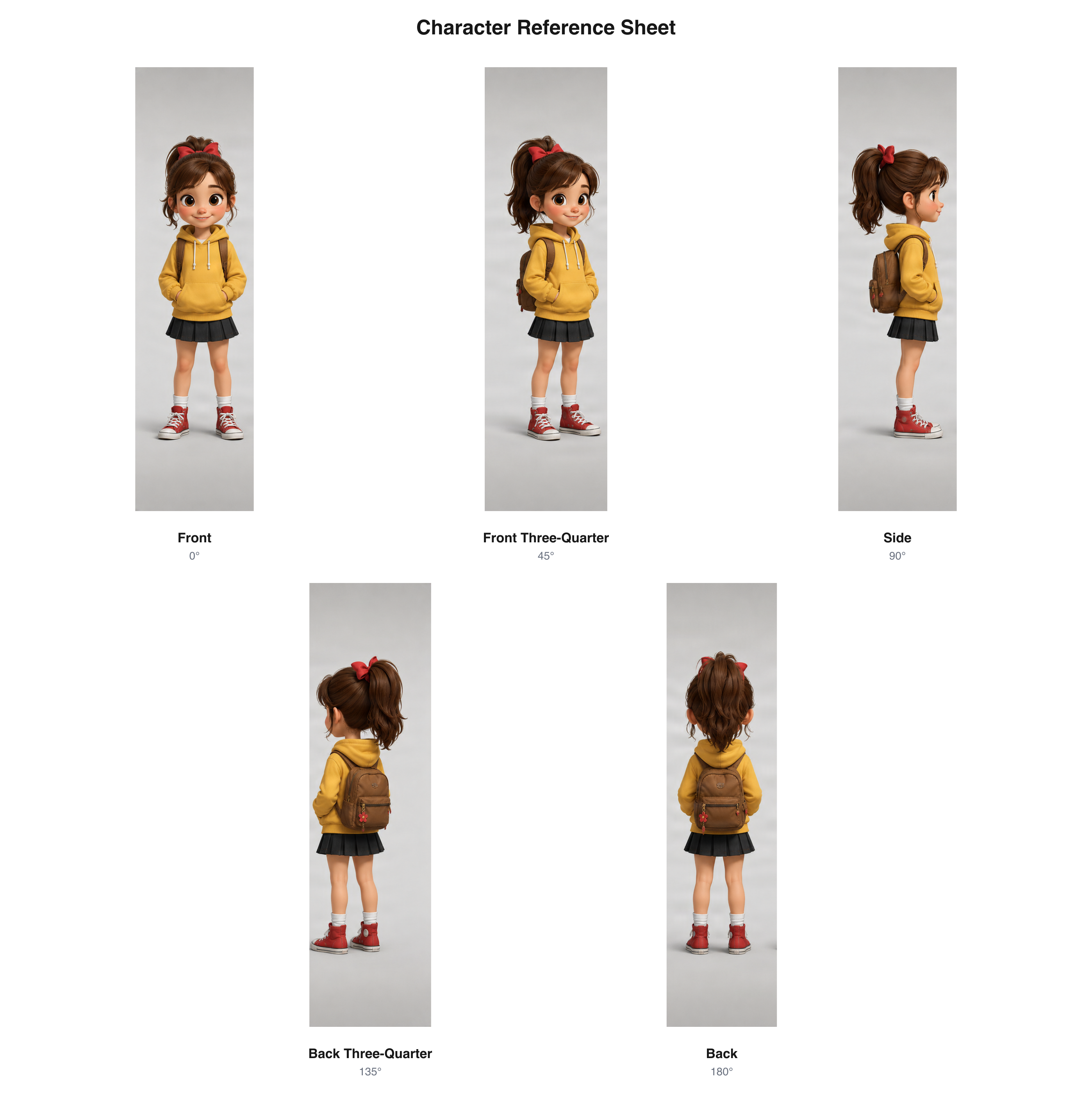
Add front three-quarter and back three-quarter views to your reference sheet. These extra angles help show how a character's design transitions between the front, profile, and rear views.

Five cartoon character views arranged in two rows with front, three-quarter, side, rear three-quarter, and back labels

Five character perspectives arranged into a multi-view reference sheet.

Download sample PNG

3-View Character Reference Sheet

Front. Side. Back. All in one place.

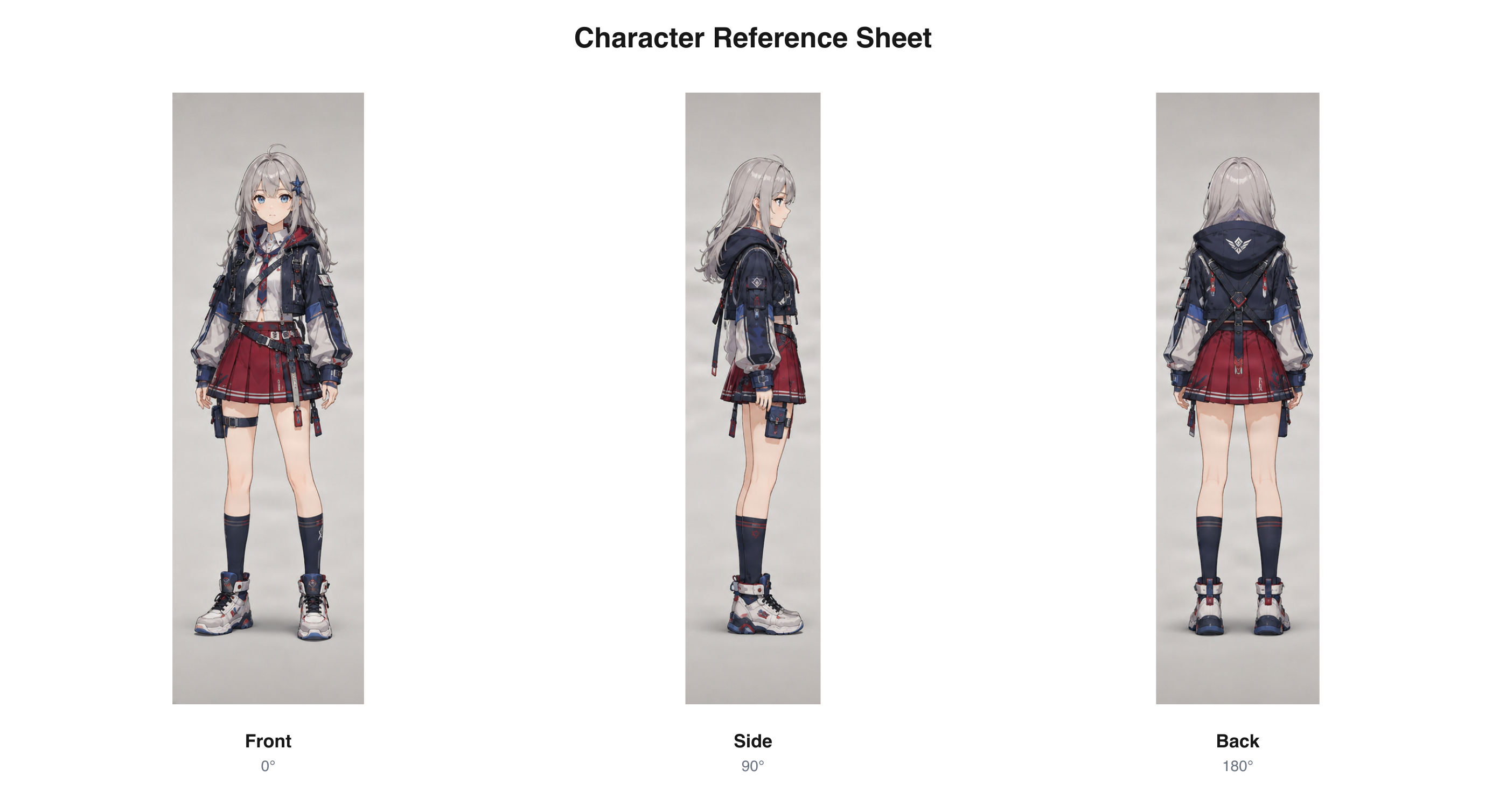
Get the three essential views of your character in a single sheet. It's a practical starting point for artists who need to see the overall silhouette, outfit, hairstyle, and appearance from more than one direction.

Front, side, and back views of an anime character in one labeled reference sheet

Three key character views, arranged into one downloadable reference sheet.

Download sample PNG

From One Drawing to a Reference Sheet

Your original character is the starting point.

Whether you've created an anime character, a fantasy warrior, or a cartoon hero, start with your existing image and use AI to explore how the design may look from other directions.

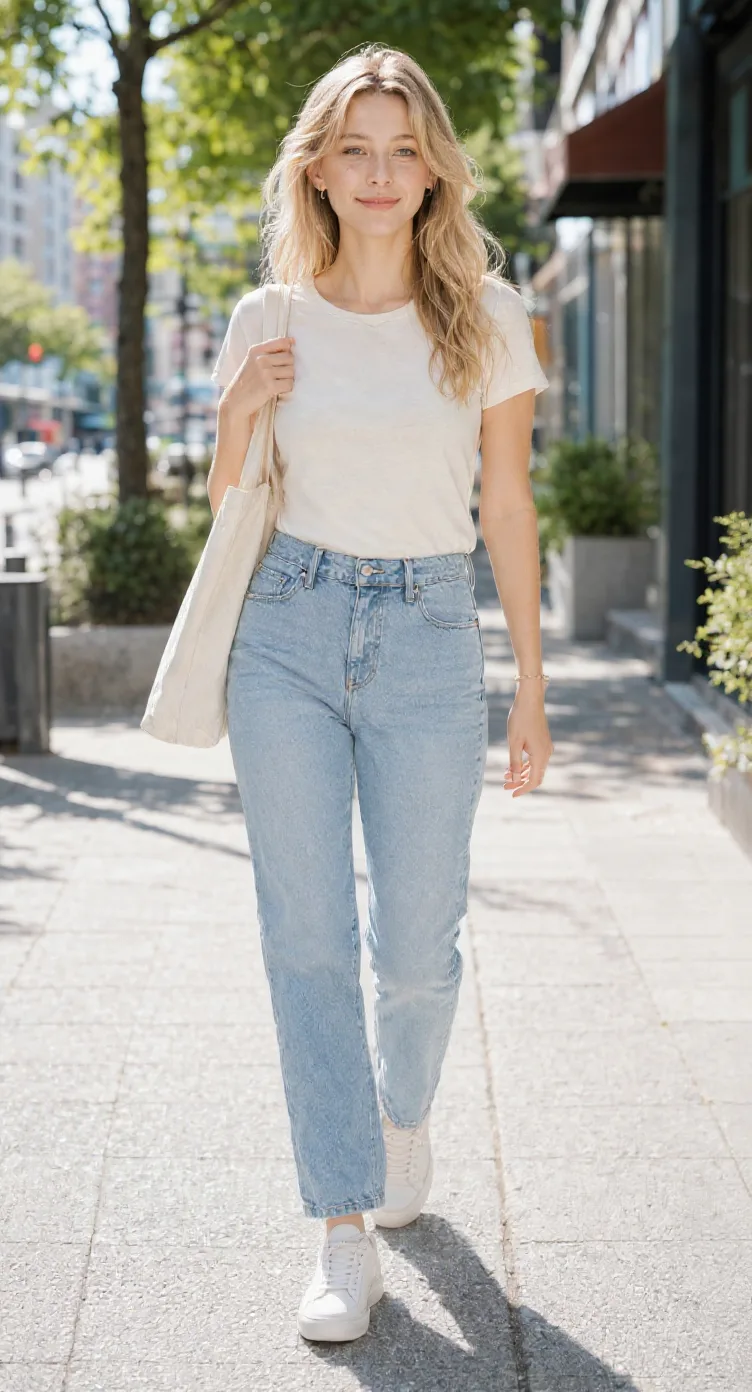
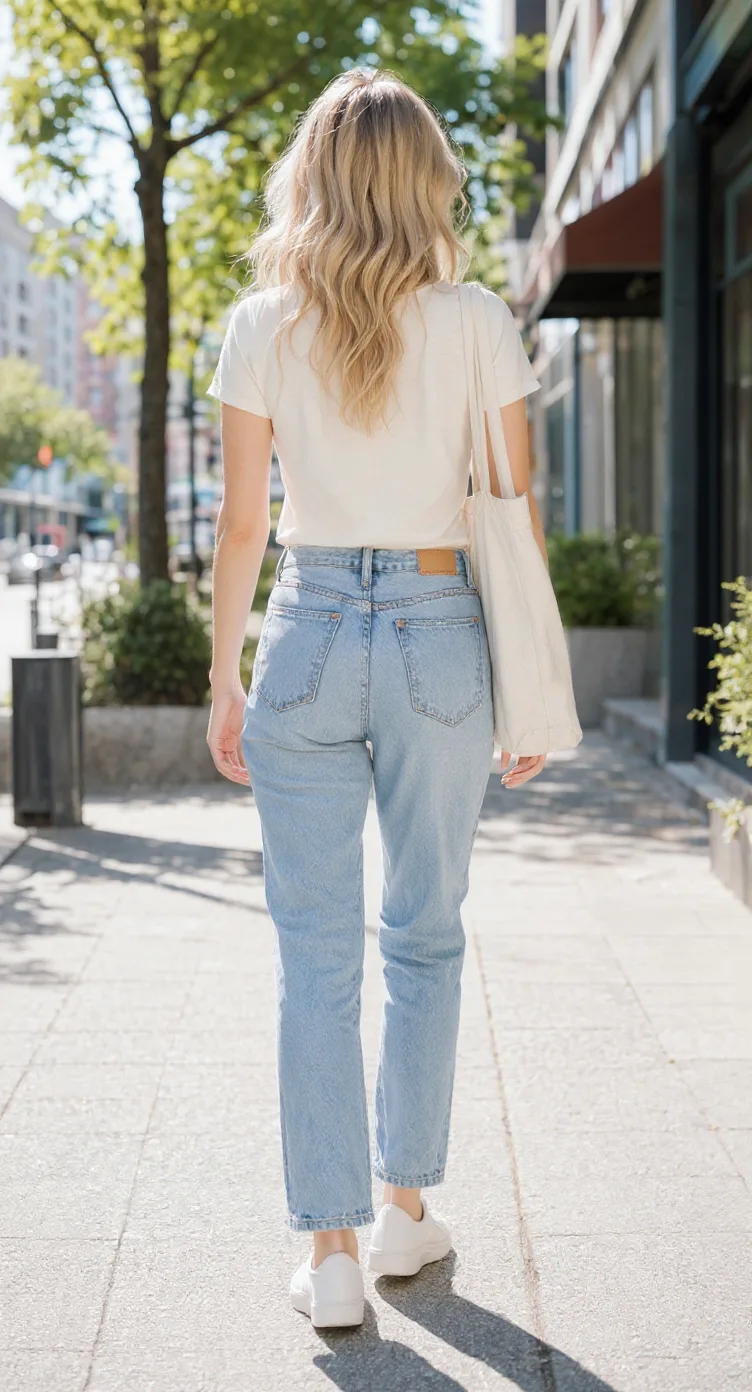
Original photo used in the existing multi-angle workflow example
Existing source image
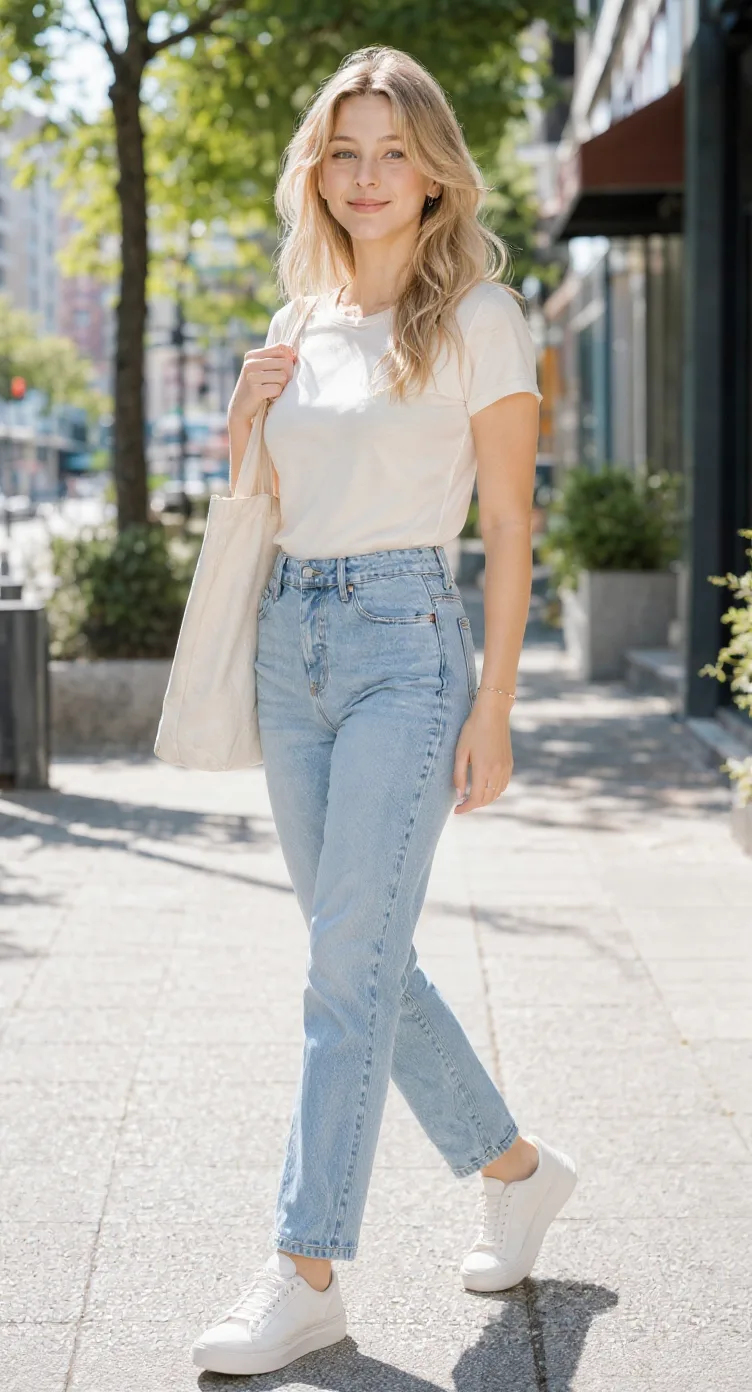
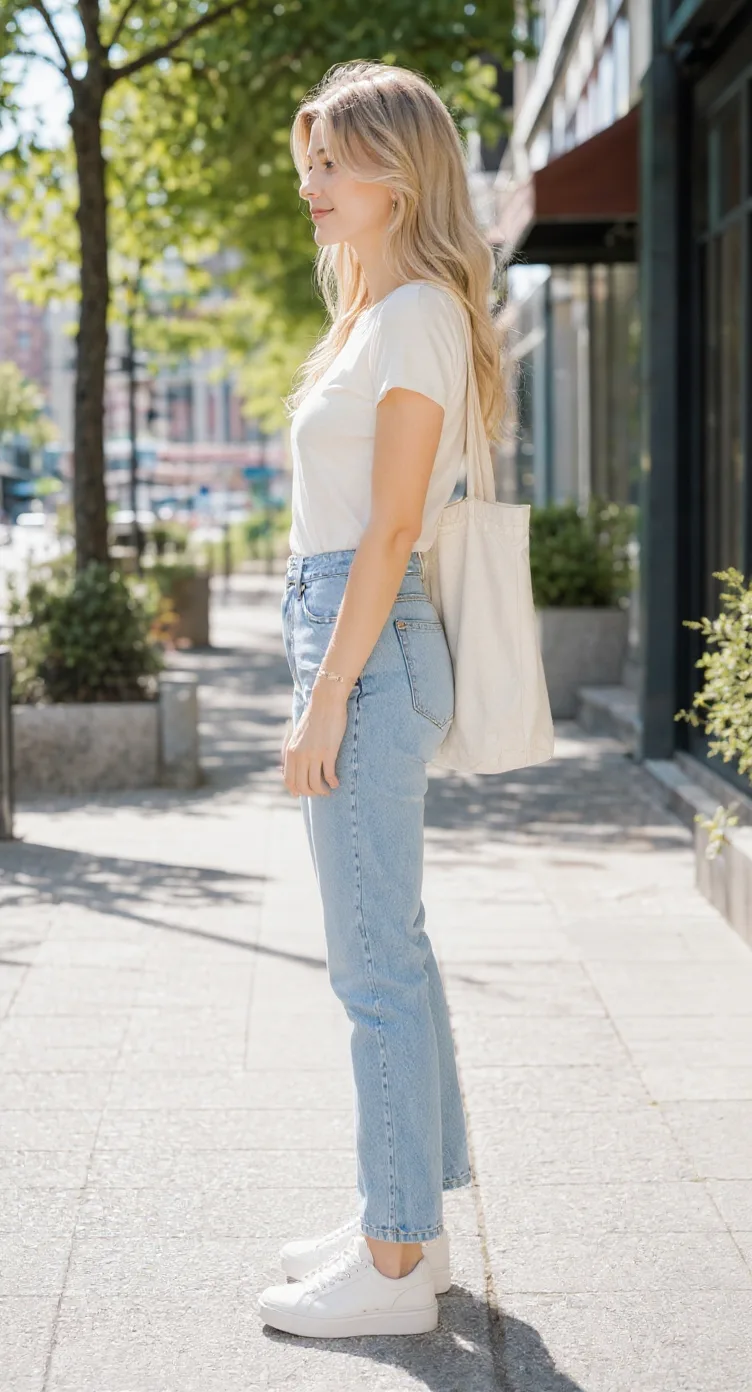
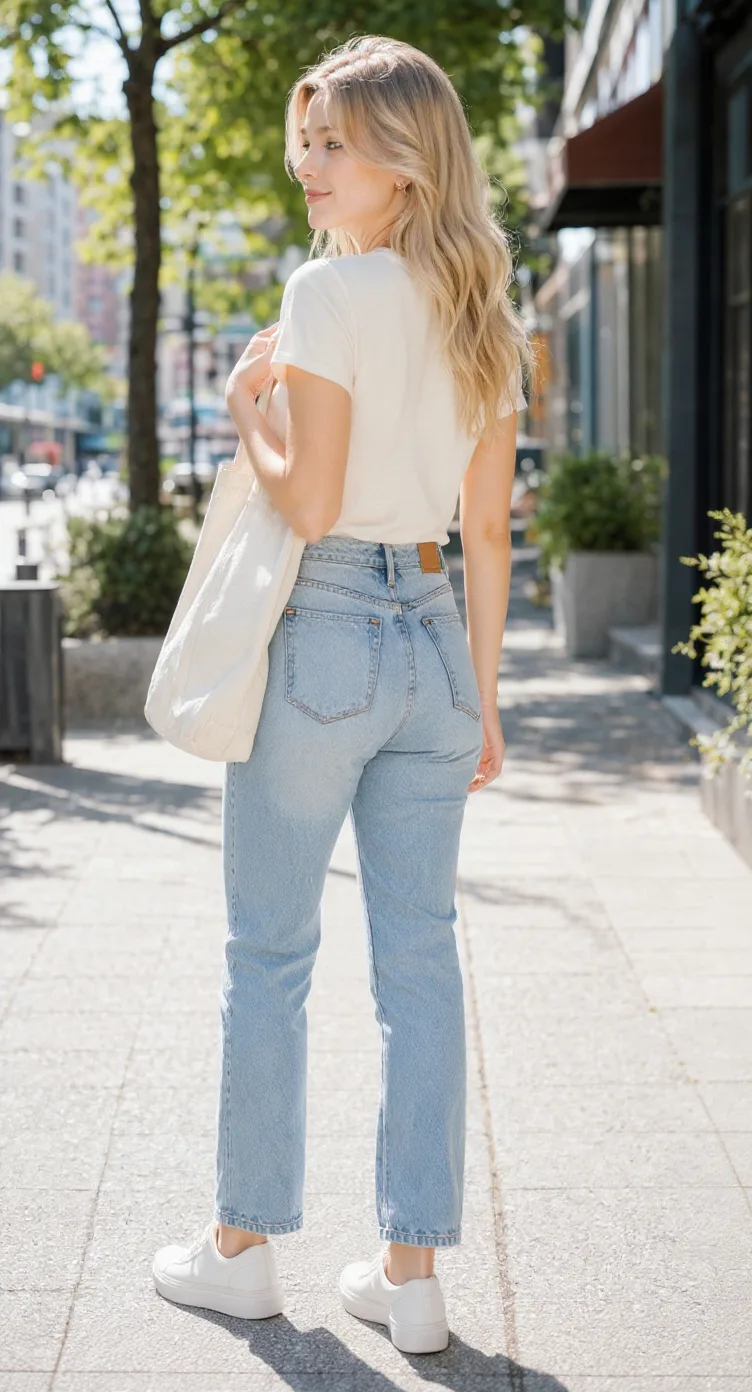
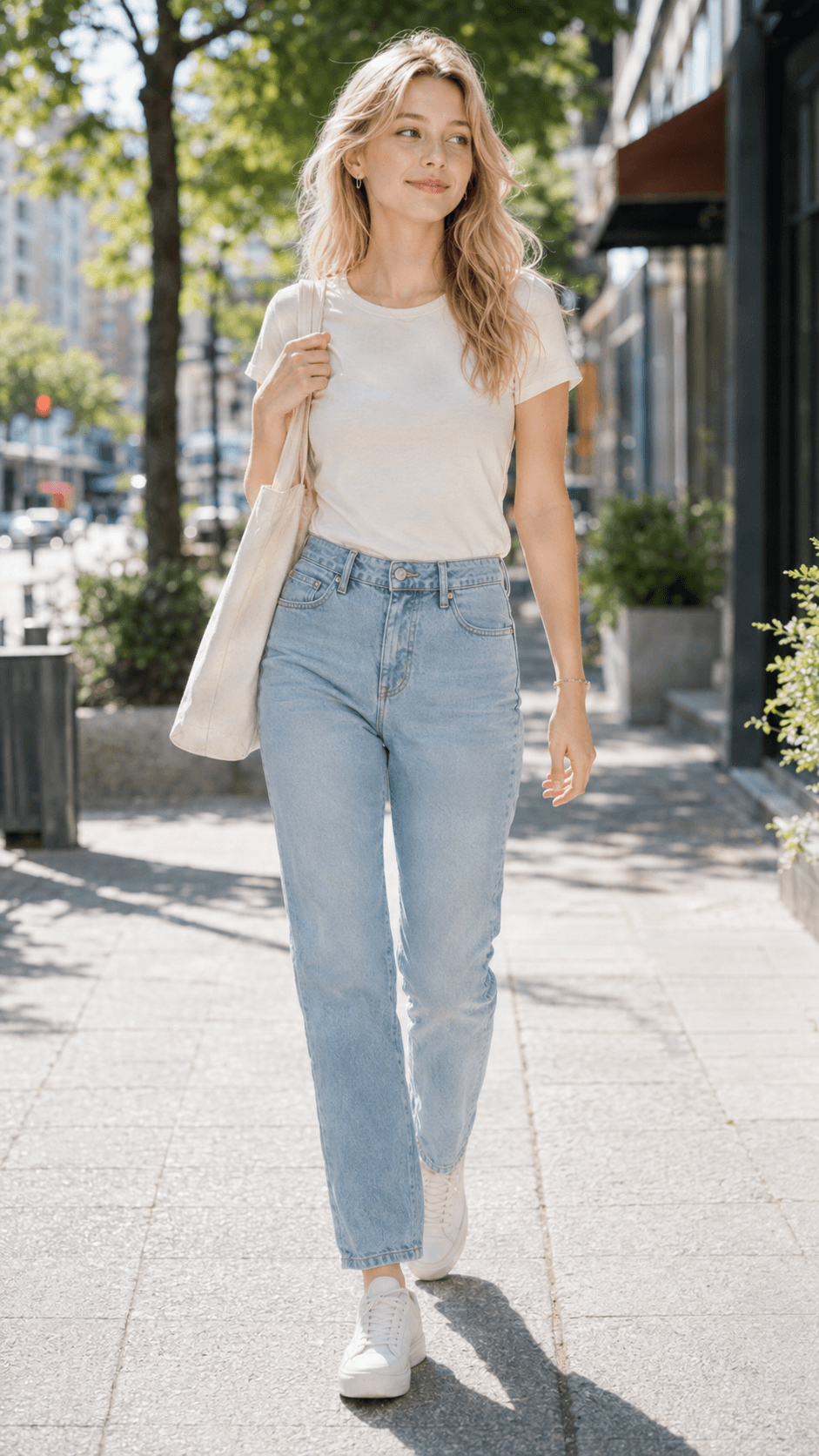
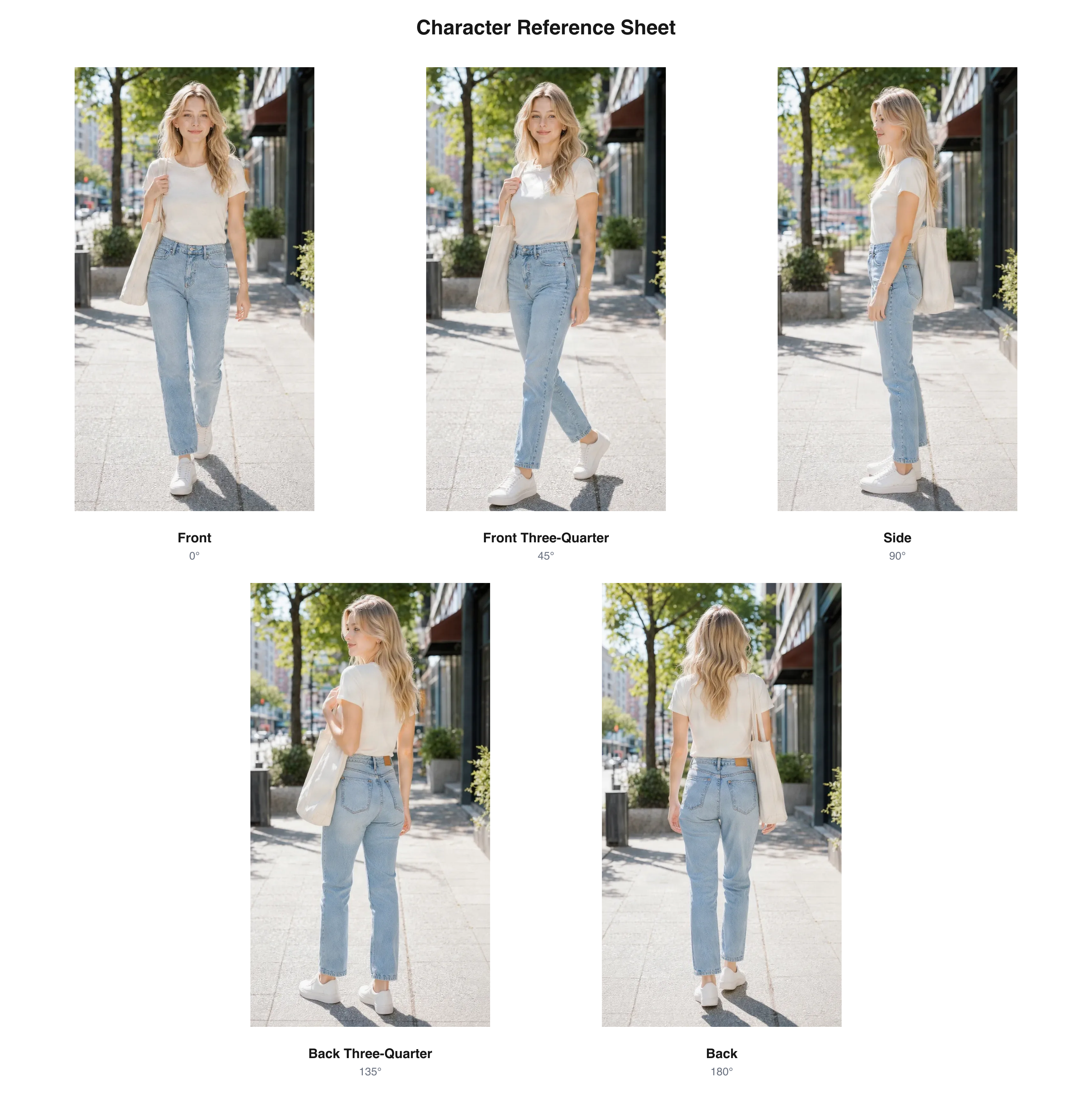
Five existing generated photo viewpoints combined into a reference sheet
Generated views arranged as a reference sheet

This existing photo example shows the source-to-views workflow. Start with your own character artwork for a character design sheet.

These sheets use existing generated turnaround example views arranged with the same Reference Sheet export layout. The anime and cartoon examples were reformatted from the published sample artwork; they are layout demonstrations, not new generation tests. Labels printed inside the sample PNGs are in English.

Start With Your Character

Build from an existing design instead of starting over.

See More Angles

Generate the views missing from your original artwork.

Download One Sheet

Bring your character views together in one convenient image.

Choose 3 Views or 5 Views.

You don't always need every angle. Choose a reference sheet that fits what you're working on.

3-View Reference Sheet

A simple, practical starting point.

Includes

  • Front — 0°
  • Side — 90°
  • Back — 180°

Best for

  • Basic character design references
  • Sharing an OC with an illustrator
  • Checking front and back outfit details
  • Preparing initial visual references
  • Keeping your character's overall look easy to understand

5-View Reference Sheet

More angles for a clearer character design.

Includes

  • Front — 0°
  • Front Three-Quarter — 45°
  • Side — 90°
  • Back Three-Quarter — 135°
  • Back — 180°

Best for

  • Character animation references
  • Game character concept work
  • 3D modeling visual references
  • Characters with layered costumes or accessories
  • Projects where additional angles help explain the design

Both options use your uploaded character as the source reference. AI-generated details and proportions should be reviewed before production use.

Stop Explaining What Your Character Looks Like From Behind.

You know how your character looks from the front. But does your illustrator know what the back of their jacket looks like?

Can a 3D modeler understand the hairstyle from the side? Will another artist interpret the boots, accessories, and overall silhouette the way you imagined?

A single drawing leaves plenty of questions unanswered.

A multi-view character reference sheet helps you communicate your design more clearly by showing the same character from several directions.

Show Details That One Drawing Can't

Reveal more of your character's outfit, hairstyle, silhouette, and accessories from different angles.

Give Your Collaborators a Shared Reference

Send one sheet instead of explaining the character separately to every artist or team member.

Build on a Character You've Already Designed

Use your existing artwork as the starting reference rather than generating an unrelated new character.

Spend Less Time Preparing Reference Images

Generate multiple perspectives and organize them into a sheet without manually arranging every image yourself.

Download One Reference Sheet Instead of Arranging Every View Yourself.

Generating different angles is useful. Having them organized into a single image makes them easier to review and share.

After your character views are ready, export them together as one reference sheet PNG.

A Sheet With Clearly Labeled Views

See which image represents the front, side, back, or three-quarter perspective.

A Layout That Keeps the Views Together

Review the character from several directions without switching between separate files.

Ready to Share With Your Team

Send the reference sheet to an illustrator, animator, modeler, collaborator, or commissioner.

Keep the Individual Views Too

Download the individual images or ZIP archive when you need to inspect or use each perspective separately.

Output options:

  • Single Character Reference Sheet PNG
  • Individual Character View Images
  • ZIP Archive of Generated Views

Create Character References for the Way You Work.

Original Character Creators

Show people more than your OC's front view.

You already know your character's story and personality. Give other artists a better visual reference for their appearance.

A multi-view sheet can help communicate the costume, hairstyle, proportions, and visible details when requesting artwork or collaborating.

Anime and Manga Artists

Keep the character recognizable from different angles.

Use front, side, and back views as visual references when drawing the same character across different scenes, panels, or illustrations.

Animators

Give your animation process a clearer starting reference.

Prepare a multi-view image to help visualize the character's shape and costume from multiple directions.

Use it as a design reference, then refine proportions and construction details for your animation workflow.

3D Character Artists

See the character before building the model.

Explore the front, side, back, and intermediate views of your character before modeling.

The output is a visual reference, not a calibrated orthographic drawing or a finished 3D asset.

Indie Game Developers

Bring your character concept into the next production step.

Use a multi-view sheet when discussing your playable character, NPC, enemy, or game character with an artist or modeler.

VTuber Character Designers

Plan your character's appearance across different angles.

Review hairstyle, clothing, accessories, and the rear design before preparing detailed character artwork.

The reference sheet is not a Live2D rig or layered model file.

You Already Have a Character. Keep Building on It.

You may have spent hours designing the right hairstyle, costume, and color combination.

Starting from a completely new text prompt can produce a different character, even when the description sounds similar.

This generator starts with your uploaded image.

It uses your artwork as a visual reference when creating additional perspectives, with the goal of keeping your character recognizable across the resulting views.

Keep the Details That Matter

Give the generator a visual starting point for your character's face, outfit, accessories, and proportions.

Explore the Unseen Sides

Create new perspectives that aren't visible in your original image.

Review Everything Together

Compare the resulting views side by side before using them for a larger project.

Important: Parts of the character not visible in your source image must be inferred by AI. Inspect the results for design details that need correction.

Start With a Clear Image of Your Character.

Your reference image helps the generator understand the character you want to keep.

For a more useful result, choose artwork that makes the character's defining features easy to see.

Show the Whole Character When Possible

Full-body artwork gives the model more information about clothing, proportions, footwear, and accessories.

Make the Outfit Easy to Read

Try to avoid heavy obstructions that hide major parts of the costume.

Use a Clear, Recognizable Design

Distinct hairstyles, clothing colors, and accessories make it easier to review the consistency of generated views.

Pick a Pose That Fits Your Goal

A neutral stance can make comparing views easier. A-Pose and T-Pose preferences are available when you need a more modeling-oriented reference.

Review Any Hidden Details

If the original image doesn't show the back of a coat, a hairstyle, or an accessory, the generated result is an interpretation rather than a recovery of known information.

Need Multiple Character Angles or One Organized Sheet?

Both workflows help you visualize the same character from different directions.

The difference is what you want to do with the results.

Character Reference Sheet Generator

Best when you need a clear document to share.

Create multiple character perspectives and bring them into one labeled reference sheet.

A practical choice for art commissions, character design discussions, animation planning, and team handoffs.

Character Turnaround Generator

Best when generating and reviewing the individual angles is your main goal.

Explore front, profile, rear, and three-quarter views of a character, inspect each generated view, and use them as visual references.

Both workflows use the same underlying multi-view character generation capabilities.

A Helpful Character Reference, Not a Finished Production Model.

This tool is designed to help you build a multi-view visual reference from an existing character image.

It can generate additional perspectives and organize approved results into one downloadable sheet.

It does not automatically create a fully specified character design bible.

If your project requires facial expression sheets, exact model measurements, detailed material specifications, or production-ready rigging, those steps need additional design work.

What You Can Create

  • Three-view and five-view character references
  • AI-generated perspectives based on an uploaded image
  • A combined reference sheet PNG
  • Individual view images and ZIP downloads

What You Should Still Check

  • Character proportions between views
  • Facial and hairstyle consistency
  • Outfit and accessory details
  • Back-of-character designs inferred by AI
  • Suitability for your particular animation or modeling workflow

AI-generated and AI-edited results may vary. Review important visual details before publishing or using outputs in production.

How to Make a Character Reference Sheet

Step 1 — Upload Your Character Image

Choose an image of the character you want to develop.

It can be your original character artwork, an anime-style illustration, a cartoon character, or another supported character reference.

A clear image with visible clothing, hairstyle, and major design details gives the generator more useful information to work with.

Step 2 — Choose Your Views

Select the number of character perspectives you want.

Choose 3 Views for the essential front, side, and back perspectives, or 5 Views when you want additional three-quarter angles.

You can also select a pose preference, including Neutral, A-Pose, T-Pose, or Match Original.

Step 3 — Generate and Download Your Sheet

Generate your character's views, review the results, and download the completed reference sheet.

Keep the individual perspective images when you need them separately, or export the arranged PNG sheet for easy sharing.

Frequently Asked Questions

What is a character reference sheet?

A character reference sheet is a visual guide that shows what a character looks like. It may contain different views, poses, expressions, colors, or design notes, depending on its purpose.

This tool focuses on creating a multi-view reference sheet from your existing character artwork, including front, side, and back perspectives.

Can I create a character reference sheet from one image?

Yes. Upload an existing character image and choose a 3-view or 5-view generation mode.

The AI uses the uploaded image as a reference to create additional perspectives. Details hidden in the original image may be interpreted by the model.

Do I need to draw the front, side, and back views myself?

No. You can start with one image rather than drawing all the views manually.

The generator creates additional perspectives that you can review and use as references. You may still want to make manual adjustments if your project needs exact design consistency.

What is the difference between a 3-view and a 5-view character reference sheet?

A 3-view sheet includes front, side, and back perspectives.

A 5-view sheet also includes front three-quarter and back three-quarter perspectives, providing more visual information about how the character's design looks between the main angles.

Can I download all the views in a single image?

Yes. Once the selected views are successfully generated and approved, you can download a combined character reference sheet PNG.

Individual view downloads and ZIP export are also available.

Can I make an anime character reference sheet?

Yes. You can upload an anime-style character illustration and use it as the source for a multi-view reference sheet.

The output is generated from your original artwork, though the AI may interpret details differently between views.

Can I use this for my original character or OC?

Yes. An original character illustration is a suitable starting point.

A multi-view reference sheet can help you show your OC's appearance when working with other artists or commissioning illustrations.

Can I use the reference sheet for 3D modeling?

Yes, as a visual reference.

Front, side, and back images can be useful when planning a 3D character model. However, AI-generated views are not guaranteed to have perfectly matched orthographic projections or exact measurements. Review and align them before using them as precise modeling guides.

Does the generator support T-Pose and A-Pose?

Yes. The generation workbench offers Neutral, T-Pose, A-Pose, and Match Original pose preferences.

These options guide the generated images, but the resulting anatomy and pose alignment should be reviewed before using the images in a professional production workflow.

Will my character look exactly the same in every view?

The generator aims to preserve recognizable details from the source image, but exact consistency cannot be guaranteed.

Faces, accessories, clothing construction, and body proportions may vary, especially when the AI has to infer parts of the character that were not visible.

Can the AI generate the back of my character if I only have a front view?

Yes. It can generate a proposed back view based on the visible information in your source image.

Because the back is not shown in the original artwork, the AI must infer details such as the rear hairstyle, clothing seams, and accessories. Check the result against your intended design.

Is a character reference sheet the same as a character turnaround?

Not exactly.

A character turnaround focuses on the character's appearance from multiple viewing angles. A character reference sheet is a broader visual document that helps communicate the design.

This tool combines those ideas by generating multiple views and arranging them into one reference sheet.

Does this generate facial expressions or different outfits?

Not as part of the current multi-view workflow.

The generator focuses on additional views of your existing character. It does not automatically create a full expression sheet, outfit variation collection, or complete character design bible.

Can I use a character reference sheet for animation?

Yes, as a visual design reference.

A multi-view sheet can help artists understand a character's general appearance across different directions. Production animation may still require more precise model sheets, construction guides, expression references, or additional artwork.

Can I create a VTuber reference sheet?

Yes. You can create multi-view character artwork useful for discussing the design of a VTuber avatar.

The output is a visual reference image. It is not an automatically rigged Live2D model or a layered PSD ready for rigging.

What file formats can I download?

You can download a combined character reference sheet as a PNG image.

The result workflow also provides individual generated view images and a ZIP archive of views. This feature does not automatically produce an editable vector document or a layered PSD.

What happens if one of my character views fails or needs review?

The completed sheet export depends on the selected views passing the generation and quality checks.

If a required view fails or is flagged for review, the full reference sheet may not be available until the issue is resolved. Check the result page for the status of each perspective.

Does arranging the reference sheet require another AI generation?

No additional image generation is required just to arrange the completed views into a reference sheet.

Credits apply to generating the character perspectives. The reference sheet layout uses the images already generated for your job.

Give Your Character a Reference Sheet You Can Actually Share.

You have the character. Now make it easier to show others how the design works from multiple directions.

Upload your existing artwork, choose your views, and bring them together in one downloadable reference sheet.

Create My Character Reference Sheet

Upload a character image · Generate 3 or 5 views · Download your reference sheet

    AI Character Reference Sheet Generator | ImageToLayers