Turn One Anime Character Into Front, Side & Back Views
You already have the character. Now generate the angles you don't have.
Drop an image or click to browse
PNG, JPG, or WebP up to 10 MB. Full-body references work best; head-and-shoulders or half-body crops work too, but the views only show what your image shows.
Sheet preview
5-view turnaround previewConsistency mode generates five reference views from one normalized character reference.
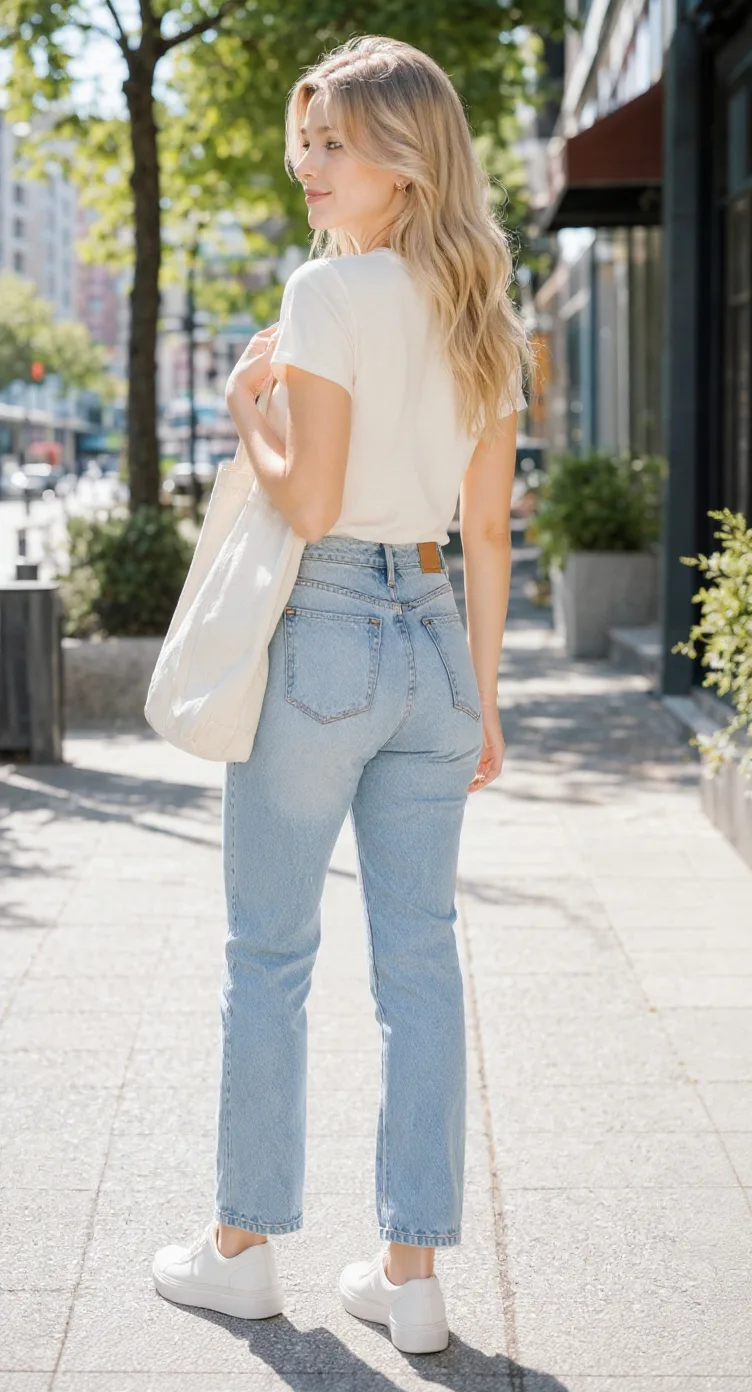
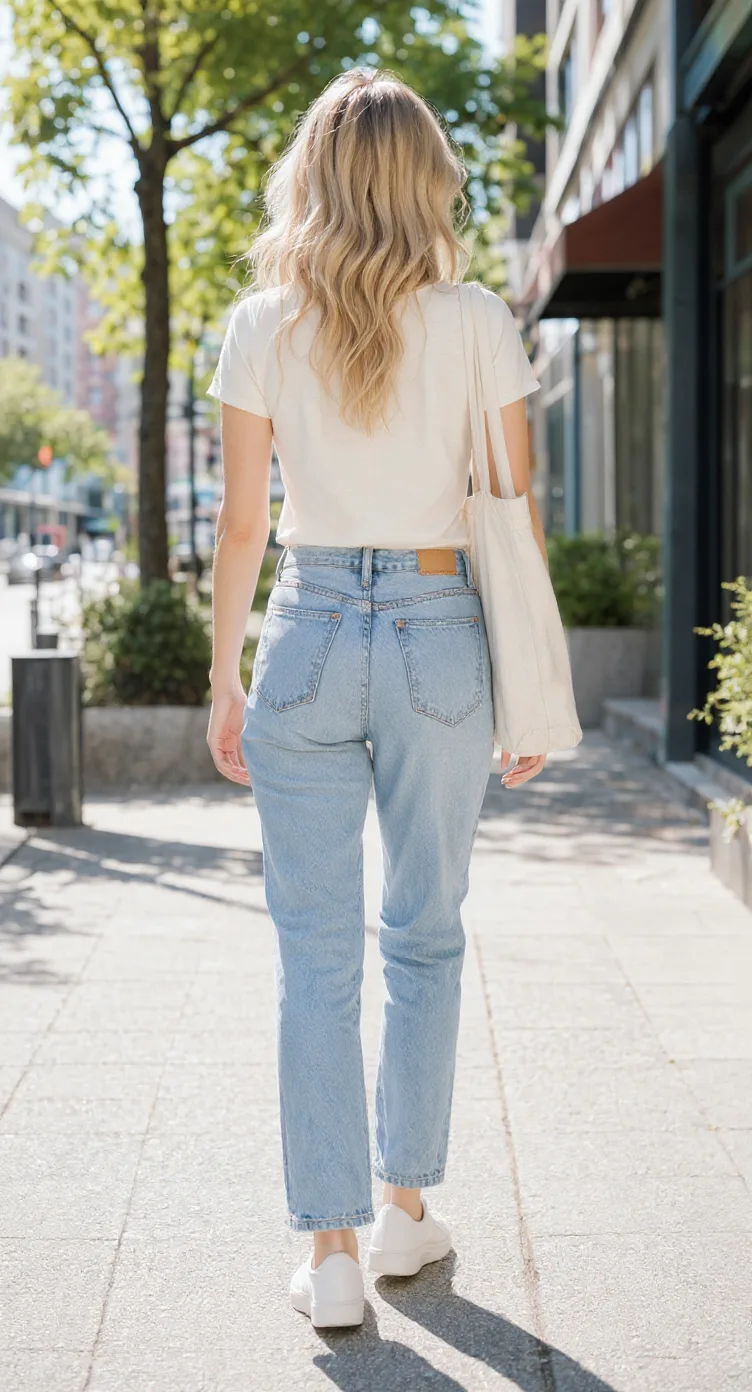
One cute character, more ways to see it
From one chibi drawing to a multi-view character reference
A real example of one chibi character explored from five directions. Compare its hairstyle, outfit, proportions, and accessories across the generated views.
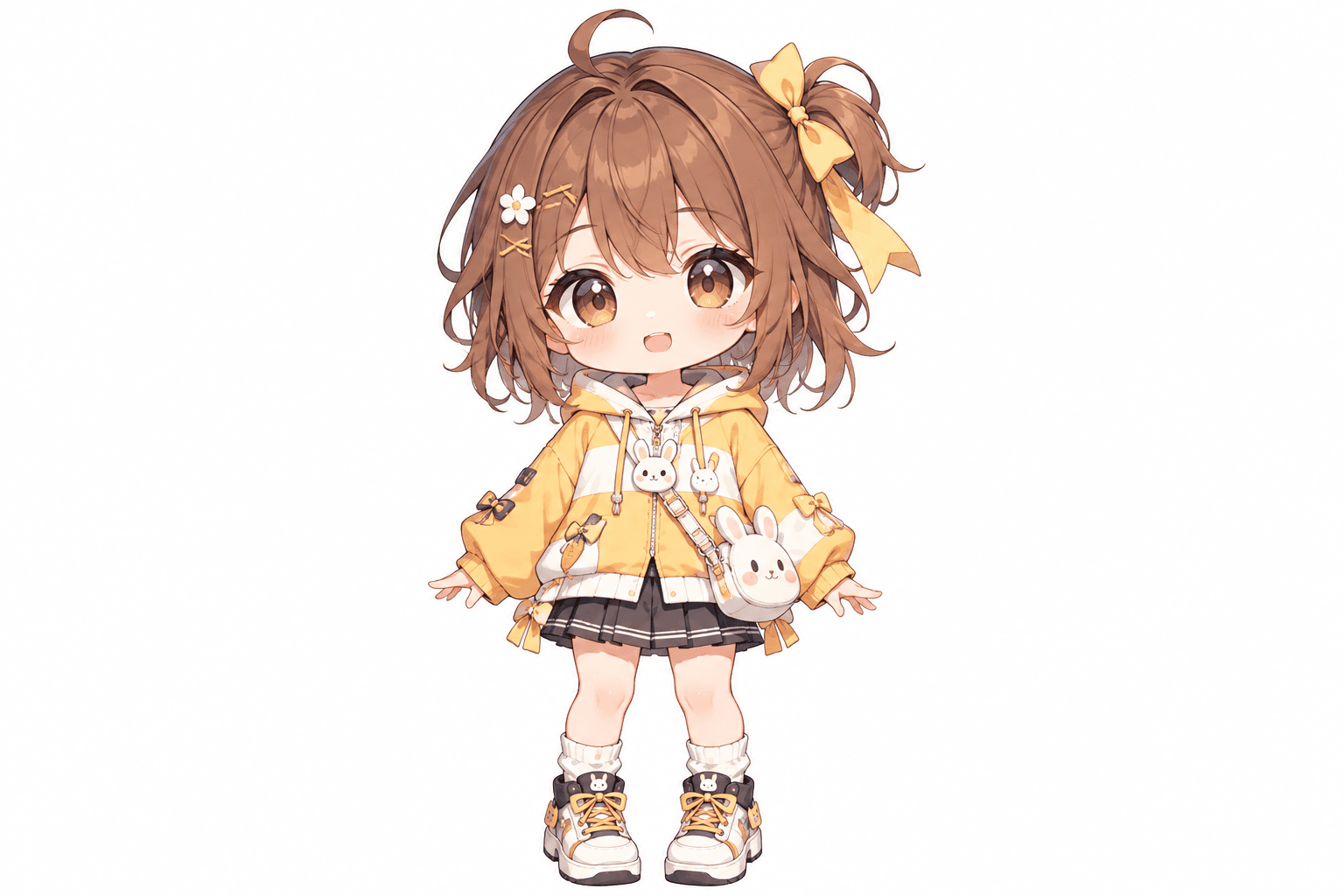
Bunny hoodie chibi character
This cheerful chibi girl has oversized eyes, fluffy brown hair, a yellow hoodie, and playful bunny accessories. Her bow, skirt, shoes, and little bag all contribute to the design. The additional views show how AI interprets the character from other directions.
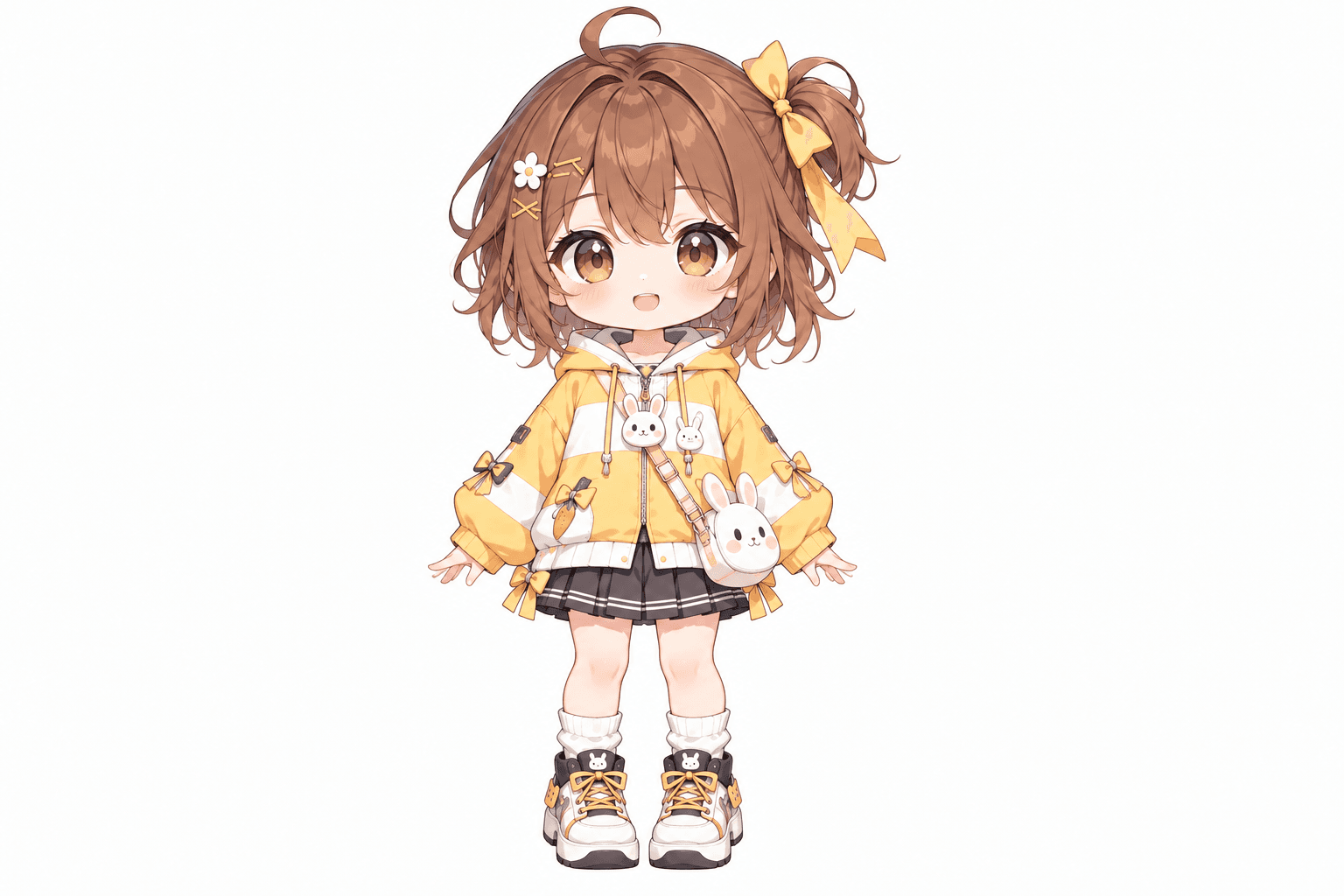
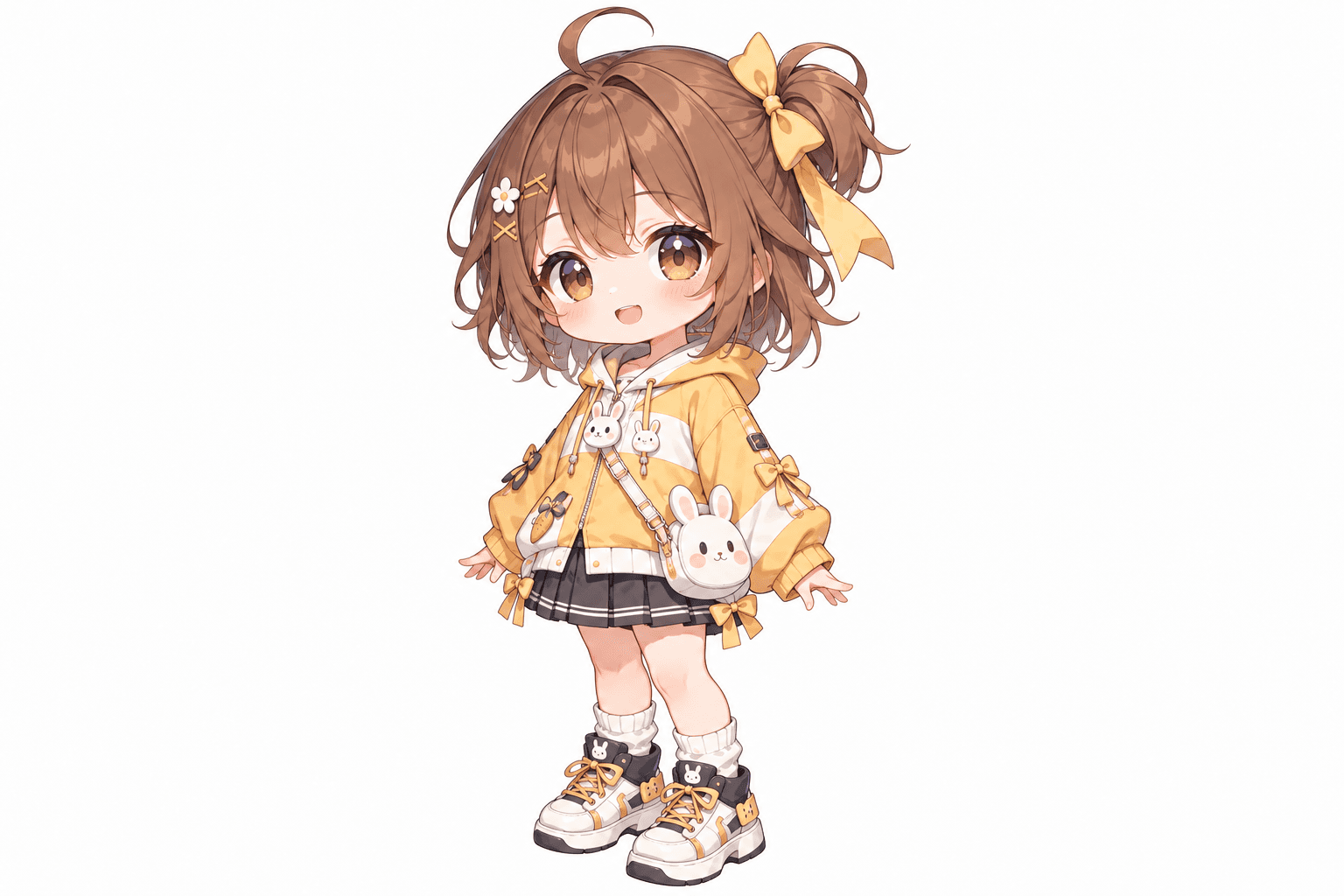
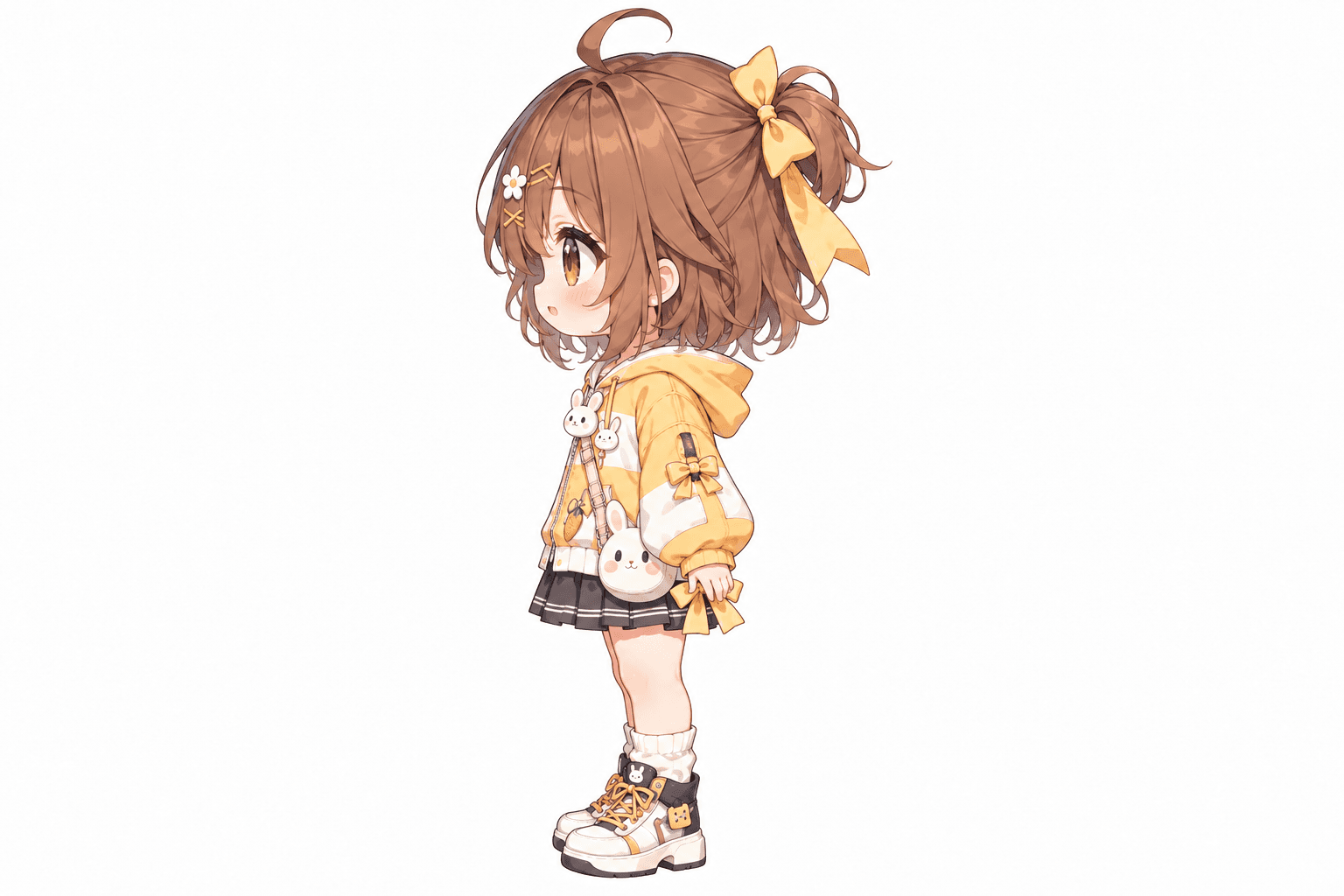
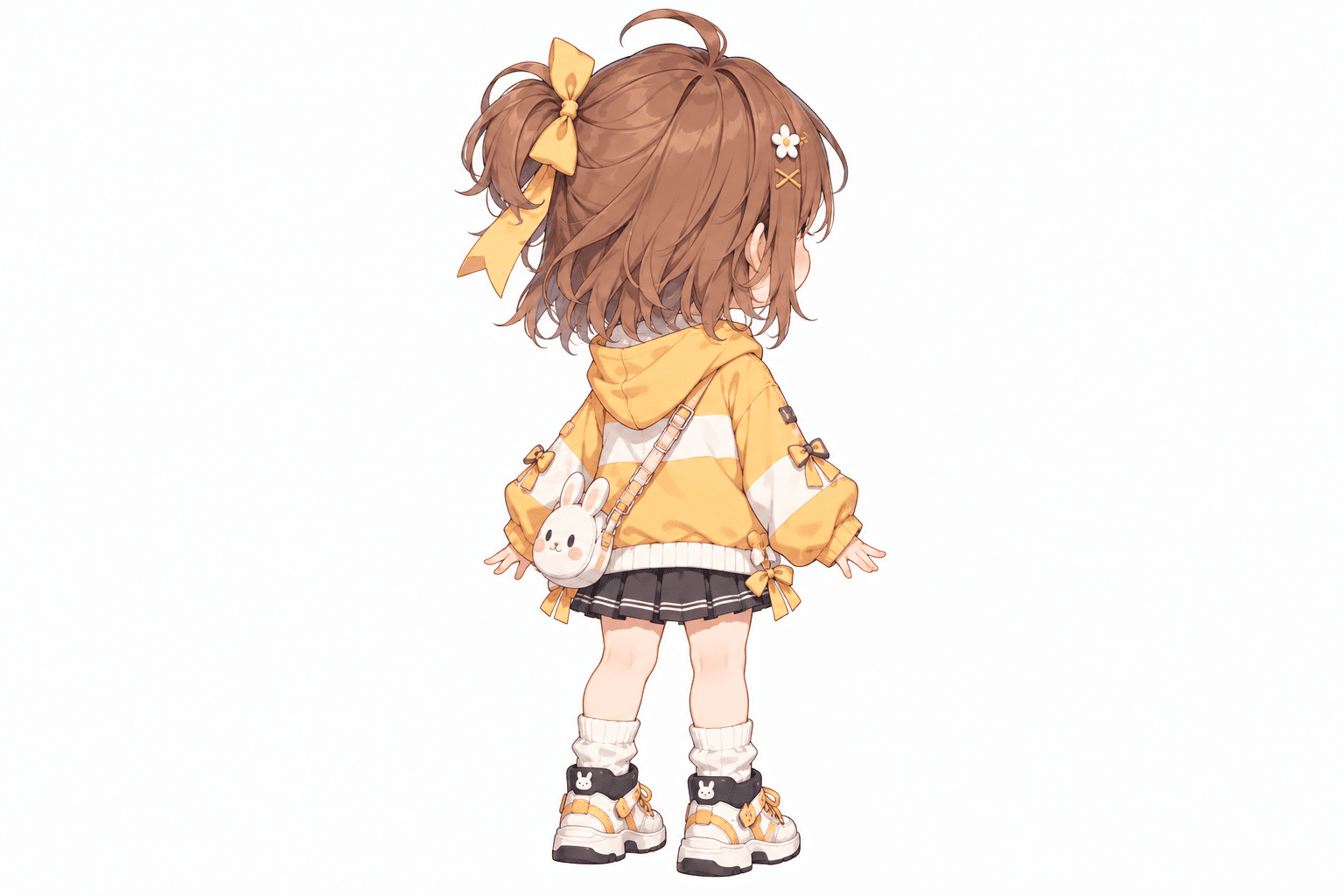
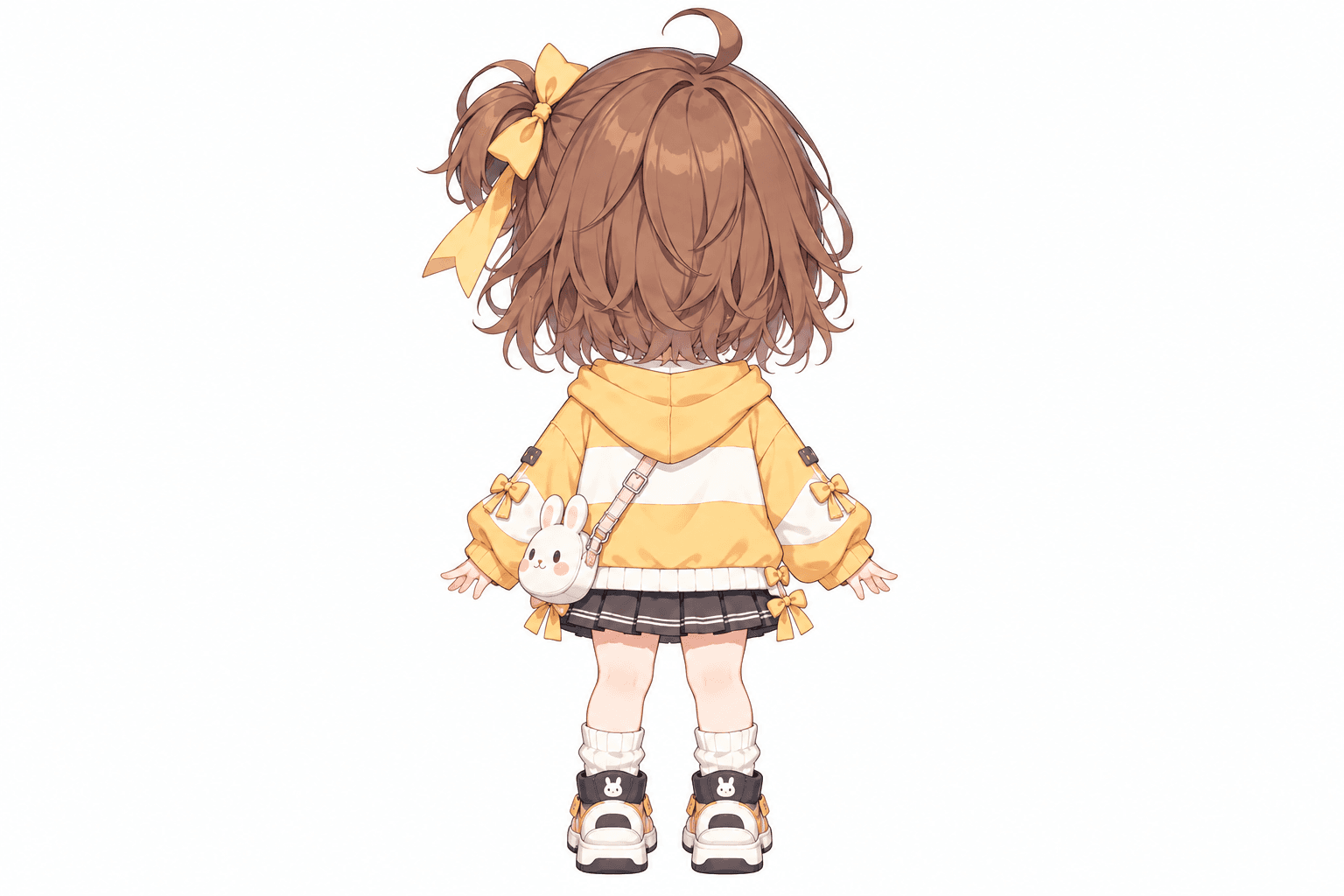
AI-generated turnaround
These five views were generated from the original image shown here. Details in hidden areas are AI interpretations and can differ from the source.
Related Angle Tools
AI Multiple Angles SuiteFront, side, back & 3/4 views in one run
Lateral, heel & outsole sneaker views
Front, side & rear model reference sheets
Share your original character in multiple views
Prepare multi-view references for model artists
Prepare character views for Blender and 3D modeling
Generate a rear perspective from a character image
Prepare multi-view references for 2D animation planning
Front, side & back references in a T-pose
Explore front, side & back views for cute chibi characters
Explore front, side, back & 3/4 views for indie game characters
One character, a grid of facial expressions
One left or right profile, 30 credits
Clean marketplace angles for listings
Interactive 360° rotatable spin view
Precise azimuth & elevation controls
One Character in Multiple Views
Start from a single reference image and generate the front, 3/4, side, and back views shown below — while keeping the character's design connected across every angle.

Stop Redrawing the Same Character From Every Angle
You already have a character you love — the face, hairstyle, outfit, and colors are right. You just don't have every angle yet. Keep the character you already chose and generate the missing views around it.
Hairstyle
Maintain the overall hair shape, color, bangs, and silhouette across different angles.
Outfit
Keep clothing, layers, colors, and major design elements consistent.
Accessories
Carry visible accessories — ribbons, weapons, tails, cat ears — into new views when possible.
From One Anime Character to a Full Reference
Create front, side, back, and 3/4 character views in four steps.
Upload Your Character
Choose a clear anime or manga image that shows the design you want to preserve.
Choose Your Views
Generate the essential 3 views or use Consistency Mode for a more complete 5-view turnaround.
AI Builds the Missing Angles
The model uses the visible character design to generate matching views from new directions.
Use the Results Anywhere
Use your new views for drawing, animation, 3D modeling, games, VTuber design, or visual novels.
See the Same Character From More Than One Direction
Instead of imagining every missing angle yourself, start with AI-generated references and refine only what matters.
Front
Preserve the character design you already know.
Front ¾
See more depth while keeping most facial details visible.
Side
Generate the character's profile, hairstyle silhouette, outfit shape, and accessories from the side.
Back ¾
Understand how the design continues around the character.
Back
Generate a plausible design for areas that were completely hidden in the original image.
See the Parts the Original Image Never Showed
A single character image cannot show everything. The generator uses the visible design to create plausible versions of the hidden areas, so you don't have to invent every unseen part yourself.
Hidden Hairstyle
A front-facing character cannot show the back of the hair — the AI infers a plausible version from the visible design.
Hidden Outfit Details
A side-facing character cannot show every part of the outfit — hidden layers and details are reconstructed from what's visible.
Hidden Accessories
An accessory may only be visible from one direction — the AI extends it around the character where needed.
AI-Generated, Not Recovered
Hidden areas are AI-generated interpretations based on the visible character. They are not recovered original details.
Same Character, Every Angle
Generating each angle separately can easily change the face, hair, costume, or colors. This workflow starts from the same reference for every view.
More Than Just More Images
The goal isn't to create more images — it's to create more views of the same character.
Start With a Clear Character Image
You'll usually get better results when your source image meets a few simple conditions.
Character Is Clearly Visible
Avoid heavy obstruction from effects, other characters, or a busy background.
Reasonably High Resolution
Small facial features and costume patterns are easier to preserve when they're clearly visible.
Hairstyle Is Visible
Most of the hairstyle should be visible so the AI can carry it into new angles.
Clothing Details Are Visible
Major clothing details should not be heavily cropped or hidden.
Not Covered by Foreground Objects
Avoid large props or objects blocking a big part of the character.
Clear, Consistent Design
Full-body or mostly full-body references give the AI more to work with for turnarounds.
What Can You Use the Views For?
Manga & Comic Creation
You need to draw the same character from different angles across panels.
Generate front, side, and back references, then use them to keep hair, outfit, and proportions consistent while drawing new panels.
- Recurring design details
- Left-right asymmetry
- Costume layers
- Profile silhouette
Original Characters (OCs)
You already have a finished OC illustration but need more angles for a complete reference.
Generate additional views from the same reference and use them as a starting point for a more complete character sheet.
- Face and hairstyle identity
- Outfit and accessory placement
- Color consistency
- Overall silhouette
VTuber & Anime Game Design
A VTuber or game project needs side and back references before deeper model or rig production.
Generate multi-angle views to explore the design before moving into detailed modeling, rigging, or asset production.
- Hair and outfit continuity
- Accessory placement
- Proportions
- Design readability from every angle
Visual Novels & Animation
A recurring character needs more reference before creating new poses, expressions, or scenes.
Generate the core turnaround and use it as a reference for new poses, camera angles, and scene planning.
- Character height and volume
- Costume continuity
- Line and shape consistency
- Back and side details
Frequently Asked Questions
What is an anime character turnaround?
An anime character turnaround shows the same character from multiple viewing angles. Typical views include the front, side, and back. A more complete turnaround may also include front and back 3/4 views.
Do I only need one anime character image?
Yes. You can start from a single anime or manga character image. The generator uses that image as the visual reference for the additional angles.
How many views can I generate?
You can generate either 3 essential views or a more complete 5-view turnaround. The 3-view option includes front, side, and back. The 5-view option includes front, front ¾, side, back ¾, and back.
Can it generate a side view from a front-facing anime character?
Yes. This is one of the main uses of the tool. The AI analyzes the visible character design and generates a plausible side profile based on that reference.
Can it generate the back of a character?
Yes. The generator can create a plausible back view even when the original image only shows the front. Because the back was never visible, details such as the back of the hairstyle, clothing, or accessories must be inferred by AI.
Will the character stay the same across every angle?
The generator is designed to preserve important character details such as the face, hairstyle, outfit, colors, accessories, proportions, and overall visual style. Small differences can still occur because every new angle contains AI-generated content.
Does it work with manga characters?
Yes. You can use manga, anime, manhwa, webtoon, visual novel, game, and other illustrated character styles.
Can I use my original character or OC?
Yes. Original characters are one of the strongest use cases. You can upload an OC you already designed and generate additional views without rebuilding the entire character from scratch.
Can it keep complex anime hairstyles consistent?
The tool tries to preserve major hairstyle features such as the overall shape, bangs, length, color, and silhouette. Very complex hairstyles may still change slightly when generating angles that were not visible in the source image.
What happens to hidden hair or clothing details?
If an area was never visible in the source image, the AI generates a plausible interpretation based on the visible design. For example, it may infer the back of a hairstyle, jacket, dress, cape, or accessory.
Is this useful for VTuber character design?
Yes. The generated views can help you explore how a character might look from the side and back before moving into a more detailed VTuber modeling or rigging workflow. They should be treated as visual references rather than final production specifications.
Can I use these views for 3D modeling?
Yes. Front, side, back, and 3/4 views can provide useful visual reference for 3D character modeling. However, AI-generated views are not guaranteed to be perfectly orthographic or geometrically exact, so they should be used as reference rather than technical blueprints.
Can I use it for anime game characters?
Yes. The generator can help create reference views for anime-style game characters, NPCs, avatars, skins, and concept designs.
Can it generate full-body views?
Yes, especially when the uploaded image already shows most or all of the character. If large parts of the body are cropped out, the AI has to infer more information, which can make the result less predictable.
What type of input image works best?
A clear image with a visible character usually works best. Try to avoid extremely low-resolution images, heavy cropping, very complex poses, or large foreground objects covering important parts of the design.
Will the back view be exactly what the original artist intended?
Not necessarily. If the original image never showed the back, there is no original visual information to recover. The AI creates a plausible version based on the visible design.
Is this better than generating each angle separately?
If character consistency matters, generating all angles around the same reference can be more useful than creating each view independently. Separate generations can easily change the face, clothing, hair, colors, or accessories.
Can I use the generated views as drawing references?
Yes. You can use the views as visual references when drawing the character from new angles. They are especially useful as starting points when you do not want to design every missing angle from scratch.
Can I edit the generated views afterward?
Yes. The generated images can be used as starting points for further drawing, painting, modeling, animation, compositing, or other creative work.
Is this the same as a character reference sheet?
They are closely related. A turnaround focuses specifically on showing the same character from multiple angles. A character reference sheet may also include expressions, poses, clothing details, color palettes, notes, or accessories.
Continue Your Character Workflow
Character Turnaround Generator
Prefer a broader workflow for game, 3D, or realistic characters? Use the general character turnaround generator.
Open Character Turnaround GeneratorAI Multiple Angles
Explore a custom camera viewpoint for characters, products, objects, and concept art without the dedicated turnaround workflow.
Explore the AI multiple angles generatorMulti-View Image Generator
Generate multi-angle packs with front, side, back, and 3/4 views for characters, outfits, and props.
Open Multi-View GeneratorCharacter Side View Generator
Only need one left or right profile instead of a full turnaround? Generate a single side view for 30 credits.
Open Character Side View GeneratorCharacter into Layers
Separate character art into editable parts for animation and compositing.
Open Character into LayersYou Already Designed the Character. Now See the Rest of Them.
Turn one anime or manga image into front, side, back, and 3/4 character views. Keep the character you already like and generate the angles you're missing.
Upload one character image and create a more complete reference in just a few steps.