
AI Weapon & Equipment Layer Separator
Separate Weapons From Your Character Artwork
Separate armor, limbs, capes, weapons, and other equipment into individual transparent layers.
Editable image layers—not an automatically animated weapon or finished game rig.
Separate Body Parts & Equipment
Supports JPG, PNG, and WebP
or drag and drop
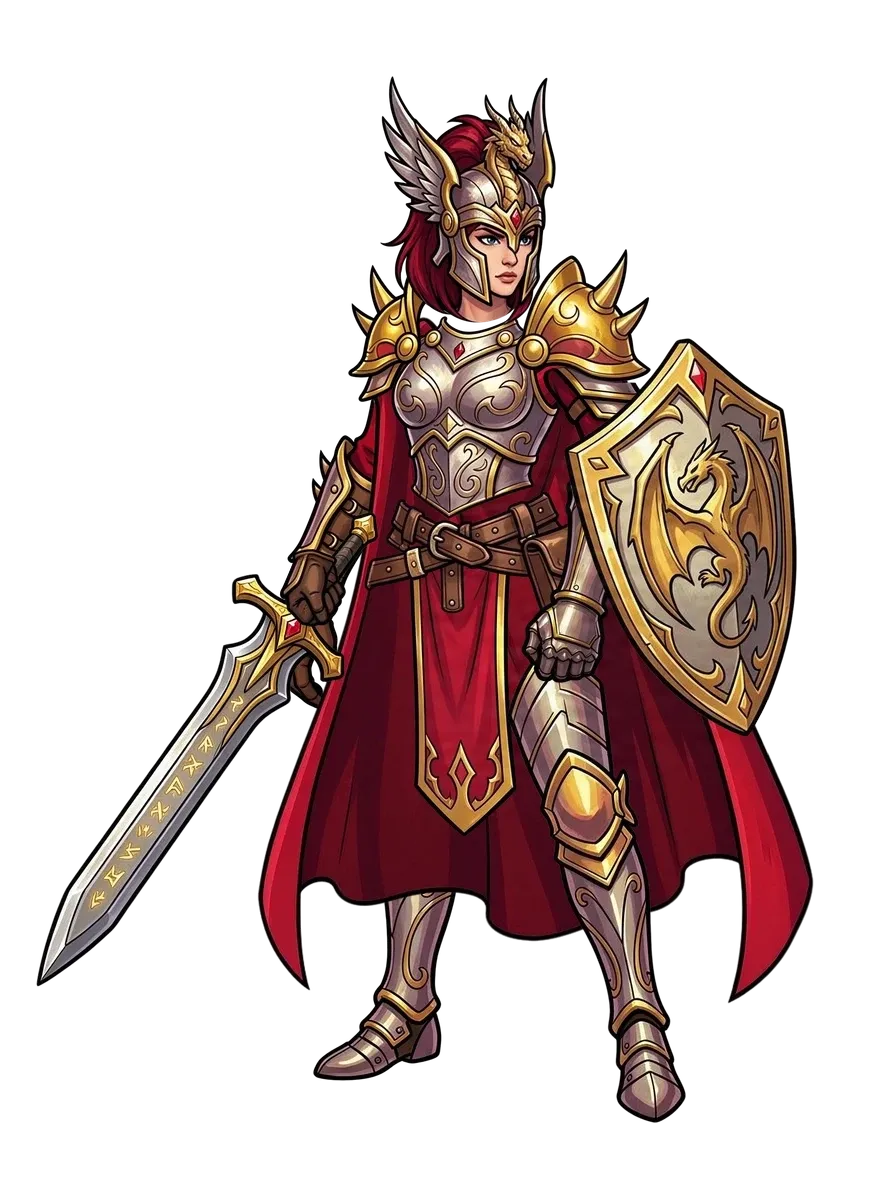
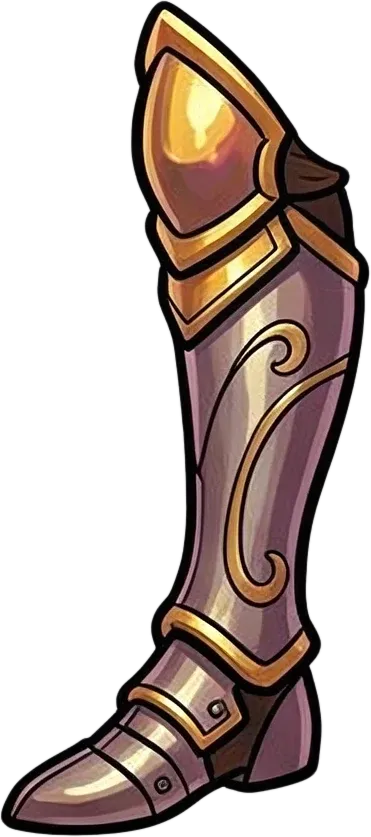
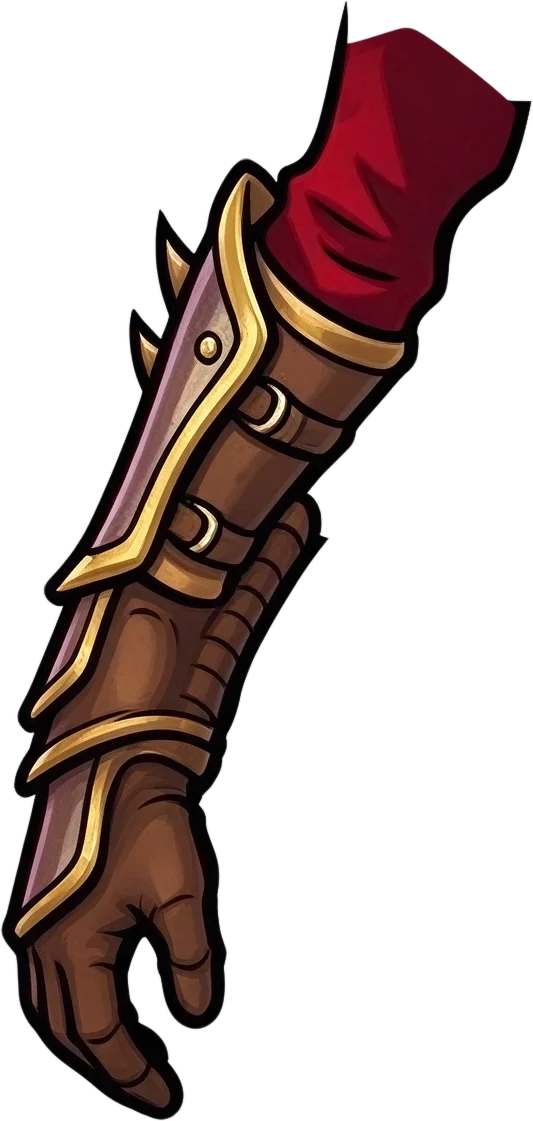
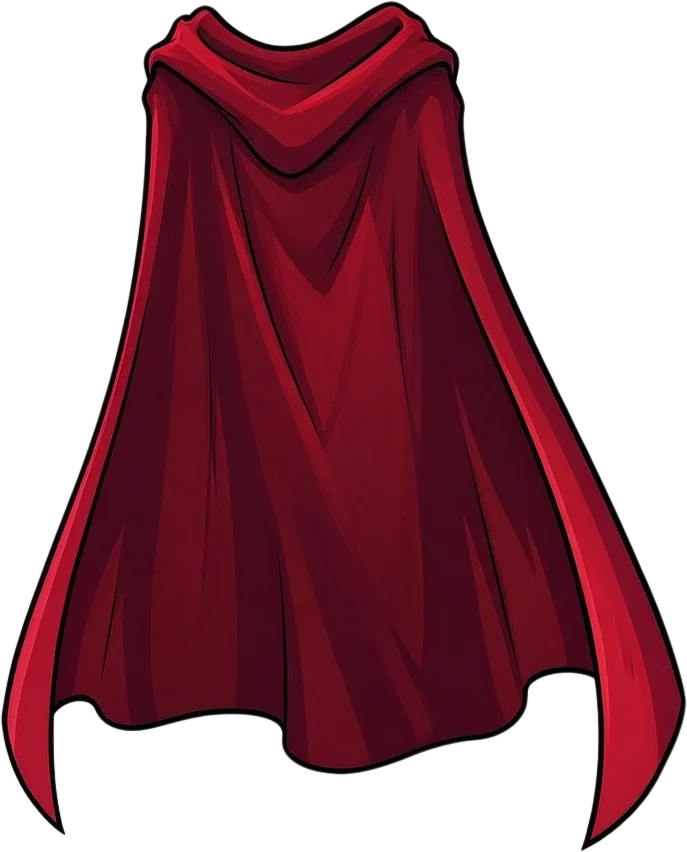
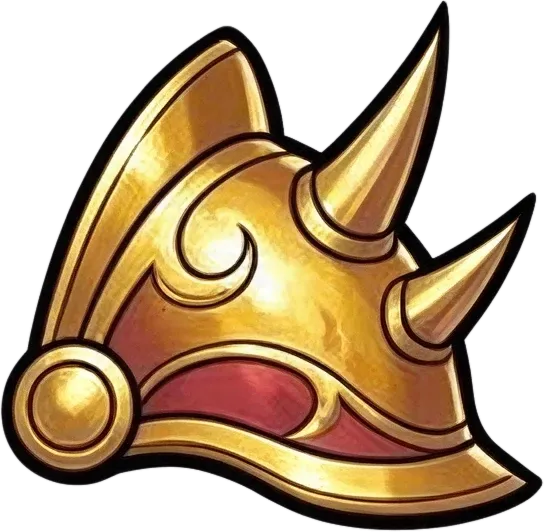
Ready to test with your own or this sample character
Clear character structure works best
Covered areas may be reconstructed
Uses 60 credits per character
Processing time varies with artwork complexity. Detailed armor, overlapping limbs, and large capes may take longer.
60 credits per image · Separation results depend on weapon visibility and artwork complexity.
Weapon & Character Layer Separation
Upload Your Character Artwork
Want to animate a sword swing, move a shield, or redesign a weapon without starting over?
Your character is ready. But the sword, shield, or staff is still stuck in the image.
Have a character holding a sword, shield, staff, bow, or other equipment? Upload it to prepare editable weapon and character layers.
Review the separated pieces, refine them, and export supported assets for your workflow.
For better results, use an image with a clearly visible weapon and a readable outline between equipment and character.
Upload your character artwork and separate recognizable weapons, equipment, and character parts into editable layers. Spend less time manually cutting around weapons and more time working on your game.
Start with your existing character image. No original layered PSD required.
Check where the weapon meets the hand. Grips, straps, and overlapping regions may need additional editing.
Editable image layers—not an automatically animated weapon or finished game rig.
See How Equipment Becomes Editable
Stop Treating Every Character Detail as One Flat Image
A finished character illustration often contains many visual pieces that are easier to edit separately.
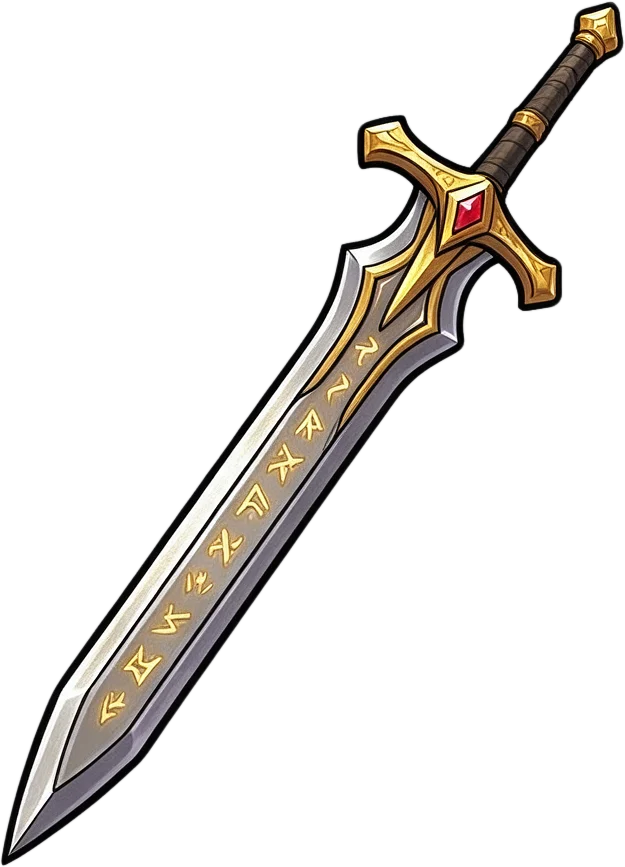
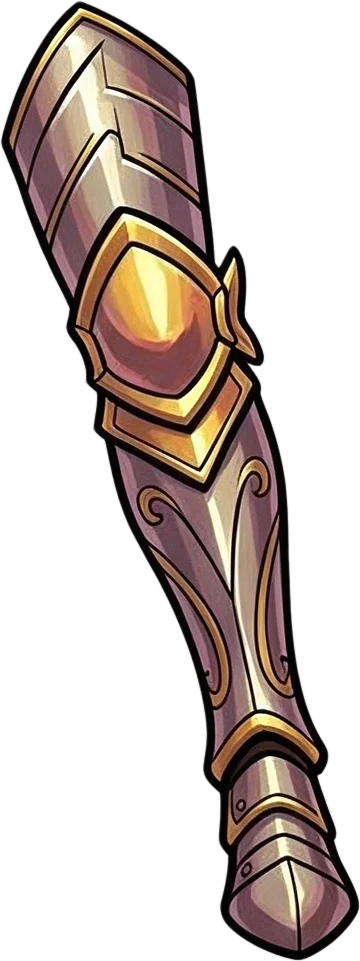
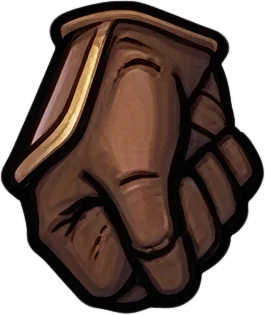
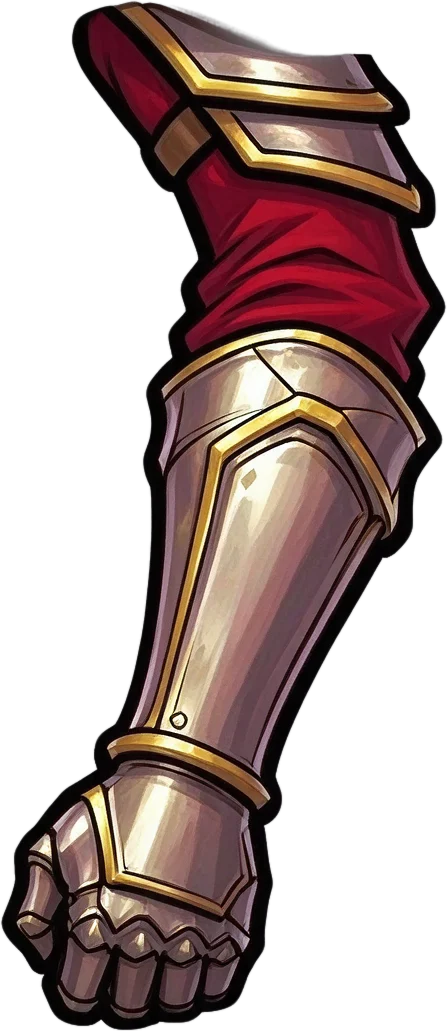
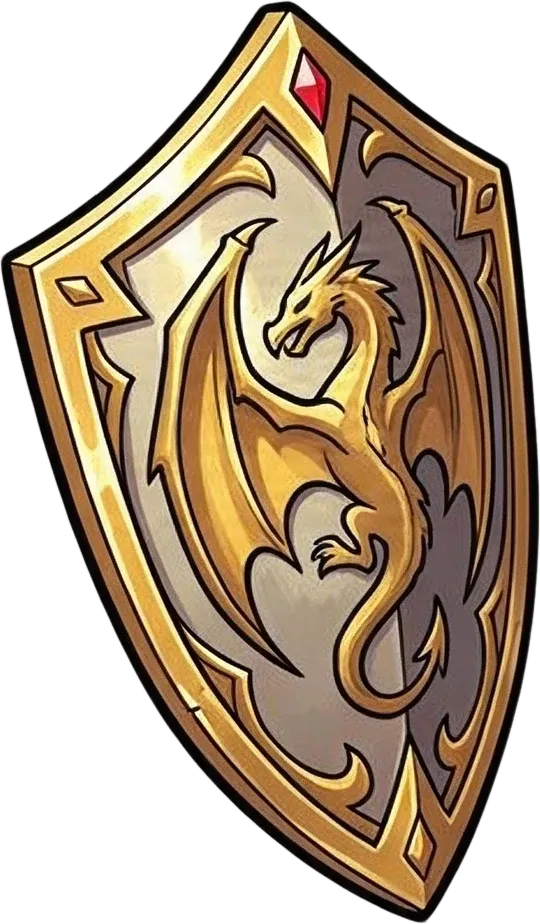
Our fantasy warrior example separates the sword, the shield, and the hand gripping the sword into their own layers, along with the armor and character regions.
Use separated pieces as a starting point for character editing and game asset preparation.
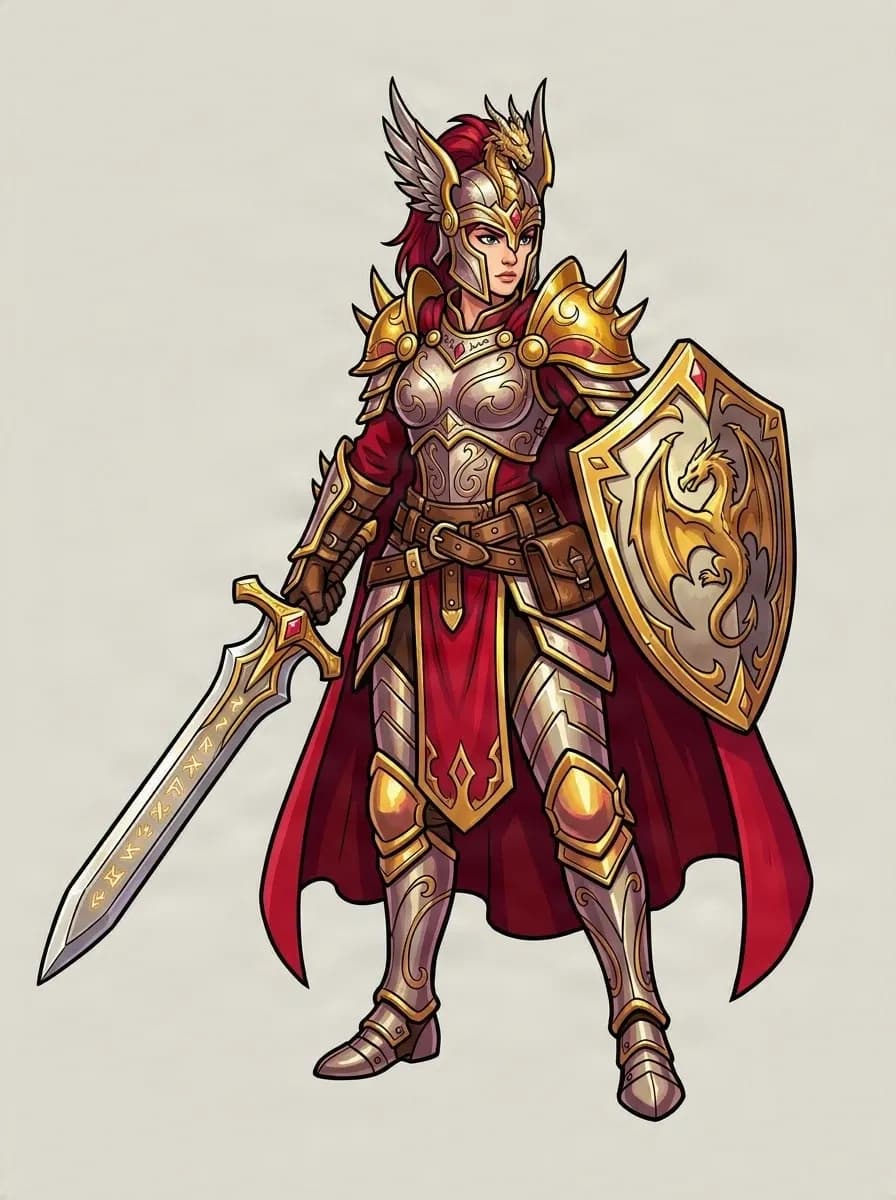
Original RPG Character
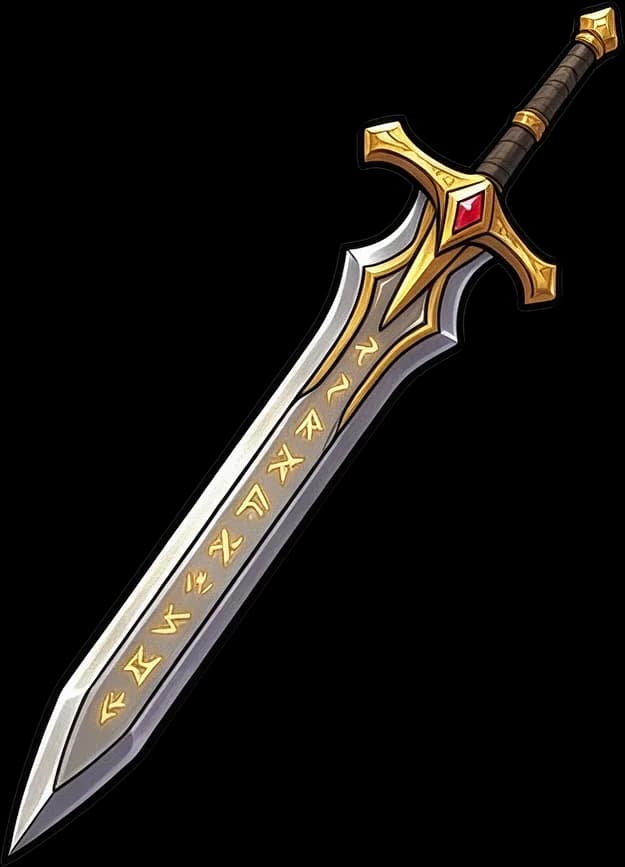
Sword
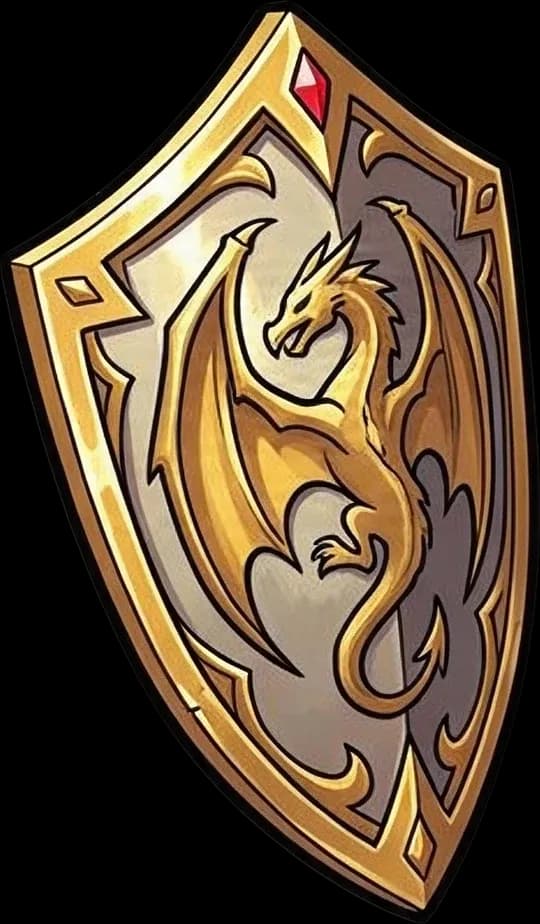
Shield
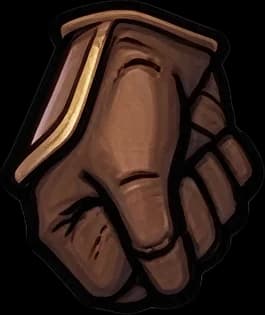
Gripping Hand
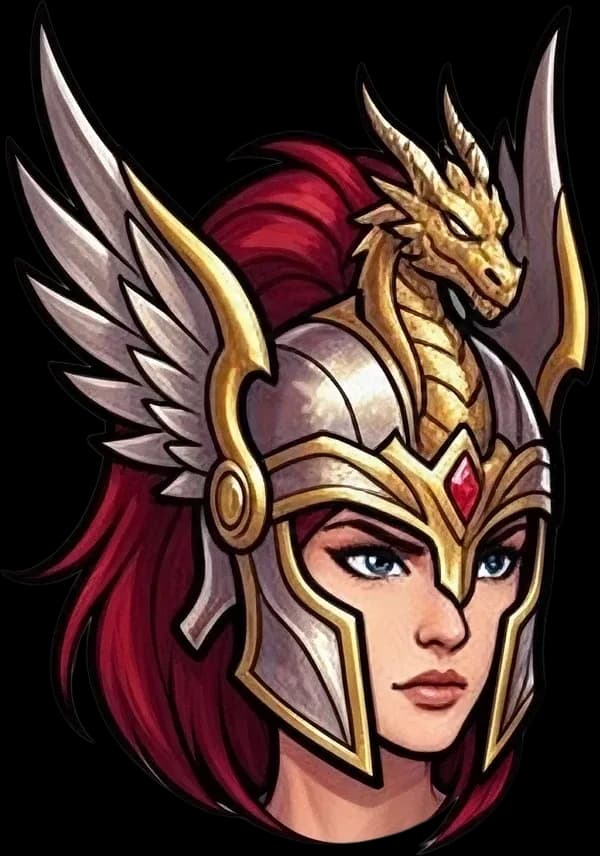
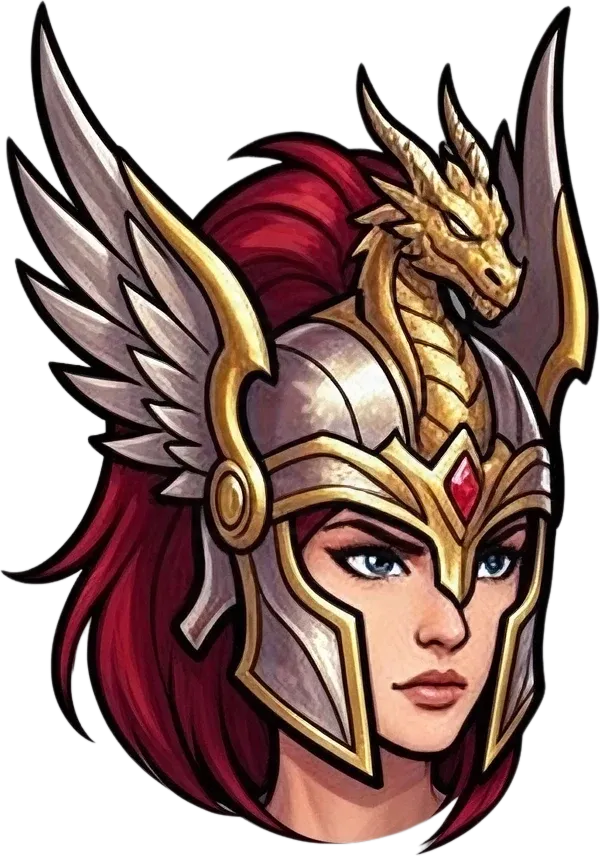
Head & Helmet
Separated Character Parts
Real example: 15 layers including the background. The sword, shield, and gripping hand came out as separate layers. Where the hand overlaps the grip, edges may need cleanup, and results vary by image.
Edit the Weapon, Not the Whole Character
Your Character Shouldn't Need to Be Redrawn Just to Change a Sword
You've already spent time creating your character. But when the weapon is merged with the hand, arm, or body, even a small equipment change can become tedious.
Maybe you want to change the sword, adjust the shield, or prepare a simple attack animation. Start by separating the relevant parts instead of manually tracing the entire illustration.
Work on the Weapon Separately
A distinct weapon layer gives you a more flexible starting point for changing its position, appearance, or composition.
Make Equipment Revisions Easier
Redesign a sword blade, shield face, or staff ornament by editing the extracted equipment region.
Prepare Assets for Attack Animations
Separate recognizable weapon and character regions before building motion in Spine, Unity, Godot, or another tool.
Reduce Repetitive Manual Cutouts
Let AI attempt the initial separation, then focus cleanup on difficult edges and overlapping areas.
Keep More of Your Existing Artwork
Start from your current illustration rather than recreating the character design. Fine details may still need correction.
Export Parts for Your Workflow
Review the generated image layers and export supported PNG or PSD files for further editing.
Work With the Gear Your Character Already Holds
Separate the Equipment You Want to Edit or Animate
The AI attempts to identify visually distinguishable weapons and gear. Exact results depend on the image.
Swords & Blades
Prepare a visible sword for a swing animation or blade redesign. The hand and grip may need cleanup.
Shields
Extract recognizable shield artwork for editing, compositing, or defensive animation preparation.
Magic Staffs & Wands
Work with visible staffs, wands, and magical equipment independently when their boundaries can be identified.
Bows & Ranged Weapons
Prepare clearly visible bows and ranged equipment. Thin bowstrings and overlapping hands may need manual cleanup.
Spears & Polearms
Use AI separation as a starting point for isolating long weapons from the pose.
Guns & Handheld Props
Separate recognizable handheld equipment from game character illustrations for asset revisions and animation preparation.
Not every weapon becomes a completely independent layer. Equipment overlapping fingers, arms, or clothing may remain grouped or need refinement.
From Flat Artwork to Separate Weapon Assets
Prepare Your Character's Equipment in Four Steps
- 1
Upload Your Character
Choose existing character art with a clearly visible weapon, shield, or other handheld equipment. A layered PSD is not required.
- 2
Separate the Visible Parts
Run Body Parts & Equipment. AI attempts to separate recognizable weapons, character regions, clothing, and equipment.
- 3
Inspect the Weapon and Hand
Review the extracted layers, especially the grip, fingers, overlapping sleeves, and details hidden in the original pose.
- 4
Edit and Export
Refine parts in the available layer workspace and export PNG or PSD assets for your game art or animation workflow.
You receive image layers, not an automatically animated weapon, completed character rig, or working equipment swapping system.
Built for Game Artists and Animators
Spend Less Time Cutting Weapons Out of Character Art
2D Attack Animation Preparation
Separate relevant artwork before setting up motion, pivots, and timing for sword swings or spear thrusts.
RPG Weapon Design Changes
Redesign a sword, shield, or staff without repainting the entire character.
Character Equipment Variations
Prepare original weapon artwork before exploring other designs. Replacement weapons still need to be supplied and aligned.
Spine 2D Character Animation
Use image parts as a starting point before setting up bones, slots, attachments, and weapon movement in Spine.
Unity & Godot Game Assets
Prepare character and weapon pieces for cleanup and engine-specific setup.
Game Character Concept Revisions
Test weapon and handheld accessory changes while preserving more of the original composition.
Choose the Tool for Your Task
Need to Separate a Weapon or an Entire Armor Set?
Both workflows use the same Body Parts & Equipment separation technology. The difference is what you want to do with the results.
Separate Weapon From Character
For artists preparing swords, shields, staffs, and handheld equipment for separate editing or animation.
Best for
- Sword and shield editing
- Weapon animation preparation
- Handheld equipment assets
- RPG weapon design changes
Character Armor to Layers
For artists working with helmets, chest armor, capes, and full-body equipment.
Best for
- Helmets and chest plates
- Capes and belts
- Armor design revisions
- Full-body character preparation
Both workflows cost 60 credits per image using Body Parts & Equipment.
Before You Generate
A Faster Starting Point, With Room for Refinement
Weapon Visibility Matters
Clearly visible swords, shields, and staffs are easier to distinguish than equipment hidden behind the body or clothing.
The Weapon May Stay Attached to the Hand
Overlapping fingers and handles can cause the output to combine those regions. You may need to separate or refine them manually.
Hidden Details May Be Estimated
Artwork behind a weapon or shield may not exist in the source. Reconstructed details may need correction.
Exact Weapon Shape Is Not Guaranteed
Thin blades, bowstrings, small handles, and intricate details may change. Inspect the result before production use.
Animation Setup Is Still Required
The result does not create attack animations, bones, pivot points, sockets, or game-engine logic.
The goal is to reduce the first manual separation pass and give you editable parts—not replace your game art pipeline.
Frequently Asked Questions
Weapon Layer Separator FAQ
Can I separate a sword from a character image?+
Yes. The AI can attempt to separate a recognizable sword from flattened character art. Results are more predictable when the blade and handle are visible; the weapon may still need cleanup around the hand.
Can I extract a weapon without manually tracing its outline?+
AI can create an initial separation without you tracing the full outline. Inspect the result because fine edges and overlaps may need manual correction.
Will the sword become its own transparent layer?+
It may, depending on how clearly it can be identified. Every weapon is not guaranteed to become an independent layer; it may remain grouped with a hand or nearby region.
Can I separate a shield from a character?+
Yes. The AI can attempt to isolate visible shield artwork. Large, clearly outlined shields are easier to distinguish than hidden or heavily overlapped equipment.
What happens if the character's hand is wrapped around the weapon?+
Fingers and handles can overlap in ways that make complete separation difficult. Hidden regions may be reconstructed, so inspect and refine the grip.
Can I remove a sword and keep the character’s hand?+
The output may help separate the sword from nearby artwork, but a complete, anatomically correct hand underneath is not guaranteed.
Can I use the weapon layer for a sword-swing animation?+
Use extracted image parts as starting assets. You will still need to configure pivots, attachments, timing, and animation behavior in your software.
Does it automatically animate the weapon?+
No. This tool separates image layers; it does not create attack animations, rigs, or game-engine movement.
Can I replace the extracted sword with another weapon?+
You can prepare the original weapon as an editing asset and bring in a replacement through your own workflow. Alternate weapons are not automatically generated or aligned.
Does it work with staffs, spears, bows, or guns?+
Try it with clearly visible equipment, including staffs, spears, bows, and guns. Thin details and overlapping objects can be harder to separate.
Can I separate multiple weapons from one character?+
The AI may identify multiple visible equipment regions. The number of independent layers depends on the artwork, and pieces may remain grouped.
Can I use the results in Spine 2D?+
Yes, as starting image assets. Bones, attachments, slots, pivots, and animations must still be set up in Spine.
Can I import the extracted weapon into Unity or Godot?+
Supported image exports can be added to your project. You still need to implement transforms, rendering order, attachments, and animations.
Does the tool work with anime and cartoon characters?+
Yes. It can be used with anime, cartoon, fantasy, and other illustrations. Clarity of equipment boundaries affects results.
Can I use it with RPG character sprites?+
You can try flattened game art, but generative processing may alter pixel edges and tiny details in small sprites.
Will the weapon look exactly the same after separation?+
Not necessarily. Fine details, edges, textures, or reconstructed regions can change. Compare the result with the original.
How many layers will it create?+
Layer count depends on recognizable visual parts; there is no fixed weapon count. The real example on this page separates the sword, shield, and gripping hand from the rest of the character, plus the armor pieces and background.
How much does weapon separation cost?+
The Body Parts & Equipment workflow costs 60 credits per image. The selected cost is displayed before generation.
Can I download transparent PNGs or a PSD?+
The result workspace supports layer review and available PNG or PSD export workflows. Options depend on the job and account permissions.
Can I use separated weapons in a commercial game?+
Commercial use depends on your plan, applicable model and service terms, and rights to the uploaded artwork. Ensure you have permission for third-party designs.
Your Character Is Ready. Give Yourself Control Over the Weapon.
Start with AI-separated image parts instead of tracing around a sword, shield, or staff by hand.
Upload your character, review the extracted equipment, and prepare editable assets for your next game-art task.
Separate My Character's Weapon60 credits per image · PNG & PSD export options · Results vary by artwork
More Ways to Prepare Character Art for Games
Character Armor to Layers
Separate helmets, chest armor, capes, and equipment.
Paper Doll Character Layers
Prepare RPG character and equipment art for modular customization workflows.
Game Character Layer Separator
Separate visible character parts for game art and animation.
Character to Layers
Separate recognizable character regions for editing.