
Snowman Bestie AI
Turn any adult selfie or pet photo into a playful winter buddy portrait alongside an original snowman character.
Drop your selfie or pet photo here
Works best with clear front-facing adult portraits, cats, or dogs
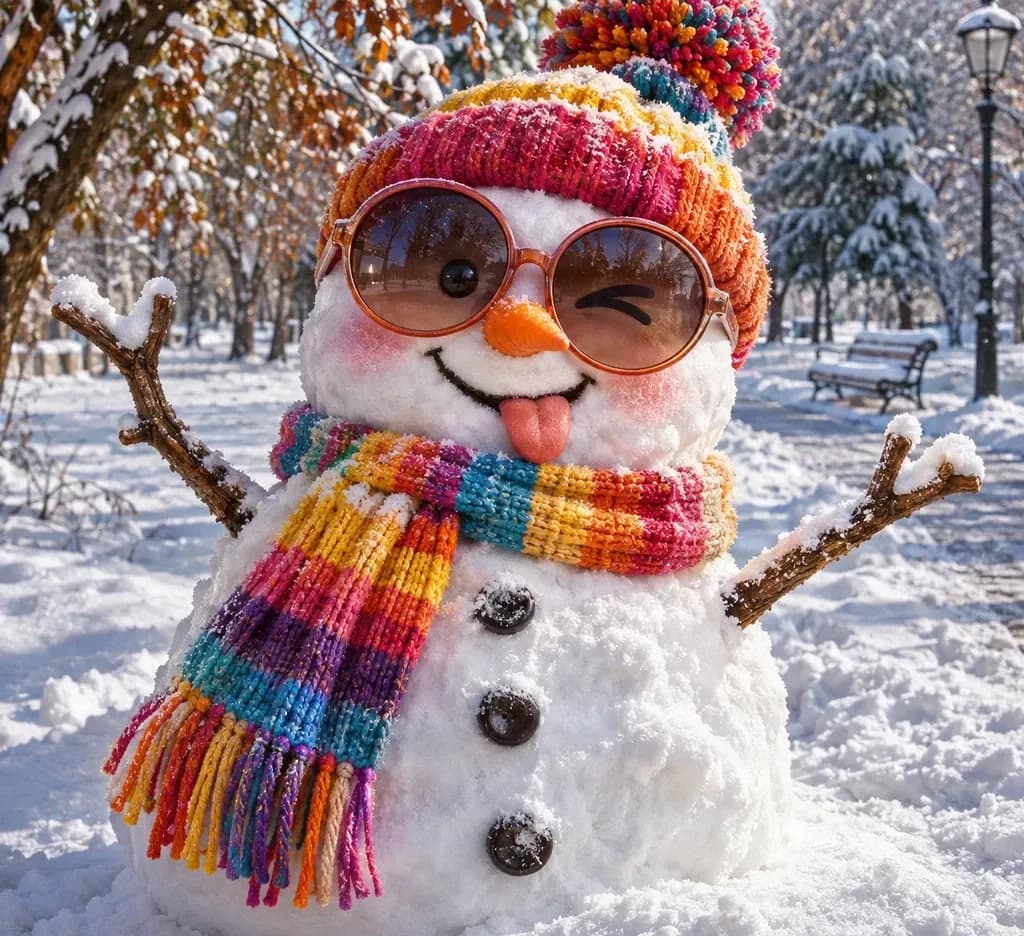
Funny bestie
Upload a photo or pick a sample on the left to pair it with this snowman style.
Original examples
Selfies and pets paired with original snowmen
Built for adult winter selfies, cats, and dogs without relying on copyrighted characters.
Bring it to life
Animate the finished photo: the snowman winks, waves its twig arm and wiggles its scarf in a short looping clip.
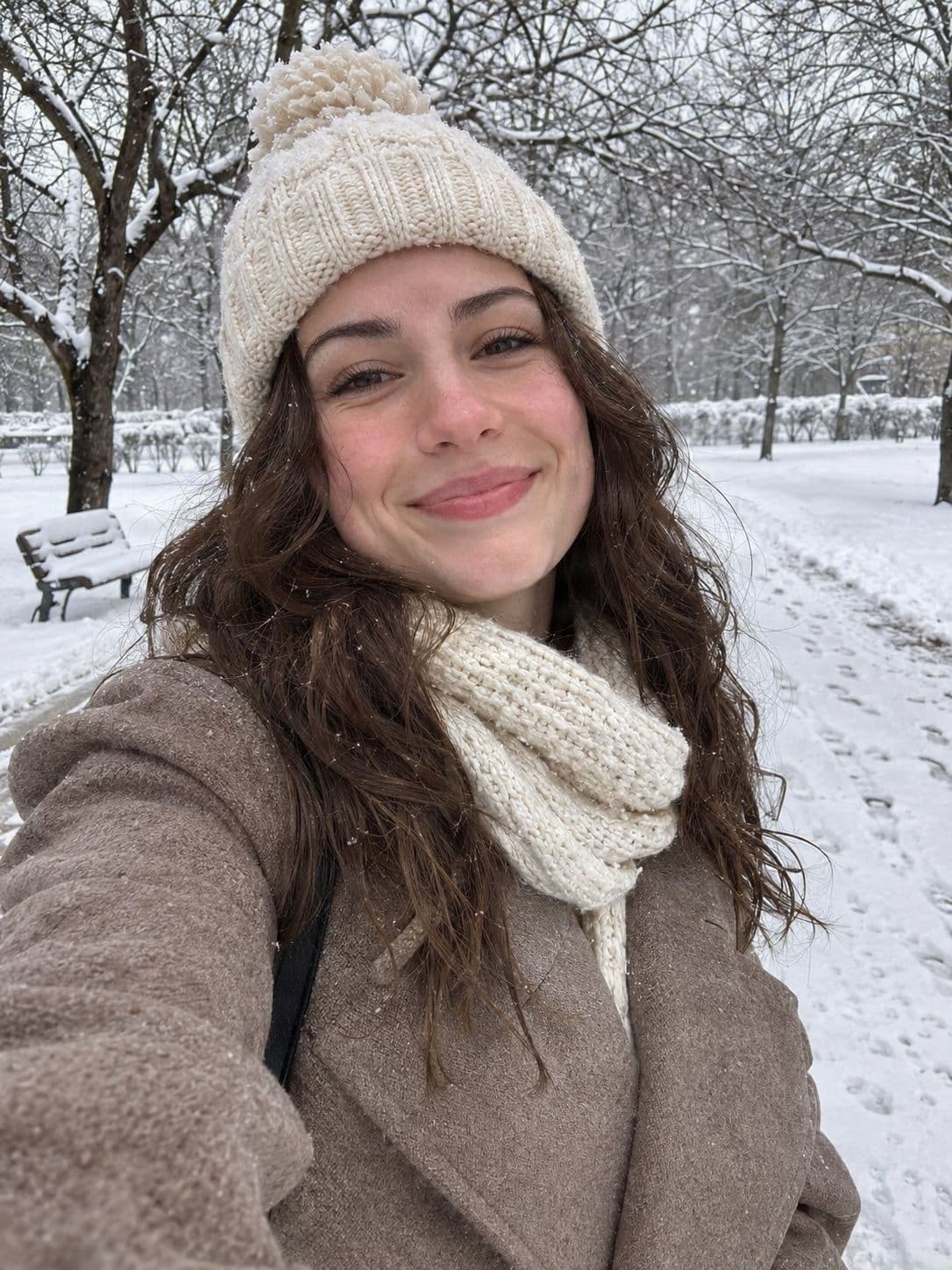
Input
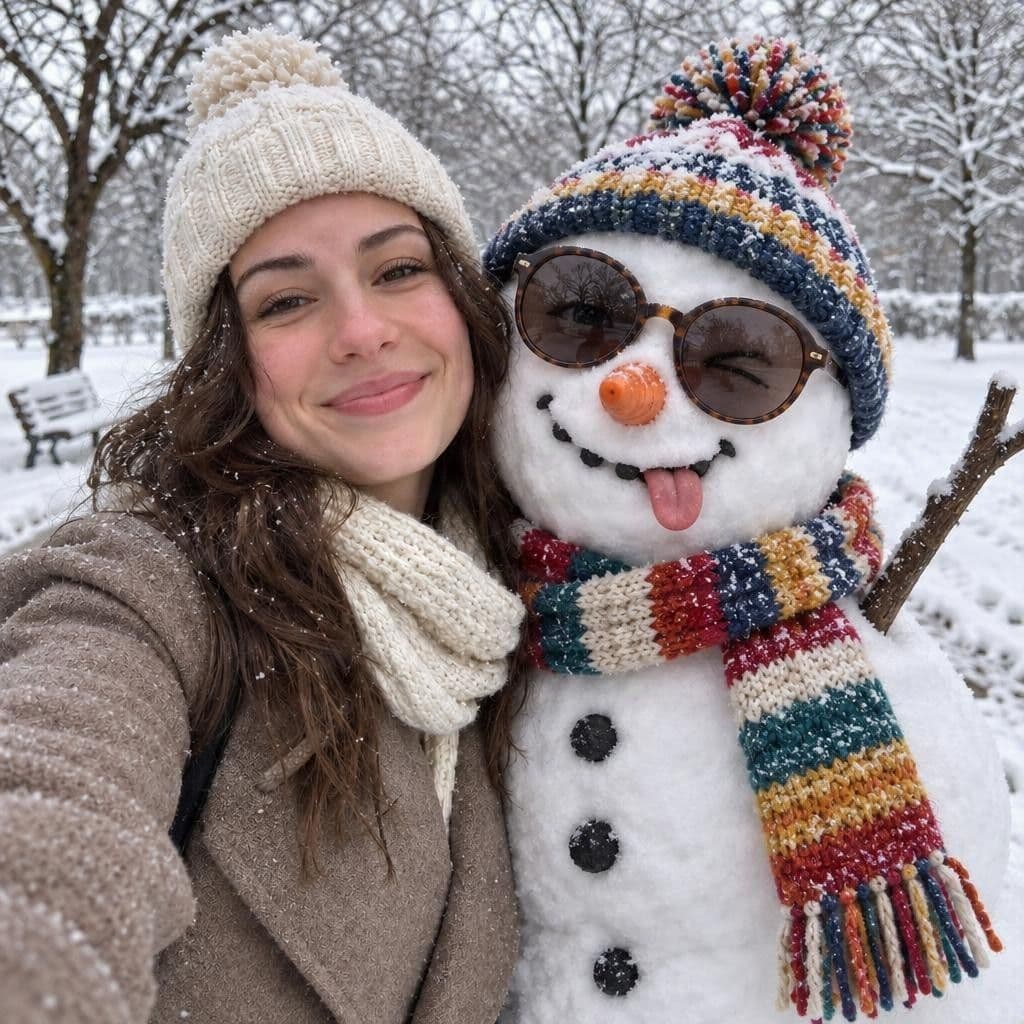
Snowman style
Funny bestie selfie
Pair an outdoor winter selfie with a cheeky sunglasses-wearing snowman.
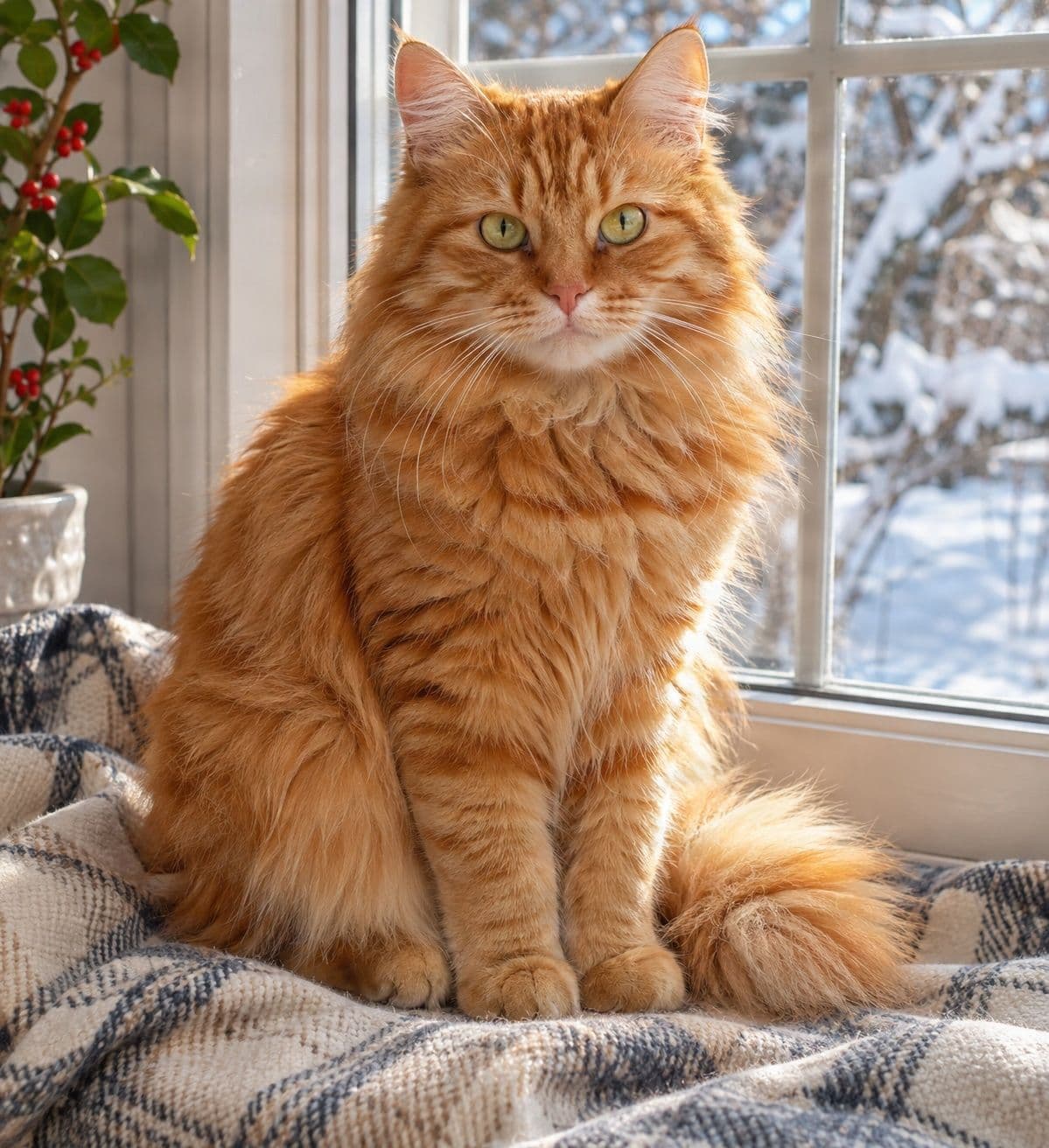
Input
Snowman style
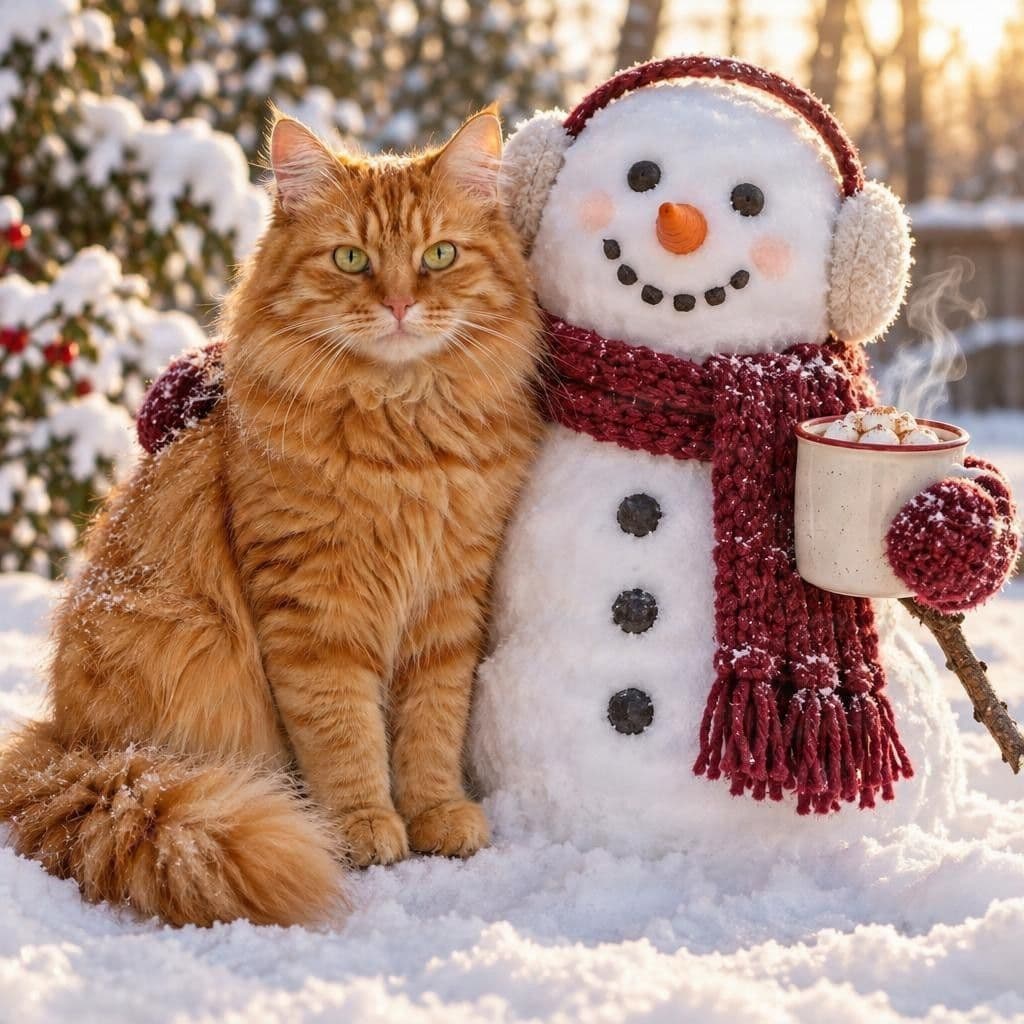
Cozy cat bestie
Give your cat a warm winter companion holding hot cocoa.
Input
Snowman style
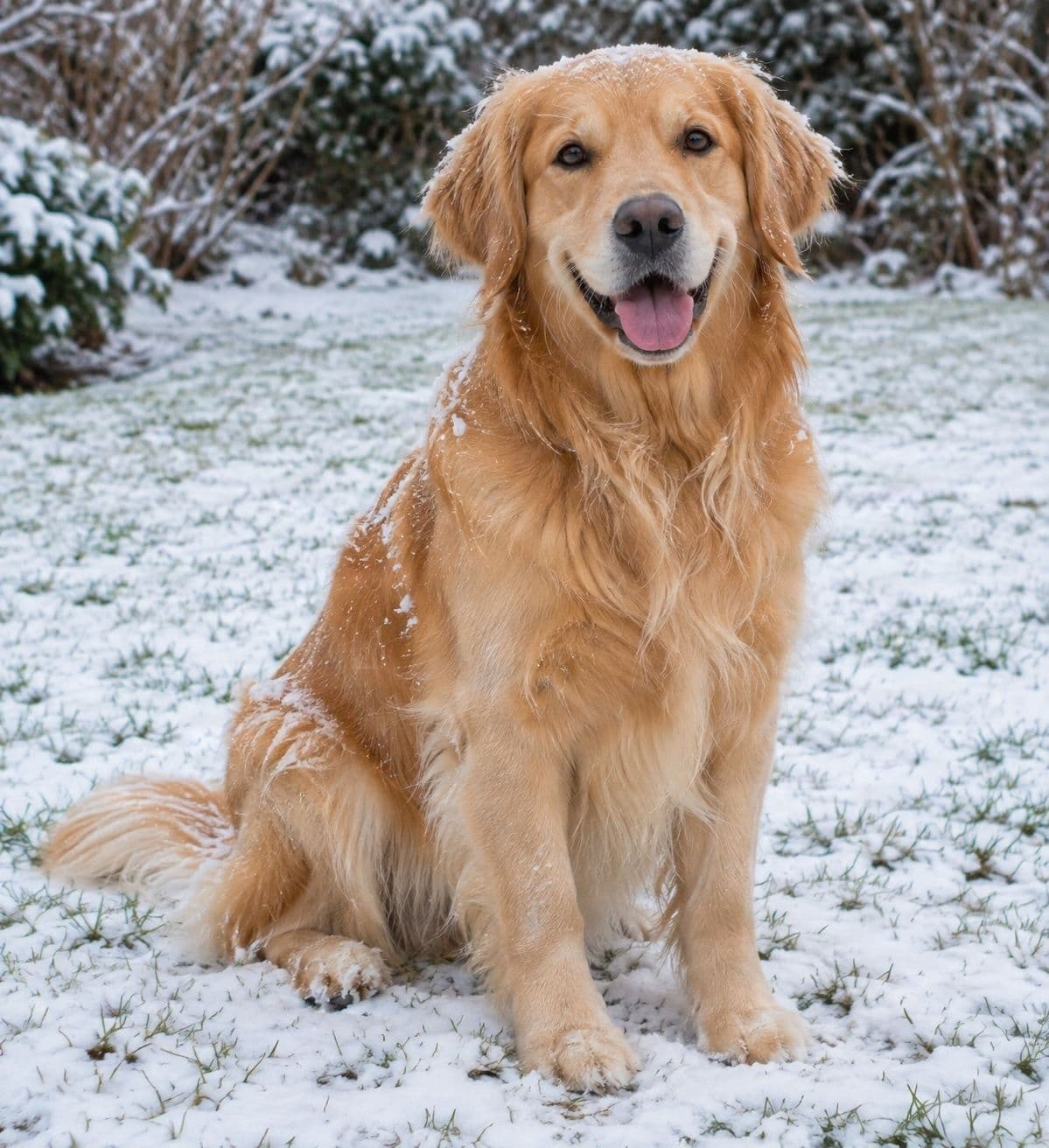
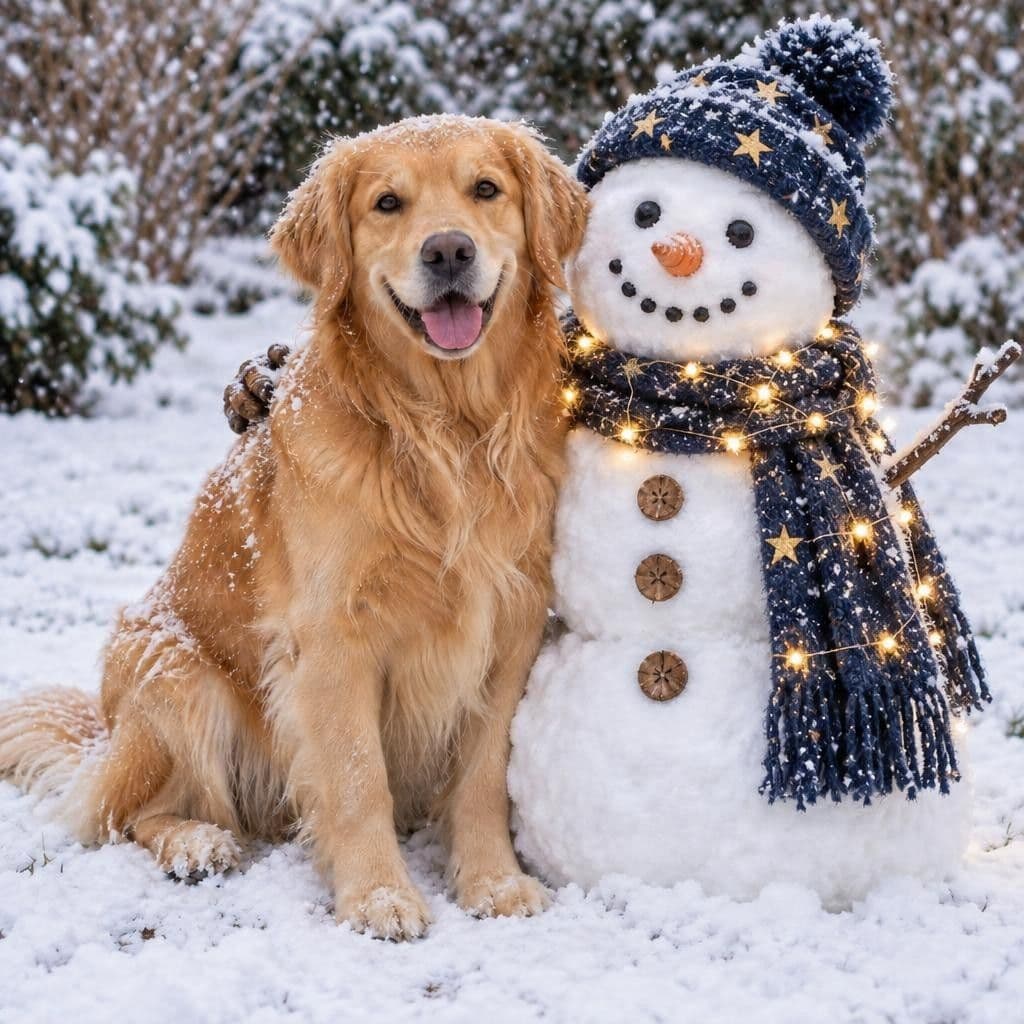
Magic dog bestie
Combine a snowy dog portrait with a glowing fairy-light snowman.
Built for winter sharing
Why creators use Snowman Bestie AI
Consistent identity preservation paired with original, copyright-clean winter companions.
Supports selfies and pets
Works with adult winter portraits as well as cat and dog photos.
Three original snowman styles
Switch between Funny, Cozy, and Magic bestie looks without writing prompts.
Natural winter lighting
Matches outdoor snow tones and soft daylight so the buddy portrait looks cohesive.
Case studies
How creators and pet owners use Snowman Bestie AI
Practical workflows for seasonal greeting cards, pet social posts, and winter profile updates.
Holiday cards
Outdoor winter selfie to printable greeting card
Goal: Turn a casual smartphone selfie taken in a snowy park into a playful holiday card without booking a studio shoot.
Workflow: Uploaded an outdoor adult selfie, selected the Adult Selfie subject option and Funny Bestie style, and generated a high-resolution buddy portrait.
Result: Ready-to-share winter portrait with consistent facial features and an original sunglasses-wearing snowman.
Pet creators
Indoor cat portrait to cozy winter post
Goal: Create a seasonal social post for an indoor cat that rarely goes outside in the snow.
Workflow: Uploaded a sunlit window cat photo, switched the subject toggle to Cat or Dog, and applied the Cozy Bestie style with hot cocoa.
Result: Preserved the cat's fur markings and expression while adding a warm winter companion.
Seasonal avatars
Backyard dog snapshot to festive profile photo
Goal: Upgrade a quick phone photo of a golden retriever into a magical holiday avatar.
Workflow: Uploaded a front-facing dog photo, selected Cat or Dog and Magic Bestie style with fairy lights and snowfall.
Result: Cohesive twilight snow lighting around both the dog and the enchanted snowman.
How it works
Three steps to your winter buddy portrait
No prompt engineering or complex editing required.
Step 1
Upload a selfie or pet photo
Choose a clear front-facing adult portrait, cat photo, or dog photo.
Step 2
Pick a snowman style
Select Funny Bestie, Cozy Bestie, or Magic Bestie to set the mood.
Step 3
Generate and download
Receive a high-resolution winter portrait ready for holiday cards or social posts.
FAQ
Frequently asked questions
Can I use pet photos with Snowman Bestie AI?
Yes. Upload a clear cat or dog photo, choose the Cat or Dog subject option, and pair it with Funny, Cozy, or Magic Bestie.
Are the snowmen original characters?
Yes. All three styles generate original snowman designs without using copyrighted movie or cartoon characters.
What photos work best?
Clear, front-facing photos of adults or pets in even lighting with the face or pet clearly visible produce the most natural results.
Will the tool change my face or my pet's markings?
The workflow is designed to preserve the uploaded person's facial features or the pet's breed and fur markings while placing an original snowman beside them.
What file formats and sizes are supported?
You can upload JPG, PNG, or WebP images up to 20 MB, including photos taken directly with a mobile camera.
How many credits does one generation cost?
Each Snowman Bestie portrait generation costs 50 credits, displayed clearly on the primary action button before you submit.
What happens to my credits if a generation fails?
If a generation fails due to a system or provider error, the frozen credits for that job are automatically refunded to your account.
Can I upload photos of children or celebrities?
No. Snowman Bestie AI is intended for your own adult selfies or authorized pet photos, and excludes minors and third-party public figures.
How is my uploaded photo handled?
Your uploaded image is used only to process your generation request and can be managed or removed from your account history.
Can I use the generated images commercially?
Output usage rights depend on your subscription plan, applicable model terms, and your rights to the source photo.
Ready to meet your snowman bestie?
Upload a selfie or pet photo and create your winter portrait in seconds.