Legible at 28px
Presets emphasize thick outlines, oversized heads, and clear facial expressions that read well in fast-moving chat.
Streamer assets
Create readable 1:1 chibi emotes, hype reactions, and sub badges tailored for Twitch, Discord, and YouTube chat.
Capabilities
Presets emphasize thick outlines, oversized heads, and clear facial expressions that read well in fast-moving chat.
Generate centered square compositions that fit Twitch 112x112, 56x56, and 28x28 upload requirements.
Keep hair color, outfit accents, and ear or hat motifs aligned across hype, comfy, lurk, and GG emotes.
Pair with one-click background removal or layer splitting so every emote uploads with a clean alpha channel.
Emote categories
Mix and match these prompt templates to build a cohesive subscriber emote pack.
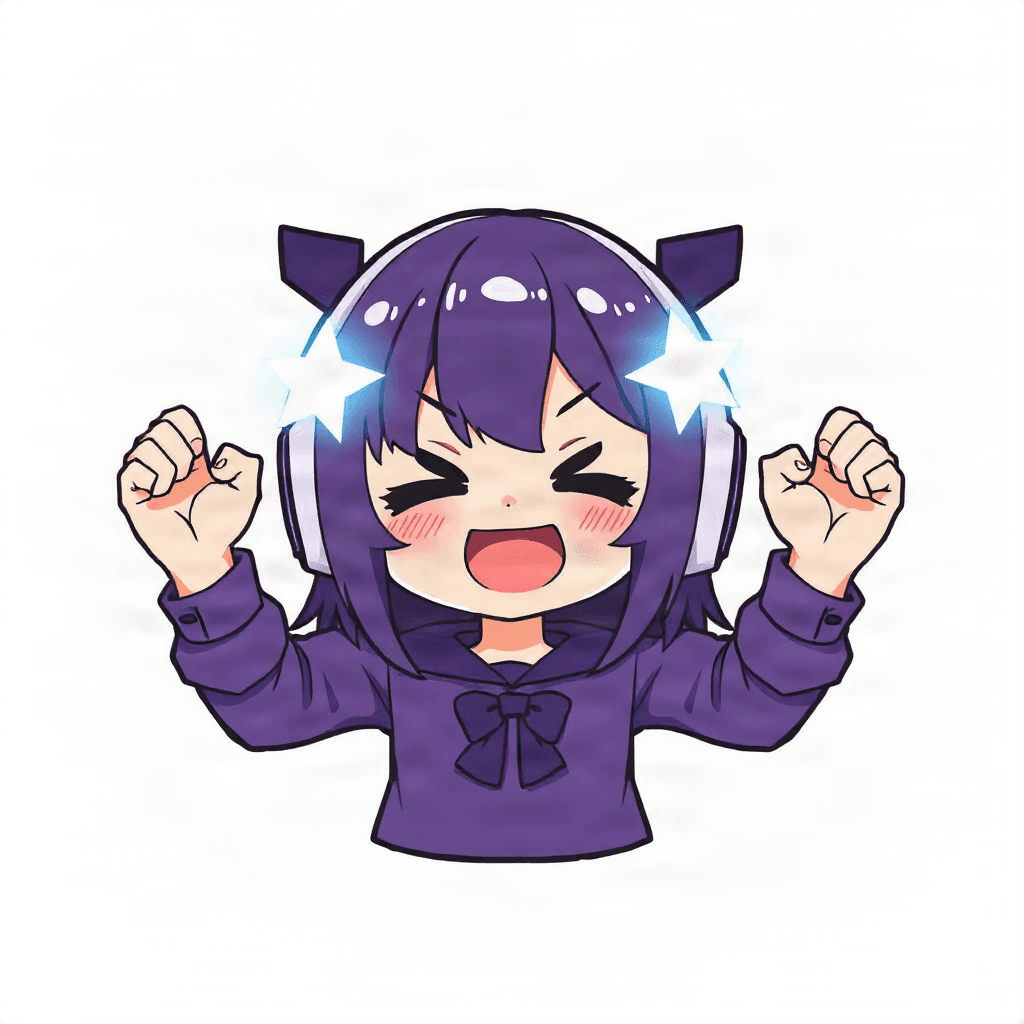
Big eyes, exaggerated expressions, and clear hand gestures for love, hype, cry, and bonk emotes.
Chibi VTuber character with silver twin-tails making a heart sign, joyful expression, bold anime outlines, plain background
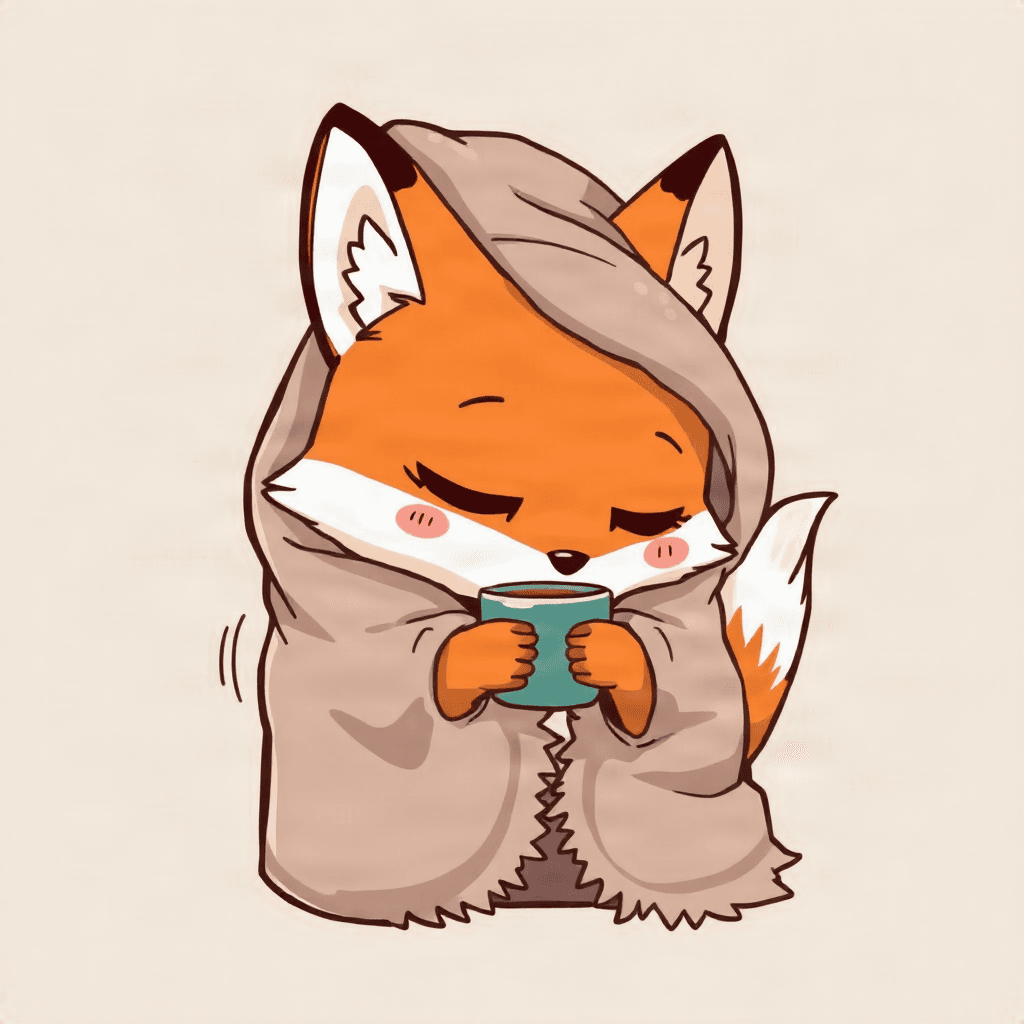
Turn your channel mascot or pet into cozy blankets, rage, and pog reaction icons.
Cute chubby cat mascot wearing gaming headset looking surprised, bold clean sticker outlines, solid gray background
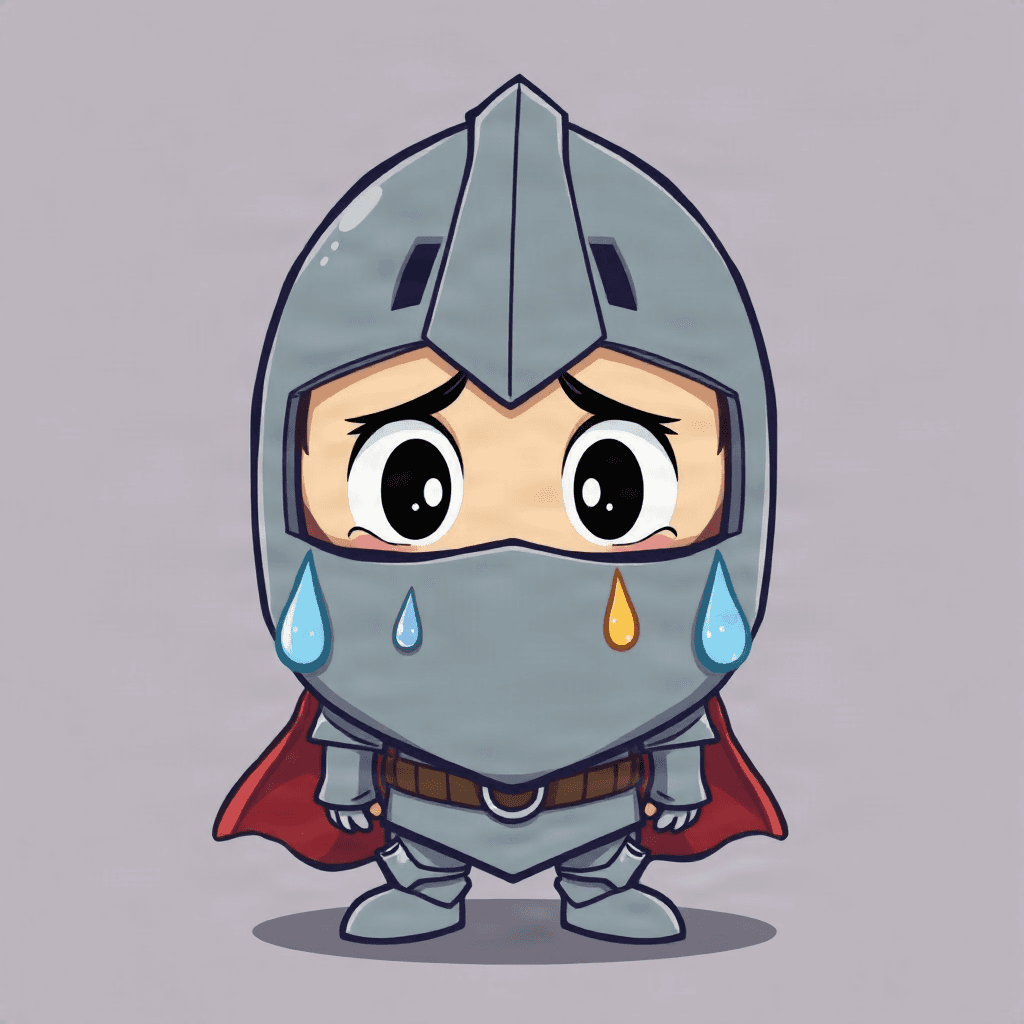
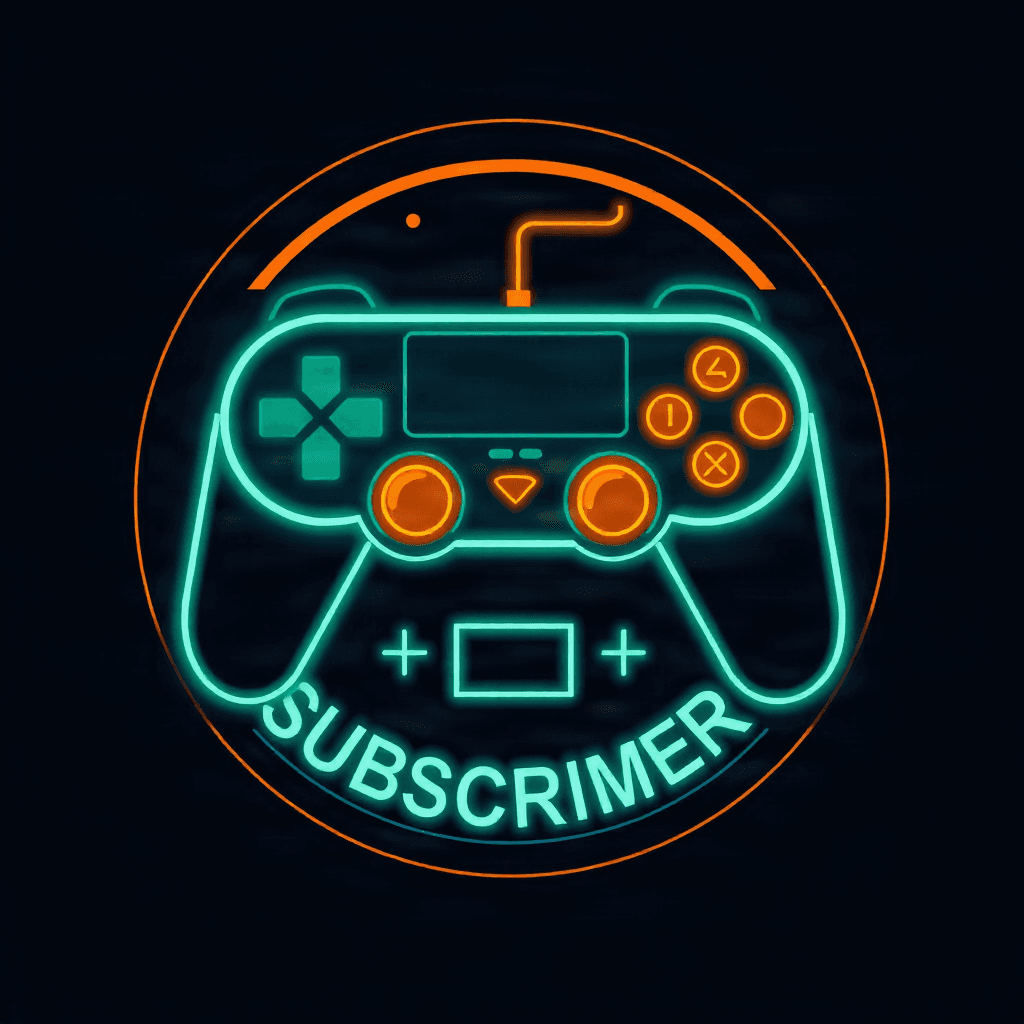
Crisp symmetrical icons, crowns, gems, and controller emblems for loyalty tier progression.
Glowing emerald crystal shield subscriber badge, crisp flat vector style, thick dark outline, centered on plain background
How it works
Step 01
Specify your character traits (hair, ears, outfit) and one clear emotion such as hype, laugh, or comfy.
Step 02
Run the generator with a 1:1 square ratio and clean plain backdrop for easy cutout.
Step 03
Export transparent PNGs with Background Remover or split eyes and hands for animated emotes.
Use cases
Fill subscriber and follower emote slots quickly with matching character reactions.
Create custom community reactions, booster perks, and mod icons in minutes.
Split generated characters into eyes, mouth, and hand layers before animating in Live2D or After Effects.
Next step
Split your generated character into isolated hair, eyes, mouth, and accessory PSD layers for VTuber rigging or animated Twitch emotes.
FAQ
Generate the emote on a solid neutral background, then run it through our Background Remover to get a crisp transparent PNG ready for Twitch.
Twitch accepts a single 1:1 square PNG between 112x112 and 4096x4096 pixels under 1 MB with auto-resize enabled.
Yes. Send the generated character to our Character to Layers or VTuber layer tool to separate the head, eyes, and hands into editable PSD layers for animation.
Reuse the same character description (hairstyle, eye color, outfit, linework style) and only swap the emotion and pose phrase.
Yes. The 1:1 square artwork and transparent PNG exports work across Twitch, Discord server emojis and stickers, Kick, and YouTube memberships.
Yes. Prompt for symmetrical emblems such as shields, gems, crowns, or controllers on a plain dark or neutral background, then remove the backdrop.
Ask for a close-up chibi head-and-shoulders framing, thick outlines, high-contrast eyes, and minimal tiny background clutter.
Yes. You can refine specific details in our AI Photo Editor or separate accessories and facial features into layers for manual touch-ups.
Related tools
Separate anime and chibi character art into organized PSD layers for rigging and animation.
Remove solid backdrops from your generated emotes for clean alpha transparency.
Isolate facial expressions and accessories cleanly from generated character illustrations.
Generate expressive 1:1 Twitch emotes and prepare transparent or layered files in minutes.
Creative Toolkit Index
Quick access to precision layer extraction, AI photo editing & asset tools.
Select a template to populate your prompt and output format.