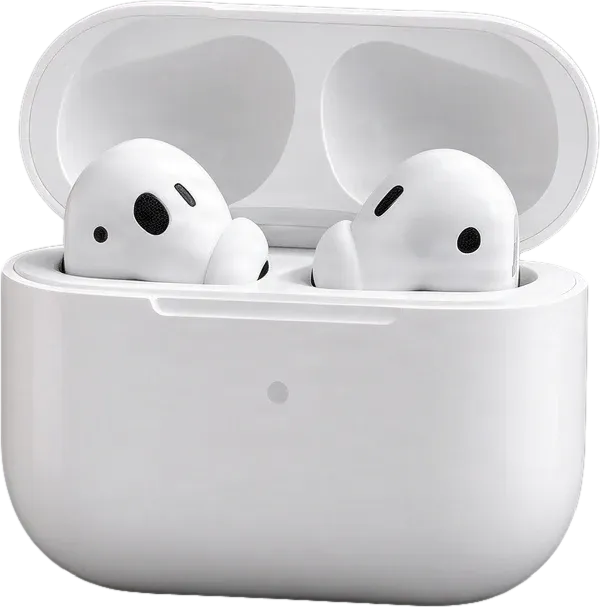
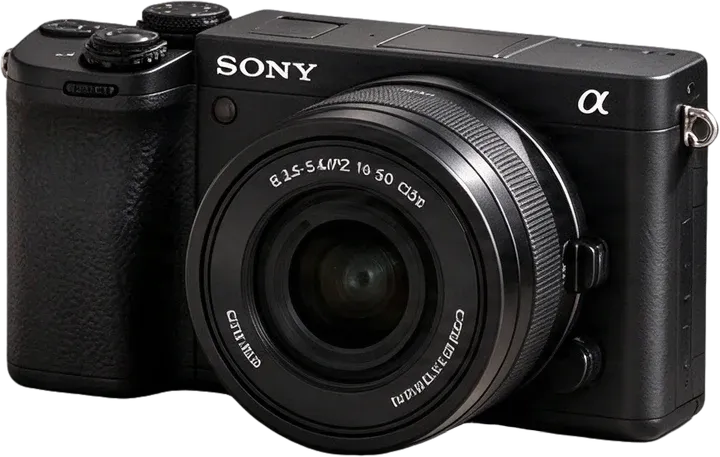
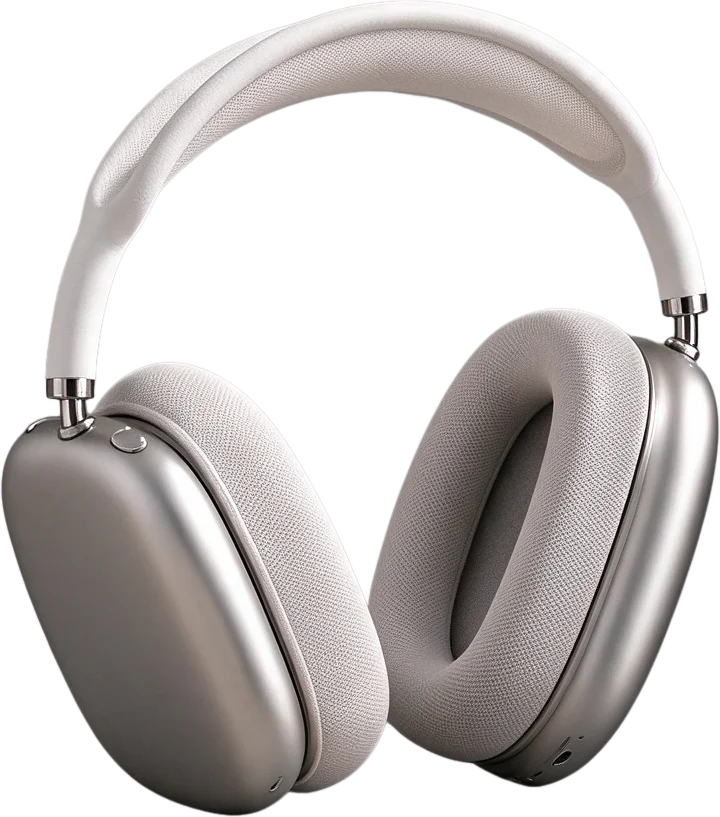
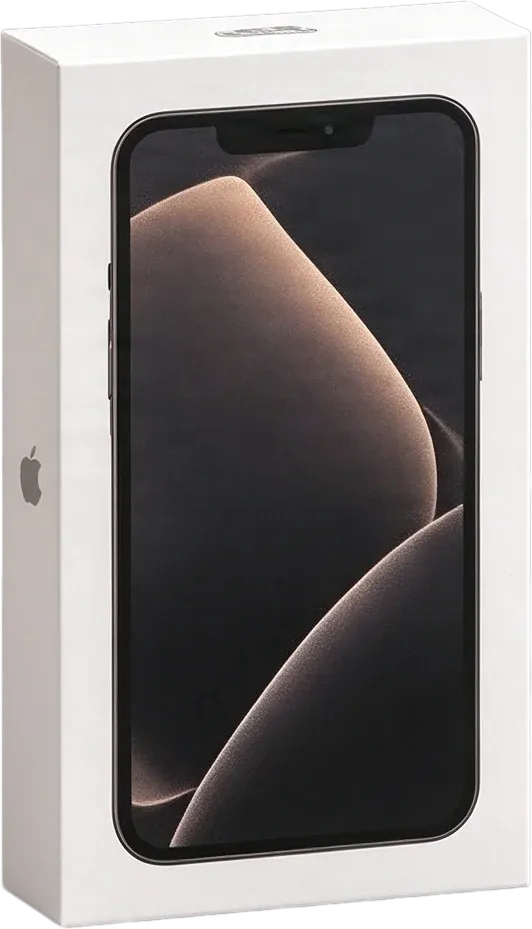
Can I separate several products from one photo?
Yes. Upload a photo containing multiple products, and the tool will attempt to identify and separate the individual items into editable layers. The quality depends on how clearly the products appear in the image.
Will every product become a separate transparent PNG?
The goal is independent product layers that can be used with transparency. However, very small, heavily overlapping or visually similar products may sometimes be merged or missed. Check the generated layers before downloading.
What kinds of product bundles can I upload?
You can try skincare collections, electronics, gift sets, accessories, household items and other multi-product photographs. Different materials and scene layouts can affect the results.
How is this different from a background remover?
A background remover typically extracts the whole group of products as one foreground image. This tool aims to separate the products from one another, as well as from major props and background elements.
Will the cap and body of a product stay together?
The separation instructions prioritize treating each product as a complete item. Attached parts such as caps, handles, dispensers and labels should generally remain with their product, although the result should still be reviewed.
Can it separate products that overlap?
It can attempt to separate partially overlapping products. Areas hidden behind other objects may need AI reconstruction, which can differ from the product's actual appearance.
Does the tool preserve brand logos and packaging text?
It aims to preserve visible logos and printed packaging details. However, AI processing can alter small text, logos or fine artwork. Always compare critical brand details with the original before commercial use.
Can I separate transparent bottles or glass containers?
You can try. Transparent and translucent materials are more challenging because reflections and visible background details are part of their appearance. Review glass edges and transparency carefully.
Can I remove decorations and props from the photo?
Major props may be separated into their own layers, allowing you to remove or reposition them in an editor. Some small decorations may remain grouped with other objects.
Will I get a clean background without the products?
The workflow can provide a background layer and may reconstruct areas hidden by products. Background reconstruction is an estimate, so some objects, shadows or artifacts may remain and need manual cleanup.
Is there a maximum number of products I can separate?
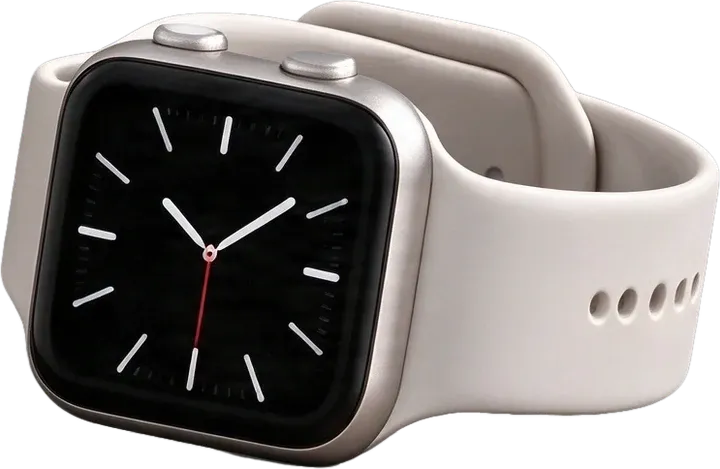
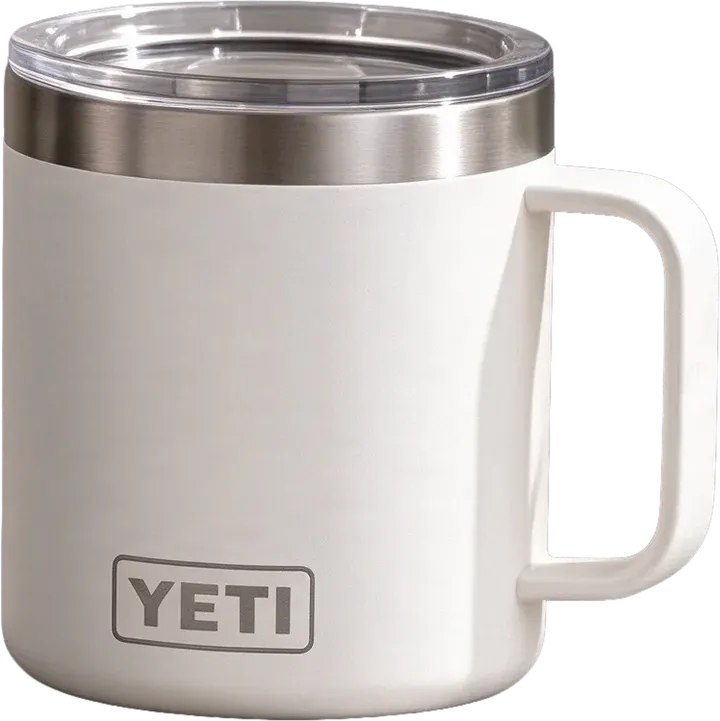
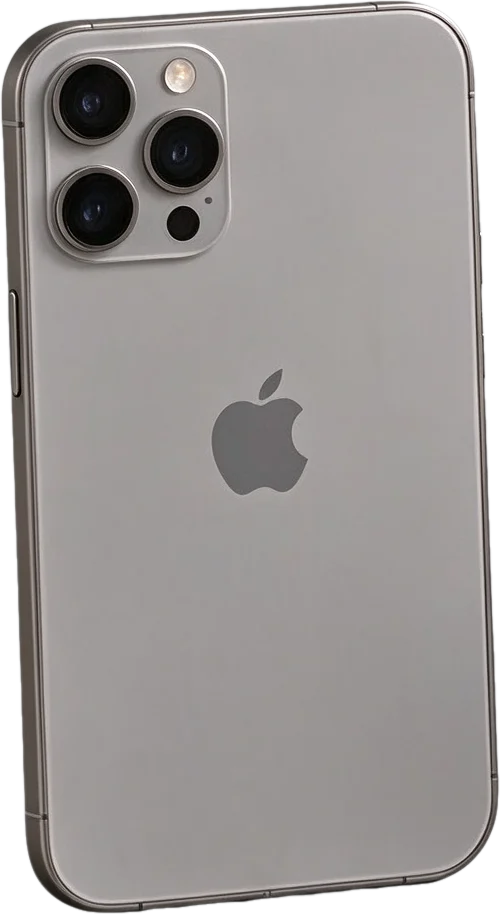
There is a practical limit to the number of layers the model can produce in one run. In our example tests, output reached 16 foreground layers plus a background layer. This does not mean every image will yield that many independent products. Very crowded scenes may have merged or omitted objects.
Can I edit the products after extraction?
Yes. Once separated, the layer editor lets you move, hide, reorder and adjust the layers independently, and you can download them for use in an external image editor.
Can I use these layers in Photoshop?
Transparent image layers can be imported into Photoshop and arranged as separate layers. You can download the layers as a ZIP, and a PSD download is available on paid plans.
Can I create different ads from the same bundle photo?
Yes. Separating individual products can make it easier to prepare new layouts featuring selected items, different product arrangements or alternative backgrounds.
Does this work for Shopify and Amazon product images?
You can use the extracted assets when preparing ecommerce graphics. However, each marketplace has its own image rules, especially for primary listing images. Review those requirements before publishing.
Will the generated products look exactly like the original photograph?
Not necessarily. AI separation may introduce small changes to textures, edges, lettering, reflections and previously hidden areas. Treat the result as an editable starting point and review it against the original.
Do I need to write a special prompt for each image?
No. The Product Bundle workflow uses separation instructions designed to identify individual products automatically. You do not need to list every item in your photograph.
Can I separate a product from its retail box?
If the product and its box are distinct visible objects, the model may place them on separate layers. When packaging is physically part of the product, the workflow aims to keep it together. Review the result if you need a specific packaging arrangement.
Can I use the results for commercial advertising?
You can use the resulting assets according to the service terms and the rights you hold to the original imagery, brands and products. You are responsible for checking image accuracy and obtaining any necessary permissions.
What should I do if some products are merged or details change?
First inspect the separate layers and compare them with the original. If needed, use the editing tools to adjust the composition or clean up edges. For highly detailed commercial packaging, manual corrections may still be necessary.