
AI PACKAGING DESIGN TO PSD
Turn AI-Generated Packaging Images into Editable PSD Layers
Your AI-generated packaging concept looks great—but everything is stuck in one image. Separate detected text, logos, illustrations, and background artwork into individual layers. Replace wording online, explore the visual elements, and download a layered PSD to keep working on your design.
One packaging conversion costs 150 credits. Explore the included example before processing your own image. AI reconstructs the layers rather than recovering an original source file. Text and artwork may need review or manual refinement.
Convert Your AI Packaging Image into Layers
Start with the included layered packaging example or upload your own AI-generated artwork. Inspect the separated elements, update recognized text, and export files for further design work.
Choose a clear JPG, PNG, or WebP image. Flat, front-facing packaging artwork generally gives more predictable results than complex perspective mockups. JPG, PNG, WebP · Maximum 25 MB The workflow analyzes text, graphics, and artwork in your image. Layer separation results depend on the clarity and complexity of the original design. Save an updated PNG, download layer assets, or export a PSD containing separate image layers. PSD text is not guaranteed to be editable with Photoshop's native Type Tool.
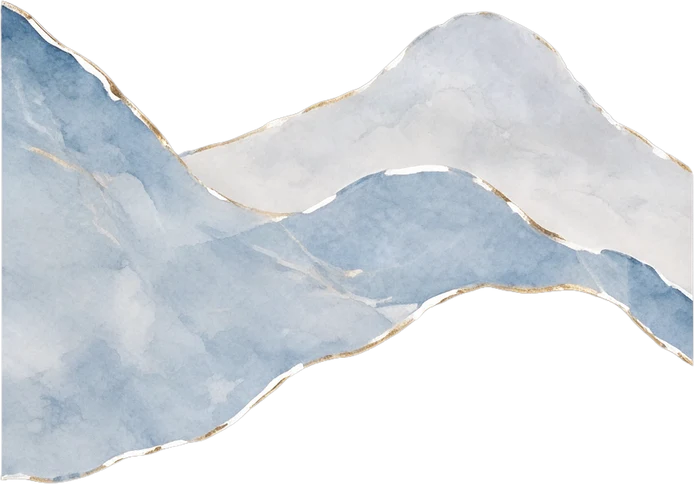
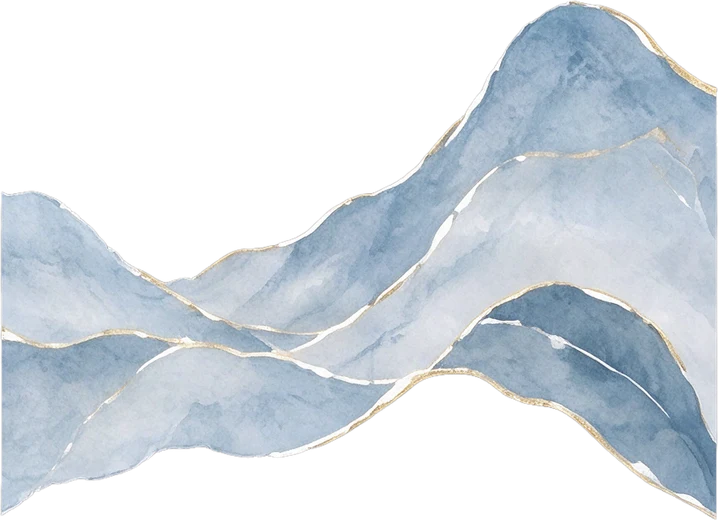
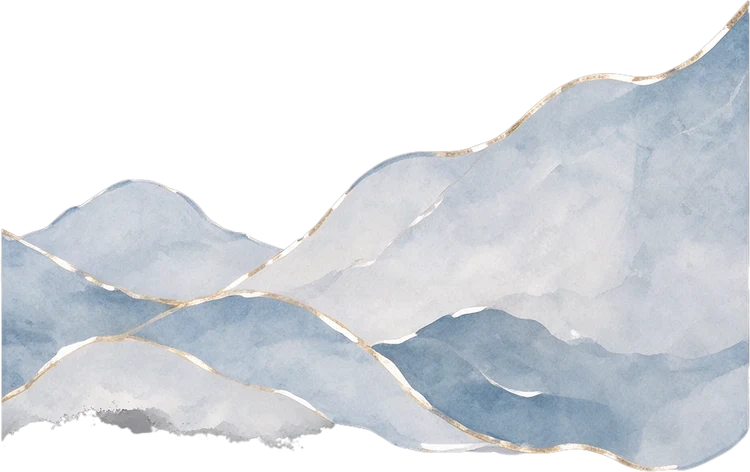
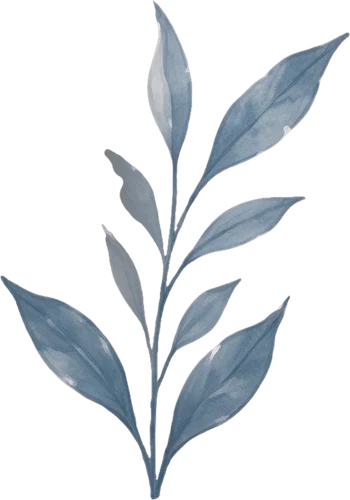
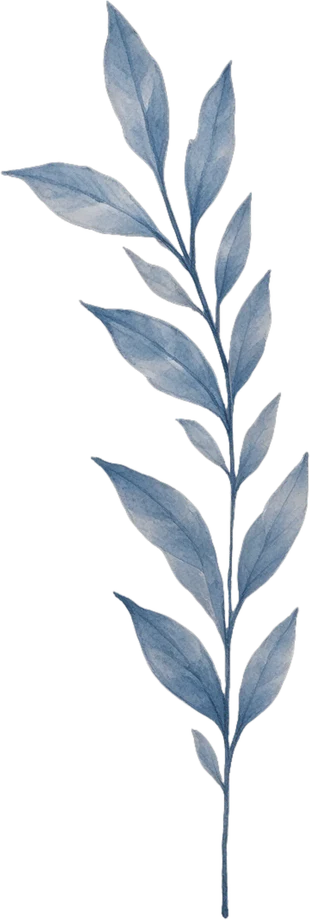
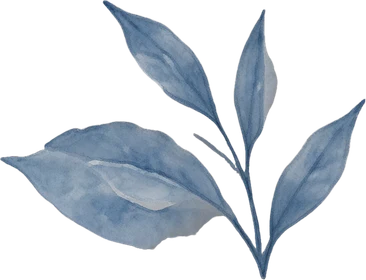
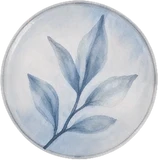
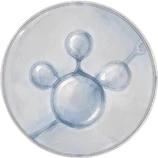
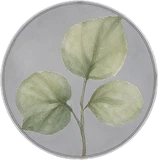




Left watercolour mountain range
347 × 242 px
Middle watercolour mountain range
359 × 260 px
Right watercolour mountain range
375 × 236 px
Left leaf branch
175 × 250 px
Middle leaf branch
155 × 460 px
Right leaf branch
183 × 140 px
Top circular leaf illustration
79 × 80 px
Middle circular molecule illustration
79 × 79 px
Bottom circular green leaf illustration
79 × 80 px
EXPLORE A REAL LAYERED RESULT
See What Happens When a Flat Packaging Image Becomes Layers
An AI packaging image can look finished even though the product name, illustration, logo, and background are merged together. Explore this real example of a flattened skincare carton converted into separate design elements. The LUMERA sample contains recoverable product copy, branding, botanical illustrations, and background elements. This demonstrates layer reconstruction; it does not claim the source was generated by a particular AI tool.
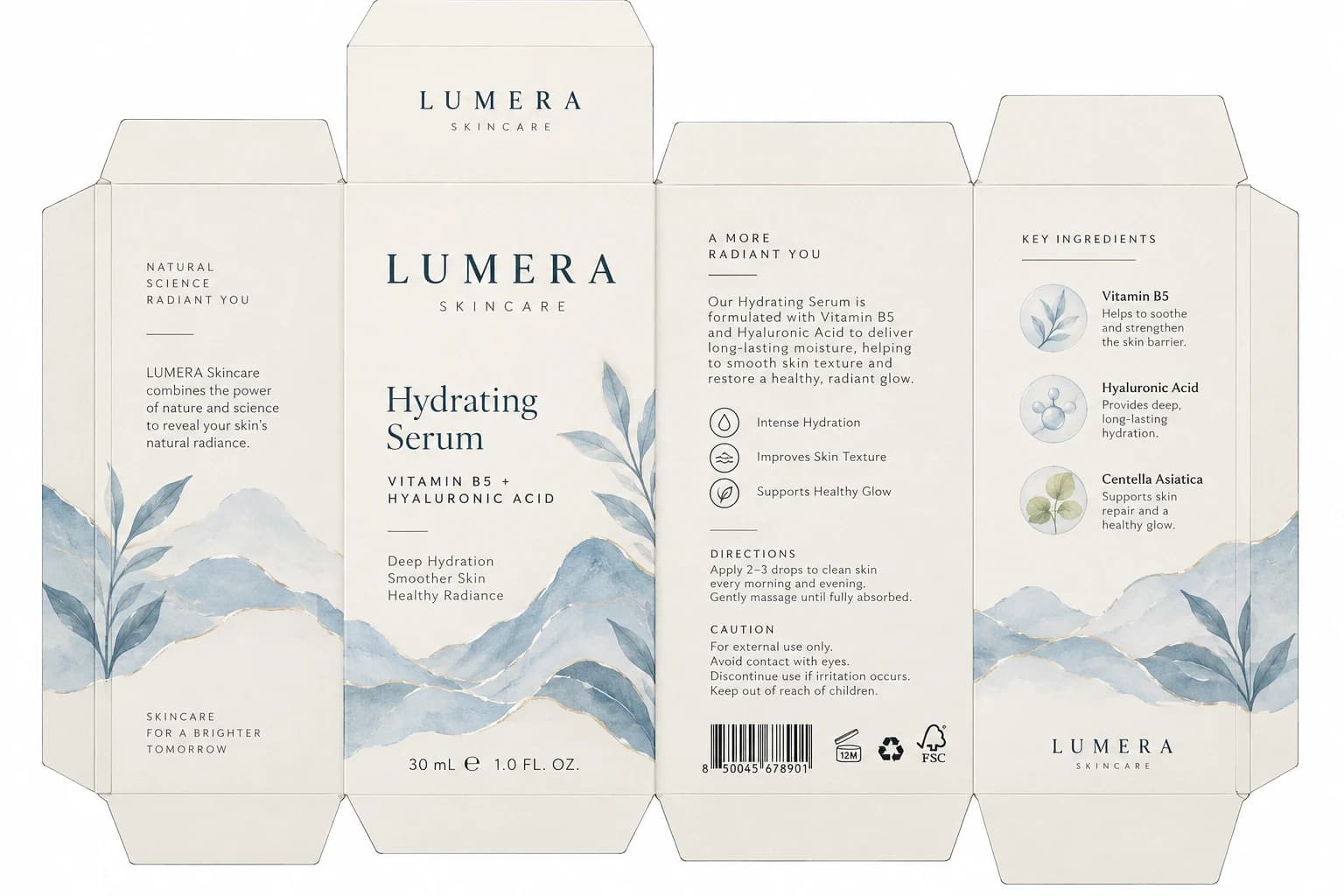
Recover Wording from the Image
The workflow attempts to identify text and reconstruct its placement. When a text element is recovered, select it in the studio and type your preferred wording. This sample includes product names, ingredients, directions, and short marketing messages.
23 detected text elements · 9 separate graphic and mark layers
Separate Decorative Artwork
The artwork stage attempts to reconstruct separate visual elements from the flattened composition. It can provide a more flexible starting point, though results vary with overlaps and image detail.
9 separated artwork elements in this example
Replace AI-Generated Words with Your Real Brand Copy
AI image generators sometimes produce misspelled words, invented product names, or lettering that only looks readable from a distance. Inspect recognized text and enter the correct wording yourself. The LUMERA example includes product names, formula copy, directions, and other identified text.
NATURAL SCIENCE RADIANT YOU
Recovered text · Approx. 12px in this example
LUMERA Skincare combines the power of nature and science to reveal your skin’s natural radiance.
Recovered text · Approx. 15px in this example
SKINCARE FOR A BRIGHTER TOMORROW
Recovered text · Approx. 11px in this example
Hydrating Serum
Recovered text · Approx. 43px in this example
VITAMIN B5 + HYALURONIC ACID
Recovered text · Approx. 15px in this example
Deep Hydration Smoother Skin Healthy Radiance
Recovered text · Approx. 15px in this example
30 mL ℮ 1.0 FL. OZ.
Recovered text · Approx. 17px in this example
A MORE RADIANT YOU
Recovered text · Approx. 13px in this example
Our Hydrating Serum is formulated with Vitamin B5 and Hyaluronic Acid to deliver long-lasting moisture, helping to smooth skin texture and restore a healthy, radiant glow.
Recovered text · Approx. 15px in this example
Intense Hydration
Recovered text · Approx. 13px in this example
Improves Skin Texture
Recovered text · Approx. 13px in this example
Supports Healthy Glow
Recovered text · Approx. 13px in this example
DIRECTIONS
Recovered text · Approx. 12px in this example
Apply 2–3 drops to clean skin every morning and evening. Gently massage until fully absorbed.
Recovered text · Approx. 13px in this example
CAUTION
Recovered text · Approx. 12px in this example
For external use only. Avoid contact with eyes. Discontinue use if irritation occurs. Keep out of reach of children.
Recovered text · Approx. 13px in this example
KEY INGREDIENTS
Recovered text · Approx. 12px in this example
Vitamin B5
Recovered text · Approx. 15px in this example
Helps to soothe and strengthen the skin barrier.
Recovered text · Approx. 13px in this example
Hyaluronic Acid
Recovered text · Approx. 15px in this example
Provides deep, long-lasting hydration.
Recovered text · Approx. 13px in this example
Centella Asiatica
Recovered text · Approx. 15px in this example
Supports skin repair and a healthy glow.
Recovered text · Approx. 13px in this example
The workflow cannot infer the correct brand name or ingredients from meaningless AI lettering. Unrecognized text may require manual reconstruction. Typeface matching and text placement are approximate.
See Brand Marks Apart from the Main Artwork
A small emblem, decorative rule, or brand mark may be embedded in the original image. Separating it makes it easier to inspect or replace during later design work. Some elements may remain combined with the background.
main-wordmark
top-wordmark
bottom-wordmark
benefit-symbols
certifications
Reconstructed brand marks are not substitutes for approved original logo or certification artwork.
Keep the Visual Direction, Gain More Control
Starting another image generation can change the composition, colors, or illustrations you wanted to keep. Reconstructed artwork gives you another option: work from the existing image and inspect its elements. Fine details and partially hidden areas may differ from the original.
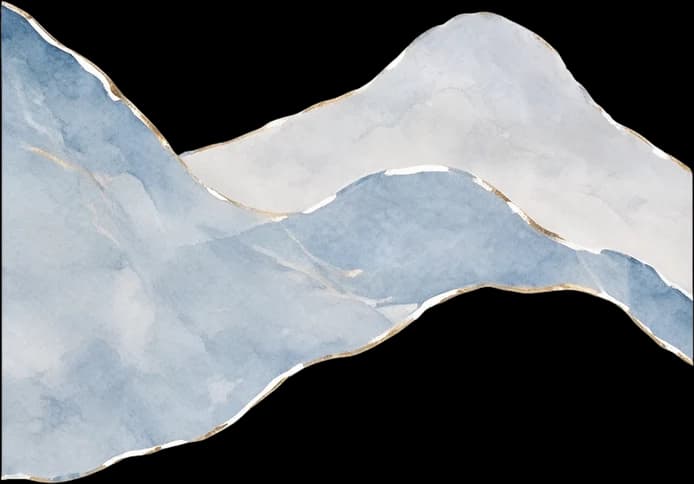
Left watercolour mountain range
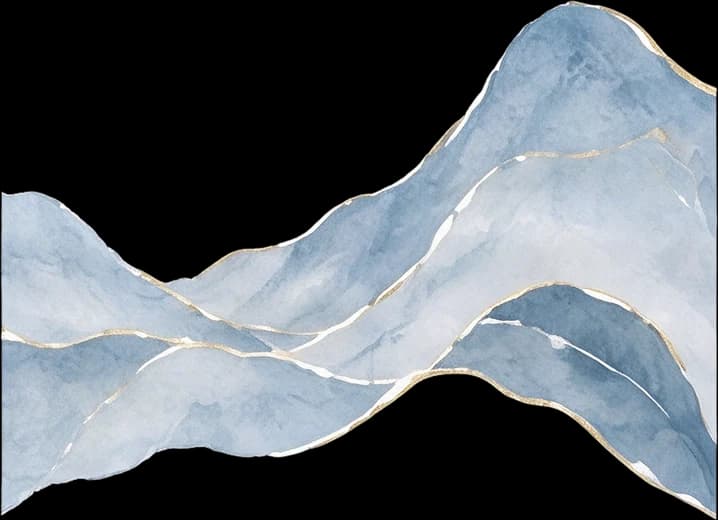
Middle watercolour mountain range
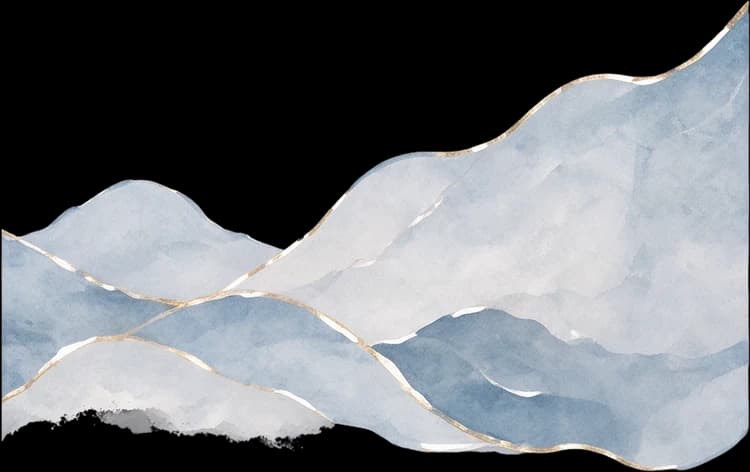
Right watercolour mountain range
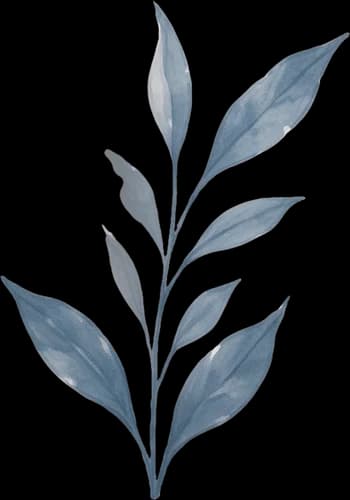
Left leaf branch
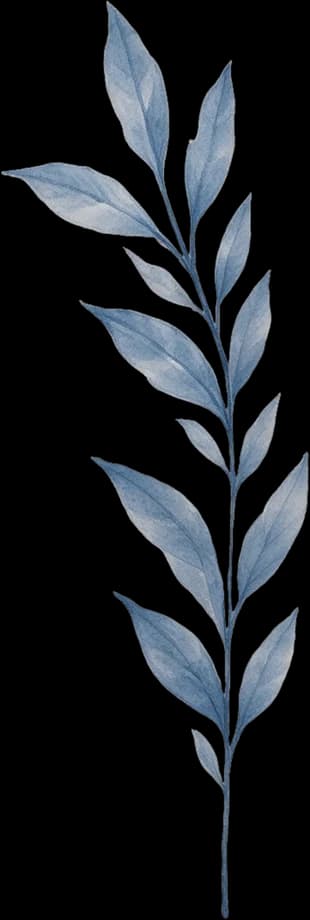
Middle leaf branch
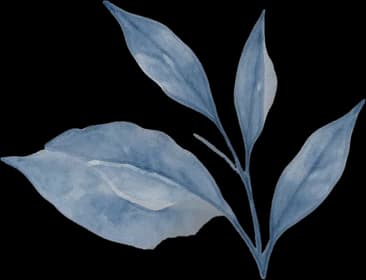
Right leaf branch
Top circular leaf illustration
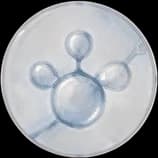
Middle circular molecule illustration
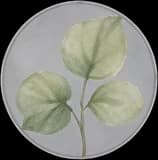
Bottom circular green leaf illustration
Individual artwork layers reconstructed from a flattened packaging image. Layer generation can change brushwork, textures, hidden details, and edges.
Bring the Pieces Back Together
Text and graphics are mapped back into the packaging composition so you can inspect the whole design and its parts. In this example, the 1152 × 768 detected layout maps to a 1536 × 1024 design canvas.
A Layered Starting Point, Not the Original Design File
The workflow reconstructs elements from a flat image; it does not recover the original Photoshop or Illustrator file. Text may be missed, graphics redrawn, and hidden details estimated. PSD files contain separate image layers, not guaranteed native Type Layers or editable vectors. Have results professionally reviewed before manufacturing or commercial printing.
YOUR AI DESIGN ISN'T FINISHED YET
You Love the Design. You Just Can't Change It.
AI image generation makes it easy to explore packaging ideas, but an image that looks finished isn't necessarily a design file you can work with.
The Text Doesn't Say What You Need
A product name may be misspelled, a label may contain made-up lettering, or the package may show invented ingredient information.
The Design Comes as One Flat Image
The background, decorations, product wording, and logo are merged together. You can't simply select an illustration and move it elsewhere.
Regenerating Changes Too Much
Asking an image generator to fix one detail may also change the packaging colors, layout, or artwork you wanted to keep.
You Need a Designer-Friendly Starting Point
A product concept is easier to refine when its main visual elements are available as separate layers.
Instead of abandoning a promising AI-generated design, turn it into a layered starting point that you—or your designer—can continue developing.
MAKE YOUR CONCEPT MORE FLEXIBLE
Turn a Packaging Idea into Something You Can Revise
Replace Incorrect AI Text
Recognize available text elements and replace them with the wording you actually want on the packaging.
Add Your Intended Product Name
Use the correct brand and product naming instead of relying on invented lettering from an image generator.
Explore Product Variations
Try different names, scents, sizes, or short marketing messages while keeping the existing artwork as your starting point.
Separate Decorative Graphics
Inspect illustrations, patterns, and visual accents independently so you can refine or reuse them later.
Review Background Elements
See what remains when recovered text and decorative layers are hidden.
Prepare a Layered Design Handoff
Give a designer separated elements and a PSD starting point instead of only a flattened reference image.
Separation quality varies by image. The tool helps with visual reconstruction; it does not guarantee a production-ready packaging file.
FROM GENERATED IMAGE TO LAYERED PSD
How to Convert AI-Generated Packaging into Layers
- 1
Upload Your AI Packaging Image
Choose a design from your preferred image generator. Use the clearest version available; flat printed artwork is generally easier to process than a curved or reflective mockup.
- 2
Let AI Separate the Elements
The workflow attempts to recover text and graphic details, then reconstruct illustrations and background elements as separate layers.
- 3
Correct the Wording and Explore
Open the result in the studio. Select recognized text to enter your intended wording, or hide and inspect artwork layers.
- 4
Export and Continue Designing
Download the updated image or layered assets. Open the PSD in Photoshop or another compatible design application, or pass it to a designer.
The existing packaging workflow processes your image. The number and quality of resulting layers depend on the source.
START WITH A CLEAR CONCEPT
Which AI Packaging Images Work Best?
Flat Packaging Artwork
Front-facing artwork with readable text and clearly separated illustrations is a strong starting point.
Cosmetic Cartons and Product Boxes
Skincare, fragrance, and beauty cartons often combine copy, decorative graphics, and backgrounds that can be explored as layers.
Illustrated Packaging Concepts
Clear illustrations, patterns, or distinct decorative motifs offer useful opportunities for layer reconstruction.
Simple Product Labels
Flat label artwork can be processed, although tiny copy and intricate details may need additional review.
More Challenging Inputs
Angled mockups, curved bottles, reflective pouches, tiny ingredient text, and complex shadows make separation less predictable.
The workflow does not guarantee accurate unwrapping of curved labels, manufacturing dielines, exact vector reconstruction, or a print-approved file.
BUILT FOR THE NEXT STEP AFTER AI GENERATION
Who Uses AI-Generated Packaging to PSD?
Brand Founders
Replace placeholder wording with actual brand information while keeping a promising packaging concept.
E-commerce Sellers
Explore packaging variations for product listings, launches, or brand presentations.
Packaging Designers
Turn a client's AI-generated reference into separated visual elements for further work.
AI Image Creators
Get more control over text and artwork in a compelling generated design.
Creative Agencies
Prepare AI concept visuals as practical starting assets for feedback and revision.
Small Product Businesses
Develop the image you already have when no finished design source file is available.
TAKE YOUR DESIGN FURTHER
What Do You Get After Conversion?
A Layered Packaging Workspace
View the reconstructed composition and explore available text, logos, artwork, and backgrounds separately.
Online Text Editing
Update recognized text in your browser using approved wording of your own.
Updated Composite Image
Save a flattened image of the composition after making available changes.
Layer Assets
Download available separated visual elements for further editing and inspection.
Layered PSD
Export a document containing separate image layers for subsequent Photoshop work.
A layered PSD is not the original editable source. Reconstructed text is not guaranteed to remain a native Type Layer, and source vectors, font files, and construction geometry cannot be recovered from a flat image.
FREQUENTLY ASKED QUESTIONS
Frequently Asked Questions About AI Packaging to PSD
Can I convert an AI-generated packaging image into a PSD?
Yes. Upload a supported image and start a conversion. The workflow attempts to separate text, graphics, illustrations, and background elements for PSD export.
Can I convert Midjourney packaging art into layers?
You can upload supported packaging images made with Midjourney. Results depend on the image itself, not only its generator. This tool is not affiliated with Midjourney.
Does it work with packaging images made using Flux or other AI generators?
Yes. Upload a supported image from different generators; no direct connection to an image-generation service is required.
Can I fix gibberish text on an AI-generated package?
If text is detected, you can replace its recognized wording in the online studio. You must provide the correct text. Illegible or undetected lettering may need manual editing.
Will the tool automatically know my brand name?
No. It cannot infer your intended brand, product name, or approved ingredients. Supply and verify that information yourself.
Can I replace a made-up AI logo with my real logo?
Logo-like graphics may be separated for inspection or hiding, but exact recovery or one-click replacement with your official vector logo is not guaranteed. Use approved brand assets for final artwork.
Can I extract illustrations from AI packaging?
The artwork stage attempts to reconstruct separate decorative elements. Some may be recovered cleanly; others may remain combined or differ, especially where objects overlap.
Can I preserve the exact AI-generated design?
The workflow aims to retain the visual composition, but exact pixel-level preservation is not guaranteed. Text styling, patterns, small shapes, and reconstructed backgrounds can change.
Will the resulting PSD contain editable text layers?
The PSD contains separate image layers, but reconstructed text is not guaranteed to be a native Photoshop Type Layer. You can edit recognized wording in the online studio before export.
Can I edit the PSD in Adobe Photoshop?
Yes, you can open the layered PSD for further editing. Image layers offer more flexibility than one flattened picture, but original typography, vectors, and masks are not automatically restored.
Can I use a JPG or PNG generated by AI?
Yes. JPG, PNG, and WebP are supported within the upload limit. Higher-quality source images usually provide a better starting point.
Can I convert a 3D packaging mockup into flat printable artwork?
Not reliably. Perspective, folds, curved surfaces, shadows, and reflections make exact flattening difficult. The workflow does not create manufacturing-accurate artwork from a mockup.
Can I use the exported design for commercial packaging?
The result can be a starting point, subject to your rights to the source and applicable service terms. Before manufacturing or selling a product, review print requirements, brand accuracy, and legal requirements.
Can I convert AI packaging directly into a print-ready dieline?
No. The tool does not generate precise cutting lines, folding instructions, bleed settings, or manufacturing specifications. Use a separate packaging prepress workflow.
Does the tool accurately preserve ingredient lists and barcodes?
Not necessarily. Recognition and reconstruction can introduce errors, especially in small text, numbers, and intricate symbols. Replace critical copy with verified text and use approved barcode artwork.
Can I use this workflow for AI-generated cosmetic packaging?
Yes. Flat cosmetic carton artwork is a suitable example. You can attempt to separate product copy, brand marks, illustrations, and background artwork.
What if the image contains lettering that isn't readable?
The text stage may not recognize it as usable text. If no separate text element is recovered, you may need to reconstruct the area manually. Not every generated character becomes editable.
How many layers will I receive?
There is no fixed number. It depends on the design, detected elements, and input quality. The page sample is one result, not a layer-count guarantee.
How much does AI packaging to PSD conversion cost?
One packaging conversion costs 150 credits. The studio shows the applicable price before you submit your image, and you can explore the included sample first.
What happens if one processing stage fails?
Stages are handled separately. If artwork separation fails after text extraction succeeds, the available text and graphic result may still be delivered, with applicable artwork-stage credits refunded under the workflow's failure policy. Check the job status for details.
Is this an AI packaging generator?
No. This page is for working with a packaging image you already created; it does not generate a complete design from a text prompt.
What's the difference between AI-Generated Packaging to PSD and Edit Packaging Text?
AI-Generated Packaging to PSD turns an AI-created concept into separate layers for further design work. Edit Packaging Text focuses on changing existing packaging wording, whether or not the image was made with AI.
What's the difference between this page and Packaging to Editable PSD?
Packaging to Editable PSD covers general packaging image separation. This page focuses on flattened AI concepts, invented lettering, hard-to-replace elements, and continuing a design without regenerating everything.
More Ways to Edit Flattened Artwork
Packaging to Editable PSD
Separate text, graphic details, and illustrations from an existing packaging image.
Edit Packaging Text
Change recovered wording on packaging artwork without rebuilding the whole design.
AI-Generated Poster to PSD
Turn an AI-generated poster concept into layers for further design work.
Image to Layers
Separate visual elements from an image when you need more control over individual parts.
Your AI Packaging Concept Doesn't Have to Stay a Flat Image
You've already found a visual direction worth keeping. Inspect its parts, correct the text, and continue developing the design. Upload your AI-generated packaging image, explore the recovered layers, and export a PSD for your next design step.
Turn My AI Packaging into LayersExplore the included example first. Converting your own image costs 150 credits. Review reconstructed details before final production.