Cow Makeup AI
Turn one adult selfie into a 10-second makeup transition video: your bare face, a quick hand wipe, then full cow-print face paint with cute accessories.
Drop your selfie here
Best results with a clear front-facing adult portrait in even lighting
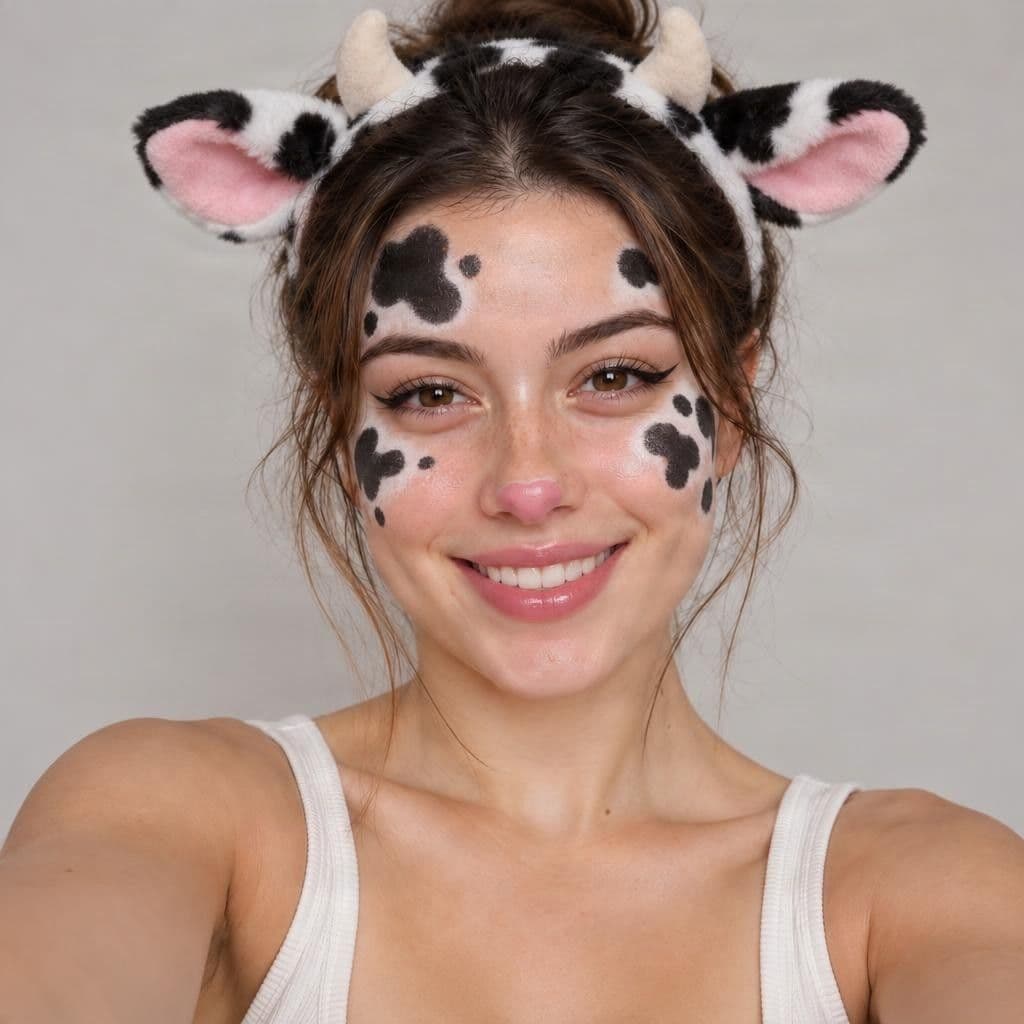
Classic black & white
Upload an adult selfie or try the sample photo, then pick the cow makeup look for your video.
Original examples
Artistic cow makeup without the cleanup
The same person before and after the hand wipe: your face, hair, and outfit stay natural while the cow makeup appears in a short video.
Makeup transition video
One selfie becomes a 10-second video: a quick hand wipe and your bare face turns into the full cow makeup look.
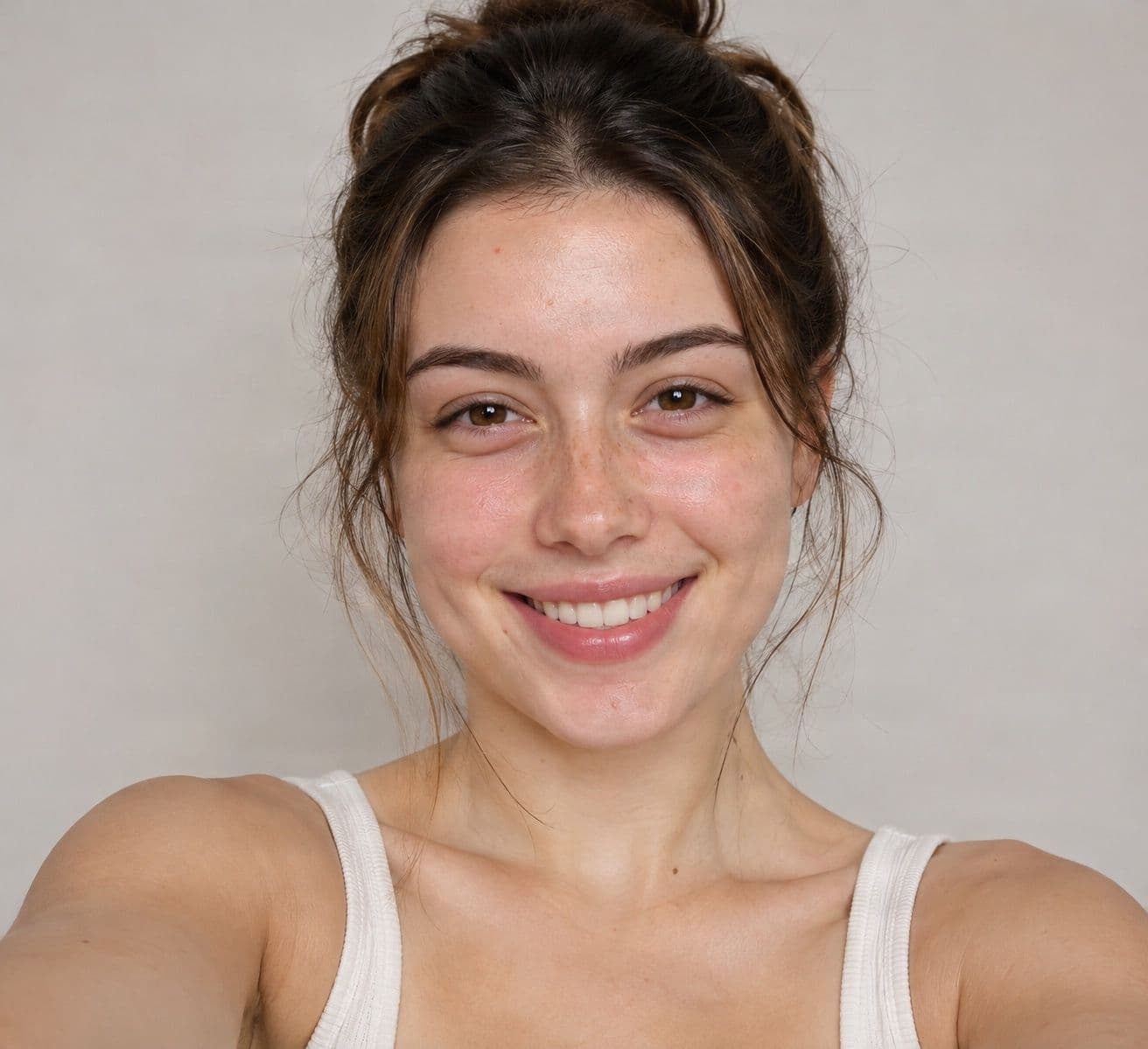
Before
Cow makeup
Classic black & white cow look
High-contrast black-and-white spots with a pastel pink nose tip and plush ear headband.
Before
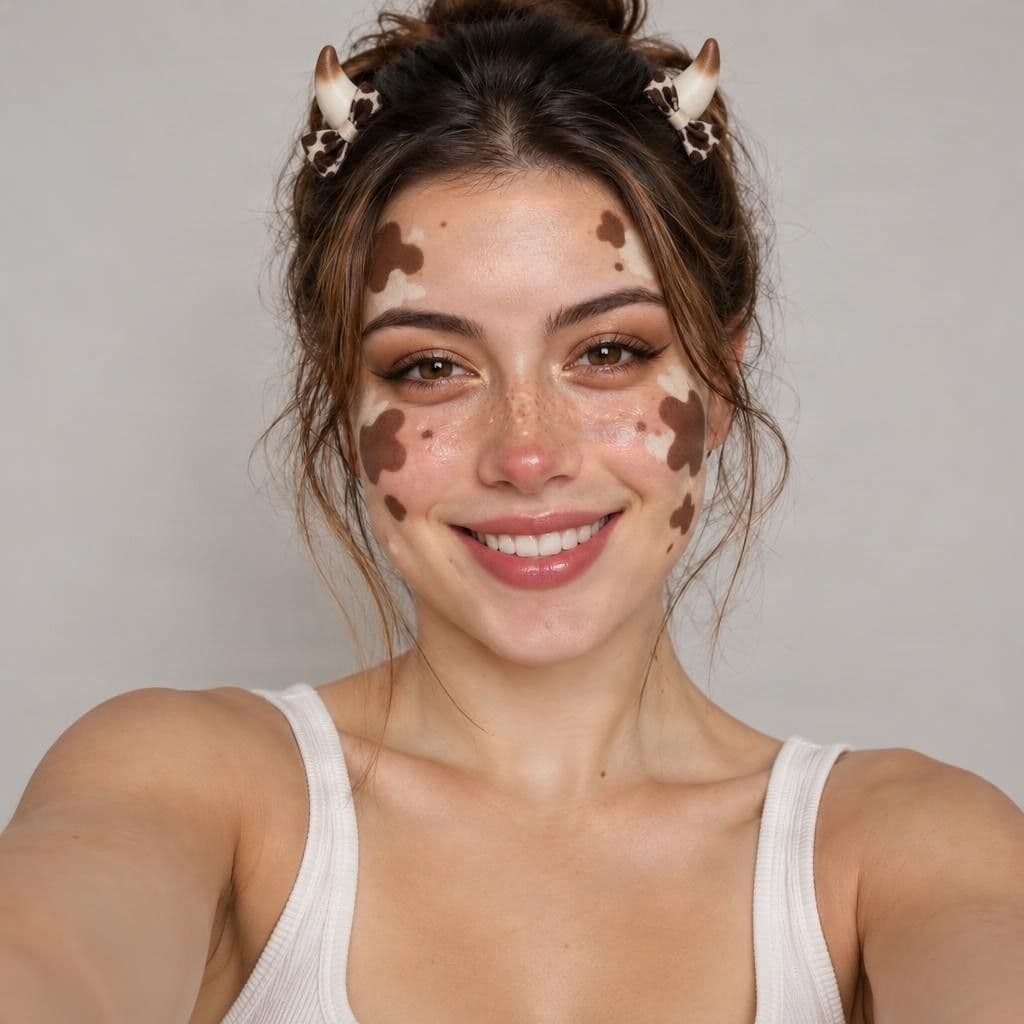
Cow makeup
Warm brown & cream cow look
Soft chocolate brown and cream face paint with warm bronze shimmer and mini horn clips.
Creative beauty try-on
Designed for crisp, flattering face paint
Focuses on facial consistency and realistic cosmetic texture.
Facial identity preservation
Keeps your eyes, smile, skin tone, and hair natural while blending artistic face paint.
Two distinct colorways
Choose between classic black-and-white contrast or warm brown-and-cream tones.
No physical makeup required
Preview festival, party, or social-ready cow makeup ideas in seconds.
Case studies
How creators preview cow makeup looks without cosmetics
Real-world workflows for festival prep, social content, and creative beauty testing.
Festival prep
Testing black-and-white cow spots before buying face paint
Goal: Preview how bold cow-print face paint and a pink nose accent look on your own face shape before committing to a festival outfit.
Workflow: Uploaded a clean studio-lit selfie, selected Classic Black & White, and checked spot placement across the forehead and cheeks.
Result: Clear visual reference with preserved facial features and zero physical cleanup.
Warm beauty
Soft brown-and-cream makeup for autumn content
Goal: Create a warmer, softer cow-inspired beauty look that complements warm-toned outfits and bronze shimmer.
Workflow: Used the same adult selfie, switched to Warm Brown & Cream, and generated a chocolate-and-cream spot pattern with mini horn clips.
Result: Subtle editorial beauty portrait keeping natural hair, skin tone, and clothing intact.
Creator thumbnails
Quick before-and-after comparison for social posts
Goal: Produce a clean before-and-after makeup transformation visual for short-form beauty tutorials or profile banners.
Workflow: Uploaded one front-facing portrait and generated both colorways from the same source selfie for side-by-side comparison.
Result: Consistent framing and lighting between the original selfie and the final cow makeup portrait.
How it works
Three steps to your cow makeup look
Upload once, pick a look, and get a finished video.
Step 1
Upload an adult selfie
Use a well-lit front-facing photo where your face is clearly visible.
Step 2
Pick a cow makeup colorway
Select Classic Black & White or Warm Brown & Cream.
Step 3
Generate and download your video
Get a 10-second makeup transition video ready to save or share.
FAQ
Frequently asked questions
Does Cow Makeup AI change my face or outfit?
No. The tool is designed to preserve your facial structure, hair, and normal clothing while applying cow-inspired artistic makeup.
Who can use this tool?
Cow Makeup AI is intended for adults using their own selfies or portraits they have permission to edit.
What kind of selfie works best?
Front-facing selfies with even lighting and minimal obstruction over the forehead and cheeks give the cleanest results.
What is the difference between the two styles?
Classic Black & White applies high-contrast black-and-white spots with a pastel pink nose tip and ear headband, while Warm Brown & Cream uses chocolate-brown and cream spots with mini horn clips.
What file formats and sizes are accepted?
You can upload JPG, PNG, or WebP images up to 20 MB from your device library or mobile camera.
How many credits does one generation cost?
Each Cow Makeup AI generation costs 50 credits, shown directly on the generate button.
Are credits refunded if generation fails?
Yes. If a job fails due to a system or provider issue, the frozen credits are automatically returned to your balance.
Does the tool include copyrighted music or brand logos?
No. The experience focuses purely on original artistic makeup visuals without third-party music, brand logos, or cosmetics trademarks.
Can I upload photos of minors or other people without consent?
No. You must confirm that the uploaded photo is your own or an authorized adult portrait in normal attire.
Can I use the generated images commercially?
Output usage rights depend on your subscription plan, applicable model terms, and your rights to the source photo.
Ready to try the cow makeup look?
Upload your selfie and preview both cow-print makeup styles in seconds.