
Keep Your Favorite Photo. Change the Clothes.
Change Clothes in Your Existing Photo
Add the photo you want to keep and one clothing image to create a new look.
Your Photo
Upload the person who will wear the clothes.
Works best with a clear subject, natural pose, and good lighting.
Add Clothes
Upload the clothing item you want to preview.
Clear product photos and flat-lay images work well.
Clothing type
Optional instructions
Usually you can leave this blank. Add a note only if the clothing image contains more than one garment.
Try-On Preview
Example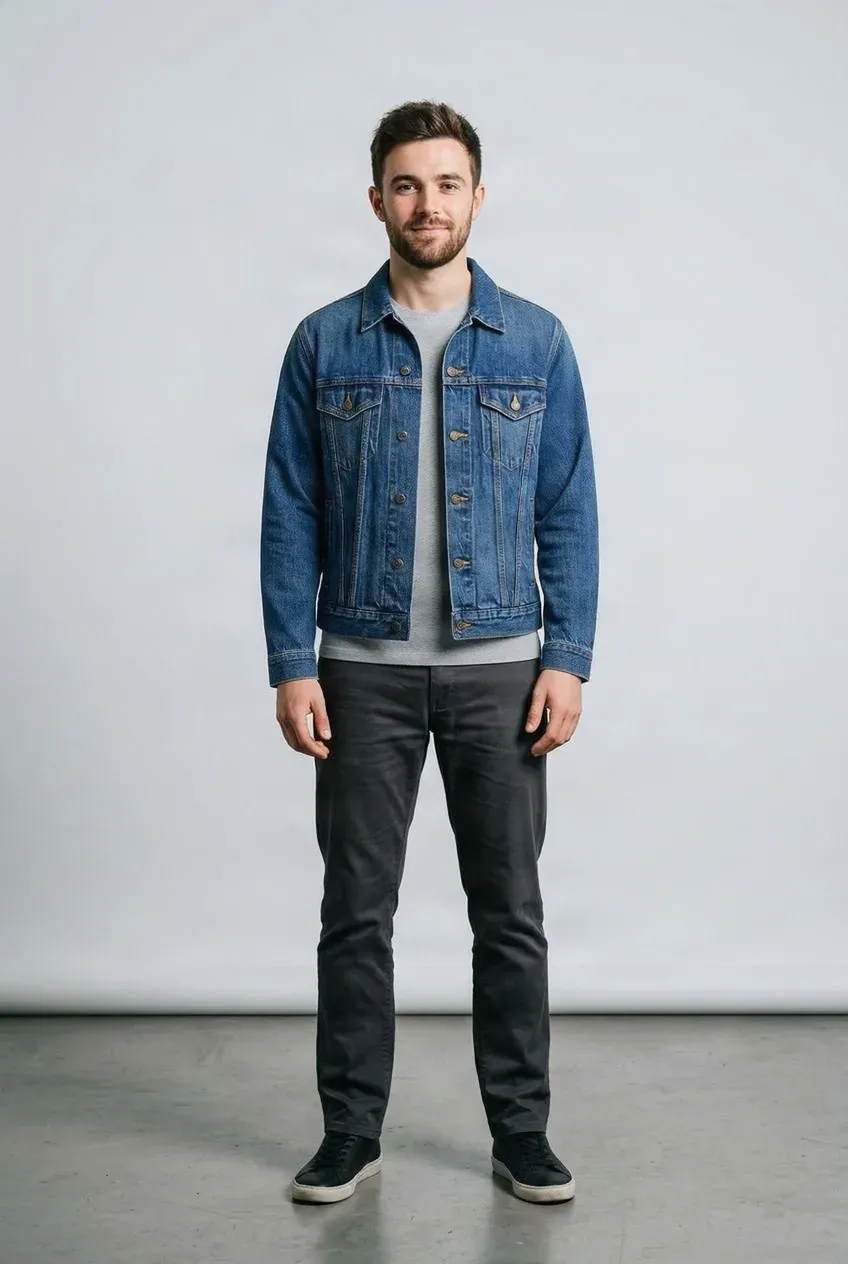
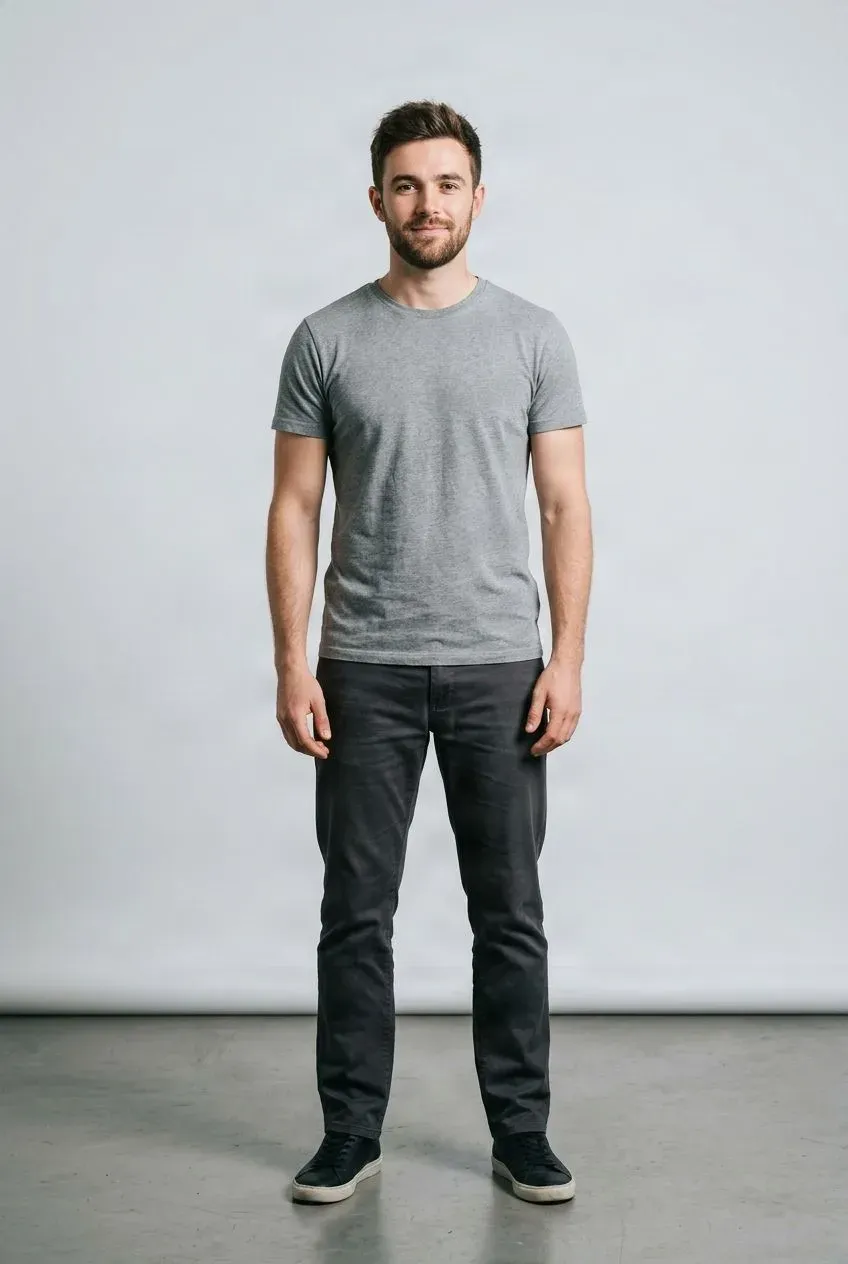
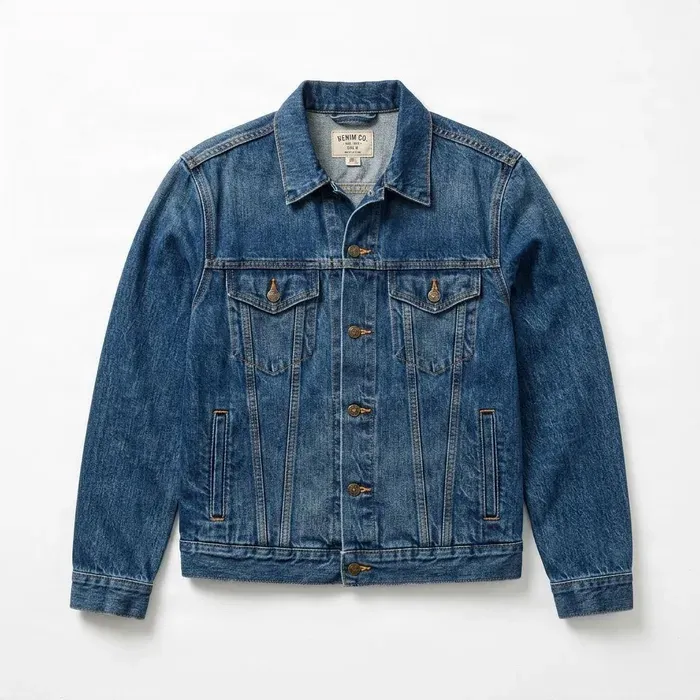 Jacket
Drag to compare — the same person in a different outfit.
Upload a person photo and a clothing image to get started.
You already have a photo you like. Upload a clothing reference and create a new outfit in that existing picture instead of taking another photo.
See it in action
Same Photo. A Different Outfit.
Use the photo you already like and explore a new top, jacket, or dress with a clothing reference.
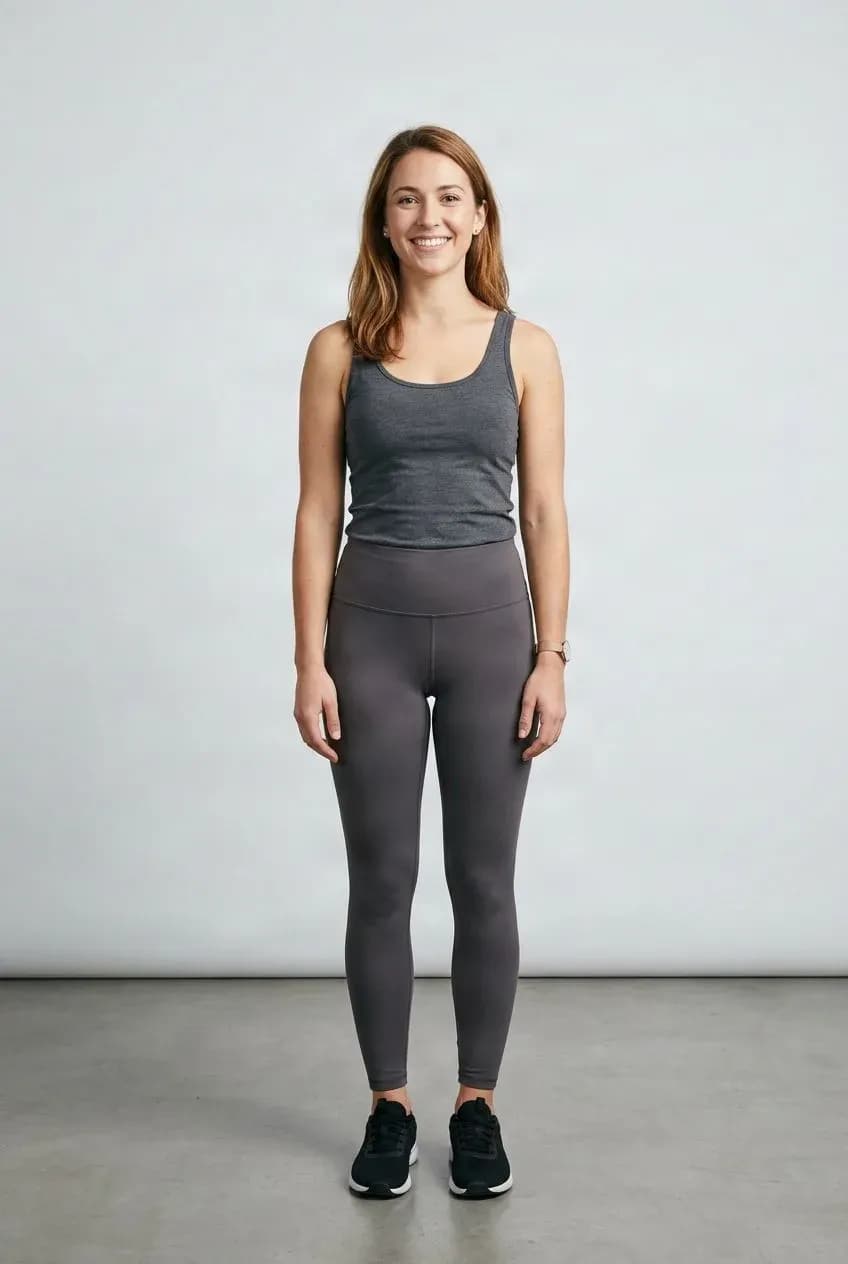
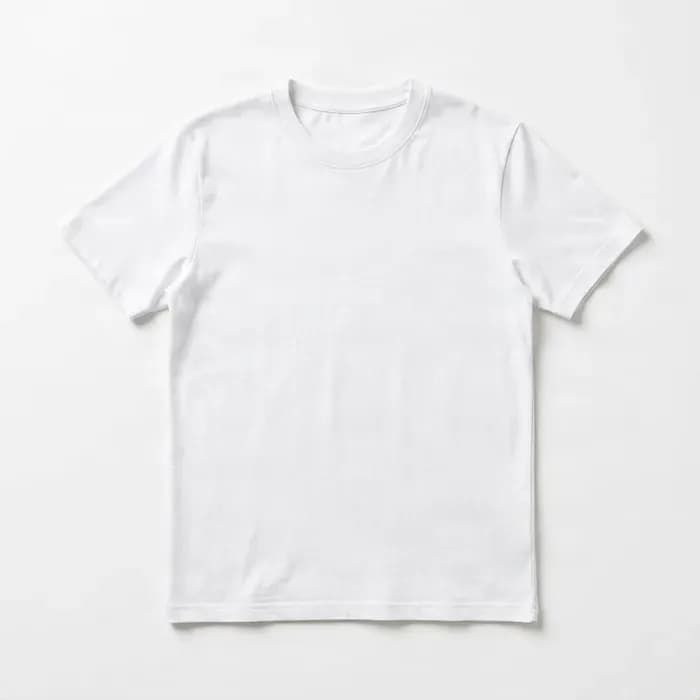
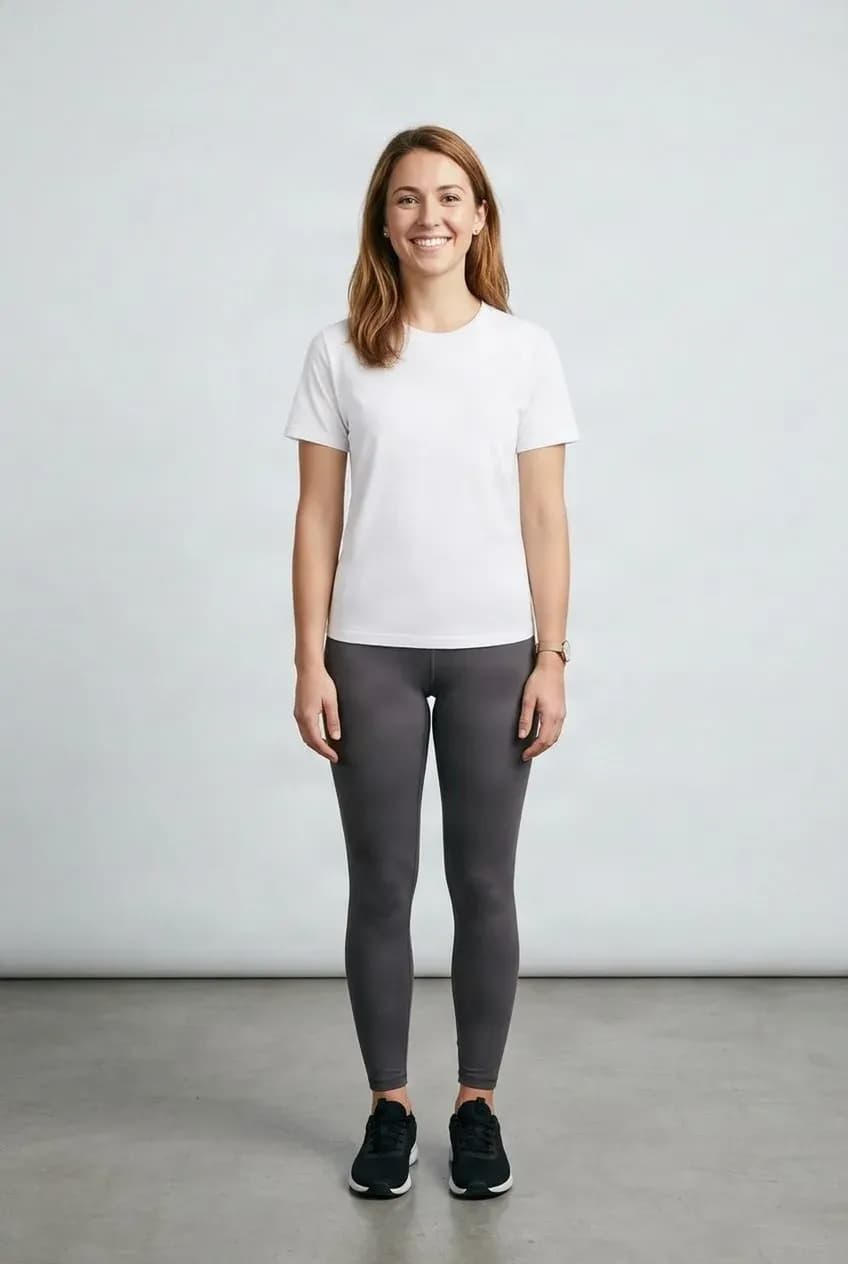
Try a Different Top
Preview a shirt, T-shirt, or blouse using the photo you already have.
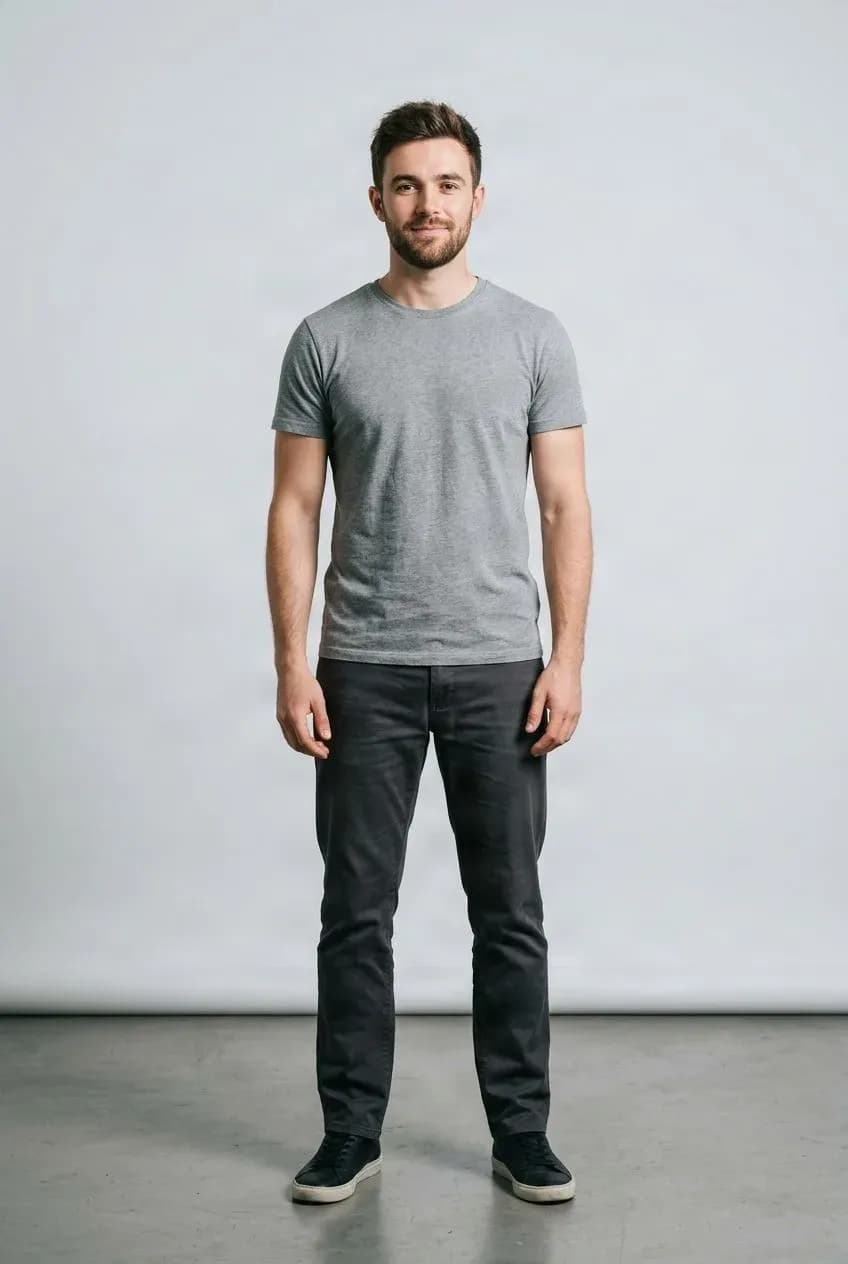
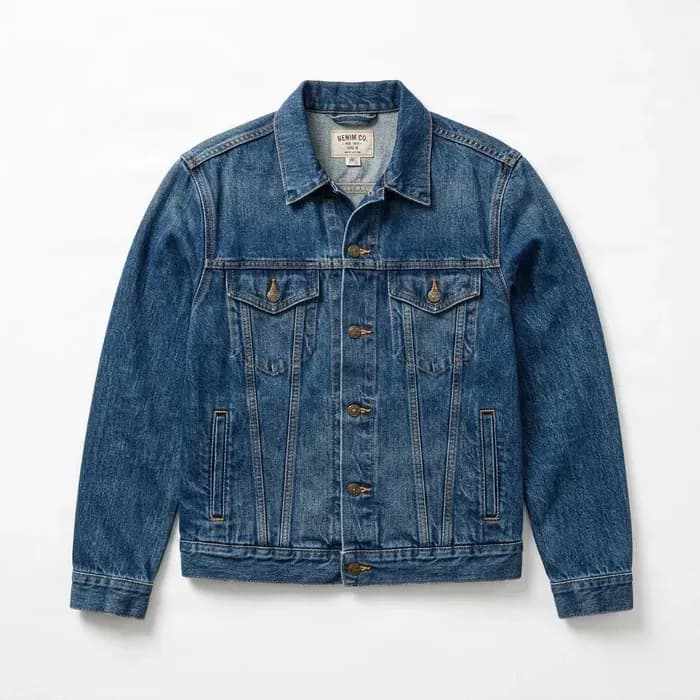
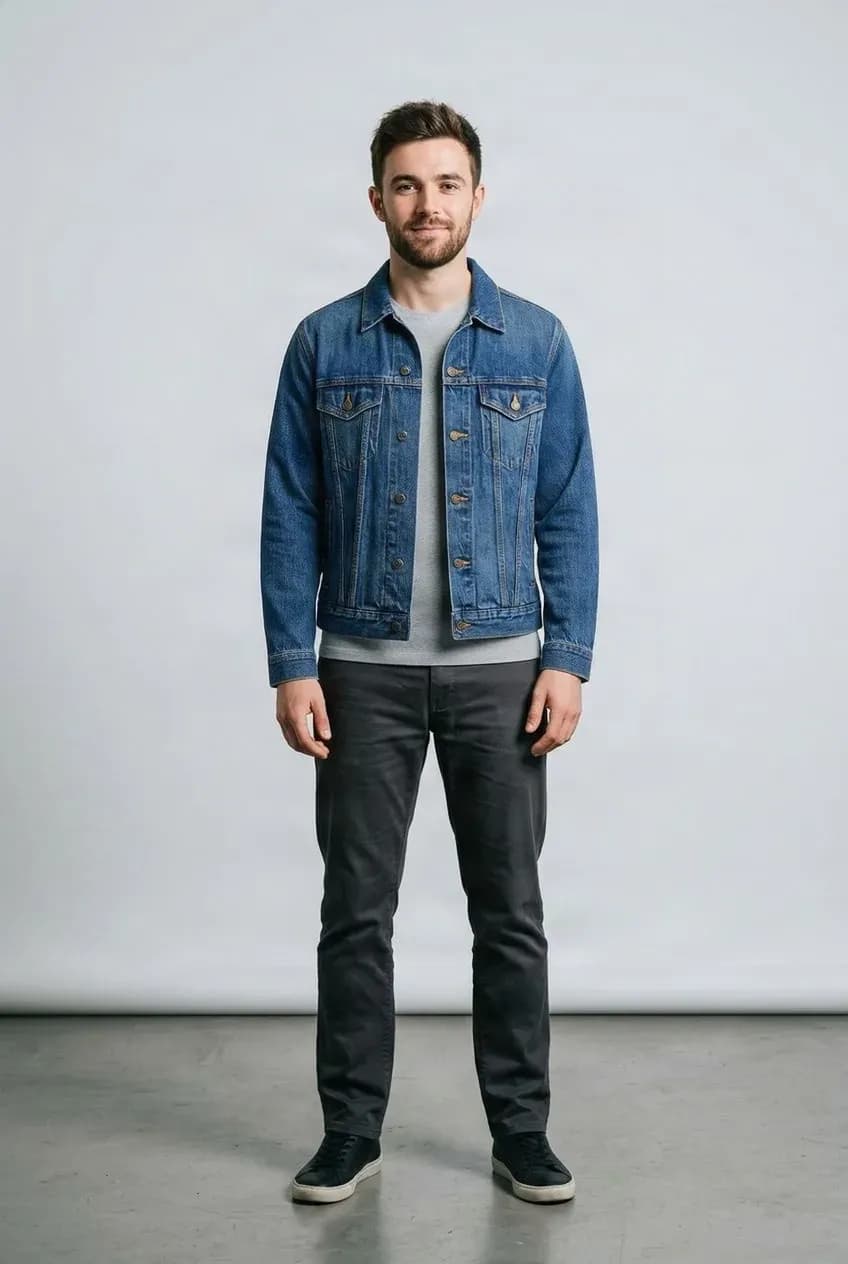
Add a Jacket or Outer Layer
See how an outer layer may work with the person's current look.
See the Clothes Before You Change Outfits
Sometimes you just want to know whether a different style works with the person in your photo.
Virtual try-on gives you a quick visual preview so you can compare clothes, explore styling ideas, or narrow down options before trying them in person.
What People Use It For
Compare Styles
Try several clothing options with the same photo.
Plan an Outfit
Explore different combinations before deciding what to wear.
Preview a Purchase
Get a visual sense of an item before making a decision.
Reuse Your Photo
Keep the same person photo while trying different clothes.
Change Your Outfit in Three Steps
Upload Your Photo
Choose a clear photo of the person.
Add the Clothing
Upload the shirt, jacket, pants, dress, or other item.
Review the Result
Compare the try-on preview and try another item if you want.
A Visual Preview, Not a Fit Simulation
The result shows how the clothing may look in an image. It does not measure the body, predict exact garment sizing, or simulate how fabric will physically fit, stretch, or feel. Patterns, logos, and small details may also change during generation.
Related Try-On Tools
AI Clothes Changer FAQ
What is an AI Clothes Changer?
It replaces the clothing in an existing photo using a clothing reference image, so you can explore a new look without taking another photo.
How do I change clothes in a photo?
Upload the photo you want to keep, add a clear image of the clothing you want, and click Change Clothes.
Do I need to write a prompt?
No. The person photo and clothing image provide the main visual instructions. Optional notes can help when a reference contains more than one item.
Can I use my own photo?
Yes. Use a photo of yourself or another person when you have permission to edit it.
Can I upload a clothing product photo?
Yes. Clear product photos and flat-lay clothing images are suitable references when the item is easy to identify.
Can I change a shirt or T-shirt?
Yes. Upload a top reference and use a photo where the upper body is clearly visible.
Can I change a jacket or coat?
Yes. The tool can attempt to apply a jacket, blazer, coat, or other outer layer from a clear reference.
Can I change a dress?
Yes. Use a dress reference and a photo that shows enough of the person for the garment to be visualized.
Can I change pants or skirts?
Yes. The relevant body area should be visible. Pose, overlap, and image clarity affect the result.
Will AI keep my face the same?
The tool aims to keep the person recognizable, but small changes to facial features can occur during image generation.
Will my body shape stay the same?
The goal is to preserve the general pose and proportions, but small silhouette variations may occur.
Can I change multiple clothing items at once?
This page is designed for one clothing reference. Use Virtual Outfit Try-On for multiple garments.
Does it work with portrait and full-body photos?
Both can work. Tops need a visible upper body; dresses and bottoms usually benefit from a wider view.
Will the clothing look exactly like the uploaded item?
Not always. AI uses the image as a visual reference and may change patterns, logos, stitching, or proportions.
Does it predict real clothing sizes?
No. It creates a visual preview and does not measure your body or confirm fit, comfort, or sizing.
Can I use it for social media photos?
Yes, for photos you have the rights to edit. Review the result before publishing if appearance or garment details matter.
Is AI Clothes Changer free?
AI generation uses credits. The required cost is shown before processing.
Can I download the changed photo?
Yes. When generation is complete, use the available result download option.
How is this different from AI Clothes Try-On?
AI Clothes Changer focuses on changing clothes in a photo you already have. Clothes Try-On focuses on previewing a specific garment.
What if the result looks unnatural?
Try a clearer person photo or clothing reference. Natural poses and visible clothing boundaries usually provide better context.
Keep Your Favorite Photo. Change the Clothes.
Upload the photo you already love, choose the clothing you want, and explore a new look.
Change my clothes now