
Try Men's Clothes on Your Own Photo
Try Men's Clothing on Your Photo
Upload a photo of yourself and one clothing image to see how a different style could look on you.
Your Photo
Upload the person who will wear the clothes.
Works best with a clear subject, natural pose, and good lighting.
Add Clothes
Upload the clothing item you want to preview.
Clear product photos and flat-lay images work well.
Clothing type
Optional instructions
Usually you can leave this blank. Add a note only if the clothing image contains more than one garment.
Try-On Preview
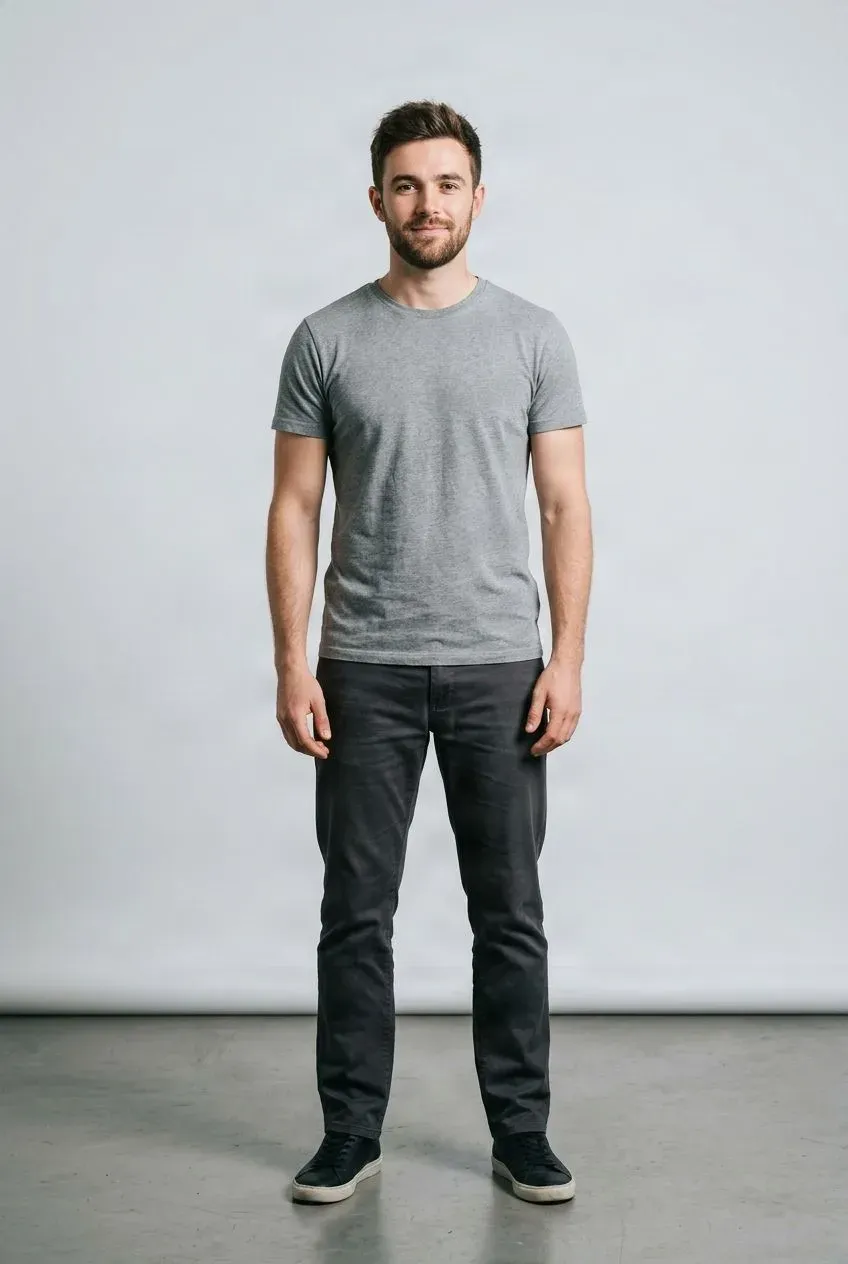
Example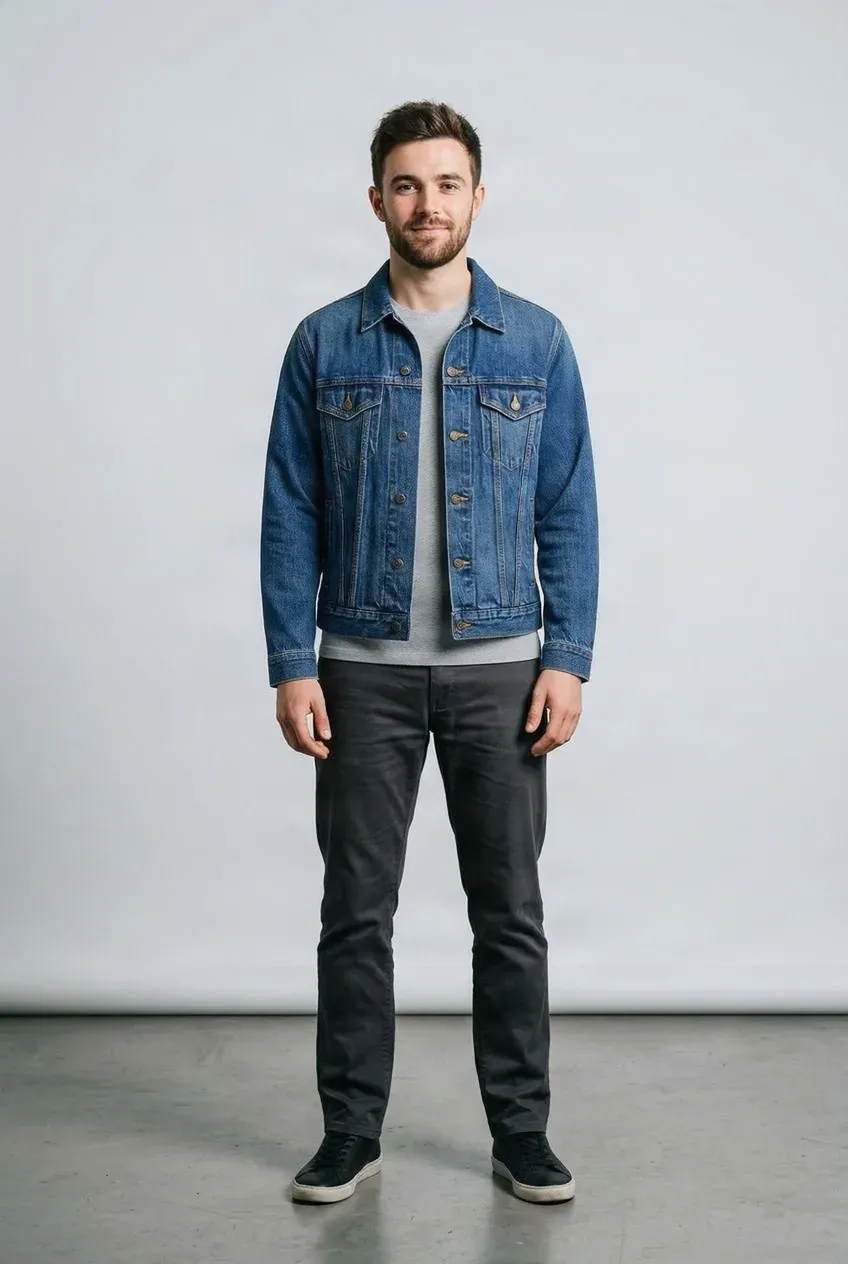
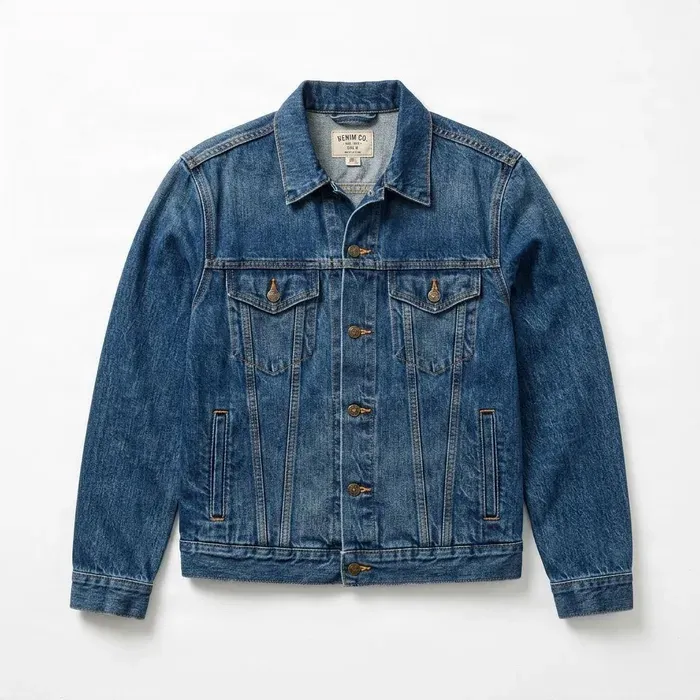 Jacket
Drag to compare — the same person in a different outfit.
Upload a person photo and a clothing image to get started.
Found a shirt, jacket, or pair of pants you like? Upload your photo and a clothing reference to see how a new style could look on you.
See it in action
Your Photo. A Different Outfit. A New Look.
Explore how shirts, jackets, and smart-casual clothing references can change the appearance of a photo you already have.
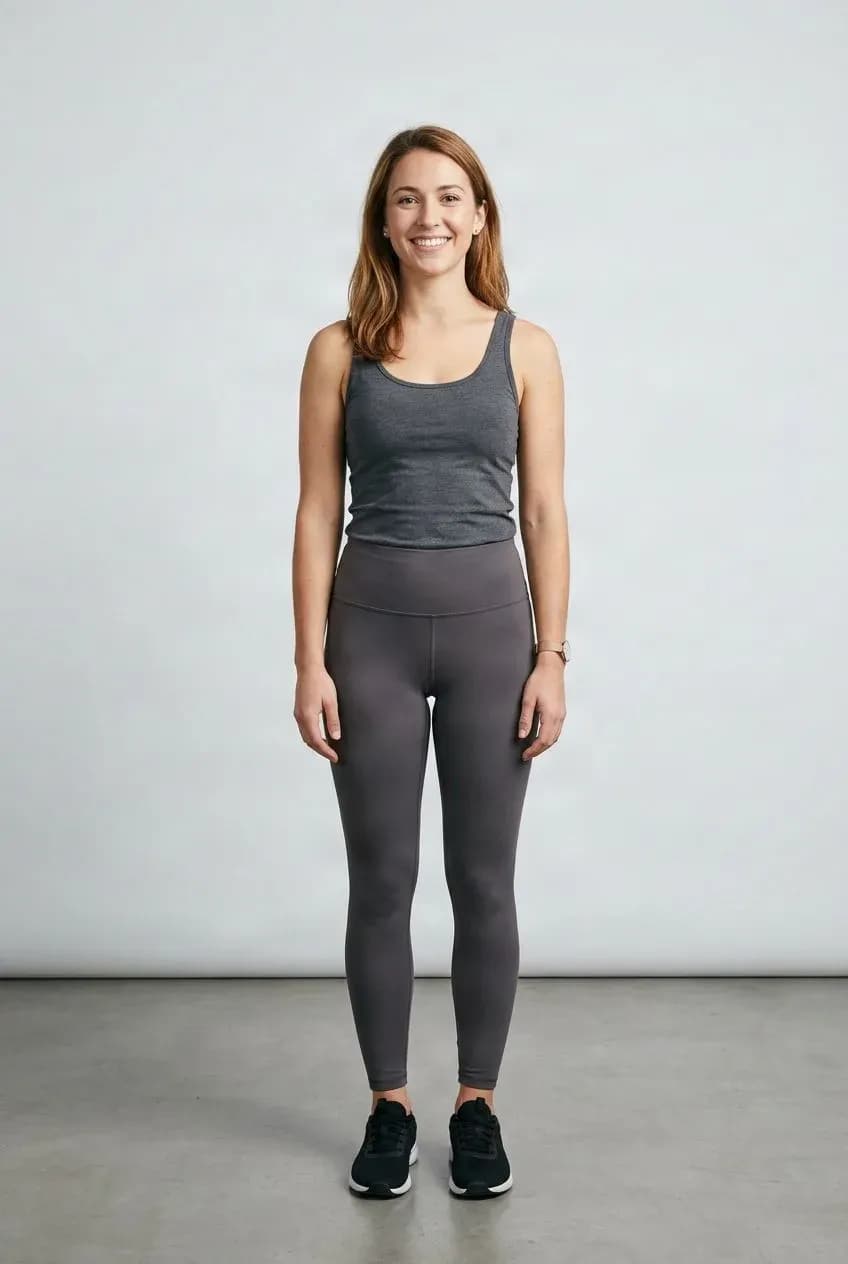
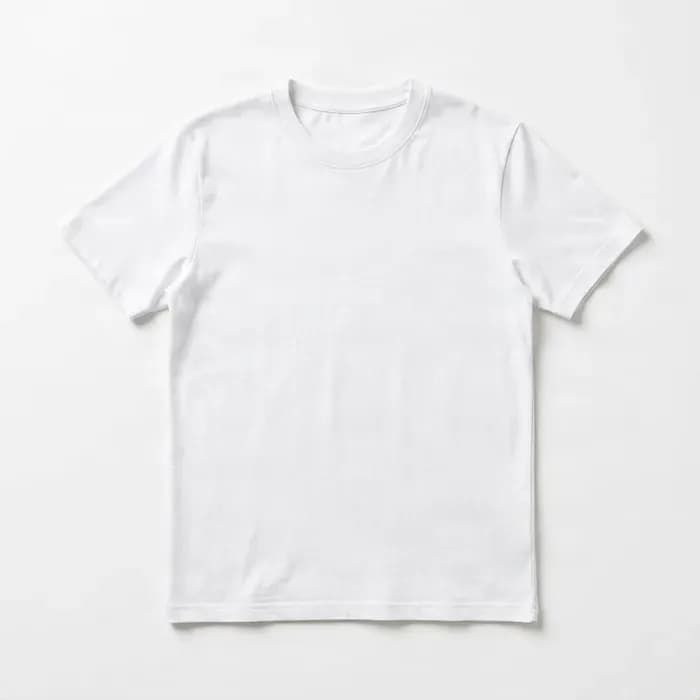
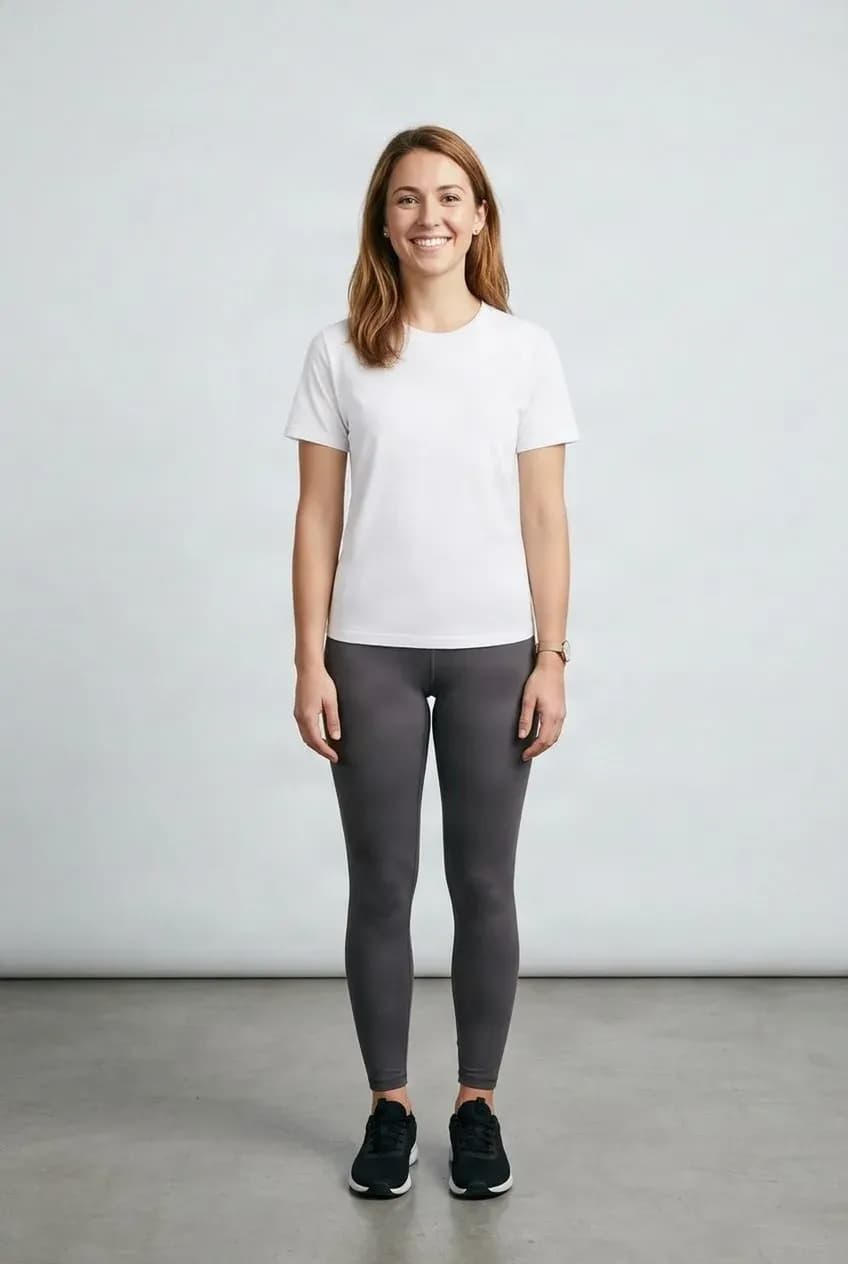
Find Your Next Everyday Shirt
Preview a T-shirt, polo, or button-down using your existing photo.
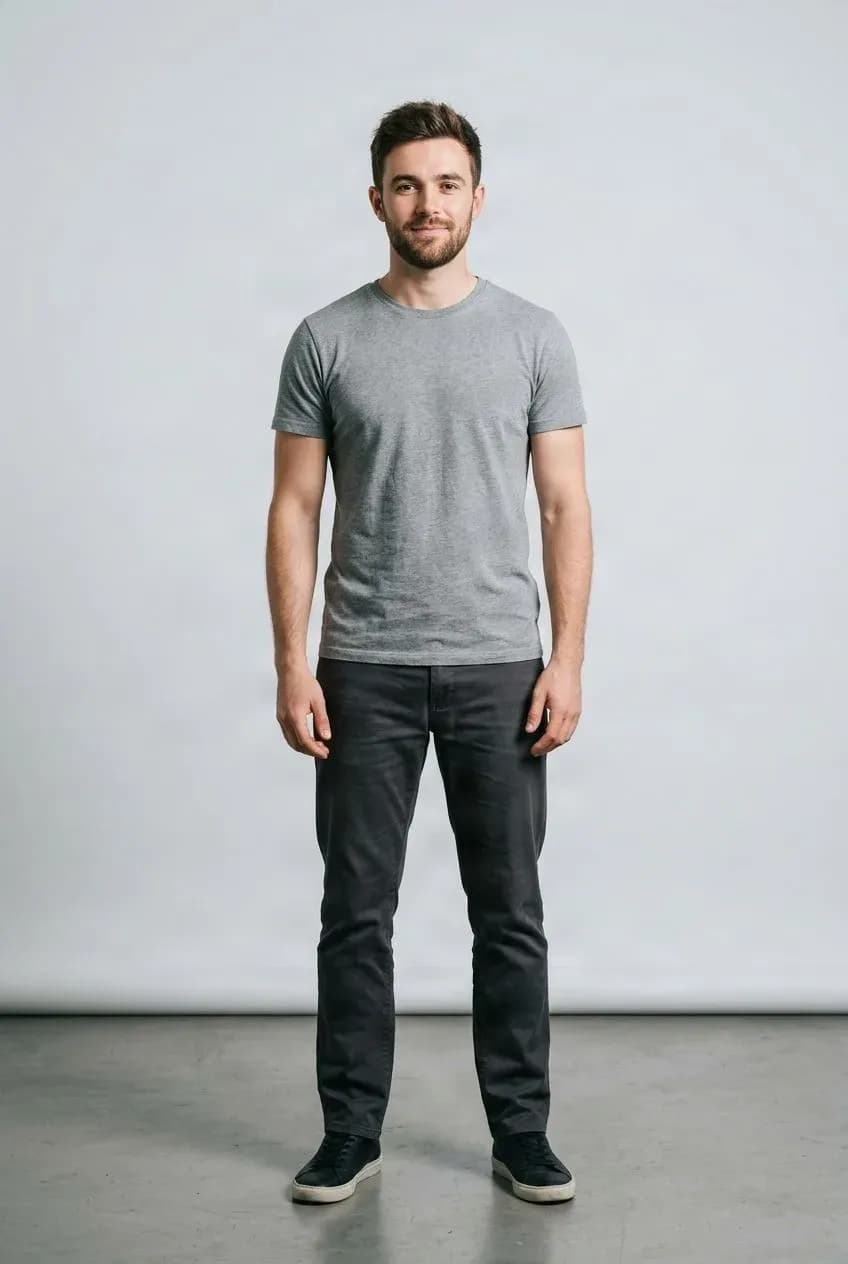
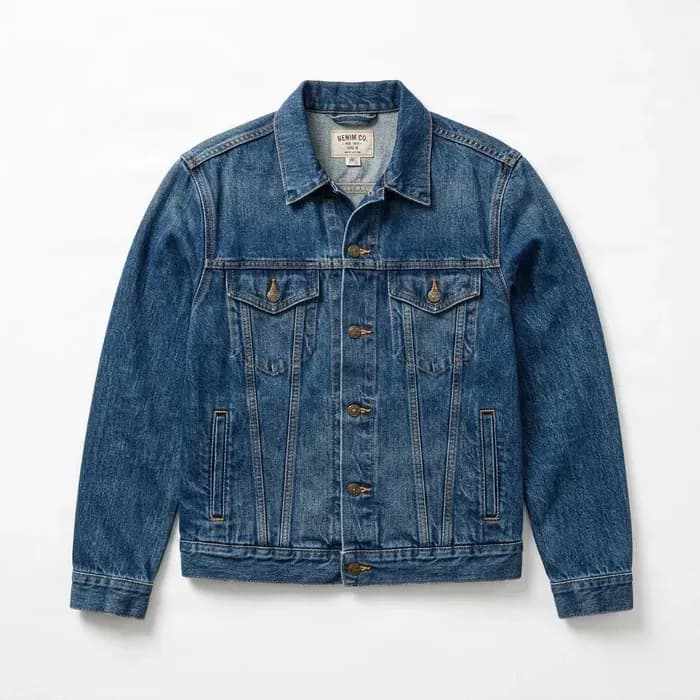
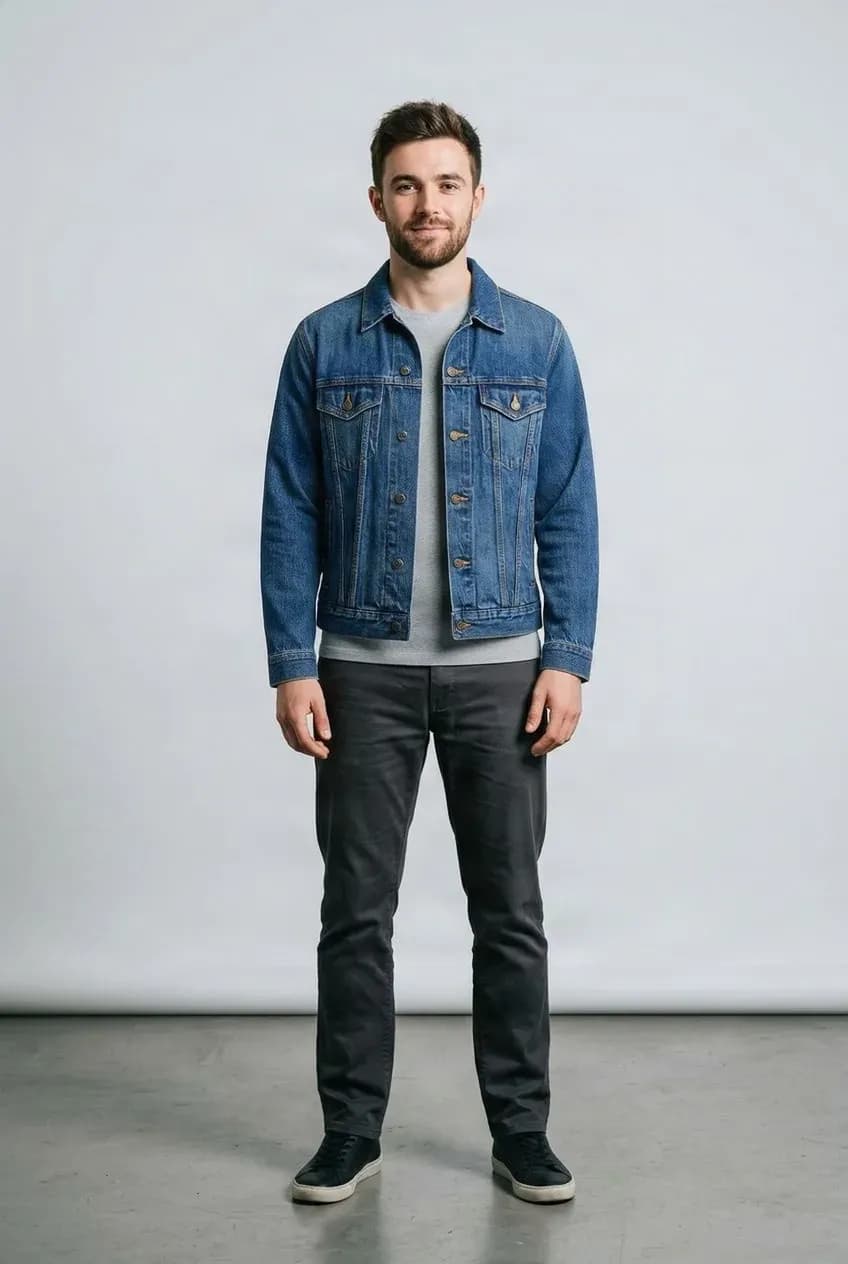
See How a Jacket Changes Your Look
Explore denim, casual outerwear, or a smarter jacket reference.
Clothes Look Different When You Are the One Wearing Them
A product photo shows the clothes, but it cannot show how the color or cut works with your appearance.
Use your own photo to explore casual, smart-casual, work, weekend, and seasonal styles before deciding what to wear.
Find a Look for Every Occasion
Everyday Casual
Explore T-shirts, polos, hoodies, and relaxed clothing styles.
Smart Casual
Try a button-down, chinos, or blazer reference for a more polished look.
Work and Professional
Preview a structured jacket or collared shirt on your own photo.
Weekend and Seasonal
Explore denim, jackets, warm layers, and lighter summer shirts.
Try a New Look in Three Steps
Upload Your Photo
Choose a clear photo of the person.
Add the Clothing
Upload the shirt, jacket, pants, dress, or other item.
Review the Result
Compare the try-on preview and try another item if you want.
A Visual Preview, Not a Fit Simulation
The result shows how the clothing may look in an image. It does not measure the body, predict exact garment sizing, or simulate how fabric will physically fit, stretch, or feel. Patterns, logos, and small details may also change during generation.
Related Try-On Tools
Men's Virtual Try-On FAQ
What is Men's Virtual Try-On?
It creates a visual preview of men's clothing on your own photo using one person image and one clothing reference.
How do I try men's clothes online?
Upload a clear photo of yourself, add a shirt, jacket, hoodie, pants, or other clothing image, then start the try-on.
Do I need to write a prompt?
No. Your person photo and clothing image provide the main visual instructions.
Can I use my own photo?
Yes. Use a photo of yourself or another person when you have permission to edit it.
Can I upload a product photo?
Yes. Clear product photos and flat-lay images are suitable clothing references.
Can I try a T-shirt or casual shirt?
Yes. A visible upper body gives the tool useful context for tops and casual shirts.
Can I try a button-down or polo shirt?
Yes. Upload a clear reference and use a photo with the relevant clothing area visible.
Can I try a hoodie or sweatshirt?
Yes. The tool can attempt to apply a hoodie or sweatshirt reference to your photo.
Can I try a jacket or blazer?
Yes. Use a clear jacket, coat, bomber, denim, or blazer reference to explore another outer layer.
Can I try jeans, chinos, or trousers?
Yes. For bottoms, use a photo showing your waist and legs so the garment has enough context.
Will my face stay the same?
The goal is to keep you recognizable, but small changes can occur during image generation.
Will my body shape stay the same?
The tool aims to preserve your general pose and proportions, but small silhouette changes may occur.
Can I try several pieces at once?
This page uses one clothing reference per generation. Use Virtual Outfit Try-On for multiple garments.
Do I need a full-body photo?
Not for shirts and jackets. For pants or longer garments, a wider photo usually gives better context.
Will the clothing look exactly like the reference?
Not always. Patterns, logos, stitching, fabric details, proportions, and fit may change in the generated interpretation.
Does it predict real clothing sizes?
No. It is a visual preview, not a body measurement, sizing, or physical fit simulation.
Can I use it for work or social media photos?
Yes, for photos you have the rights to edit. Review the result before publishing.
Is Men's Virtual Try-On free?
AI processing uses credits. The applicable cost is shown before generation.
Try Men's Clothes on Your Own Photo
Upload your picture and a clothing reference to explore a new look without changing outfits.
Try on men's clothes