
AI Ad Studio / Image to Layer
Separate Images and Ads into Editable Layers
Turn flat marketing visuals, product ads, and posters into separate, editable layers without rebuilding the whole design from scratch.
Layer Deconstruction Engine
Recover the design you already have
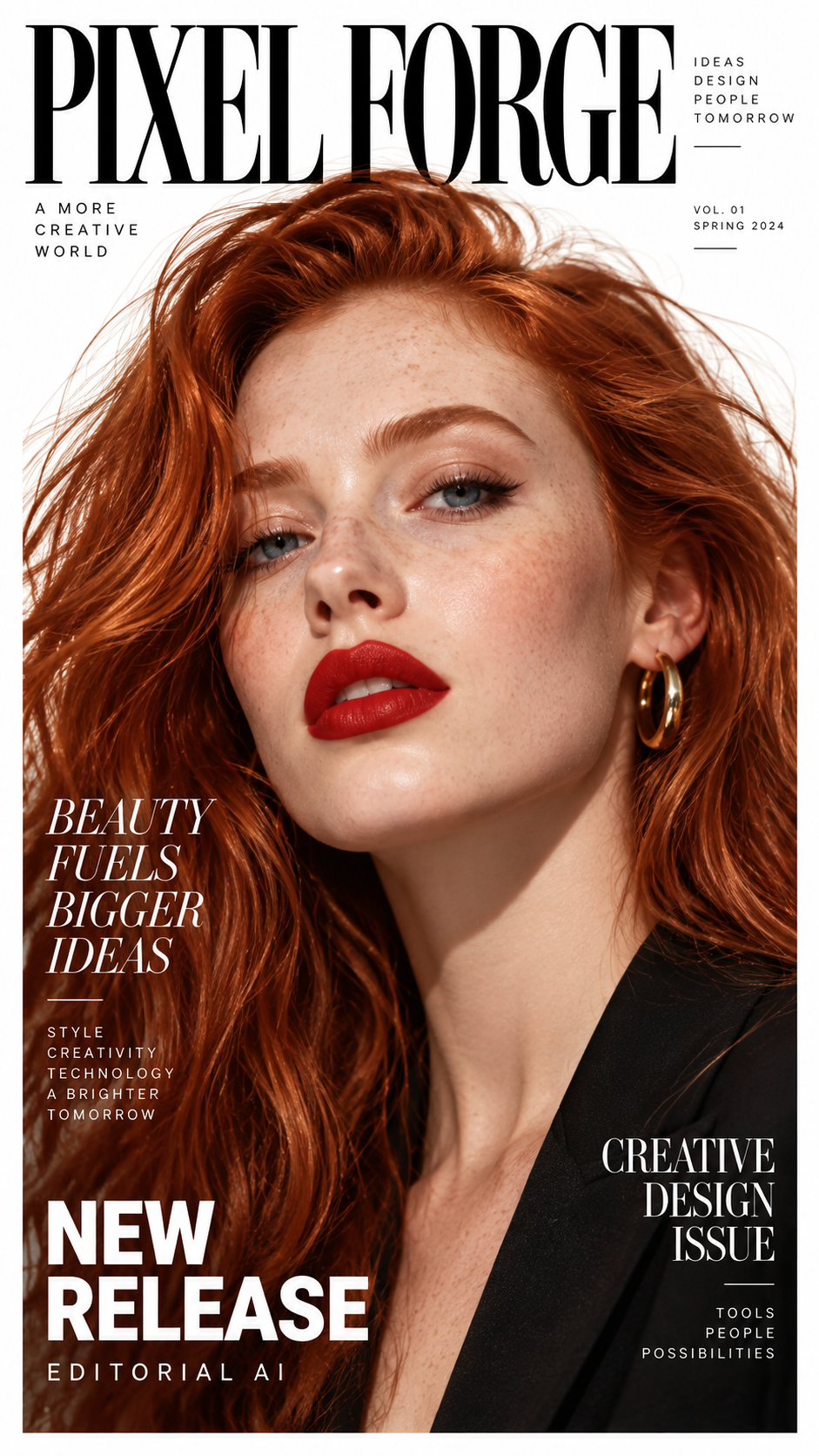
Layer Control
Edit Individual Creative Layers
Modify specific elements independently instead of re-creating the entire graphic when requirements change.
Resize & Reposition Elements
Adjust product placement, move promotional badges, or re-align headers without affecting the background or adjacent elements.
Recolor & Swap Objects
Swap product variants, tweak color schemes, or replace decorative elements while keeping shadows and lighting intact.
Edit Copy Directly
Extract detected typography into matching editable text or clean vector paths for fast headline and offer updates.
Core Capabilities
Built for Marketing Creatives and Display Ads
Designed specifically for commercial visuals where typography, isolated products, and layout fidelity matter.
Keep Editing Without Source Files
Turn a flattened JPG, PNG, screenshot, or AI-generated creative into editable layers when original PSD or Figma files are unavailable.
Isolate Objects, Text & Backgrounds
Select specific layers to move, replace, or recolor a product, badge, or background without altering the rest of the canvas.
Preserve the Original Composition
Every extracted layer maintains its precise scale, z-index stacking order, and visual alignment from the source design.
Deep Dive · 01
Turn Flat Images into Editable Layers
When you only have a exported raster ad, our layer deconstruction engine identifies key elements such as text headlines, product photography, brand marks, and backdrop layers. Each component is cleanly extracted into an individual layer so you can work with structured design assets rather than flat pixels.
Turn Flat Images into Editable Layers
Layer extraction maintains full pixel boundaries and transparency.
Deep Dive · 02
Make Targeted Layer Adjustments
Once your visual is separated into layers, edit each element independently instead of modifying the entire image at once. Remove unwanted details, swap products, adjust color tones, or update specific sections while leaving all other layers perfectly intact.
Make Targeted Layer Adjustments
Layer extraction maintains full pixel boundaries and transparency.
Deep Dive · 03
Preserve the Original Image Composition
Deconstructing a flat creative does not mean losing its deliberate design balance. The engine preserves element coordinates and canvas proportions, ensuring your layered output matches the original visual structure while offering full editing flexibility.
Preserve the Original Image Composition
Layer extraction maintains full pixel boundaries and transparency.
Deep Dive · 04
Iterate Creatives Without Starting Over
Need to update a single promotional line, test a new product flavor, or localize an ad for a different market? Rework existing creatives quickly without hiring a team to rebuild vector paths, isolate cutouts, and match fonts from scratch.
Iterate Creatives Without Starting Over
Layer extraction maintains full pixel boundaries and transparency.
Creative Suite
Tools in the AI Ad Studio
Explore specialized workflows for deconstructing, iterating, and scaling your ad creatives.
Ad Delayer
Deconstruct flat ads and banners into text, product cutouts, vector graphics, and infilled backgrounds with PSD export.
Ad Creative Variation Generator
Generate on-brand visual variations and creative angles from your extracted ad layers to test ad performance.
Image to Layers
Multi-layer AI decomposition for complex photographs, digital illustrations, and layered artwork.
Step-by-Step
How to Separate Flat Creatives into Layers
A straightforward four-step workflow from flat image to fully editable design package.
Upload Your Flat Creative
Drag and drop any flattened ad, banner, poster, or product screenshot in JPG, PNG, or WebP format.
AI Layer Deconstruction
The engine automatically segments typography, brand marks, subject cutouts, and generative background fills.
Inspect & Fine-Tune in 2D or 3D
Review the isolated layers, toggle visibility, switch text modes between matched fonts and vector shapes, and preview depth.
Export Layered PSD & Assets
Download your layered Photoshop PSD file, transparent PNG cutouts, or a complete ZIP package ready for editing.
Use Cases
Turn Existing Creatives into Reusable Assets
Tailored for marketing teams, e-commerce brands, and creative agencies.
E-Commerce Product Creatives
Isolate product bottles, models, and badges from marketing shots. Swap product flavors, update pricing ribbons, and generate multi-channel assets.
Posters & Promotional Flyers
Separate headlines, event dates, speaker cutouts, and backgrounds to rapidly re-purpose event materials without recreating source artboards.
Social Media Ad Campaigns
Break down high-performing Instagram and Facebook ads into reusable components to test fresh headlines, hooks, and aspect ratios.
FAQ
Frequently Asked Questions
Can AI Ad Studio handle AI-generated images and flattened ads with multiple elements?↓
Yes. You can upload flat JPG or PNG files containing text, logos, products, models, and backgrounds. The clearer each element is in the source visual, the more cleanly it separates into editable layers.
What happens when objects or text overlap in the original image?↓
Our engine reconstructs hidden visual areas beneath foreground objects and text using generative inpainting. While severe overlap may require minor touch-ups, most standard ad layouts separate cleanly with usable underlying backgrounds.
Will the recovered text be editable?↓
Yes. In 'Editable Text' mode, detected typography is matched with clean font properties so you can rewrite copy directly. You can also select 'Preserve Lettering' to trace stylized logotypes and custom letterforms as crisp vector shapes.
Can I export the separated layers to Adobe Photoshop (PSD)?↓
Yes. Once layer extraction is complete, you can download a standard layered PSD file that opens in Adobe Photoshop, Photopea, or any PSD-compatible editor with individual layers preserved.
Can I separate a flat PNG or screenshot into layers?↓
Yes. Any standard raster format—including JPG, PNG, and WebP—is supported. This is especially helpful when you have an exported ad from an old campaign or a screenshot from a client.
How do credits work for layer separation?↓
Layer deconstruction uses credits based on standard processing rates clearly displayed before converting. If a job fails for any technical reason, your credits are automatically refunded.
Can I use the extracted layers for commercial advertising?↓
You retain full commercial rights to process creatives that you own or have permission to edit. Always ensure you have appropriate rights to the source images, trademarks, and brand assets you process.
How does AI Ad Studio differ from the general Image to Layers tool?↓
While Image to Layers is optimized for photos and general artistic illustrations, AI Ad Studio focuses specifically on commercial advertising graphics, featuring specialized typography recognition, logo extraction, and marketing creative variation workflows.
Start Working Today
Ready to Deconstruct Your First Creative?
Upload any flat ad or marketing graphic to separate it into editable layers and export to Photoshop.
Supports JPG · PNG · WebP · Transparent PNG