
How to Remove Text From Marketing Images for Faster Marketplace and Listing Cleanup
Marketing images often become unusable sooner than they should because a temporary message is burned directly into the asset. A discount sticker, promotional headline, or localized badge may help one campaign, but it blocks reuse for the next one unless the text can be removed cleanly.
On this page
What causes the waste
Short-lived text overlays make otherwise valuable marketing images expensive to reuse.
Why this is commercial
Every cleaned asset can be repurposed across listings, ads, and localizations without recreating the original design.
What teams need
They need the text removed and the background restored, not just a rough patch over the old message.
Cleanup workflow
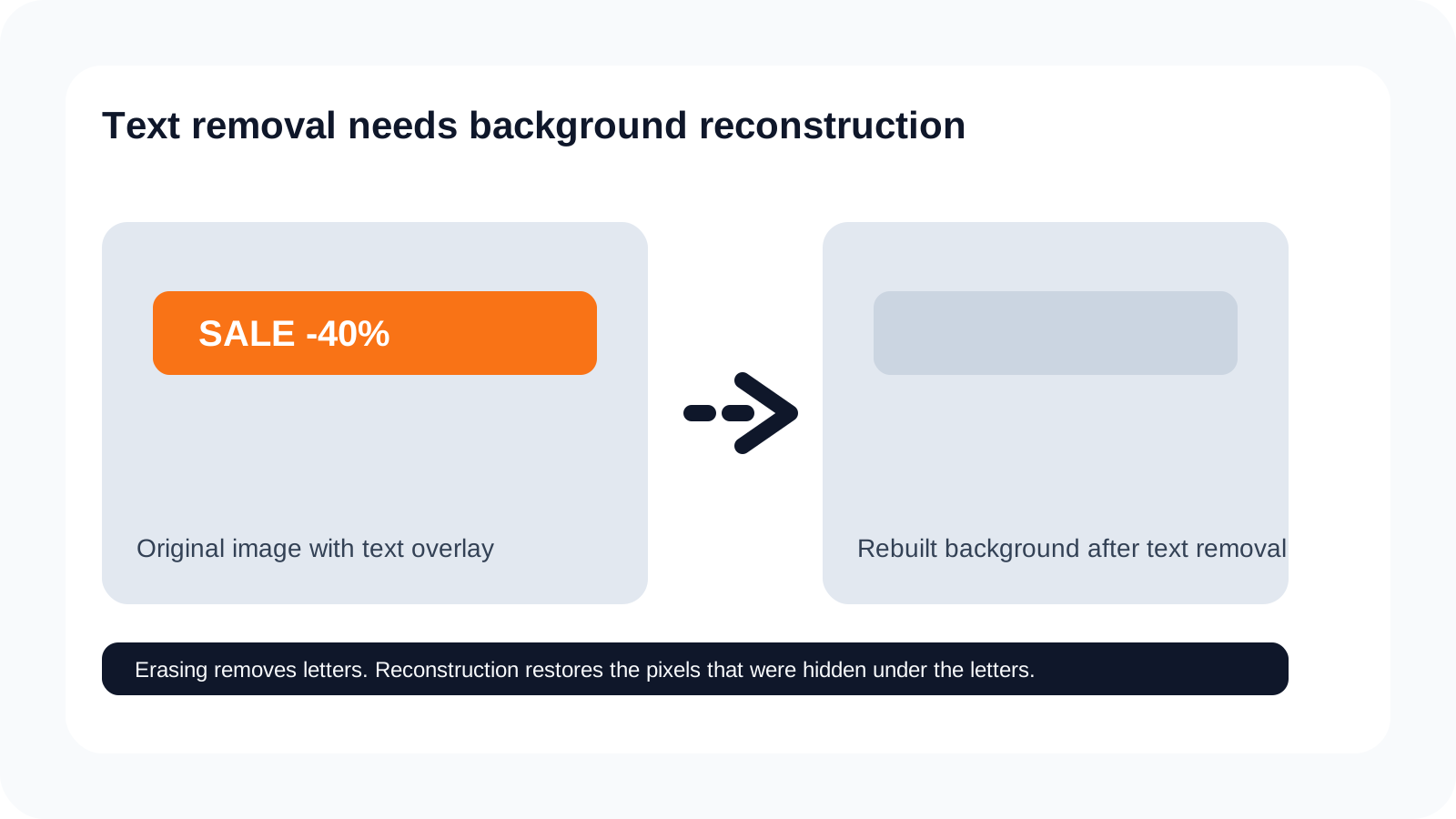
Why text overlays block reuse
Embedded text locks one marketing message into an image that may still be visually useful. This is common in ecommerce listings, product cards, paid media, marketplace tiles, and promotional hero art. The photograph or composition still has value, but the overlaid words make it difficult to reuse without cleanup.
Teams often treat this as a minor edit, but it is not minor if the removed text covered important detail, gradients, or product surfaces. That is why the cleanup step matters commercially: it determines whether the asset becomes reusable or remains disposable.
A faster cleanup workflow
The stronger workflow isolates the text or badge first, then repairs the hidden background instead of painting blindly over the message. That keeps the image coherent and reduces the amount of manual retouching needed before the file can return to a listing or campaign workflow.
This is where Remove Text and Generative Fill become more useful than manual erasing. The goal is not just to hide old words. The goal is to recover an asset that remains commercially usable.
Commercial use cases
| Workflow | Why cleanup matters |
|---|---|
| Marketplace cards | Remove old promo labels so the same product image can be reused in a clean listing state. |
| Localized campaigns | Clear the old language layer and replace it without reconstructing the whole visual. |
| Seasonal banners | Strip time-sensitive copy out of assets that still have value for the next campaign cycle. |
| Product screenshots and social assets | Preserve the base image so the team can update messaging without rebuilding the visual. |
What to check before reuse
- Check whether the recovered background still looks natural where the text used to sit.
- Inspect for blur, repeated texture, and patchy gradients.
- Make sure the asset is ready for the next listing, marketplace, or regional campaign workflow.
- Treat cleanup as asset recovery, not just cosmetic erasing.
Step 1
Identify the overlaid copy or label
Start by isolating the text, badge, sticker, or promotional element that is blocking reuse of the original image.
Step 2
Separate the text from the base image
Use AI separation so the cleanup step works from the actual overlay instead of a rough manual erasing pass.
Step 3
Rebuild the hidden background
Recover the image details behind the text so the cleaned asset remains believable across listings and campaigns.
Step 4
Review the asset for reuse
Check edge quality, texture continuity, and whether the cleaned image is ready for localization or marketplace adaptation.
Step 5
Export for listing or campaign production
Move the cleaned asset into a marketplace, ad, or regional-content workflow without carrying the old embedded message forward.
Listing cleanup FAQ
How do I remove text from marketing images for listing cleanup?
Separate the text overlay from the image first, then rebuild the hidden background area so the asset remains usable for listings, ads, or localization.
Why is simple erasing not enough for marketplace image cleanup?
Because labels, headlines, and stickers usually cover real image detail. Removing them cleanly requires reconstruction, not just deletion.
What types of images benefit most from text cleanup workflows?
Marketplace cards, ecommerce listings, campaign banners, screenshots, and marketing graphics with overlaid text are common commercial use cases.
Can this workflow help with localization or regional variants?
Yes. Removing the old text cleanly creates a better base for replacing language-specific copy later.
Why do text overlays slow down reuse of marketing assets?
They lock one message into the image and make every downstream variation depend on manual cleanup before reuse.
Can I remove badges, labels, and promo stickers from product images?
Yes. These are strong use cases because they often block otherwise reusable product photography.
What should I check after text removal on a listing image?
Inspect the rebuilt background for repeated texture, blur, broken edges, and any visible patching where the text used to sit.
When should I use background fill after removing text from an image?
Use it when the removed text covered a larger or more detailed region that needs broader reconstruction than a simple cleanup pass can handle.
Can cleaned marketing images be reused across marketplaces and ads?
Yes. That is one of the main business advantages of removing embedded text cleanly rather than rebuilding each image manually.
What is the fastest commercial path for text cleanup and reuse?
Separate the text, rebuild the hidden background, then move the cleaned asset into listing, marketplace, or ad production workflows as a reusable base image.
Next step
Clean old messaging out of reusable marketing assets
Use a text-removal workflow when the goal is to keep the original image usable across listings, marketplaces, regional variants, and new campaigns.
Ask AI about this page
Continue exploring this page with your preferred AI assistant.