
How to Split Foreground and Background for Better Ecommerce Editing Workflows
A flat ecommerce image is efficient only until the composition needs to change. The moment the product moves, the original scene behind it matters. That is why foreground and background splitting often creates more commercial value than a simple subject cutout.
On this page
Why this matters
Ecommerce teams often need to move the product without destroying the value of the original background.
What splitting solves
It preserves editability on both sides of the composition: the subject and the rebuilt scene behind it.
Why it is commercial
More reusable scenes and more flexible product layouts mean more variants from the same photography investment.
Ecommerce workflow
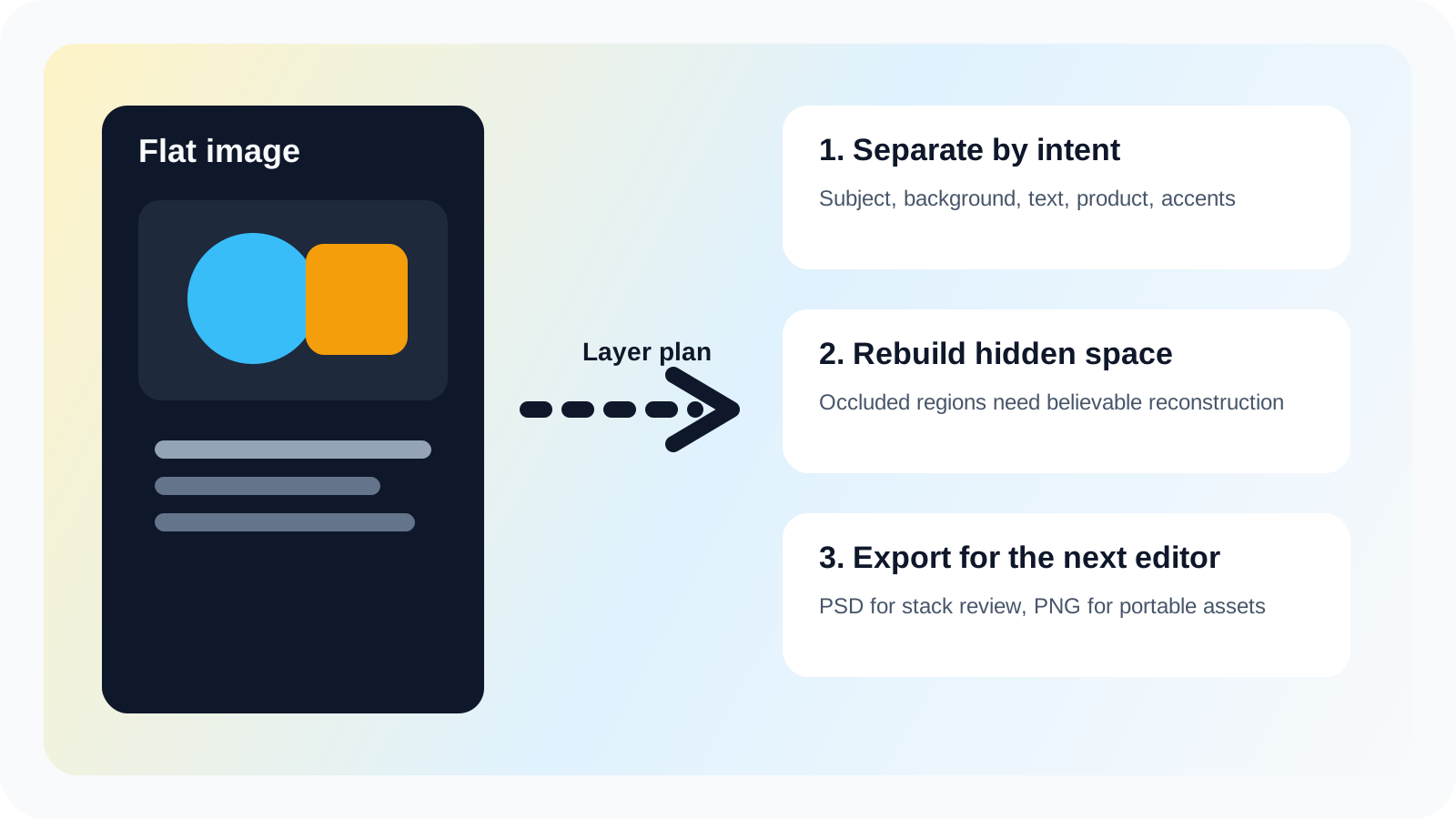
Why splitting beats flat editing
When a product and its background stay locked together, every layout change becomes more expensive. The team can remove the background entirely, but that only solves half the problem. The original scene still disappears. If the image needs a believable background after the product moves, a subject-only cutout is not enough.
That is why foreground/background splitting is different. It aims to keep the product usable and the scene usable. In commercial terms, that increases the reuse value of one source image across campaigns, listings, and catalog contexts.
A stronger ecommerce editing workflow
The stronger workflow starts with splitting the subject from the background, then rebuilding the hidden scene regions that appear once the subject moves. That way, the image can support layout changes without forcing the team to design an entirely new scene.
This is where Background Splitter and Image to Layers create more value than a transparent PNG alone. They help preserve the composition logic that later editing depends on.
How this differs from cutout-only workflows
| Workflow | Result |
|---|---|
| Cutout only | Good when you only need one isolated subject and the old background has no ongoing value. |
| Foreground/background split | Better when the product needs to move and the original scene still needs to look believable afterward. |
| Layered workflow | Best when multiple image parts need to remain editable, not just the main subject and scene. |
What to inspect before export
- Check edge softness around hair, transparent materials, or product reflections.
- Verify that the rebuilt background still looks coherent when the product shifts away from its original position.
- Make sure the asset is ready for catalog layouts, campaign crops, or marketplace adaptation.
- Choose the deeper layered workflow when more than the product and background need to stay editable.
Step 1
Start with the source image you need to reuse
Choose the product or subject image that needs more downstream flexibility than a flat composition can provide.
Step 2
Split the foreground and background
Separate the main subject from the scene so each side of the composition can support later layout changes.
Step 3
Recover the hidden scene areas
Rebuild the background behind the subject so the image remains believable when the composition is reframed or reused.
Step 4
Review realism and editability
Check whether shadows, edge softness, and reconstructed scene detail remain usable across the next workflow.
Step 5
Export for ecommerce and design production
Send the split result into a layered editing, marketplace, or campaign workflow where both the product and scene need to stay useful.
Foreground/background workflow FAQ
How do I split foreground and background for ecommerce editing workflows?
Separate the hero product or subject from the supporting background first, then rebuild hidden areas so the image can be reused more flexibly in design and commerce workflows.
Why is foreground and background separation more useful than a simple cutout sometimes?
Because ecommerce teams often need both sides of the composition to remain useful. A cutout isolates the subject, but it does not preserve a reusable background when the subject moves.
What commercial workflows benefit from foreground/background splitting?
Catalog production, campaign resizing, marketplace adaptation, hero image redesign, and product compositing are all strong examples.
Why do product teams need the background to stay editable?
Because once the subject moves, the original background space behind it becomes visible and needs to look believable for the next layout.
Can this workflow help create reusable product scenes?
Yes. It creates more flexibility for scene updates, compositing, and variant creation without starting from a brand-new image each time.
What kinds of source images work best for foreground/background splitting?
Product or subject images with clear separation, clean lighting, and enough resolution for downstream layout changes usually work best.
When is a simple background remover enough instead of a split workflow?
Use simple removal when the only need is one isolated subject and the original background does not need to remain usable.
Can background splitting improve compositing realism?
Yes. Keeping a believable rebuilt background often makes later edits feel more natural than a cutout-only workflow.
What should I inspect before exporting foreground/background layers?
Check hairlines, transparent edges, shadows, reflections, and whether the rebuilt background still reads naturally after the subject moves.
Where should I send a split image next in production?
That depends on the workflow, but common next steps are ecommerce creative production, layered PSD editing, or dedicated background-splitter flows.
Next step
Keep both the product and the scene usable
Use background splitting when your next workflow needs a reusable product subject and a believable scene after layout changes.
Ask AI about this page
Continue exploring this page with your preferred AI assistant.