
AI Character Limb & Body Part Separator
Separate Character Arms and Legs Into Editable Layers
Start with your existing character artwork. No original layered PSD required.
Separate recognizable arms, forearms, hands, legs, and other body regions into transparent image layers.
Separates the pieces the AI can clearly see; the number of layers depends on your artwork. Covered areas may be reconstructed.
Upload Your Character Artwork
Supports JPG, PNG, and WebP
or drag and drop
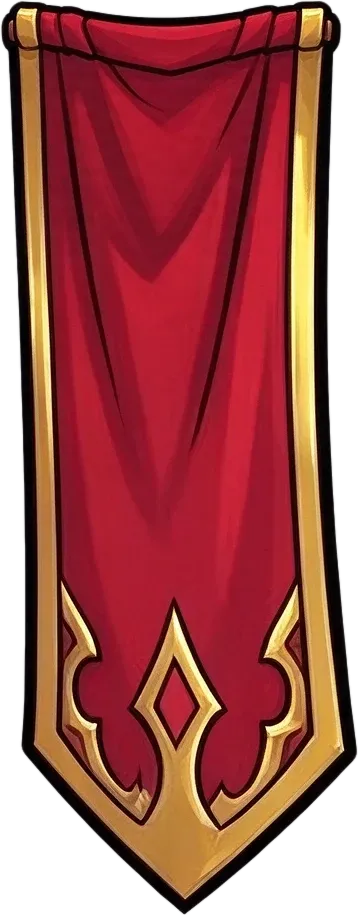
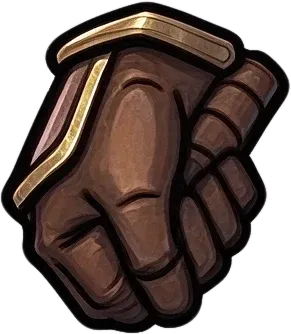
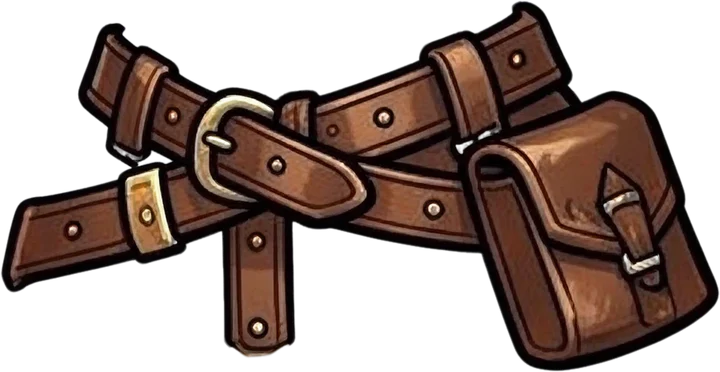
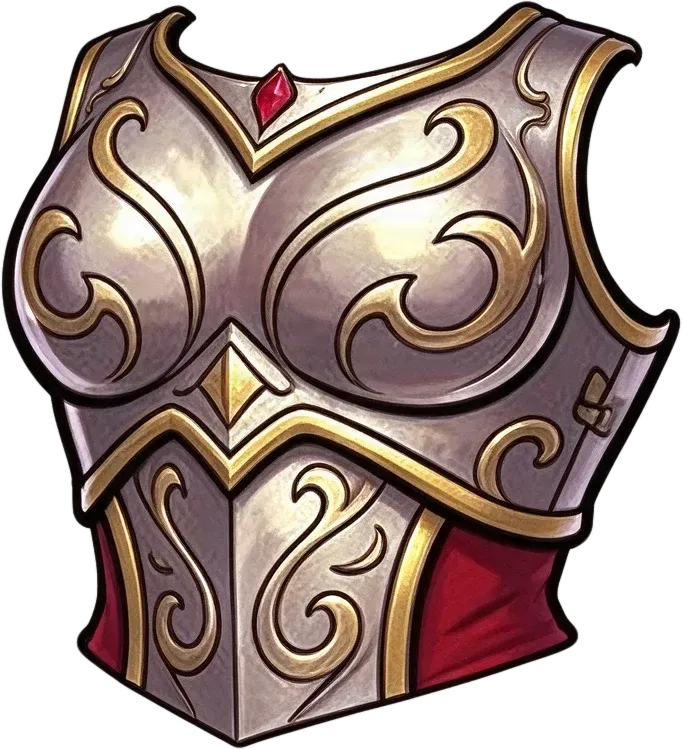
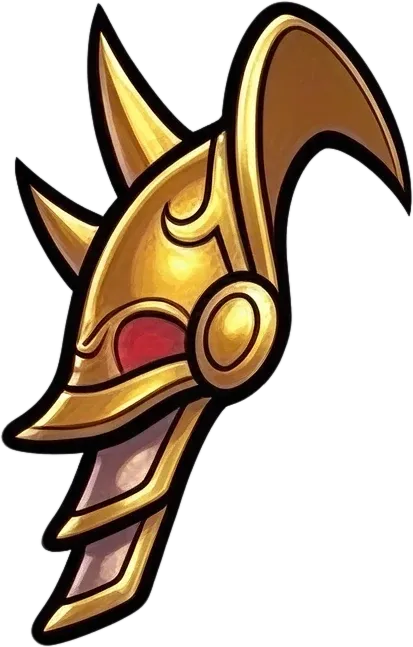
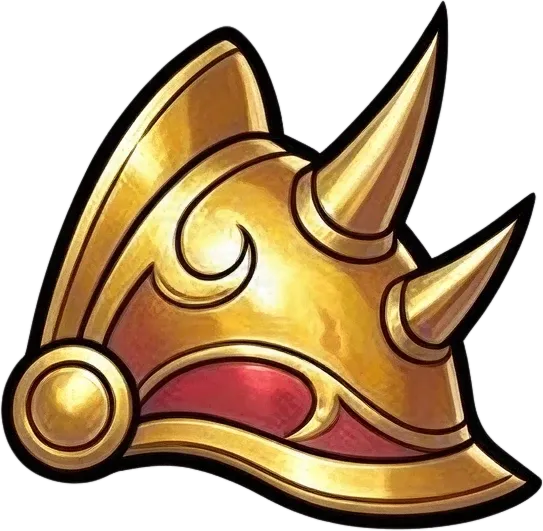

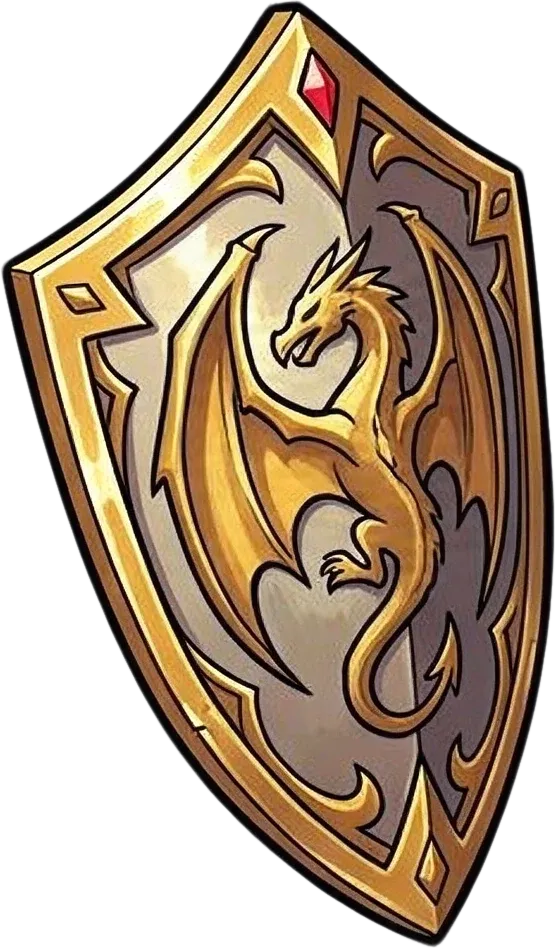
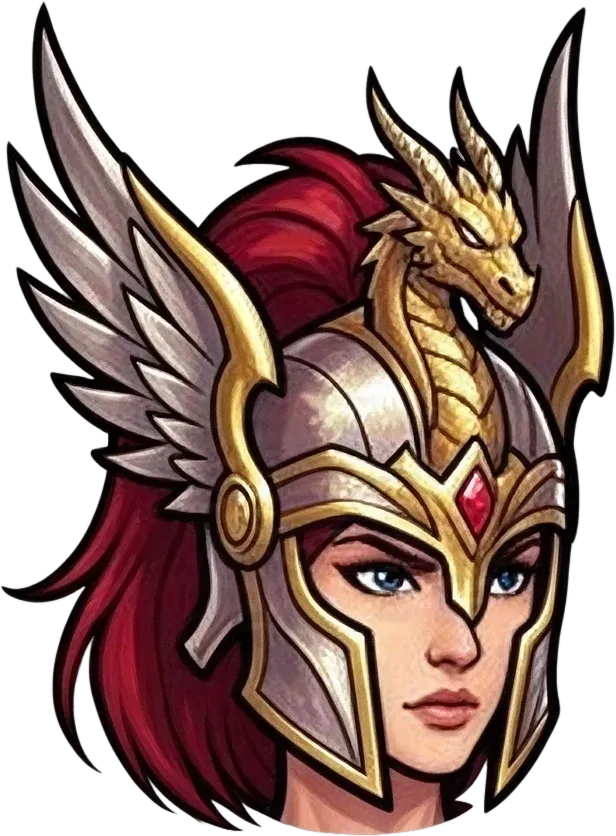
Ready to test with your own or this sample character
Clear limb boundaries and readable poses help
Covered areas may be reconstructed
Uses 60 credits per character
Processing time varies with image complexity. Complex poses, overlapping limbs, and detailed clothing may take longer.
60 credits per image · Joint-level separation depends on your artwork.
Your character is drawn. But how do you make the arms and legs move? When everything is merged into one flat image, preparing even a simple arm movement can mean manually cutting around sleeves, hands, legs, and overlapping body parts. Upload your character artwork and let AI attempt to separate recognizable limbs and body regions into editable layers. Spend less time preparing cutouts and more time creating the movement your character needs.
See How Character Parts Can Be Separated
One Character. Individual Parts You Can Work With.
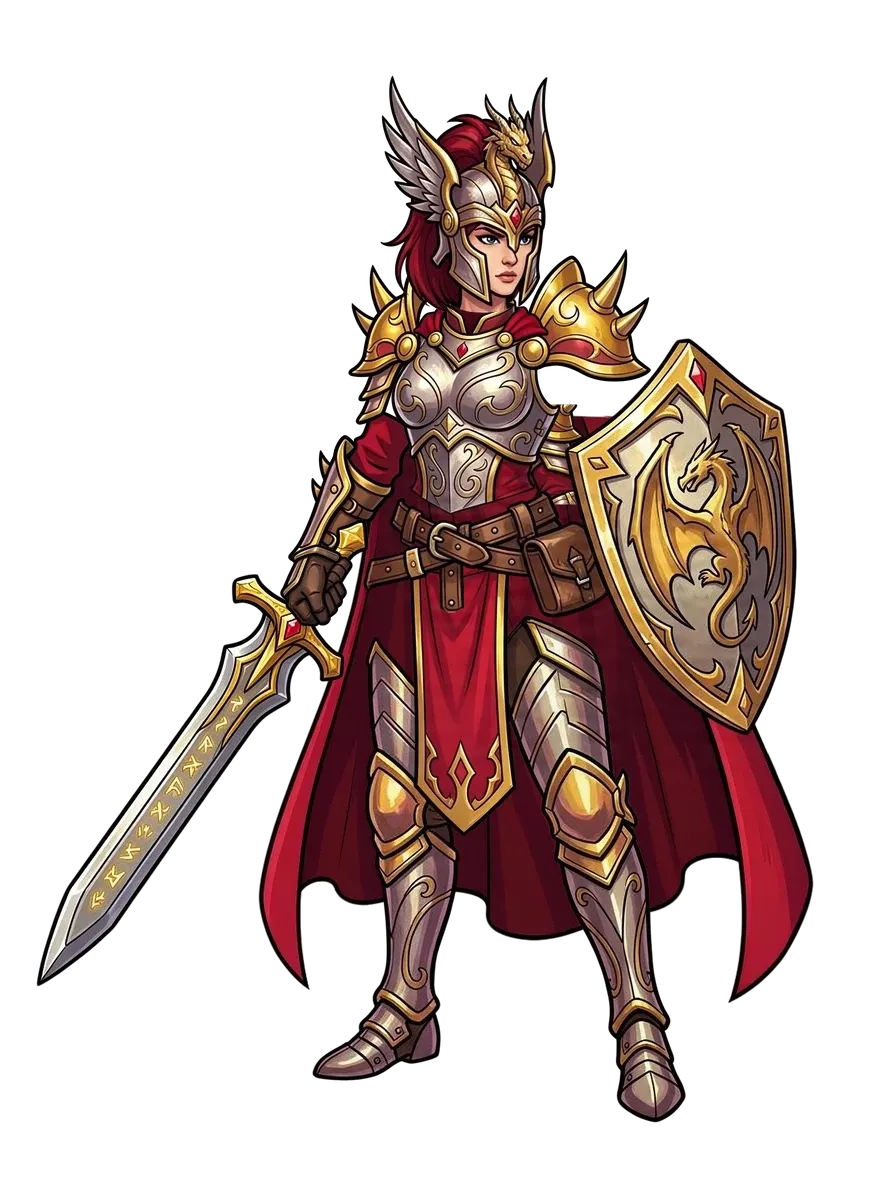
Before you can make an arm swing or a leg move, you need artwork that gives you control over the pieces involved. See how the existing Body Parts & Equipment workflow separates recognizable regions from a flattened fantasy character illustration.
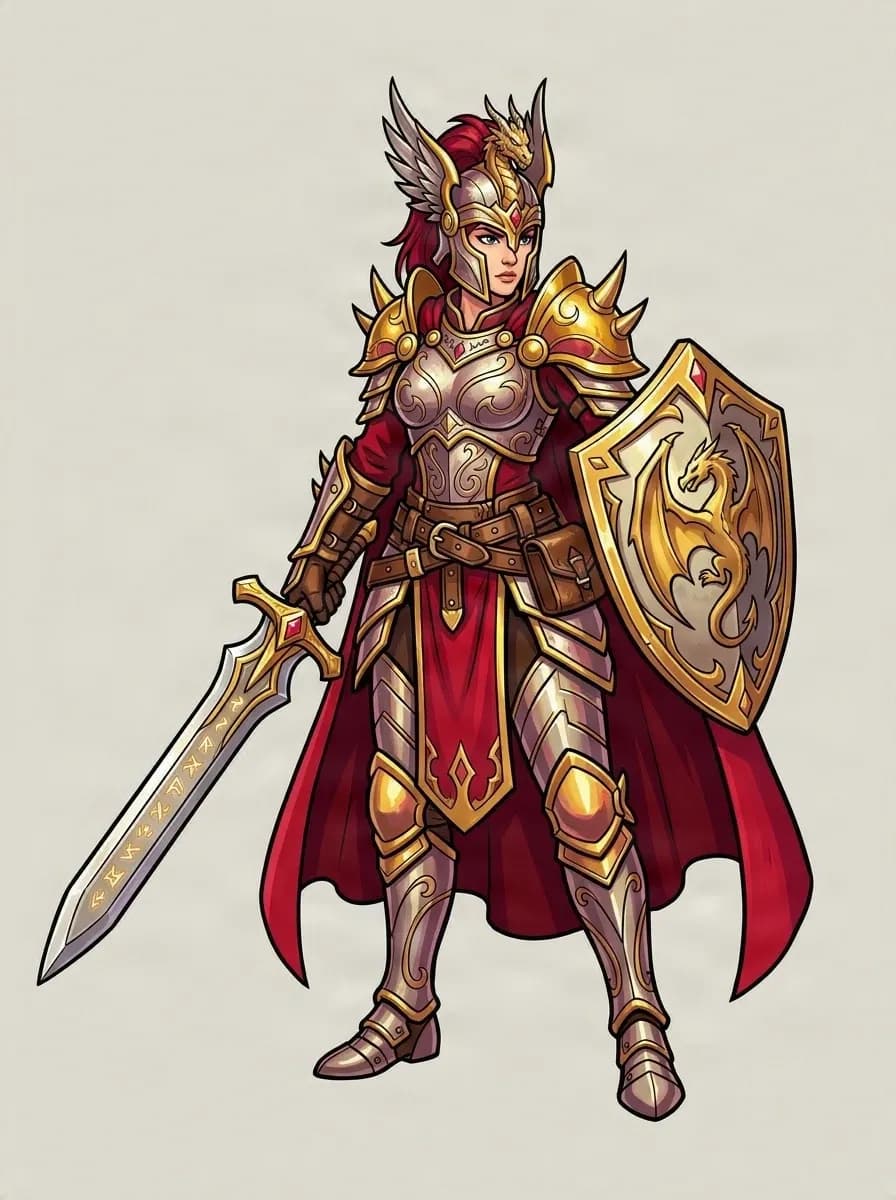
Original Character Artwork
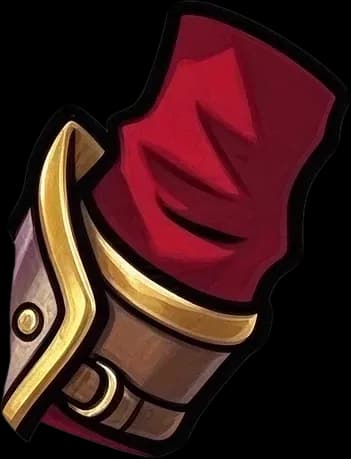
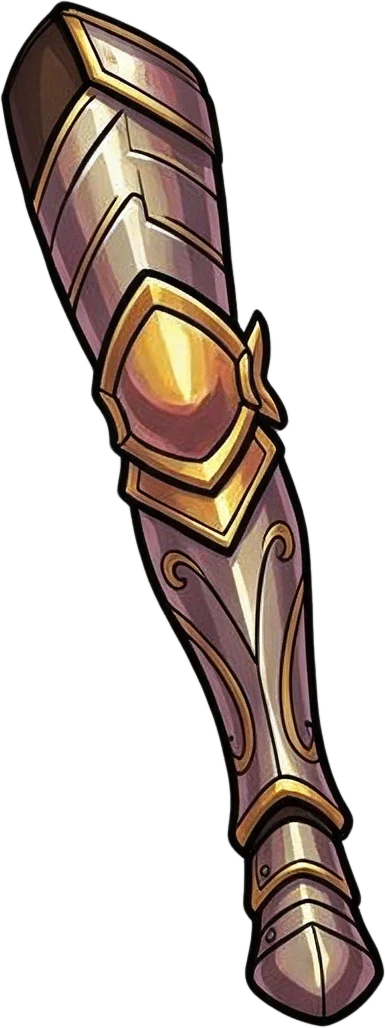
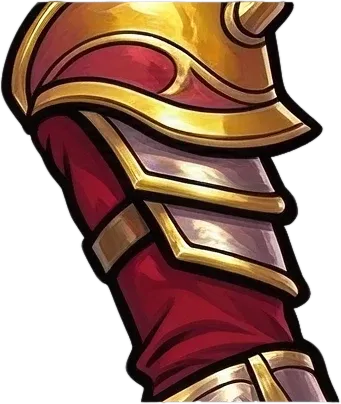
Right Upper Arm
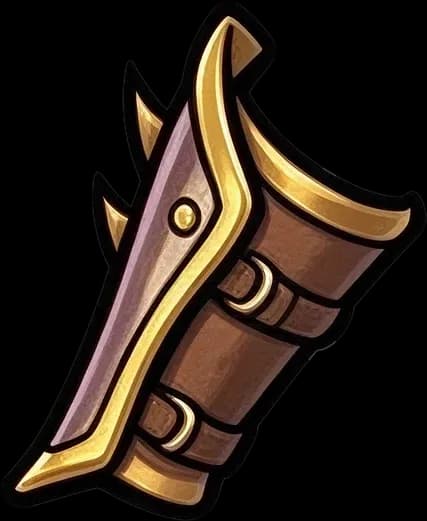
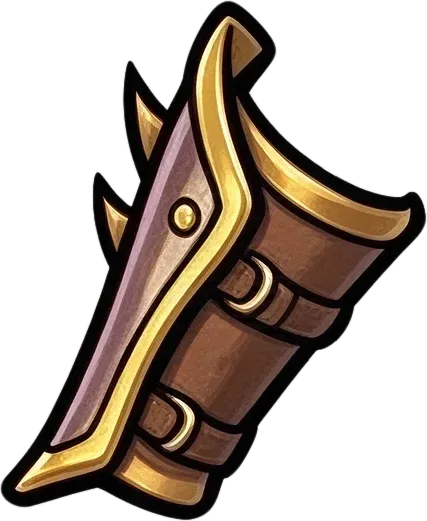
Right Forearm
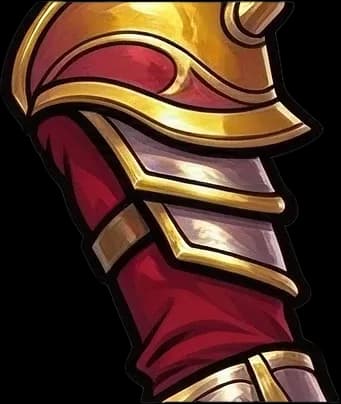
Left Upper Arm
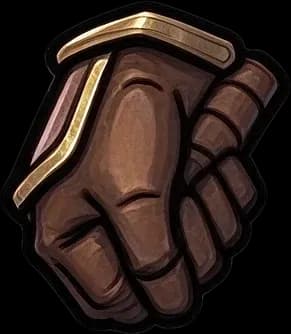
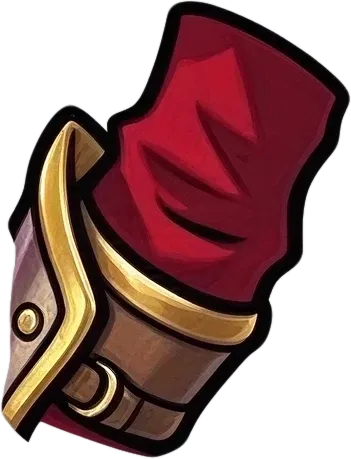
Right Hand & Glove
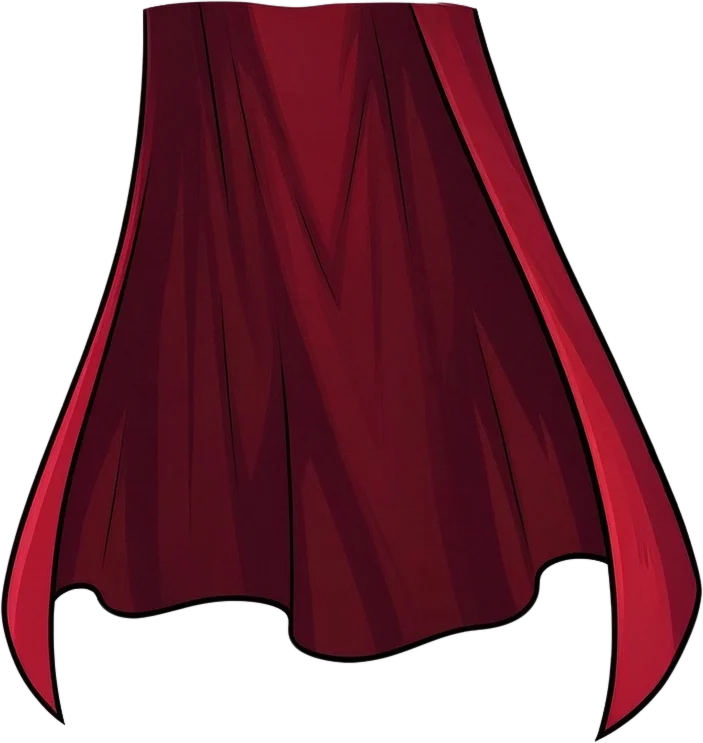
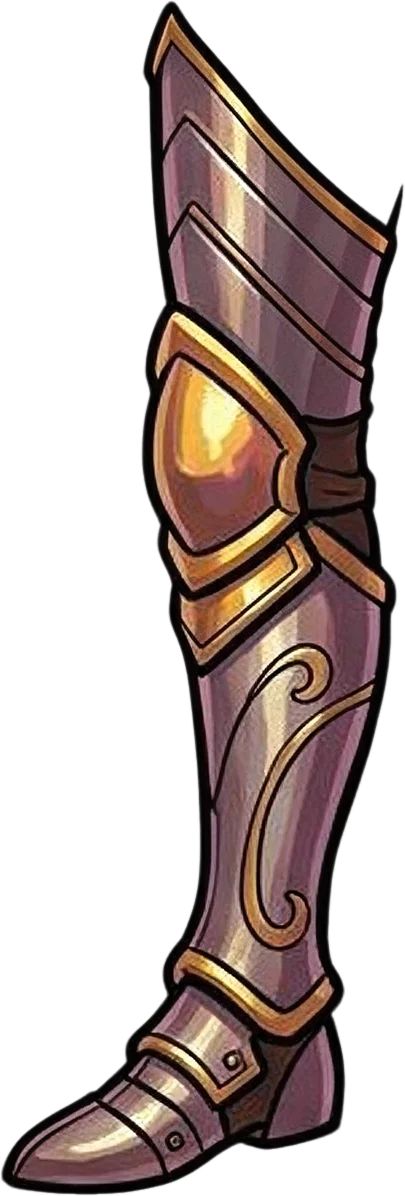
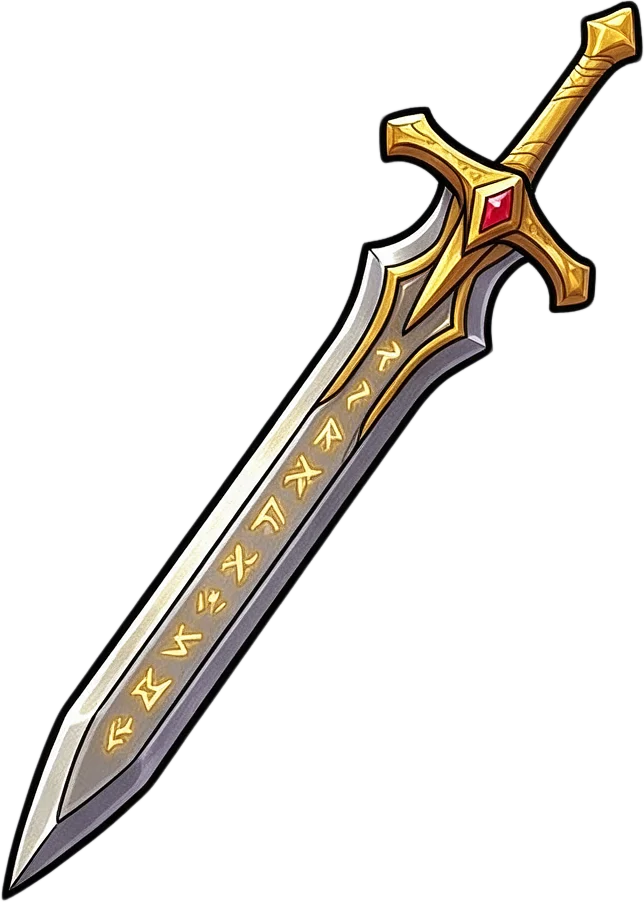
This real example contains 17 layers including the background. Some upper-arm, forearm, and hand regions are separated, while the legs remain grouped into full-leg layers. This is an example of partial limb separation, not a guarantee that every joint will be independent.
Stop Cutting Every Limb by Hand
Your Character Is Finished. The Manual Cutout Work Doesn't Have to Start From Zero.
You've already created the character design. Now you want the arm to bend, the hand to move, or the legs to walk.
But when the whole character is flattened, every moving part may need to be selected, separated, and cleaned up before you can begin. AI-assisted layer separation gives you a starting point for that work.
Spend Less Time on Manual Cutouts
Let AI attempt the initial separation of visible body regions, so you can concentrate on refining the areas that actually need attention.
Work With Arms and Legs Separately
Prepare identifiable limb regions as independent image assets whenever the source artwork supports it.
Make Character Animation Preparation Easier
Start organizing your artwork before setting up pivots, bones, attachments, and movement in your animation software.
Keep the Character You've Already Designed
Work from your existing illustration rather than redrawing the entire character as separate pieces.
Refine Difficult Joint Areas
Review elbows, knees, wrists, and ankles to see where further cutting, reconstruction, or cleanup is needed.
Take Your Layers Into Your Own Workflow
Export supported image assets and continue preparing the character in your preferred editor or animation software.
Prepare the Parts That Need to Move
Work on Arms, Hands, Legs, and Other Character Parts
A moving character needs more flexibility than a single flattened illustration can provide. The AI attempts to separate recognizable body regions so you can inspect them individually and decide what needs further refinement.
Upper Arms & Shoulders
Prepare the artwork behind arm swings and shoulder movement. Work with distinguishable shoulder and upper-arm regions rather than keeping every arm detail merged into the torso.
Forearms & Elbows
Get a starting point for bending-arm cutouts. Try separating a visible forearm from the upper arm, then inspect the elbow region and correct any overlapping artwork.
Hands & Gloves
Prepare hands for gestures and equipment movements. When hands or gloves can be identified independently, their layers can provide a useful starting point for further animation setup.
Thighs & Knees
Start preparing the artwork needed for leg movement. The model may identify thigh or leg regions, but knee boundaries are not guaranteed to become independent layers.
Lower Legs & Boots
Work toward separate lower-leg assets. Review shin, boot, and ankle regions, and refine them if you need the lower leg or foot to move independently.
Head, Torso & Supporting Clothing
Keep the rest of the character available for editing. Head, torso, clothing, and equipment regions may also be separated as part of the whole-character workflow.
These are target regions, not guaranteed output slots. Some parts may remain joined and need additional manual separation.
From Flat Character Art to Editable Body Parts
Prepare Your Character in Four Steps
- 1
Upload Your Character
Choose the artwork you want to prepare for animation. A single character with clearly visible arms and legs is a good starting point. You don't need the original PSD.
- 2
Separate the Visible Parts
Run Body Parts & Equipment. The AI analyzes the image and attempts to create separate layers for recognizable body regions, clothing, limbs, and equipment.
- 3
Review the Joint Areas
Inspect the generated layers. Check whether the upper arm and forearm are separate, whether a hand remains attached to the arm, and whether the legs need another editing pass.
- 4
Refine and Export
Use the available editing workspace to review and refine the pieces. Export supported PNG or PSD assets and continue the animation preparation process in your chosen software.
This workflow creates editable image layers. Bones, pivots, deformation, animation, and other rigging steps still need to be completed separately.
Made for 2D Artists and Game Developers
Spend Less Time Preparing Parts. More Time Animating.
2D Cutout Animation
Working on a character that needs to wave, turn, or move? Start preparing the visible image parts before building the animation.
Walking & Running Animation Preparation
Prepare recognizable leg and body regions for further subdivision and cleanup before setting up walk or run cycles.
Spine 2D Asset Preparation
Create an initial set of body-part images to refine before adding bones, slots, attachments, and meshes in Spine.
Unity 2D Animation
Prepare exported character image assets for continued setup in Unity's 2D animation workflow. The skeleton, joint weights, and animation clips still need to be created in Unity.
Godot Skeleton2D Preparation
Work with separated image parts before organizing your character's nodes, bones, pivots, and animation in Godot.
Character Movement Prototypes
Explore which body regions can be moved independently before investing time in a more detailed character rig.
Choose the Right Character Workflow
Need to Separate Body Parts or Build a Complete Rig?
Different parts of animation production require different tools. This page focuses on the artwork separation step.
Character Limb & Joint Splitter
For artists who need editable limb images. Start separating visible arms, forearms, hands, and leg regions from a flattened character illustration.
60 credits per image
Separate My Character PartsSpine Character Preparation
For artists preparing a broader Spine workflow. Explore general character layer separation and prepare image assets before creating a skeleton, attachments, and animation in Spine.
60 credits per image
Explore Spine PreparationCharacter Armor to Layers
For artists focusing on armor and equipment. Separate recognizable helmets, chest armor, shoulder plates, capes, and other equipment from character artwork.
60 credits per image
Explore Armor SeparationBefore You Generate
A Better Starting Point for Cutouts—not an Automatic Character Rig
Not Every Joint Becomes a Separate Layer
An arm may separate into multiple parts, while a leg remains one complete region. The model does not guarantee independent shoulder, elbow, wrist, hip, knee, and ankle assets.
Hidden Artwork May Be Reconstructed
When one part covers another, AI may generate plausible details for the hidden region. These details are estimates and may not match the original character design exactly.
The Original Artwork May Change Slightly
Fine outlines, textures, proportions, and reconstructed regions can differ from the source image. Inspect the result before committing it to production.
Clear Poses Usually Help
A character with a readable silhouette and visible limb boundaries gives the AI more information than a tightly curled or heavily overlapping pose.
Rigging Is Still a Separate Step
This tool doesn't automatically create bone hierarchies, pivot points, mesh weights, IK constraints, animations, or engine-ready character controllers.
Use AI to get an initial set of editable parts, then make the final production decisions yourself.
Character Limb & Joint Splitter FAQ
Can I split a character's arms and legs into separate layers?
Yes. You can upload flattened character artwork and use AI to attempt to separate recognizable arm, leg, and other body regions into editable layers. The exact output depends on the character's pose and visible part boundaries.
Can it separate the upper arm from the forearm?
It can in some images. The current Body Parts & Equipment example includes separate right upper-arm and right forearm layers. However, this does not guarantee that every character will have both arm segments separated.
Will it automatically separate every joint?
No. The model attempts to identify recognizable limb sections, but elbows, knees, wrists, and ankles may remain connected. Inspect the result and refine any sections that need independent movement.
Can I separate a character's hands from the arms?
The model may isolate recognizable hands or gloves when their boundaries are visible. Hands that overlap clothing, weapons, or other body regions may stay grouped with the arm.
Can I split the thighs, shins, and feet into individual layers?
You can try this workflow with visible leg artwork, but the model does not guarantee thigh, shin, and foot layers for every character. Some inputs produce complete leg assemblies instead.
Can I use the output to prepare a walking animation?
Yes, as starting artwork. You'll still need to refine the required limb sections, place pivots, build a rig or cutout hierarchy, and animate the character in your chosen software.
Can I use these layers for running or attack animations?
You can use the separated image assets to begin preparing those animations. Different movements may require additional cutouts, reconstructed artwork, or redrawn parts that are not visible in the original pose.
Does the tool create a 2D skeleton automatically?
No. This is an image layer separation tool. It does not create bones, joints, inverse kinematics, mesh weights, animation clips, or a completed skeletal rig.
Can I use the results in Spine 2D?
Yes. You can export supported image assets and continue preparing them for Spine. You'll still need to configure bones, slots, attachments, meshes, and animations inside Spine.
Can I use the layers in Unity's 2D Animation workflow?
The exported image assets can be used in your Unity art pipeline. You must still prepare the sprite hierarchy, joints, bones, weights, and animation setup in Unity.
Can I import the separated body parts into Godot?
Yes. You can use supported exported image assets in your Godot project. Bone setup, node hierarchy, pivots, and animation remain part of your project.
What happens when one arm is hidden behind the body?
The AI may attempt to reconstruct a plausible hidden area, but it cannot recover the original unseen artwork. The reconstructed region may need manual corrections before the arm can move convincingly.
Can it separate a character wearing long sleeves or armor?
You can use the workflow with characters wearing sleeves, gloves, and armor. These elements may be separated as recognizable visual regions, although clothing and limb sections can remain grouped.
Does it work with anime characters?
Yes. You can try anime, cartoon, fantasy, and other supported character illustrations. A clear silhouette and visible limb boundaries are generally more important than the art style alone.
Can I use this tool with game sprites?
You can use flattened game character artwork, but this is not a sprite-sheet frame cutter. If you have a sprite sheet containing multiple animation frames, isolate the specific character image you want to separate first.
Can I use it for pixel-art characters?
You can experiment with pixel art, but AI separation may alter exact pixels, outlines, and small details. Pixel-perfect sprites may need manual correction after generation.
What kind of artwork produces the best results?
Start with one complete character in a readable pose, with visible arms, legs, and body-part boundaries. Heavy overlap, cropped limbs, and unusually complex poses may make the result harder to refine.
How many layers will my character have?
There is no fixed output count. The current armored character example contains 17 layers including the background, but some limb sections remain grouped. Your result may have more or fewer layers depending on the image.
How much does Character Limb & Joint Splitter cost?
The Body Parts & Equipment workflow currently costs 60 credits per image. The active cost is displayed in the uploader before you start processing.
Can I export the result as transparent PNG or PSD layers?
The existing results workspace provides layer inspection and supported PNG or PSD export workflows. Available export options depend on the generated job and your account permissions.
Will the generated layers be ready to animate immediately?
Not necessarily. Parts may need additional splitting, joint-area cleanup, hidden-region reconstruction, and correct pivot placement before they are suitable for animation.
Can I use the exported character parts in a commercial game?
Commercial use depends on your account plan, applicable service and model terms, and your rights to the original artwork. Make sure you have permission to use any third-party character designs or protected assets.
Your Character Is Drawn. Start Preparing Its Parts for Movement.
Don't begin every animation project by manually tracing arms, legs, and hands out of a flattened image. Upload your character artwork, generate an initial set of editable body-part layers, and focus your time on refining the pieces your animation actually needs.
Separate My Character Parts60 credits per image · PNG & PSD export options · Results vary by character
More Tools for 2D Character Animation Preparation
Spine Character Preparation
Prepare character artwork for continued bone, slot, and animation setup in Spine 2D.
Character Armor to Layers
Separate recognizable armor pieces, helmets, capes, and equipment from character artwork.
Game Character Layer Separator
Turn flattened game character illustrations into editable visual layers for revisions and animation preparation.
2D Character Rigging Prep
Explore character artwork preparation workflows before building a completed 2D rig.
Character to Layers
Separate general character regions, including face, hair, clothing, and body parts.