
Prepare a Flat Character for 2D Rigging
You have the character art. Now you need the parts separated before you can animate it. Turn a flat character image into editable layers and reconstruct plausible hidden areas behind overlapping regions, giving you a cleaner starting point for your 2D rigging workflow.
Prepare a Character for 2D Rigging
PNG, JPG, or WebP
Click or drag your character image here
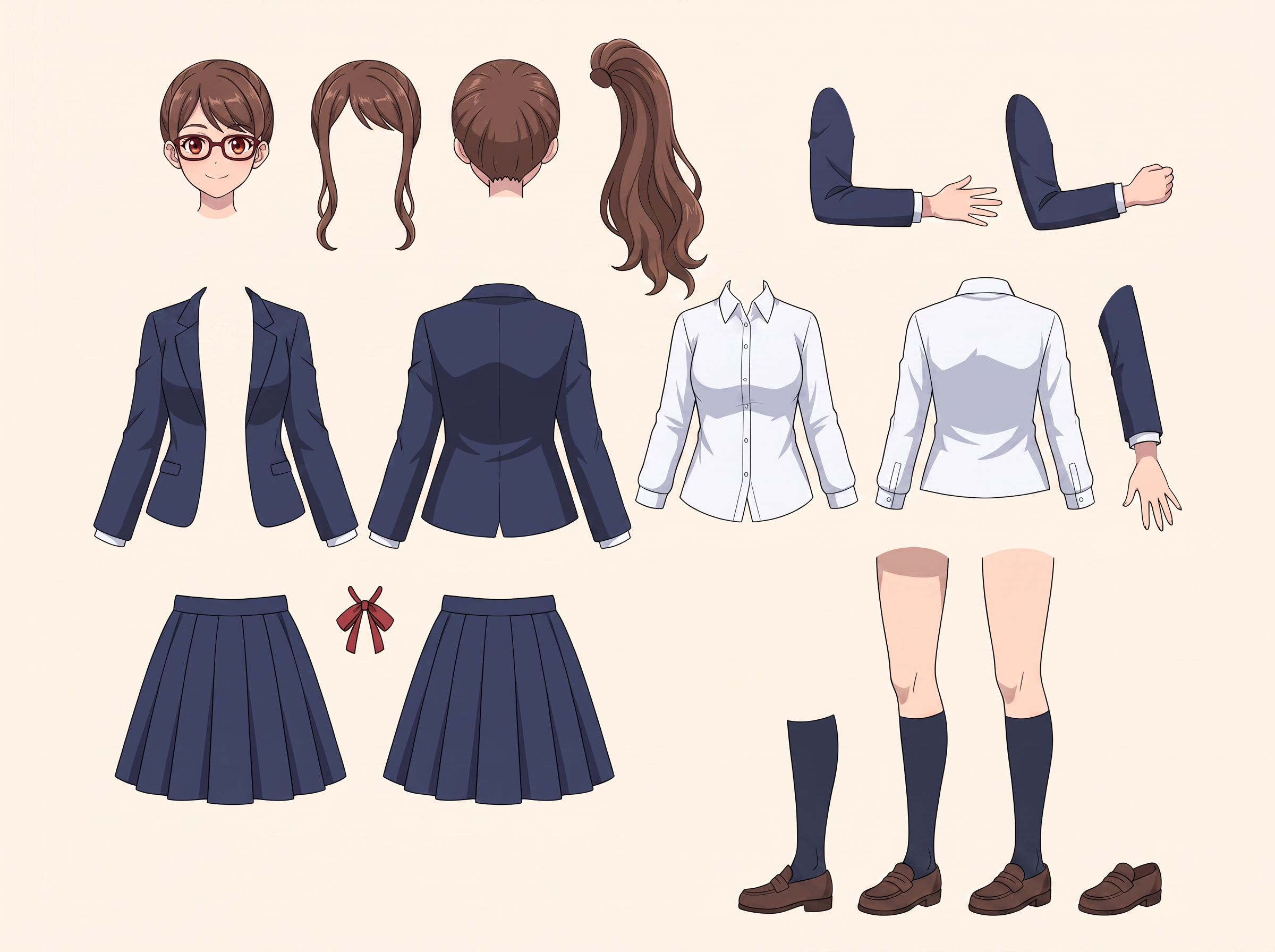
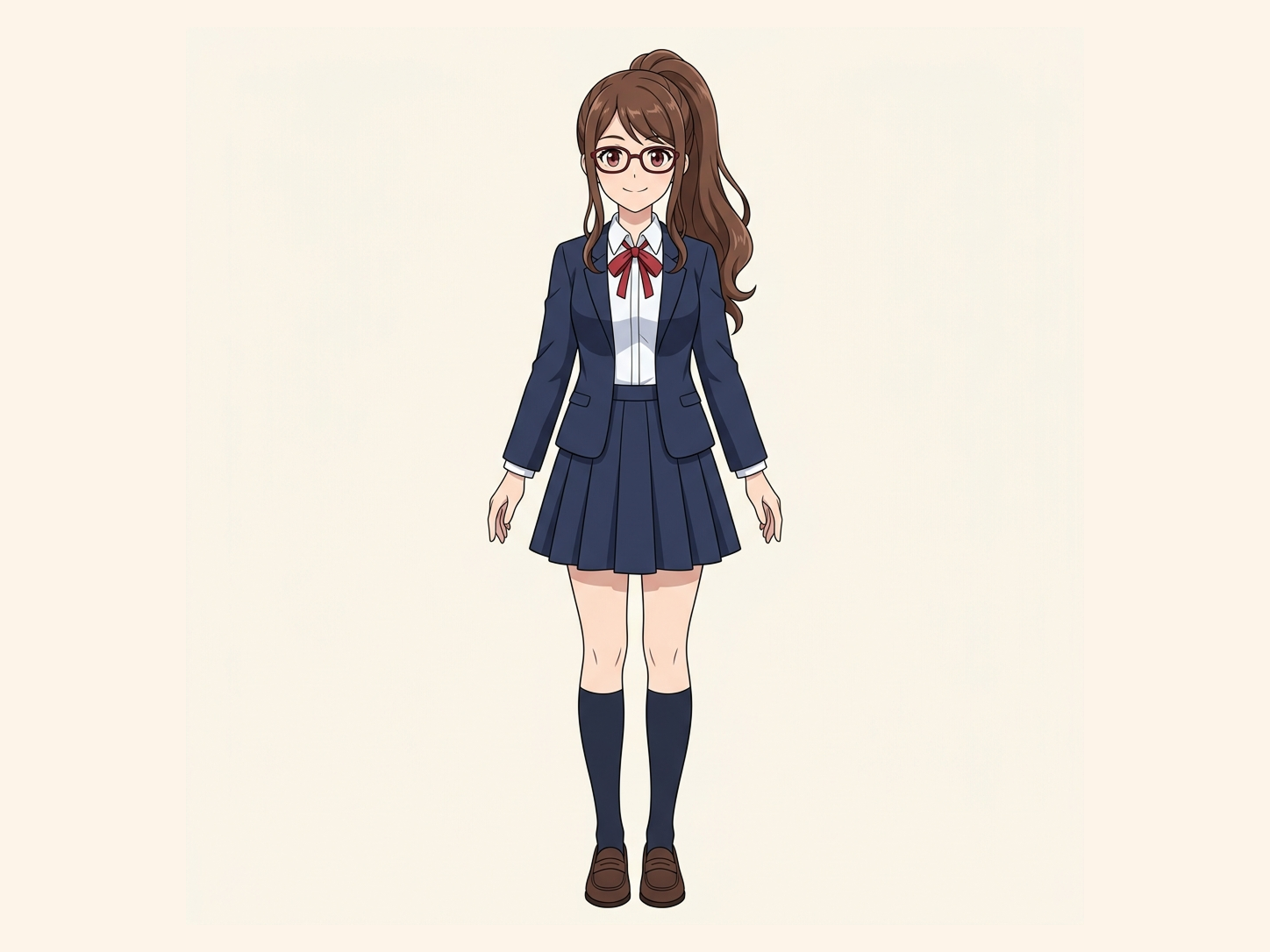
Turn one complete character into separated movable components for cutout and skeletal-animation workflows.
Clear character structure works best
Hidden parts may be reconstructed
Uses 30 credits per character
Processing time varies with character complexity. Overlapping limbs, detailed clothing, long hair, capes, wings, or accessories may require more reconstruction.
A better layered starting point for 2D rigging.
I Have the Character Art, but It Isn’t Ready to Rig
A finished illustration is not automatically a useful animation asset. Hair can cover the face, clothing can cover the torso, and arms can be fused to the body in one flattened image. When you try to move a part, the hidden area may be missing and the preparation work turns into manual repainting.
The artwork is flattened
Overlapping regions are fused
Hidden areas are incomplete
Rigging preparation starts too late
Move a Rigging Part Without Leaving an Empty Hole Behind
Simply cutting visible pixels apart is not enough for animation preparation. One region often hides another: hair can cover the face, clothing can cover the body, and an arm can overlap the torso. reconstruction of hidden areas creates plausible hidden regions behind those overlaps, helping separated layers remain more useful when you continue preparing the character.
Flat Character
Separate Regions
Reconstruct Hidden Areas
Rigging Starting Point
hidden-area reconstruction does not recover the original hidden artwork. Hidden areas are AI-generated reconstructions based on the visible character and surrounding context.
Prepare the Parts You Need Before Animation
Separate Hair and Face
Separate Clothing and Body
Create a Better Layered Starting Point
Reduce Empty Gaps Behind Overlaps
Continue in Your Animation Software
See What a Rigging Starting Point Can Look Like
Explore real Character to Layers examples and see how flattened artwork can become a more workable layered starting point for animation preparation.
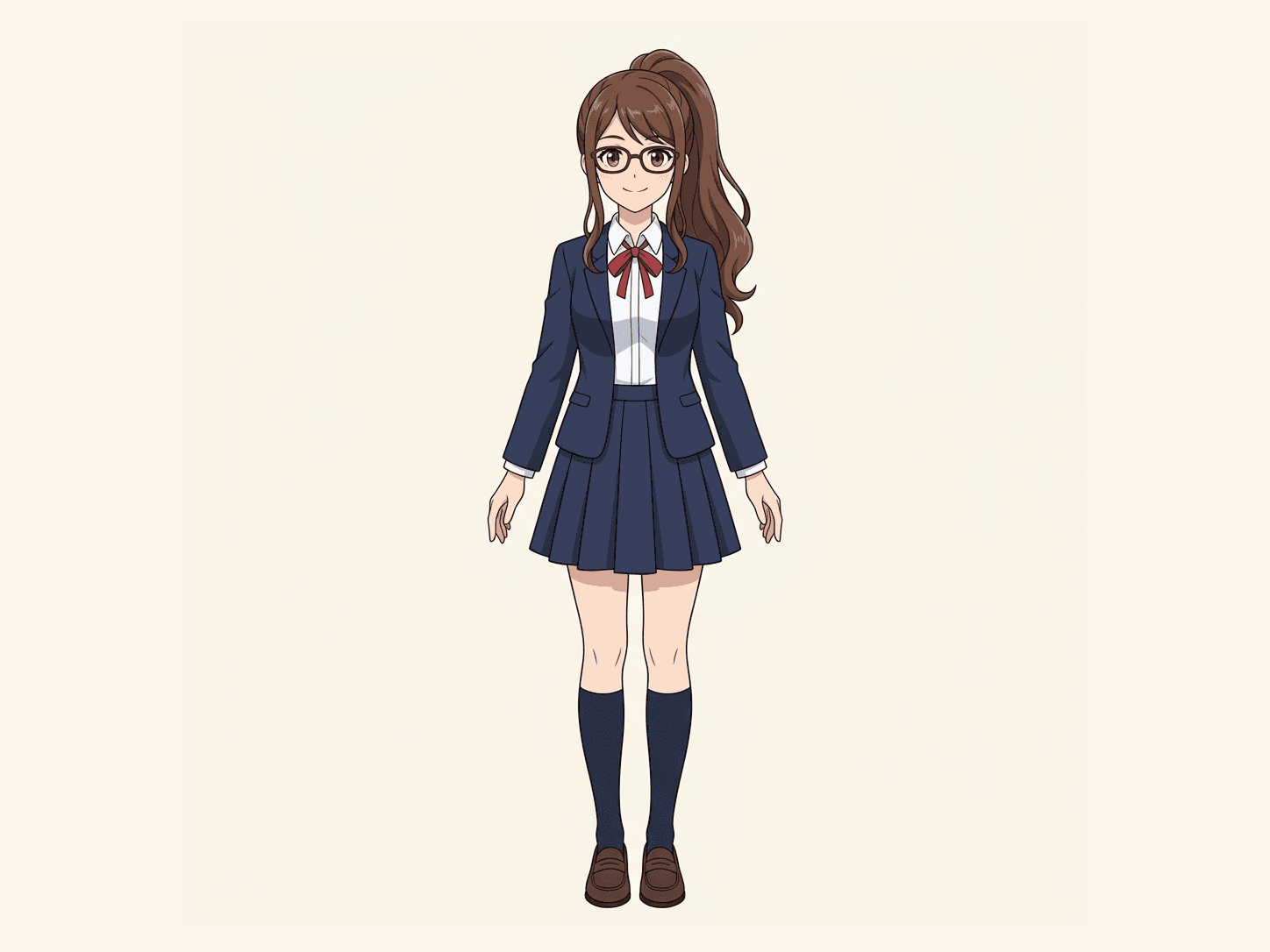
Original Artwork
Flat character artwork
Rigging Components
Separated character layers
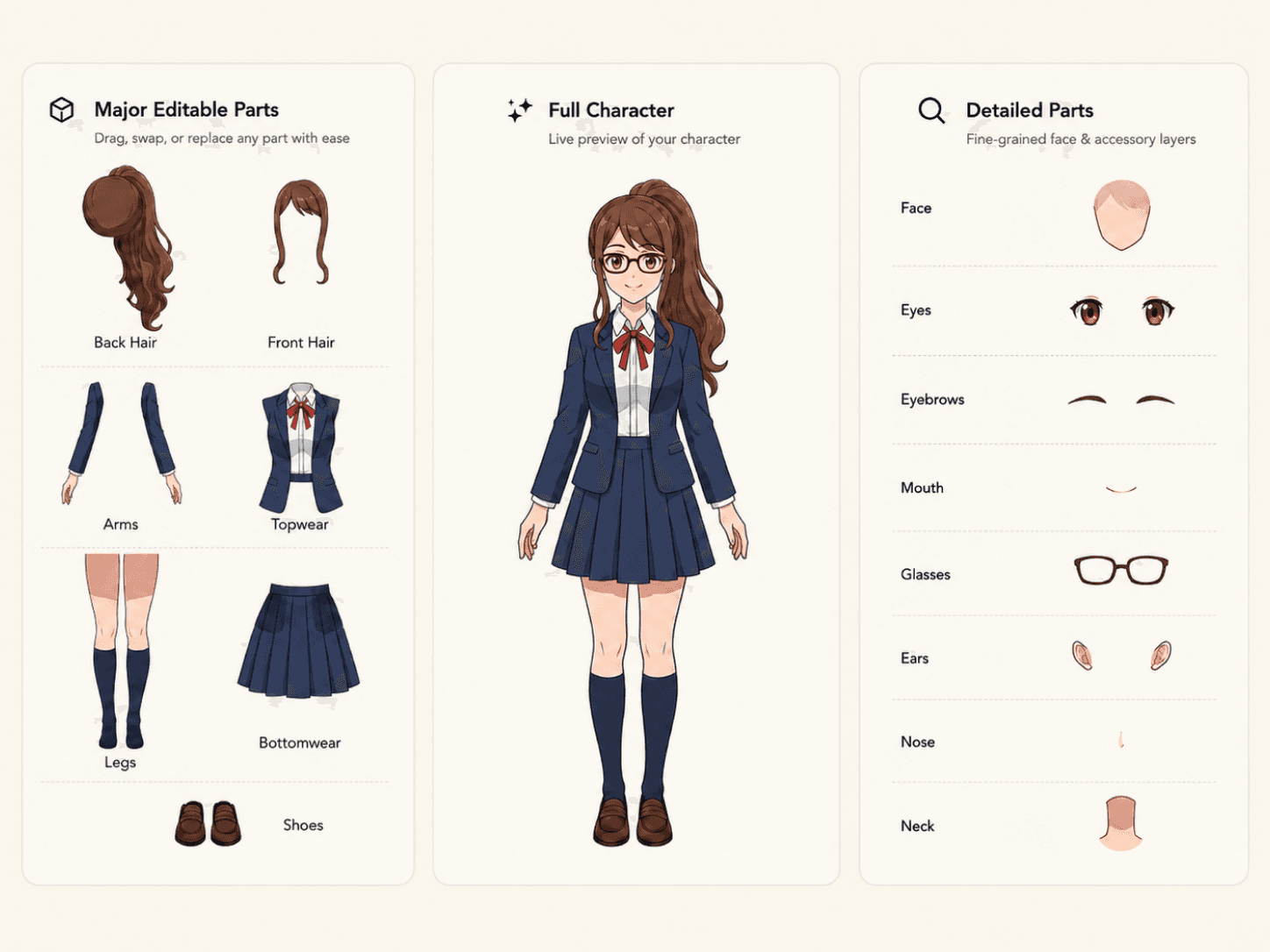
Same Character to Layers workflow. No simulated rigging result.
Layer Preparation Is Not Automatic Rigging
This workflow prepares separated visual layers. It does not automatically create bones, pivots, meshes, deformation settings, physics, or a finished Live2D, Spine, or other rig. Continue the preparation in the animation software that matches your production workflow.
Useful Before You Start Rigging
2D Character Animation
Live2D Preparation
Spine Preparation
Independent Part Editing
Character Revision
From Flat Artwork to a Rigging Starting Point
01
Upload Your Character
02
Separate Character Regions
03
Reconstruct Hidden Areas
04
Continue Rigging Preparation
Software-Independent Rigging Preparation
This page is for the preparation step before a dedicated animation workflow. Use the separated result as a starting point for Live2D, Spine, VTuber, or another 2D animation process.
A Better Starting Point, Not a Finished Rig
If you only have a flattened image, the original hidden artwork is no longer present in that file. ImageToLayers does not claim to recover those missing original pixels. hidden-area reconstruction creates plausible new content where hidden areas need to be completed, while the final pivots, bones, meshes, deformation, and rigging decisions remain part of your animation workflow.
Frequently Asked Questions
What is 2D character rigging prep?
It is the preparation step of separating a flat character illustration into workable visual layers before setting up bones, pivots, meshes, deformation, and animation.
Can this prepare a character for rigging?
It can create a more useful layered starting point for a later rigging workflow. Additional cleanup and software-specific preparation may still be required.
Does it automatically rig my character?
No. It creates separated visual layers and does not automatically create bones, pivots, meshes, deformation settings, physics, or a finished rig.
What happens when hair covers the face?
hidden-area reconstruction can generate a plausible reconstruction behind overlapping regions so the separated layers may be more useful when you continue editing.
Does hidden-area reconstruction recover the original hidden artwork?
No. Hidden pixels from a flattened source are not available to recover. hidden-area reconstruction generates a plausible reconstruction based on visible artwork and context.
Can I use the layers for Live2D?
They can be a starting point for a Live2D workflow, but you may still need to clean layers, set pivots, create meshes, and configure deformation in Live2D.
Can I use the layers for Spine?
They can be a starting point for Spine preparation, but bones, slots, meshes, weights, and animation setup still need to be completed in Spine.
Can I use the result for VTuber creation?
The separated artwork can be useful as an early preparation step, but a finished VTuber model requires additional software-specific setup.
Will every character produce the same layers?
No. The number and type of layers depend on the artwork, visible regions, overlap, and how clearly the parts can be distinguished.
Do I need the original PSD?
No. The workflow is designed to start from a flat character image when the original layered source file is unavailable.
Can I animate the result immediately?
Review and clean up the layers first. Animation preparation often requires naming, pivot placement, mesh setup, deformation, and other production decisions.
Will the output match my artist’s original layers?
No. It is a new layered interpretation of the flattened image and cannot know the original layer structure or unseen artwork.
Your Character Art Is Ready for the Next Step
Prepare a better layered starting point before you begin 2D rigging. Upload the flat character artwork you already have and separate supported regions with plausible reconstruction of hidden areas where overlaps need to be completed.
Prepare My CharacterStart with the image you already have.