
AI game prop layer separator
Turn Game Props into Editable Layers
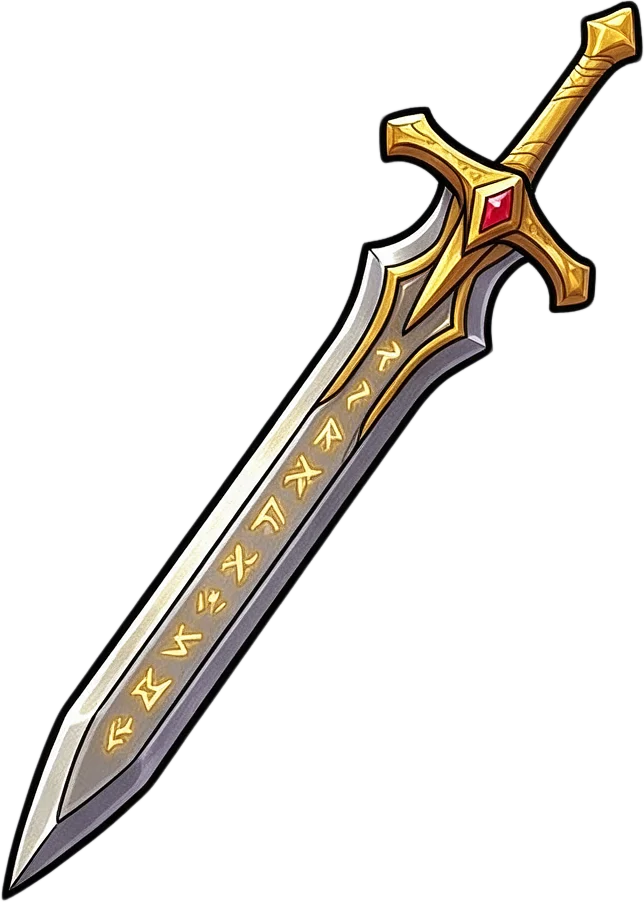
Preview: a real character-held sword and shield split from the shared workflow. Standalone prop results may differ.
Separate armor, limbs, capes, weapons, and other equipment into individual transparent layers.
Separates the pieces the AI can clearly see; the number of layers depends on your artwork. Covered areas may be reconstructed.
Separate Body Parts & Equipment
Supports JPG, PNG, and WebP
or drag and drop
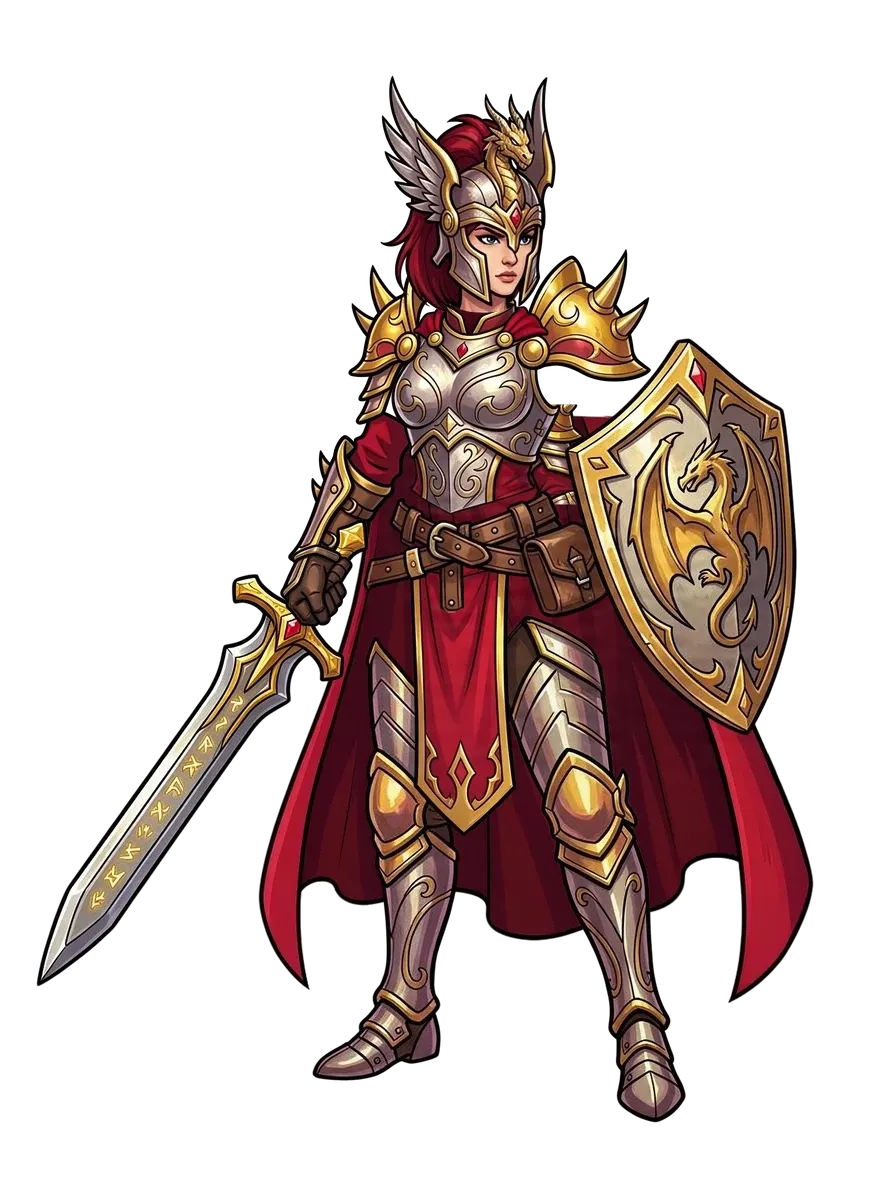
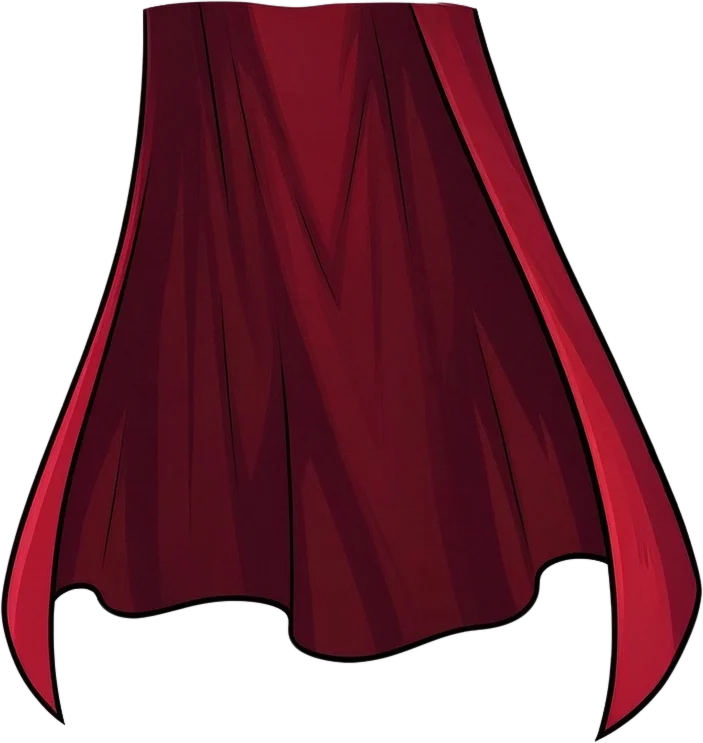
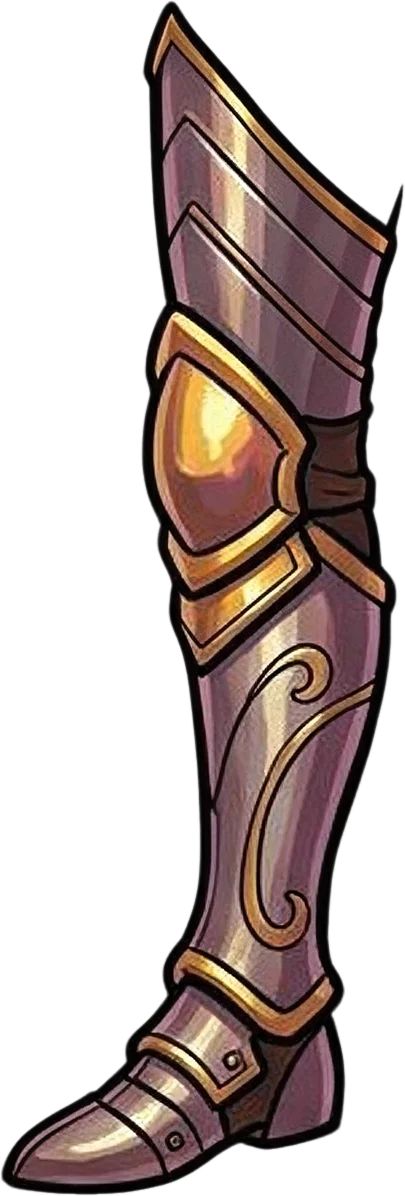
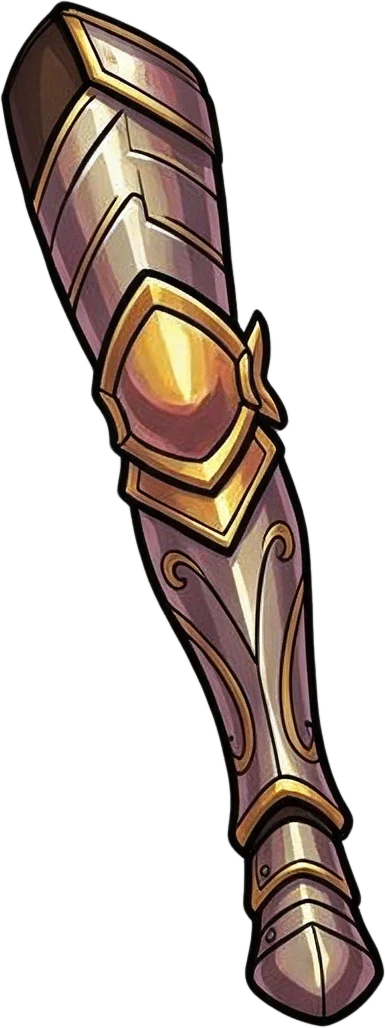


Clear character structure works best
Covered areas may be reconstructed
Uses 60 credits per character
Processing time varies with artwork complexity. Detailed armor, overlapping limbs, and large capes may take longer.
60 credits per generation. Results depend on the image and the visibility of each part.
Have a sword, shield, treasure chest, or other game prop saved as one flat image? Separate its visual parts into layers so you can adjust details, recolor elements, and reuse artwork without starting over.
More control, less redrawing
Change the Details Without Recreating the Whole Prop
Your game art doesn't have to be locked into one image. Give yourself room to experiment, revise, and create variations from artwork you already have.
Edit One Detail at a Time
Want to change a shield emblem or adjust the color of a sword handle? Work with separated elements instead of repeatedly editing the entire illustration.
Make More Use of Existing Artwork
Revisit older props and explore new versions without rebuilding every visual element from scratch.
Create Visual Variations
Experiment with different colors, material details, and decorative combinations for your game's item designs.
Reduce Repetitive Editing
Spend less time manually selecting complicated shapes and more time developing the look of your assets.
Keep Your Illustration's Visual Style
Start from your existing artwork rather than asking a generator to invent an entirely different prop. Minor changes or artifacts can still occur.
Continue Editing After Separation
Export your available layer results for further work in a compatible image editor.
Built for 2D game art
What Kind of Game Props Can You Separate?
From fantasy equipment to interactive environment objects, start with a prop illustration and explore how its visible details can be separated.
Weapons & Blades
Separate visible parts of swords, axes, daggers, and fantasy weapons, such as handles, blades, and decorative fittings.
Shields & Equipment
Work with shield bodies, emblems, trims, and ornamentation when the image provides enough visual distinction.
Chests & Containers
Explore separating lids, locks, handles, panels, and decorative details on treasure chests, boxes, and containers.
Magic Items & Artifacts
Separate visible gems, ornaments, staff sections, and accessories for further illustration work.
Potions & Consumables
Work with bottle silhouettes, caps, labels, and other clear visual elements in item illustrations.
Environmental Props
Prepare layered artwork from lanterns, signs, furniture, and other decorative objects used in 2D game environments.
This workflow is designed for one illustrated prop at a time, not batch extraction of every item in a sprite sheet.
Three steps
Separate Your Game Prop in a Few Steps
- 1
Upload Your Game Prop Image
Choose an illustration containing the prop you want to edit. A clear image with distinguishable parts usually provides a better starting point.
- 2
Generate Editable Layers
Let AI analyze the illustration and produce a layered result based on the visual components it identifies.
- 3
Review, Refine, and Export
Inspect your layers, use the editing options available in the results workspace, and export the artwork for continued work.
You may need to adjust the result manually, especially when parts overlap or blend together.
Made for your game art workflow
More Ways to Use the Props You've Already Created
Indie Game Development
Rework prop illustrations as game designs evolve, without having to redraw every detail for each revision.
RPG Item Variants
Explore visual variations for weapons, shields, potions, and collectibles using existing artwork as the starting point.
2D Animation Preparation
Prepare separate visual elements for possible movement or animation. Additional artwork and rigging may be required.
Game UI & Inventory Art
Adjust the appearance and arrangement of item artwork used in inventory screens, menus, and equipment interfaces.
Asset Pack Creation
Organize your own prop artwork into editable elements for producing variations and preparing reusable art resources.
Concept Art Iteration
Test alternative decorations, colors, and visual treatments while keeping the original prop design as a reference.
Choose the right tool
Editing a Prop, Weapon, or Full Character?
Different artwork needs different kinds of separation.
Game Props to Layers
For individual props, equipment, and decorative objects.
60 credits per generation
Use this toolCharacter Armor to Layers
Separate armor pieces worn by a character.
60 credits per generation
Separate armorSeparate Weapon from Character
Extract visible weapons held or carried by characters.
60 credits per generation
Separate weaponGame Character Layer Separator
Prepare editable layers from complete game character illustrations.
60 credits per generation
Separate characterWhat to expect
Get Better Results from Your Game Prop Artwork
Clear Shapes Work Better
Props with distinguishable outlines and components are generally easier to separate than heavily textured or tightly blended artwork.
Hidden Parts May Need Manual Work
AI may estimate partially hidden regions, but cannot reliably reconstruct every unseen surface or mechanical detail.
Not Every Detail Becomes Its Own Layer
Small ornaments, complex patterns, highlights, and overlapping sections may remain grouped together.
Review Before Using in a Game
Check edges, transparency, alignment, and visual consistency before importing results into a production pipeline.
This tool prepares visual layers from existing artwork. It is not a 3D model generator, a sprite animation generator, or an automatic game-engine rigging tool.
Frequently Asked Questions
What does Game Props to Layers do?
Game Props to Layers helps turn a flattened 2D game prop illustration into a set of editable visual layers. It is designed for artists who want more control over individual parts of an existing prop image.
Can I separate a sword into its blade, handle, and decorations?
You can upload a sword illustration and use AI to identify and separate visible components. Whether the blade, handle, guard, or decorations become distinct layers depends on how clearly those elements appear in the original image.
Does it work with treasure chests and other game objects?
Yes, you can try treasure chests, containers, magic items, equipment, and decorative props. The results depend on the illustration's structure, complexity, and visual clarity.
Can I use AI-generated game props?
Yes. You can upload game prop artwork created with an AI image generator, provided you have the necessary rights to use and process the image.
Does this tool remove the background?
It focuses on creating editable visual layers. Depending on the result, background content may be separated from foreground elements. Check the output if you need a clean transparent asset.
Can I recolor individual parts after separation?
Separated components can make targeted color adjustments easier. You can review and edit the resulting layers using the available editing tools, or continue working in another compatible image editor.
Can I turn one game prop into multiple item variations?
The tool can help prepare editable layers that you can use as a starting point for variations. It does not automatically guarantee a complete set of alternate designs or item states.
Can it separate a complete sprite sheet?
This workflow is intended primarily for individual illustrated props and their visual parts. A sprite sheet containing many objects or animation frames may not separate into the individual assets you expect.
Will the AI preserve my original game's art style?
The process starts from your existing artwork and aims to preserve its recognizable appearance. However, generated or reconstructed areas may contain small differences, so review important shapes, colors, and details.
Can I use the layers in Photoshop?
You can continue editing supported exported layer files in compatible software. Choose an export format that preserves the separation you need, and verify the result after opening it.
Can I use the results in Unity or Godot?
You can use properly prepared image assets in game-development workflows, including Unity and Godot. You may still need to adjust dimensions, pivots, transparency, import settings, or animation setup before using them in your project.
Does the tool generate animation-ready game props?
It can provide separated visual elements useful for animation preparation, but it does not automatically build animation rigs, joints, physics, or frame sequences.
What if some components are missing or combined?
AI may merge visually similar details or fail to separate some overlapping elements. Review the output and use available editing tools to refine the result, or adjust your input image and generate a new version.
How much does Game Props to Layers cost?
The current Detailed Layers workflow uses 60 credits per generation. Review the displayed credit cost before starting your job. The number of layers produced does not determine the displayed generation price.
Give Your Game Props More Room to Evolve
Already have a prop you like, but need to change the details? Turn your existing artwork into editable layers and spend more time improving your game art instead of rebuilding it.
Upload your game prop60 credits per generation · Review your result before using it in production.
Explore related tools
Character Armor to Layers
Separate armor and equipment details from character illustrations.
Separate Weapon from Character
Isolate visible weapons from character artwork.
Game Character Layer Separator
Prepare editable layers from complete game character art.
Monster Boss to Layers
Separate visible character and equipment elements in complex boss illustrations.