Creative Toolkit Index
Quick access to precision layer extraction, AI photo editing & asset tools.
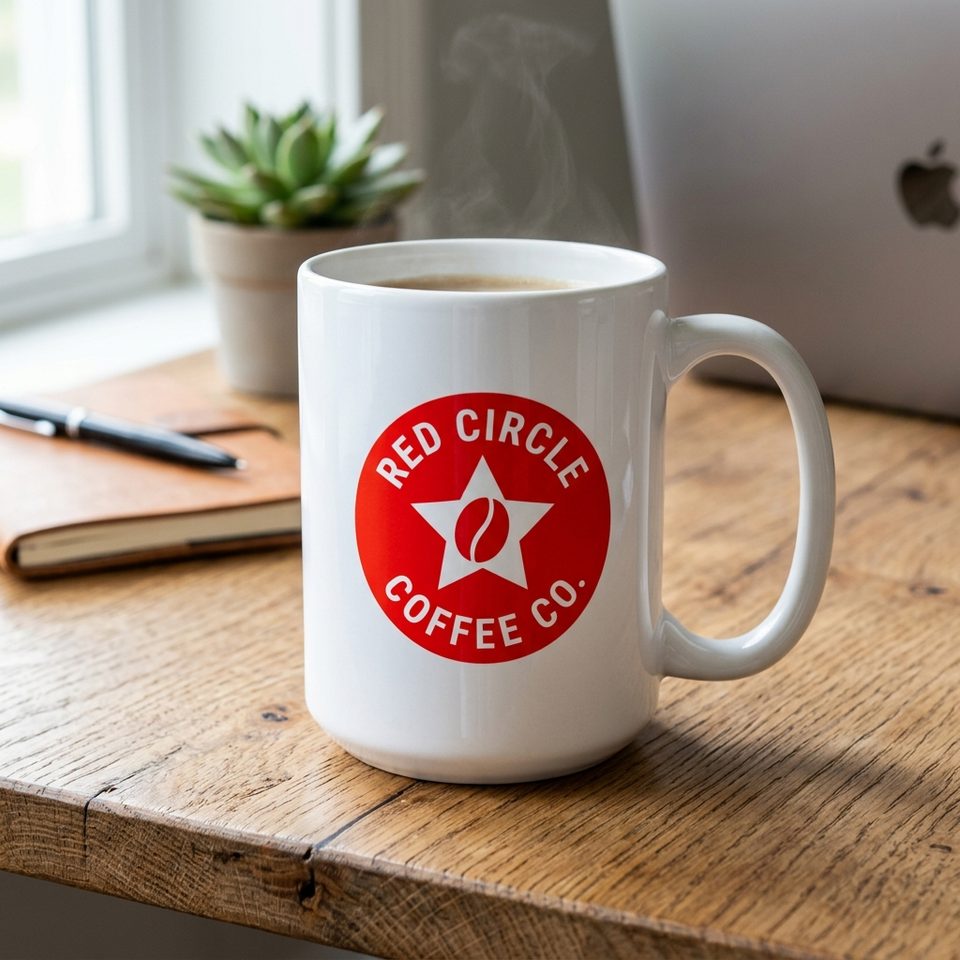
Upload an image and AI finds the logo or brand mark on the main subject, removes it, and fills the area using the surrounding image. No mask, no prompt.
Drop one PNG, JPG, or WEBP image with the logo or brand mark you want removed. Automatic detection — no mask or selection.
Only edit images and brand assets you own or have permission to modify.


Upload one image. The tool finds the logo on the main subject, removes it, and fills the area using the surrounding image.
"Choose a JPG, PNG, or WebP image that you own or have permission to modify."
"The tool locates the logo, badge, or brand mark on the main foreground subject. No prompt or manual selection is required."
"The detected area is removed and filled with content generated from the surrounding colors, textures, and patterns. The result is a generated replacement, not recovery of the original pixels underneath the logo."
"Download the cleaned image as a PNG at the original dimensions, then add the updated logo in your design tool."
Remove a previous brand mark before applying a new logo.
Remove a logo that was added in the wrong location, size, or orientation.
Reuse images your organization owns when the editable project file is no longer available.
Prepare a visual that can be adapted for different partners, regions, or brands.
Skip the clone tool — detection and fill run automatically in the browser.
Reuse existing photography and graphics during a brand refresh.
Remove an old company logo before placing the current brand mark.
Rebrands · Brand refreshes · Internal assets
Reuse older authorized graphics when the source file is no longer editable.
Ads · Posters · Social graphics
Remove an authorized badge or brand mark before rebuilding the design for another campaign.
Partner versions · Regional brands · Redesigns
Remove logos, badges, and brand marks only from images you own or have permission to edit. Do not remove third-party branding from images you do not own or have permission to modify, especially to resell, impersonate, or mislead.
Automatic detection works best when one brand mark is clearly the most prominent. Images with several logos or similar marks can be harder to target reliably — the tool aims for the mark on the main foreground subject.
The affected area is filled using nearby image content as context. The tool cannot recover the original pixels that were underneath the logo, and complex textures behind it can need a review pass.
If you remove a logo from a product photo, the final image must still represent the actual product, packaging, and contents accurately.
Remove an outdated logo from an image you're authorized to edit and create a reusable base.