
AI Movie Character Outfit Changer
Upload Your Character Frame and New Outfit
Upload one character frame and one garment reference to create a new wardrobe variation.
Character Frame
Upload the existing character image you want to keep.
A clear frame with one character and a visible clothing area provides a stronger starting point.
New Outfit Reference
Upload the garment you want the character to wear in the next scene.
Use a clear clothing image with the full garment visible.
Garment type
Optional scene instructions
Add a note to guide the wardrobe change for the next scene.
Wardrobe Variation Preview
Example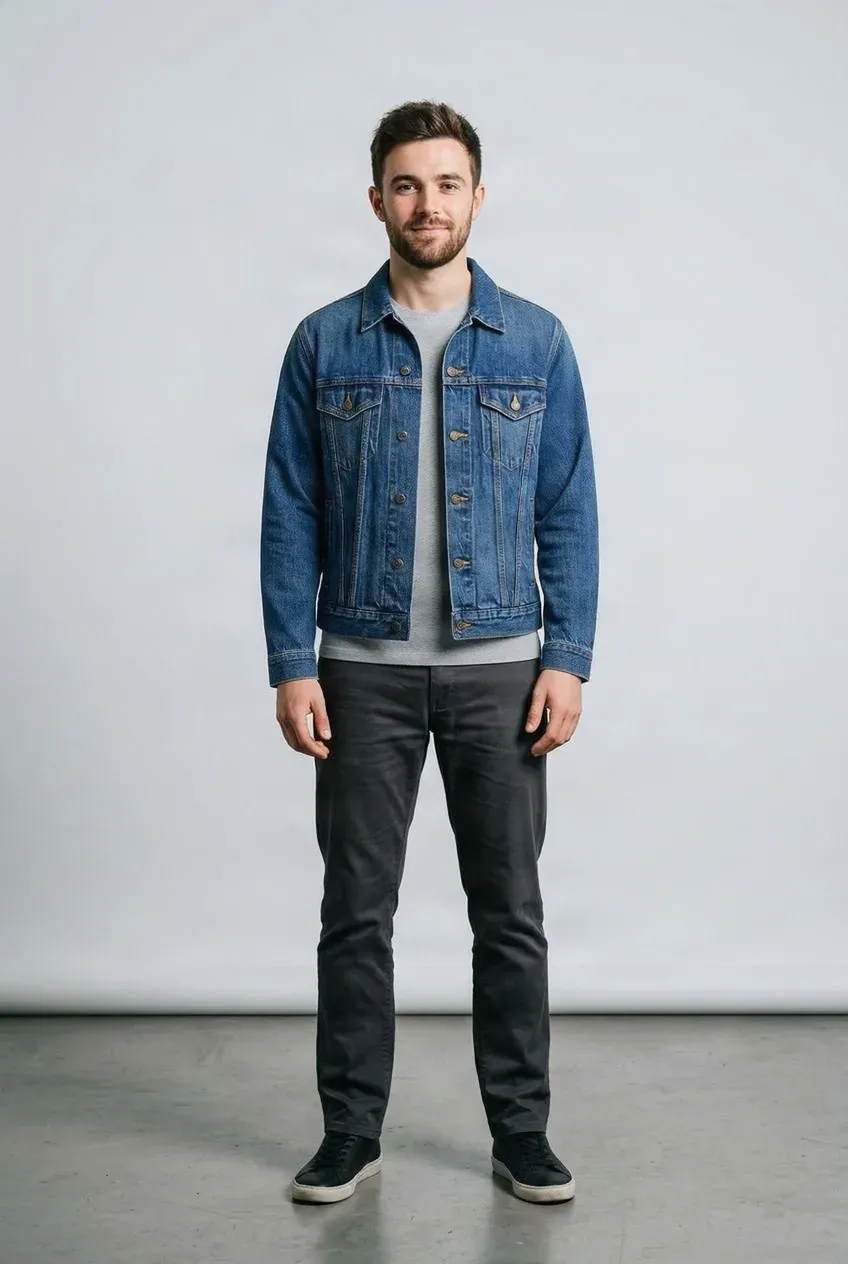
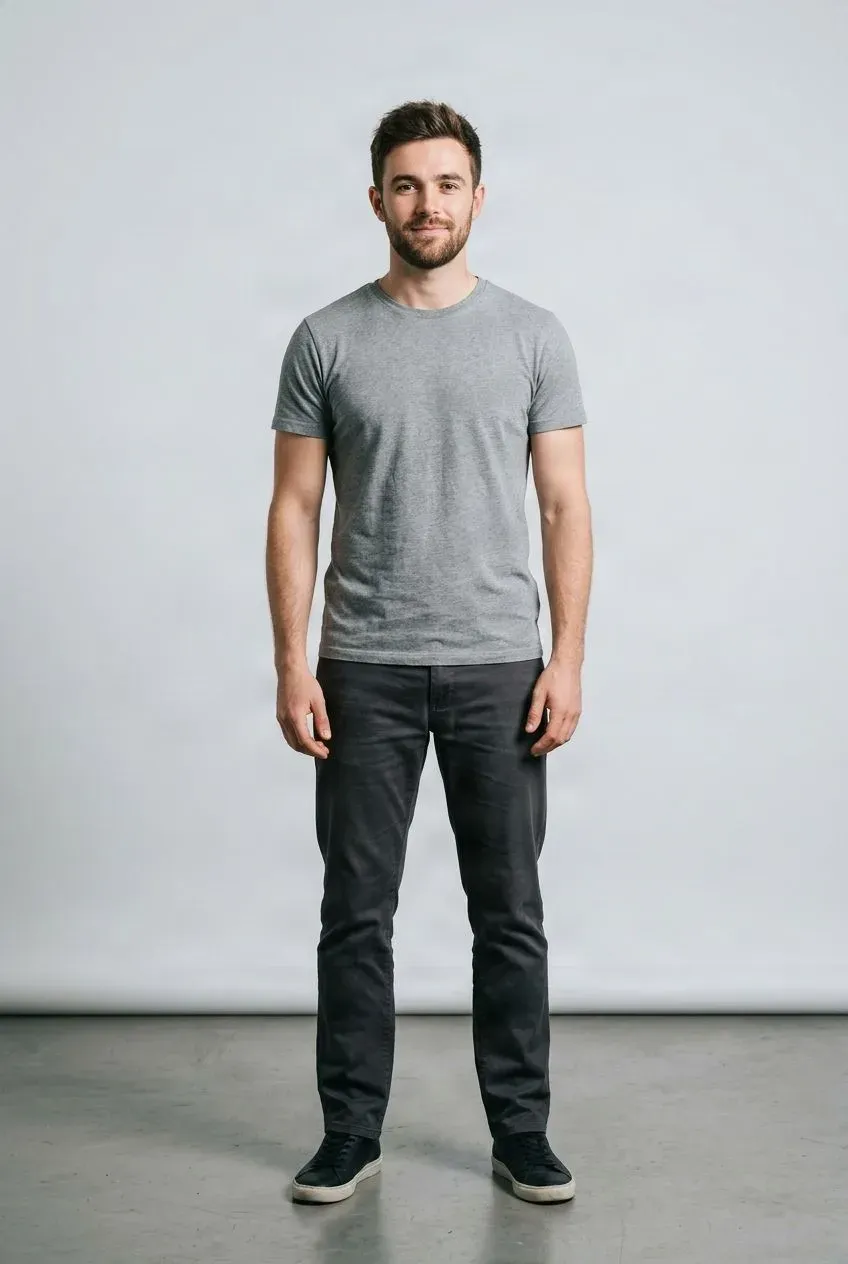
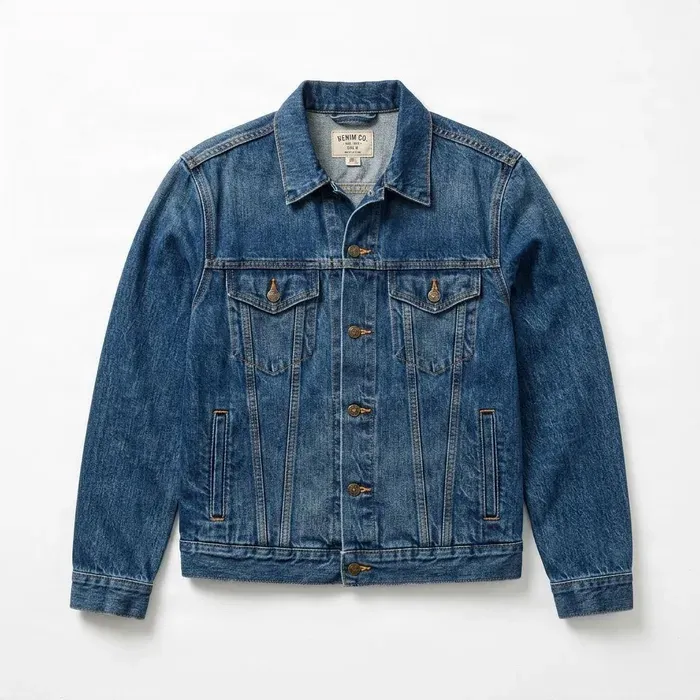 Jacket
Drag to compare — the same person in a different outfit.
Upload a character frame and a garment reference to get started.
Change Your AI Character’s Outfit Between Scenes
Your character should not become a different person every time the story changes clothes. Upload an existing AI character frame and a new garment reference to create a wardrobe variation while keeping the original character image as the visual base. Prepare different looks for AI films, shorts, dramas, storyboards, cinematic stills, and image-to-video workflows without restarting the entire character generation process.
Scene-by-scene wardrobe
Existing Character Frame + New Outfit
Start from a character frame you approved and add a garment reference for another scene-specific look.
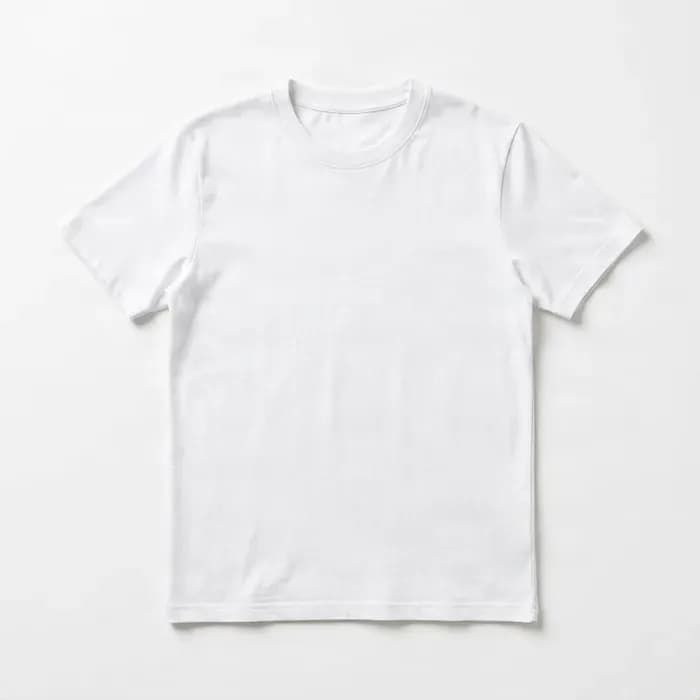
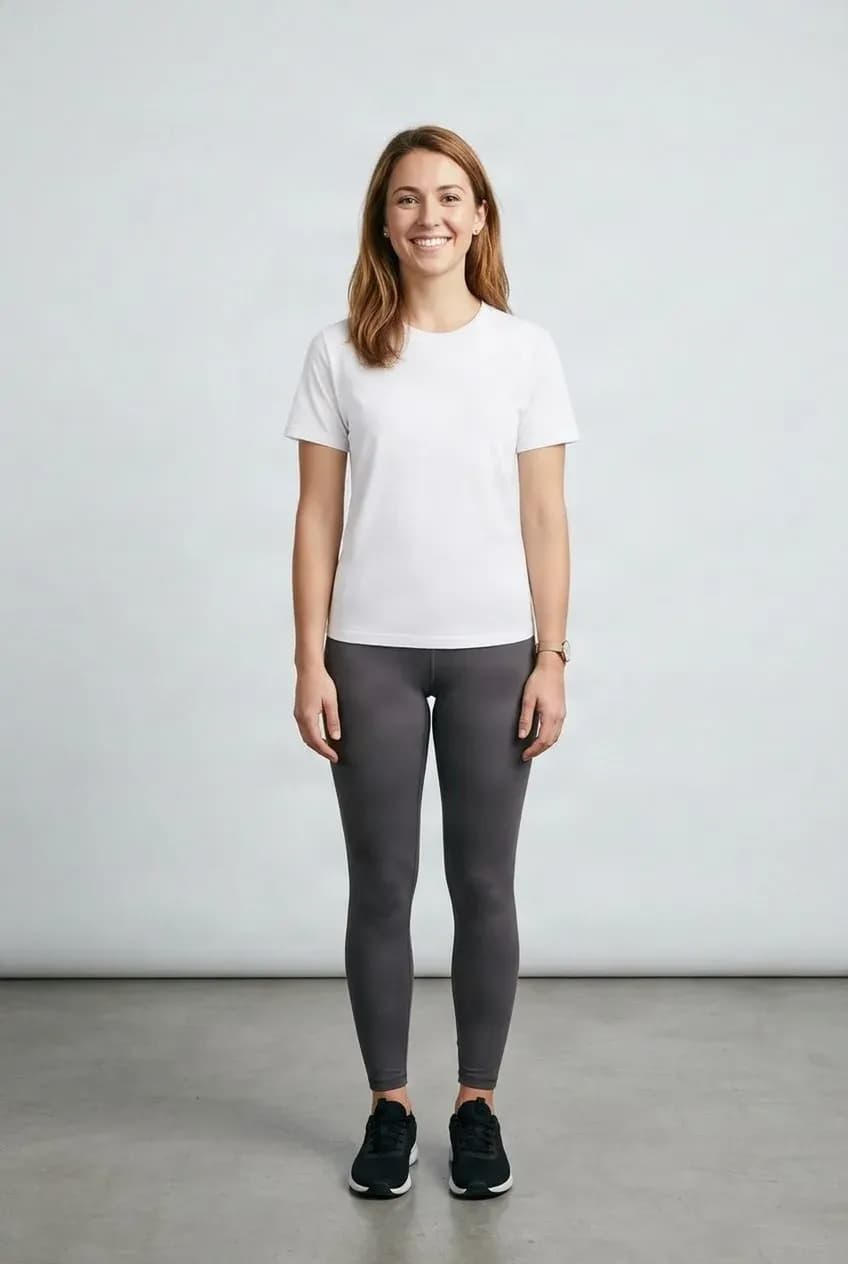
Keep the Approved Frame as a Base
Use the existing image as the visual reference for a wardrobe variation.
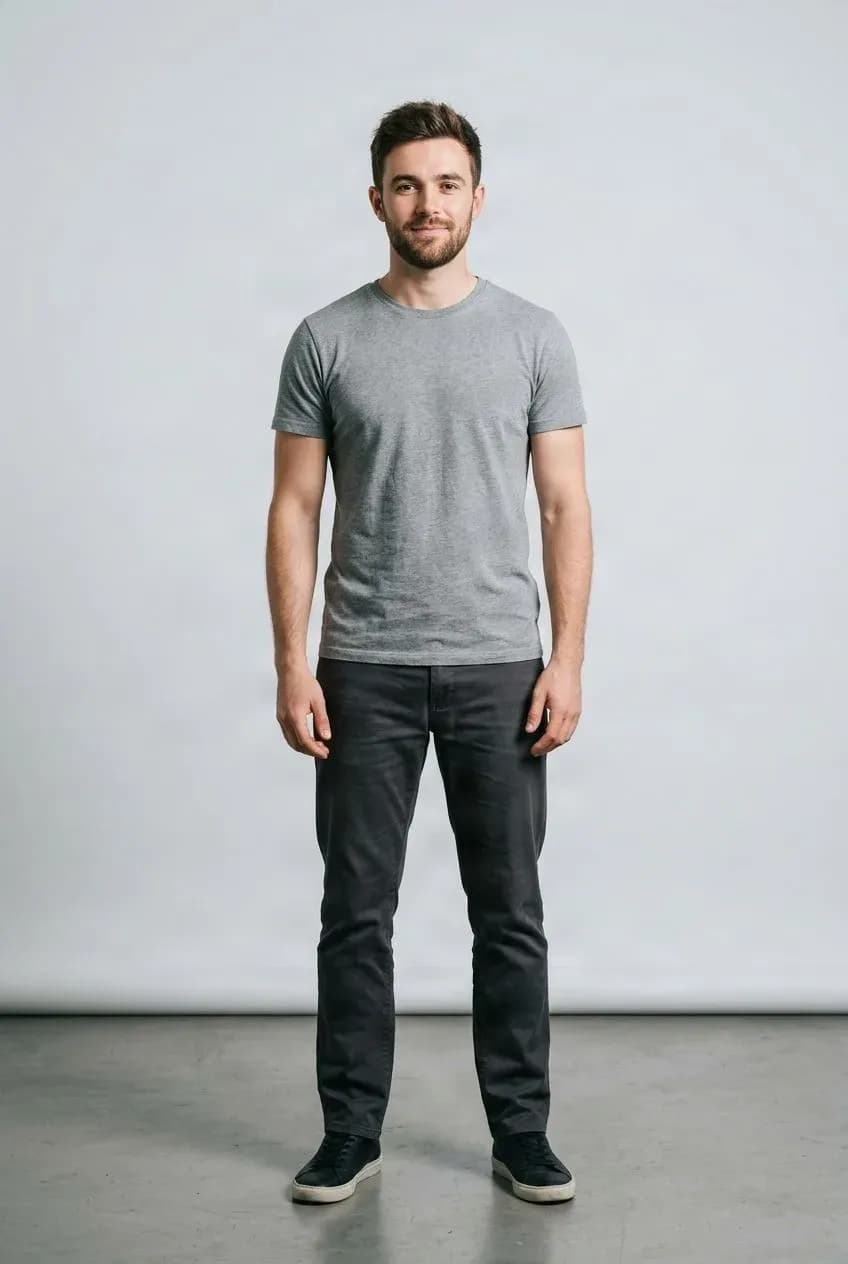
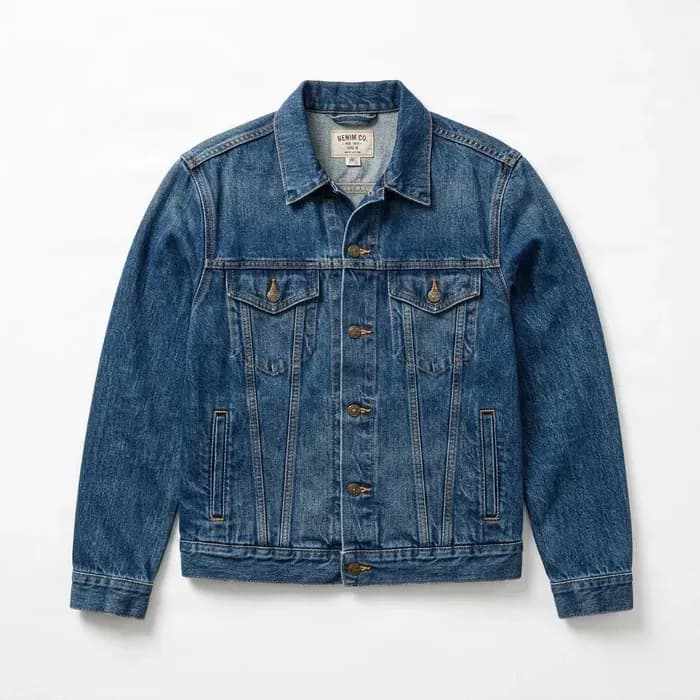
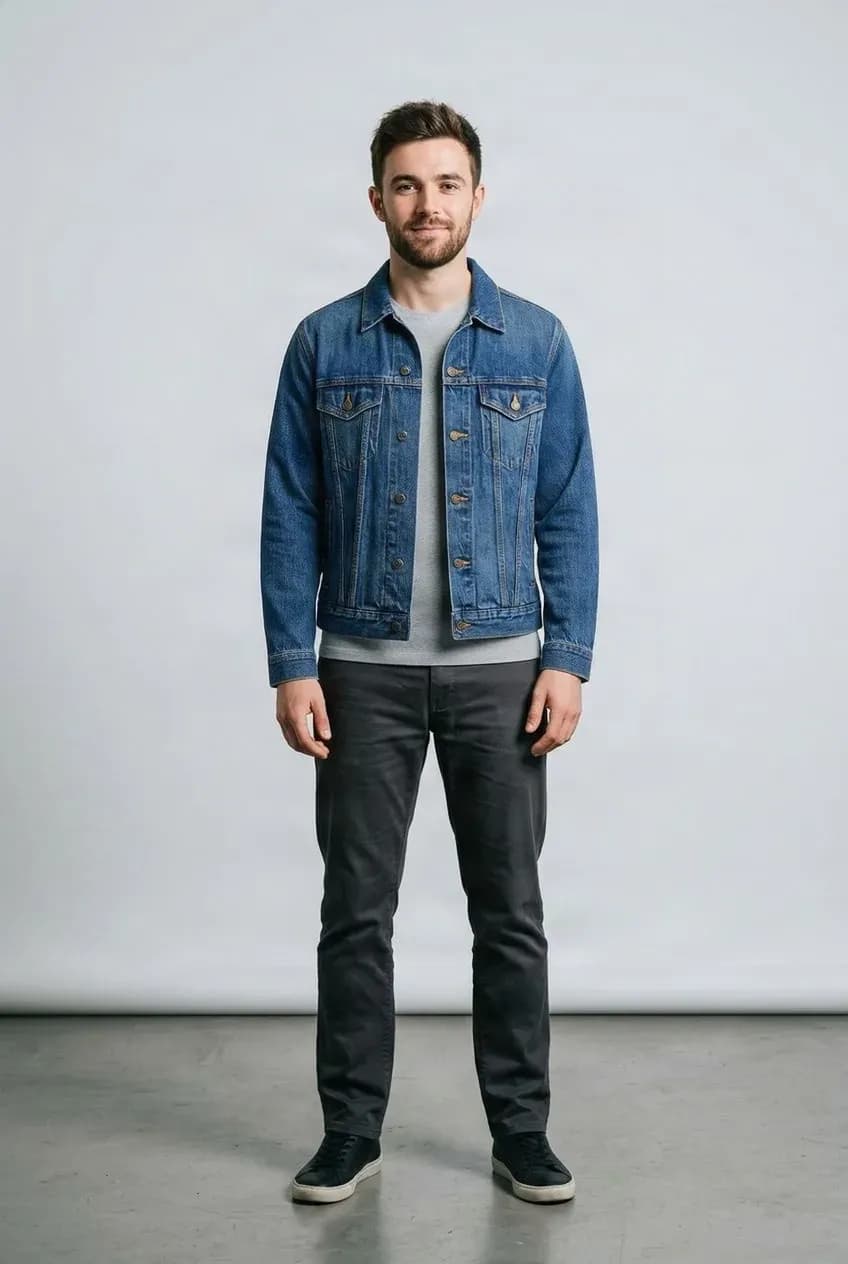
Prepare Another Scene Look
Explore a different costume before moving the still into later production.
Use the Character You Already Approved
The workflow uses an existing character frame and a new garment reference to create a still-image wardrobe variation. The source frame remains the visual base.
This can help when recognizable continuity matters more than creating an entirely new character. Review each output; generative edits are not pixel-perfect and may still change scene details.
The AI Film Wardrobe Problem
One Character, Many Scenes, Too Many Unwanted Changes
AI film production often starts with a character image you finally like: the face works, the hairstyle and proportions feel right, and the lighting fits the scene. Then the script changes location or time and the character needs a different outfit.
Regenerating the entire image from a prompt can also alter the face, hair, body proportions, accessories, pose, background, lighting, or camera framing. Starting from the approved character frame changes the wardrobe task without rebuilding the whole image from scratch.
Keep Story Progression Without Restarting the Character
A character may need casual clothes in a morning scene, business attire at the office, formal wear for dinner, seasonal clothing while traveling, and a story-specific outfit in the final scene. Use the existing frame as the starting point for each wardrobe variation.
Use the Character You Already Approved
Existing Character Frame + New Garment Reference → New Wardrobe Variation. This approach is useful when your priority is “keep this character recognizable and change the clothes,” rather than generating a new character wearing something similar.
Don't Ask the Model to Recreate What Already Works
A prompt such as “same woman, same face, same hairstyle, wearing a black evening dress” still asks an image generator to reconstruct the entire scene. The result can drift even with a detailed prompt. Here, the original character frame itself is the visual base, giving the edit a concrete starting point.
Create Wardrobe Variations for AI Shorts
Short-form AI films move quickly through locations and story beats. A character may appear at home, school, the office, on a date, at a party, in a flashback, during travel, across seasons, or at a story transition. Use the same base character frame to prepare wardrobe variations before sending selected stills to a separate image-to-video workflow.
Prepare Costumes for Multi-Scene AI Dramas
Serialized stories need recognizable characters across scenes. Viewers may notice when a protagonist suddenly has a different face, hair, proportions, or accessories. Using an approved character image as the starting point can reduce unnecessary drift compared with recreating the entire person, but it does not guarantee continuity.
Build Wardrobe Continuity Before Final Generation
Prepare visual references for scene-specific clothing, character arcs, time jumps, seasonal changes, formal events, work scenes, and casual scenes. This lets directors and creators review wardrobe direction before later production stages.
Create New Wardrobe Versions of Approved Character Frames
Sometimes a cinematic still already has the right expression, camera angle, lighting, background, and character. If only the outfit is wrong for the scene, changing clothing from that frame can be more useful than regenerating the whole image.
Lock the Wardrobe Before You Add Motion
A useful AI production sequence is character frame → change outfit → review character continuity → approve wardrobe → send the still to image-to-video. This separates a still-image wardrobe change from a later motion-generation task.
Preserve the Character as Much as the Workflow Allows
The source character is the visual base. The workflow aims to retain recognizable features such as face, hairstyle, overall body shape, pose, framing, background, and general appearance. Generative editing is not pixel-perfect; review outputs before production use, especially for continuity-sensitive scenes.
Reduce Character Drift Without Promising Zero Face Change
AI image generation is probabilistic. Small differences may appear in facial features, hair, skin texture, hands, background, accessories, lighting, or clothing edges. The workflow avoids unnecessarily recreating the whole character, but it does not guarantee every non-clothing pixel stays identical.
Create Multiple Looks From One Approved Character
Build a wardrobe for one character: casual T-shirts, hoodies, and jeans; work shirts, blazers, and business clothing; formal dresses, suits, and evening wear; seasonal summer outfits, winter coats, and holiday clothing; or story-specific uniforms, event clothing, and travel outfits. Use the same character frame as the base for each experiment.
Show the Outfit Instead of Only Describing It
Text prompts are useful for broad ideas. A garment image can provide visual information about color, shape, sleeve length, neckline, silhouette, pattern, structure, and general design, making costume direction more deliberate.
Change Shirts, Jackets, Hoodies, and Upper-Body Clothing
Supported upper-body garment references may include T-shirts, shirts, blouses, hoodies, sweaters, jackets, sweatshirts, and casual tops. Use a source frame where the upper body is clearly visible.
Change Pants, Skirts, Shorts, and Lower-Body Clothing
Supported bottom garments may include jeans, pants, skirts, shorts, trousers, and casual bottoms. A source image showing enough of the lower body provides a better starting point.
Change Dresses and Other One-Piece Clothing
One-piece garment references may include dresses, jumpsuits, rompers, and similar full-body clothing. Use a source character image with enough visible body structure for a full-body wardrobe change.
Keep Wardrobe Direction More Intentional Across Scenes
Text-only outfit changes can drift: collar or sleeve length can change, jacket length can vary, colors can shift, buttons may disappear, pockets may move, or patterns can change. A garment reference gives the workflow a clearer target, but it does not guarantee exact replication.
Use Existing Characters From Different AI Workflows
Try images from AI image generators, cinematic image workflows, storyboard tools, AI portrait generators, concept art, or previous production stills. Clear human or human-like characters generally provide a strong starting point. Test highly stylized illustrations before large-scale use.
Change Clothing on Existing Midjourney Character Frames
If you already like a character generated with Midjourney or Niji, you can use that selected frame and provide a new garment reference rather than regenerating the full character just to test another outfit. Results depend on style and image clarity.
Continue Working With Existing AI Character Art
Character frames from FLUX, Stable Diffusion, ChatGPT Image, or other image tools can be tested. The generator name is less important than whether the source has clear body structure and a visible clothing area.
Stylized Characters May Need Additional Testing
The workflow is designed around a clearly structured human fashion image. Anime, manga, and highly stylized characters may also work, but results can vary more. Test representative samples from your visual style before relying on the workflow for an entire production.
Review Fine Clothing Features Before Approving a Shot
AI generation may alter small garment details. Check logos, printed text, patterns, buttons, pockets, zippers, seams, decorative trims, accessories, and small costume features against the original garment reference.
Start With a Strong Source Frame
Use one main character, keep the clothing area visible, choose a clear high-resolution image, prefer natural poses, and avoid heavy occlusion from foreground objects, crossed arms, or hair covering most of the outfit.
Give the Model a Clean Outfit Reference
Show the full garment, use one main garment per image, and keep its design clear. Flat-lay, ghost mannequin, and clean product images can work well when there is enough resolution to see the structure and important details.
A Practical AI Film Wardrobe Pipeline
Approve the character frame; plan garment references for each scene; generate variations from the same frame; review face, hair, body, garment details, and background; select the frame that fits the scene; then continue to image-to-video or another animation workflow.
Continue Editing After the Wardrobe Is Approved
For suitable anime-style assets, character layer separation can help make supported regions such as hair, face, eyes, mouth, clothing, and accessories more editable for later work.
Change the Wardrobe First, Then Build Other Views
If a character needs front, side, back, or other views, settle the wardrobe first and then generate additional angles. This keeps wardrobe decisions upstream of later asset production.
Outfit Change Is One Part of Character Production
This tool creates a wardrobe variation from a still character image and garment reference. It does not create an entire AI movie, edit clothes directly inside existing video, guarantee identical faces across shots, train a character LoRA, lock identity across all scenes, generate camera angles or animation, create image-to-video motion, design complete costumes from text alone, separate character layers, or build Live2D rigs.
This Workflow Changes a Character Frame, Not an Existing Video
The current workflow is image-based: provide a character image and a garment reference to receive a new character image. For a video project, use an approved result as a source frame for a separate animation or image-to-video workflow.
Use It When the Character Is Right but the Outfit Is Wrong
This workflow fits when you already like the character, pose, and scene, and only need a different outfit. That is different from asking an image generator to invent a new character from scratch.
Built for AI Story Creators
Useful for AI filmmakers, AI short creators, drama teams, storyboard artists, cinematic image creators, motion comic teams, visual novel creators, indie storytellers, AI animation teams, and content studios. When the same character appears more than once, wardrobe continuity becomes part of production continuity.
Spend Less Time Fighting Character Drift
Once you have an approved character, every unnecessary regeneration introduces another chance for visual drift. Use the existing frame, change the wardrobe, review the still, then continue building the scene.
Create Scene-Specific Wardrobe Variations
AI Films and Shorts
Prepare costume changes for different locations and story beats.
AI Drama Production
Explore wardrobe variations from an approved protagonist frame.
Storyboards and Cinematic Stills
Review scene-specific looks before later production stages.
Image-to-Video Preparation
Approve a still-image wardrobe variation before a separate motion workflow.
From Character Frame to Scene-Ready Wardrobe Still
Approve the Character
Choose the frame with the face, hair, proportions, and overall look you want.
Plan the Wardrobe
Collect a garment reference for the scene.
Generate and Review
Compare character continuity and garment details.
Approve the Best Frame
Select the still that fits the scene.
Continue to Motion
Use the approved still in a separate image-to-video or animation workflow.
A Still-Image Wardrobe Edit, Not a Video or Continuity Guarantee
This workflow generates a new still image from a character frame and garment reference. It does not directly edit an existing video or guarantee identical identity, pose, or pixels across scenes. Review every result before production use.
Continue the Character Workflow
AI Movie Character Outfit Changer FAQ
What is an AI movie character outfit changer?
It uses an existing character frame and garment reference to generate a new still image of the character wearing different clothing.
Can I change a character’s outfit without regenerating the whole character?
Yes. The workflow starts from the character image you already have instead of creating an entirely new character from a text prompt.
Will the character’s face stay exactly the same?
Not necessarily. The source remains the visual base, but small facial differences may occur. Exact face preservation is not guaranteed.
Does it help reduce character drift?
It can avoid unnecessary full-image regeneration by using the existing character image. It is not a complete identity-locking system.
Can I use it for AI short films?
Yes. It can help prepare wardrobe variations for the same character across short-film scenes.
Can I use it for AI dramas?
Yes. It can help when the same protagonist needs different outfits across story scenes.
Can I use it for cinematic storyboards?
Yes. Create costume variations before moving into final scene generation or animation.
Can I use it before image-to-video generation?
Yes. Approve the outfit on a still image first, then send the approved frame to a separate image-to-video model.
Does it change clothes inside an existing video?
No. The workflow operates on still images, not existing video footage.
Can I upload an existing AI character image?
Yes. Existing AI-generated character frames are a natural use case.
Can I use Midjourney characters?
Yes. You can test a Midjourney or Niji character image as the source frame. Results depend on visual style and image structure.
Can I use FLUX characters?
Yes. Clear human or human-like character images generated with FLUX can be tested.
Can I use Stable Diffusion characters?
Yes. Use an image where the body and clothing area are clearly visible.
Can I use ChatGPT Image-generated characters?
Yes. Clear character images can be used as source inputs regardless of the image generator.
Can I change shirts and jackets?
Yes. Supported upper-body garments can include shirts, T-shirts, jackets, hoodies, sweaters, and similar clothing.
Can I change pants and skirts?
Yes. Supported bottom garments can include jeans, pants, skirts, shorts, and similar items.
Can I change dresses?
Yes. Dresses and jumpsuits can be used when enough of the relevant body area is visible.
Can I create several outfits for the same character?
Yes. Reuse the same base character image with different garment references. Review each generated version.
Can I build a digital wardrobe for my protagonist?
You can generate multiple wardrobe variations from the same source character. The tool does not manage them as a persistent wardrobe database.
Does it preserve the character’s pose?
The source pose is part of the visual base, but exact preservation cannot be guaranteed in every generation.
Does it preserve the background?
The workflow aims to keep the existing scene as the base, but small background changes may occur.
Does it preserve the hairstyle?
It aims to preserve the existing appearance, including hair, but small changes can happen.
Does it preserve body shape?
The source character image is the base, and the workflow aims to preserve overall body shape while changing clothing. Results can still vary.
Can I upload a flat-lay garment?
Yes. Clear flat-lay clothing images can be used as garment references.
Can I use a ghost mannequin image?
Yes. Ghost mannequin product images can also be useful references.
Can I use a clothing product photo from an online store?
Yes, if you have the rights to use that image.
Does it preserve costume logos and text exactly?
Not always. Fine text, logos, patterns, seams, and other details may change during generation.
Can it create a costume from text only?
Not in this workflow. You provide a garment image as the reference.
Can it create fantasy armor?
It is designed mainly for clothing and wearable fashion. Rigid armor, mechanical suits, or exoskeletons may be less predictable than standard garments.
Can I use it with anime characters?
It can be tested with illustrated characters, but highly stylized artwork may behave differently from realistic human imagery. Test your production style first.
Can I use it for webtoon characters?
It may work with some webtoon styles, but line-art and style preservation can vary. Test representative samples.
Can I use it for VTuber characters?
It may help preview costume concepts, but it does not create a layered or rig-ready VTuber model.
Can it maintain the same character across an entire film automatically?
No. It can help with wardrobe changes on individual source images, but film-wide continuity requires additional controls and review.
Is this a character consistency model?
No. It is a wardrobe-change workflow using an existing frame as the visual base, not a full identity-locking, LoRA training, or multi-scene consistency system.
Do I need to train a LoRA first?
No. You can start from an existing character frame.
Can I use the result as an image-to-video input?
Yes. After approving the wardrobe, use the still as the source for a separate image-to-video workflow.
Can I separate the resulting character into layers afterward?
For suitable anime-style characters, continue with a separate character-to-layers workflow if you need editable parts.
Can I generate multiple angles afterward?
Yes. Use a separate multiple-angle workflow after approving the wardrobe, depending on your production needs.
What character image works best?
Use one main character, visible clothing area, sufficient resolution, a natural pose, and limited obstruction.
What garment image works best?
Use one clear garment with readable structure, sufficient resolution, and minimal obstruction.
Does this guarantee zero face distortion?
No. It aims to reduce unnecessary changes by starting from the existing frame, but exact identity preservation cannot be guaranteed.
Is this useful for professional AI film workflows?
It can be one step in a larger wardrobe and continuity workflow, provided outputs are reviewed before production use.
Can I use generated results commercially?
Commercial use depends on your rights to the character frame, garment reference, designs, trademarks, and other source materials. Only process and publish content you are authorized to use.
Give Your AI Character the Right Outfit for the Next Scene
Upload an existing character frame and a new garment reference to create a scene-specific wardrobe variation.
Change Character Outfit