
See Yourself Wearing Any Hoodie with AI
Try a Hoodie on Your Photo
Add a photo of yourself and a hoodie reference to see how a new style might look on you.
Your Photo
Choose a clear photo showing your shoulders, chest, and arms.
Clear lighting and visible clothing boundaries can improve the preview.
Hoodie Reference
Add a clear photo of the hoodie you want to try.
Product images, flat-lay photos, and unobstructed references work well.
Hoodie type
Optional instructions
Usually you can leave this blank. Add a note only when the reference image needs clarification.
Your Hoodie Try-On Preview
Example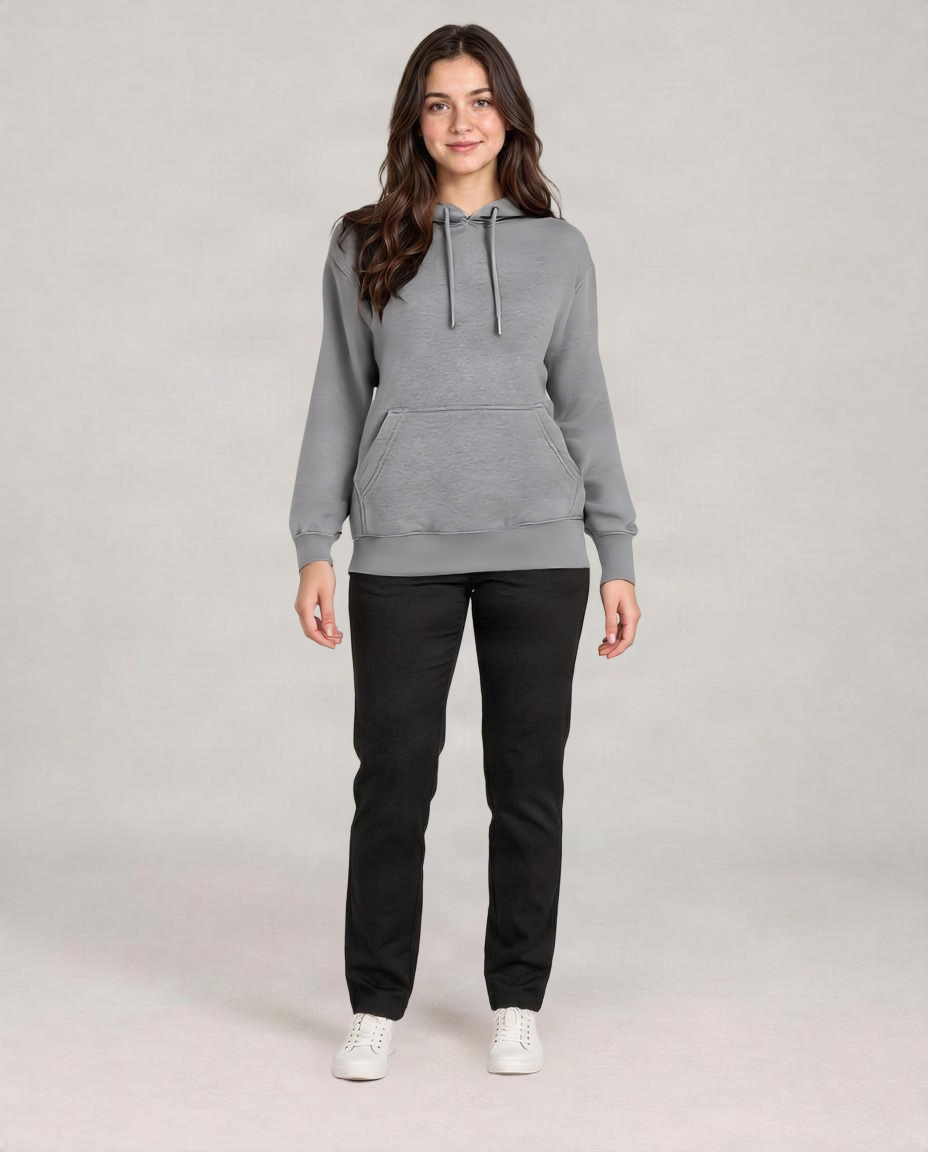
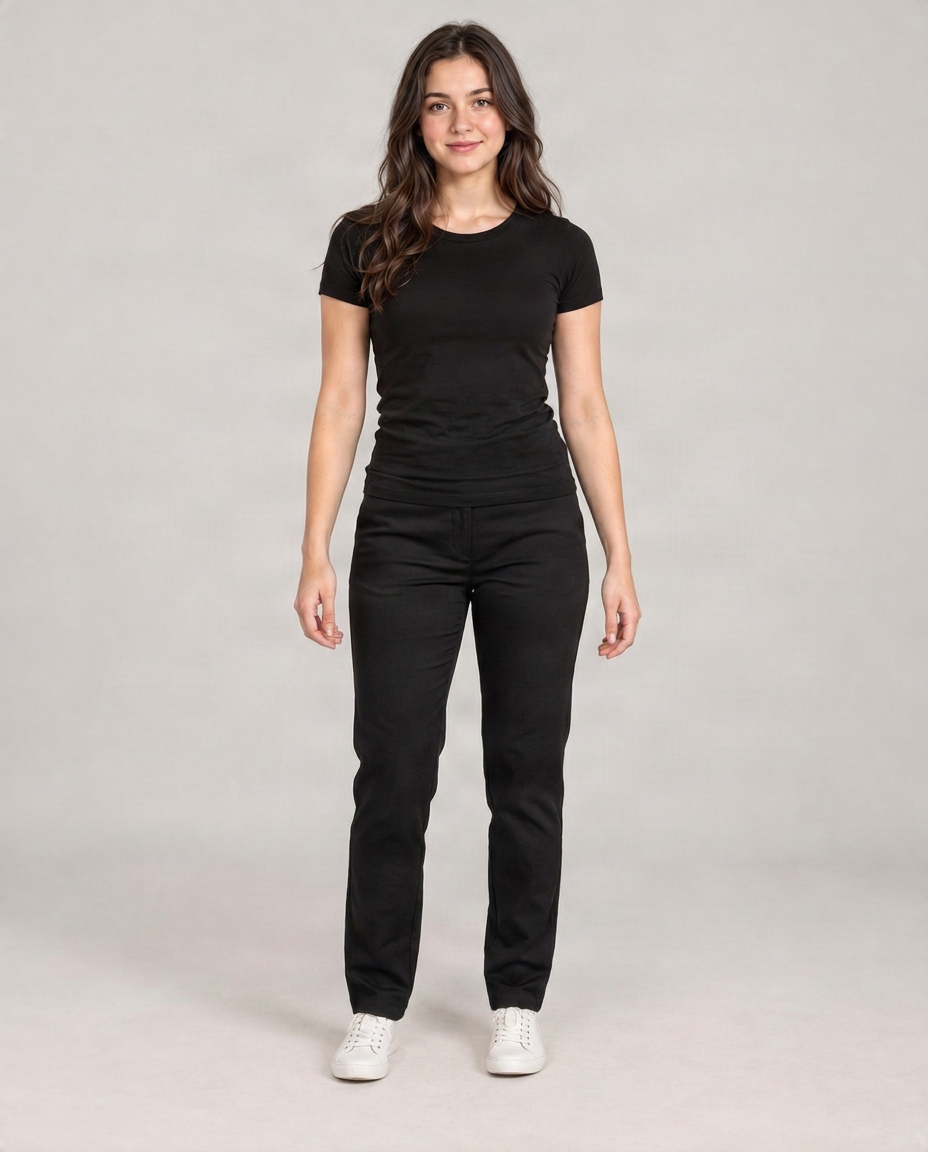
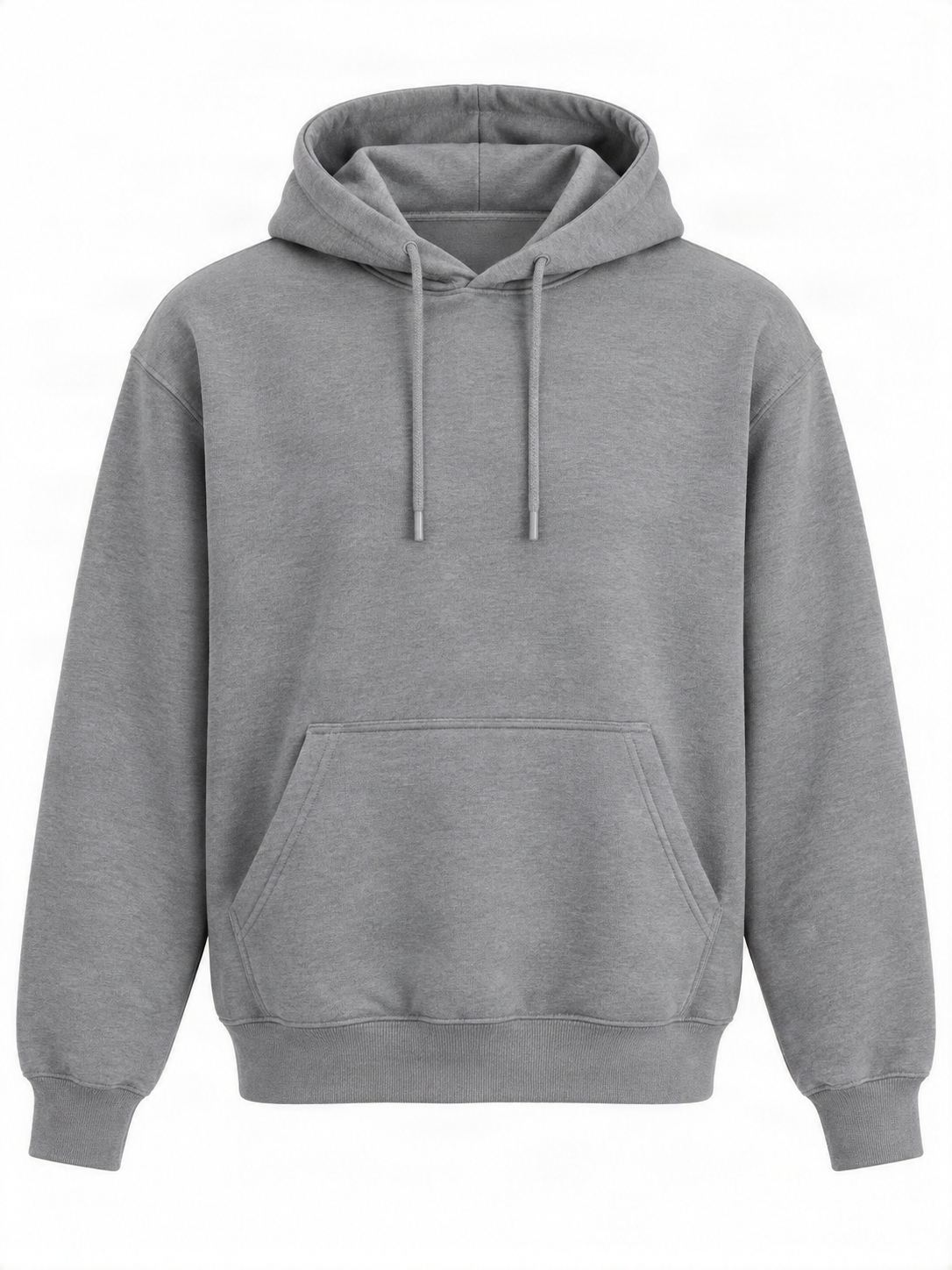 Hoodie Reference
Drag to compare — the same person in a different outfit.
Upload a person photo and a hoodie image to get started.
Found a hoodie you love but are not sure how it would look on you? Upload a photo of yourself and a picture of the hoodie you want to try to create a new look without changing clothes or taking another photo.
See It in Action
One Photo. One Hoodie. A Whole New Look.
This real local example uses a person photo, a hoodie reference, and the generated try-on result. Fit, folds, graphics, and small details may vary.
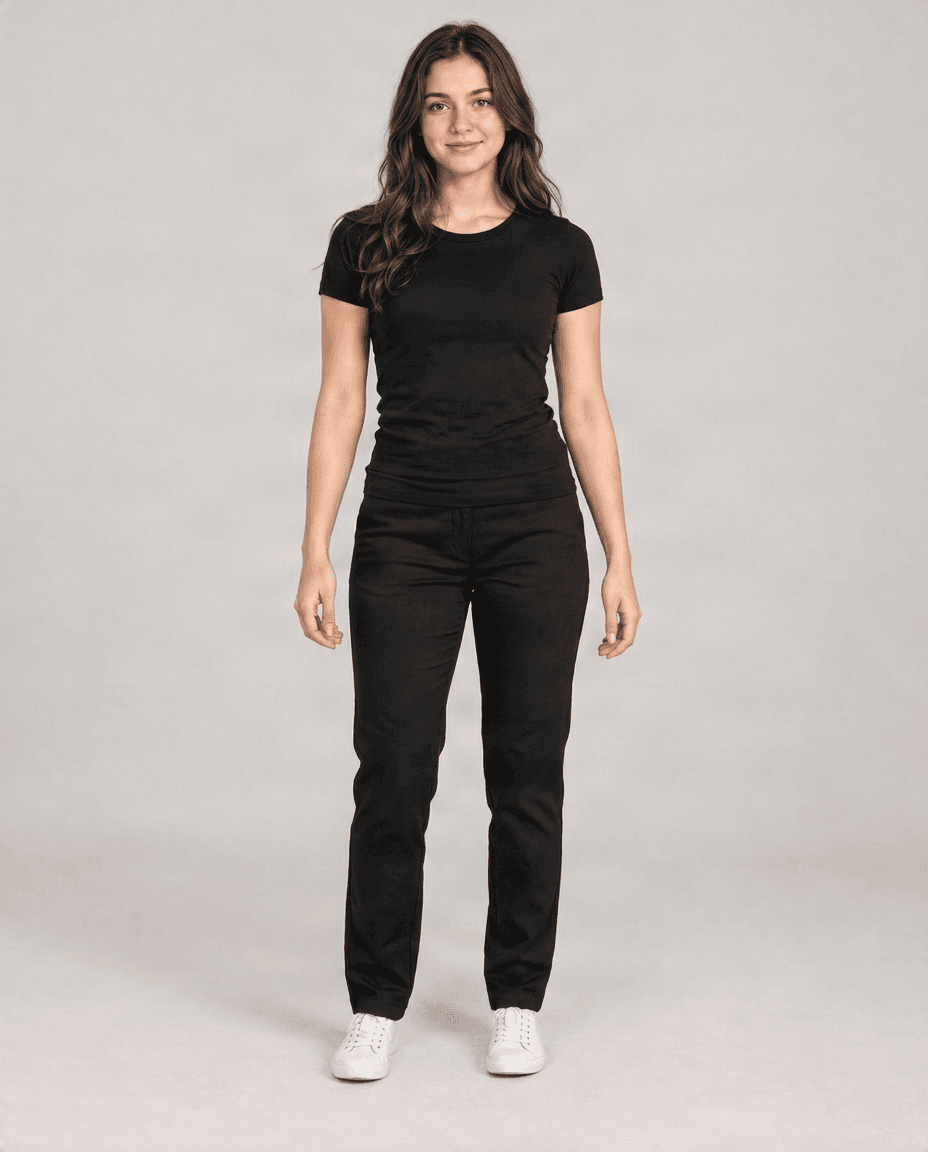
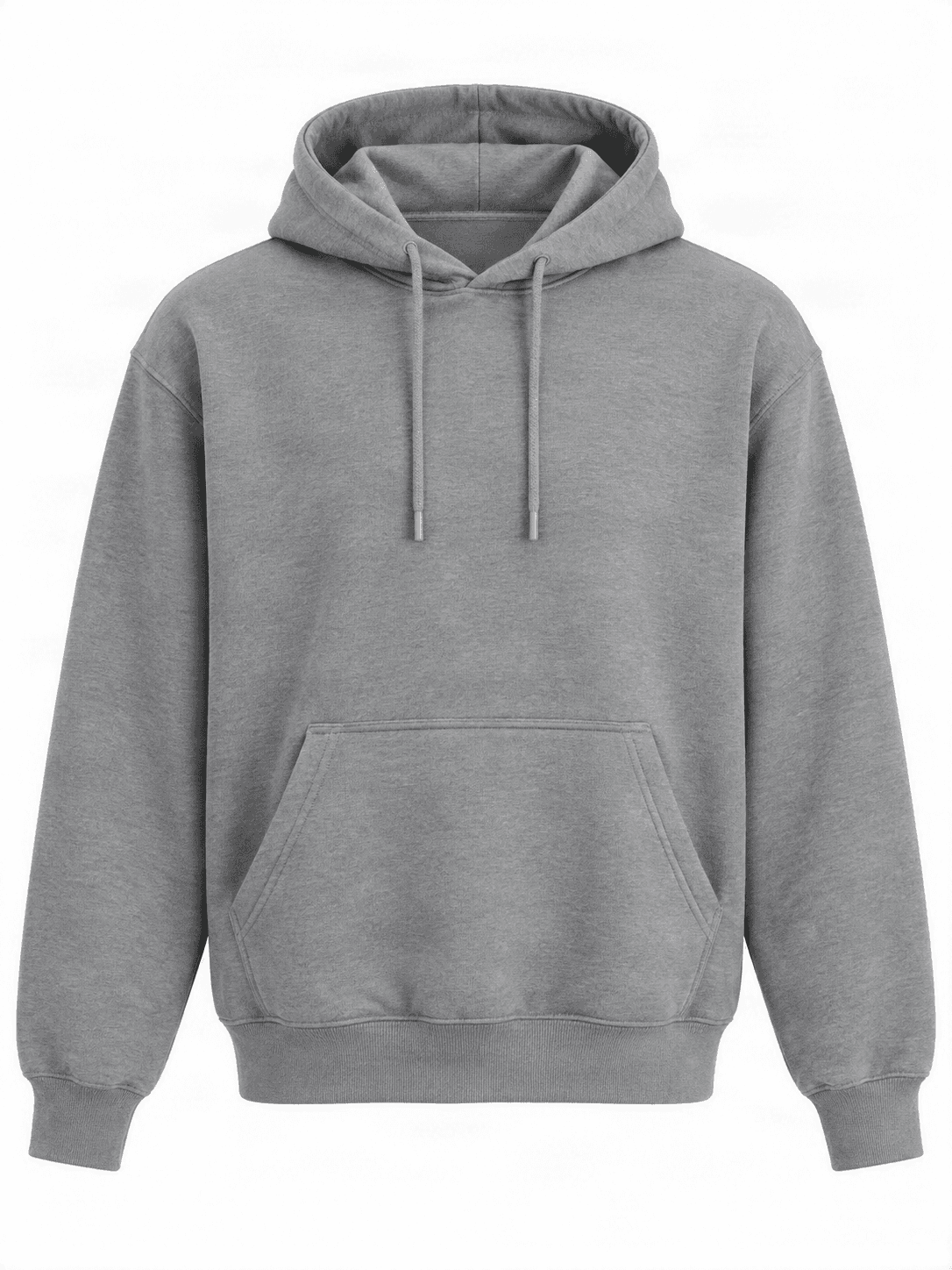
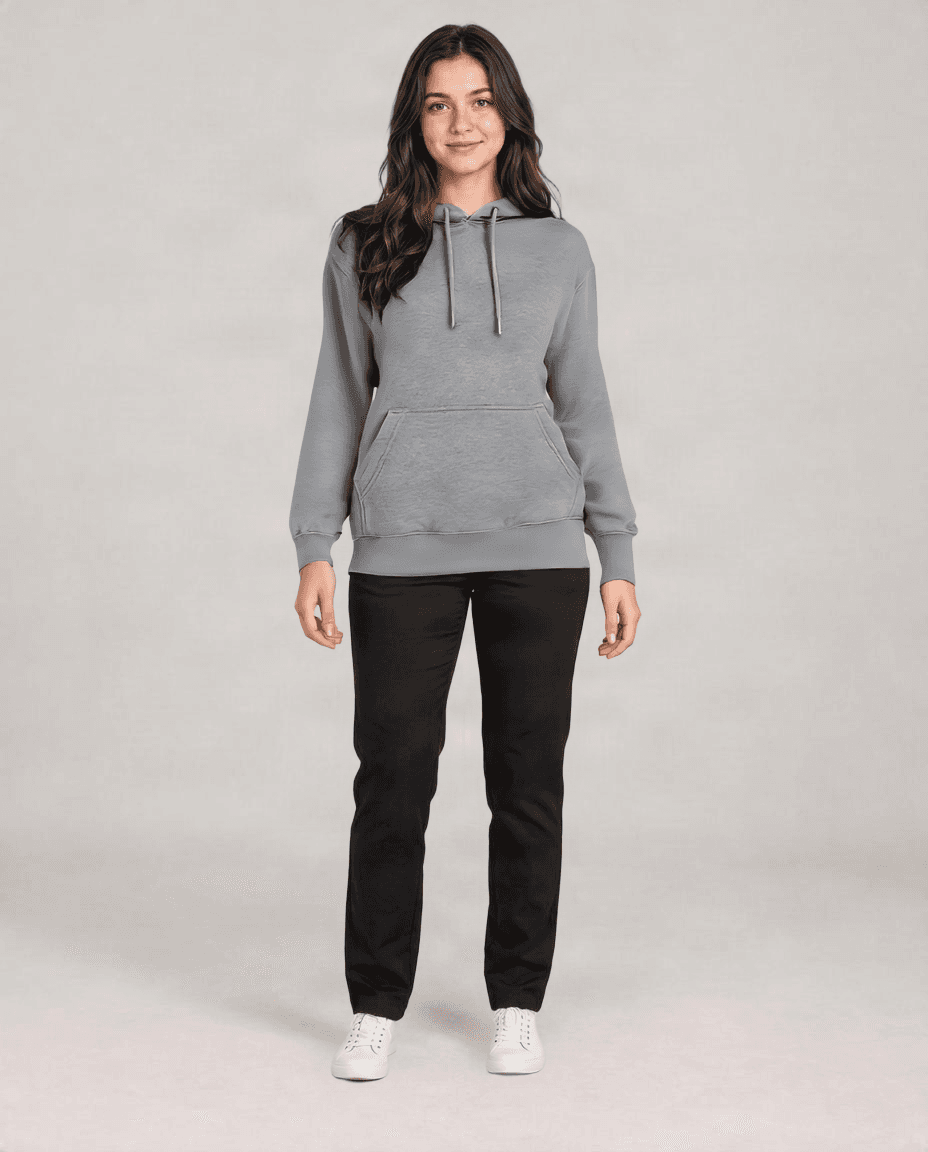
See How a New Hoodie Changes Your Look
Start with a person photo, add the hoodie you want to wear, and explore how its color, silhouette, and casual style work with the person's appearance.
That Hoodie Looks Great Online. But Would You Like It on You?
Product photos can show a hoodie’s color, print, or oversized silhouette, but they do not show how the style might work with your own appearance.
Upload your photo and create a visual preview. Try different colors, pullover and zip-up silhouettes, or a new streetwear style before changing your wardrobe.
Find Your Style
From Classic Pullovers to Oversized Streetwear
Pullover hoodies: Explore timeless everyday styles in different colors and silhouettes.
Oversized hoodies: Preview a looser-looking streetwear shape using your own photo.
Zip-up hoodies: See how an open or layered hoodie style may look with your current outfit.
Graphic hoodies: Experiment with bold colors, artwork, and decorative designs.
Cropped hoodies: Explore shorter styles with a clear upper-body reference.
Athletic hoodies: Preview sporty, relaxed activewear looks.
- AI adapts the hoodie to the person in the image. Exact garment measurements, graphics, and physical fit are not guaranteed.
Three Simple Steps
Your New Hoodie Look Starts with Two Photos
Upload your photo: Choose a clear, front-facing or naturally posed image showing your shoulders, chest, and arms.
Add a hoodie image: Upload a product image, flat-lay photo, or unobstructed reference. You do not need to describe the hoodie in a text prompt.
Generate your preview: Start the virtual try-on, compare it with the original image, and create another preview with a different reference when you want.
Explore More Looks
Choosing Between Two Hoodies? See Them on Your Photo
Use the same photo to compare different colors, pullover and zip-up styles, oversized silhouettes, and casual outfit ideas.
Keep the person and background recognizable while exploring a hoodie style you have not worn before.
- Each preview is generated independently, so small differences in the person or background may occur.
More Than Shopping
Love Your Photo, But Want a Different Hoodie?
Sometimes the lighting, expression, and background of an existing photo are already right. Instead of taking another picture, add a new hoodie reference and explore an alternate version.
This can help with personal photos, casual portraits, creative styling ideas, and social media content.
Get a Better Preview
A Clear Photo Helps Your Hoodie Look More Natural
Printed text, logos, embroidery, and small artwork may change during generation. Better source images can improve the preview, but results still vary.
- Show your upper body, shoulders, torso, and arms.
- Use a natural pose; crossed arms and hands covering the chest can make results harder to interpret.
- Choose a clear reference showing the hood, sleeves, front, and overall shape.
- Avoid heavily folded or partly hidden hoodies.
- Review the neckline, sleeves, hood, pockets, face, hands, background, graphics, and logos after generation.
Choosing Your Hoodie Image
Show AI the Hoodie You Actually Want to Try
A front-facing product image makes the neckline, pocket, sleeves, and silhouette easier to identify.
Visible hood and sleeves, good lighting, and minimal obstruction provide useful visual information. A simple garment image is usually better than a busy scene containing several clothes.
The reference guides the result but does not guarantee an exact digital reproduction of the garment.
Choose What You Want to Try
Want a Hoodie or a Different Kind of Outfit?
Hoodie Virtual Try-On focuses on pullovers, oversized hoodies, zip-up designs, and other casual hoodie references.
Jacket Virtual Try-On is designed for denim jackets, leather jackets, blazers, and coats. AI Clothes Try-On supports other individual clothing items, while Virtual Outfit Try-On combines several references.
These tools create visual previews rather than physically accurate garment fitting simulations.
Realistic Expectations
See the Style. Check the Fit Separately
The preview can help you explore a hoodie's color, overall appearance, casual style, and visual silhouette.
Folds, drawstrings, pockets, seams, graphics, logos, clothing underneath, and small facial, hand, or background details may change.
It cannot tell you the correct size, sleeve length, fabric feel, stretch, or real-world fit. Check the seller's measurements and size guide before purchasing.
Before You Generate
Explore Hoodie Styles with Your Image to Layers Credits
Hoodie Virtual Try-On uses your Image to Layers account. AI processing uses credits, and the required cost is displayed before you start.
When your preview is ready, review the result and use the available download option to save your image.
Try Hoodies Before You Decide
Compare Hoodie Colors
Try different color references to see which shade works with your appearance.
Compare Pullover and Zip-Up Styles
Explore the visual difference between two popular hoodie silhouettes.
Experiment with Oversized Fashion
See whether a relaxed, oversized look matches the style you want.
Explore Casual Outfit Ideas
Try a new hoodie while keeping your existing pants and photo context.
Discover Something Different
Experiment with a hoodie style you have not worn before.
How to Try On a Hoodie Online
Upload Your Photo
Choose a clear photo showing the person's clothing area.
Add a Hoodie Image
Upload the product image or clear reference you want to explore.
Generate Your Preview
Start the try-on, review the result, and compare another hoodie if you want.
A Visual Preview, Not a Fit Simulation
Hoodie Virtual Try-On helps you explore style in a photo. It does not measure your body or determine real-world sizing, sleeve length, fabric feel, or physical fit. Graphics, folds, logos, and small details may change during generation.
Explore More Looks
Jacket Virtual Try-On
Preview denim jackets, leather jackets, blazers, and coats on your photo.
Try on a jacketMen's Virtual Try-On
Explore men's shirts, hoodies, jackets, and other everyday clothing.
Try men's clothesAI Clothes Try-On
Try a different shirt, dress, jacket, or another individual clothing item.
Try other clothesVirtual Outfit Try-On
Combine multiple clothing references to create a complete look.
Try a complete outfitHoodie Virtual Try-On FAQ
What is Hoodie Virtual Try-On?
It is an AI tool that lets you see how a hoodie-inspired outfit could look in your photo. Upload a person photo and a hoodie reference to create a visual preview.
How can I try on a hoodie online?
Upload a clear photo of yourself, add an image of the hoodie you want to try, and start the AI try-on. The tool generates a new picture showing the hoodie style on the person.
Can I use a hoodie photo from an online store?
You can use a suitable hoodie product image when you have the necessary rights or permission. Publicly available product photos may still have usage restrictions.
Can I virtually try on an oversized hoodie?
Yes. Upload an oversized hoodie reference to explore its general visual silhouette. AI cannot guarantee how oversized the physical garment will fit.
Can I try on a zip-up hoodie?
Yes. Use a clear zip-up hoodie image. The generated preview may adapt the zipper opening and the clothing underneath.
Can I try on a pullover hoodie?
Yes. Pullover hoodies are suitable references when the garment's main shape and features are clearly visible.
Can I try different hoodie colors?
Yes. Upload different hoodie references and generate separate previews to compare colors.
Do I need a full-body photo?
Not necessarily. A clear upper-body photo can work for most hoodies. Showing more of your body may help with longer or oversized styles.
Can I use an existing selfie?
Yes, provided the selfie clearly shows the clothing area. A close-up showing only your face may not provide enough information for a hoodie try-on.
Can I try a hoodie with a graphic or logo?
Yes. You can use graphic hoodie references, but small text, prints, branding, and logos may not be reproduced exactly.
Will AI keep my face the same?
The tool aims to keep your appearance recognizable while changing the clothing. Small facial or image changes can still occur.
Can I try hoodies for men and women?
Yes. You can upload a suitable person photo and hoodie reference regardless of the clothing's marketing category. Results depend on the provided images.
Can I try on multiple hoodies in one generation?
This page uses one hoodie reference per generation. To compare different hoodies, generate separate previews using the same person photo.
Will the result show the correct hoodie size?
No. The preview does not measure your body or the actual garment. It cannot determine the correct size or predict real-world fit.
Can I try a hoodie over my current shirt?
You can upload a hoodie reference to explore a layered look. However, AI may modify or replace parts of the clothing underneath, especially with open zip-up hoodies.
Do I need to write a prompt?
No. The main workflow uses a person photo and a hoodie image. Optional instructions may help clarify a reference, but they are not required.
Can I download my hoodie try-on result?
Yes. Once the generation is complete, save the resulting image using the available download controls.
Is Hoodie Virtual Try-On free?
AI generation uses credits. The applicable cost is shown before processing so you can review it before starting.
Found a Hoodie You Like? See It on Your Photo
You do not need to buy it, change clothes, or take another picture just to explore the style. Upload your photo and the hoodie you want to try.
Try on a hoodie now