
Webtoon Character Wardrobe Generator
Upload Your Character and New Outfit
Upload one character image and one garment reference to create a new wardrobe variation.
Character Image
Upload the webtoon, manga, or illustrated character you want to keep.
A clear character image, visible clothing area, and natural pose provide a stronger starting point.
New Outfit Reference
Upload the garment you want your character to wear.
Use a clear clothing image with the full garment visible.
Garment type
Optional instructions
Add a note to guide the clothing change or specify which garment to use.
Character Outfit Preview
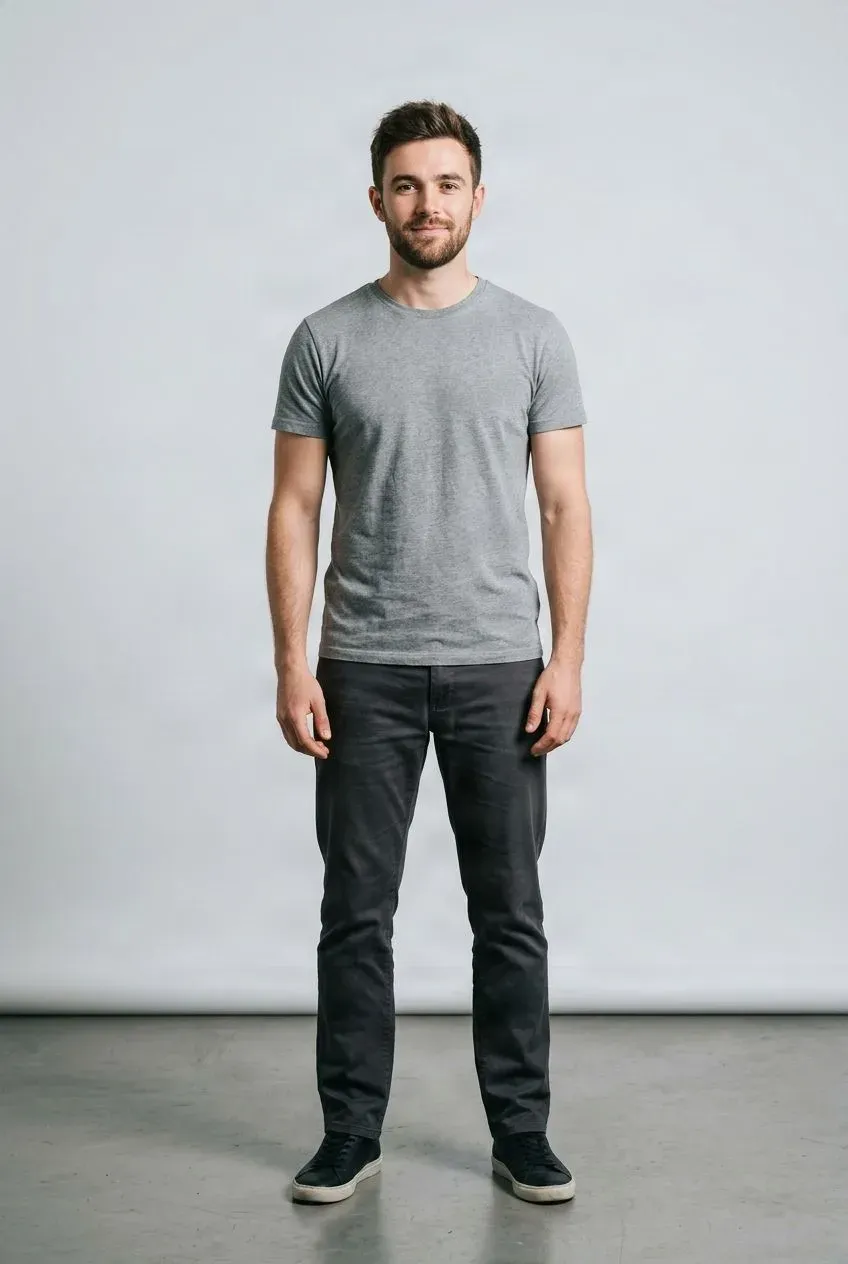
Example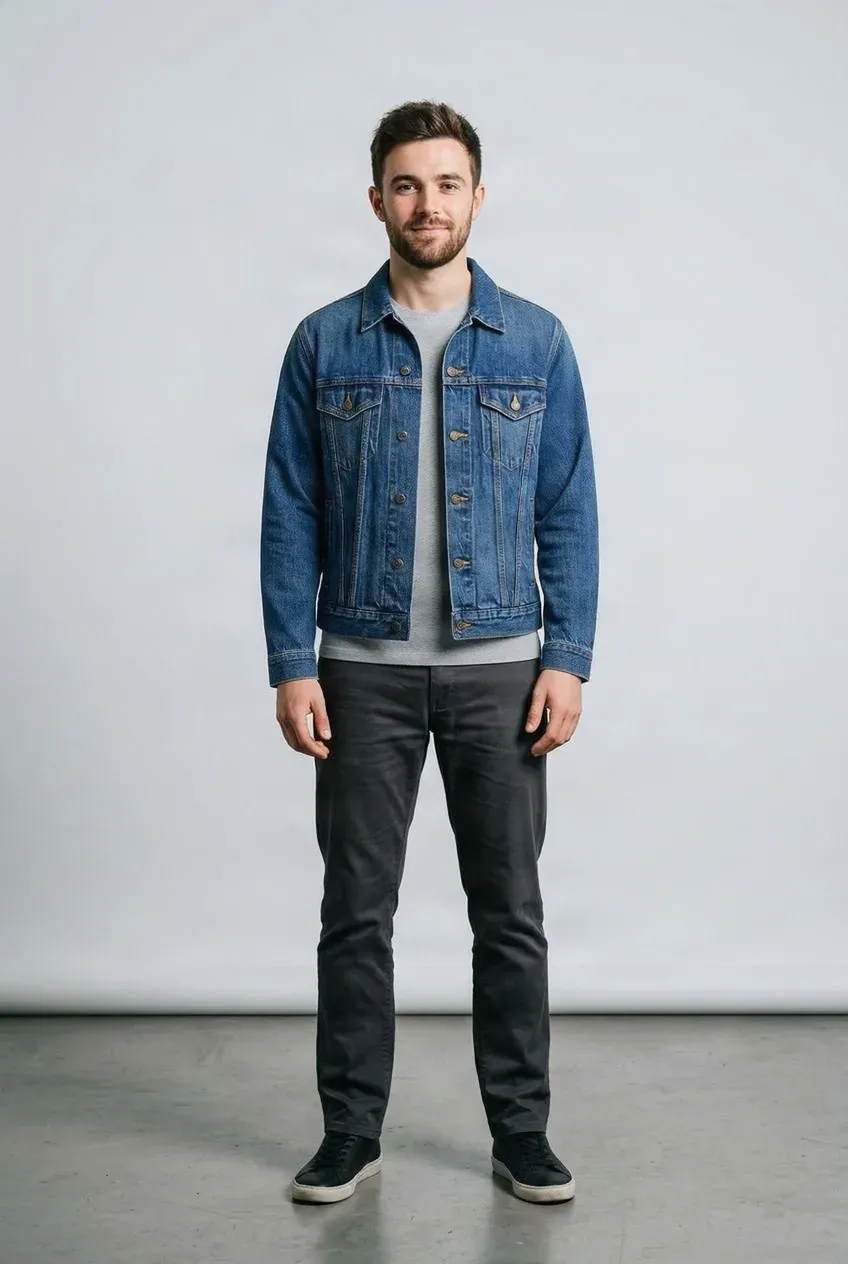
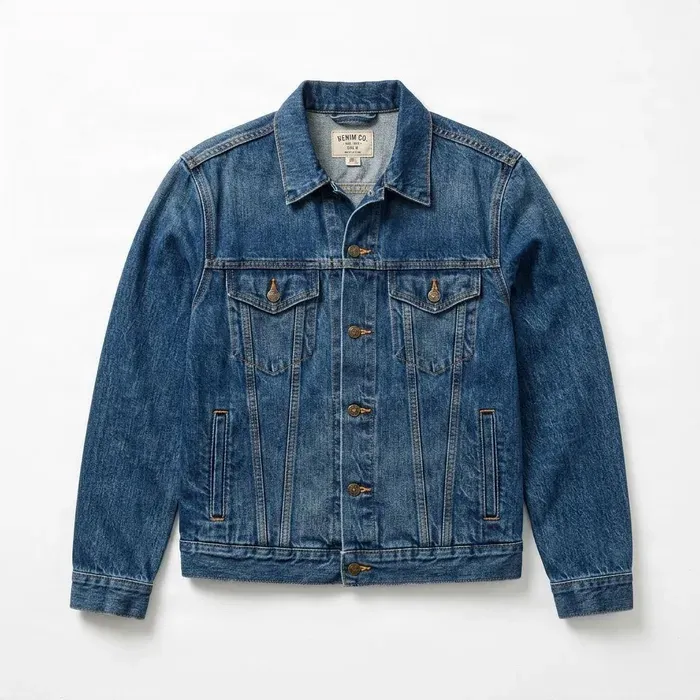 Jacket
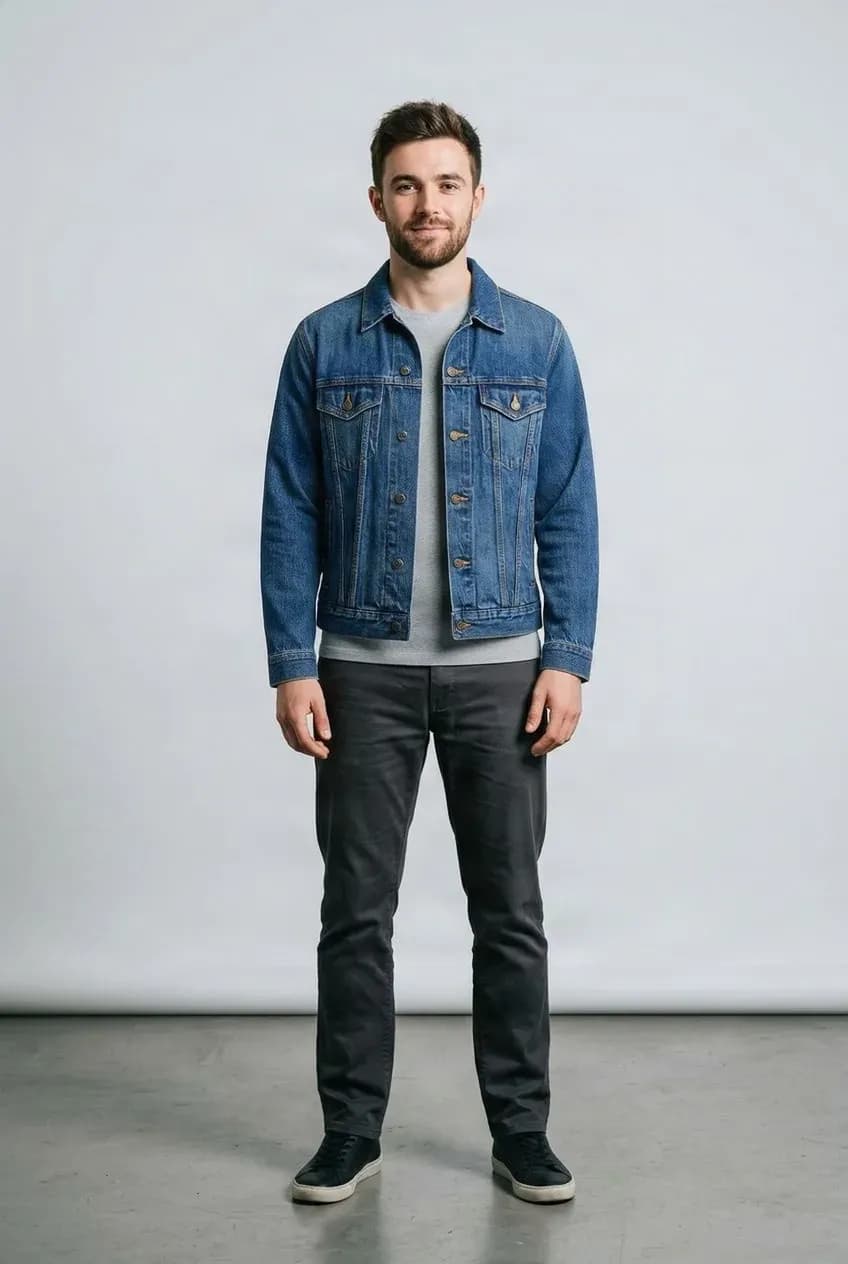
Drag to compare — the same person in a different outfit.
Upload a character image and a garment reference to get started.
Give Your Webtoon Character a New Outfit
Your story changes. Your character's wardrobe should be able to change with it. Upload an existing webtoon, manga, or illustrated character image together with a new garment reference to create a wardrobe variation without starting the character over from scratch. Explore outfits for story scenes, seasons, events, visual novels, motion comics, and illustrated narratives.
See it in action
Existing Character + New Outfit
Start from an illustrated character image and add a garment reference to explore a wardrobe variation.
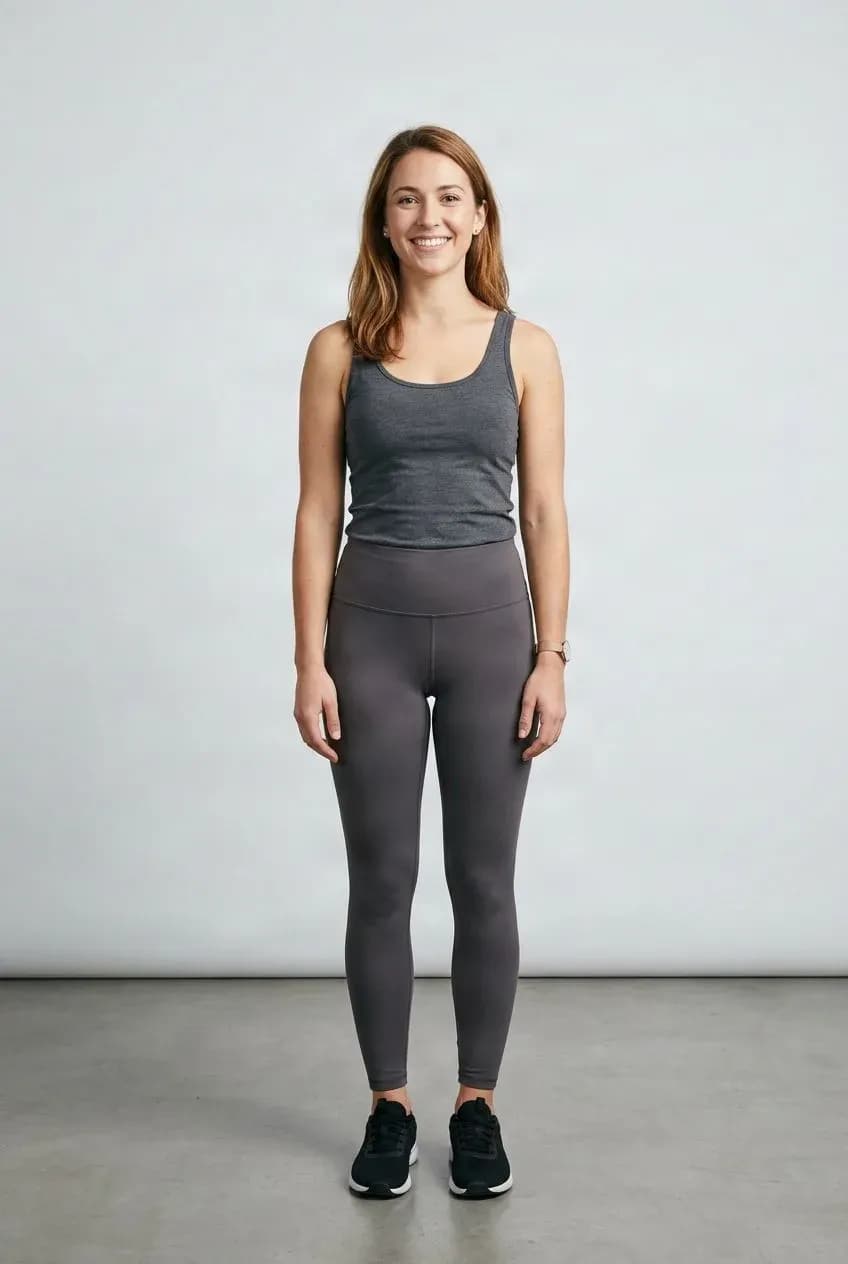
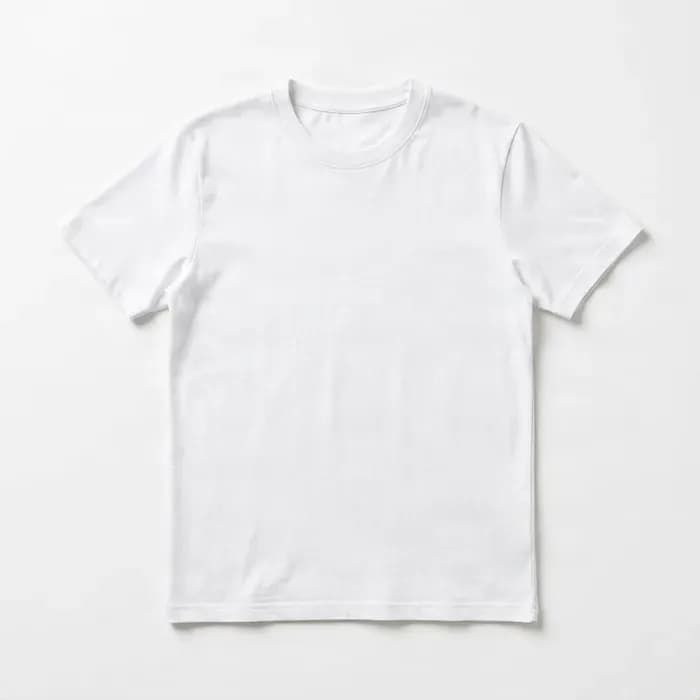
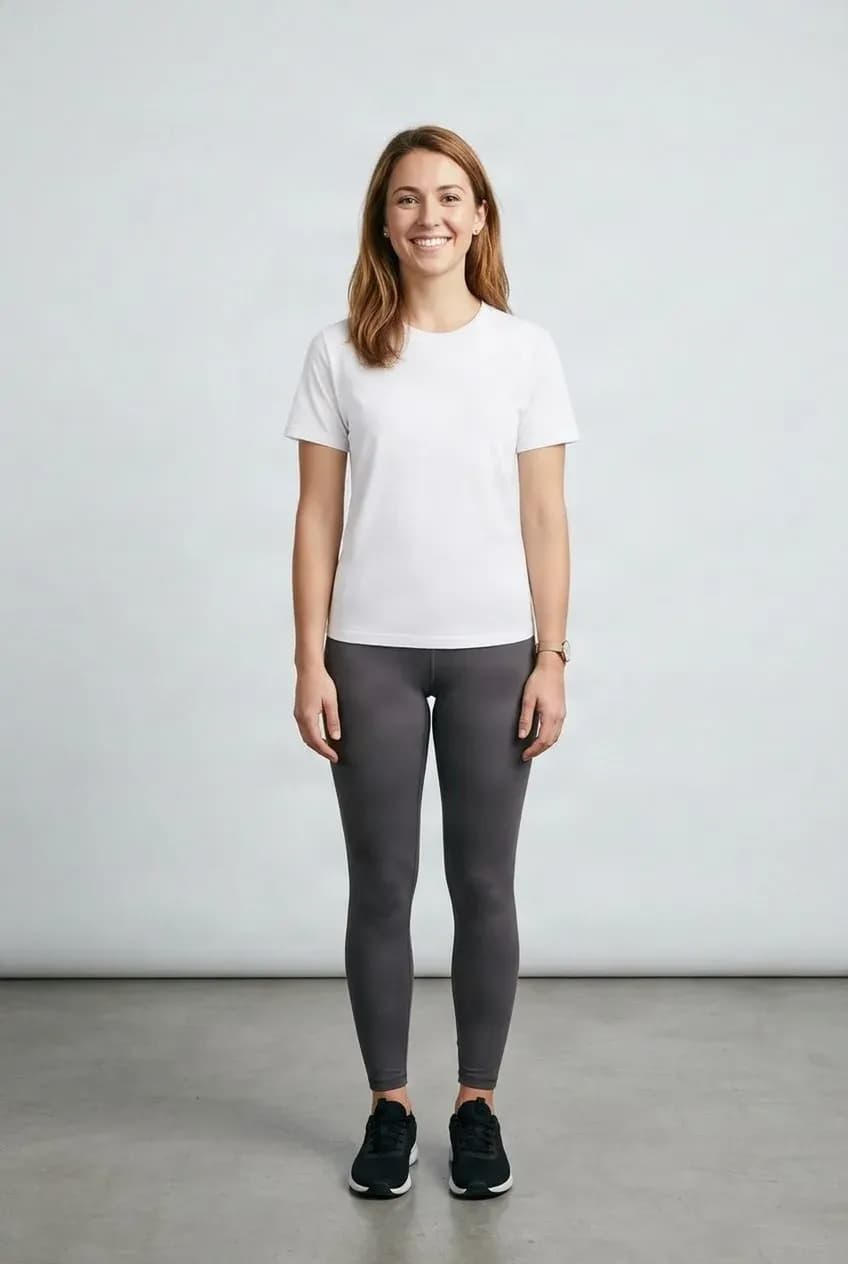
Start from Your Character
Use the existing image as the visual reference for the outfit edit.
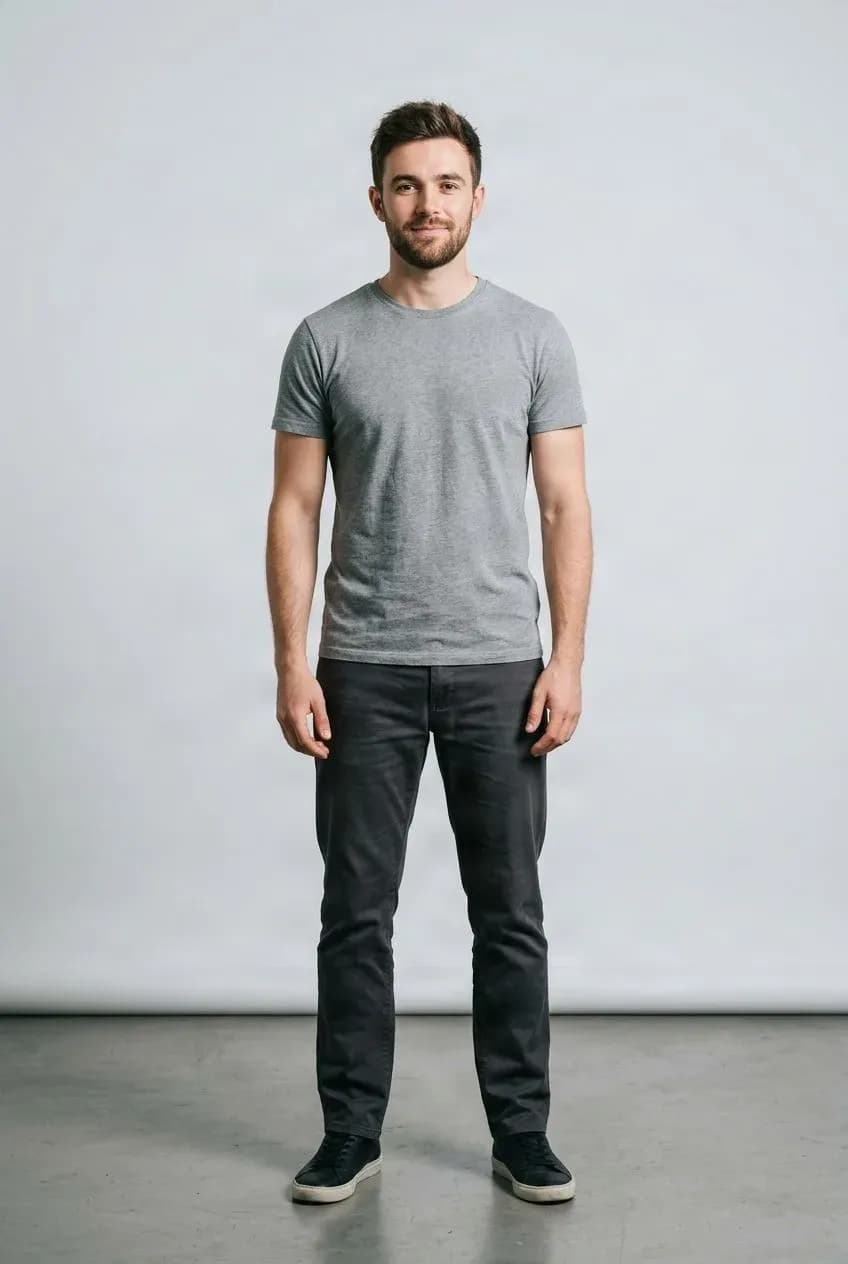
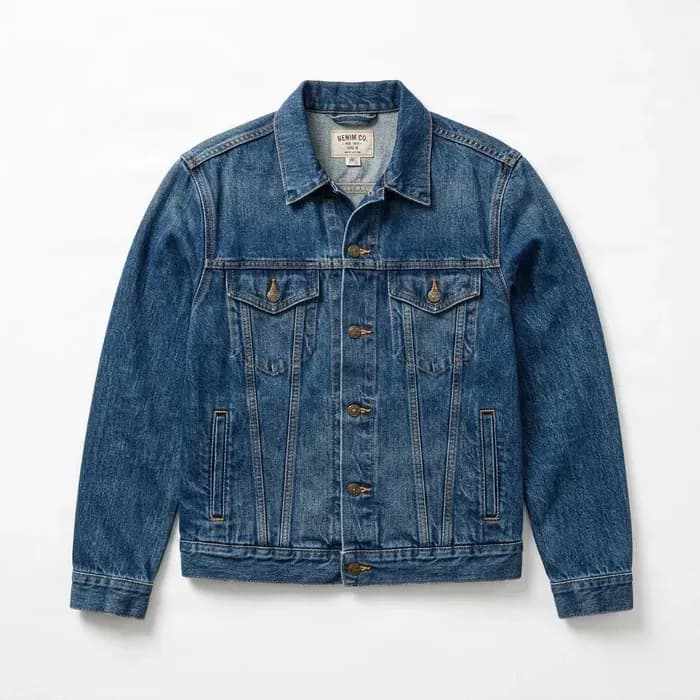
Explore a New Look
Review wardrobe concepts for new scenes and story moments.
Explore Wardrobe Variations Without Starting Over
The workflow combines an existing character image with a garment reference to create a new outfit variation. It is designed for wardrobe concepting and visual exploration, not guaranteed production of style-perfect final assets.
Illustrated outputs can vary. Review face, hair, line art, shading, garment details, and continuity before using results in a story or production.
One Character Can Need Dozens of Outfits
The Wardrobe Problem in Serialized Comics
Recurring characters appear in school, work, home, seasonal, formal, flashback, fantasy, and everyday scenes. Drawing every clothing variation manually can take a significant part of production time.
Use an existing character image to explore wardrobe concepts before refining or redrawing them.
- School and work scenes
- Dates, holidays, and formal events
- Seasonal chapters and alternate timelines
- Fantasy sequences and everyday scenes
Keep the Character You Already Have
Don't Rebuild the Entire Character Just to Change Clothes
When the character already looks right, you may not want to regenerate the face, hair, pose, body proportions, expression, and background just because the next scene needs another outfit.
Start from the selected character image and focus the variation on a new clothing reference.
Character Image + Garment Reference
A Simple Wardrobe Workflow
Existing Character Image + New Garment Reference → New Outfit Variation. This is useful when you already know which character you want to use and which garment you want to explore.
Webtoon Production
Prepare New Outfits for Upcoming Chapters
Explore wardrobe ideas for story progression, seasonal transitions, new locations, character development, formal events, alternate timelines, and fantasy scenes. Review, refine, redraw, or use the result as part of your production workflow.
Motion Comics
Create Wardrobe Variations Before Animation
Motion comics often begin with illustrated assets that later receive camera movement, layer animation, parallax, facial changes, and scene transitions. Settle the wardrobe before building the animated scene: Character Image → Change Outfit → Approve Result → Layer or Animate.
Manga Character Outfit Changes
Explore New Clothing for Manga and Illustrated Characters
Test alternate casual wear, school uniforms, formal clothing, seasonal clothes, date outfits, fantasy costumes, and everyday wardrobe variations. Highly stylized line art, monochrome artwork, or unusual proportions may produce less predictable results than more realistic or semi-realistic illustrations.
Visual Novel Characters
Build Wardrobe Variations for Story Sprites
Create concept variations for school uniforms, weekend casual clothes, event outfits, winter coats, sweaters, or an alternate route look. Starting from an existing character image helps explore ideas without creating a new character from zero.
Digital Wardrobe Concepting
Explore Multiple Looks for the Same Character
Use the same base character to test everyday T-shirts, hoodies, and jeans; school uniforms, cardigans, and blazers; formal dresses and suits; or seasonal and holiday clothing. This can help establish a character's wardrobe language before final production.
Use Garment References Instead of Only Prompts
Show the Clothing You Want
A text prompt such as “stylish black jacket” can be interpreted in many ways. A garment reference shows shape, color, sleeve length, neckline, pattern, silhouette, and general design more directly.
Character Consistency
Keep the Original Character as the Visual Starting Point
The source image gives the model a reference for the face, hair, body shape, pose, framing, and visual identity. Generation is not deterministic, so small changes may still occur.
No Perfect Style-Lock Guarantee
Illustrated Styles Can Shift
Webtoon and manga art ranges from semi-realistic and cel-shaded to painterly, chibi, monochrome, and line-art focused. Do not assume exact preservation of line weight, coloring, brush texture, cel shading, or tiny facial details. Test your style before relying on results in production.
Face Preservation
The Character Should Stay Recognizable, but Small Changes Can Happen
The existing character image is the visual base and can help retain recognizable features. AI generation may still change face shape, eyes, hair, accessories, skin or shading, and small background areas. Compare outputs carefully when continuity matters.
Outfit Variations for Character Arcs
Let Clothing Reflect the Story
Wardrobe can communicate age, mood, social status, job, season, character growth, story phase, and setting. Explore a progression from casual clothing to professional attire, luxury fashion, fantasy clothing, formal wear, or travel clothing.
School and Campus Stories
Create Uniform and Casual Variations
Explore uniforms, weekend clothes, club outfits, sportswear, winter layers, and festival clothing with the same character image before final artwork is created.
Romance and Slice-of-Life Stories
Prepare Scene-Specific Character Outfits
Dates, work, shopping, parties, weddings, travel, home scenes, and seasonal events can all call for different looks. Use wardrobe variations for early visual exploration.
Fantasy and Sci-Fi Stories
Use Clothing References for Costume Exploration
Test fantasy clothing, uniforms, futuristic fashion, cyberpunk clothing, and historical-inspired outfits. Extremely rigid armor, mechanical exoskeletons, and highly non-clothing structures may be less reliable than standard garments.
Tops
Change Shirts, Jackets, Hoodies, and Other Upper-Body Clothing
Try T-shirts, shirts, blouses, hoodies, sweaters, jackets, cardigans, and sweatshirts. Use a character image where the upper body is visible.
Bottoms
Change Pants, Skirts, Shorts, and Lower-Body Clothing
Try jeans, pants, skirts, shorts, trousers, and casual bottoms. Show enough of the character's lower body for the garment to be placed.
Dresses and One-Piece Outfits
Create Full-Outfit Variations
Use dresses, jumpsuits, rompers, and similar one-piece garments. Choose a source image where more of the character's body is visible.
Character Wardrobe Workflow
Build a Repeatable Process
Choose the base character, prepare a clear outfit reference, generate a variation, review face, hair, body, style, and clothing details, then refine or redraw if needed. The result can be a final image, a concept reference, or a starting point for manual correction.
Before Character Layering
Separate the Character After the Outfit Is Approved
For suitable anime-style characters, continue into a separate character-layer workflow to separate supported regions such as hair, face, eyes, mouth, clothing, and accessories. This can make the approved wardrobe variation more useful for motion comics, Live2D preparation, or other animation workflows.
Before Motion Comic Production
Decide the Wardrobe Before You Animate the Scene
A practical sequence is Character Design → Wardrobe Variation → Character Layering → Motion / Parallax / Animation. Making the clothing decision earlier can avoid rebuilding animation assets after it changes.
Not a Full Digital Wardrobe System
This Tool Generates Outfit Variations, Not a Persistent Character Database
You can create several variations from the same character, but the workflow does not automatically store a wardrobe library, apply outfits across every panel, synchronize costume details across frames, track continuity, or maintain a character database. Organize and review production assets yourself.
Not Automatic Comic Panel Generation
It Changes Clothing on an Existing Image
This workflow does not automatically create comic panels, poses, expressions, speech bubbles, scripts, backgrounds, chapters, or camera angles. It focuses on changing the wardrobe of an existing character image.
Not a Layered PSD Generator
The Try-On Result Is Still a Generated Image
The output is not automatically a layered PSD, individual hair or eye layers, rig-ready animation assets, or Live2D meshes. Use a separate character-to-layers workflow if you need decomposition after the outfit change.
Best Character Image Practices
Use a Clear Character Reference
- Choose one main character.
- Keep the clothing area visible.
- Use sufficient resolution.
- Prefer a simple pose.
- Avoid heavy occlusion from objects, hair, or arms.
Best Garment Reference Practices
Give the Model a Clear Outfit
- Show the full clothing item.
- Use one main garment.
- Choose a readable shape and sufficient resolution.
- Avoid obstruction where possible.
Fine Detail Limitations
Review Small Costume Details
Generation may alter logos, text, buttons, seams, zippers, prints, pattern placement, and decorative trims. Compare the output with the reference when a costume detail matters to the story.
Who This Is For
Built for Illustrated Story Creators
- Webtoon creators and manga artists
- Motion comic teams and visual novel developers
- AI comic creators and character designers
- Storyboard artists, indie studios, and illustrated story teams
- AI animation creators
Why Use ImageToLayers
Spend More Time Telling the Story, Less Time Rebuilding Wardrobe Concepts
Wardrobe changes are part of serialized storytelling, but recreating an entire character for every clothing change takes time. Start with the character you already have, apply the wardrobe reference, review the result, and continue the story.
Wardrobe Ideas for Illustrated Stories
Webtoons and Manga
Explore clothing variations for serialized scenes and recurring illustrated characters.
Motion Comics
Review a wardrobe before moving into layering, parallax, or animation.
Visual Novels
Concept alternate character looks for routes, seasons, and story events.
AI Comics and Storyboards
Test costume directions before later production stages.
From Character Image to Outfit Variation
Choose Your Base Character
Start with the character image whose appearance you want to use as a visual base.
Choose a Garment Reference
Use a clear garment image for the scene or character state.
Generate and Review
Check the face, hair, pose, style, background, garment, and story continuity.
Refine or Continue Production
Use the result as a final image, concept reference, or starting point for manual correction.
For Wardrobe Concepting, with Style Variation in Mind
The source character image is used as a visual base, but generated edits may change facial details, hair, line weight, shading, garment details, background, or other features. Exact identity and style preservation are not guaranteed. Review every result before using it as a continuity-critical asset.
Related Character Workflows
Webtoon Character Wardrobe Generator FAQ
What is a webtoon character wardrobe generator?
It uses an existing illustrated character image and a garment reference to create a new clothing variation.
Can I change a webtoon character's outfit?
Yes. Upload the character image and a garment reference to generate a new wardrobe variation.
Will the character stay exactly the same?
Not necessarily. The existing image remains the visual base, but AI generation can introduce small changes.
Will the face remain identical?
Exact face preservation cannot be guaranteed. The workflow aims to keep the source character recognizable while changing clothing.
Will the original art style stay exactly the same?
Not always. Style preservation varies by source artwork. Highly stylized line art, shading, or brushwork may change.
Can I use this for manga characters?
Yes, manga-style characters can be tested. Monochrome or highly stylized artwork may produce different results from colored semi-realistic illustrations.
Can I use this for motion comics?
Yes. It can help prepare wardrobe variations before the character is layered or animated.
Can I use it for visual novel characters?
Yes. It can be useful for clothing variations for recurring visual novel characters.
Can I use the same character with many outfits?
Yes. Reuse the same source character with different garment references.
Can I create school uniforms?
Yes. Use a uniform garment reference as the target outfit.
Can I create casual outfits?
Yes. T-shirts, hoodies, shirts, sweaters, and similar garments can be tested.
Can I create formal outfits?
Yes. Dresses, suits, jackets, and other formal garments can be used as references.
Can I create seasonal outfits?
Yes. Explore summer, winter, holiday, or other seasonal wardrobe variations.
Can I upload a flat-lay garment image?
Yes. Clear flat-lay clothing images can be used as garment references.
Can I use a ghost mannequin garment?
Yes. Ghost mannequin product images may also be useful garment references.
Can I use an online store clothing photo?
Yes, if you have the rights to use the image.
Does it generate the outfit from text?
Not in this workflow. You provide a garment image as the visual reference.
Can it create a whole digital wardrobe automatically?
No. You can generate multiple variations, but the system does not automatically manage a persistent wardrobe library.
Can it apply the same outfit across an entire comic chapter automatically?
No. Each image or source character frame must be processed and reviewed individually.
Does it keep clothing perfectly consistent across many panels?
Not automatically. A common garment reference can guide variations, but continuity still requires review.
Can I change only the top?
Yes. Use upper-body garment references when the character's upper body is visible.
Can I change only the bottoms?
Yes. Bottom garments can be used when enough of the lower body is visible.
Can I change the whole outfit with a dress?
Yes. One-piece garments can be used when the source image shows enough of the body.
Can I create fantasy clothing?
You can test fantasy-inspired garments and costumes. Very rigid armor or mechanical designs may be less reliable than standard clothing.
Can it create sci-fi clothing?
Stylized futuristic fashion can be tested, but highly mechanical suits may not behave like normal garments.
Can I use chibi characters?
You can test chibi characters, but highly simplified proportions may produce different results.
Can I use anime characters?
Yes, anime-style characters can be tested, but consistency and style preservation may vary more than with realistic human imagery.
Does it preserve manga line art perfectly?
No. Exact line weight, stroke shape, and line-art preservation cannot be guaranteed.
Does it preserve cell shading perfectly?
Not always. Shading details may change during generation.
Does it keep the background?
The workflow uses the source image as the base, but small background changes may occur.
Does it keep the pose?
The source pose generally remains the visual reference, but exact preservation is not guaranteed.
Can I use the result for final publication?
You can if the result meets your quality requirements and you have the necessary rights. Review it carefully for professional production.
Can I use the result as concept art?
Yes. Wardrobe concepting is one of the strongest use cases for this workflow.
Can I separate the changed character into layers afterward?
For suitable anime-style characters, you can continue with a separate character-to-layers workflow.
Does this generate a layered PSD?
No. The wardrobe output is a generated image, not automatically a layered PSD.
Does it automatically animate the character?
No. Animation is a separate production step.
Does it generate new expressions?
No. It focuses on clothing changes rather than facial expression generation.
Does it generate new poses?
No. The existing character image is used as the visual base.
What character image works best?
Use a clear image with one main character, sufficient resolution, visible clothing areas, and limited occlusion.
What garment image works best?
Use a clear image with one main clothing item, visible structure, sufficient resolution, and minimal obstruction.
Is this suitable for professional webtoon production?
It can help with wardrobe concepting and production assistance, but test your art style and review outputs before relying on it at scale.
Can commercial creators use the results?
Commercial use depends on your rights to the character image, garment reference, designs, trademarks, and other source material. Only process and publish content you are authorized to use.
Give Your Webtoon Character a New Look
Upload an existing character image and a garment reference to create a new wardrobe variation.
Generate Outfit Variation