
Separate a Character Into Editable Layers
Turn a flat character image into separate editable parts. Automatically isolate hair, face, clothing, limbs, accessories, and other visible character elements so you can edit, animate, rig, or reuse them independently.
Separate character artwork into editable PSD & PNG layers (hair, face, clothing, body).
Upload Character
PNG, JPG & WebP · Automatic part separation · Editable character layers
Drop a character image here or choose a file
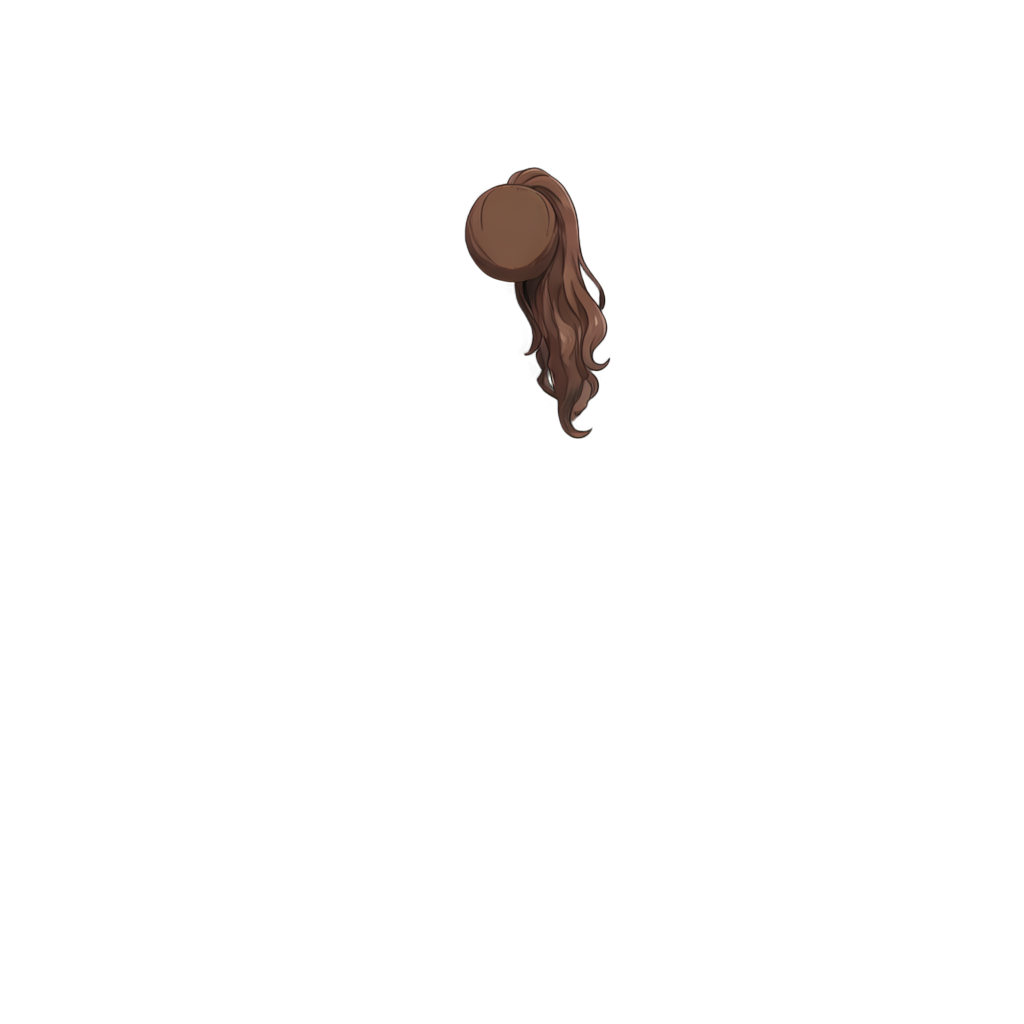
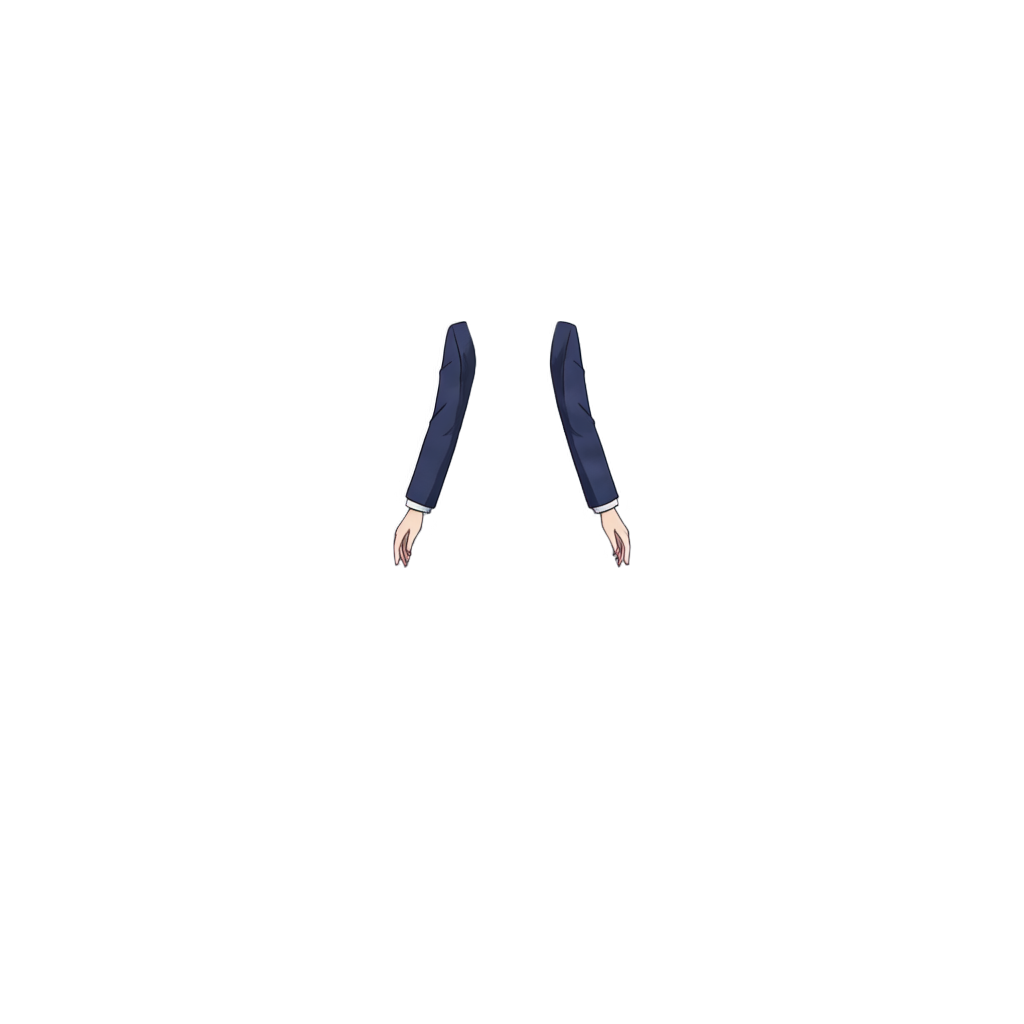
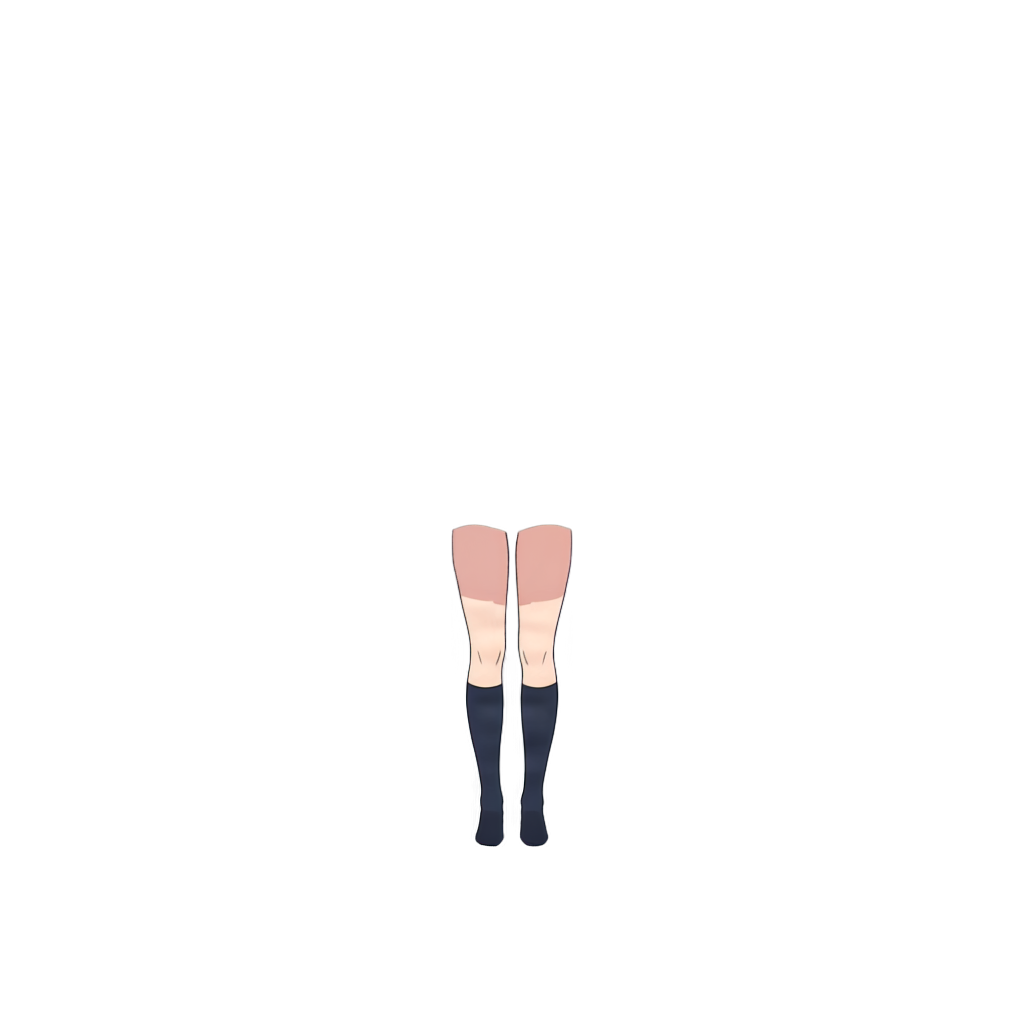
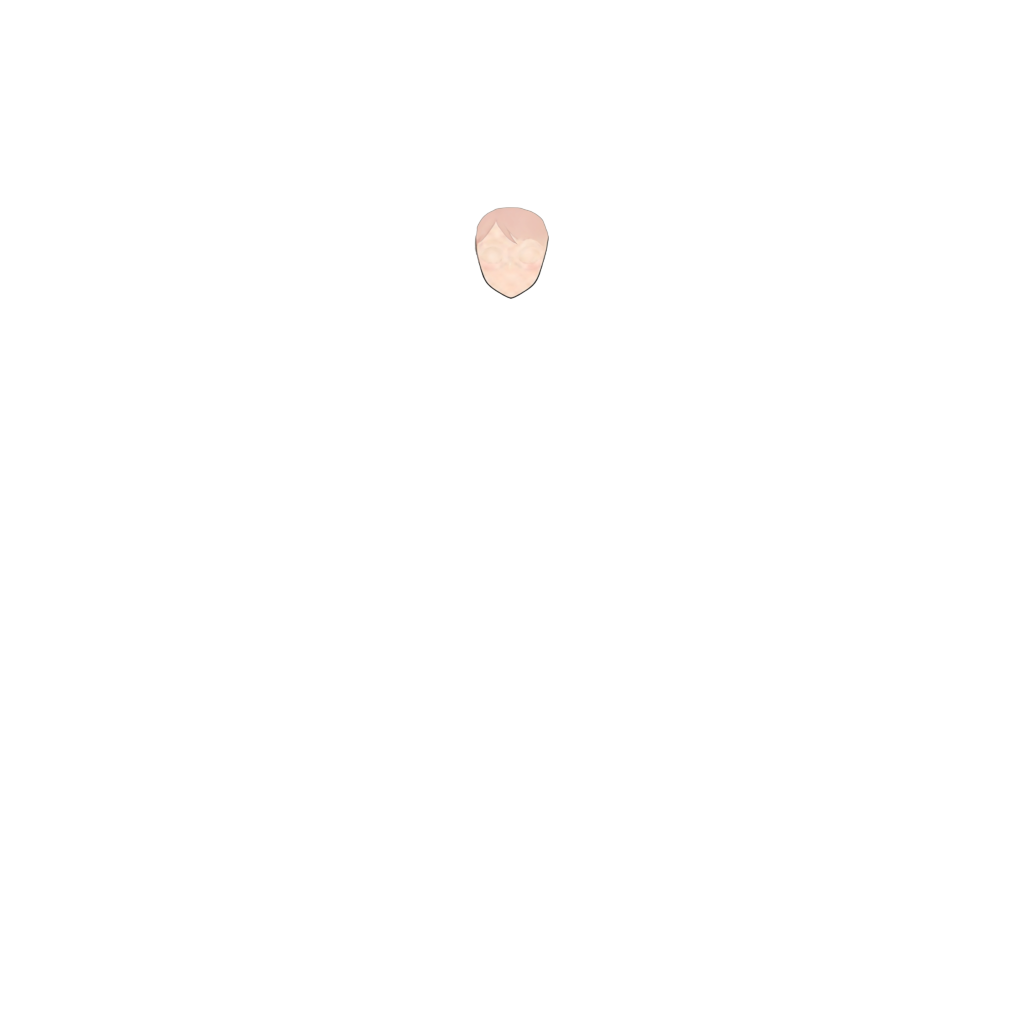
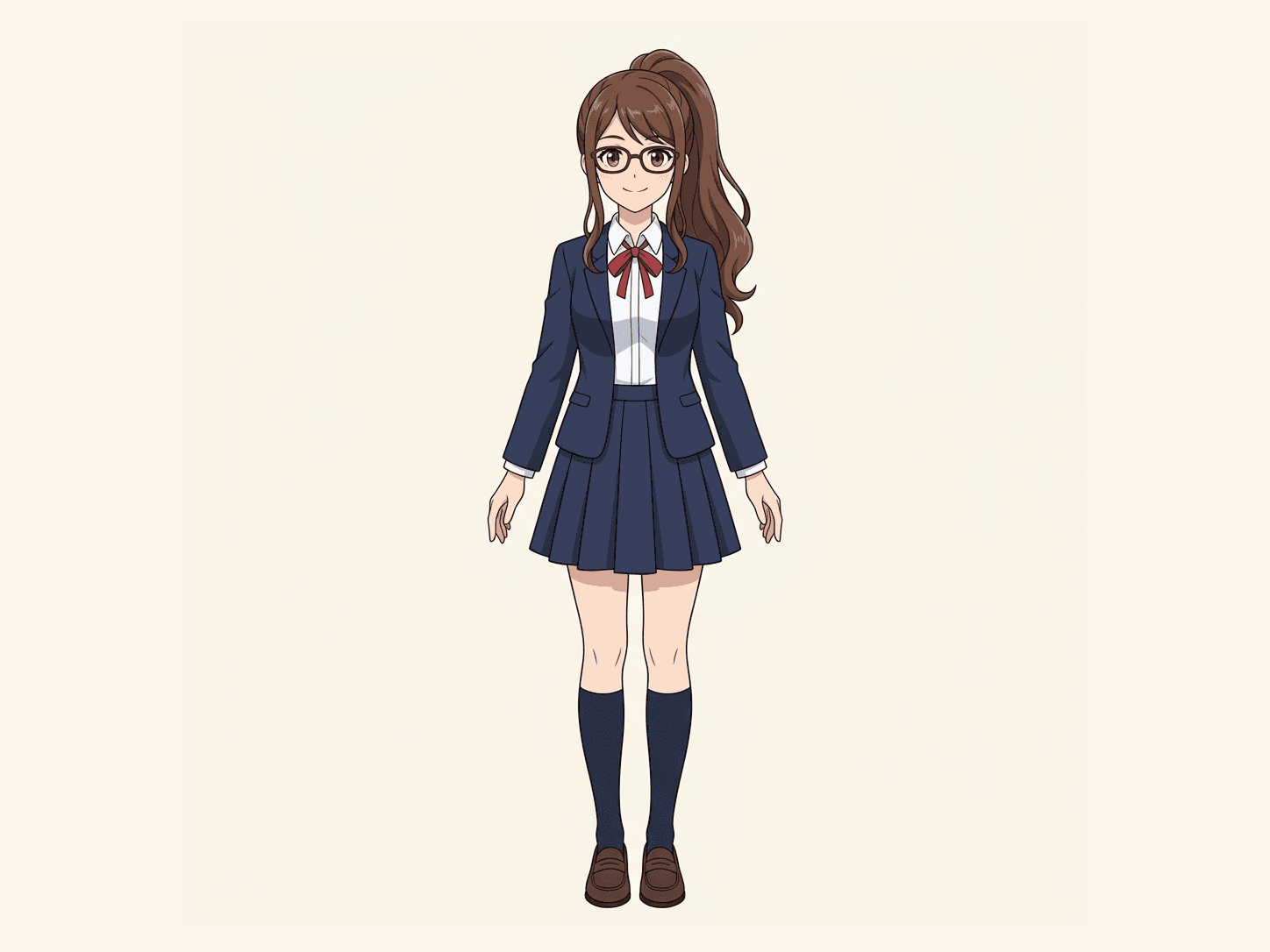
Ready to test with your own or this sample character
Works best with characters that have clear silhouettes, visible body parts, and limited overlap between major elements. The tool separates visible pixels; it does not reconstruct fully hidden geometry.
Your source character stays private
Uses 30 credits per image
Processing time varies with image complexity. Detailed characters and complex poses may take longer.
Detected parts
Parts extraction
Turn One Flat Character Into Separate Parts
A normal character image is one complete illustration. But animation, rigging, expression editing, and pose adjustment often need the character broken into individual visual elements. The separator analyzes the visible structure and splits major parts into independent layers.
Flat Character Image
One merged image
No editable parts
Character Separation
Detect body parts
Separate overlapping elements
Preserve visible shapes
Create transparent layers
Editable Character Layers
See Characters Separated Into Editable Layers
See how a single character illustration can be decomposed into individual visual parts for editing, animation, and rigging workflows.
Anime Character Separation
Original character
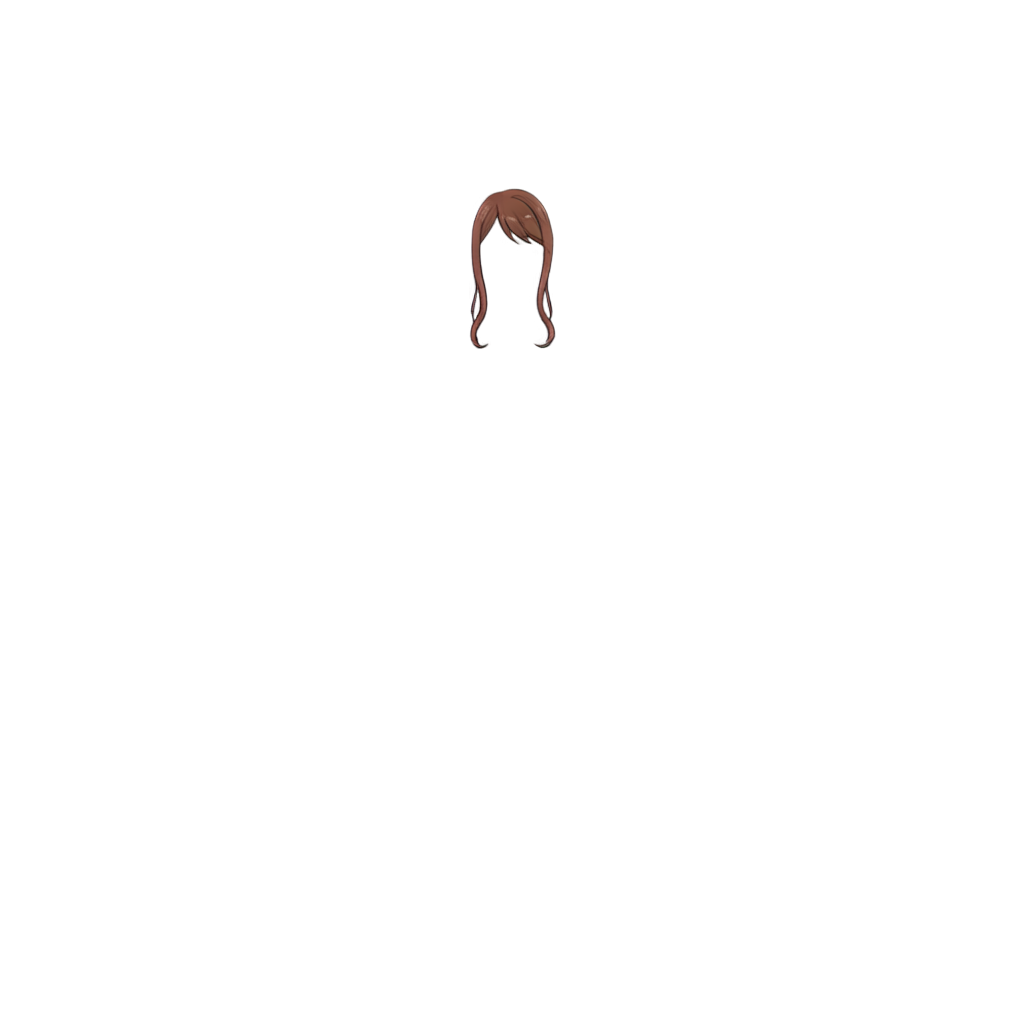
Separated layers
Separate an anime character into major visual components for expression editing, animation, and rig preparation.
Game Character Parts
Original character
Separated layers
Extract clothing, limbs, equipment, and body regions from game character artwork.
Cartoon Character Separation
Original character
Separated layers
Break simple cartoon artwork into clean reusable parts for pose changes, expressions, and motion graphics.
What Can the Character Layer Separator Detect?
Hair
Face
Eyes
Mouth
Clothing
Arms and Hands
Legs and Feet
Accessories
Why Separate a Character Into Layers?
Edit Individual Parts
Prepare Characters for Animation
Build Character Variations
Prepare Artwork for Rigging
Create Expressions
Reuse Character Assets
Rigging prep
Prepare Character Artwork for Live2D Rigging
Live2D-style workflows often require character artwork to be separated into multiple visual parts before rigging begins. Character Layer Separator can help create a starting layer structure from a flat character image.
Typical parts may include
Automatic separation does not replace a professionally prepared Live2D PSD, especially when hidden areas need to be reconstructed. It can, however, reduce the amount of manual masking and extraction required when starting from a flat image.
Separate Character for RiggingAnimation prep
Create Movable Character Parts From One Image
A flat illustration cannot be animated part by part until its major visual elements are separated. Use character layers to prepare movement, blinking, mouth animation, and simple pose changes.
Use character layers to prepare
Once separated, individual parts can be repositioned, transformed, or imported into compatible animation and design tools.
How Character Layer Separator Compares
vs Background Remover
Background Remover
Separates the character from the background and outputs one foreground character image.
Character Layer Separator
Separates the character itself into hair, face, body, clothes, limbs, and accessories — multiple character-part layers.
If you only need to remove the background, use a background removal tool. If you need to edit or animate different parts of the character independently, use Character Layer Separator.
vs Image to Layers
Image to Layers
Designed to decompose many types of images — products, posters, graphics, illustrations, and composite images — into visual layers.
Character Layer Separator
Optimized around the structure of characters: hair, face, clothing, limbs, accessories, and character-specific parts.
Use Character Layer Separator when the subject is a character and the goal is to edit, animate, or rig the character by parts.
How to Separate a Character Into Layers
Upload Your Character
Choose a PNG, JPG, or WebP character image.
Detect Character Parts
The tool analyzes the character and identifies visually distinct regions.
Review the Layers
Preview the detected hair, body, clothing, limbs, accessories, and other parts.
Adjust if Needed
Hide or keep the layers you want to use.
Download the Character Layers
Export the separated parts and continue editing or animating them in your preferred workflow.
What Characters Work Best?
Best Results
More Difficult
Clear visual separation between character parts generally produces cleaner layer boundaries. A flat image only contains visible pixels, so fully hidden geometry may need to be reconstructed separately.
Character Layer Separator FAQ
What is a character layer separator?
A character layer separator takes a flat character image and separates visually distinct parts such as hair, face, clothing, limbs, and accessories into individual image layers.
Can I separate a character into layers automatically?
Yes. It can analyze the visible structure of a character and automatically isolate major visual regions.
Can I separate an anime character into layers?
Yes. Anime and cartoon artwork with clear shapes and visible part boundaries are especially suitable for character separation.
Can I use the separated layers for Live2D?
The separated parts can provide a starting point for Live2D preparation. Professional rigging may still require additional manual separation, naming, cleanup, and reconstruction of hidden areas.
Can it separate hair from the face?
When the hair and face have sufficiently clear visual boundaries, they can be detected as separate regions.
Can it separate arms and legs?
Visible limbs can be separated when their boundaries can be identified in the source image.
Can it generate hidden body parts?
A flat image does not contain visual information for fully hidden regions. Hidden parts may require additional reconstruction rather than simple separation.
Can I edit the layers after separation?
Yes. The exported parts can be edited in compatible image, animation, and design tools, and each part is exported with transparency around the detected region.
More Character Tools
Separate Your Character Into Editable Parts
Upload a character image and extract hair, face, clothing, limbs, accessories, and other visible elements into independent layers.