
Turn comics and manga into editable layers
Upload a flat comic, manga panel, or anime-style image and separate it into editable layers — characters, backgrounds, speech bubbles, text, and effects. Move what you want. Replace what you want. Keep the rest intact.
Upload your comic
PNG, JPG or WebP
or drag and drop your artwork
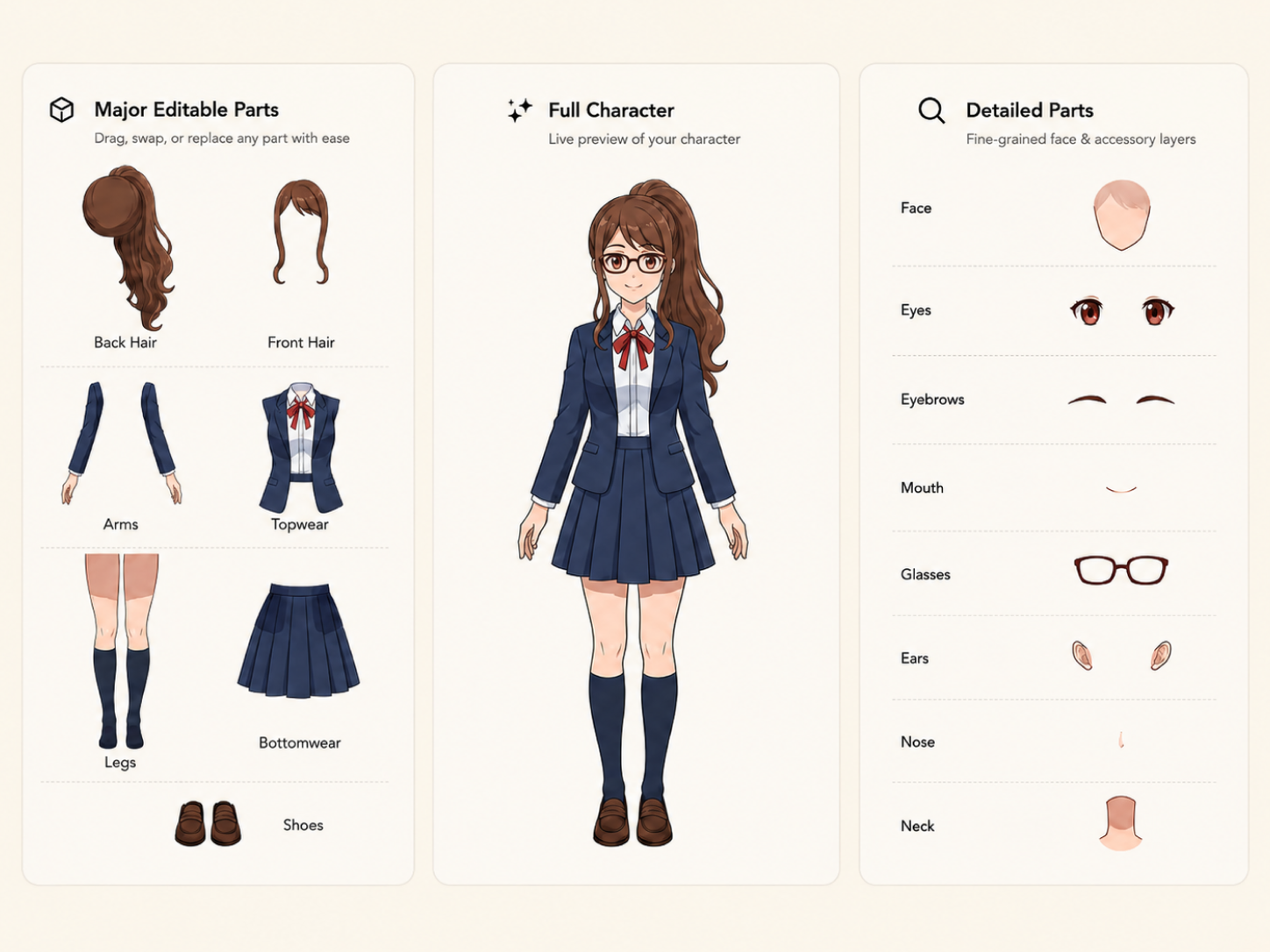
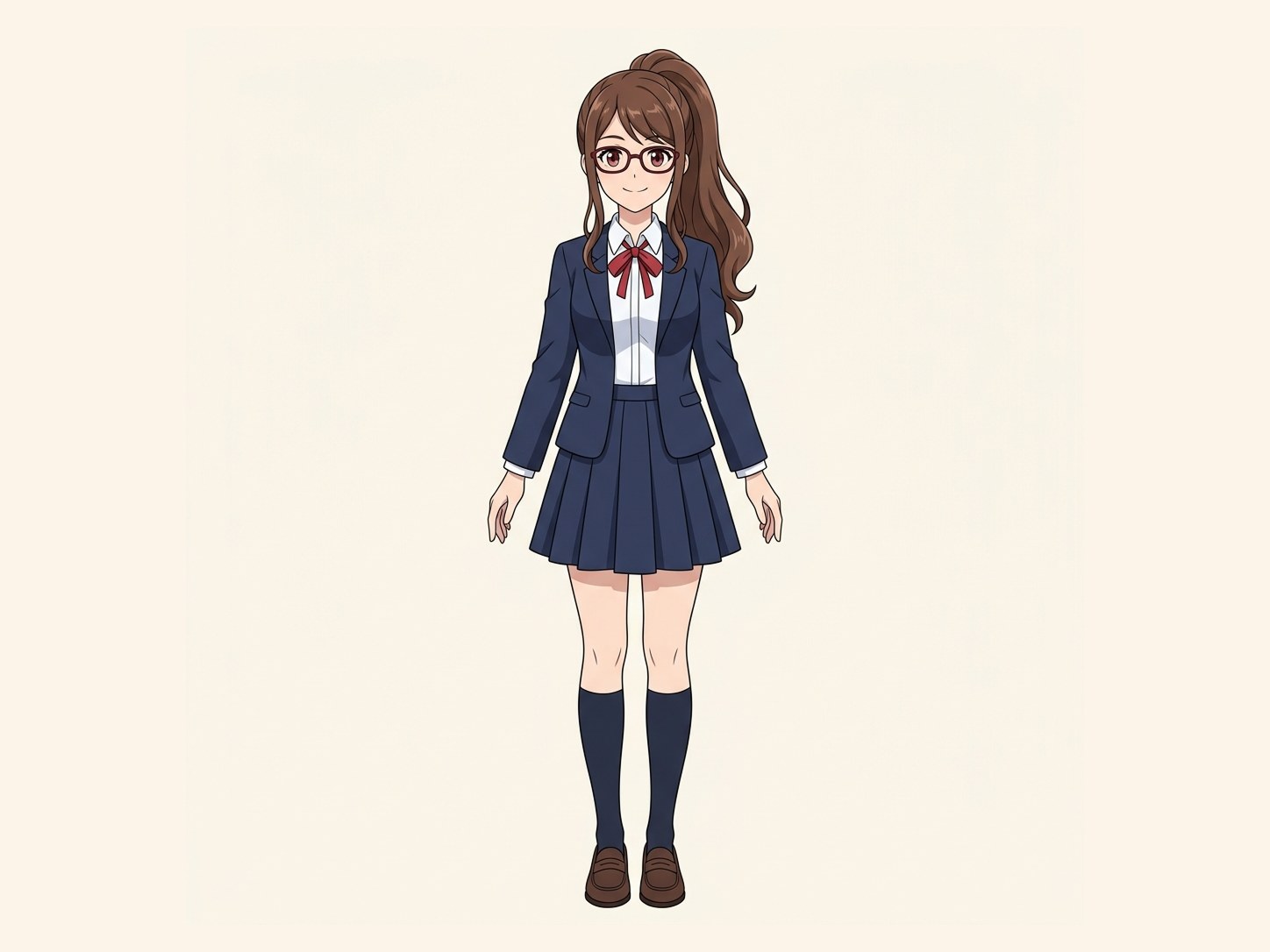
Comic or manga panel → Character · Speech bubbles · Text · Effects · Background → Editable PNG layers
Use a clear panel with visible characters, dialogue, and background. The tool creates new layers from visible pixels; hidden-area reconstruction can reconstruct small hidden regions, but it does not recover the artist's original file.
Your source artwork stays private
Uses 30 credits per image
Processing time varies with image complexity. Detailed characters and complex poses may take longer.
What gets separated
Change one part without redrawing the page
Comic and manga panels hold more than a subject and a background. Split characters, dialogue, text, and effects into their own layers so you can edit one piece at a time.
Character-first layers
Speech bubbles and text as their own layer
Recover parts hidden behind other objects
Reuse art you already like
hidden-area reconstruction generates a plausible reconstruction of hidden areas. It does not recover pixels that were never visible in the source image.
Upload, split, and edit
Upload your panel
Add a manga page, comic panel, webcomic frame, or anime-style illustration.
Let AI separate the scene
The model identifies characters, speech bubbles, text, effects, and background, and builds a layer for each one. hidden-area reconstruction reconstructs small hidden regions where needed.
Edit, reuse, or export
Work with the layers in the result workspace. Move a character, hide a bubble, swap the background, or download the pieces for your next project.
Where layer separation helps
Translate manga without rebuilding the page
Turn a panel into motion
Reuse a character in a new scene
Fix one part of an AI-generated panel
Best for panels with visible structure
It doesn't recover the source file
Built for editable reuse
Comic & Manga into Layers FAQ
What does this comic and manga layer splitter do?
It separates a flat comic, manga, or anime-style image into layers such as characters, speech bubbles, text, effects, and background, so you can edit one piece without touching the rest.
How is this different from background removal?
Background removal usually gives you a subject and a background. This tool is built to separate more parts of a comic panel — characters, dialogue, text, and effects — into layers you can edit independently.
Can it separate multiple characters in one panel?
Yes, when characters are visually distinguishable. Heavy overlap, very small figures, or complex poses can make separation harder.
Can it remove or separate speech bubbles?
Yes. Speech bubbles and lettering can be separated from the artwork, which is useful for translation, redesign, or removing dialogue from a panel.
What is hidden-area reconstruction?
hidden-area reconstruction reconstructs plausible content for parts of a character or scene hidden behind another element, such as a speech bubble covering part of the hair.
Does hidden-area reconstruction reveal what was actually behind the object?
No. If those pixels were never in the original image, there is nothing to literally recover. hidden-area reconstruction generates a plausible reconstruction based on the visible artwork.
Can I use this on AI-generated manga or anime art?
Yes. It's useful when a generation is mostly right and you want to change one element without regenerating the whole image.
Can I use the layers for animation?
Yes. Separated characters, effects, and backgrounds can be prepared for parallax, motion comics, or short-form video, though you may still need to refine individual layers.
What kinds of images work best?
Clear, reasonably high-resolution artwork with recognizable characters and distinct scene elements produces the strongest results. Heavily compressed or very low-resolution images are more challenging.
Does this work for webtoons and manhwa too?
Yes. The workflow isn't limited to traditional manga — it also works with webtoons, manhwa, Western comics, and other illustrated styles.
Related image tools
Character to Layers
Use the broader character workflow for avatars, game characters, and general character production.
Open toolAnime Art into Layers
A layer splitter tuned for anime stills, VTuber-style graphics, and game character art.
Open toolImage to Layers
Split posters, product scenes, collages, and other non-comic images into editable layers.
Open tool