Clean silhouette design
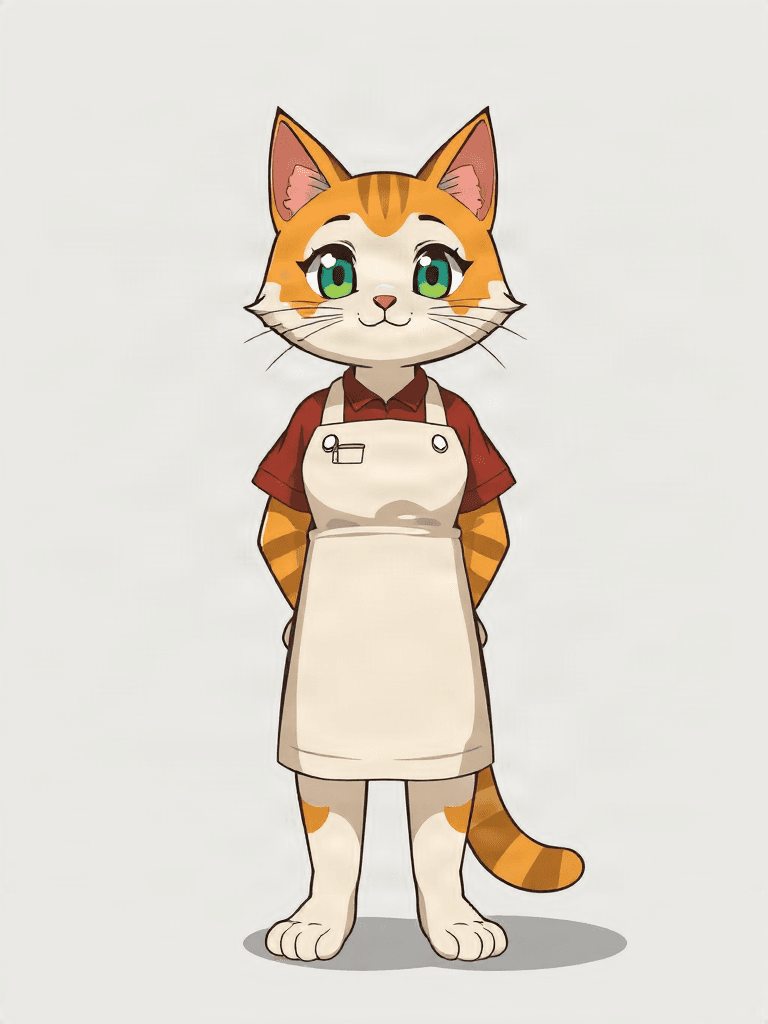
Generate clear full-body proportions and strong silhouettes that stay recognizable on app icons and merch.
Brand characters
Design memorable brand mascots, friendly app companions, and bold esports emblems from text prompts in seconds.
Capabilities
Generate clear full-body proportions and strong silhouettes that stay recognizable on app icons and merch.
Switch easily between flat 2D mascot illustration, bold esports vector badges, and soft 3D toy aesthetics.
Use plain studio backgrounds so your mascot transfers cleanly into multi-angle reference sheets.
Convert flat mascot art into vector SVGs or split limbs and accessories into PSD layers for animation.
Mascot directions
Adapt these prompt patterns to match your product personality or team identity.
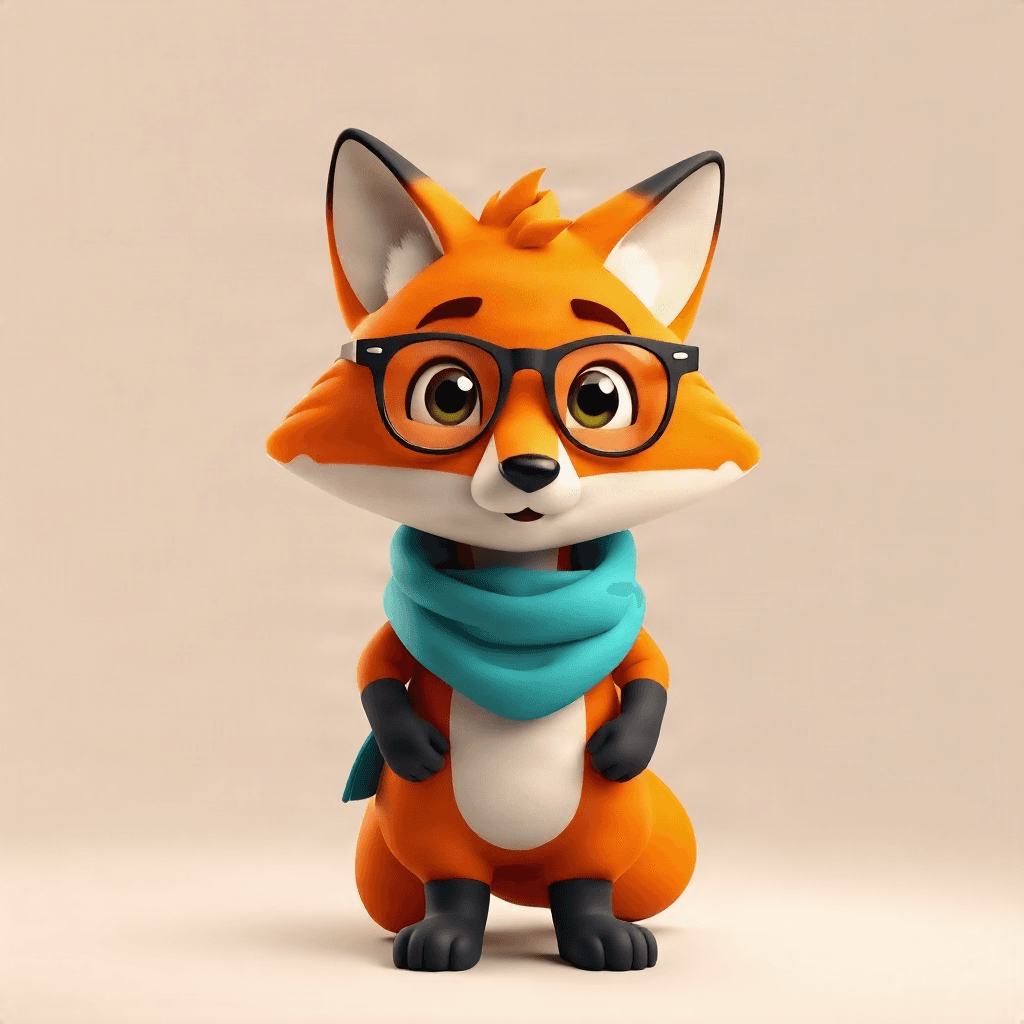
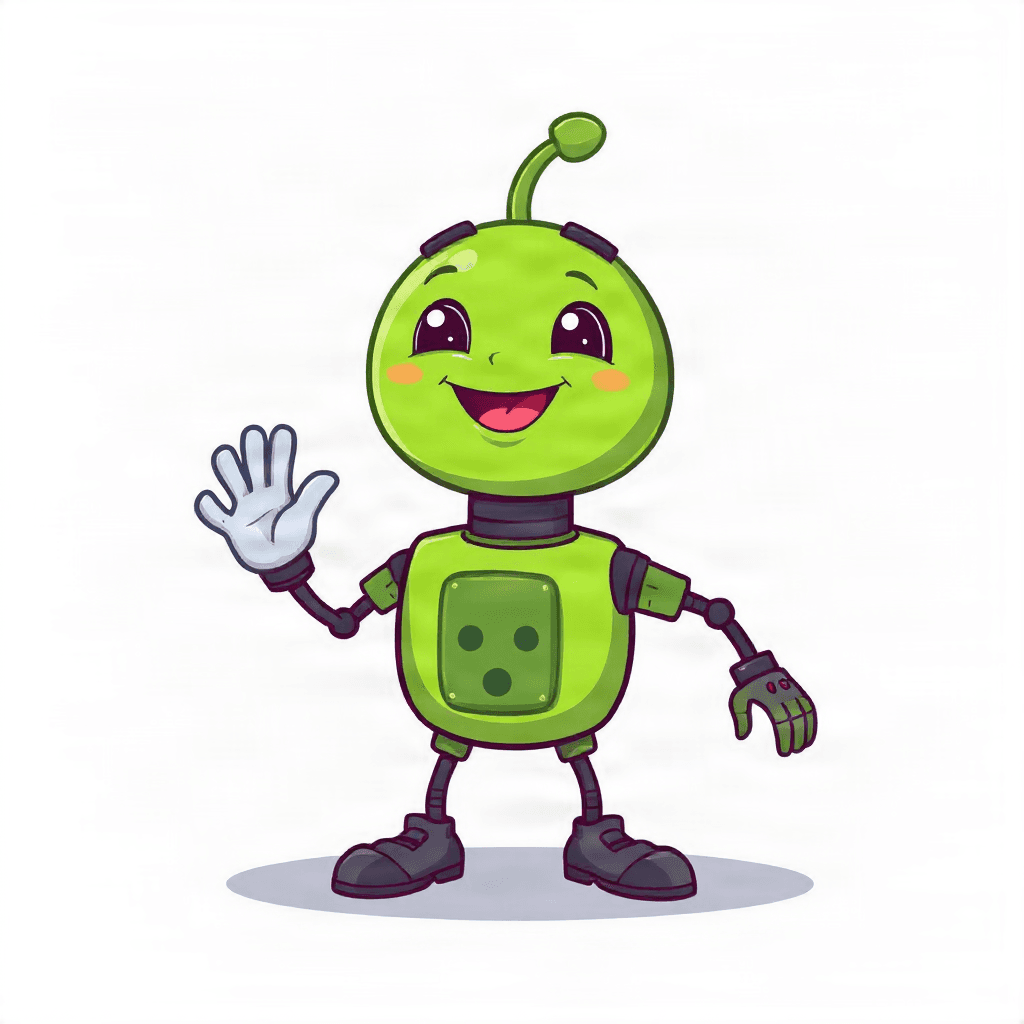
Approachable rounded shapes and expressive eyes for onboarding screens, empty states, and help docs.
Friendly rounded cloud mascot with cheerful eyes holding a pencil, clean flat vector style, soft warm palette, plain background
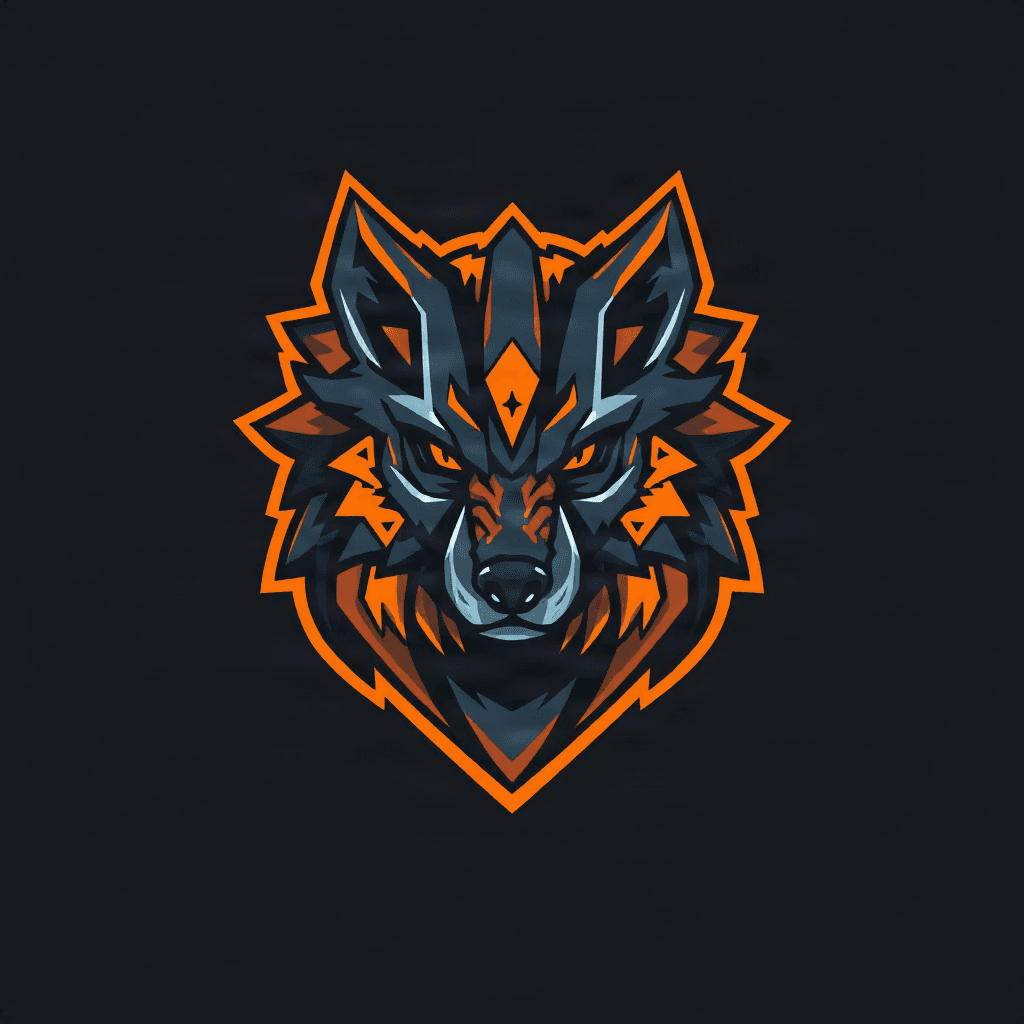
Dynamic angles, bold highlights, and crisp shield framing for esports rosters, jerseys, and Twitch branding.
Bold falcon esports mascot crest, sharp angular vector illustration, high-contrast gold and navy, centered on solid background
Charming storybook or retro character designs for beverage cans, coffee bags, and toy packaging.
Retro 1960s cartoon bee mascot holding a honey jar, clean screenprint ink lines, warm cream background
How it works
Step 01
Combine an animal, object, or original creature with props, colors, and an artistic medium.
Step 02
Generate full-body or crest concepts at 1:1 or 4:5 on a neutral background for clean extraction.
Step 03
Take your chosen mascot into Character Turnaround or Character to Layers to build a full asset kit.
Use cases
Give your web app or developer tool a memorable character for empty states, tooltips, and launch pages.
Build team crests, stream overlays, and merch graphics with unified character styling.
Design standout characters for stickers, apparel, and retail boxes before converting to vector or PSD.
Next step
Generate front, side, and back views or split your mascot into movable PSD limbs and expression layers for animation.
FAQ
Include 'full body standing front view, head to toe visible, centered on plain background' in your prompt.
Yes. Once you generate your mascot, upload it to our Character Turnaround Generator to create consistent front, side, and back views.
Yes. Flat mascot illustrations can be converted via Image to SVG, or decomposed into separate head, limb, and prop PSD layers using Character to Layers.
Flat 2D vector or thick-outline sticker styles with 2 to 4 main colors scale cleanest down to favicon and app icon sizes.
Yes. Generate your mascot on a solid neutral backdrop, then run Background Remover for a crisp transparent PNG ready for slides, UI, and merch.
After generating your base mascot, use Character Turnaround Generator for views or Character Expression Layers to separate and swap facial expressions.
Yes. Paid-plan exports include commercial rights for websites, packaging, team jerseys, and creator channels. Avoid trademarked character names in your prompts.
Use 1:1 for emblems, esports crests, and app mascots, or 4:5 and 2:3 when designing taller full-body standing characters.
Related tools
Turn a single mascot image into consistent front, side, and back reference sheets.
Split your mascot into isolated head, body, arm, and prop PSD layers for animation.
Vectorize clean mascot emblems into crisp scalable SVG files for print and web.
Generate original mascot concepts from text and turn your favorite into turnaround sheets or layered PSDs.
Creative Toolkit Index
Quick access to precision layer extraction, AI photo editing & asset tools.
Select a template to populate your prompt and output format.