
Convert Your Logo to SVG
Turn PNG, JPG, and raster logo images into clean, editable SVG vector paths. Create a scalable logo you can resize, recolor, edit, print, or reuse without losing sharpness.
Drop an image here
Choose a PNG, JPG, or WebP file, drag it here, or paste it from your clipboard.
Preview a cached example
PNG, JPG, or WebP · Maximum 10 MB
Vector settings
Works with Figma, Illustrator, Inkscape, and web browsers.
30 credits per conversion · Usually completes in under one minute.
PNG, JPG & WebP · Editable vector paths · Scalable SVG output
Turn a Raster Logo Into an Editable Vector
PNG and JPG logos are made from pixels. They may look sharp at their original size, but enlarging them can create blurry or jagged edges.
SVG logos are built from vector paths instead. That means your logo can be resized, edited, recolored, and reused across different design workflows without depending on a fixed image resolution.
Raster Logo
PNG / JPG
- Pixel-based
- Fixed resolution
Logo Vectorization
- Detect shapes
- Trace edges
- Preserve colors
- Create vector paths
Editable SVG
- Scalable
- Editable
- Reusable
See Logos Converted Into Editable SVG Paths
See how raster graphics are reconstructed as scalable vector paths instead of simply being placed inside an SVG file.
Logo
Convert a raster brand logo into clean, editable vector shapes.
70 vector paths
Raster logo → Editable SVG
App Icon
Rebuild simple icon shapes as smooth, scalable SVG paths.
57 vector paths
PNG icon → Scalable SVG


Illustrated Brand Mark
Preserve detailed shapes and colors in more complex logo artwork.
1,887 vector paths
Artwork → Editable SVG
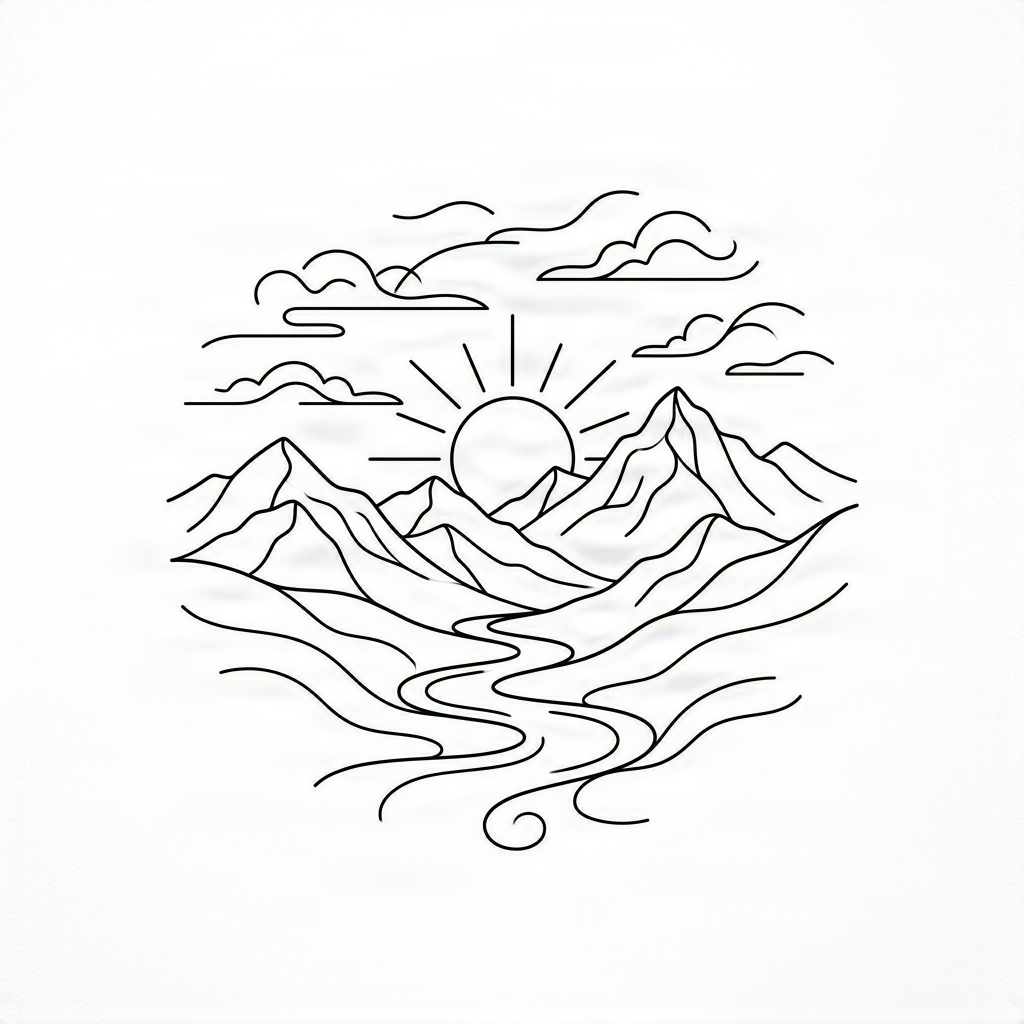
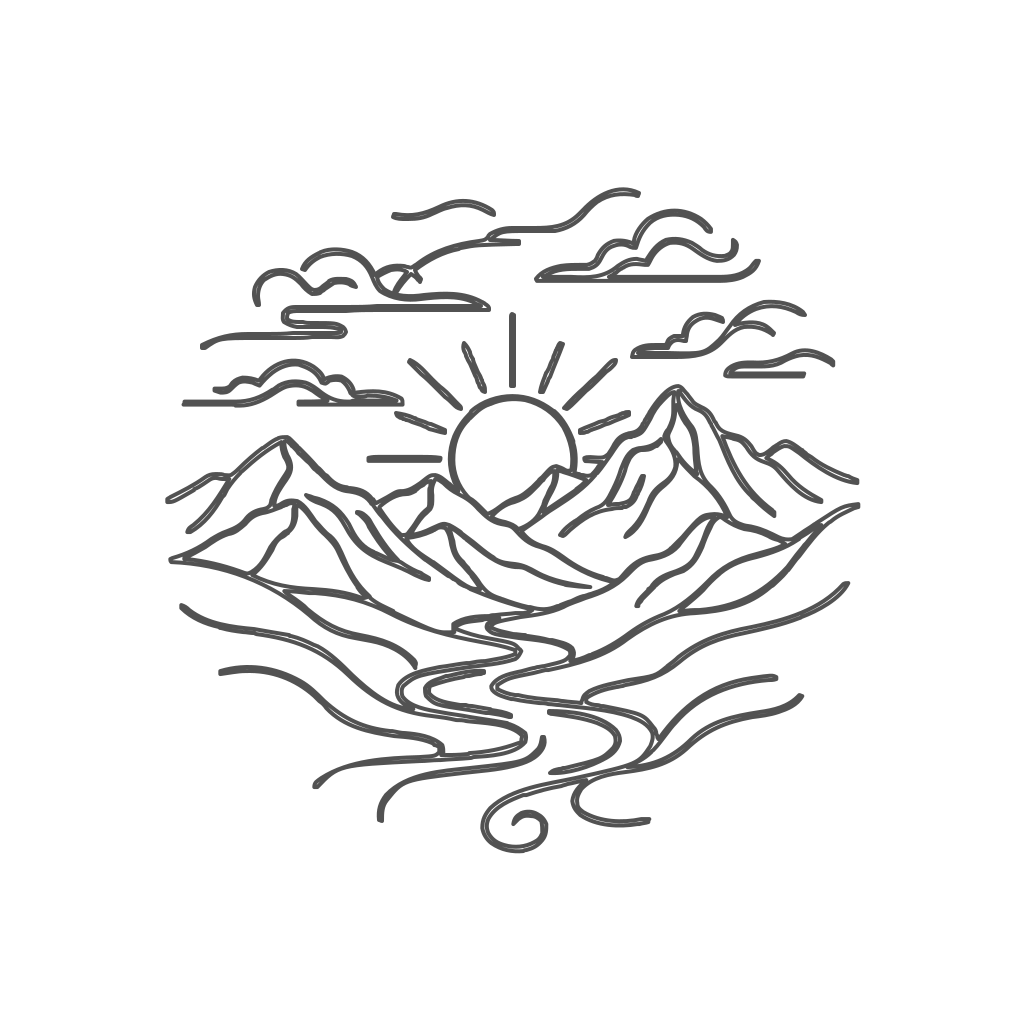
Line Logo
Convert thin raster lines into clean editable vector paths.
22 vector paths
Raster lines → Editable paths
Why Convert a Logo to SVG?
Scale Your Logo Without Pixelation
Use the same SVG on a small website icon, a large banner, packaging, signage, or printed material without relying on one fixed image resolution.
Edit Individual Shapes
SVG logos are made from vector shapes that can be adjusted in compatible vector design software.
Change Logo Colors
Recolor individual vector elements instead of editing pixels across a flattened image.
Create Transparent Logo Assets
Export your logo without an unwanted white raster background.
Prepare Logos for Print
Create scalable logo artwork for packaging, business cards, apparel, signs, promotional materials, and other print workflows.
Reuse the Same Logo Everywhere
Keep one scalable vector asset for web, print, merchandise, presentation, and design workflows.
PNG Logo vs SVG Logo
PNG Logo
Pixel-based
- Fixed pixel dimensions
- Can become blurry when enlarged
- Usually flattened
- Harder to edit individual shapes
- Best for standard raster image use
SVG Logo
Vector-based
- Scales independently of pixel resolution
- Built from vector paths
- Individual shapes can be editable
- Easier to recolor and modify
- Useful across web, print, and design workflows
Zoom In Without Losing the Edge
SVG stores shapes as mathematical paths rather than a fixed grid of pixels.
Your Logo Looks the Same. The File Is Completely Different.
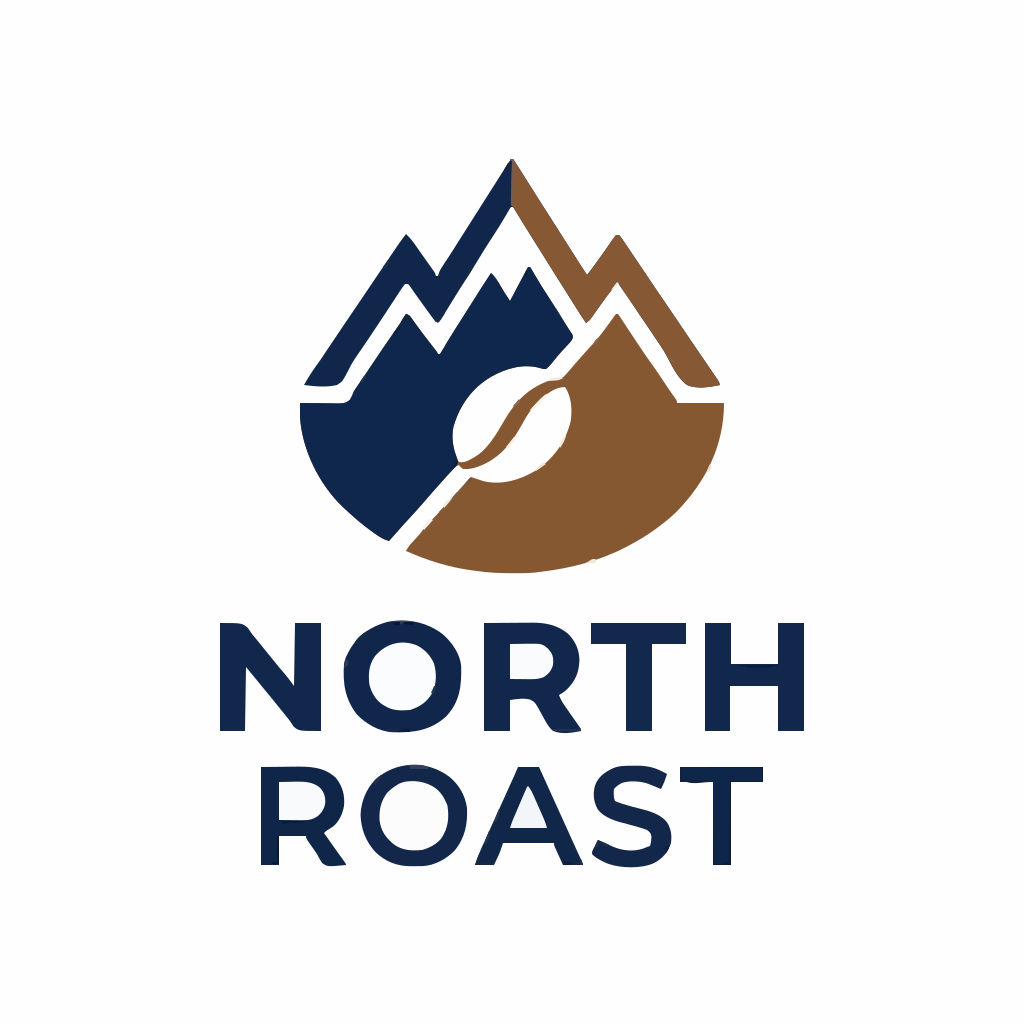
The rendered SVG keeps the visual appearance of your original logo, while the path view reveals the editable vector shapes underneath.
Made for Real Logo Workflows
Website & App Branding
Use scalable SVG logos in modern websites, navigation bars, product interfaces, and responsive layouts.
Printing
Prepare scalable logo artwork for business cards, packaging, posters, labels, and promotional materials.
Merchandise
Create reusable vector assets for apparel, bags, stickers, promotional products, and branded merchandise.
Signs & Large Graphics
Scale your logo for storefront signs, exhibition graphics, banners, and large-format applications.
Packaging
Use cleaner scalable logo assets across boxes, labels, bottles, pouches, and other product packaging.
Design Handoff
Send editable SVG artwork to designers, developers, printers, vendors, and production partners.
Convert Different Types of Logos
Wordmark Logos
Convert text-based raster logo artwork into vector shapes.
Icon Logos
Vectorize simple symbols, app icons, and brand marks.
Combination Logos
Convert logos containing both symbols and lettering.
Badge Logos
Trace emblems, seals, circular logos, and badge-style artwork.
Illustrated Logos
Preserve more detailed color regions and graphic elements.
Monochrome Logos
Create clean single-color SVGs for engraving, printing, stencils, and merchandise.
How to Convert a Logo to SVG
Upload Your Logo
Choose a PNG, JPG, or WebP version of your logo.
Vectorize the Logo
ImageToLayers detects visible shapes, colors, and edges and reconstructs them as vector paths.
Preview the SVG Paths
Switch between the rendered result and path view to inspect the generated vector structure.
Download Your SVG
Export the result as an SVG file for editing, printing, web use, or other design workflows.
Get Better Logo Vectorization Results
Use the Highest-Quality Source Available
A clearer input makes it easier to identify the intended edges of the logo.
Prefer Clean Backgrounds
Logos on plain or transparent backgrounds generally require less cleanup.
Avoid Heavy Compression
Highly compressed JPG files can introduce artifacts around edges.
Simplify Unnecessary Detail
Very small textures and visual noise may create extra paths.
Start With Strong Contrast
Clearly separated logo colors usually produce cleaner vector boundaries.
What Logos Work Best?
Works Best For
- Brand logos
- Wordmarks
- Icons
- Monograms
- Emblems
- Badge logos
- Flat-color logos
- Mascot marks
- Simple illustrated logos
- Black and white logos
May Require More Cleanup
- Very blurry logo images
- Logos photographed at an angle
- Heavy gradients
- Complex shadows
- Metallic effects
- Extremely detailed textures
- Very small screenshots
A Real Vector Logo, Not Just an SVG Container
Simply changing a filename from PNG to SVG does not make an image a vector.
ImageToLayers reconstructs visible logo elements as SVG vector paths so the result can behave like vector artwork rather than a raster image stored inside an SVG wrapper.
Raster Wrapped in SVG
SVG
└── Embedded PNG
Still raster
Vectorized SVG
SVG
├── Path
├── Path
├── Path
└── Path
Editable vector paths
Use SVG Logos on Modern Websites
SVG is particularly useful for interface and brand graphics because the same asset can be displayed across different screen sizes.
Typical uses include:
- Website headers
- Navigation logos
- Footer branding
- Landing pages
- SaaS dashboards
- App interfaces
- Responsive layouts
Prepare Your Logo for Larger Print Sizes
When a printer, designer, or production partner asks for a vector logo, a scalable SVG can provide editable vector geometry instead of a fixed-size raster image.
Use your converted logo for:
- Packaging
- Business cards
- Posters
- Signs
- Labels
- Apparel
- Promotional products
Choose the right logo workflow
Need Separate Logo Elements Instead?
Choose SVG when you need scalable vector paths. Choose layers when you need to separate and edit the icon, text, background, or other visual elements.
Logo to SVG
Convert a raster logo into scalable vector paths.
Editable SVG output
Best for scaling, print, Cricut, and laser workflows
Logo into Layers
Separate icons, text, backgrounds, and other visual elements.
PSD and transparent PNG layers
Best for editing individual parts
Separate logo into layersFAQ
Logo to SVG Questions
How do I convert a logo to SVG?
Upload a PNG, JPG, or WebP logo. ImageToLayers analyzes the image and reconstructs visible shapes as SVG vector paths that you can preview and download.
Can I convert a PNG logo to SVG?
Yes. PNG logos with clear edges, simple backgrounds, and distinct colors are especially suitable for vectorization.
Can I convert a JPG logo to SVG?
Yes. JPG logos can also be converted, although compression artifacts may create additional detail around edges compared with a clean PNG.
Will my SVG logo stay sharp when resized?
SVG graphics are based on vector geometry rather than a fixed pixel grid, so the generated paths can be rendered at different sizes without the same type of raster pixelation.
Is the SVG editable?
The converted artwork is represented using SVG vector paths. These paths can be edited in software that supports SVG vector editing.
Does converting PNG to SVG automatically make it vector?
Not necessarily. An SVG file can contain an embedded raster image. A real vectorization workflow reconstructs the visible artwork using vector paths.
Can I use the SVG for printing?
SVG is useful for many design and production workflows, but the exact format requested by a specific printer or vendor may vary. You can also use the SVG as a vector source for further preparation.
Can I convert a logo with text?
Yes. Text visible in a raster logo can be traced as shapes. The resulting letters generally become vector paths rather than editable font text.
Can I remove the white background from my logo?
If your conversion workflow supports background removal, the unwanted background can be excluded so the SVG uses transparent areas around the logo.
What image quality should I upload?
Use the cleanest and largest version of the logo available. Clear boundaries and good contrast generally result in cleaner SVG paths.
More Image to SVG Tools
Image to SVG
Convert logos, icons, stickers, line art, and other raster graphics into editable SVG paths.
Image to SVGPNG to Layered SVG for Cricut
Separate flat graphics into multiple SVG color layers for Cricut and craft workflows.
PNG to Layered SVGImage to SVG for Laser Engraving
Turn graphics and line art into SVG paths for engraving and cutting workflows.
Laser SVG ConverterTurn Your Raster Logo Into an Editable SVG
Upload your logo and create scalable vector paths for web, print, merchandise, packaging, and design work.
Upload Logo