
Explore Poses from Existing Artwork
Use a character design you've already created as the starting point for alternative body positions.
AI MULTI-CHARACTER POSE GENERATOR
Multiple Characters. Multiple Poses. Consistent Designs.
Start with the characters you already created and explore new body poses without redrawing every action from scratch. Keep each design recognizable as you plan movement, scenes, and character ideas.
Generate Character PosesMulti-character pose generator
One full-body reference. Every pose is generated from it.
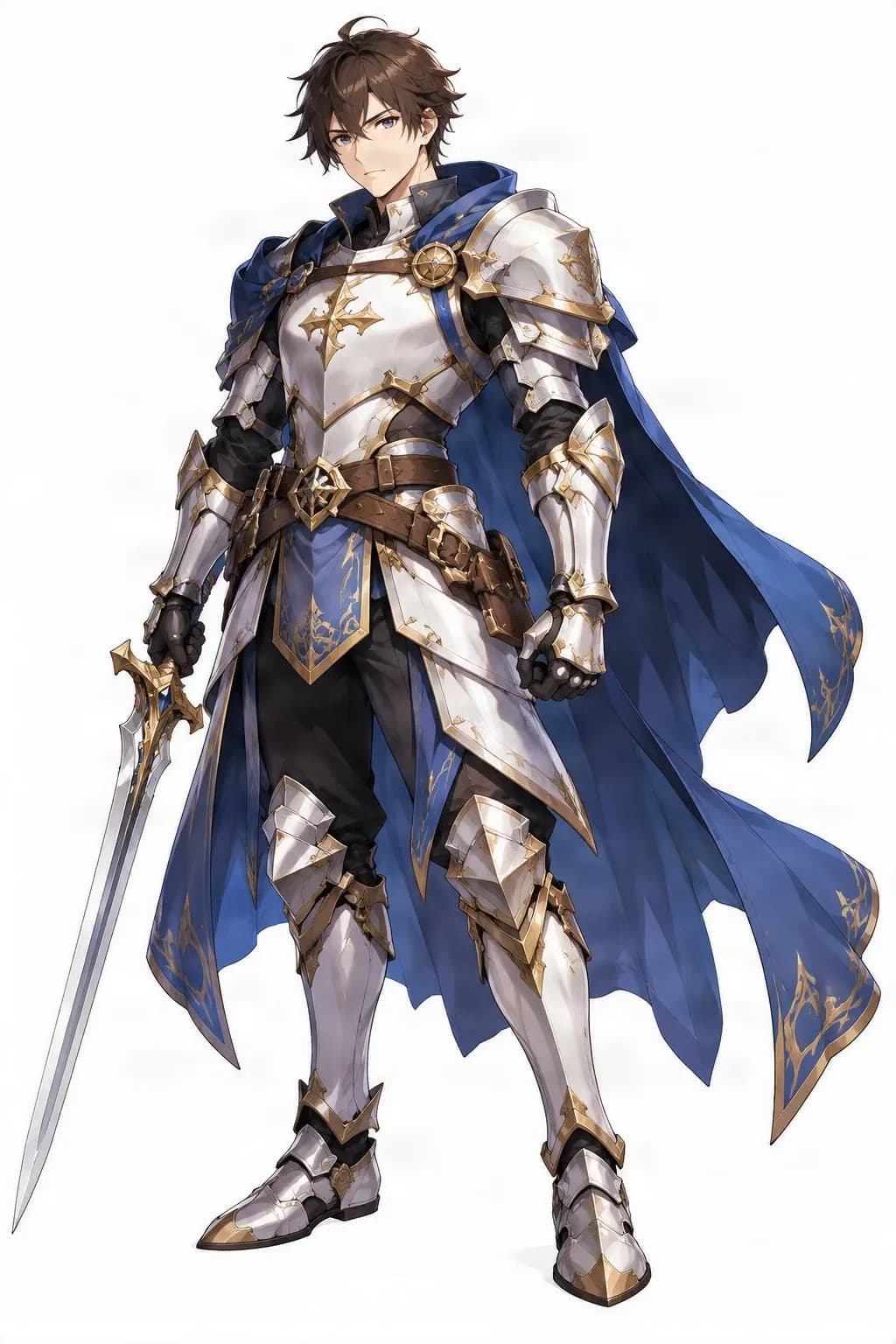
Drag the slider to compare the reference with the attacking pose.
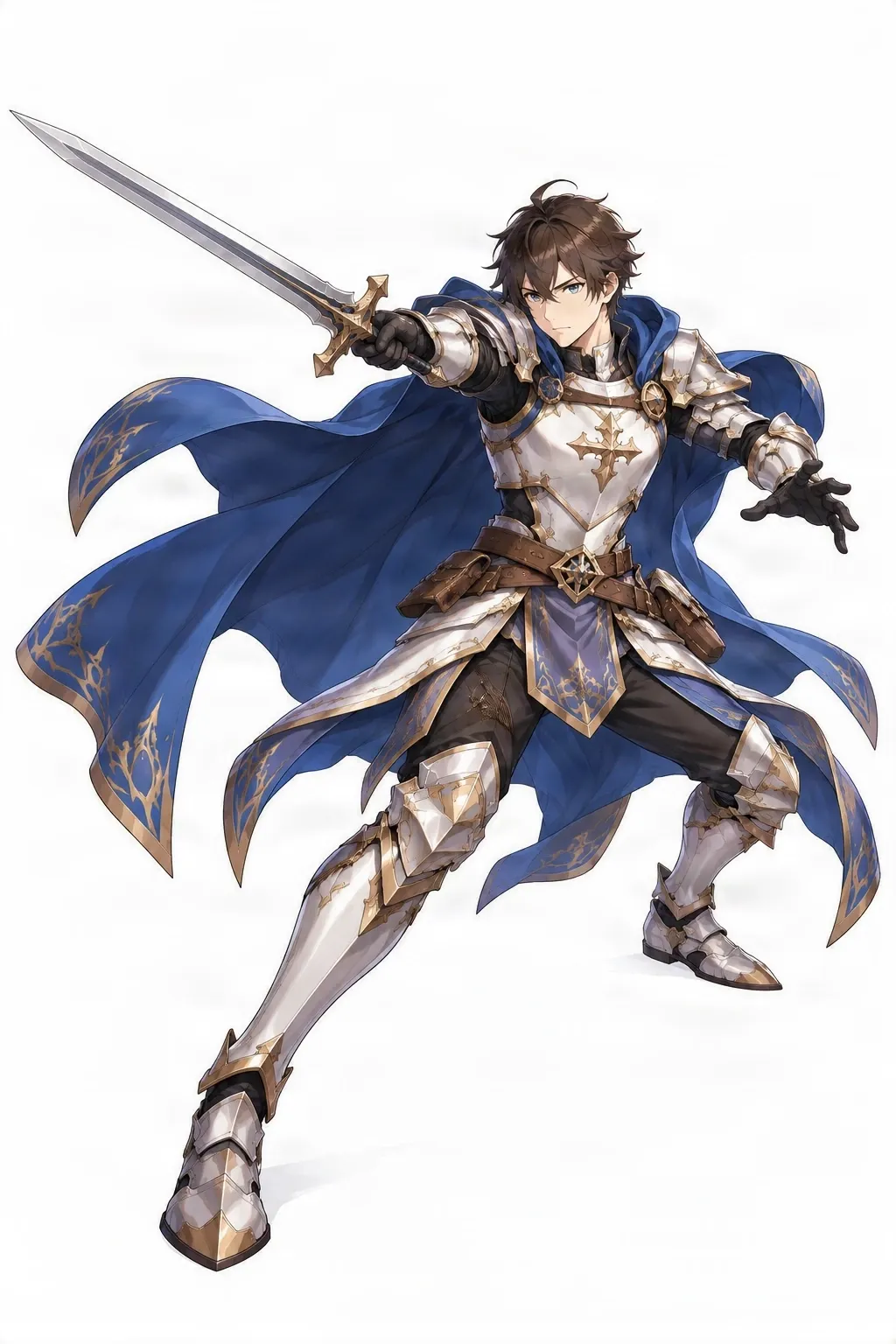
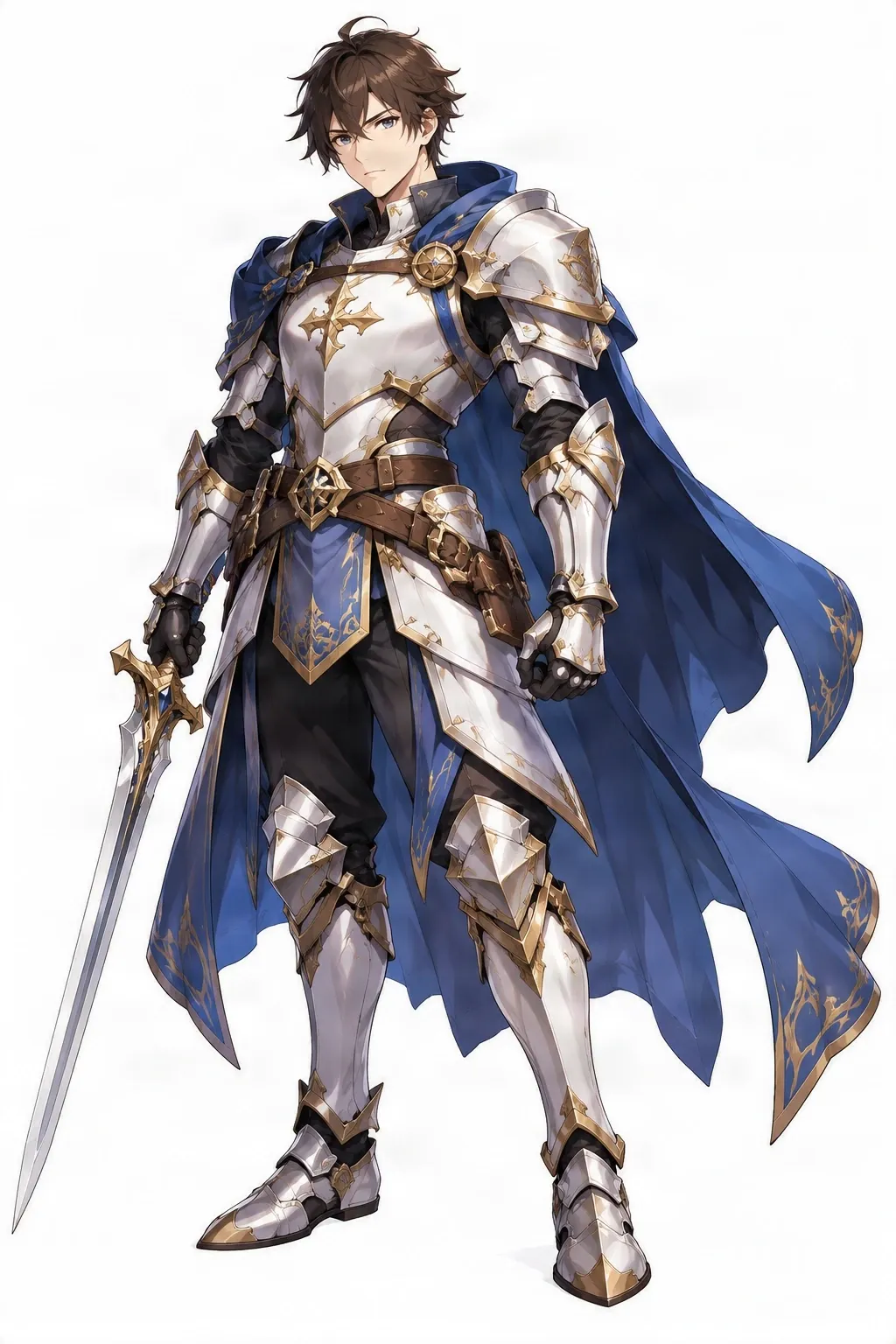
Example output from one reference. Each frame was checked against the reference for identity, equipment, anatomy and framing.
Generated poses can vary in anatomy, facial details, accessories, and design consistency. Review each result before using it in finished work.
SEE YOUR CHARACTER IN ACTION
One character reference can inspire many action ideas. This real example shows the same knight in several body positions, with the original design used as the starting point.
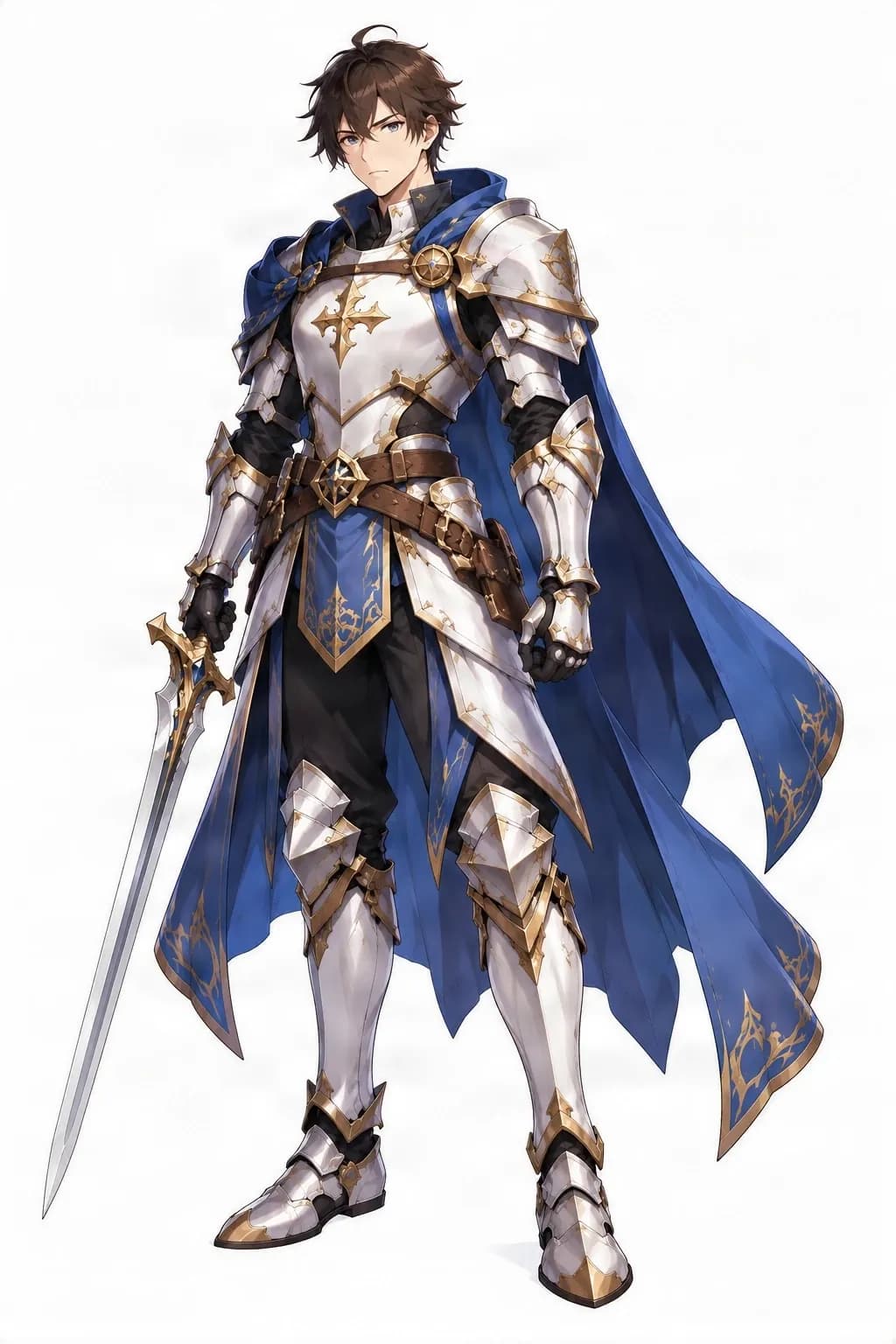
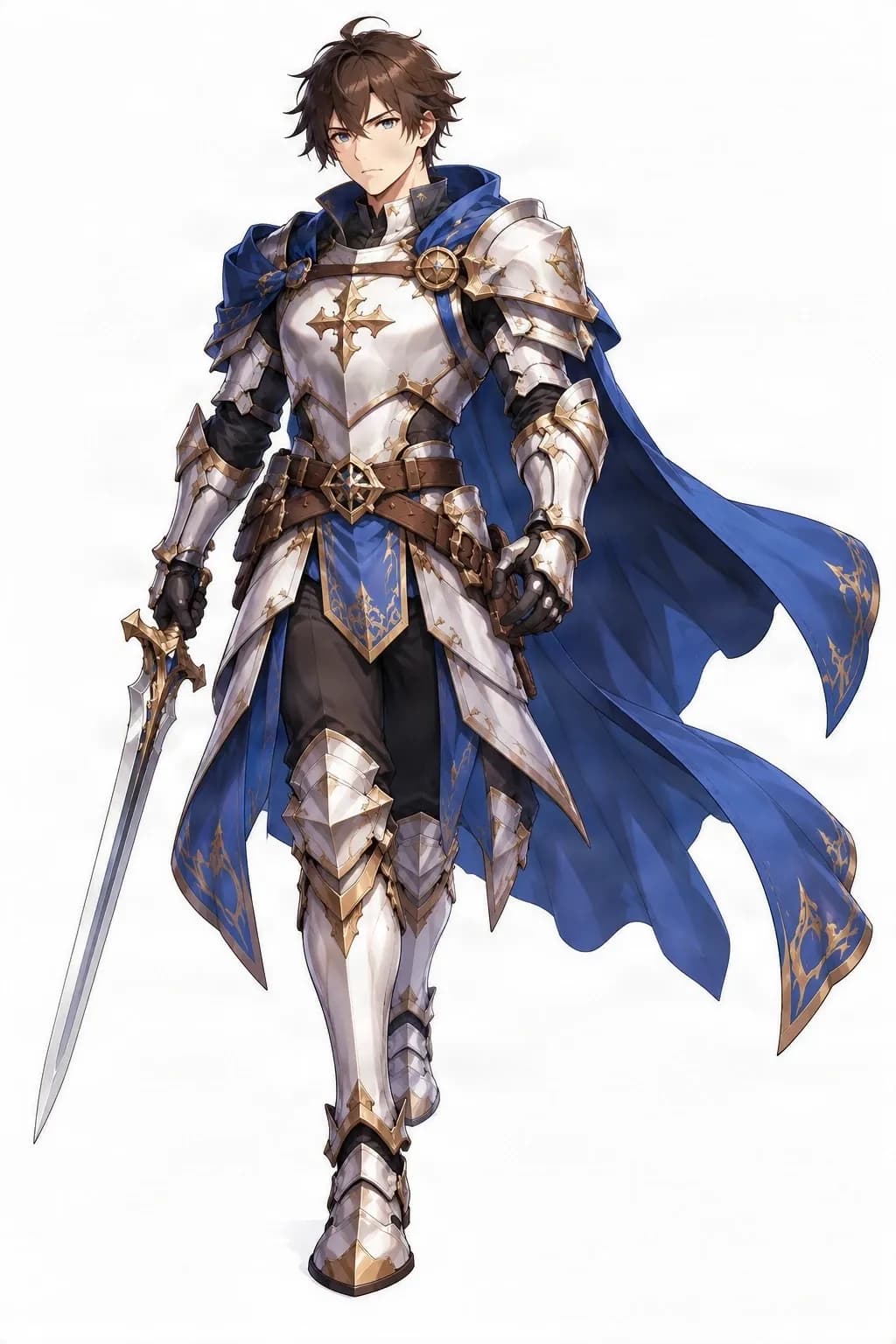
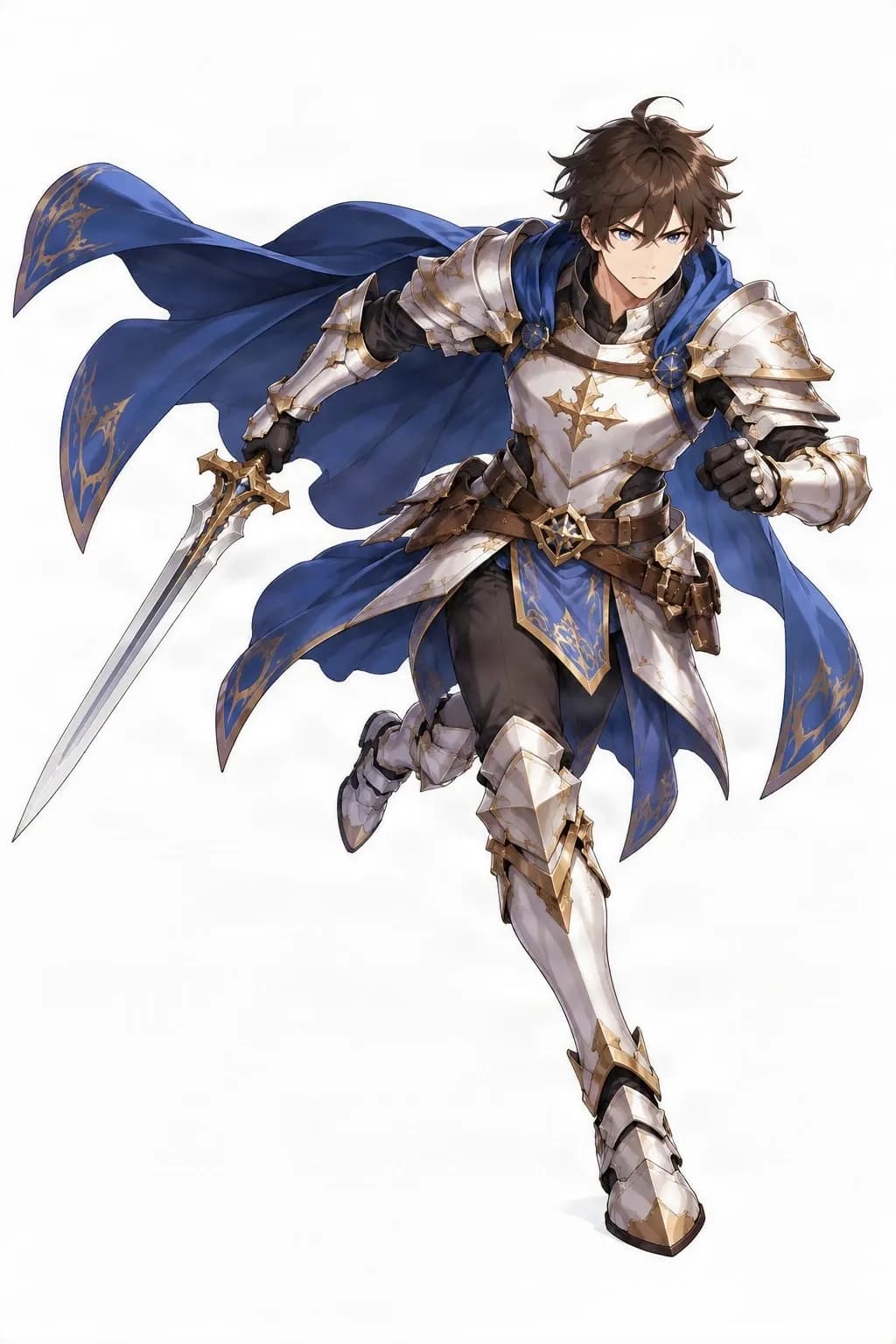
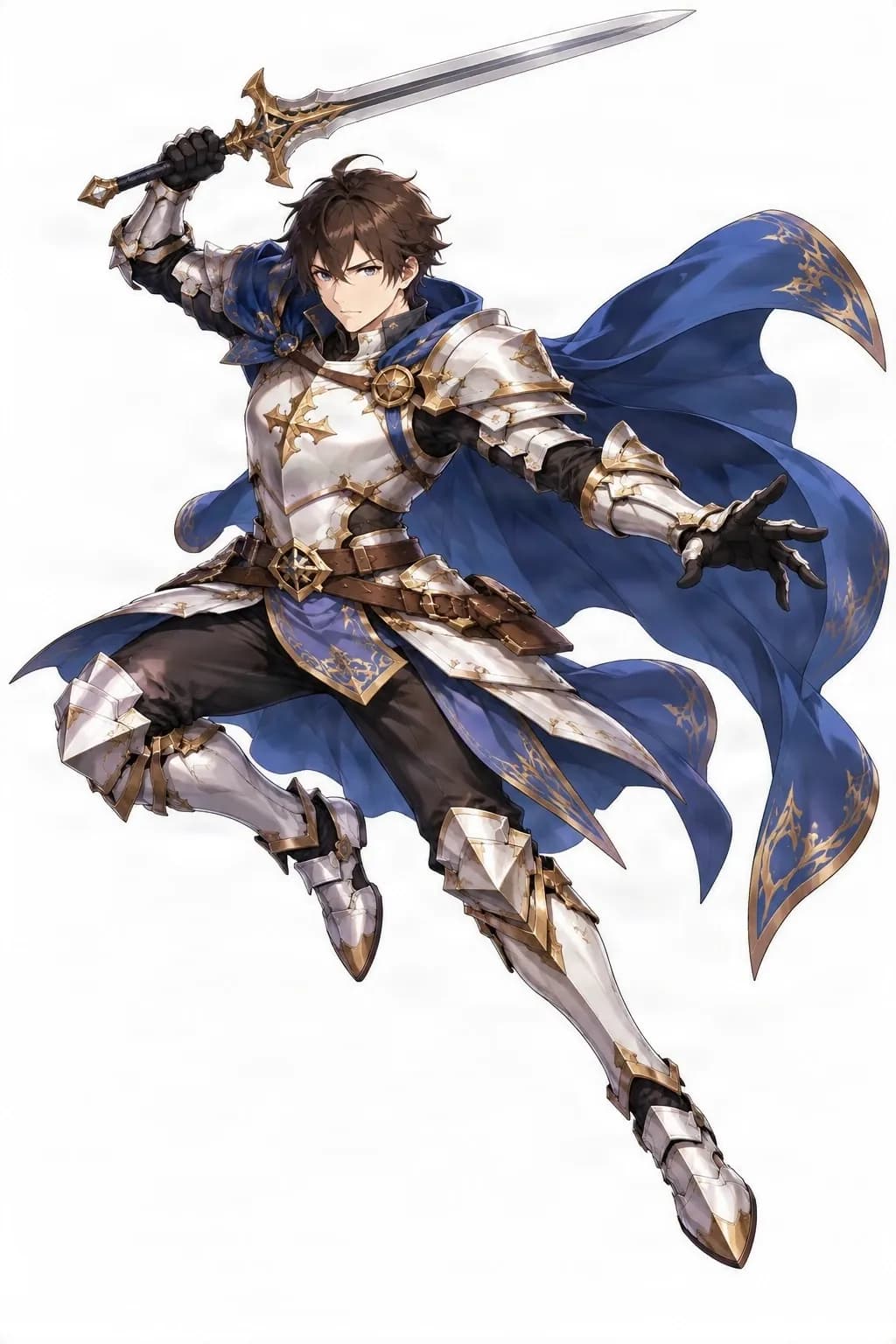
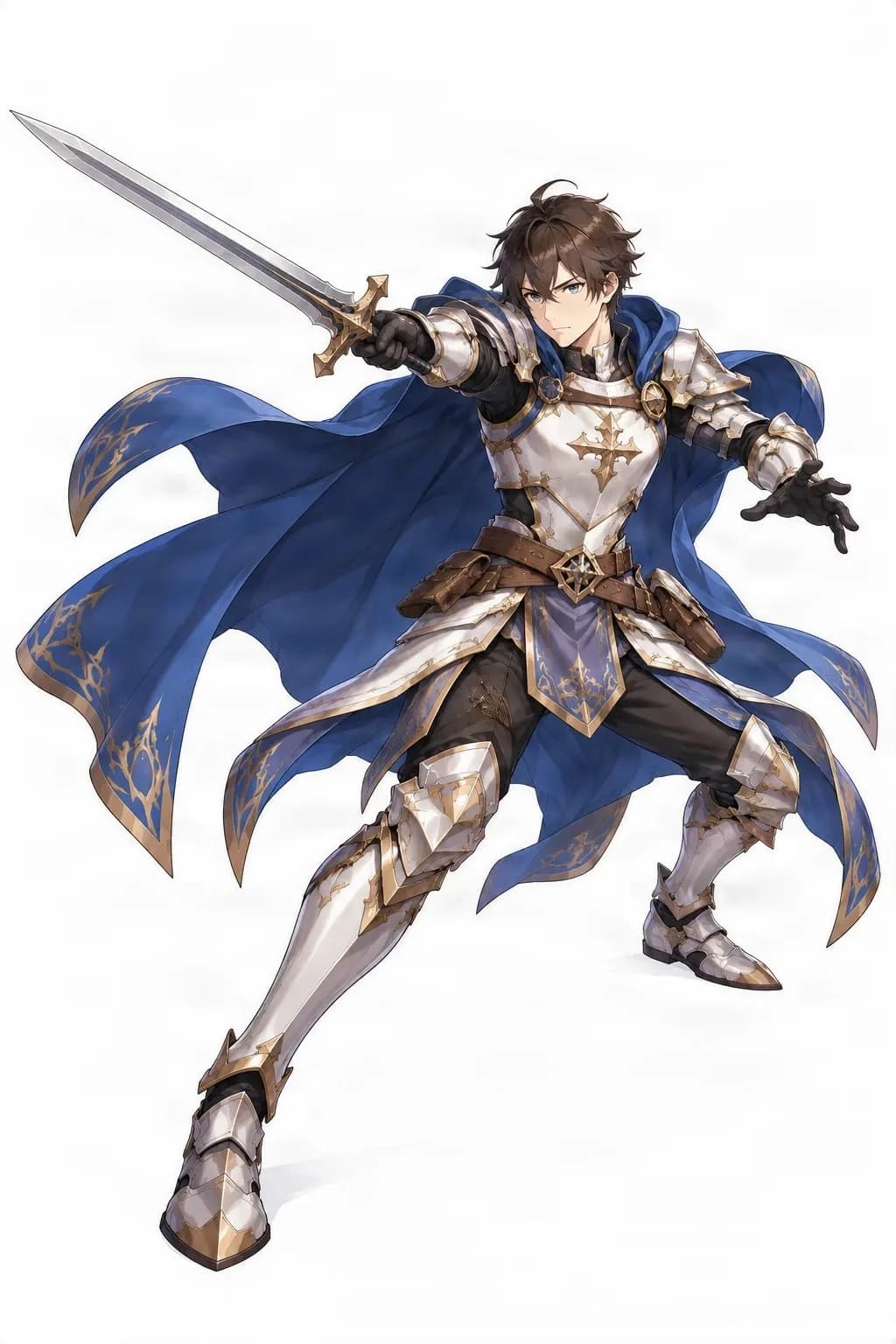
This real example uses one character reference to explore different poses. Details such as anatomy, clothing folds, accessory placement, and identity may vary between results.
These are static pose references, not a rigged animation or a guaranteed frame-perfect sequence. The current example demonstrates one character across several poses; it does not verify multi-character batch results.
STOP REDRAWING THE SAME CHARACTER
You finish a character design you love: the outfit, proportions, hairstyle, accessories, and colors all feel right. Then a story or game calls for the character to stand, run, jump, attack, and react in a dozen different moments.
Redrawing each action takes time, and every new pose is another chance for a detail to drift. Start from the artwork you already have, explore pose ideas, and compare the results before deciding what to refine.
Keep the characters you love. Explore more of what they can do.
MORE POSES, LESS REPETITIVE DRAWING
Use a character design you've already created as the starting point for alternative body positions.
Explore pose ideas for several character references within the same workflow.
Use the original hairstyle, outfit, colors, proportions, and accessories as visual references.
See how different body positions can suggest movement, strength, excitement, or confidence.
Use pose variations while planning illustrations, comics, character art, or game scenes.
A relaxed stance, confident posture, or dramatic action can communicate a character's personality.
FROM CHARACTER IMAGE TO POSE VARIATIONS
1
Choose the character artwork you want to use. Clear images showing the body, outfit, and defining details give you a useful starting point.
2
Use the available pose controls to choose or describe the body positions you want to explore.
3
The generator uses your references and selected poses to create new character images, aiming to change the pose while keeping the design recognizable.
4
Compare the anatomy, pose readability, hairstyle, outfit, accessories, and illustration style with your original.
5
Use the available download options to keep results for reference, further editing, or creative planning.
FIND THE RIGHT POSE FOR YOUR CHARACTER
Explore relaxed, confident, alert, or ready-to-act postures.
Consider stride length, arm movement, and posture to imagine how a character moves through a scene.
A running pose can convey speed, urgency, determination, or excitement through the position of the limbs.
Explore airborne positions, from a playful leap to a dramatic action jump.
Consider body direction, balance, and existing equipment when exploring a combat action.
A guarded stance can communicate caution, readiness, or determination.
Relaxed body language can reveal a different side of a character without a dramatic action.
Try expressive body positions that suggest movement, tension, or impact.
These are common pose ideas, not a promise that every pose is available as a preset. Use the options provided in the current generator.
CREATE MORE WITH YOUR CHARACTER CAST
A game may have several playable characters, while a comic may follow a group of original characters. Each design has its own hair, outfit, proportions, accessories, and personality. A multi-character pose workflow helps you explore action ideas across character references while keeping those differences in view.
Compare results character by character and review each image against its own reference. The current public example shows one character across several poses; it does not claim a verified multi-character batch result. This workflow does not automatically arrange several characters into one shared scene.
Different characters should stay different—even when they're performing similar actions.
CHARACTER CONSISTENCY MATTERS
A character's identity includes more than their face: hairstyle, outfit, silhouette, colors, accessories, and distinctive details all matter. AI may misread features that are hidden or shift clothing and accessories as the pose changes, so compare every result with the original reference.
Is the character still recognizable? Are defining facial and hairstyle features present?
Do the clothing, materials, and color palette remain close to the reference?
Are important details present without obvious omissions or duplication?
Does the character keep a recognizable body shape and silhouette?
Does the new pose still feel compatible with the original illustration?
Can you understand the intended action or body position at a glance?
Consistency is the goal of the workflow, not a guarantee that every detail will remain identical in every output.
POSE REFERENCES FOR YOUR PROJECT
Explore silhouettes and action ideas for concept art, character illustrations, or early sprite planning. Generated images are static artwork, not sprite animations, rigged skeletons, or motion sequences.
Try body language for shy, confident, energetic, or dramatic characters. Review facial features, hair, clothing, and style in each result.
Plan how characters might run, jump, or defend themselves before drawing a complete panel. Finished panels still need composition, perspective, lighting, and drawing work.
Explore how an OC might move in different situations while using the design you have already developed as a reference.
CHOOSE THE RIGHT CHARACTER WORKFLOW
Purpose: explore body positions and actions. Typical changes include arm and leg positions, posture, action stance, and movement silhouette. Useful for action references, game artwork, comics, and creative planning.
Purpose: explore a character from different viewpoints, such as front, three-quarter, side, or back. Useful for understanding the design from multiple directions and preparing visual model references.
A pose sheet presents a collection of body positions for a character and can help explore one design's movement and body language.
Explore pose variations across multiple character references in one workflow. It does not automatically arrange those characters into a shared scene.
A turnaround changes the viewing angle. A pose generator changes what the character is doing.
START WITH A STRONG REFERENCE
Choose a sharp reference where the main character details are easy to see.
A full-body image gives more visual information for changing the pose.
Leave enough room around the character to make new body positions easier to review.
Include the outfit, props, and accessories that help identify the design.
Choose a reference where the character's body and limbs can be distinguished.
When working with a cast, start each character from a similarly clear image.
Check balance, anatomy, equipment placement, and silhouette in dynamic poses.
Keep the source image nearby and review each result before using it.
MORE THAN JUST A DIFFERENT STANCE
A useful pose is easy to read and still feels like it belongs to the character. Consider the whole silhouette, not only the position of one arm or leg.
The body position remains understandable, including at a smaller scale.
The limbs and joints appear plausible for the intended action, though generated anatomy may need refinement.
Distinctive hair, clothing, colors, and proportions remain visible.
The pose communicates what the character is doing.
The result feels close enough to the original design to be useful as a reference.
A useful pose doesn't just look different. It clearly communicates what the character is doing.
KNOW WHAT TO EXPECT
Facial features, hair, clothing, colors, and accessories may change between results.
Hands, joints, balance, and overlapping limbs can be imperfect, especially in complex actions.
The system may need to infer details hidden in the original image or by a new pose.
A pose image is not a rigged character, animation, motion-capture file, or frame-perfect sprite sequence.
Review every character individually. The public example demonstrates one character and does not establish batch quality for multiple characters.
Review pose, anatomy, and character identity before using a result in finished work. Refine or redraw details when the project requires precision.
COMMON QUESTIONS
It helps you explore pose variations for existing character artwork. You can use the results as visual references for character art, stories, games, or creative planning.
Upload a character reference, choose or describe a pose using the available controls, generate the image, and review it against the original.
The workflow is intended to support multiple character references. Review results character by character; the public example on this page only demonstrates one character.
You can explore different body positions for a character from its reference. Available pose controls and generation options are shown in the workspace.
The workflow aims to keep the character recognizable, but exact consistency is not guaranteed. Hair, face, outfit, colors, and accessories can vary and should be checked.
These are common pose ideas. The poses available depend on the controls in the workspace, and individual results may need review or refinement.
You can try anime-style character references. Results may vary in facial features, linework, clothing, and style, so compare them with your source image.
Yes. Start with your OC artwork and use generated variations as references for exploring body language and actions.
A clear full-body reference is helpful because it shows more of the anatomy and outfit. Cropped or partially hidden details may be difficult to infer.
You can explore similar pose ideas across different character references where the workspace supports it. Compare each result with that character's own design.
The workflow focuses on pose variations for character references. It does not promise to compose several characters together in one shared scene.
They can serve as static visual references for concept art or early planning. They are not automatically game-ready sprites, animation frames, or rigged assets.
Pose variations can help with visual planning and body language. Finished panels may still require composition, perspective, lighting, and drawing work.
The generator creates static pose images, not a complete animation or frame-perfect sprite sheet. Animation usually requires additional drawing, cleanup, and assembly.
No. A turnaround explores the same character from different viewpoints. A pose generator explores different body positions and actions.
Anatomy can vary, especially around hands, joints, balance, and overlapping limbs. Review and refine results before using them in finished artwork.
The original design is used as a reference, but outfit and accessory details may shift, disappear, or be interpreted differently in a new pose.
The available quantity depends on the options shown in the workspace and may change. Check those controls for current limits rather than relying on a fixed number here.
Use the download or export options shown with your generated results. Available formats depend on the current workflow.
The current cost, if applicable, is shown in the workspace before you submit a generation. Check that interface for the latest credit requirements.
KEEP BUILDING YOUR CHARACTER COLLECTION
Explore a character from different viewpoints, including front, side, and back.
Generate Character ViewsBuild multi-view visual references for characters designed for games.
Create Game Character ViewsCreate a visual reference sheet to explore a character's overall appearance.
Build a Character Reference SheetSeparate character artwork into editable visual components for further creative work.
Explore Character LayersPrepare character artwork for later rigging and animation workflows.
Prepare Character ArtworkYOUR CHARACTERS ARE READY TO MOVE
You've already imagined what your characters look like. Now explore what they might do: run through a world you've created, jump into an adventure, stand confidently before a challenge, or strike a pose that captures their personality. Start with your existing artwork and keep exploring new visual ideas.
Create visual pose references from your existing characters. Results may need review and refinement before use in finished artwork or animation.
Creative Toolkit Index
Quick access to precision layer extraction, AI photo editing & asset tools.