Create, Edit, and Refine Images in One Studio
Your creative ideas deserve more than a basic image editor. ImageToLayers Studio brings AI-powered image separation and hands-on editing into one connected workflow. Work with layers, masks, text, and image adjustments, refine your artwork, and export the results for your next project.
From a single image to a more editable creative project—all in your browser.
Your Creative Workspace, Ready When You Are
Start with an image you already have, use AI to prepare editable elements, and continue working with the tools built into ImageToLayers Studio.
Click or drag image to decompose into PSD
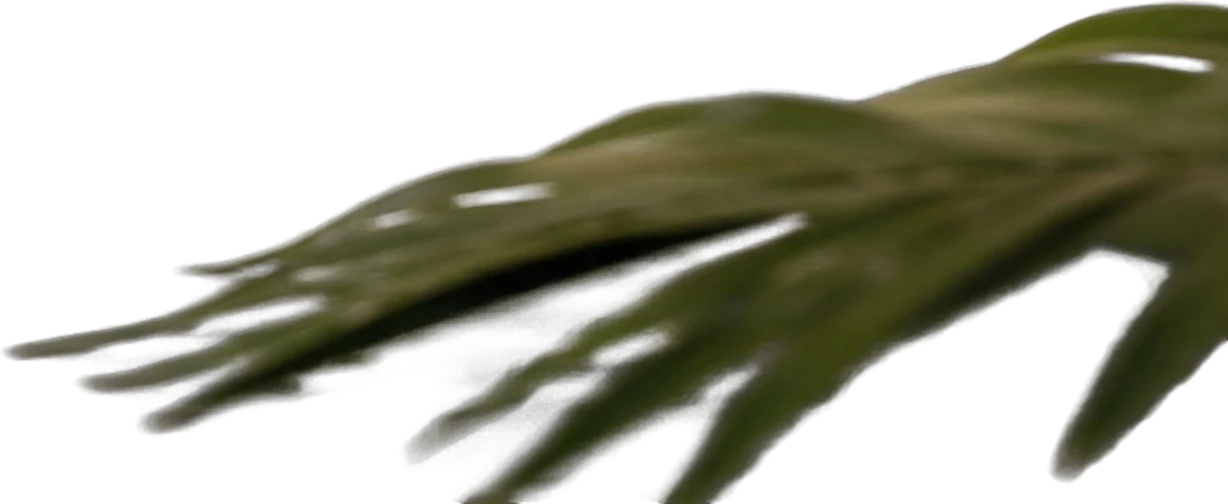
Foreground palm leaf
651×267 px
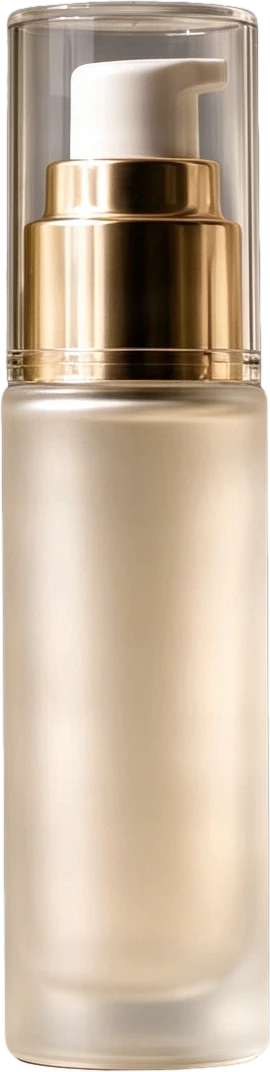
Frosted pump serum bottle
159×631 px

Frosted cream jar with gold lid
274×266 px
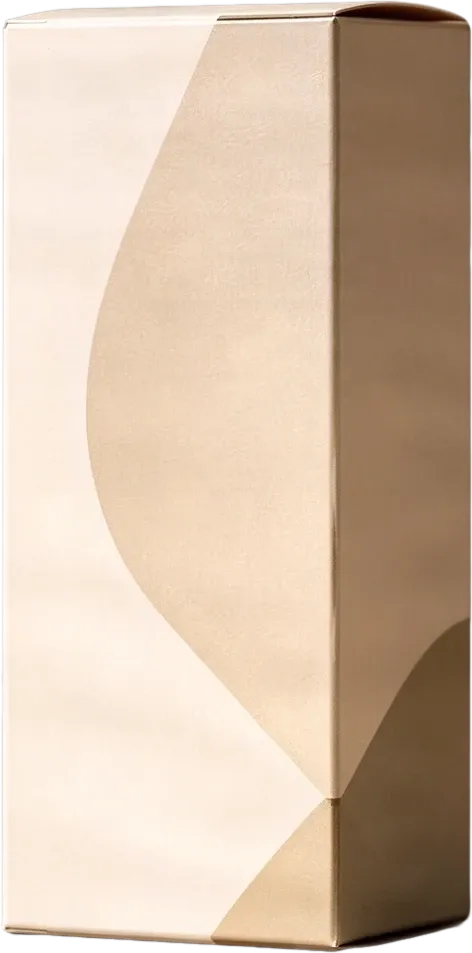
Beige product packaging box
298×602 px

Smooth pebble group
244×247 px
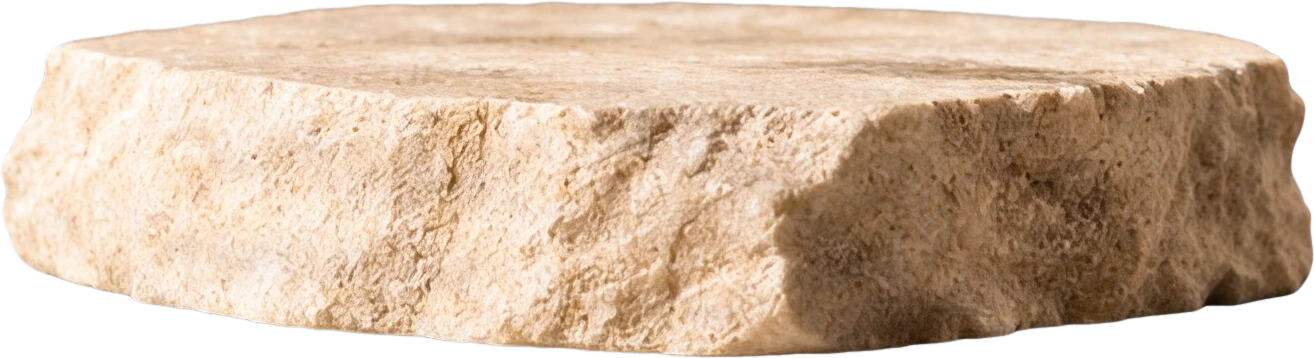
Stone display platform
536×145 px
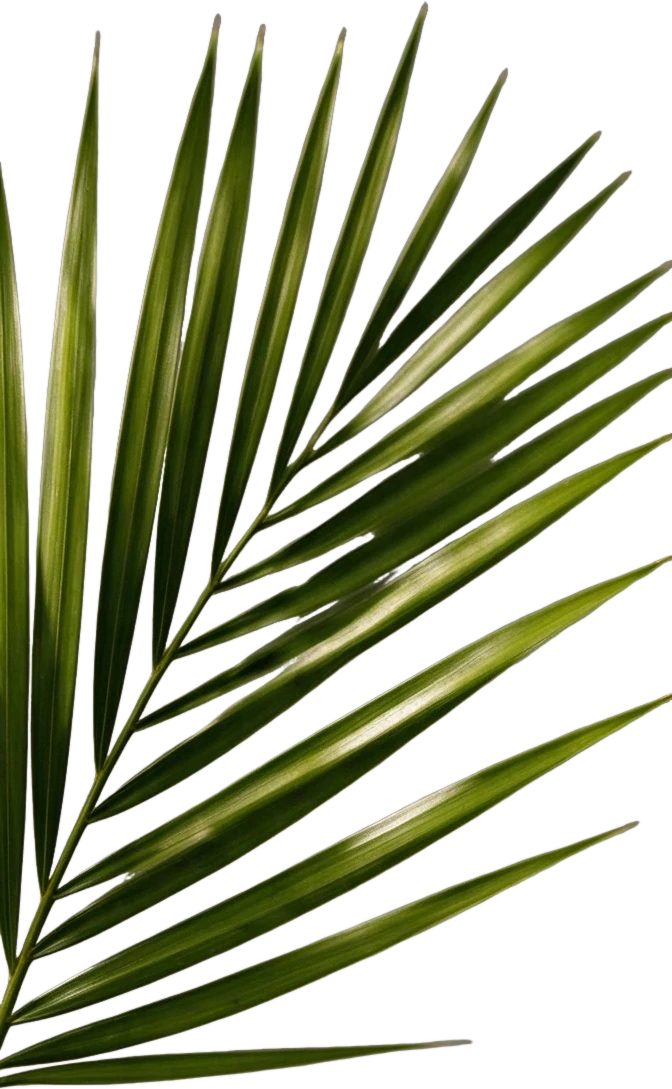
Right palm leaf
298×483 px
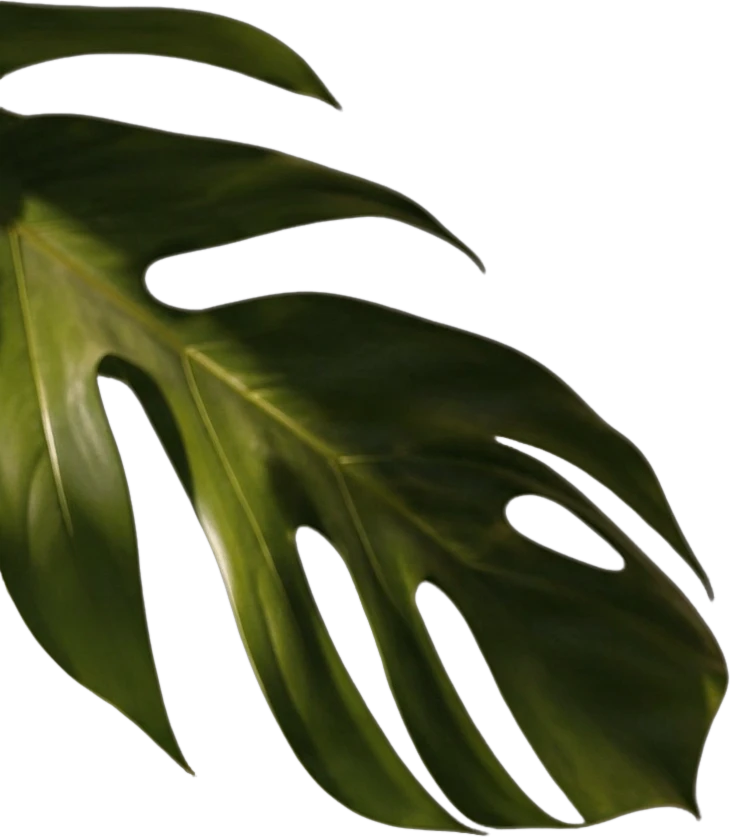
Left monstera leaf
526×603 px
Clean background
Background
Private File Handling
Uploaded files are associated with your account and delivered through signed URLs. You can delete completed jobs manually.
Transparent PNG Output
Detailed Layers returns each detected element as its own layer on a transparent background.
Continue Editing in Agent Workspace
Open the layered result in Agent Workspace to clean up elements, create visual variations, or continue working from the same project.
More Than an Image Editor. A Complete Creative Workflow.
Why switch between separate tools when you can keep more of your creative process connected? ImageToLayers Studio combines AI-assisted preparation with hands-on image editing, helping you move from a finished image to something you can continue refining.
AI-Assisted Image Preparation
Use AI to separate visual elements and build a more editable starting point from an existing image.
Layer-Based Editing
Work with supported image layers, adjust their appearance, and refine the composition.
Painting and Retouching
Use the built-in editing tools to make targeted visual adjustments.
Masks and Selections
Control which parts of an image are visible or affected by supported editing actions.
Text and Visual Adjustments
Make supported text and image changes without rebuilding the complete composition.
PSD and Image Export
Export supported edited images and layered documents for continued creative work.
See What You Can Create Inside ImageToLayers Studio
A powerful editor should show you what you can actually do—not just tell you.
Start With Any Flat Image
Begin with a finished JPG, PNG, or WebP photo, illustration, or graphic composition.

AI Prepares the Layers
Automatically isolate subjects, background elements, and details into structured layers.

Hands-On Pixel & Layer Editing
Inspect individual layers, paint, adjust positioning, and modify elements inside the browser canvas.
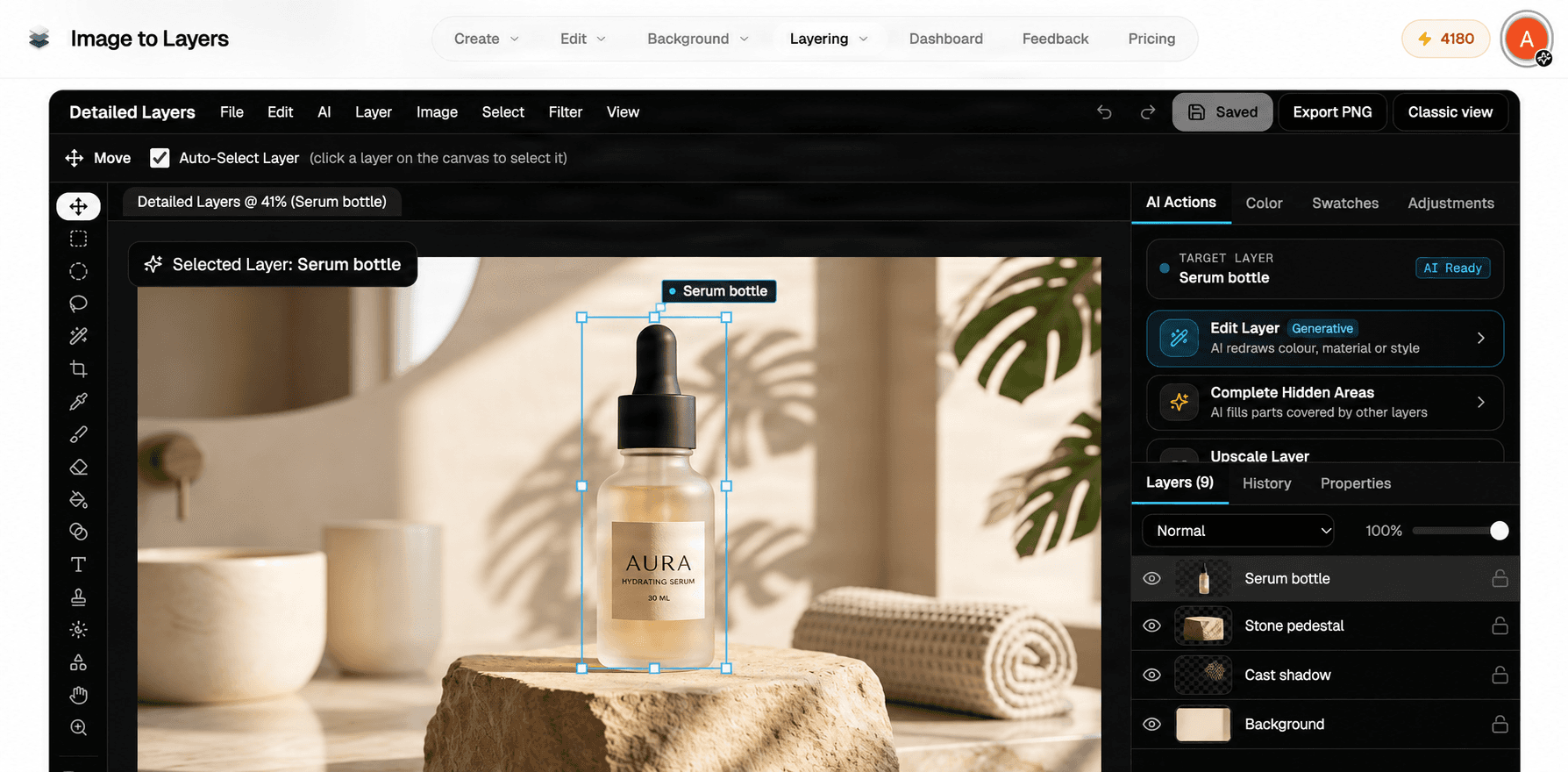
Export Layered PSD & PNGs
Download clean transparent raster assets or layered PSD files ready for any creative software.
AI Gets You Started. You Stay in Control.
Generating an image is only the beginning. Sometimes you need to move an element, clean up an edge, adjust a layer, or change the look of an existing design. ImageToLayers Studio brings AI-assisted image preparation and hands-on editing closer together, so you can refine the result instead of starting over.
A Creative Space for the Projects You Care About
Digital Artists
Refine an existing illustration, separate recognizable visual elements, and continue developing your composition.
Character Creators
Prepare and edit character artwork, visual parts, and related assets for additional creative work.
Content Creators
Rework existing visual content and prepare assets for new layouts or formats.
Design Enthusiasts
Experiment with images, layers, text, and visual changes in one browser-based workflow.
Online Sellers
Adjust supported product imagery and explore new compositions using visual elements from existing assets.
Everyday Creators
Make changes to artwork you already like without always starting the creative process from zero.
From Your Image to Your Next Creative Idea
Start With an Image
Upload a supported image through the existing creation workflow.
Prepare Your Artwork
Use available AI processing to separate or prepare visual elements when needed.
Open Your Project
Access the existing Job Detail workspace and supported editing tools.
Make Your Changes
Review layers, refine the artwork, and use available manual editing functions.
Export Your Result
Download supported formats and keep working wherever your project goes next.
Why Choose ImageToLayers Studio?
Traditional image editors give you control over the files and layers you already have. ImageToLayers Studio also helps you prepare new editable raster layers from a flattened image with AI.
Traditional Image Editors
Excellent for manual drawing, photo manipulation, and multi-layer compositing when you already have separated source files or project layers.
ImageToLayers Studio
Bridges the gap when working with finished, flattened images by generating structured layers first, then offering in-browser editing tools to refine the artwork.
Frequently Asked Questions About ImageToLayers Studio
What is ImageToLayers Studio?
ImageToLayers Studio is a browser-based creative workflow that connects AI-assisted image preparation with supported editing and export tools. It helps users turn images into more editable projects and continue refining the result.
Is ImageToLayers Studio an online image editor?
Yes. Its connected Job Detail workspace includes a built-in Pixel Editor for supported image and layer editing. Available tools and workflows depend on the type of project and the current editor view.
Can I edit individual layers?
Yes. Supported layer jobs can be opened in the editing workspace, where users can inspect and modify individual layers using available tools.
Do I need Photoshop?
No. You can use supported ImageToLayers Studio workflows directly in your browser. Photoshop or another compatible editor can still be useful for further editing after export.
Can I turn a flattened image into editable layers?
Yes. AI layer separation can create a new raster-layer structure from a supported image. It does not recover the exact original authoring file.
Can I import PSD files?
The existing Pixel Editor includes PSD import functionality. However, compatibility varies by file and feature, and the Studio landing page's primary entry workflow may begin with image generation rather than direct PSD upload.
Can I export a layered PSD?
Layered PSD exports are supported for eligible projects and workflows. Some editor effects may be rasterized during export.
Can I use masks and painting tools?
The built-in Pixel Editor supports selection, painting, and mask-related editing capabilities. The tools available to a user may depend on the current workspace.
Can I save my edits?
Supported modifications to existing project layers can be saved through the available project-saving workflow. Some newly created layers, resized canvases, or local-only changes may require export instead.
Does ImageToLayers Studio use AI?
Yes. AI can assist with image separation and other supported actions. Manual editing tools provide additional creative control after generation.
Is ImageToLayers Studio free?
Some manual editing operations do not require another model generation, while AI processing uses credits. Applicable costs and export permissions are displayed through the existing account and tool workflows.
Does Studio work on mobile?
The website supports mobile access, but the available editing interface may differ from the desktop Pixel Editor. More extensive manual editing is best performed on a desktop browser.
Explore Different Ways to Create
Looking for a different editing workflow? Explore how ImageToLayers Studio compares with other creative tools.
Your Next Creative Project Starts Here.
Bring your image into ImageToLayers Studio, explore what's possible with AI-assisted preparation, and keep refining your artwork with the tools already built into your workflow.