
See Yourself in Any Cosplay Outfit
Have a costume in mind but don't know how it will look on you? Upload your photo and a cosplay outfit reference to create a new image of yourself wearing the look.
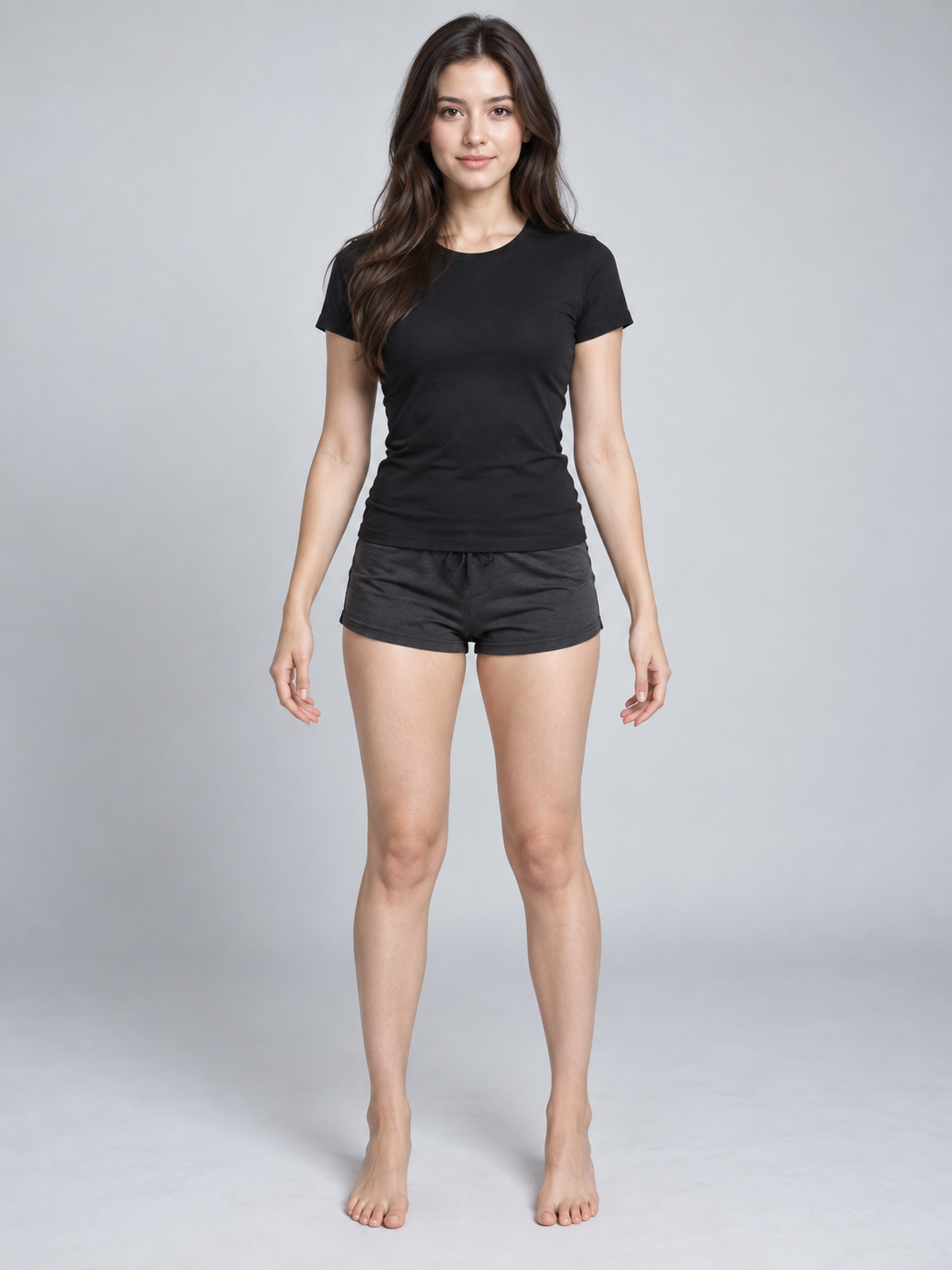
Your Photo
Upload a clear photo of yourself.
The AI uses your photo as the person reference.
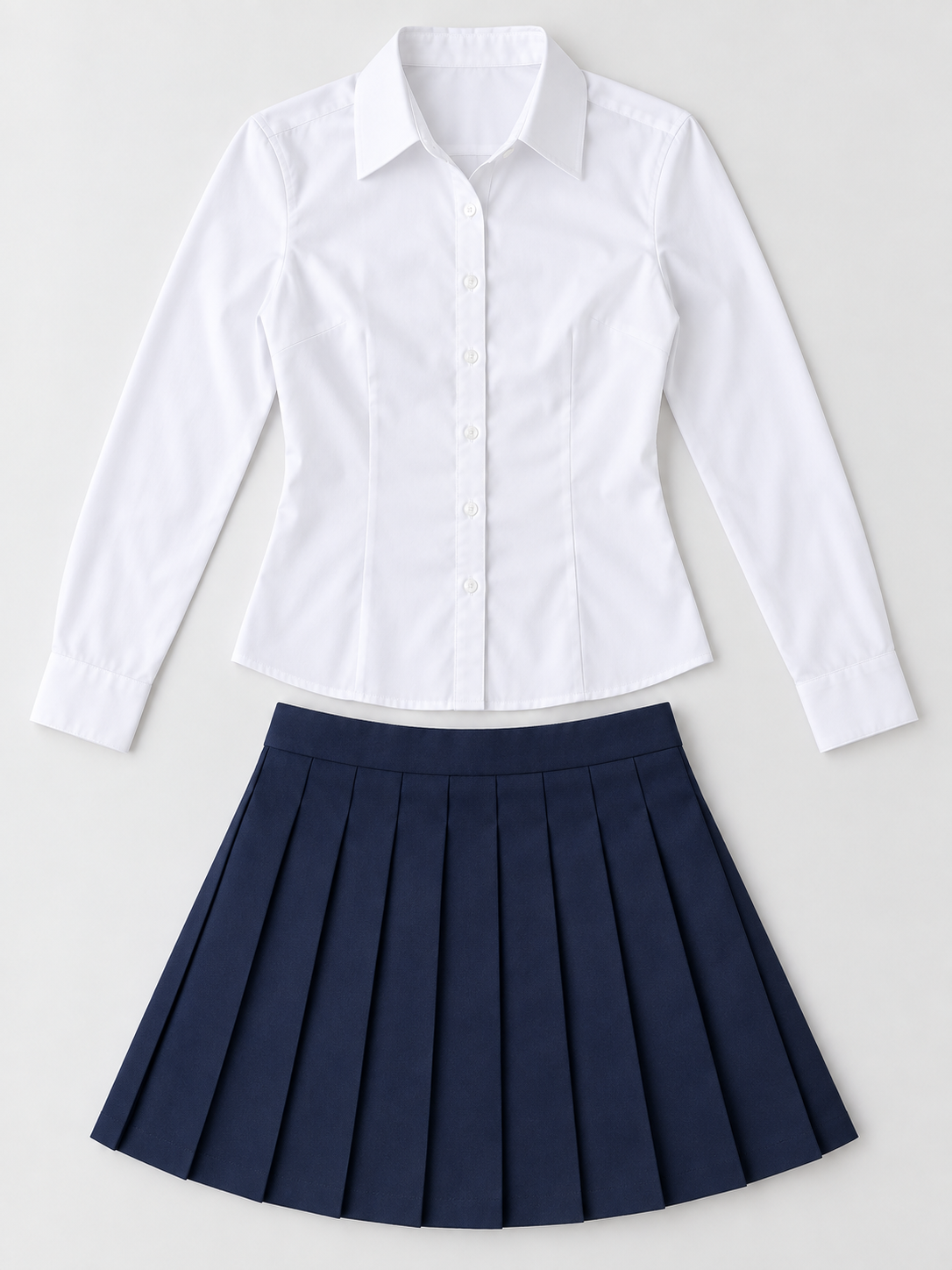
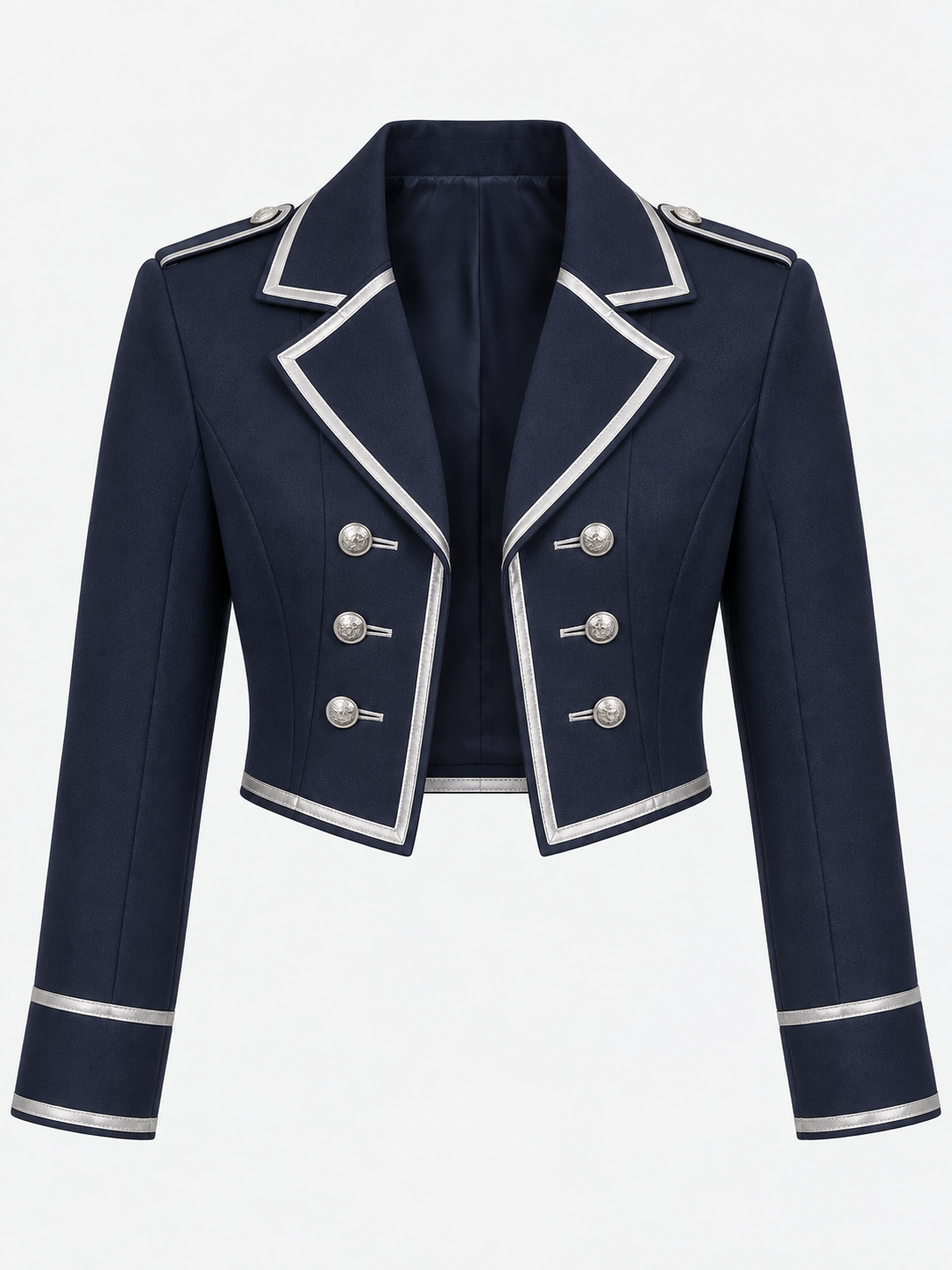
Cosplay Outfit
Upload the costume, clothing set, or cosplay reference you want to try.
Use a clear image where the main clothing pieces are visible.
Optional instructions
Usually you can leave this blank. Add a note only if the clothing image contains more than one costume.
Your Cosplay Look
Example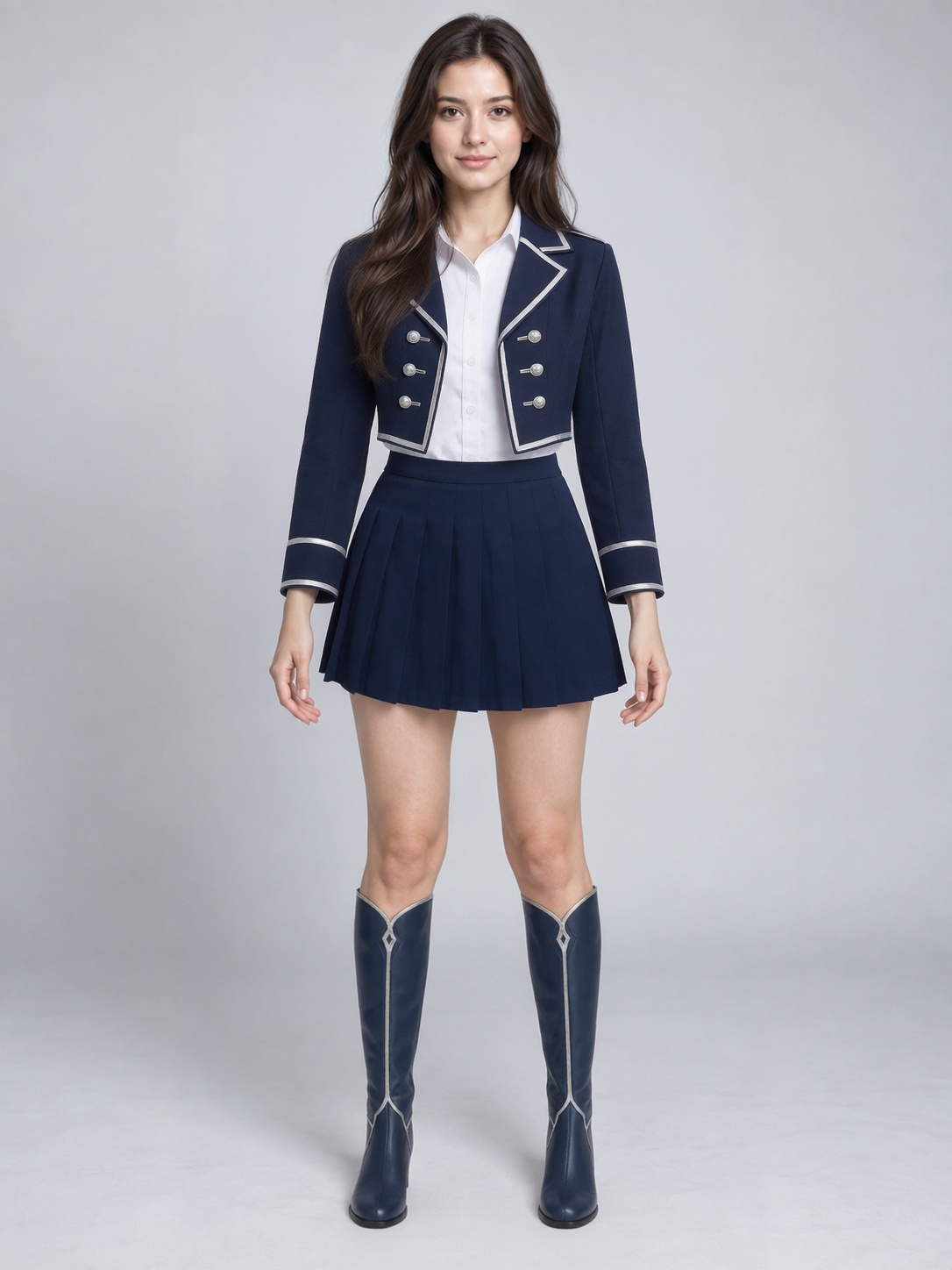
 Outfit
Drag to compare — the same person in a different outfit.
Upload your photo and a cosplay outfit reference to get started.
See it in action
From Your Photo to a Cosplay Look
Start with your photo, add a costume reference, and see a generated preview of yourself wearing the look.
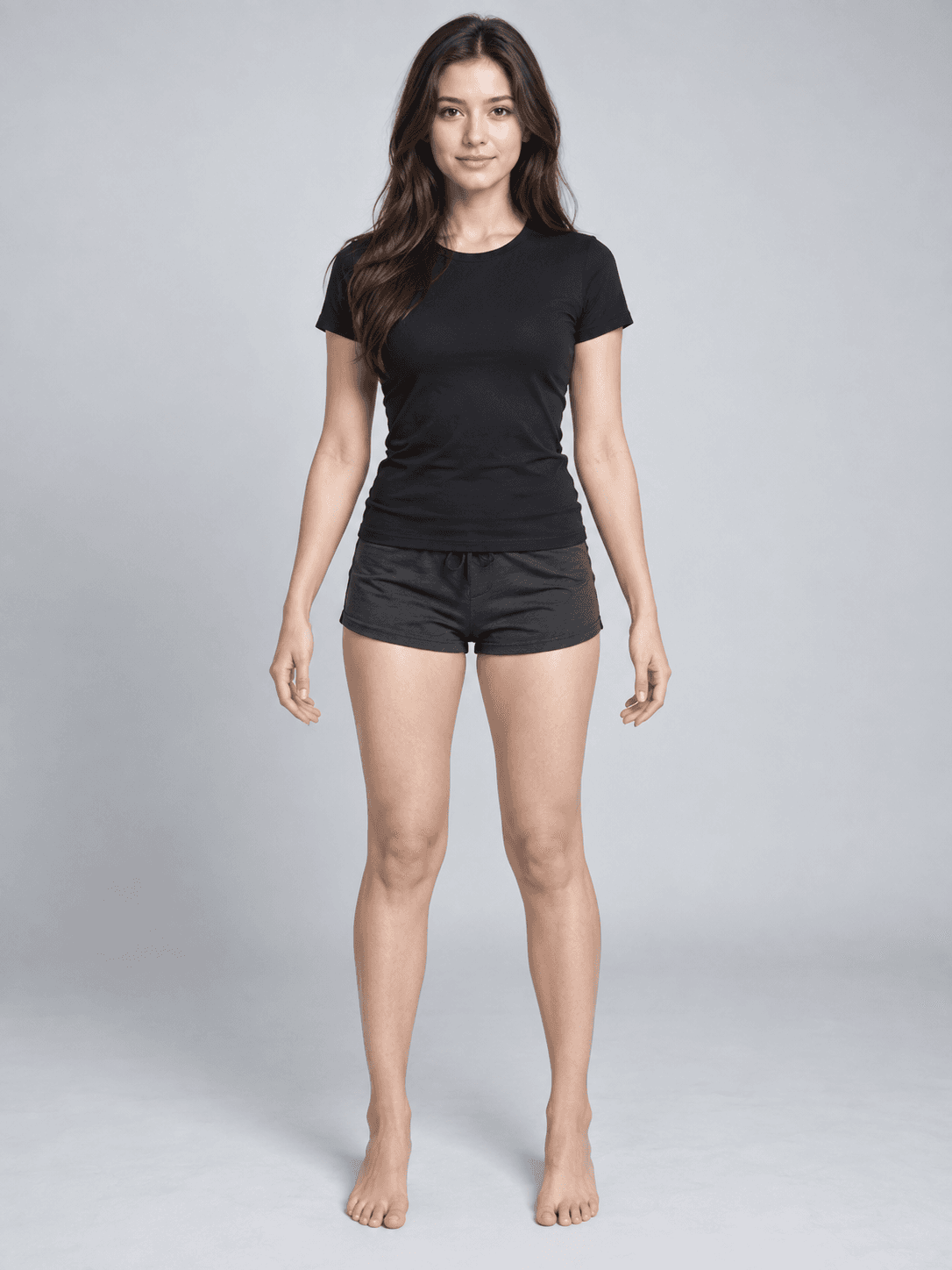
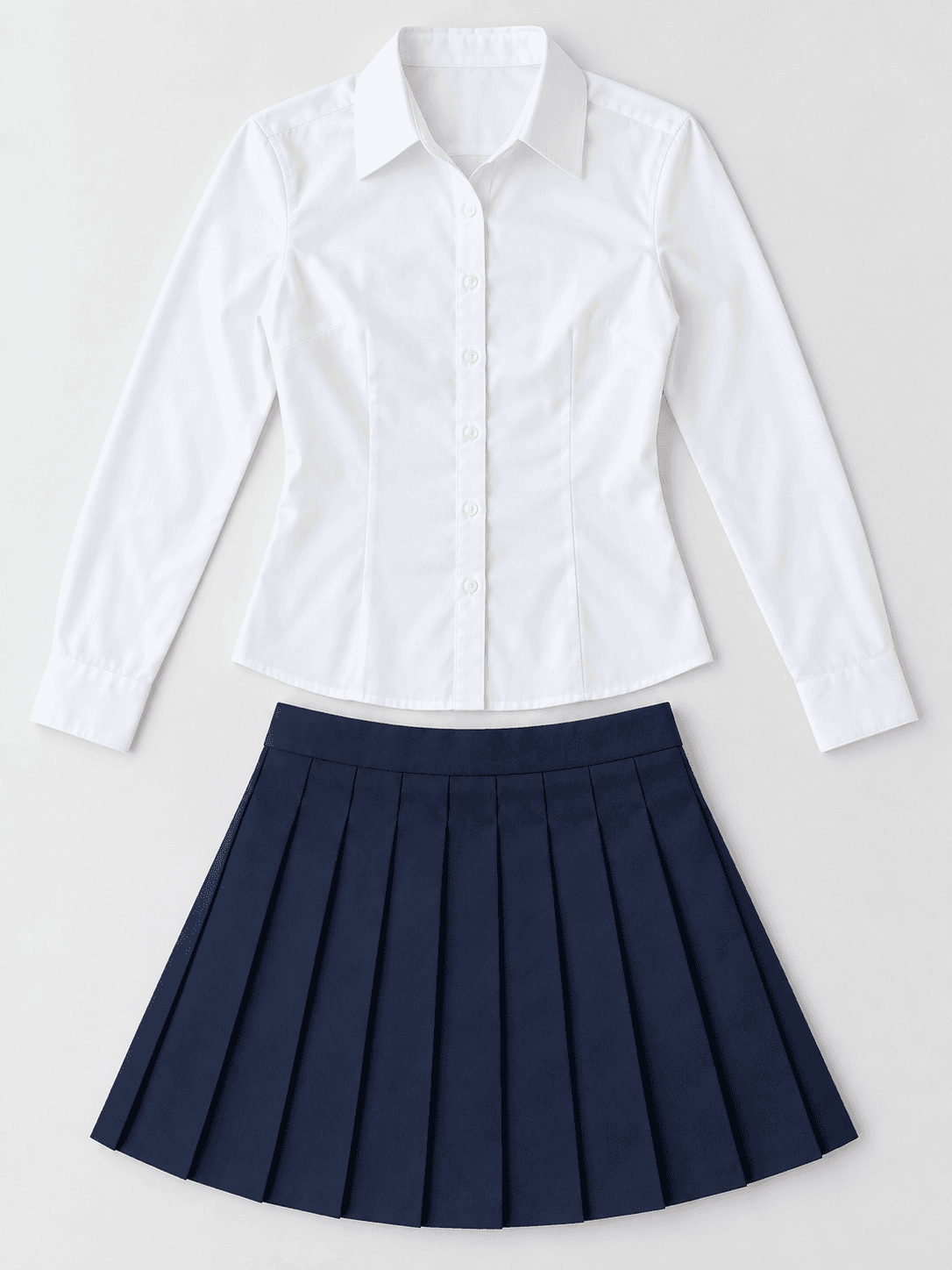
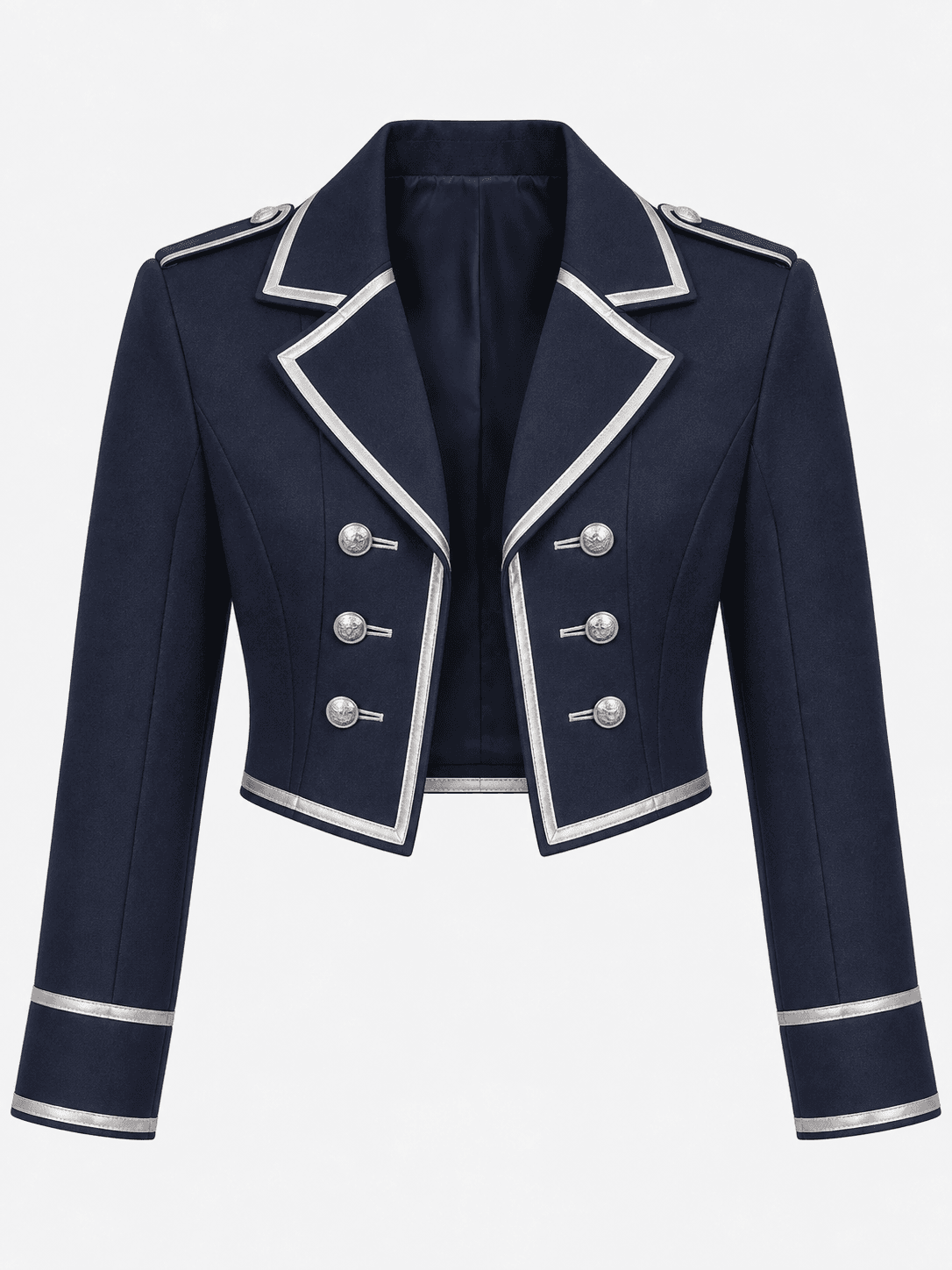
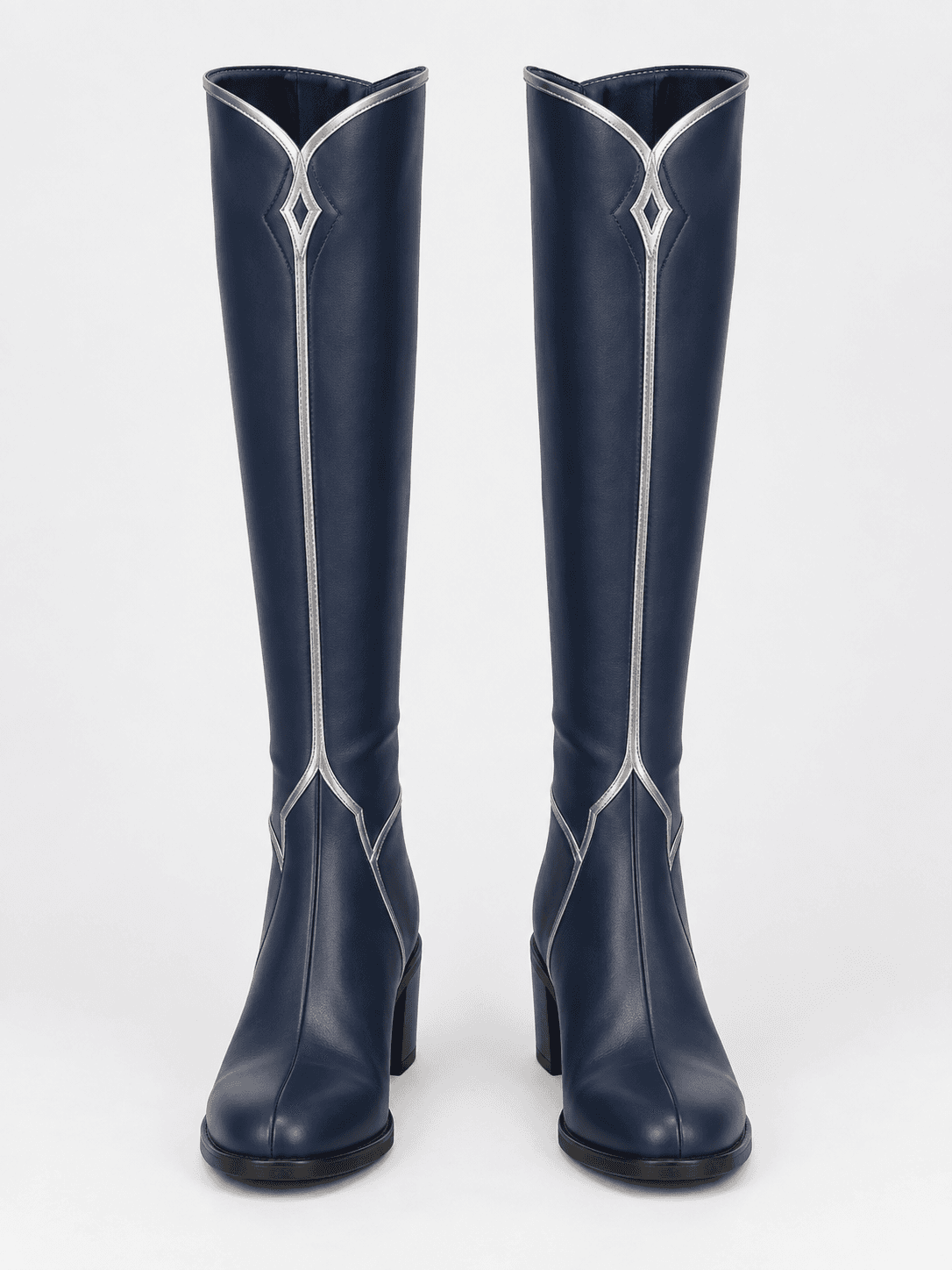
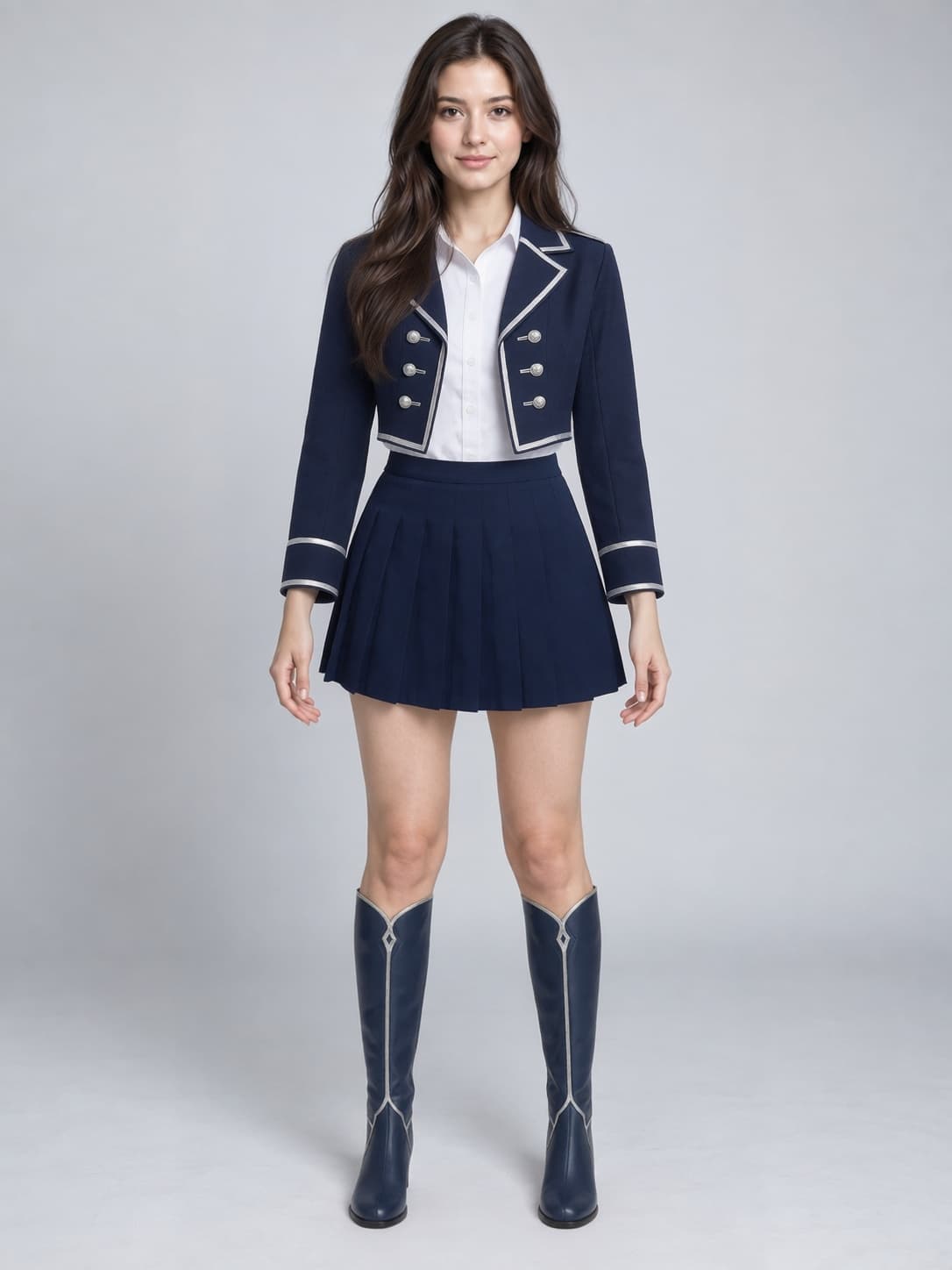
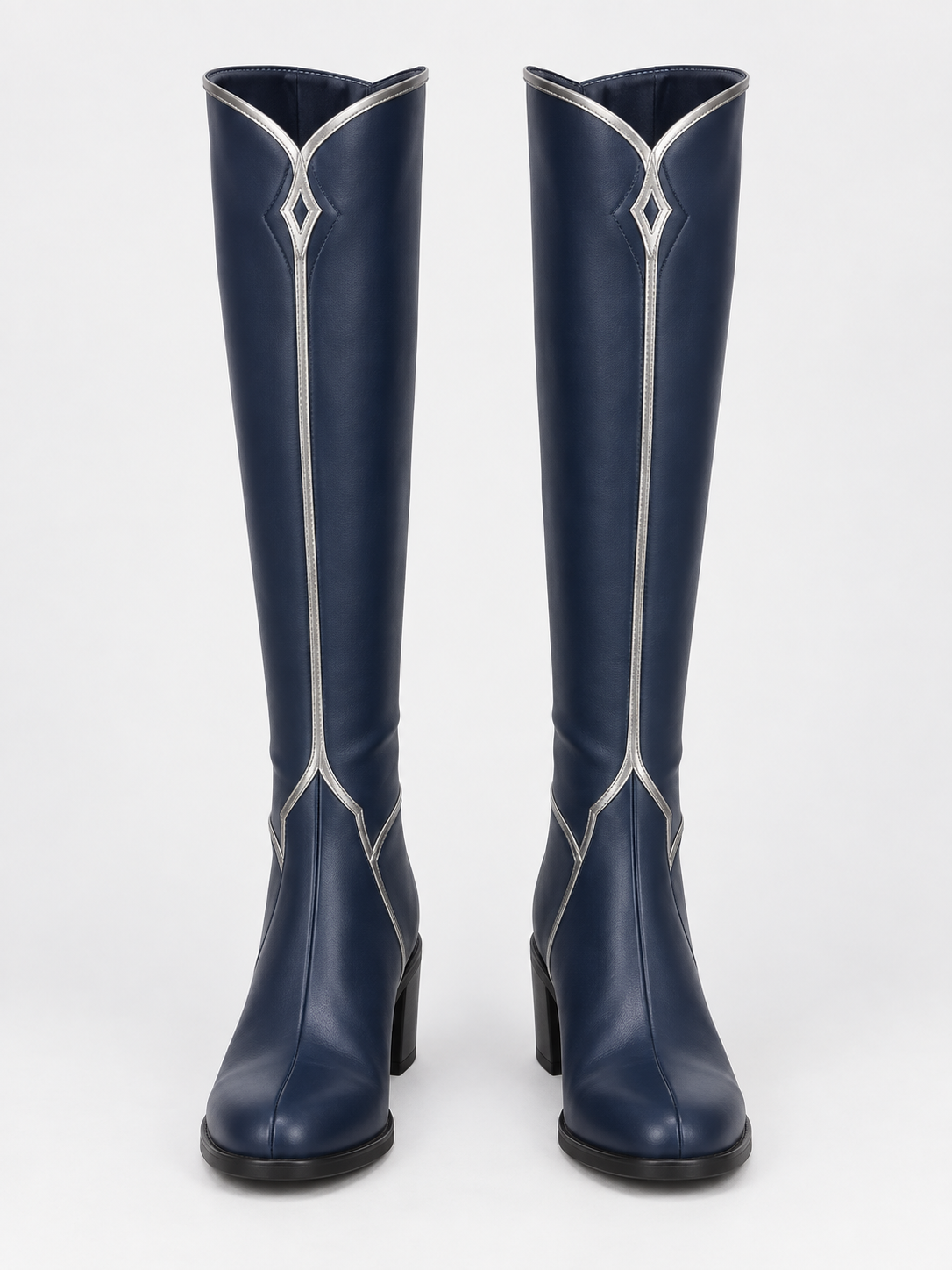
Your Photo + Costume References
Start with your photo and combine a main costume, an outer layer, and boots.
Love the Costume. Not Sure About the Look?
Cosplay can take time and money. You may need to buy the costume, choose a wig, plan makeup, and wait for delivery.
AI Cosplay Generator gives you a faster way to preview the clothing direction before you commit.
Try Before You Commit
Compare Two Costumes
Try different outfits before deciding which one you like more.
Preview Before Buying
Get a visual idea before ordering a costume online.
Convention Planning
Explore different looks before deciding what to wear to an event.
Photoshoot Planning
Preview clothing before planning makeup, location, and photography.
From Photo to Cosplay Preview
Upload Your Photo
Choose a clear image of yourself.
Upload the Costume
Add the cosplay reference you want to try.
Generate the Look
AI adapts the costume to your photo.
This Is a Creative Preview, Not Physical Fitting
The result shows how a cosplay outfit might look visually on your photo. It does not predict real clothing size, exact measurements, fabric stretch, comfort, sewing accuracy, or physical fit. Complex props, helmets, wigs, masks, weapons, wings, and small details may not transfer exactly.
Related Try-On Tools
AI Cosplay Generator FAQ
Will this show exactly how the costume fit?
No. It creates a visual preview, not a physical sizing or fit simulation. It does not know exact body measurements, costume measurements, fabric stretch, or comfort.
Can I use a normal product photo?
Yes. Clear product photos and flat-lay clothing images are usually good inputs.
Do I need a full-body photo?
Not always. For tops, the upper body should be visible. For dresses, pants, or full outfits, showing more of the body usually gives better context.
Will my face stay the same?
The goal is to keep the person recognizable while changing the clothing. Small visual changes can still happen, especially with blurry photos, unusual poses, or heavy occlusion.
Can I try more than one piece?
For complete outfit combinations, use the Virtual Outfit Try-On tool, which accepts multiple clothing references at once.
See the Cosplay Before You Commit
Upload your photo and add the costume you want to try before buying, sewing, or dressing up.
Try On a Cosplay