
Product Page Hero
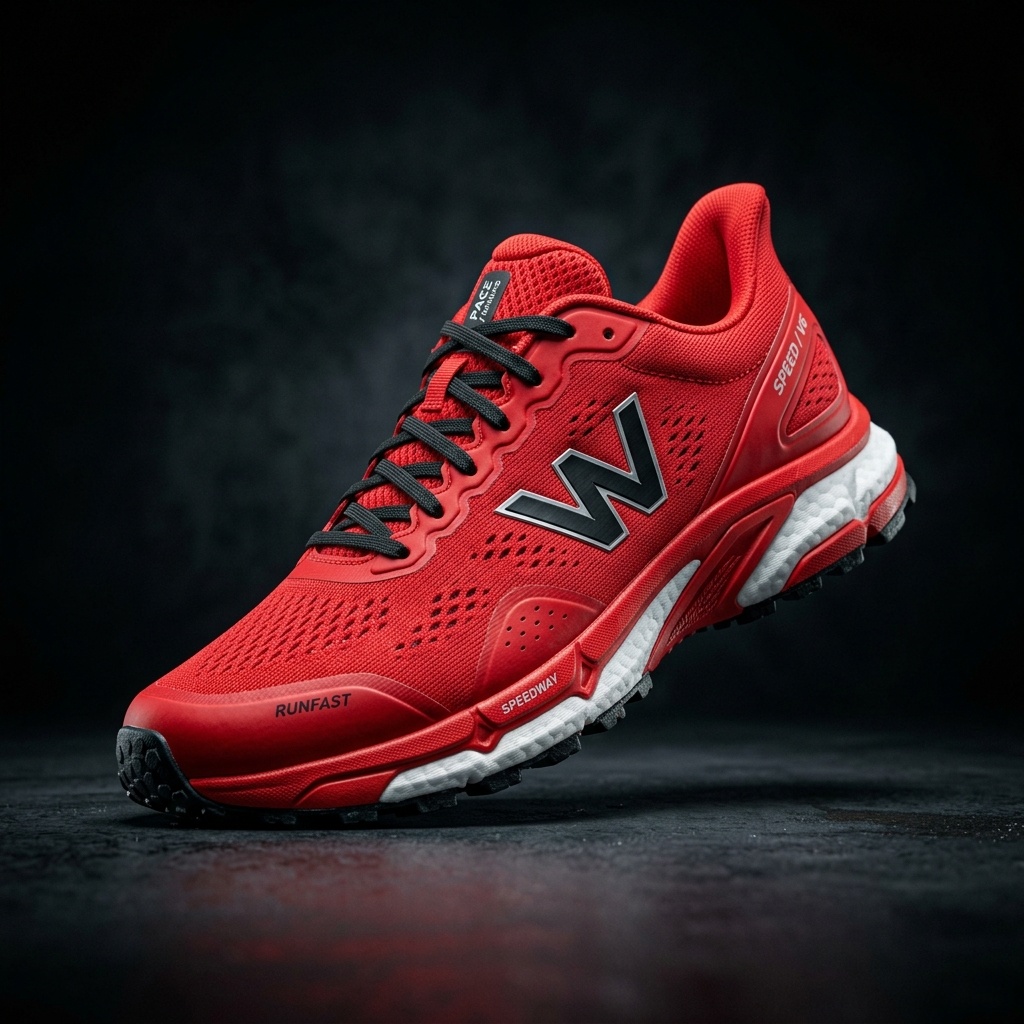
Create a clean, balanced product image for a product detail page.
AI Image Agent is currently in beta. Results and workflows may change as we improve the experience.
IMAGE TO LAYERS AGENT PLAYBOOK
BetaPrepare cleaner product heroes, consistent collection images, lifestyle variations, and editable visual assets through one guided ImageToLayers workflow.
Sample Outputs
Use the steps you need—the workflow does not require every tool for every image.
Upload a Source Product Photo
Clean the Product Image
Create a Product Hero
Prepare Collection Variations
Create a Lifestyle Version
Continue into Editable Layers
Create a clean, balanced product image for a product detail page.
Prepare a consistent crop and background treatment for collection and catalog views.
Place the product in a relevant scene while preserving its identifiable features.
Tell the Agent which details must remain unchanged when creating a new visual direction.
Note: AI-generated details can vary. Review logos, labels, measurements, and regulated product claims before publishing.
No, ImageToLayers Agent is a visual workspace. You export the images and manually add them to your Shopify admin.
Yes, you can apply the same prompt instructions to multiple images to achieve collection consistency.
Yes, place your extracted product into modern kitchens, wooden tables, or abstract environments.
Yes, AI extraction keeps your exact product pixels intact.
Yes, you can resize and re-crop images to fit specific Shopify theme requirements.
No. Image quality can influence presentation, but conversion also depends on pricing, product-market fit, copy, reviews, traffic, usability, and many other factors.
Clean, resize, and edit product photos for Amazon listings.
Vertical visual directions and cleanup for TikTok Shop.
Visual variations, cleanup, and layered assets for social media.
High-end visual cleanup, variations, and layering for campaigns.
Creative Toolkit Index
Quick access to precision layer extraction, AI photo editing & asset tools.