
Vertical Product Hero
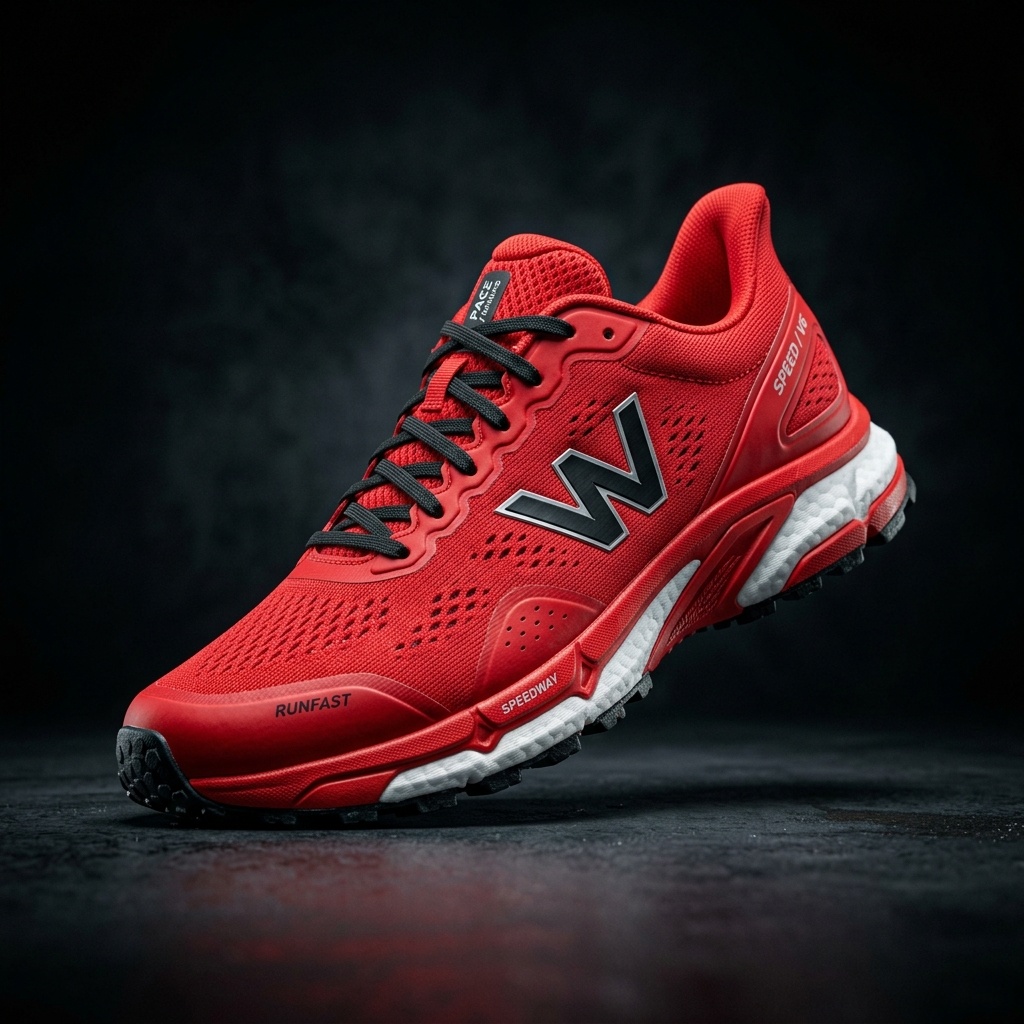
Place the product in a focused 9:16 composition designed for mobile viewing.
AI Image Agent is currently in beta. Results and workflows may change as we improve the experience.
IMAGE TO LAYERS AGENT PLAYBOOK
BetaStart with a guided prompt for creating vertical product visuals, attention-ready variations, clean product cutouts, and reusable layered assets.
Sample Outputs
Use the steps you need—the workflow does not require every tool for every image.
Upload a Source Product Photo
Clean or Extract the Product
Choose a Vertical Composition
Create Visual Variations
Prepare Social-Sized Crops
Continue into Editable Layers
Place the product in a focused 9:16 composition designed for mobile viewing.
Explore a stronger background, lighting direction, or campaign color while keeping the product recognizable.
Extract the product for reuse across vertical ads, overlays, and future compositions.
Tell the Agent which details must remain unchanged when creating a new visual direction.
Note: AI-generated details can vary. Review logos, labels, measurements, and regulated product claims before publishing.
No, it focuses purely on visual asset creation. It helps you prepare the image layers, backgrounds, and vertical formats needed for your creatives.
Yes, you can prompt the agent to extend or frame your product directly into a 9:16 vertical ratio.
Yes, by utilizing advanced extraction and inpainting, the original product pixels containing the logo and label text are protected while the environment changes.
Yes, once the product is extracted, you can prompt the agent to place it in various contextual scenes.
Yes, background removal is a core capability before moving on to generating new vertical environments.
No. ImageToLayers Agent helps create visual assets, but performance depends on the product, message, audience, offer, placement, and campaign execution.
Clean, resize, and edit product photos for Amazon listings.
Visual variations and background edits for your storefront.
Visual variations, cleanup, and layered assets for social media.
High-end visual cleanup, variations, and layering for campaigns.
Creative Toolkit Index
Quick access to precision layer extraction, AI photo editing & asset tools.