
Square Feed Image
Create a balanced square composition for feed-based social placements.
AI Image Agent is currently in beta. Results and workflows may change as we improve the experience.
IMAGE TO LAYERS AGENT PLAYBOOK
BetaCreate visual variations, resize selected results for different placements, and continue editing from the same source image inside ImageToLayers Agent.
Sample Outputs
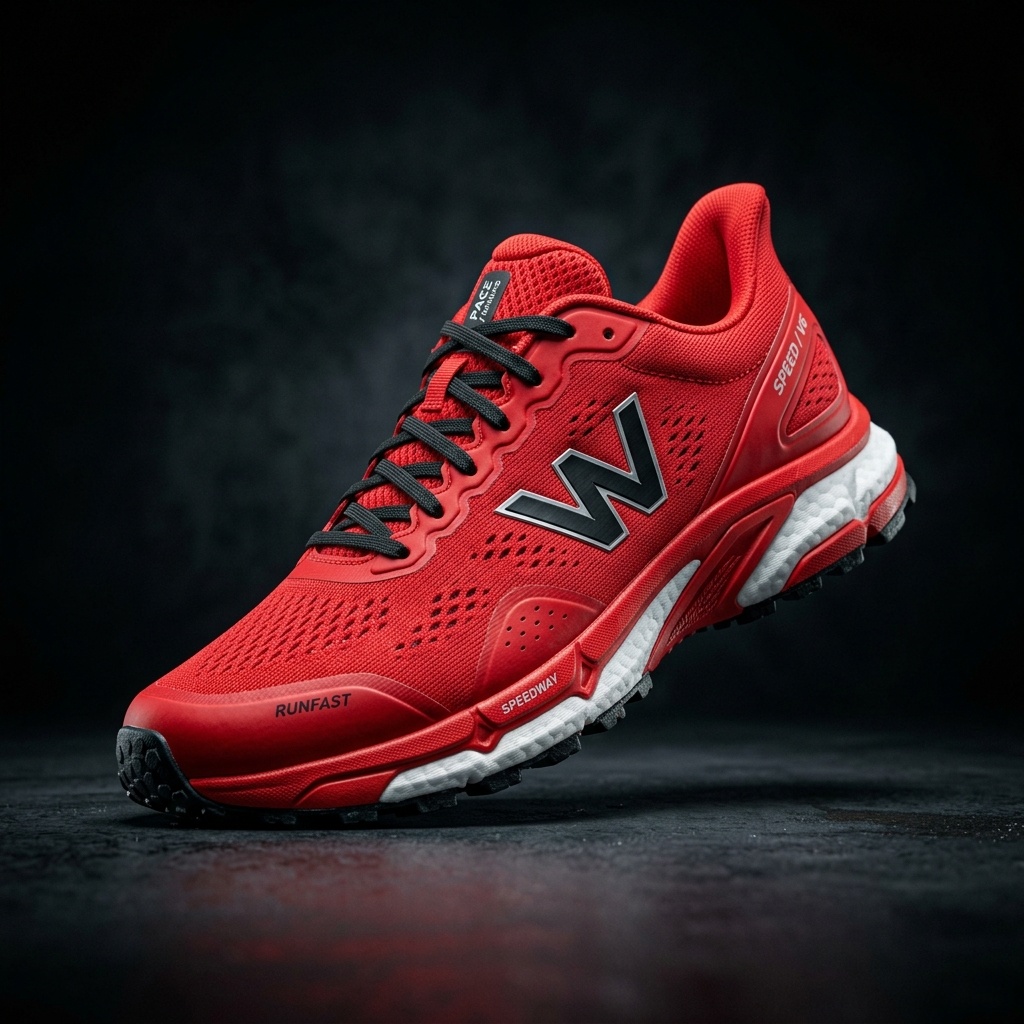
Use the steps you need—the workflow does not require every tool for every image.
Upload a Source Image
Choose a Visual Direction
Create Image Variations
Prepare Platform-Sized Crops
Refine the Selected Result
Continue into Editable Layers
Create a balanced square composition for feed-based social placements.
Reframe the subject for a taller composition with room for a headline or call to action.
Explore a new background, campaign color, or composition without losing the original subject.
Tell the Agent which details must remain unchanged when creating a new visual direction.
Note: AI-generated details can vary. Review logos, labels, measurements, and regulated product claims before publishing.
No, it focuses purely on visual asset creation. You must export and schedule posts via your social media management tool.
Yes, you can prompt the agent to adapt the composition into 1:1, 4:5, or 9:16 aspect ratios.
Yes, you can preserve the main subject and explore completely different backgrounds and aesthetics.
By utilizing advanced extraction and inpainting, the original pixels containing the logo and important text are protected while the environment changes.
Yes, you can build on previous outputs without leaving the thread.
No, it does not write strategy or copy. It is designed solely to streamline your visual content creation.
Clean, resize, and edit product photos for Amazon listings.
Vertical visual directions and cleanup for TikTok Shop.
Visual variations and background edits for your storefront.
High-end visual cleanup, variations, and layering for campaigns.
Creative Toolkit Index
Quick access to precision layer extraction, AI photo editing & asset tools.