
Multi-View Image Generator
Upload one image and create new views of the same subject.
Create Multiple Views from One Image
Upload your image, choose the views you need, and generate them together.
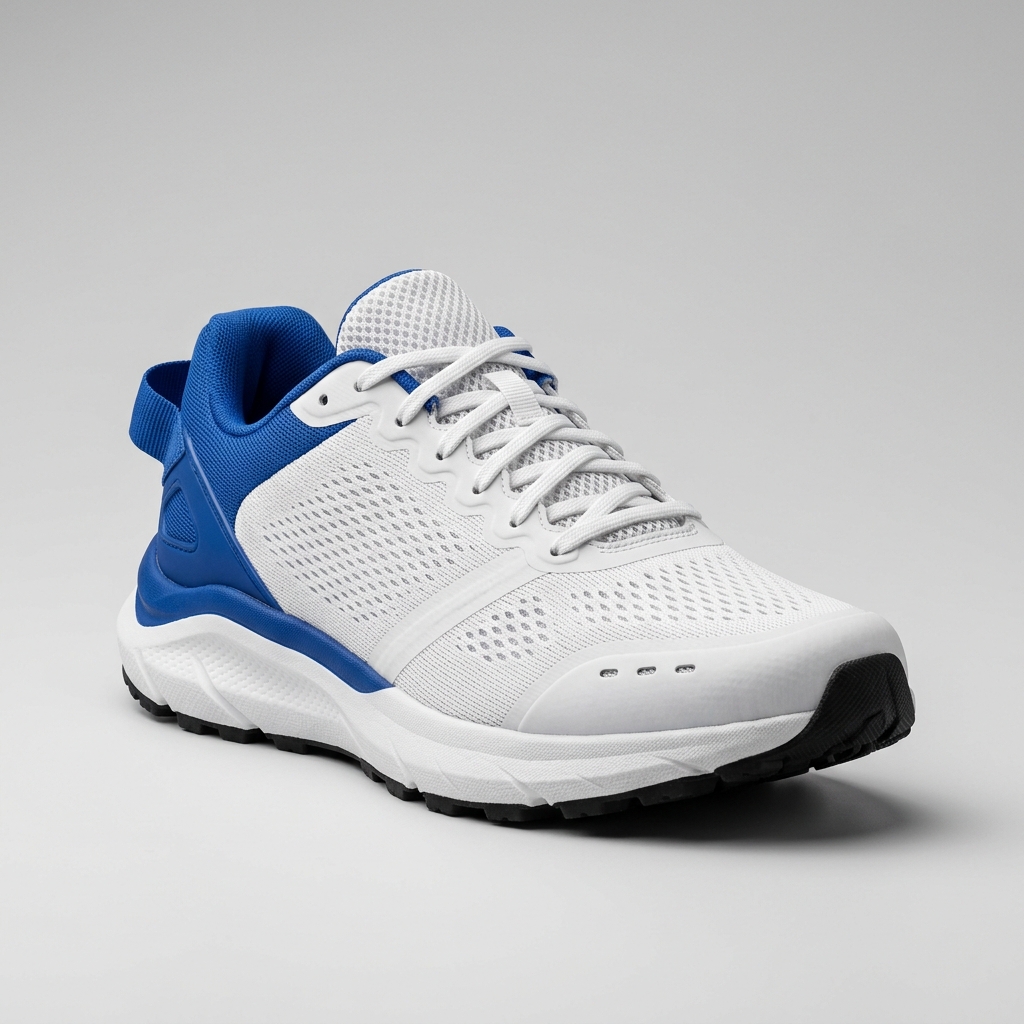
Ready to create multiple views for your product?
Click or drag & drop any photo here (PNG, JPG, WEBP)
Working with a character?
Related Angle Tools
AI Multiple Angles SuiteLateral, heel & outsole sneaker views
Front, side & rear model reference sheets
Front, side, back & 3/4 views for anime characters
One left or right profile, 30 credits
Clean marketplace angles for listings
Interactive 360° rotatable spin view
Precise azimuth & elevation controls
Generate front, side, back, three-quarter, top, or custom angles without taking another photo.
One Good Image Can Give You More to Work With
Keep the subject you already have and create the viewpoints missing from the original image set.
Fill Missing Angles
Create front, side, back, top, or three-quarter views that were not captured.
Compare Perspectives
Test viewpoints before choosing an image for a listing, design, storyboard, or presentation.
Build a More Complete Set
Turn one source image into several useful visual references.
Explore Without a Reshoot
Try another perspective before arranging new photography or rebuilding the subject.
One Image. More Ways to See It.
Generate useful viewpoints for different subjects and creative workflows.
Source Image
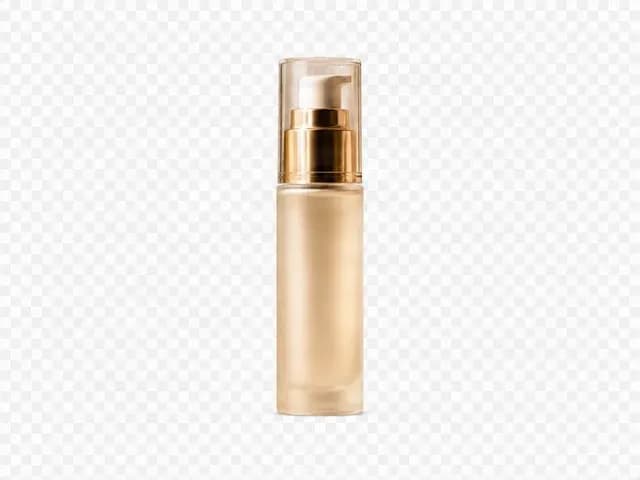
One source image
Generated Views
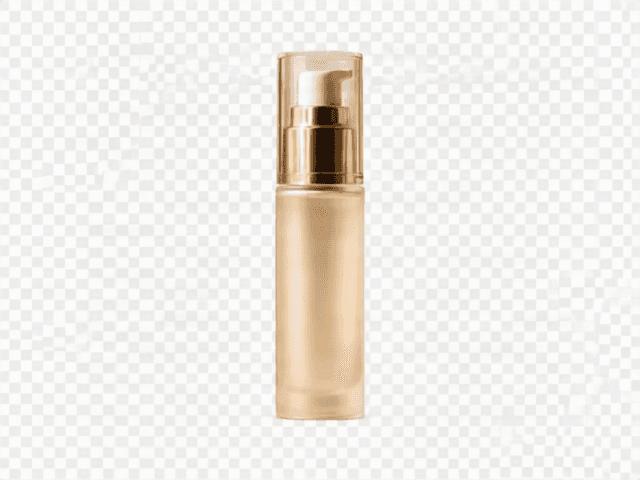
Front
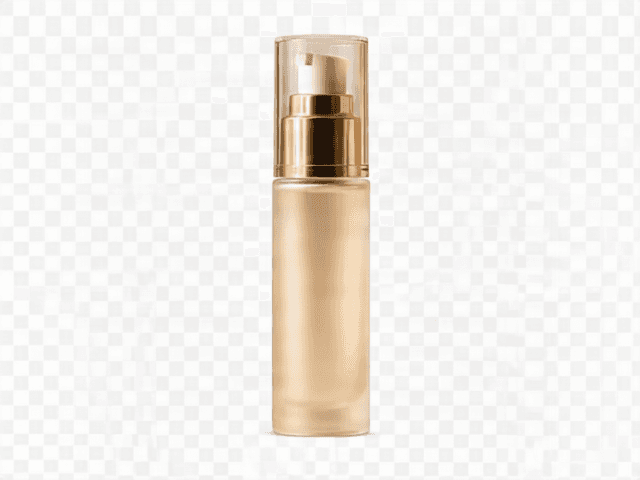
Front 3/4
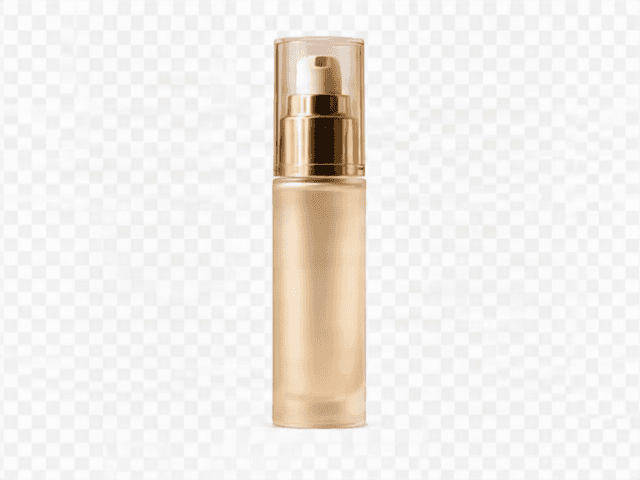
Side
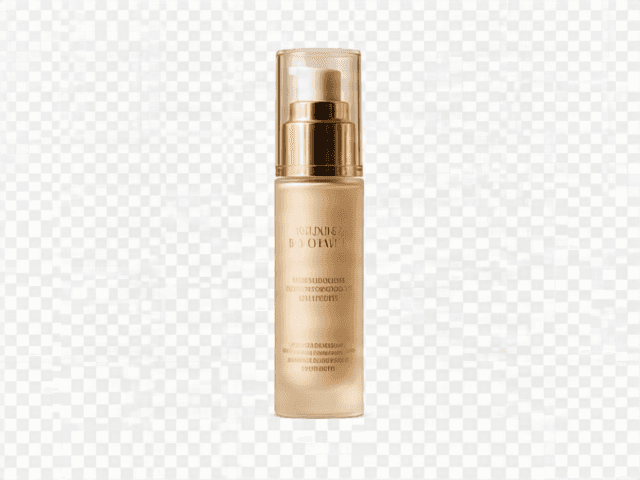
Back
Four viewpoints generated from one source image with the production Qwen Multiple Angles API.
Generate Multiple ViewsCharacter
Generated Views: Front · Three-quarter · Side · Back
Explore character perspectives while keeping the original design as reference.
Object
Generated Views: Front · Side · Rear · Elevated
See an object from viewpoints not captured in the original photo.
Scene
Generated Views: Alternate directions and elevations
Try another composition for editing, storyboarding, or image-to-video.
Useful Whenever One Angle Is Not Enough
Product Images
Additional views for ecommerce, catalogs, concept reviews, and presentations.
Characters
Front, side, back, and three-quarter views for design and visual development.
Objects
New viewpoints of furniture, accessories, devices, props, and physical objects.
Creative Scenes
Different camera directions for concept art, storyboards, ads, and video starting frames.
Portraits and People
Explore another viewpoint while using the original person and styling as reference.
Generate Multiple Views in Three Steps
1. Upload One Image
Choose a clear source image containing the subject you want to keep.
2. Select the Views
Choose front, side, back, three-quarter, top, or a custom camera angle.
3. Generate and Compare
Create selected views, compare results, and download the images you want.
Start with a Useful Reference Image
Keep the Subject Clear
Use an image where the main subject is easy to identify and not heavily blocked.
Show More of the Subject
A complete or three-quarter view usually provides more useful information than a tight crop.
Avoid Heavy Blur
Sharp edges and visible details provide more information about shape and appearance.
Mention Important Details
Describe logos, accessories, patterns, colors, and materials that must remain recognizable.
Review Newly Revealed Areas
Every surface hidden in the source image has to be estimated.
Important Limitation
New Angles Can Reveal Details the Original Never Showed
Opposite sides, backs, undersides, and hidden areas must be estimated. Generated views may not perfectly match the real object or original design.
Verify important details before relying on generated views as exact product or production information.
Separate Views or a Full 360° Rotation?
Multi-View Image Generator
Creates separate 2D images from selected front, side, back, top, and custom viewpoints.
Generate Multiple ViewsProduct 360 View Generator
Reconstructs one 3D product asset for an interactive or exported rotation.
Create Product 360Creating Character Reference Sheets?
Use the dedicated Character Turnaround Generator when you need a structured front, side, and back character reference workflow.
Create a Character TurnaroundFrequently Asked Questions
Is one image enough?
Yes. Choose a clear image where as much of the subject as possible is visible. A three-quarter view often provides useful shape and depth information.
Can I generate front, side, and back views together?
Yes. Multiple Views is selected by default with a basic front, three-quarter, side, and back set.
Will every view look exactly like the original subject?
Exact consistency is not guaranteed. Small details can change, especially when a new angle reveals hidden areas.
What happens when I generate a hidden side?
The model estimates that area from visible shape and design. It cannot recover information absent from the source image.
Can I choose my own camera angle?
Yes. Switch to Single View and use Custom Camera for horizontal direction, elevation, framing, and fine controls.
Does this create a real 3D model?
No. It creates separate 2D images. Use Product 360 when you need a reconstructed rotatable 3D asset.
Can I use it for people or characters?
Yes, but hair, clothing, accessories, facial details, and proportions can shift. Use Character Turnaround for a stricter character workflow.
Can I generate only one missing angle?
Yes. Switch to Single View and generate only the perspective you need.
Why did a logo or pattern change?
Small details are difficult to redraw from a new perspective. Mention important details in Additional Instructions and review results carefully.
Can I generate an exact 90° side view?
The Side preset guides generation, but this is an AI image model rather than a mathematical 3D renderer.
Can I use generated images for ecommerce?
Yes where permitted, but verify branding, hidden surfaces, labels, ports, colors, and construction before publishing.
What should I do if one view is wrong?
Regenerate that single view, use a clearer source, add detail instructions, or choose an angle closer to the original perspective.
See More of Your Image
Start with one photo and generate the front, side, back, three-quarter, or custom views you need.