
Keep a Recognizable Look Across Posts
Use reference images to guide the colors, lighting, composition, and mood of your next image.
AI SOCIAL MEDIA VISUAL CONSISTENCY
Tired of every new social media image looking like it came from a different account? Upload a few images that capture your favorite visual style, describe what you want to post next, and create new pictures with similar colors, lighting, textures, and overall mood.
Whether you're sharing daily inspiration, promoting your products, or building a recognizable Instagram aesthetic, make your next image feel like part of the same collection.
Create Matching Social Media ImagesUpload your references · Describe your next image · Generate
Example result · Morrow Coffee
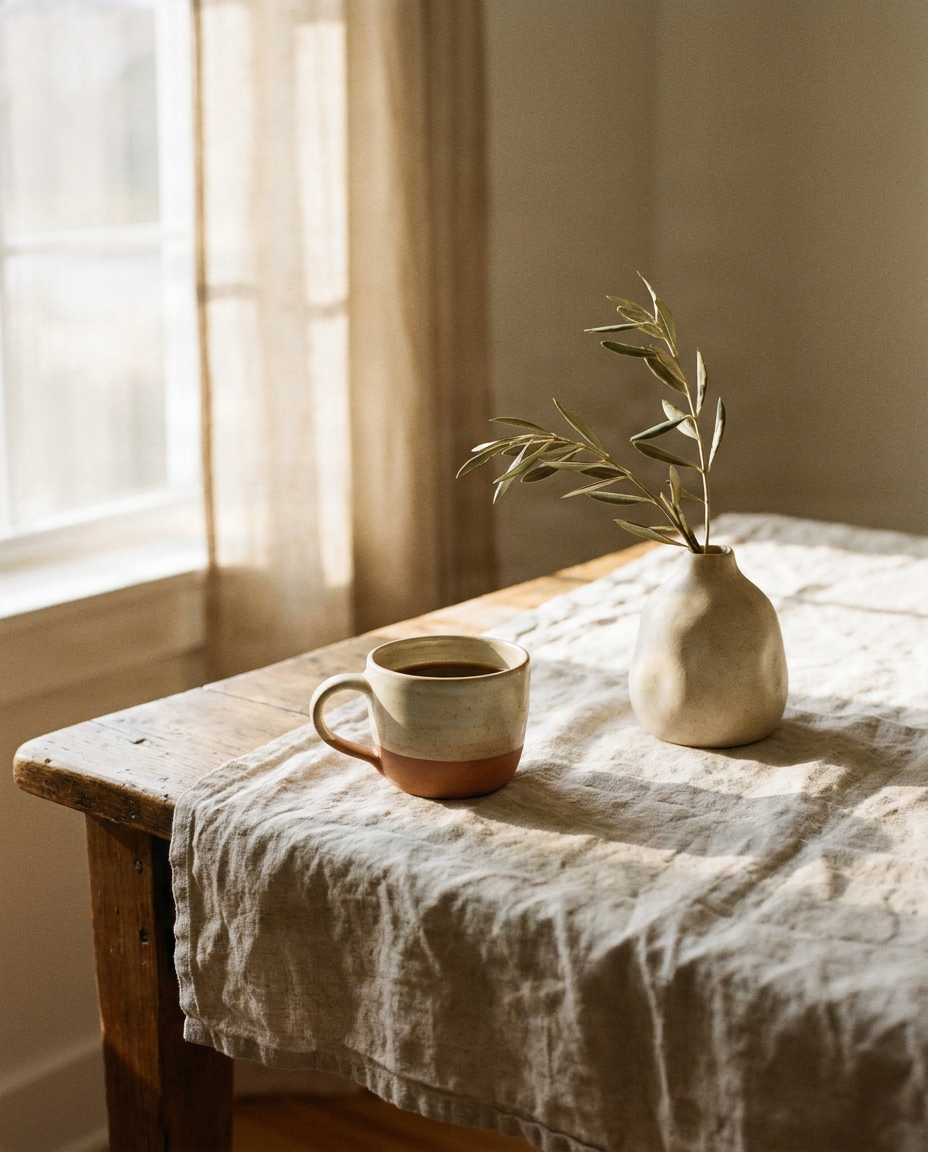
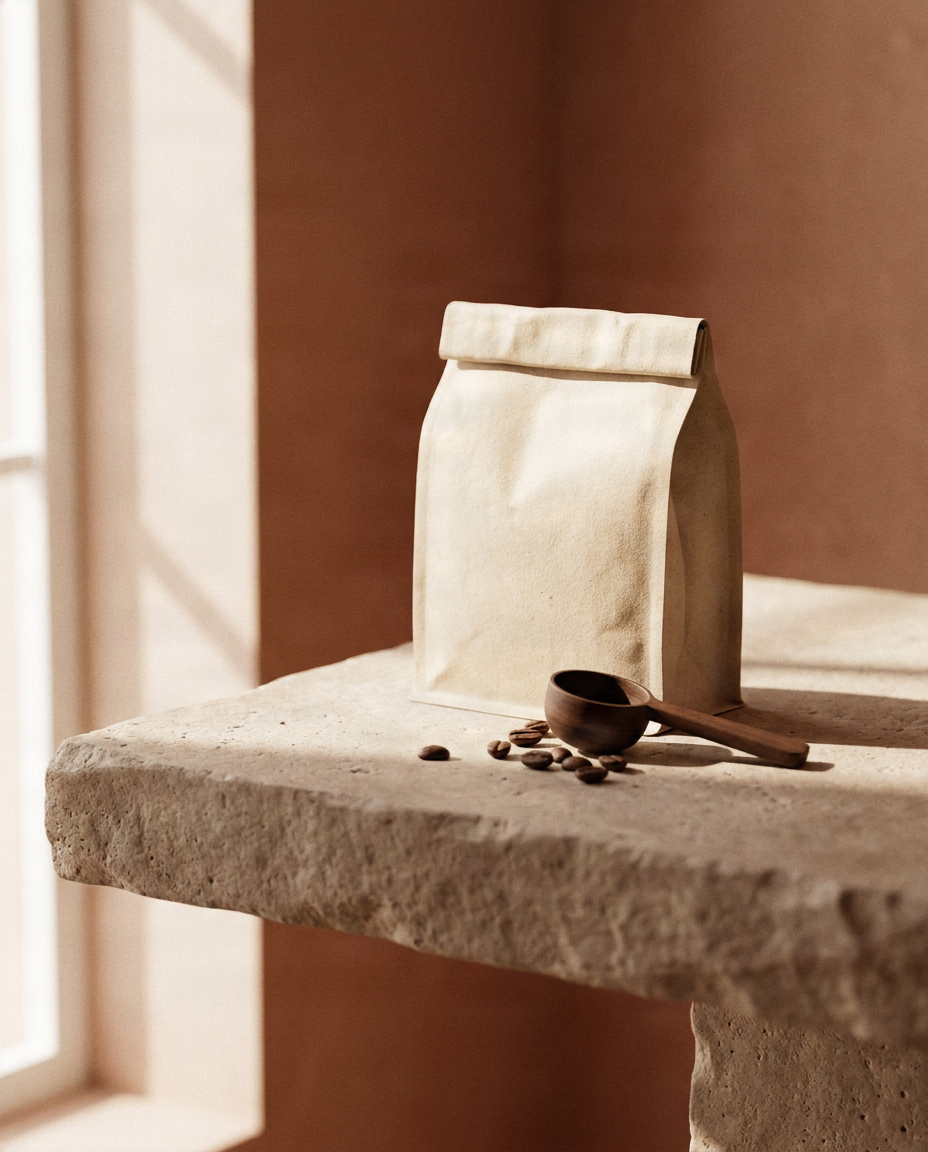
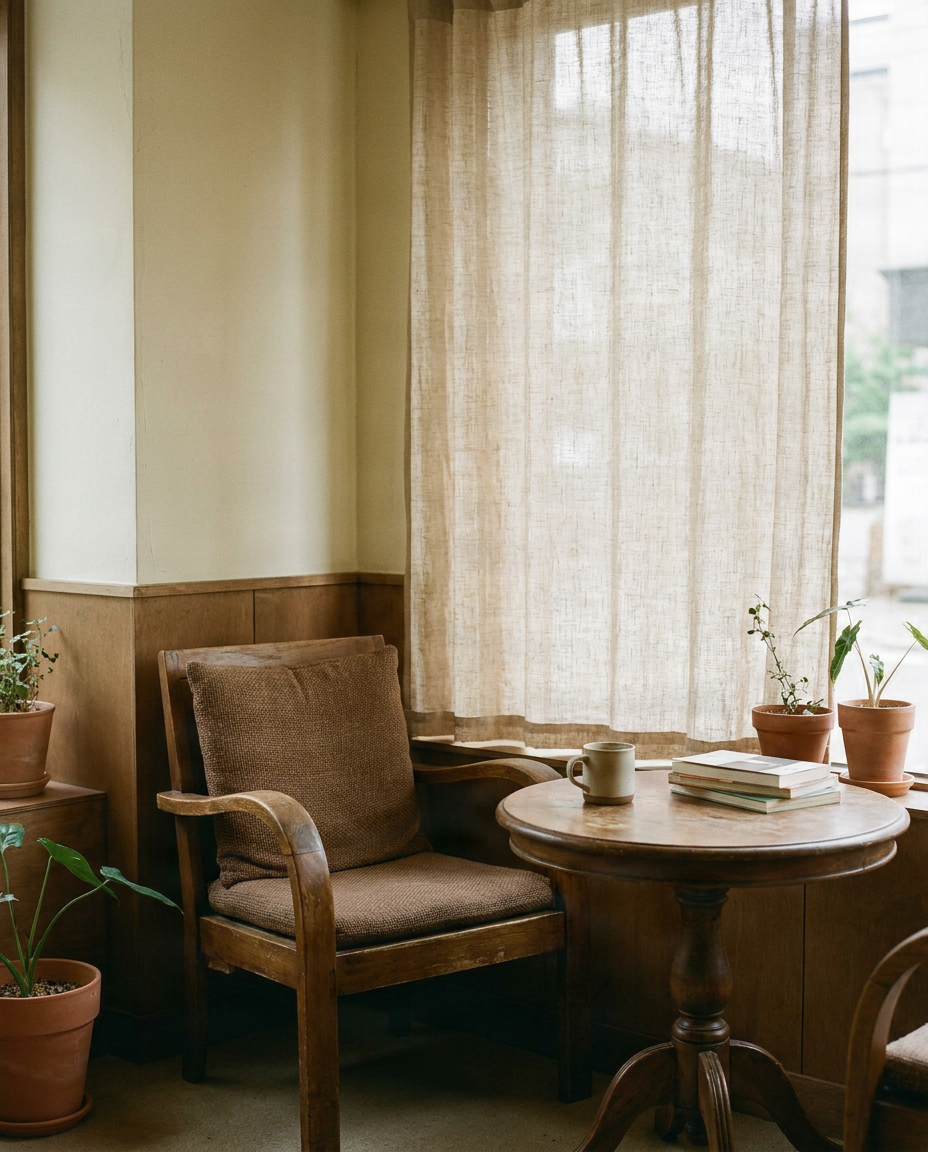
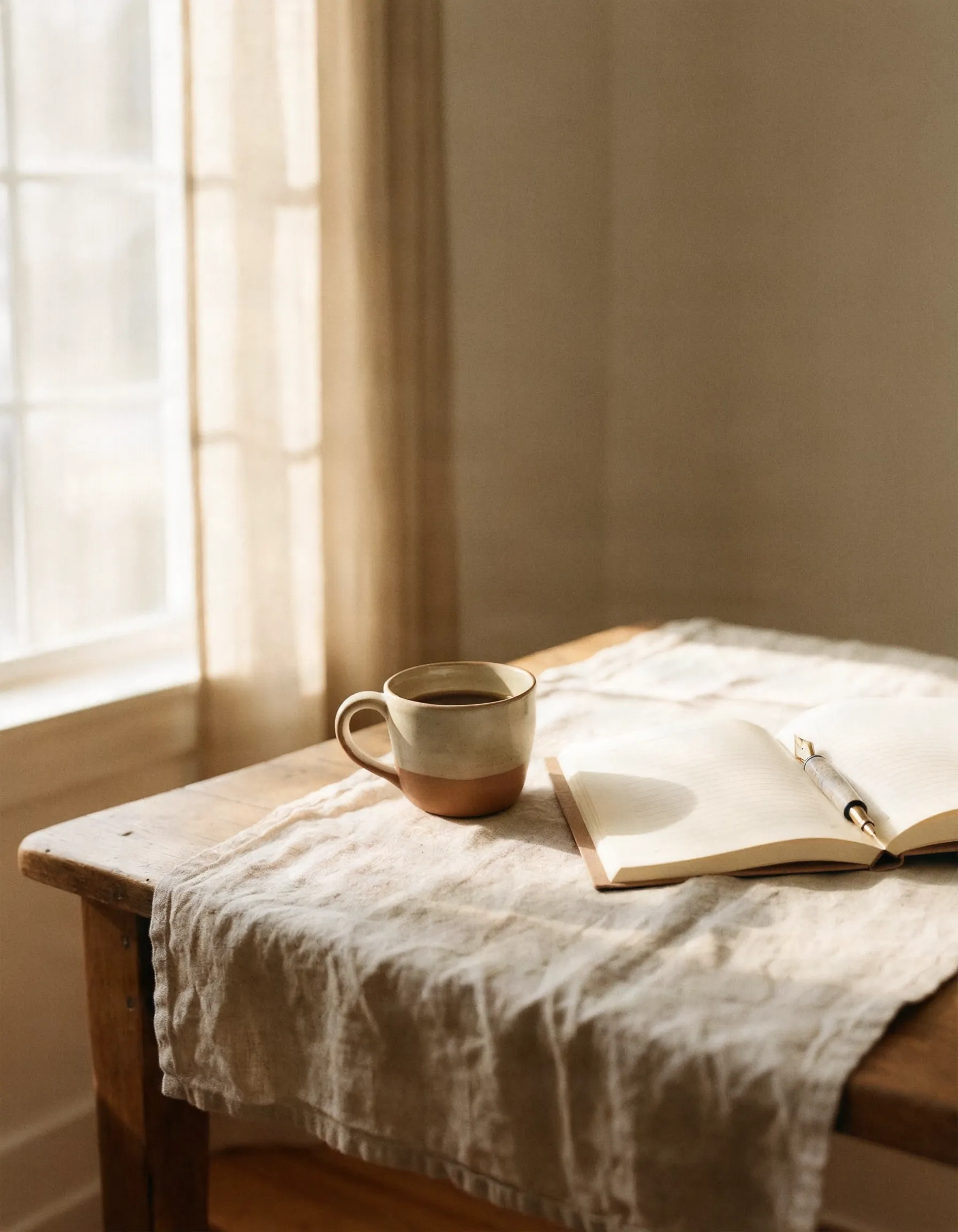
“A ceramic coffee cup and open notebook on a quiet morning desk”
Add a few images that share the style you want to keep: colors, lighting, illustration or photo look.
JPG, PNG or WebP · up to 15 MB each · 1–6 images · you can also paste with Ctrl/Cmd+V · 0/6
Describe the new picture. Your images guide the look, not the objects in them.
Canvas
Style match
The tool matches visual direction, not the exact objects or people in your references.
Example result · Morrow Coffee
“A ceramic coffee cup and open notebook on a quiet morning desk”
Brand showcase
Each example starts from three reference images that define a brand's look. The new image was made from them with the same tool you use here.
Brand references
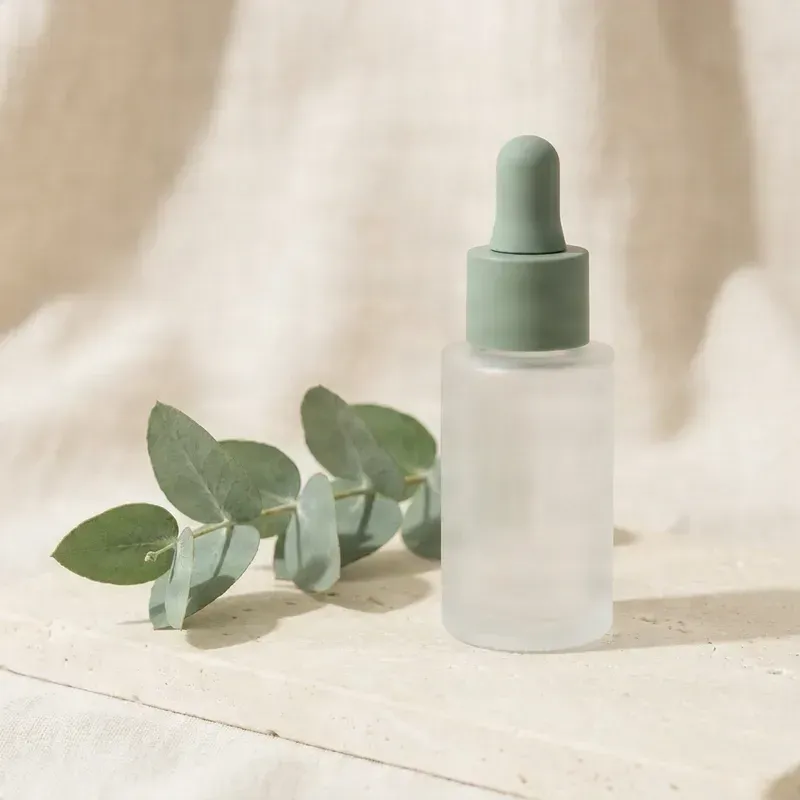
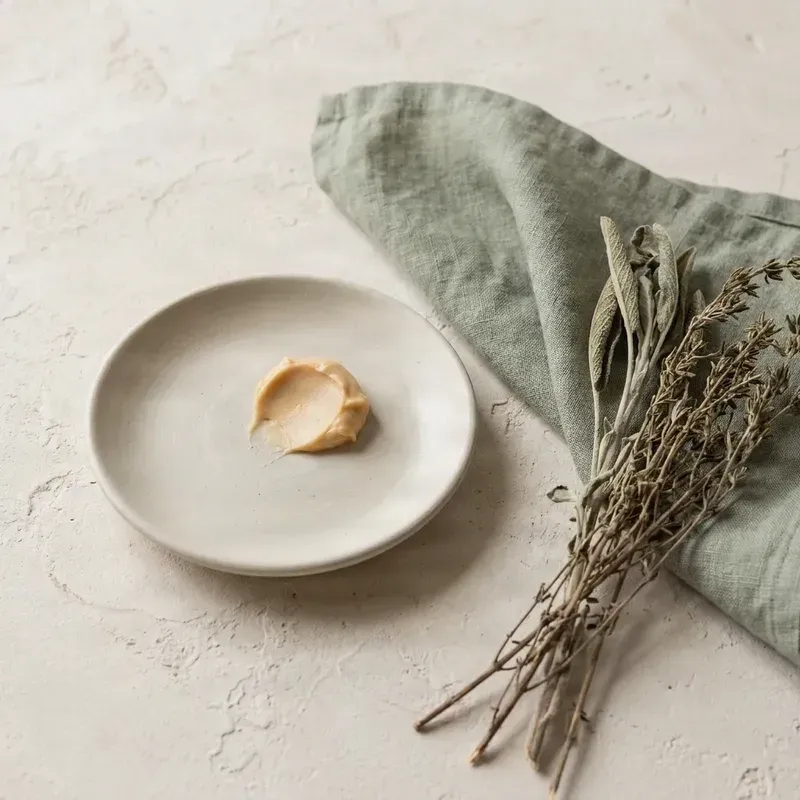

Prompt
“A glass pump bottle of hand wash beside a bar of soap on a washstand with a sprig of lavender, no text”
What stays consistent
New image

All brands shown are fictional and were created for this page. Any resemblance to a real brand is coincidental.
You find an image you love. The colors are perfect, the lighting feels right, and everything matches the aesthetic you've been building. Then you need another image for tomorrow's post, but the new result comes back with completely different colors, shadows, and details.
Use reference images to guide the colors, lighting, composition, and mood of your next image.
Show the generator examples of the photography style or visual atmosphere you want instead of repeatedly describing it.
Explore different subjects, products, settings, and ideas while using a similar creative direction.
Create visuals that work together across Instagram, Pinterest, Facebook, and other social channels.
HOW IT WORKS
Choose existing images that represent the style you want to maintain, such as favorite posts, product photographs, or lifestyle images.
Tell the generator what the new picture should show, such as a coffee cup beside a notebook or flowers on a sunlit table.
Select the available aspect ratio and style consistency options for how you intend to use the image.
Compare the new visual with your existing content, check its colors, lighting, texture, and mood, then download it when ready.
VISUAL CONSISTENCY
A cohesive social media feed does not require every image to show the same subject. Recurring visual details make different posts feel connected.
Create images with a similar range of colors, whether your feed uses soft neutrals, earthy greens, bright pastels, or dramatic dark tones.
Keep a similar lighting atmosphere, from gentle morning sunlight to soft studio lighting or warm evening tones.
Guide the overall photographic treatment, such as clean commercial photography, relaxed lifestyle imagery, or editorial compositions.
Maintain a familiar look through similar surfaces, environments, textures, and background styles.
Create visuals with a similar approach to framing, spacing, subject placement, and negative space.
Keep content feeling calm, playful, luxurious, cozy, minimal, or energetic—whatever represents your visual identity.
AI-generated images may vary. References guide the style but do not guarantee identical colors, layouts, lighting, or details in every result.
Create new images that share similar colors, lighting, and atmosphere with your existing posts.
Generate fresh visual ideas that fit the aesthetic of your Pinterest boards while exploring different topics.
Create product-inspired scenes with a consistent visual atmosphere for social media promotions. Verify product details before publishing.
Keep a blog, portfolio, or creator account visually recognizable by using a similar style across images.
Create scenes for holidays, seasons, or promotions while keeping a familiar visual direction.
Generate backgrounds and supporting images for quotes, educational posts, announcements, and editorial stories. Add exact text or logos separately when needed.
ONE STYLE, MANY POSTS
Imagine your account uses warm natural light, beige and olive tones, and a calm lifestyle photography style. Coffee, skincare, workspaces, and breakfast scenes can all share that same visual atmosphere.
WHY USE STYLE REFERENCE IMAGES?
Words like minimal, luxury, cozy, or editorial can produce very different results. Your existing images are often a better way to communicate what you want.
Use photos and graphics that represent the colors, lighting, textures, and atmosphere you want to maintain.
Provide examples that demonstrate your preferred style instead of explaining every visual preference from scratch.
Change the subject, setting, or composition while keeping your reference style as the visual starting point.
Reuse a consistent reference set and adjust the available settings when you need a result closer to your preferred aesthetic.
A MORE COHESIVE FEED
Use images with similar colors, lighting, and visual treatment so the generator can follow one clear direction.
Choose a palette that fits your content and use references that reflect it. Exact color matching is not guaranteed.
Keep the aesthetic consistent while choosing different subjects, such as coffee, books, flowers, products, and interiors.
Consider whether the image will be a square post, vertical feed image, or another supported format, and check current platform requirements.
Compare each new image with existing posts to see whether the colors, lighting, and mood work together.
For exact headlines, prices, logos, or labels, add or verify those details in a dedicated editing tool.
It helps create new visuals that follow a similar style to your reference images, including recognizable colors, lighting, textures, and mood across different posts.
Yes. Upload reference images that represent your Instagram aesthetic, describe the next image, and use the references to guide its visual style.
You can use the tool to create a more consistent visual direction. The final look also depends on your references, posting order, and other graphics you publish.
Yes. Upload supported images that you own or have permission to use, choosing posts that best represent the colors, lighting, and style you want to continue.
The current workflow uses reference images to guide generation. Saving and reusing references depends on the features available in your account and editor.
Yes. Create Pinterest visuals using references to guide the style, then review the platform's current image requirements before publishing.
Yes. You can create images for Facebook and other platforms. The tool creates visual assets and does not automatically publish them to your account.
Not necessarily. AI can follow the overall palette of your references, but exact color values and distributions may vary.
References can guide lighting, shadows, textures, and photographic mood, but exact consistency is not guaranteed.
Yes. Describe different subjects and settings while using the same visual references to guide the overall style.
No. This workflow generates individual images; it does not automatically create, arrange, or publish an entire grid unless those features are explicitly available.
Automatic batch generation depends on the available editor features. You can create individual images and repeat the workflow to build a collection.
The tool focuses on visual style and does not guarantee accurate logo, packaging, or typography reproduction. Add or verify those elements separately.
Commercial use depends on your rights to the references, service terms, and relevant laws. Review those requirements before using images commercially.
The workflow focuses on visual style rather than exact product identity, so it may not preserve the same product shape, label, or packaging details.
Try a more consistent reference set, simplify the prompt, or adjust the available style settings. Some subjects and styles are harder to match.
Yes. Create holiday or seasonal scenes while using your existing visual references to guide the overall aesthetic.
A general generator focuses on creating new visuals. A consistent generator places greater emphasis on reference images to maintain a recognizable style across creations.
Create new visuals in a related style for broader brand and campaign workflows.
Open Brand ConsistencyCreate illustrations with similar colors, linework, textures, and artistic direction.
Explore Illustration WorkflowYou do not have to choose between fresh content and a recognizable visual style. Upload images that capture your aesthetic, describe your next idea, and create a visual connected to the content you've already shared.
Create Consistent Social Media ImagesDifferent ideas, familiar colors, consistent mood—create more visuals in the style you love.
Creative Toolkit Index
Quick access to precision layer extraction, AI photo editing & asset tools.