
Keep a Familiar Photography Style
Use existing photos to guide the lighting, palette, background treatment, and photographic mood of new images.
AI PRODUCT PHOTOGRAPHY STYLE MATCHER
Love the look of your existing product photos but struggling to create more images that feel the same? Upload a few photos that capture your favorite lighting, backgrounds, colors, and photography style. Then describe a new product scene you want to create.
From soft studio lighting and minimal backgrounds to warm lifestyle photography, make fresh product-inspired visuals that feel connected to the look you've already established.
Match My Product Photo StyleUpload reference photos · Describe a new scene · Generate
Example result · Morrow Coffee
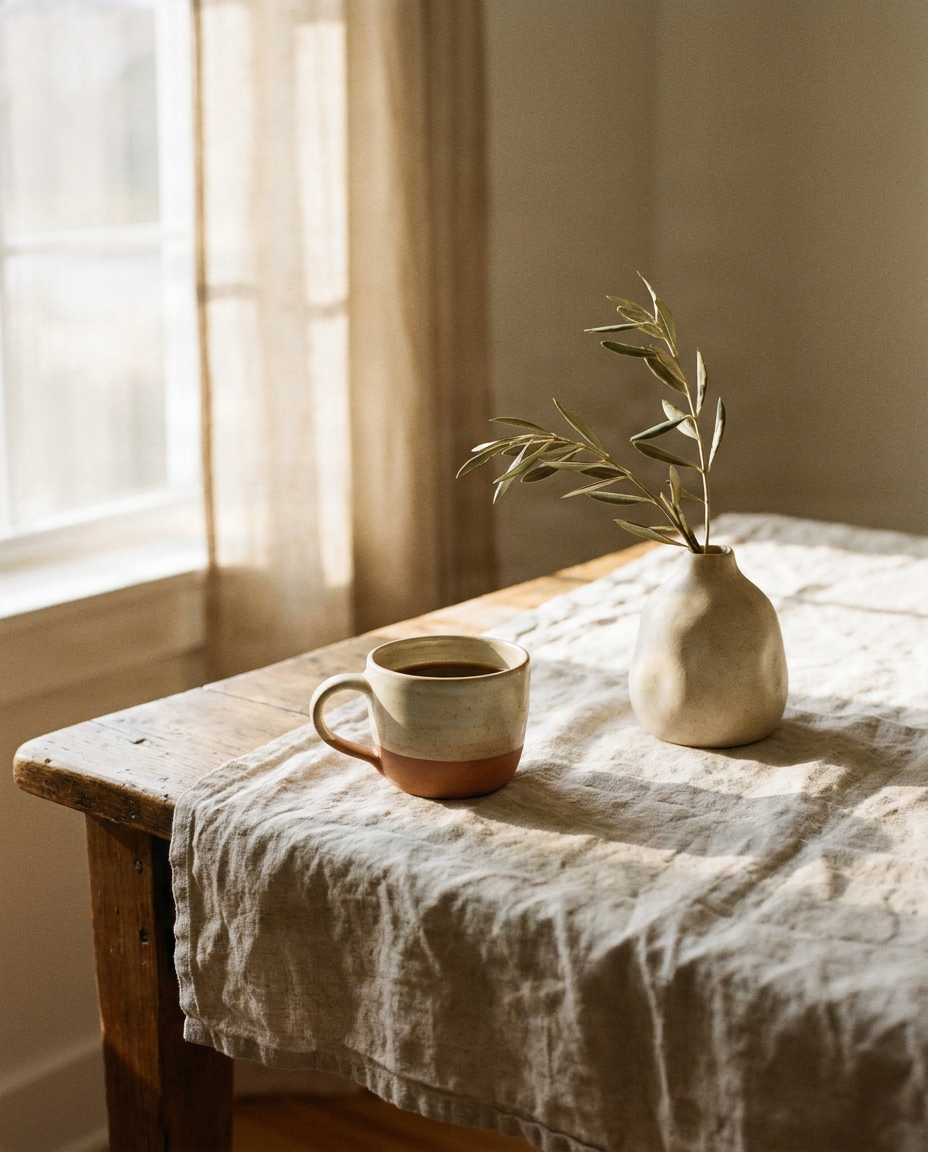
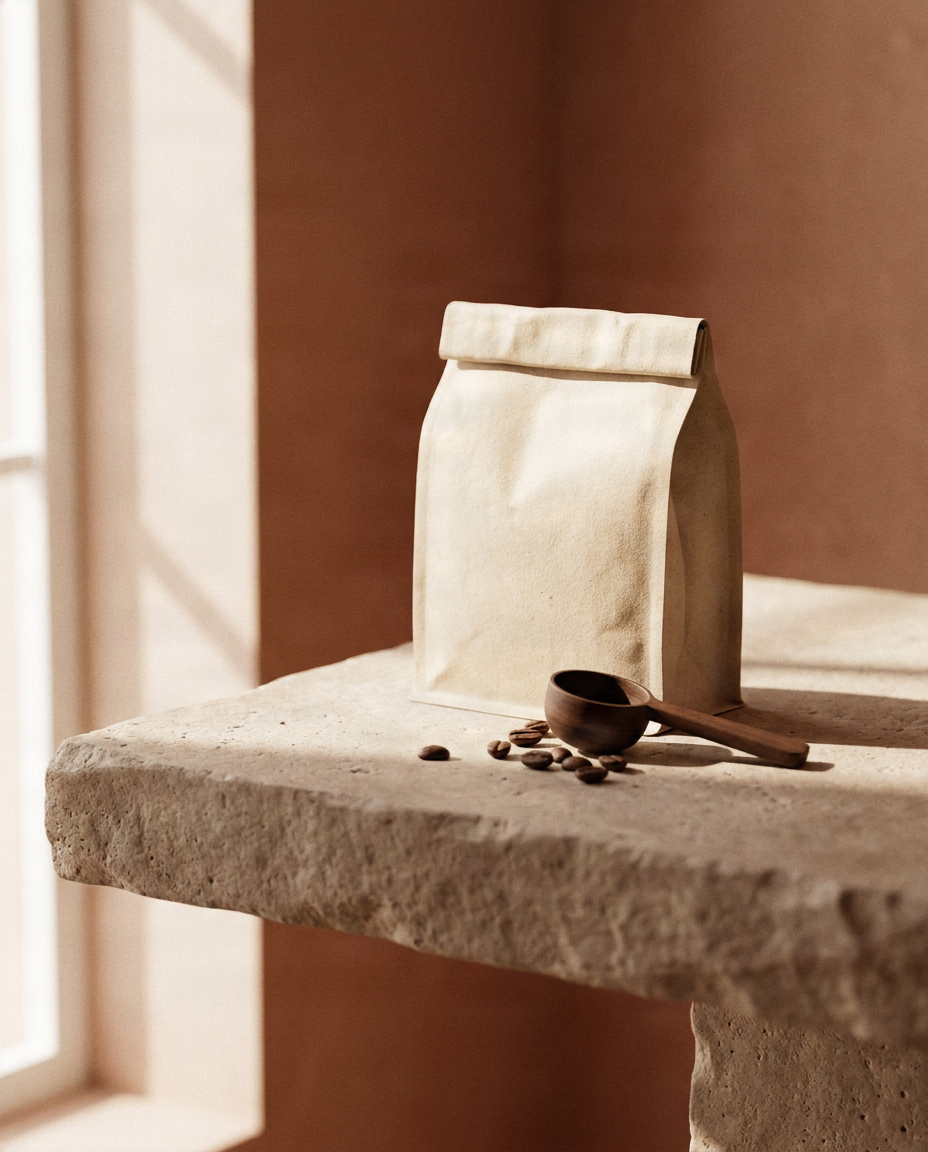
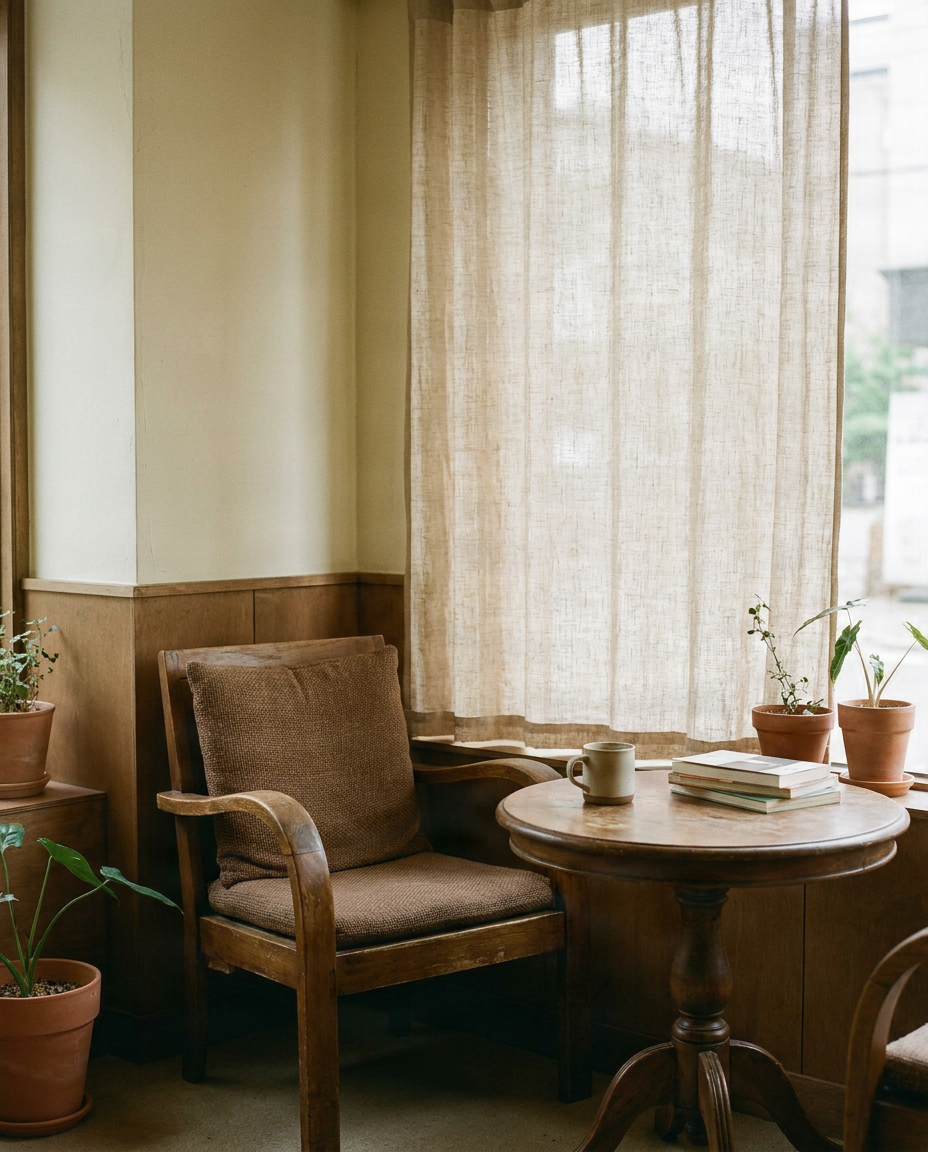
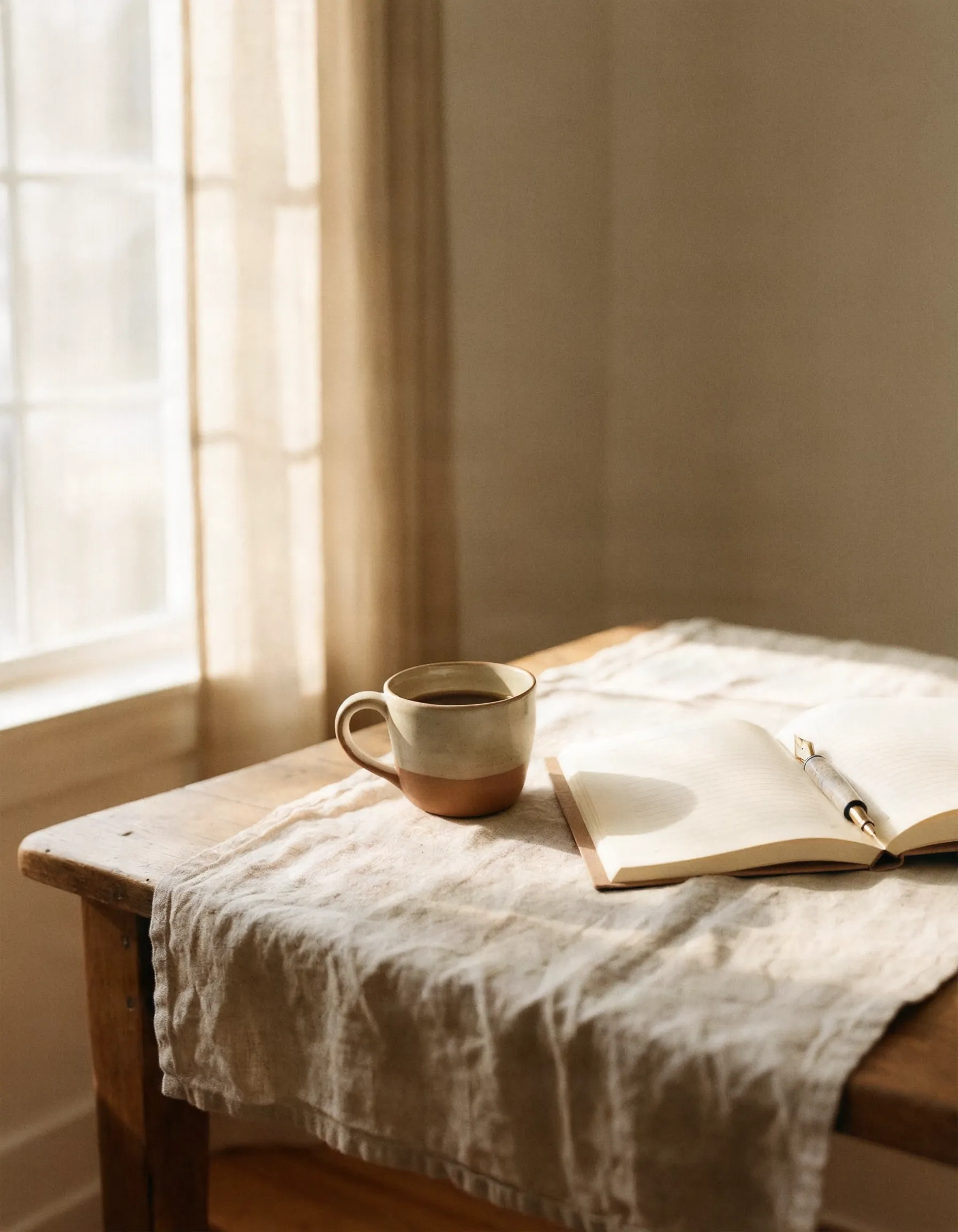
“A ceramic coffee cup and open notebook on a quiet morning desk”
Add a few images that share the style you want to keep: colors, lighting, illustration or photo look.
JPG, PNG or WebP · up to 15 MB each · 1–6 images · you can also paste with Ctrl/Cmd+V · 0/6
Describe the new picture. Your images guide the look, not the objects in them.
Canvas
Style match
The tool matches visual direction, not the exact objects or people in your references.
Example result · Morrow Coffee
“A ceramic coffee cup and open notebook on a quiet morning desk”
Brand showcase
Each example starts from three reference images that define a brand's look. The new image was made from them with the same tool you use here.
Brand references
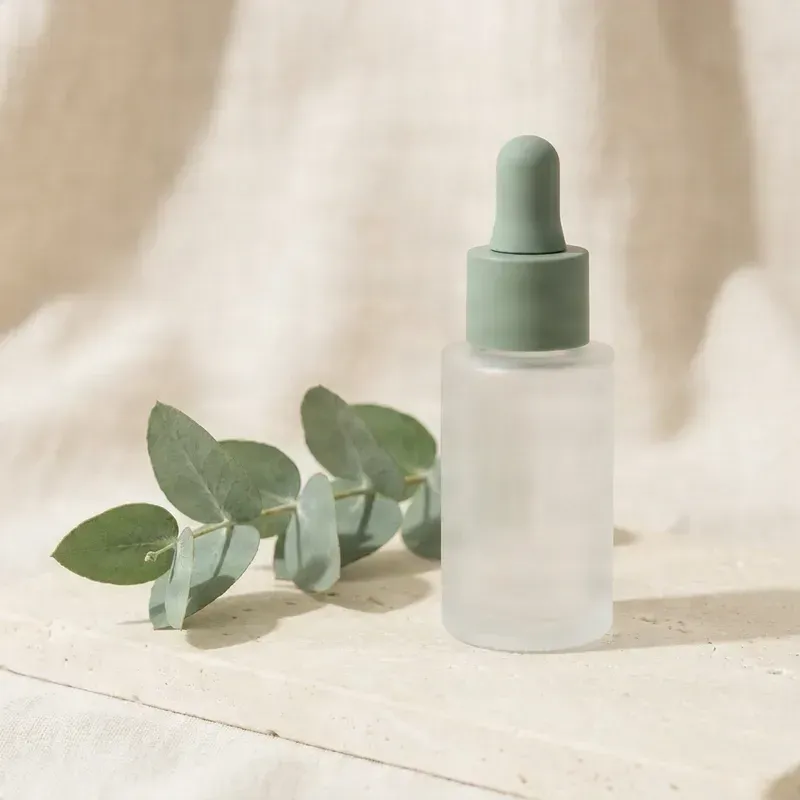
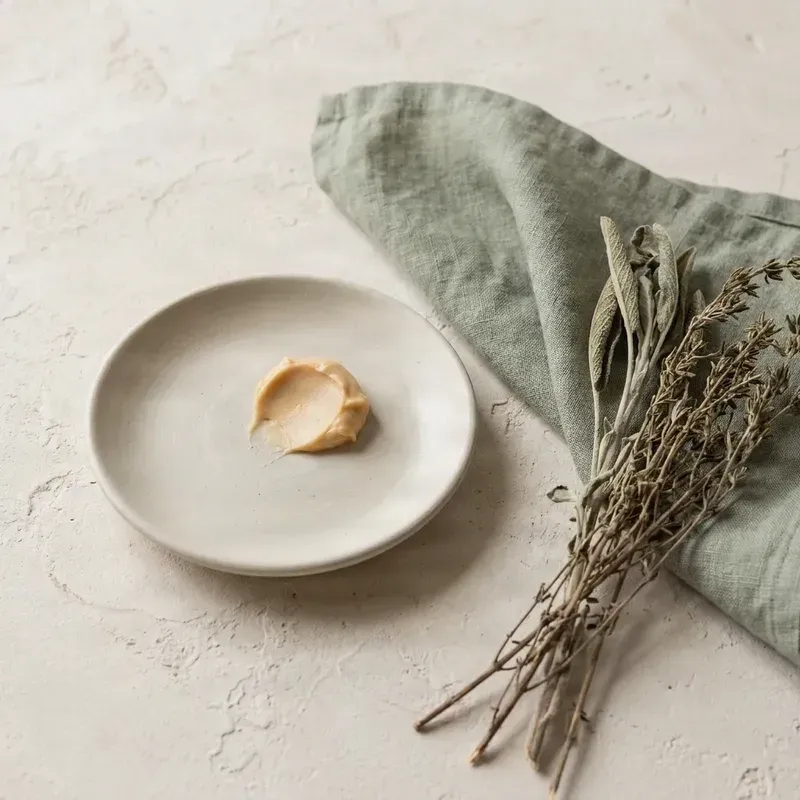
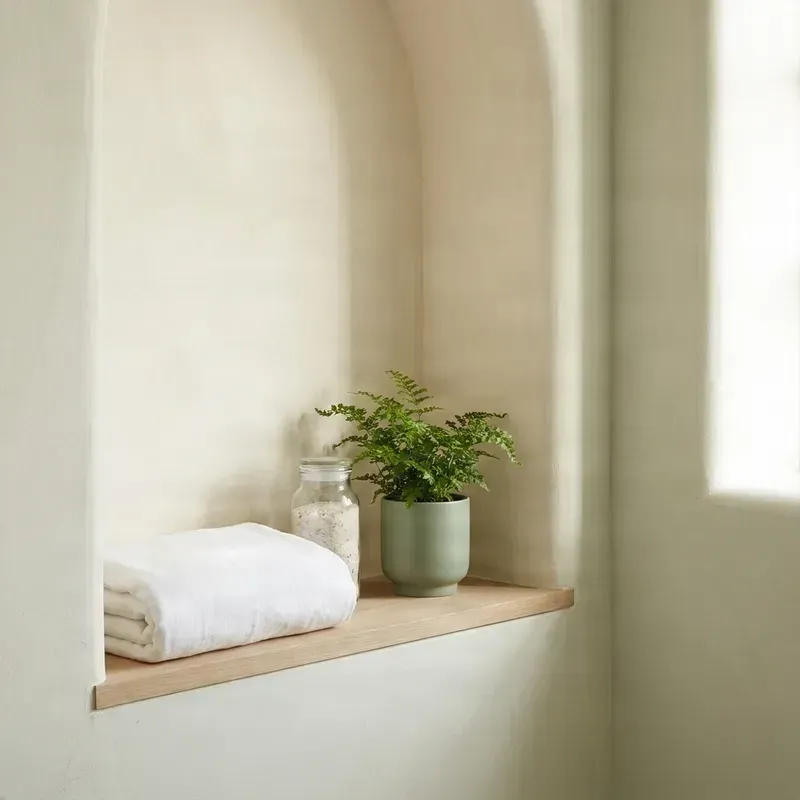
Prompt
“A glass pump bottle of hand wash beside a bar of soap on a washstand with a sprig of lavender, no text”
What stays consistent
New image
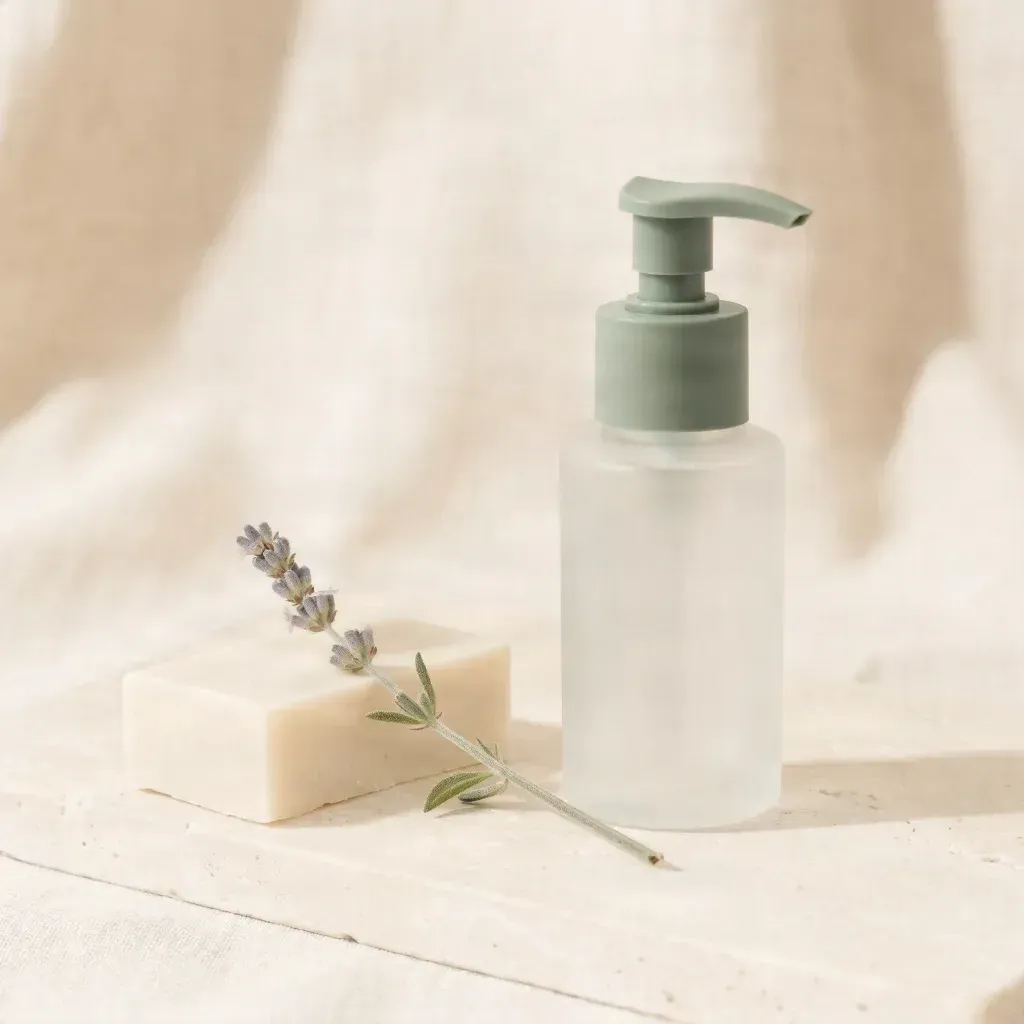
All brands shown are fictional and were created for this page. Any resemblance to a real brand is coincidental.
You've already found a product photography style you love. Then you need another image for a new collection, launch, or seasonal campaign—and the new result has completely different lighting, background, or colors.
Use existing photos to guide the lighting, palette, background treatment, and photographic mood of new images.
Upload examples that show the look you want instead of writing detailed lighting and photography instructions every time.
Try different product categories, compositions, props, and settings while referencing the same visual style.
Make images that feel connected across your online shop, collections, seasonal promotions, and social media.
HOW IT WORKS
Choose photos with a similar visual style, lighting, background colors, surface textures, and overall mood.
Tell the generator what the new image should show, such as a skincare bottle on a stone pedestal or a mug on a breakfast table.
Select the available aspect ratio and style consistency controls for a closer match or more creative variation.
Compare the result with your reference photos, check lighting, composition, colors, textures, and product appearance, then download when satisfied.
PHOTOGRAPHY STYLE
A recognizable product photography style is made of more than the product itself. Lighting, background, colors, textures, and composition all contribute to how images feel.
Reference soft studio light, window light, directional sunlight, subtle reflections, or dramatic shadows to guide the atmosphere.
Keep a related direction across neutral studio backgrounds, warm beige settings, muted colors, or colorful environments.
Create scenes inspired by wood, marble, linen, stone, glass, paper, or other textures in your references.
Guide product placement, camera framing, spacing, and negative space with a familiar visual approach.
Aim for related color relationships, saturation, brightness, and contrast across product visuals.
Use references to communicate calm, luxurious, playful, natural, minimalist, or editorial moods.
Reference images guide the overall visual style. Exact product details, camera angles, colors, and compositions are not guaranteed.
Create product-inspired visuals with a similar lighting and background treatment for new collections. Verify any real product representation.
Keep your shop's atmosphere consistent across listings, promotions, and collection imagery for handmade products, décor, accessories, or stationery.
Explore soft studio light, clean backgrounds, subtle reflections, and arranged still-life compositions.
Try elegant surfaces, delicate shadows, and consistent color treatment while reviewing fine details carefully.
Create scenes featuring candles, ceramics, furniture accessories, tableware, or decorative objects in a familiar lifestyle style.
Explore holiday, summer, winter, or other seasonal scenes without abandoning the atmosphere of your collection.
SAME STYLE, DIFFERENT PRODUCT SCENES
Imagine your shop uses soft natural light, pale stone surfaces, and warm cream-colored backgrounds. Use your existing photography as a starting point for new product ideas.
These are example scene descriptions, not promises of exact product replication or demonstrations of generated results.
STYLE MATCHING VS. PRODUCT ACCURACY
Use style matching to explore and create visuals with a familiar aesthetic. Do not assume an AI-generated image is an exact photograph of your actual product.
A style reference can guide background colors, lighting, textures, and composition, but it does not guarantee that AI will reproduce an exact product. A generated skincare image may have beautiful studio lighting but show an incorrect label, bottle shape, or cap.
WHY USE PRODUCT PHOTO REFERENCES?
Your existing photos give the generator a more specific visual direction than words such as minimal studio photography alone.
Use images that capture the lighting, surfaces, background, and composition you want to continue.
Reference photos can communicate visual details that would otherwise take several sentences to describe.
Try new subjects, props, arrangements, and seasonal scenes while following a similar style.
Adjust the scene description and style settings to explore different results without completely changing direction.
CONSISTENT PRODUCT PHOTOGRAPHY
Avoid mixing harsh outdoor lighting, dark cinematic images, and bright flash photography when aiming for soft studio photography.
References with similar backgrounds or surfaces make your preferred photography style easier to communicate.
Choose photos where lighting, texture, product placement, and surface details are easy to see.
Specify what should appear, where it should be placed, and important visual details such as a pale stone countertop or folded beige towel.
Compare lighting direction, color temperature, contrast, surface treatment, framing, and atmosphere with your original photos.
If an output will represent a real product, verify its physical appearance, packaging details, and any information customers rely on.
It uses reference images to guide newly generated product-inspired images, focusing on lighting, backgrounds, colors, texture, composition, and photographic mood.
Yes. Upload reference photos and describe a new scene. The references guide the style, although exact consistency is not guaranteed.
Yes. Use supported images you own or have permission to use, choosing photos that represent the style you want to maintain.
Not necessarily. The workflow focuses on photography style rather than exact product identity, so shape, color, packaging, labels, or other details may change.
References can guide lighting direction, brightness, shadow softness, and mood, but precise lighting replication is not guaranteed.
References can encourage similar background colors, materials, textures, and atmosphere, but an identical background or studio setup is not guaranteed.
You can create product-inspired images for Shopify-related content. Verify that an image accurately represents the actual product before using it in a listing.
Yes. Generate visuals inspired by a consistent photography style, while ensuring listing images accurately represent the items and comply with current Etsy policies.
Yes. Skincare and beauty are suitable for exploring consistent lighting, backgrounds, and still-life compositions. Check labels and packaging before publishing.
Yes. Describe a different subject or arrangement while using the references to guide the overall photographic style.
Start with a few clear photos that share a recognizable visual direction. A consistent set is usually more useful than unrelated styles.
No. Clear photos you already have can be a useful starting point. Professional photos may offer more controlled lighting and composition.
Yes. Reuse similar references while changing the scene description, props, subject, and composition.
Exact logos and packaging text are not guaranteed. Add or verify important elements separately or use a workflow designed for accurate product preservation.
The generator can follow the general color direction of references, but exact values, materials, and product finishes may vary.
Commercial use depends on your rights to references, applicable service terms, and relevant laws. Confirm that finished images are accurate and appropriate for their use.
Batch generation depends on the editor features available. You can reuse the same references across individual requests to build a collection.
Try references with more similar lighting and backgrounds, refine the scene description, or adjust the available style settings.
Create new visuals in a related style for broader brand and campaign workflows.
Open Brand ConsistencyCreate illustrations with similar colors, linework, textures, and artistic direction.
Explore Illustration WorkflowCreate social visuals that share a recognizable color, lighting, and mood direction.
Explore Social WorkflowUse the product photos you already love as a starting point for your next visual. Describe a new product-inspired scene and create images with similar lighting, colors, backgrounds, and atmosphere.
Match My Product Photo StyleFresh product-inspired visuals. A familiar photography look. More room to create.
Creative Toolkit Index
Quick access to precision layer extraction, AI photo editing & asset tools.