
Separate Character Hair Into Editable Layers
Upload Your Character
Separate character artwork into editable PSD & PNG layers (hair, face, clothing, body).
Upload a Character
Supports JPG, PNG, and WebP
or drag and drop
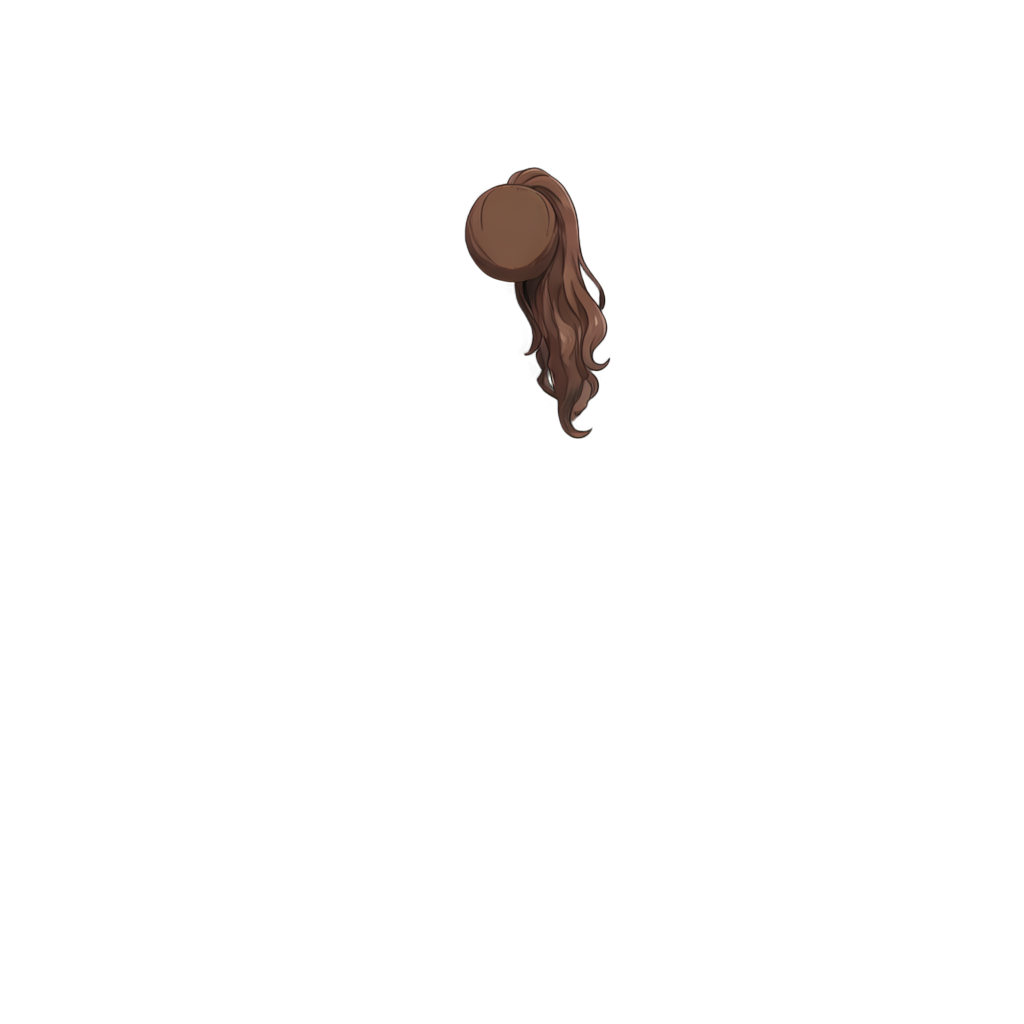
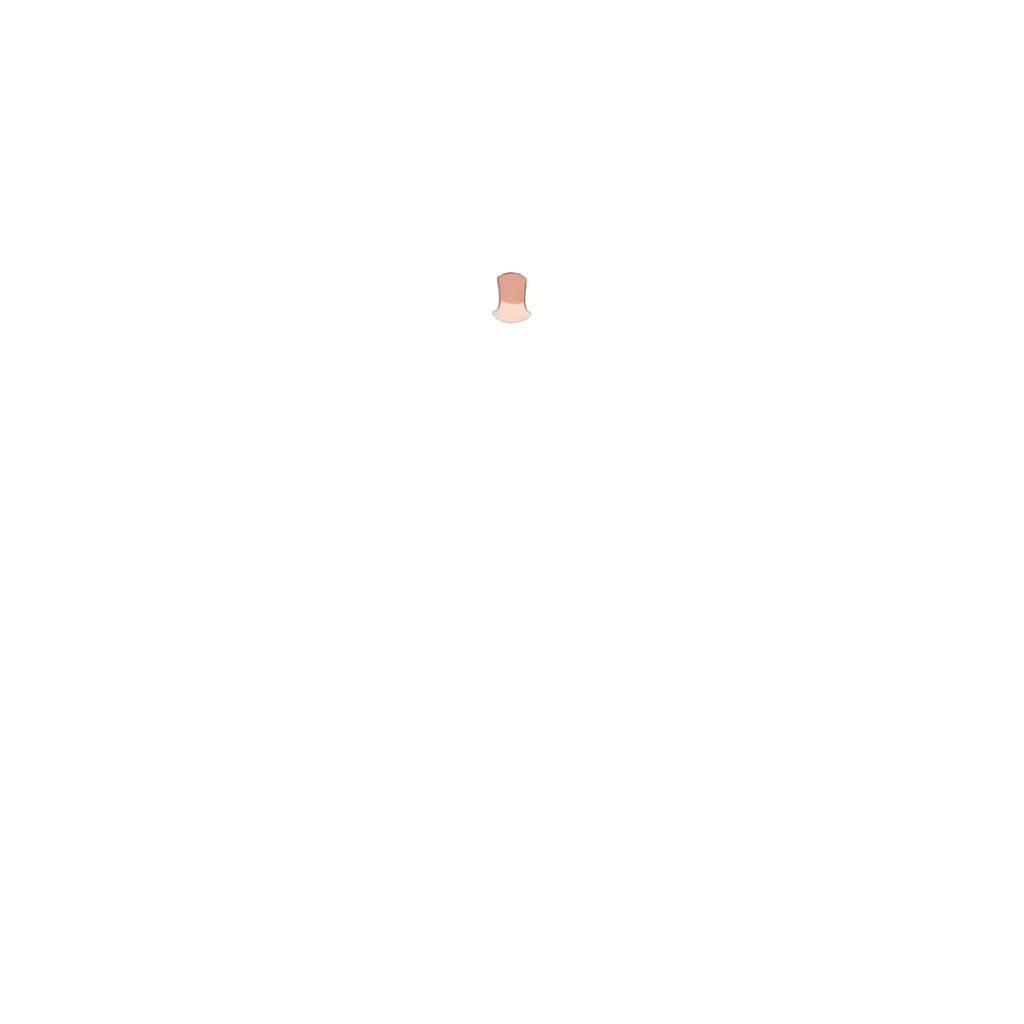
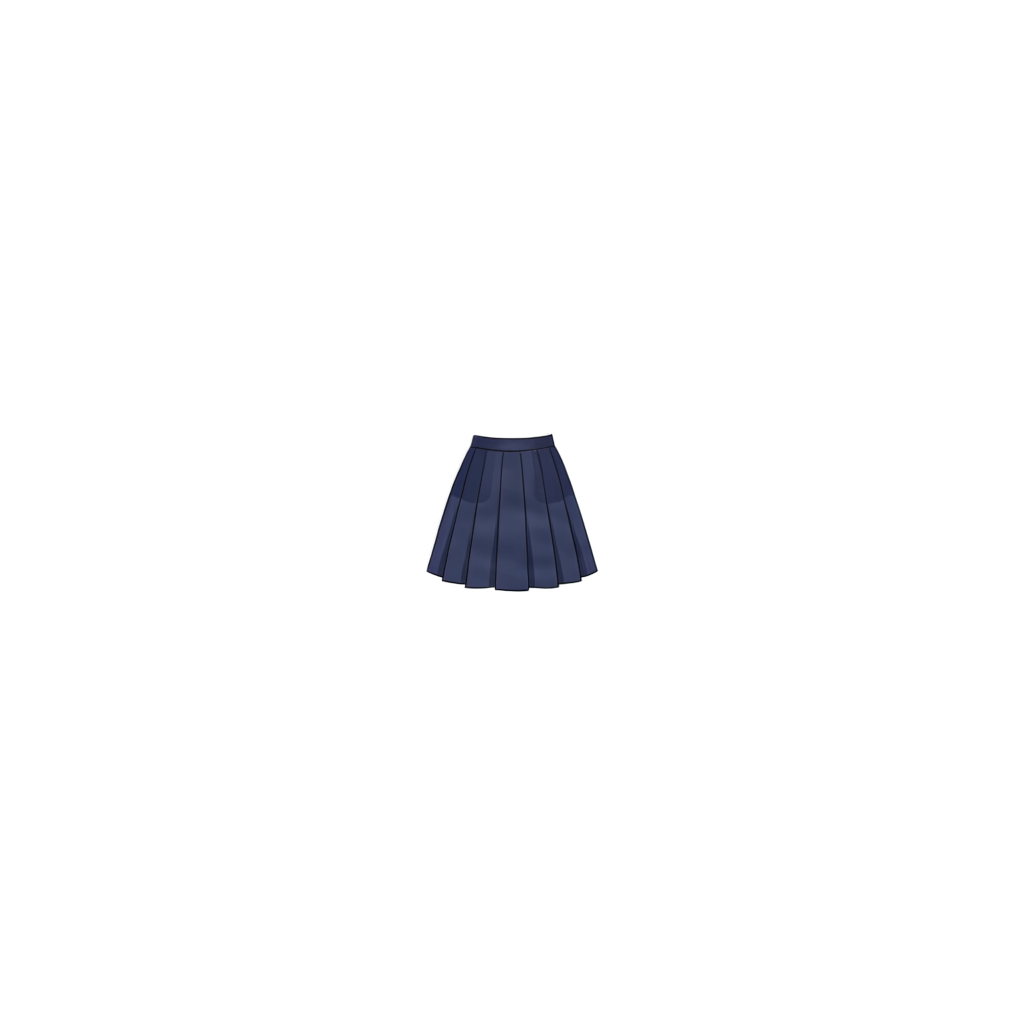
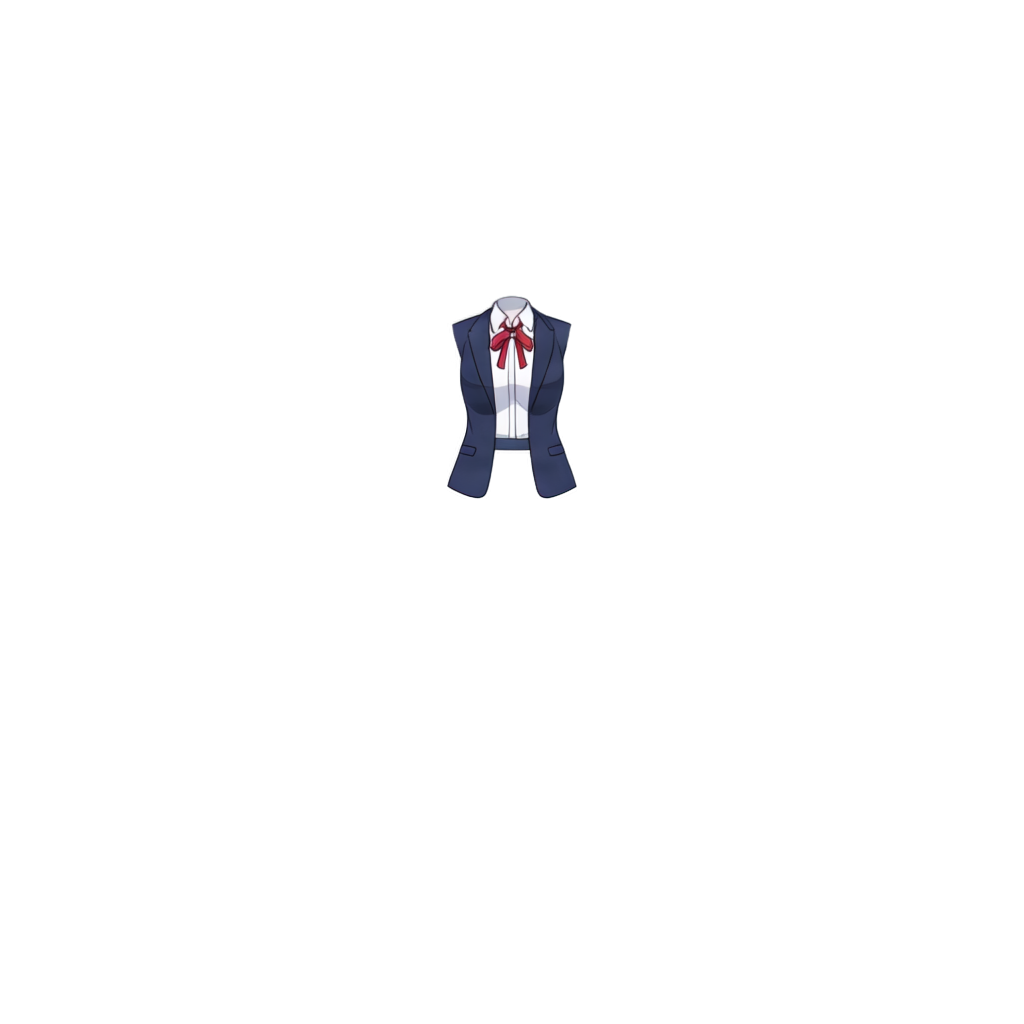
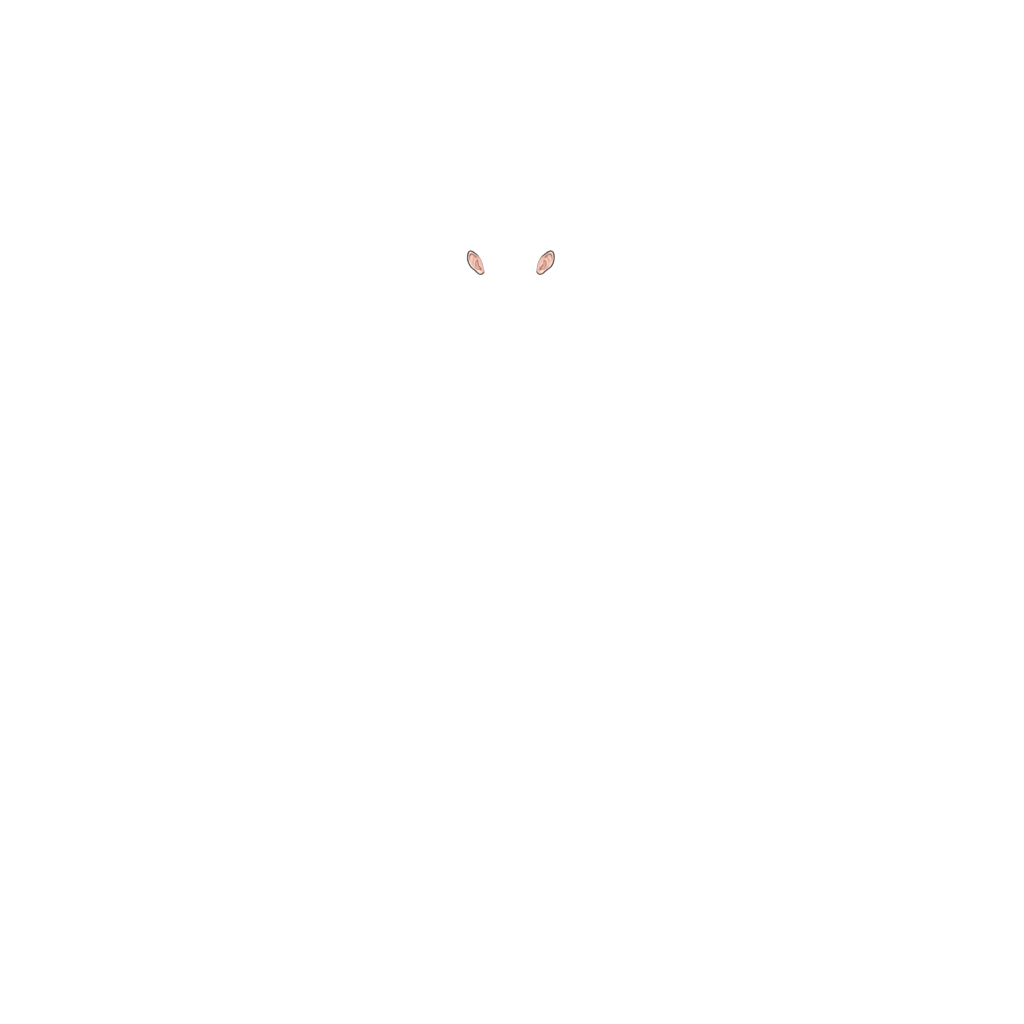
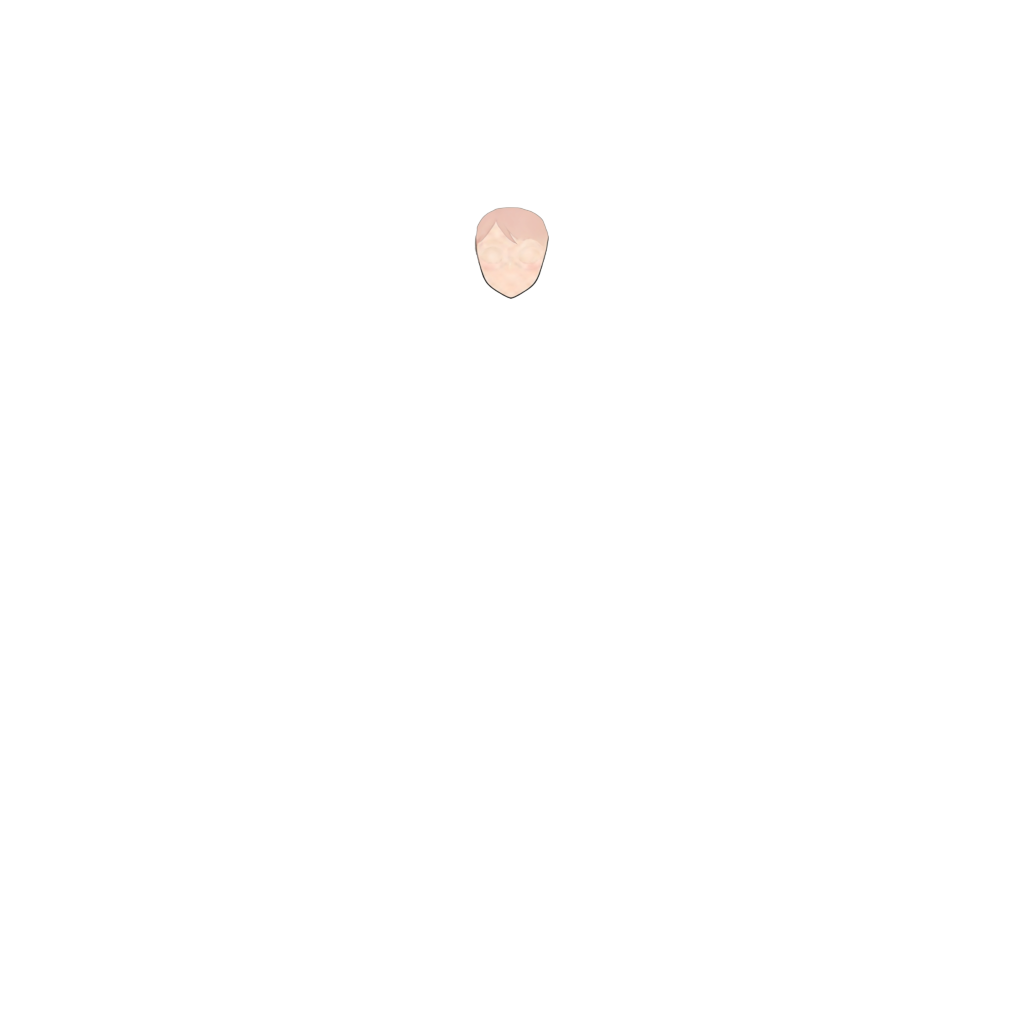
Ready to test with your own or this sample character
Upload one complete character with a visible face and body. Isolated hair, clothing, or accessory layers may return only partial results.
Your source image stays private
Uses 30 credits per image
Processing time varies with image complexity. Detailed characters and complex poses may take longer.
Turn flat anime character artwork into separate hair layers for easier editing, animation, and rigging. ImageToLayers analyzes your character and separates supported parts such as front hair, back hair, face, eyes, clothing, and other character elements into individual layers. Start with one character image and get layered assets without manually cutting around every strand.
Upload your character artwork and let the AI separate the visible character into supported semantic layers. Best results usually come from clear anime-style illustrations, one main character, a visible head and hairstyle, a clean or simple background, and a medium- to high-resolution source image.
Stop Cutting Hair Out Strand by Strand
Character hair is one of the most time-consuming parts of manual layer preparation. Front bangs can overlap the forehead, eyes, eyebrows, ears, and side hair. Back hair may sit behind the head, neck, shoulders, or clothing. A simple background remover cannot solve this: the challenge is deciding which parts belong in front or behind, what hidden areas should look like when moved, and which strands should move independently. This tool is designed to make that first separation step faster.
Separate Front Hair From Back Hair
Instead of treating a hairstyle as one flat object, the character-to-layers workflow can identify supported hair regions and place them into separate semantic layers. You can edit, move, repaint, or animate supported character parts independently. The exact layer set varies with the artwork.
- Front Hair
- Back Hair
- Face, eyebrows, eyelashes, irises, eye whites, mouth, and ears
- Neck, clothing, accessories, and other visible parts
Get More Than a Simple Hair Mask
Traditional segmentation returns only pixels that were visible in the original image. Move bangs away and the area underneath may be empty. During separation, the workflow can reconstruct supported hidden regions, such as parts of the forehead or face behind bangs and sections of back hair behind the head or body. This may reduce repainting, but results depend on the source and occlusion complexity.
Designed for Anime Characters, Not Generic Photo Segmentation
This workflow is intended for anime-style and illustrated character artwork with readable features such as bangs, side locks, long back hair, ponytails, twin tails, accessories, face-framing strands, and stylized eyes. Realistic photography, pixel art, complex mechanical objects, and highly abstract artwork may not produce the same quality of semantic layers.
Prepare Hair Layers for Live2D Workflows
Live2D animation often needs hair pieces that move independently. Bangs can follow head motion, side hair can swing separately, and back hair can use different physics settings. Use the generated layers as a starting point, then refine them in your illustration or Live2D preparation software. The tool does not create Live2D meshes, deformers, physics settings, or rigging.
A Better Starting Point for VTuber Assets
If you have a finished character illustration but no layered source file, rebuilding it manually can take hours. The separator can help create a more editable structure for VTuber preparation, rigging experiments, fan animation, redesigns, motion tests, expression preparation, or recovering assets. Review and refine generated layers before professional rigging.
Animate Hair Without Redrawing the Character
Separate hair from the rest of the character to explore wind movement, head turns, hair bounce, secondary motion, simple parallax, camera movement, expression changes, and pose adjustments. Start from separated character parts and repaint only the areas needed for your scene.
From Flat Illustration to Editable Character Layers
Before: one flattened image, with hair, eyes, face, clothing, and accessories merged together. Editing one part can mean repainting others. After: supported semantic layers such as front hair, back hair, face, eyes, facial features, clothing, and body parts. The result gives you a more flexible starting point for continued editing.
Hair Separation Is Different From Background Removal
Background removal asks which pixels belong to the subject and often produces one transparent character PNG. Character layer separation asks which internal parts belong on different editable layers. That difference matters when your goal is animation, rigging, repainting, or character editing.
Common Anime Hairstyles
The workflow may help with short or long hair, bangs, side-swept bangs, hime cuts, ponytails, twin tails, side ponytails, long side locks, layered styles, accessories, and stylized fantasy hairstyles. Results vary with image quality, composition, overlap, and complexity. Intricate styles and tiny strands may need manual cleanup.
Edit Each Character Part More Independently
Use separated layers to recolor hair, adjust front and back sections, add hair motion, clean up occlusions, create hairstyle or character variations, and prepare layered assets for another illustration or animation application.
How to Get Better Hair Separation
Use artwork where the character is clearly visible and the hairstyle has readable boundaries. A reasonably large source image provides more visual information. One main character and an anime-style illustration are usually the best starting point. You do not need to erase the background before uploading.
What Character Hair Layer Separator Does Not Do
This tool accelerates layer preparation; it does not replace every step of character production. It does not automatically create a finished Live2D model, rigging, deformers, physics, animation timelines, a layer for every individual strand, the artist’s exact original layer structure, or guaranteed perfect reconstruction. Treat generated layers as editable working assets; professional work may still need cleanup.
Spend Less Time Rebuilding Flat Character Artwork
Manual preparation can involve cutting masks, repainting hidden areas, reconstructing the face, separating bangs, redrawing back hair, cleaning edges, and organizing layers. Automating much of the initial decomposition leaves more time for the creative work that follows.
Frequently Asked Questions
What is a character hair layer separator?
It analyzes a flattened character illustration and attempts to separate hair and other supported character parts into editable layers. Anime-style artwork may yield front hair, back hair, face, eyes, clothing, and other semantic regions.
Can it separate front hair and back hair?
Yes. Front-hair and back-hair separation is a supported character decomposition task. Results depend on hairstyle, pose, occlusion, image quality, and artwork complexity.
Does it separate individual hair strands?
Not necessarily. It separates semantic character regions and does not guarantee a separate layer for every strand. Large, visually distinct sections are more likely to be represented clearly.
Can it reconstruct the face behind the hair?
The workflow can reconstruct supported hidden regions, such as portions of the forehead or face behind bangs. Reconstructed pixels are AI-generated estimates and may need refinement.
Can I use the layers for Live2D or VTuber artwork?
Yes, as a starting point for preparation. You may need to clean, divide, rename, repaint, or reorganize layers. The tool does not create meshes, deformers, physics, or rigging.
Can it separate eyes and facial features too?
Depending on the image, the broader workflow may separate the face, eye whites, irises, eyelashes, eyebrows, mouth, ears, clothing, and accessories. The number of layers varies.
Does it work with chibi, realistic photos, or pixel art?
Anime-style chibi illustrations may work, but results vary. Realistic photography and pixel art are not the primary targets; low-resolution pixel artwork may lose its exact pixel structure.
Does it recover the original PSD layers, and will the result be perfect?
No. It creates a new AI-generated semantic structure and cannot recover the original artist’s exact layers or history. Complex overlaps, small details, effects, and unusual poses can produce artifacts; professional assets may need cleanup.
Do I need to remove the background first?
Usually not. Upload the original character artwork directly. A clearly visible character and relatively uncluttered composition can still help.
Can I use the generated layers commercially?
Commercial use also depends on whether you have the necessary rights to the source artwork. Only upload and process images you are permitted to use.
Turn Your Character Hair Into Editable Layers
Start with one flat anime character image and separate front hair, back hair, face, eyes, clothing, and other supported parts into a more editable structure.
Separate Character HairNo manual tracing required to get started.