
Separate Anime Eyes, Mouth, and Facial Features Into Layers
Upload Your Anime Character
Separate character artwork into editable PSD & PNG layers (hair, face, clothing, body).
Upload a Character
Supports JPG, PNG, and WebP
or drag and drop
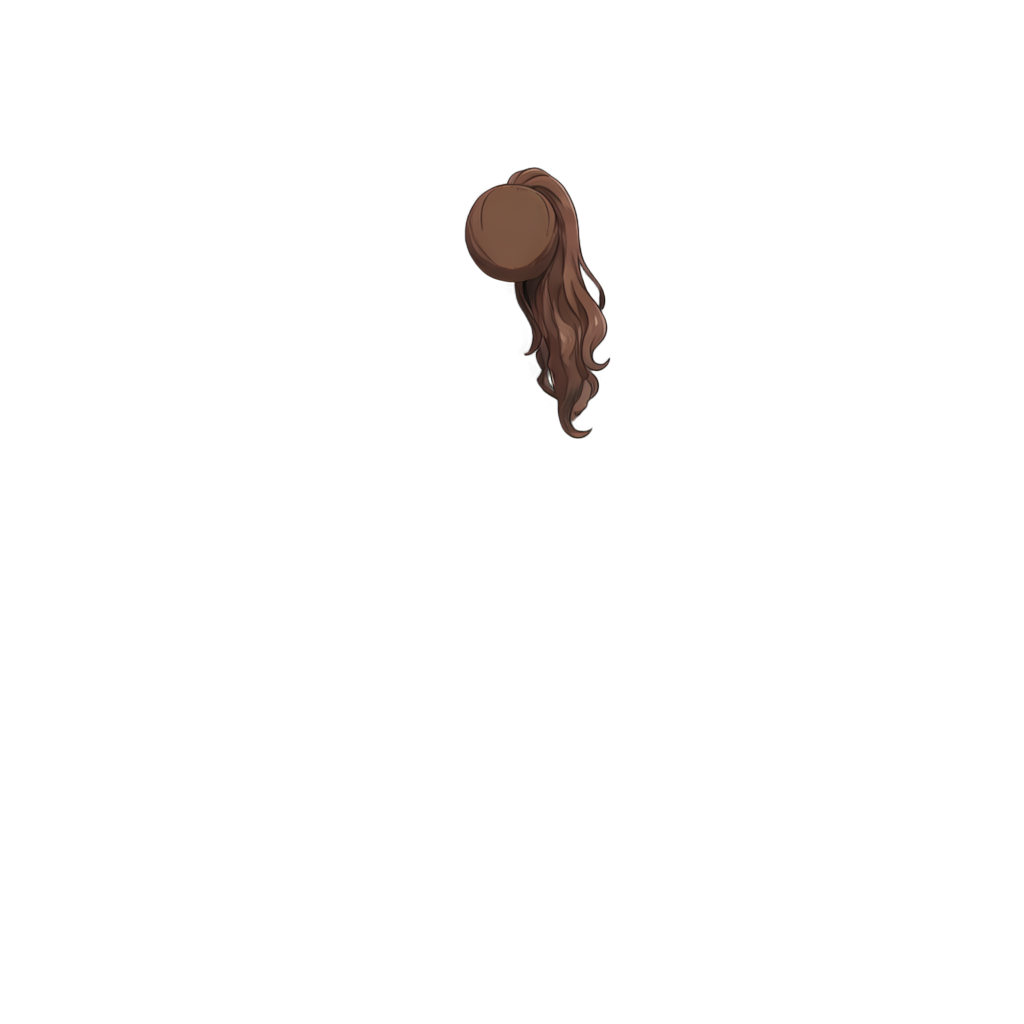
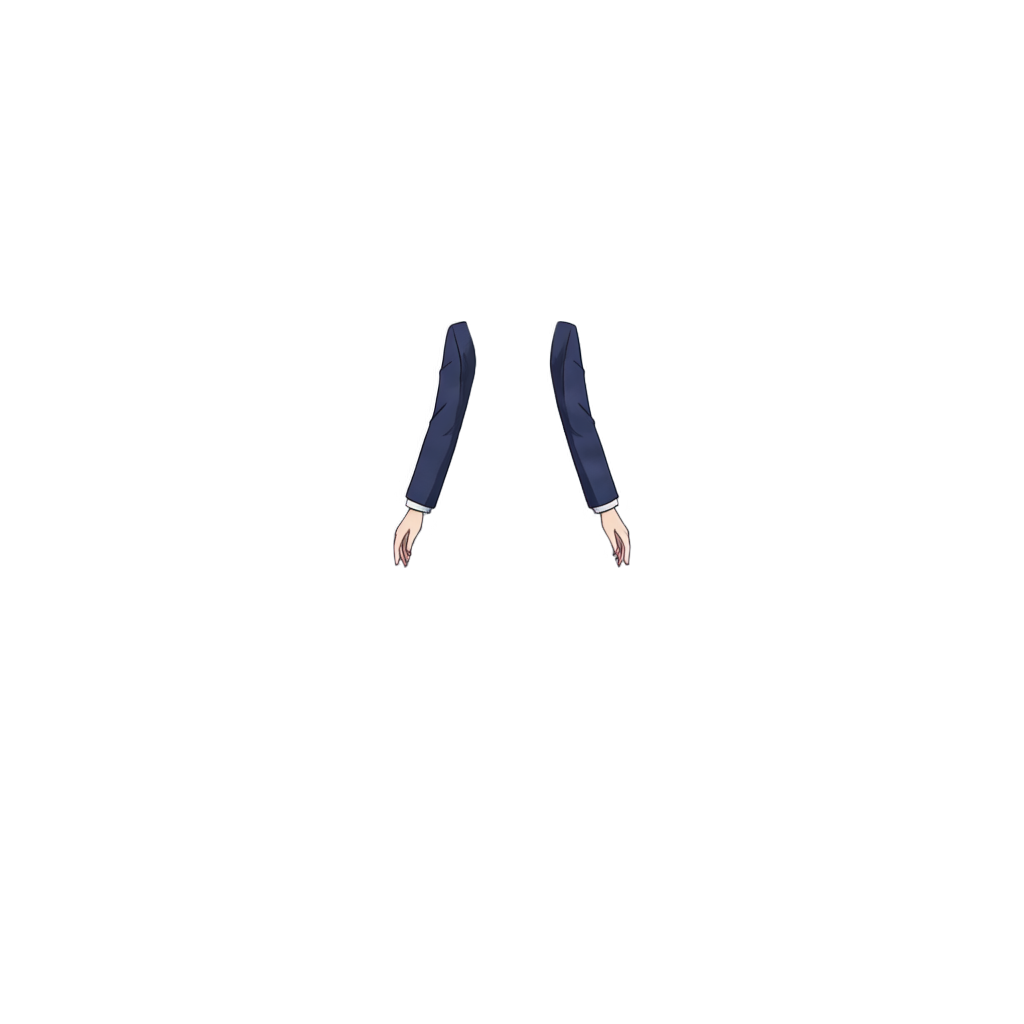
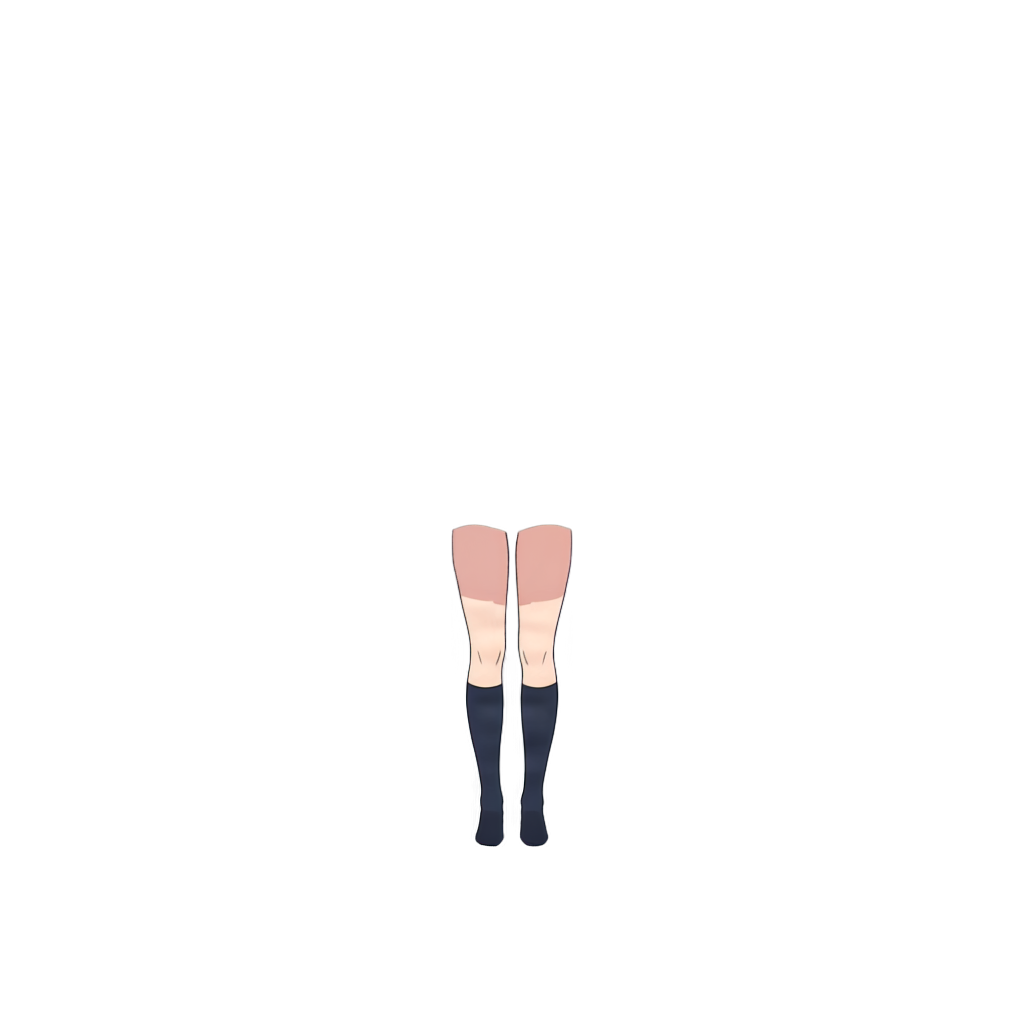
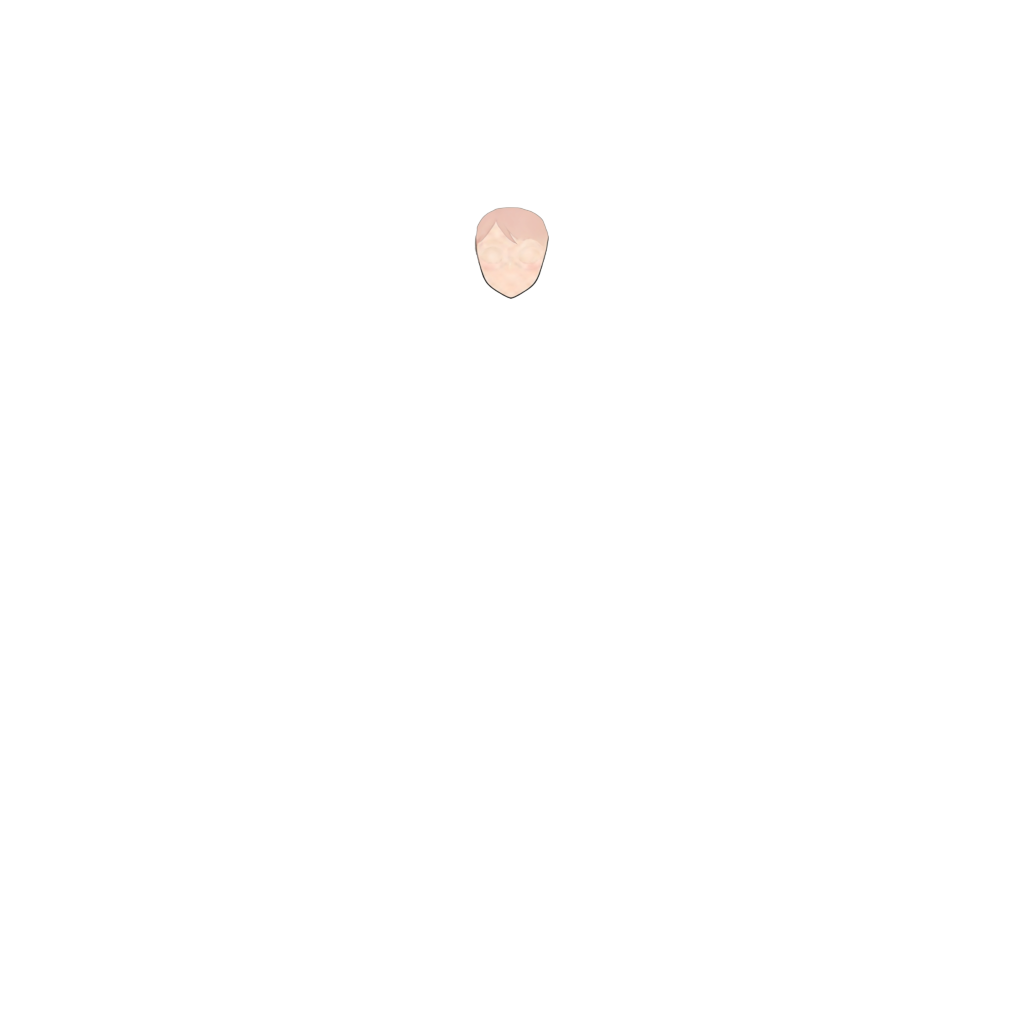
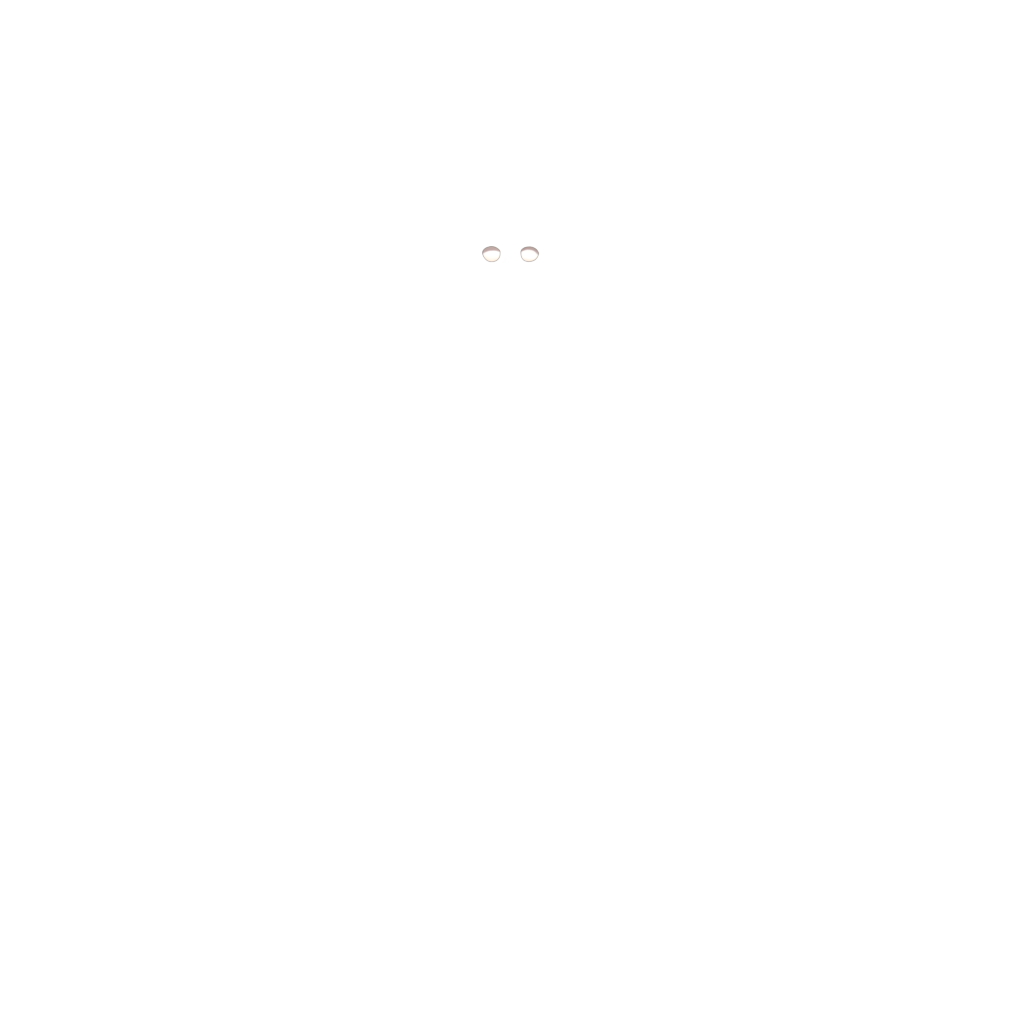
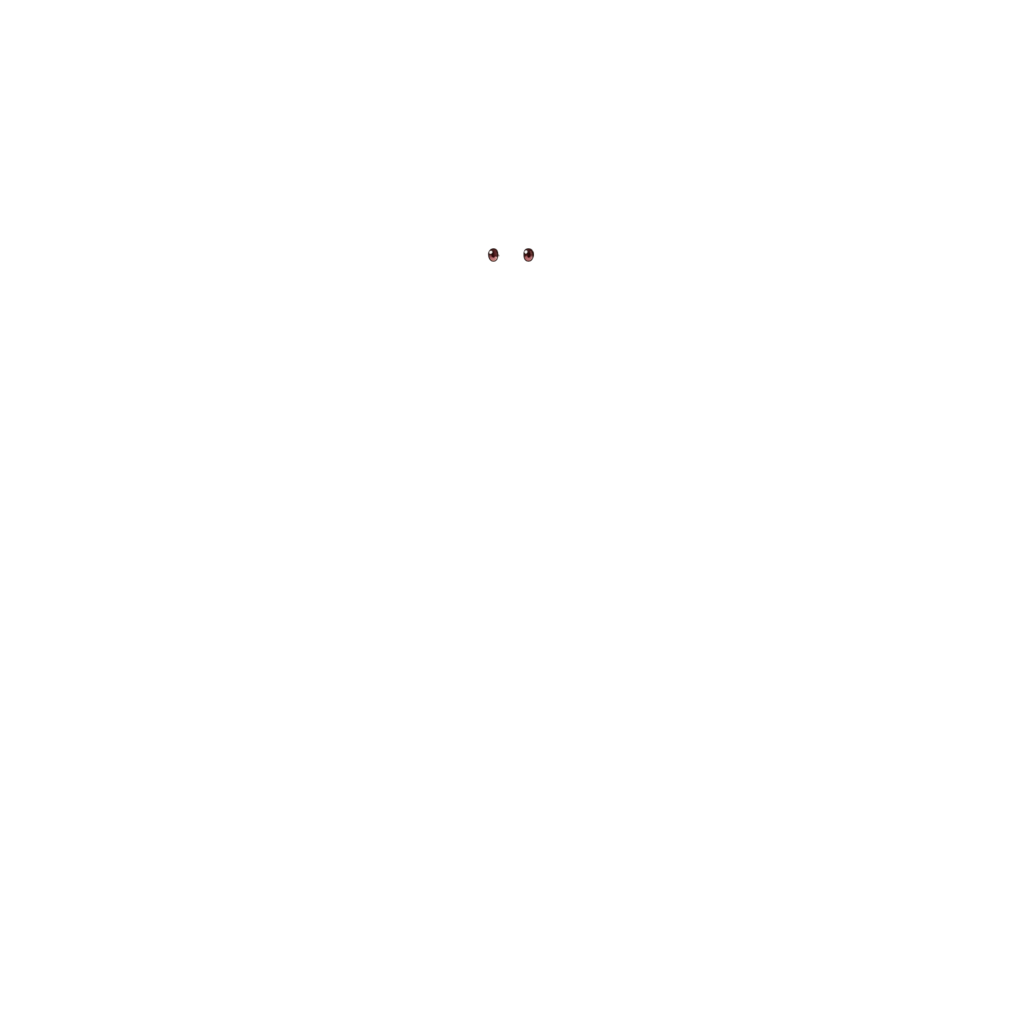
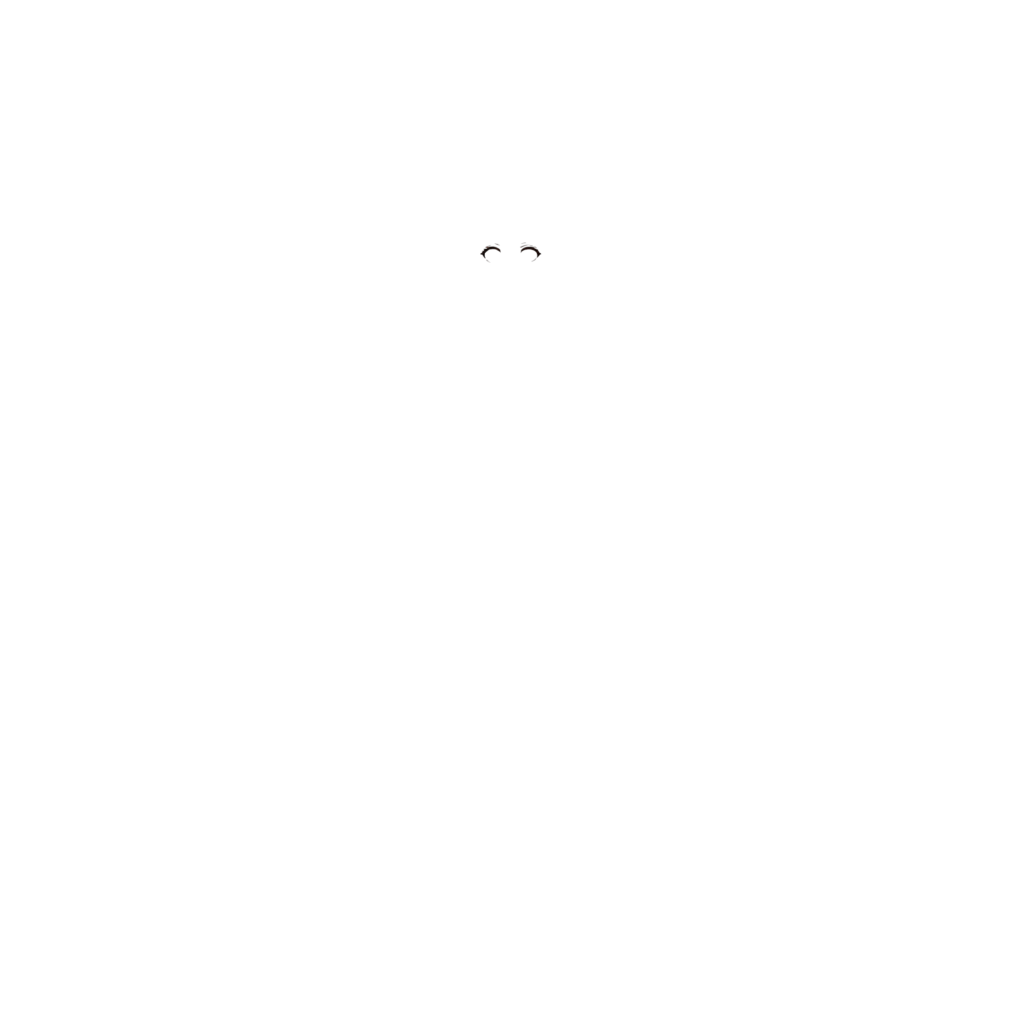
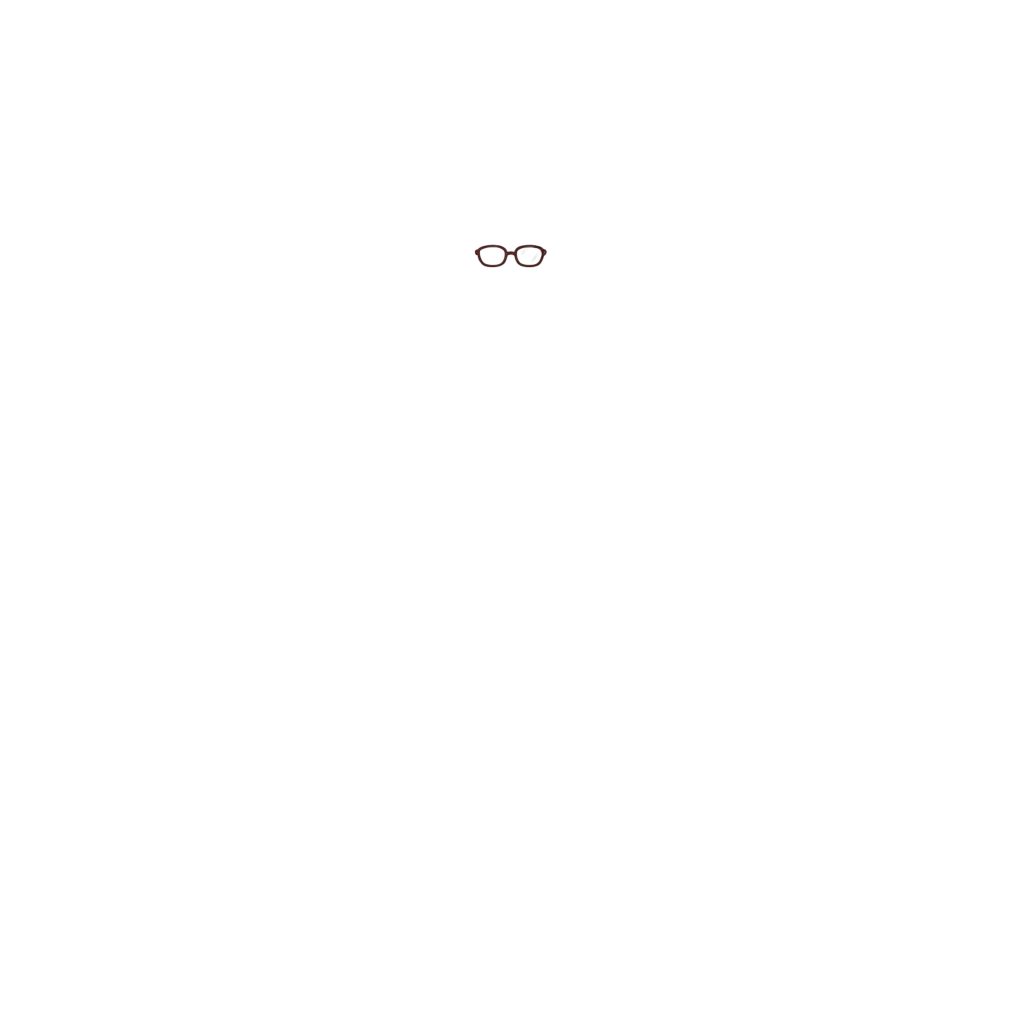
Ready to test with your own or this sample character
Upload one complete character with a visible face and body. Isolated hair, clothing, or accessory layers may return only partial results.
Your source image stays private
Uses 30 credits per image
Processing time varies with image complexity. Detailed characters and complex poses may take longer.
Turn a flat anime character illustration into a more editable character structure. ImageToLayers can separate supported facial features such as face, eye whites, irises, eyelashes, eyebrows, mouth, ears, hair, and other character parts into individual layers. Start with one finished character image instead of manually cutting and repainting every facial feature.
Upload a flat character illustration and let ImageToLayers separate supported facial and character parts into individual layers. For better results, use artwork with one clearly visible character, a readable face, visible eyes and mouth, medium- or high-resolution artwork, and an anime, manga, or stylized illustrated character design.
Editing a Flat Anime Face Shouldn't Mean Redrawing It
Anime faces contain overlapping parts: bangs cover the forehead, eyelashes overlap eye whites, irises sit inside the eyes, and the mouth is painted into the face. Once flattened, editing them separately can mean rebuilding the original layer structure. Anime Face to Layers helps automate that first decomposition step.
Turn One Flat Face Into Multiple Editable Parts
The character-to-layers workflow can identify supported semantic regions in anime-style artwork. Depending on the image, it may create separate layers for face, eye whites, irises, eyelashes, eyebrows, mouth, ears, front and back hair, neck, clothing, and accessories. Edit supported features more independently.
Separate Anime Eyes for Easier Editing and Animation
Eyes are difficult to isolate because several elements overlap in a small area. Supported eye layers may include eye whites, colored irises, eyelashes, and eyebrows. They provide a more editable starting point than one flattened eye texture.
Make the Mouth Easier to Edit
When a mouth is merged into the face, even a small expression change can require repainting nearby skin. A separate mouth layer can help with repositioning, shape changes, alternate expressions, and simple open or closed mouth variants. The tool does not create lip-sync animation, phoneme sets, or finished mouth rigging.
Reconstruct Areas Behind Overlapping Features
Simple segmentation extracts visible pixels, which can leave gaps when hair is moved away from the forehead. Depending on the artwork, the workflow may reconstruct supported hidden regions such as forehead, face, or eyebrows behind bangs and areas obscured by accessories. These are AI-generated estimates and may need refinement.
Character Layer Separation, Not Just Face Detection
Face detection locates a face; basic segmentation isolates its pixels. This workflow goes further by attempting to separate supported internal features—face, eye whites, irises, eyelashes, eyebrows, and mouth—into editable semantic layers for animation, expression editing, rigging preparation, or asset reconstruction.
Prepare Anime Facial Layers for Live2D
Separate irises for eye movement, eyelashes for blink preparation, eyebrows for expressions, and mouth artwork from the face before manual cleanup and rigging. This tool prepares layered artwork; it does not create Live2D meshes, deformers, parameters, physics, blinking or eye-tracking rigs, or automatic lip sync.
Start With a Flat VTuber Character Image
If you have a finished character illustration without its layered source, rebuilding every facial feature can take time. The output can be a starting point for VTuber artwork preparation, rigging experiments, expression editing, asset recovery, facial animation preparation, alternate expressions, and motion tests. Review layers before professional rigging.
Create a Better Starting Point for Character Expressions
Expressions often depend on the mouth, eyes, and eyebrows. A smile or surprised expression can require adjustments to these features. Separating supported parts makes later edits more manageable than changing a flattened image, though manual cleanup may still be needed.
Separate Eye Elements Before Building Blink Animations
Blink preparation may involve eyelashes, eye whites, irises, and eyebrows. Separating these parts can reduce manual cutting before you create closed-eye artwork or rig an eye deformation. Finished blink animations are not generated automatically.
Adjust Eye Direction More Easily
If an iris is embedded in the eye texture, changing gaze can require repainting the whole eye. A successfully separated iris can be a starting point for gaze changes, eye-tracking preparation, expression variations, and motion tests. Professional animation may need boundary cleanup.
From Flattened Artwork to Editable Facial Layers
Before: eyes, mouth, eyebrows, hair, and face are merged, so moving one feature can leave holes. After: supported features may be separated into layers for face, eye whites, irises, eyelashes, eyebrows, mouth, and front or back hair—giving you a more flexible editing starting point.
Designed for Stylized Character Faces
The workflow is intended primarily for anime, manga, and illustrated character art with recognizable eyes, irises, eyelashes, eyebrows, stylized mouths, clear face boundaries, and character silhouettes. It is not a universal face decomposition tool for every visual style.
Continue Editing Instead of Starting From Scratch
Use generated features as a starting point to change eye color, move irises, edit the mouth, adjust eyebrows, recolor facial details, prepare alternate expressions, and organize assets before Live2D or other 2D animation work.
Layer Separation Is the Starting Point, Not the Finished Rig
The tool reduces manual decomposition work. It does not create finished Live2D models, facial rigs, blink or lip-sync animations, phoneme mouth sets, expression presets, eye tracking, mesh deformation, physics, or the artist’s original layer structure. Results may need cleanup.
How to Get Better Facial Layer Separation
Use one main character with a clearly visible, readable face and visible eyes and mouth. Medium- or high-resolution anime-style artwork with little motion blur is a good starting point. Keep important features visible; you can upload the full illustration without cropping the face.
Every Character Produces a Different Layer Structure
Generated layers depend on which supported features are visible and detectable. A character with closed eyes may produce a different eye structure from one with open eyes. Glasses, occlusion, resolution, pose, and design complexity can also affect the output.
Spend Less Time Manually Rebuilding Anime Faces
Separating masks, repainting hidden areas, rebuilding the face, cleaning eye boundaries, and organizing facial layers takes time. Automating much of the first decomposition lets you focus on expression design and animation work that follows.
Frequently Asked Questions
What is Anime Face to Layers?
It attempts to separate a flattened anime character illustration into editable layers for supported facial features and other character parts.
Can it separate anime eyes into layers?
It may separate supported regions such as eye whites, irises, eyelashes, and eyebrows. Results depend on the source image.
Can it separate the iris from the rest of the eye?
When detected, the iris may be placed on its own layer for further editing or gaze adjustments.
Can it separate eyelashes?
Supported eyelash regions may be separated depending on clarity, overlap, and image quality.
Can it separate eyebrows?
It may separate visible eyebrows. Partly hidden eyebrows can be more difficult.
Can it separate the mouth from the face?
It may produce a separate mouth layer that can be edited independently.
Can it create mouth shapes for lip sync?
No. It does not generate phoneme sets or finished lip-sync animation. A separated mouth is only an editable starting point.
Can I use the layers for blinking animation?
They can help with preparation, but finished blink animation and eye rigging are not created automatically.
Can it move the eyes automatically?
No. It separates supported components; move the iris or animate it in another application.
Can I use the result for Live2D?
Yes, as a starting point. Manual cleanup and layer organization may be needed before rigging.
Does it automatically rig the face?
No. It does not create meshes, deformers, parameters, physics, eye tracking, blink rigs, or lip-sync rigs.
Can I use it for VTuber character artwork?
Yes, it can help prepare flattened anime-style character artwork, but professional production still needs review and rigging.
Does it reconstruct the face behind the hair?
It may reconstruct supported hidden regions such as parts of the forehead or face. Generated areas are estimates and may need refinement.
Can it recover eyebrows hidden behind bangs?
It may separate or estimate partially occluded eyebrows when enough visual information remains; fully hidden details are not guaranteed.
Will it recover the original artist’s layers?
No. It creates a new semantic decomposition and cannot know the original layer structure.
Does every image generate the same facial layers?
No. Output depends on which features are visible and detected. Closed eyes, for example, change the available eye regions.
Can I change anime eye color after separation?
If the iris is separated successfully, you can recolor it in compatible image-editing software.
Can it work with glasses?
It can process characters with glasses, but glasses overlap eyes and lashes and can make boundaries harder to distinguish.
Does it work with manga artwork?
It may work with clear manga or anime illustrations. Simplified monochrome line art or screentones can produce different results.
Does it work with realistic human faces?
It is primarily designed for anime-style and illustrated characters, not realistic portrait photography.
Does it work with chibi characters?
It may work with anime-style chibi art; simplified facial features can affect the result.
Can it separate both the face and the hair?
The broader workflow may separate supported facial features together with front hair, back hair, and other character regions.
Is this the same as a face extractor?
No. A face extractor often isolates the face as one region. This workflow attempts to separate supported internal facial features too.
Is this the same as background removal?
No. Background removal isolates the character from the background; this separates supported regions inside the character.
Are the results always perfect?
No. Small details, overlaps, unusual designs, extreme poses, low resolution, and ambiguous boundaries can cause artifacts or incomplete layers.
What kind of image works best?
A clear, sufficiently large anime-style image with one visible character and readable eyes and facial features is a good starting point.
Do I need to crop the face before uploading?
No. You can upload the full character illustration; the workflow processes the broader character.
Can I use generated facial layers commercially?
Commercial use also depends on your rights to the source artwork. Only upload artwork you are authorized to use.
Turn a Flat Anime Face Into Editable Layers
Separate supported facial features such as eyes, irises, eyelashes, eyebrows, mouth, and face to create a more editable starting point for character work.
Separate Anime FaceUpload an anime-style character image to get started.