Separate character art into editable character layers
Turn a flat anime, game, or illustration image into stacked transparent layers for hair, face, eyes, mouth, clothing, and accessories, with hidden regions reconstructed for editing or rigging.
Separate faces, eyes, hair, clothing, and other supported character parts into editable layers.
Separate My Character
Supports JPG, PNG, and WebP
Or drag and drop your character artwork here.
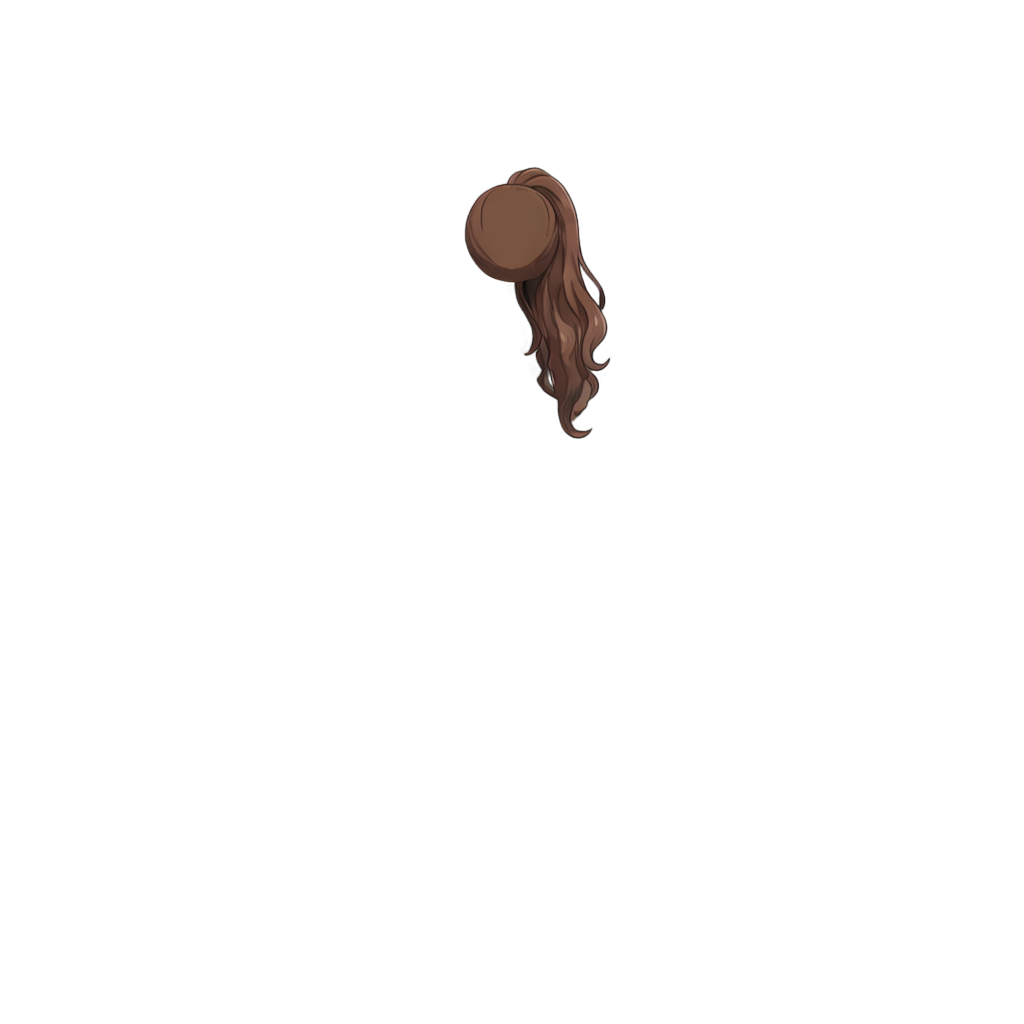
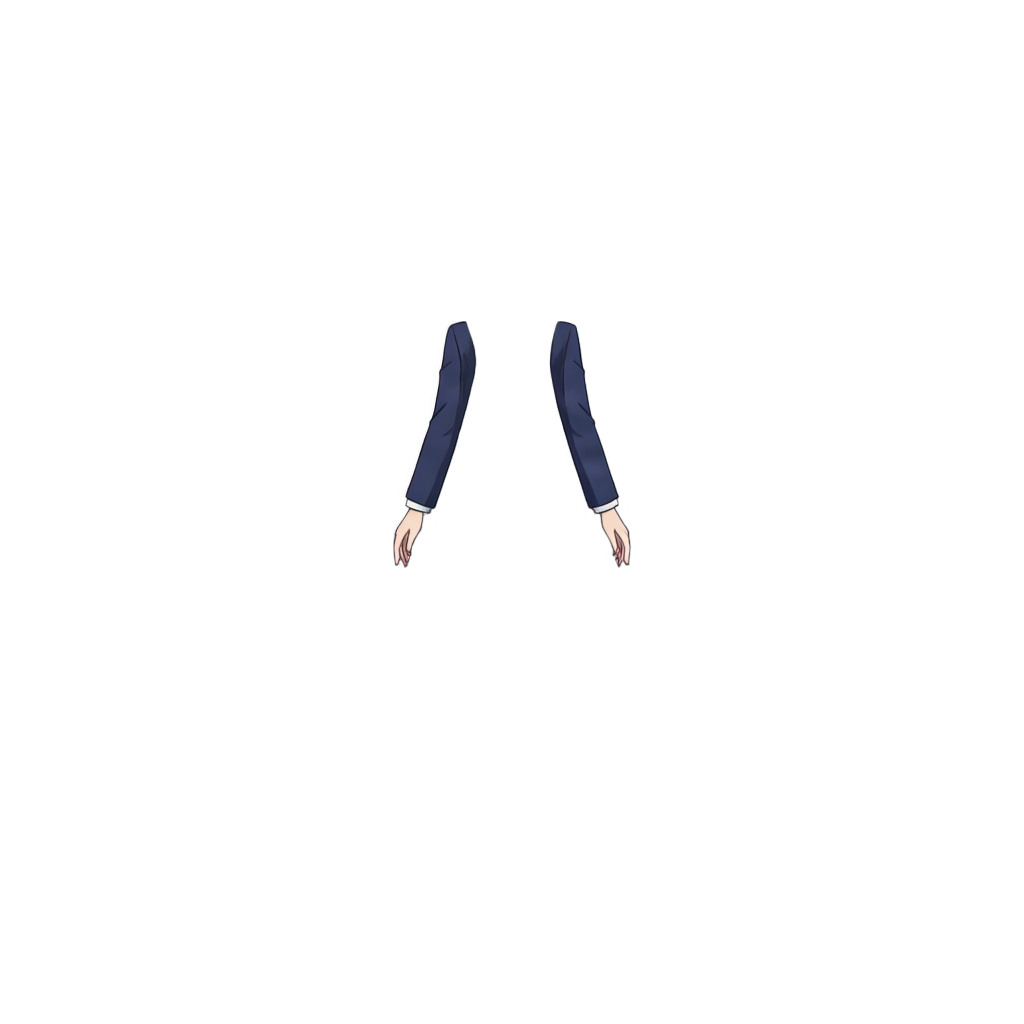
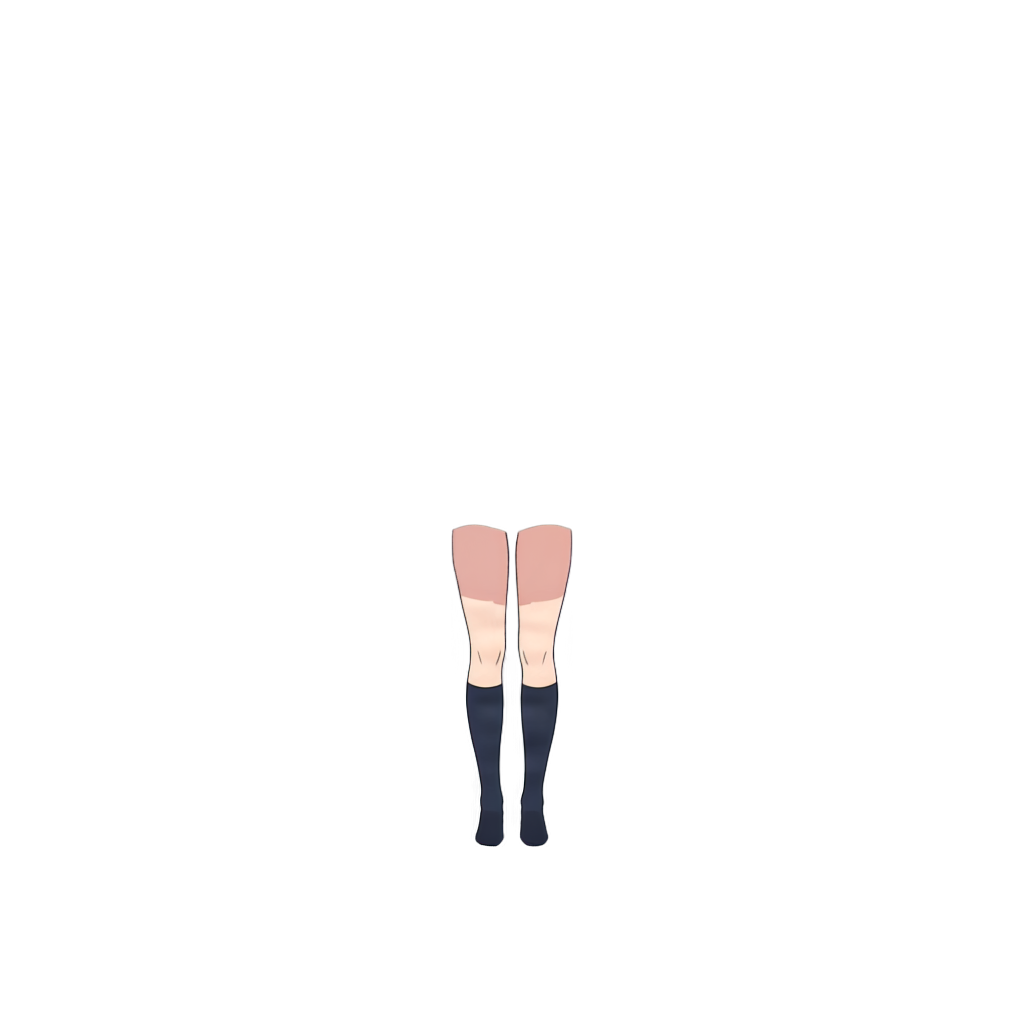
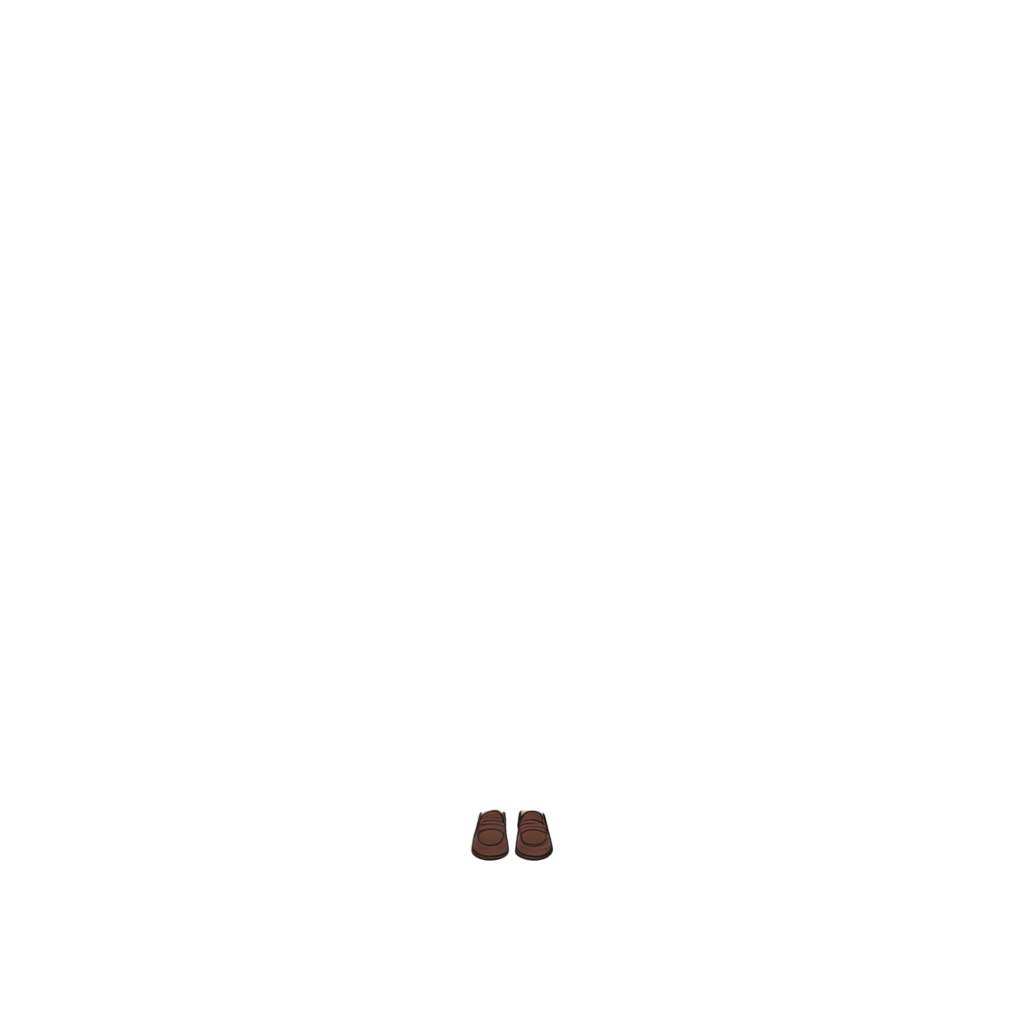
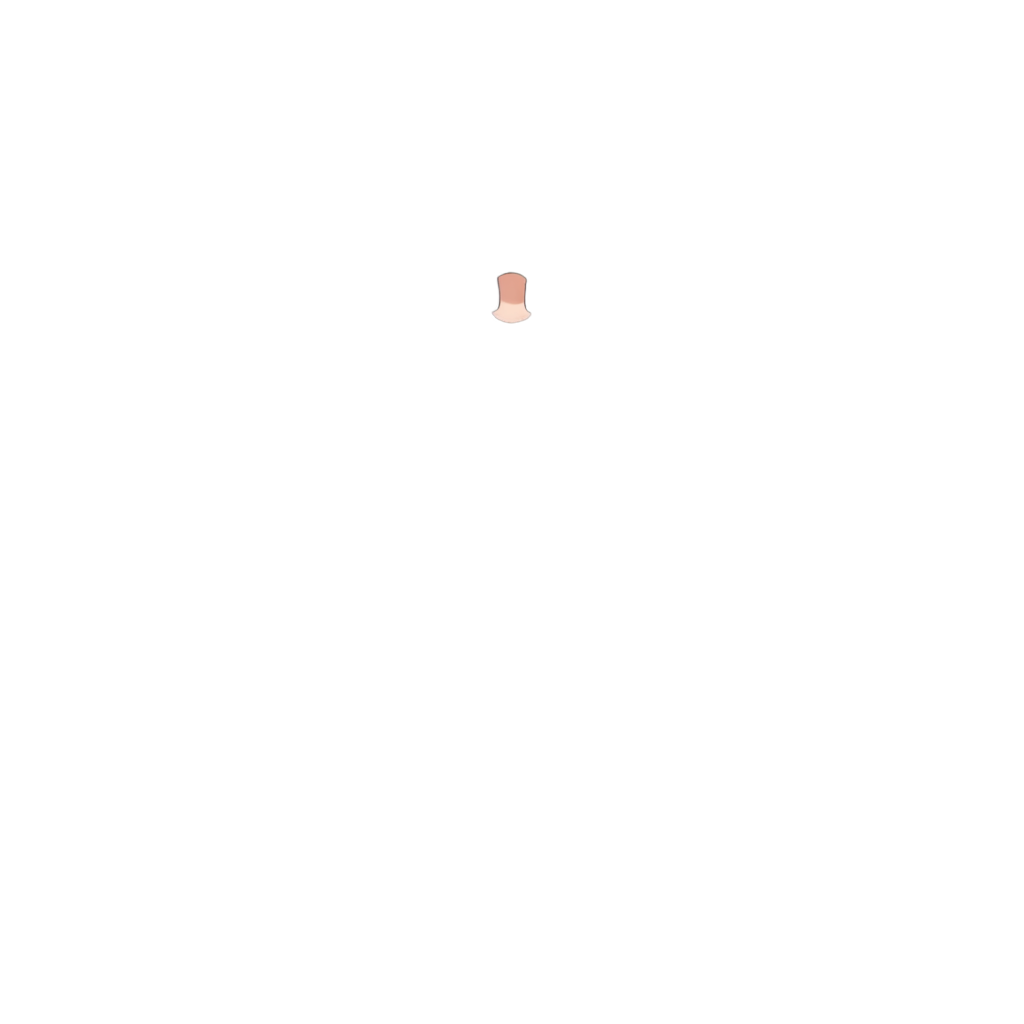
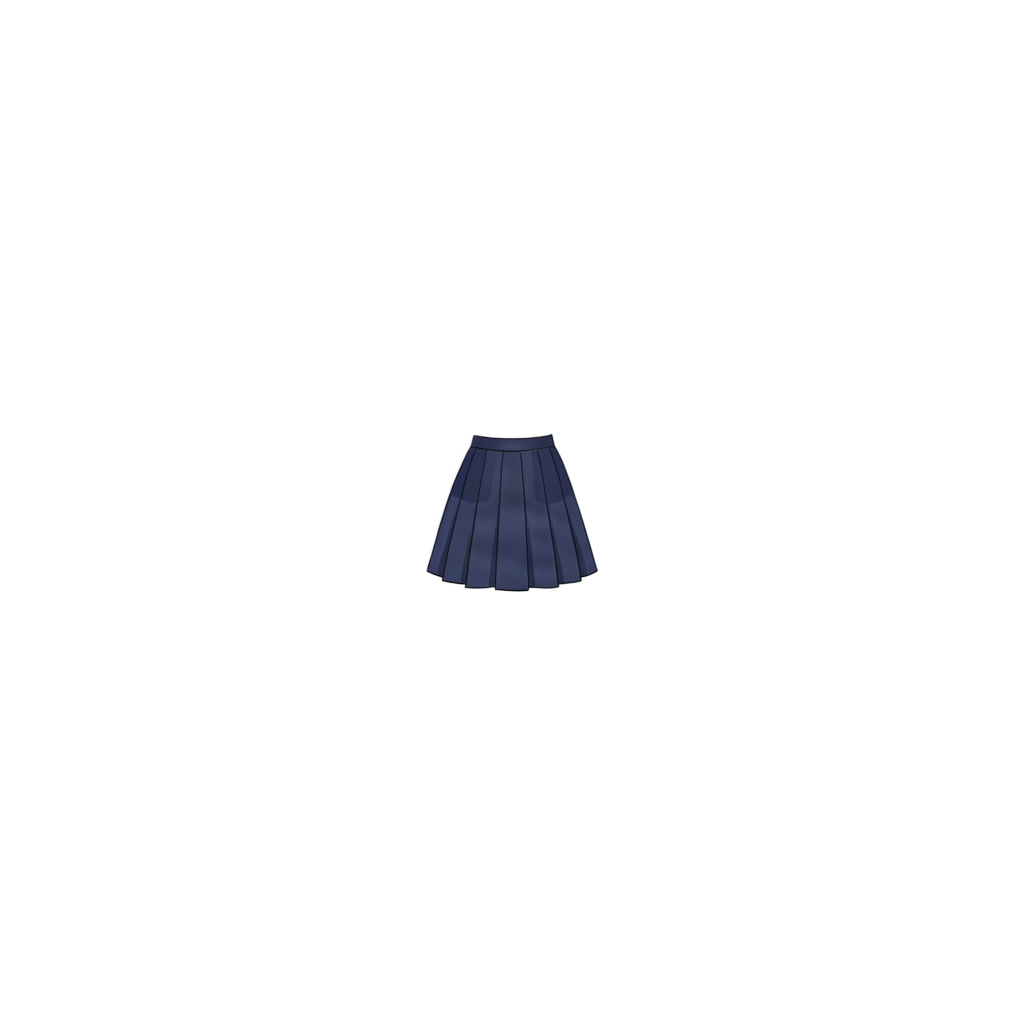
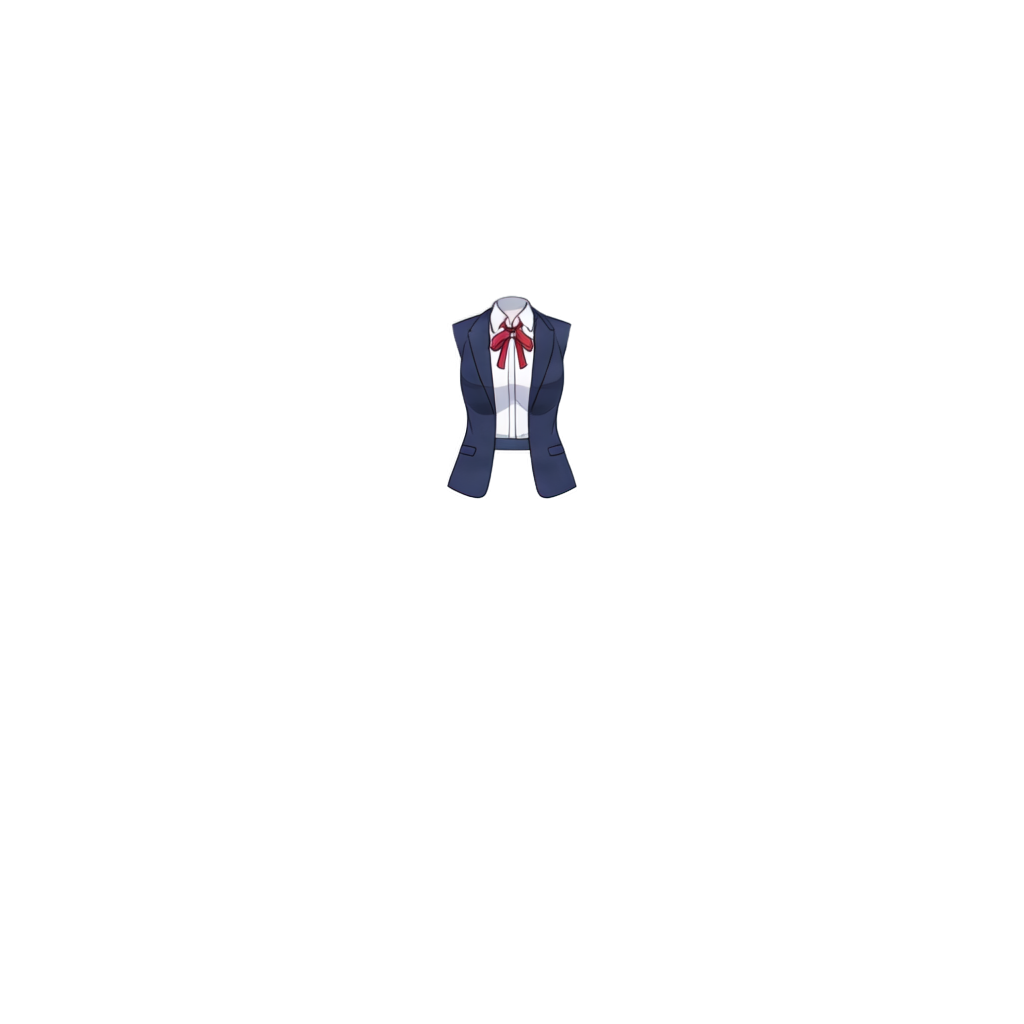


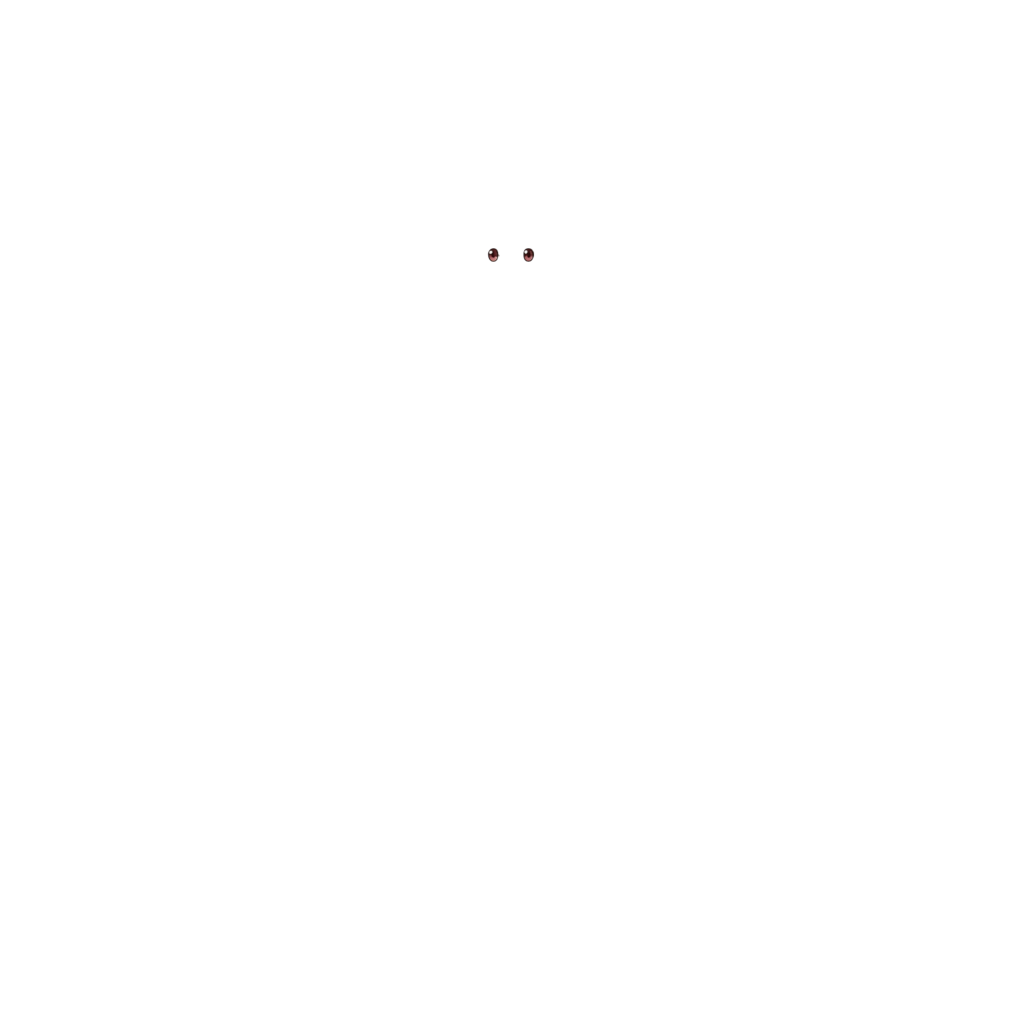
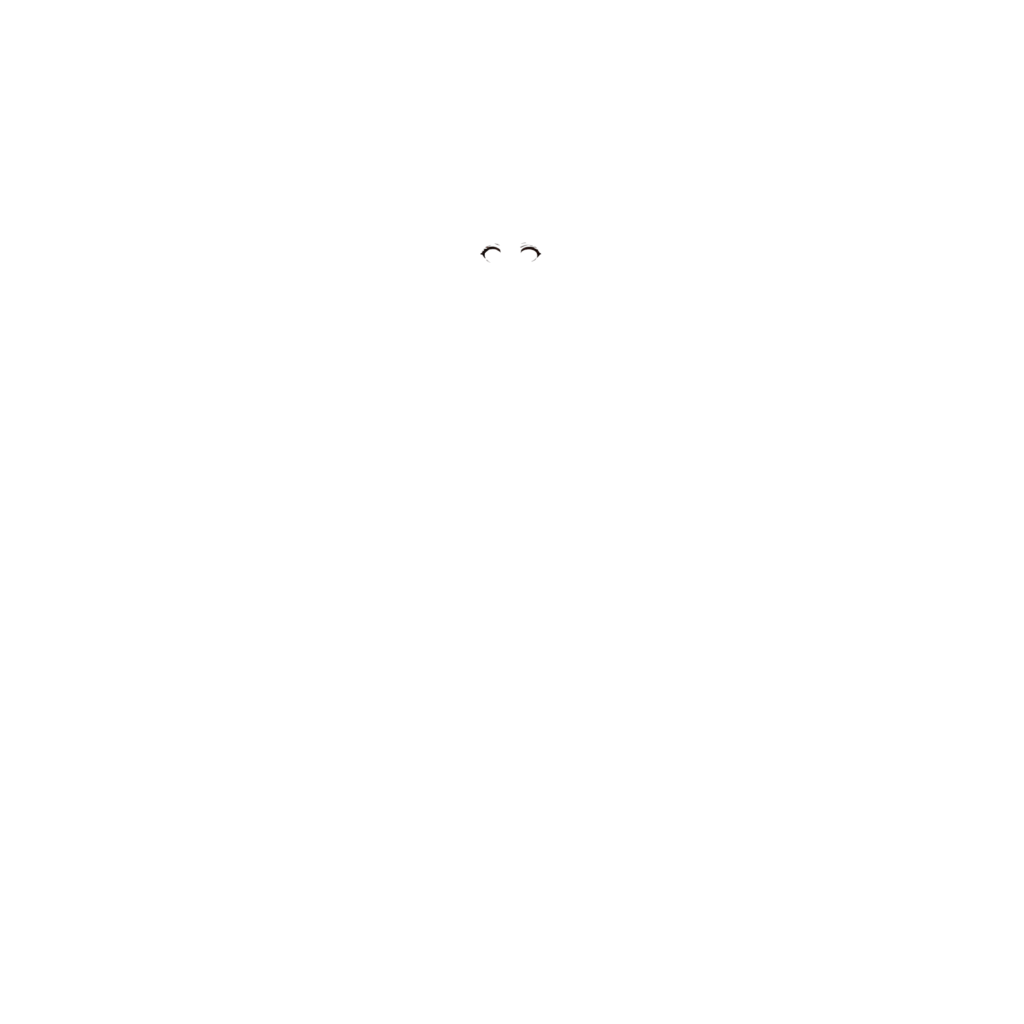
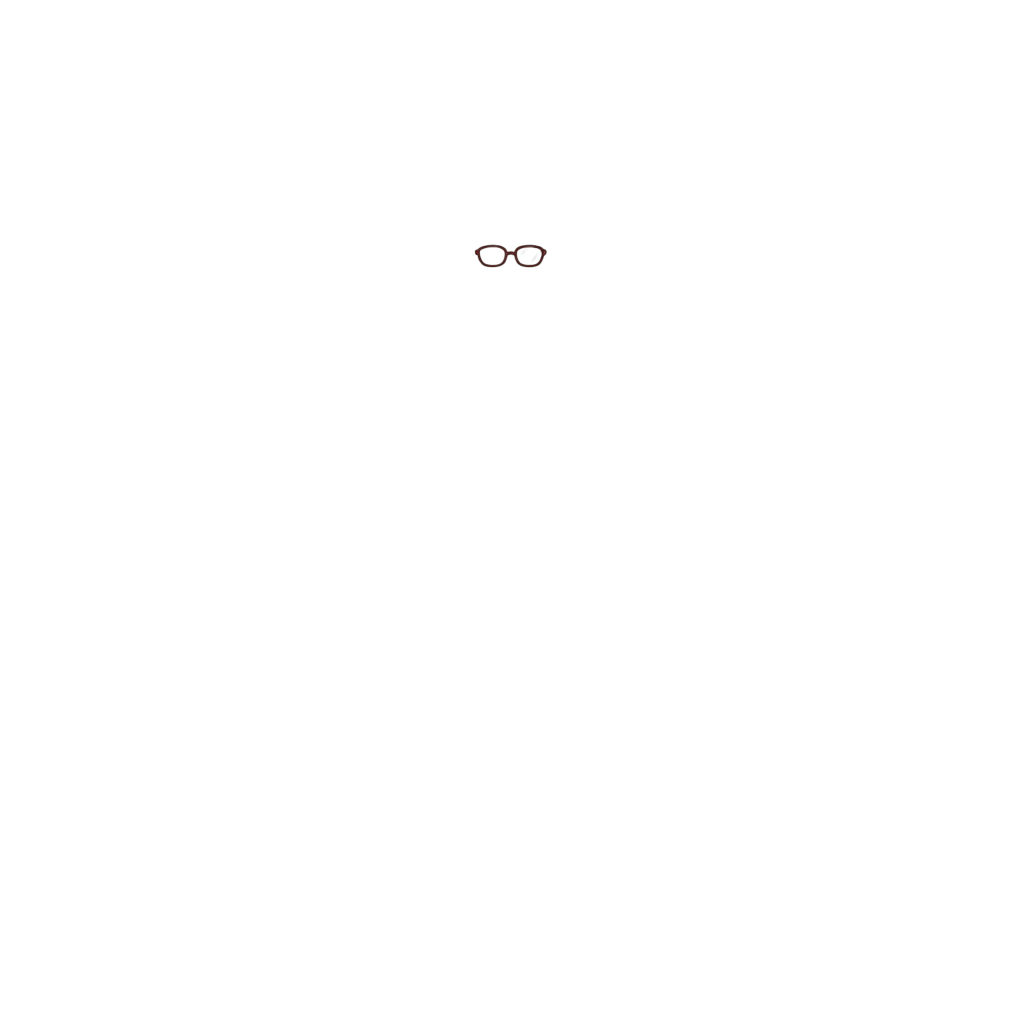
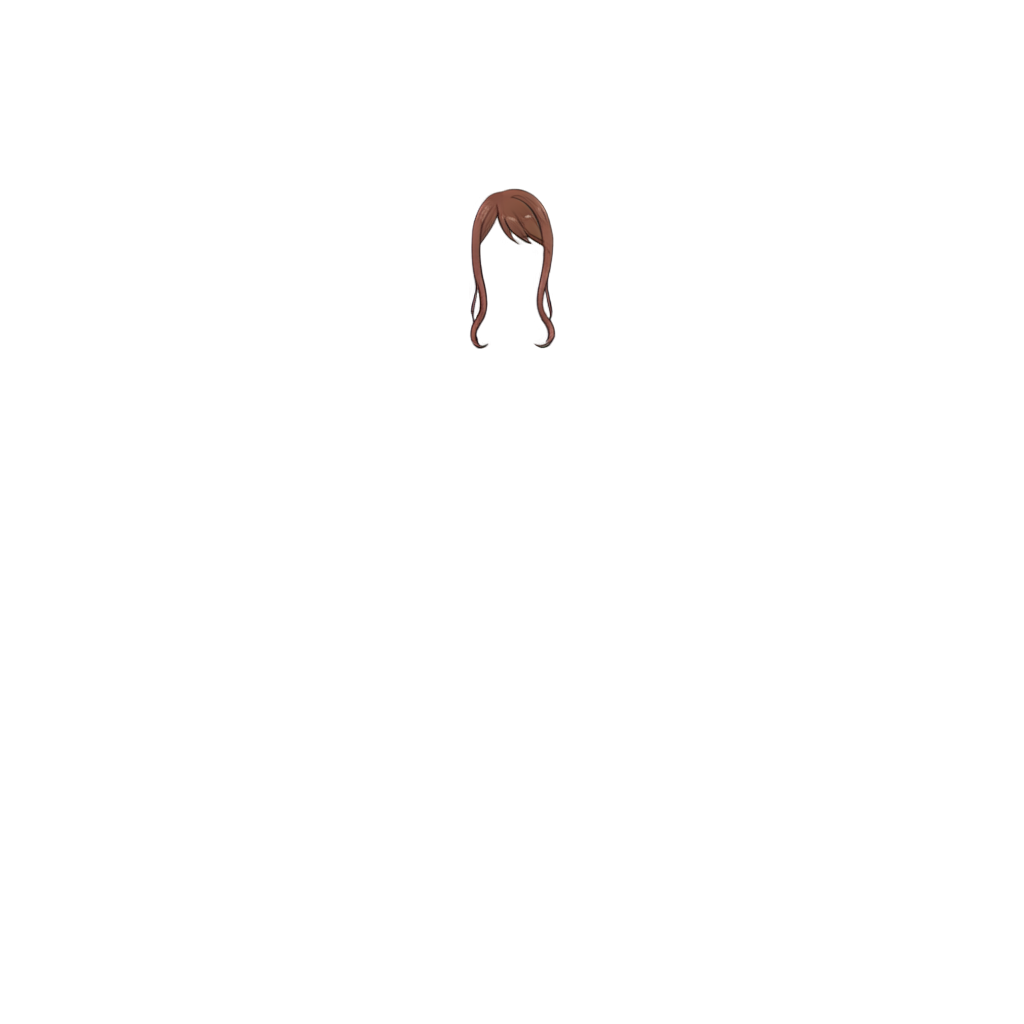
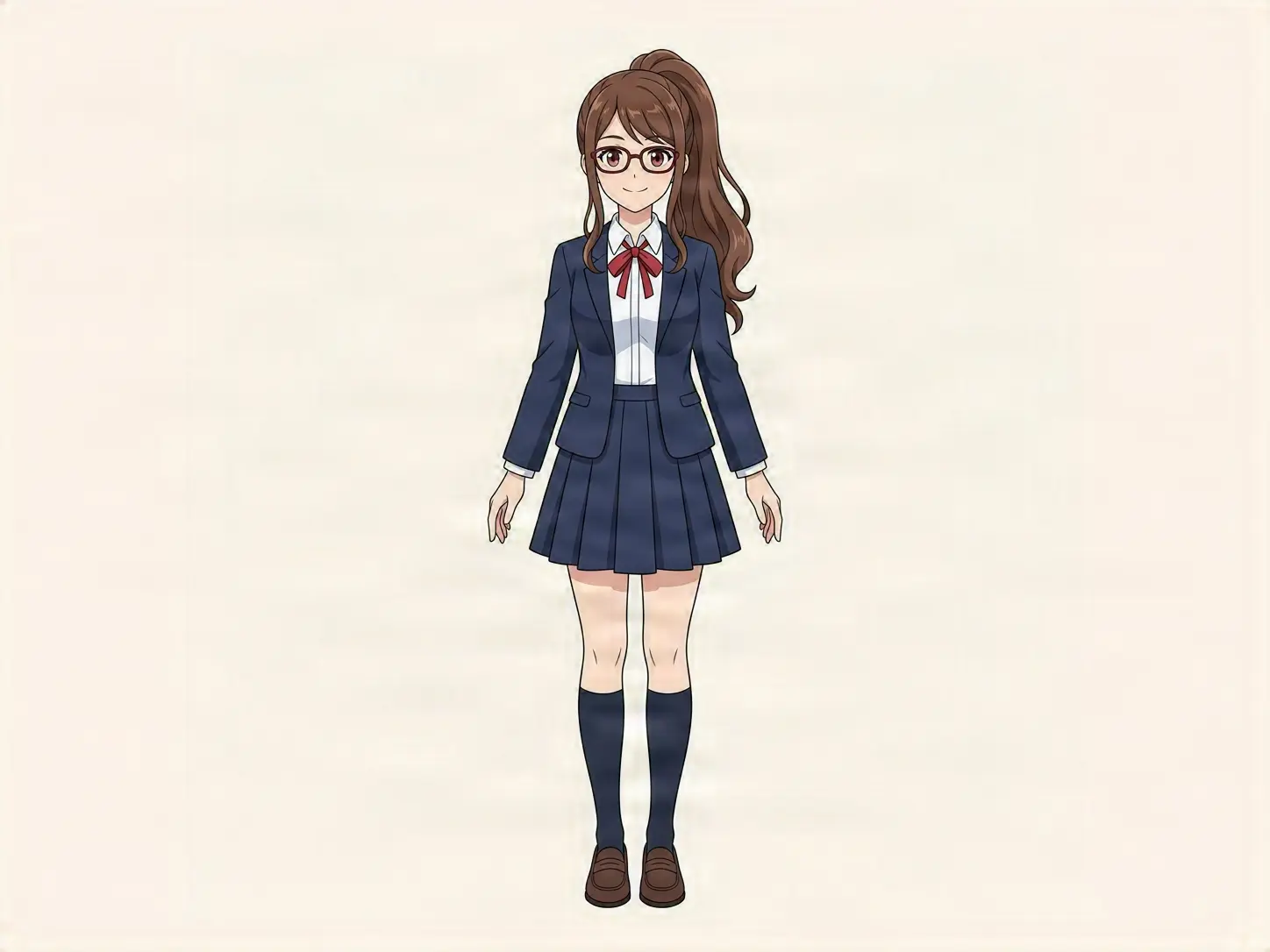
Ready to test with your own or this sample character
For better results, use one complete character with a clearly visible face, body, and distinct parts. Cropped characters, heavy overlap, and complex poses may produce fewer usable layers.
Your source image stays private.
Uses 30 credits per image
Processing time depends on character complexity, image detail, and overlapping parts.
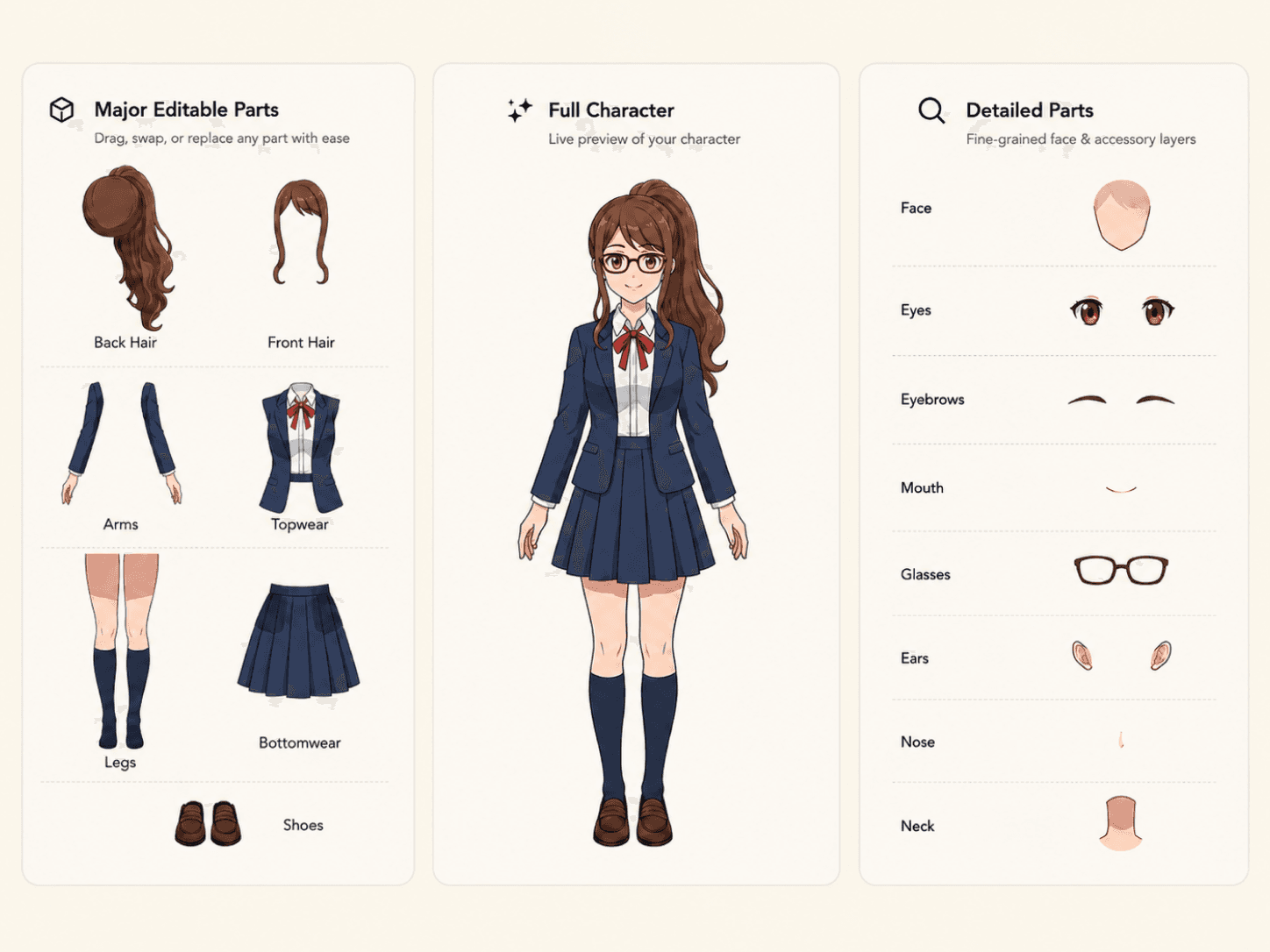
From one flat illustration to stacked character layers
Review how a single character image separates into clean, reusable parts ready for Photoshop, Clip Studio Paint, or rigging prep.
What character layers include
Each supported character region is extracted onto its own transparent layer so you can adjust colors, swap outfits, or prepare parts for motion.
Front and back hair
Separate bangs, side locks, and rear hair strands so hairstyles can be recolored, reshaped, or animated independently.
Eyes, brows, and mouth
Isolate facial features onto separate layers to adjust expressions, eye gaze, or blinking states without repainting the face.
Face base and neck
Reconstruct forehead and jawline regions hidden behind bangs or collars so layers hold up when parts move.
Clothing and outerwear
Split jackets, tops, skirts, and fabric folds from the underlying body for faster outfit variants and color swaps.
Accessories and props
Extract glasses, ribbons, hats, weapons, and handheld props onto dedicated layers without damaging the character.
Layered PSD and PNG ZIP
Export a multi-layer PSD or transparent PNG archive ready for Photoshop, Clip Studio Paint, Live2D, or Spine.
How character layer separation works
Go from a flattened PNG or JPG to a layered character file in four steps.
Upload a clear character
Drop a single anime, game, or illustrated character image with readable facial features and clear part boundaries.
Detect semantic parts
The model identifies supported hair, face, clothing, limb, and accessory regions across the character.
Reconstruct occluded areas
Hidden regions behind bangs, accessories, or overlapping garments are filled in to reduce gaps when layers shift.
Download PSD or PNGs
Export your stacked character layers as a layered PSD or transparent PNG ZIP for cleanup, editing, or rigging.
Related character layer workflows
Frequently asked questions
What file formats can I export for character layers?
You can download a layered PSD file compatible with Photoshop and Clip Studio Paint, or a ZIP archive containing individual transparent PNG layers.
Does it reconstruct hidden areas behind bangs or clothes?
Yes. Supported overlapping regions such as the forehead under bangs or skin behind accessories are reconstructed so layers stay usable when moved, though complex overlaps may still need manual touch-up.
Is this ready for Live2D or Spine immediately?
It provides a structured starting point by separating key semantic parts. ArtMeshes, deformers, physics, and fine rigging cleanup still happen inside Live2D Cubism or Spine.
What kind of character images work best?
Single-character illustrations with clear lighting, clean linework or edges, and unobstructed facial features give the most reliable layer separation.
Start separating your character layers
Upload a character illustration above to split hair, face, clothing, and accessories into an editable PSD.
Upload character image