
Turn Flat-Lay Clothing Photos Into On-Model Images
Upload Your Model and Garment
Upload one model photo and one flat-lay garment image to preview an on-model look.
Model Photo
Upload the person who should wear the garment.
A natural pose with the relevant body area in view works best.
Flat-Lay Garment
Upload the clothing item you want to place on the model.
Use a clear product photo with the full garment visible and minimal obstruction.
Garment type
Optional instructions
Add a note if you want to guide styling or specify which garment to use.
Try-On Preview
Example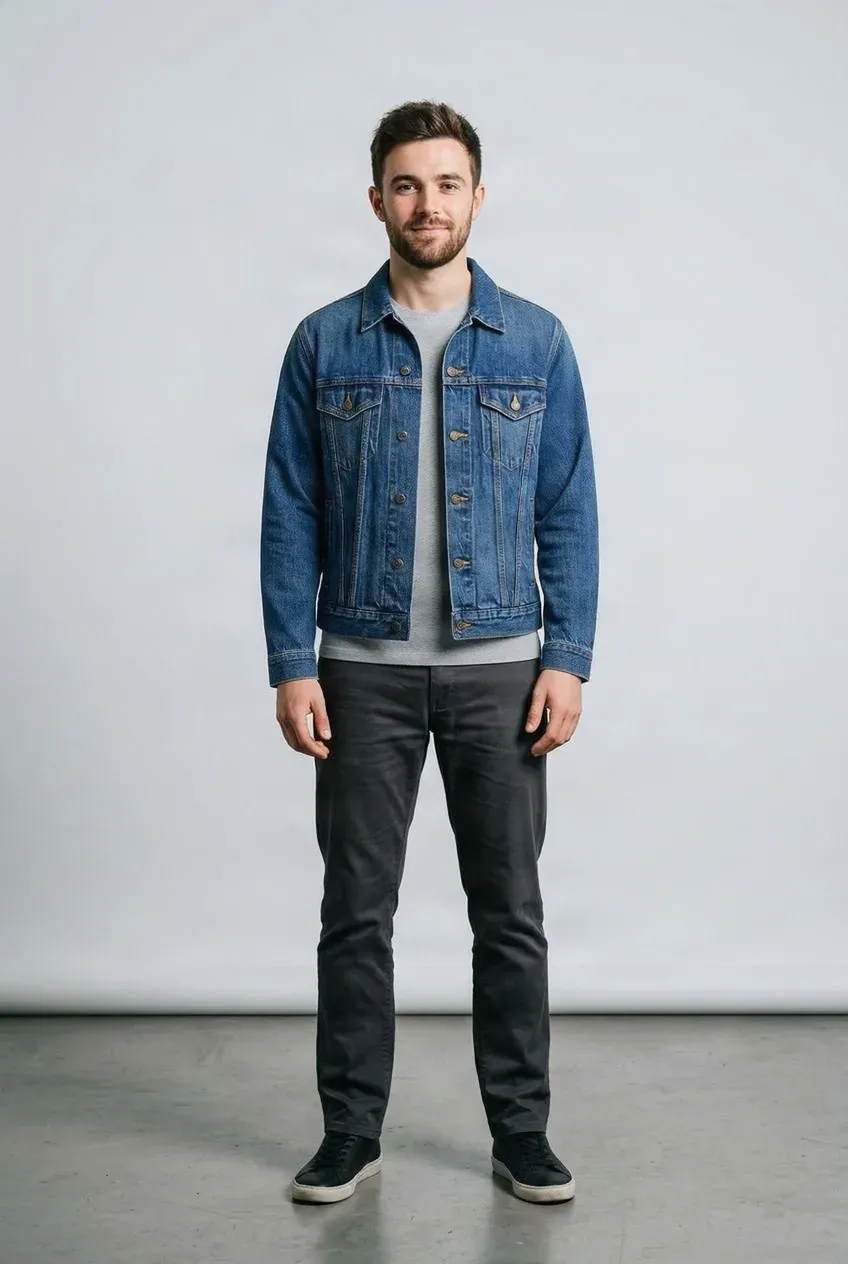
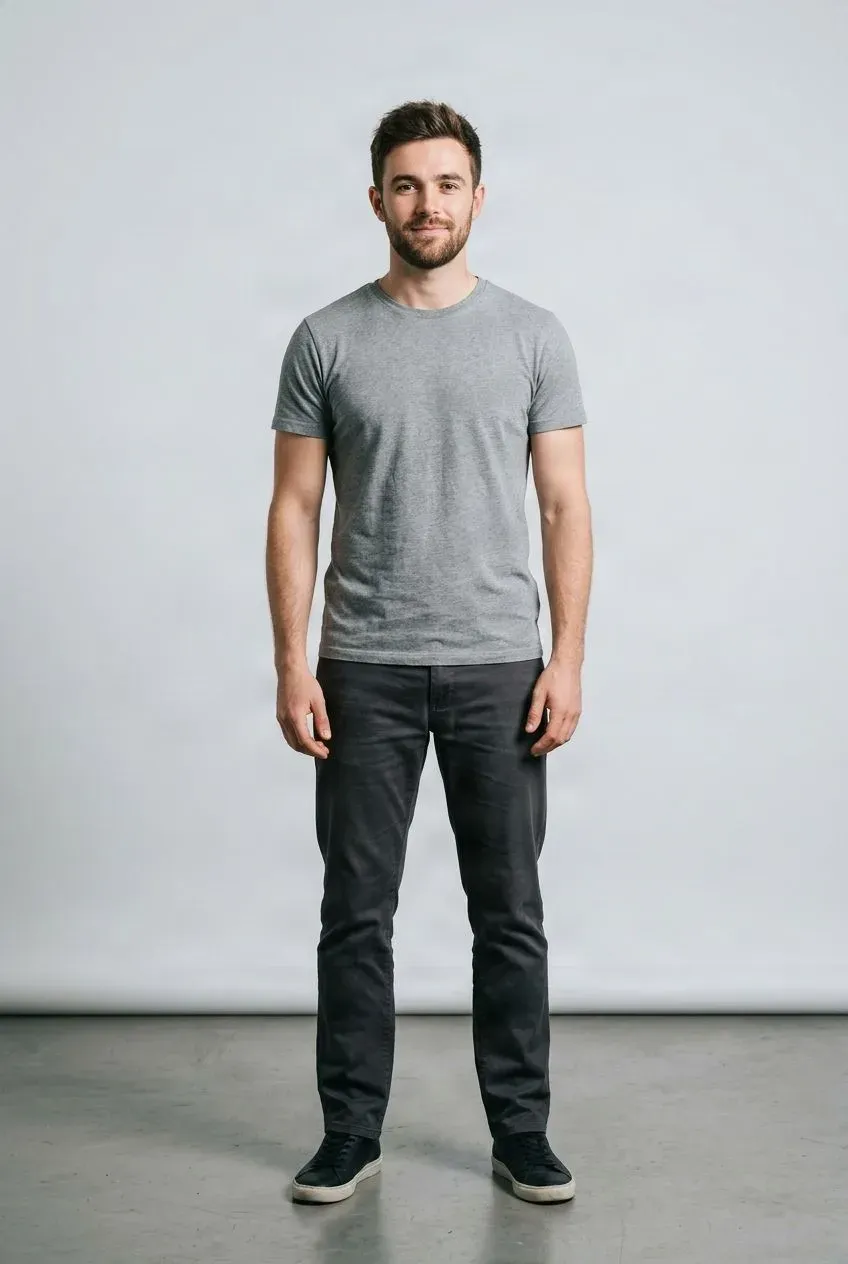
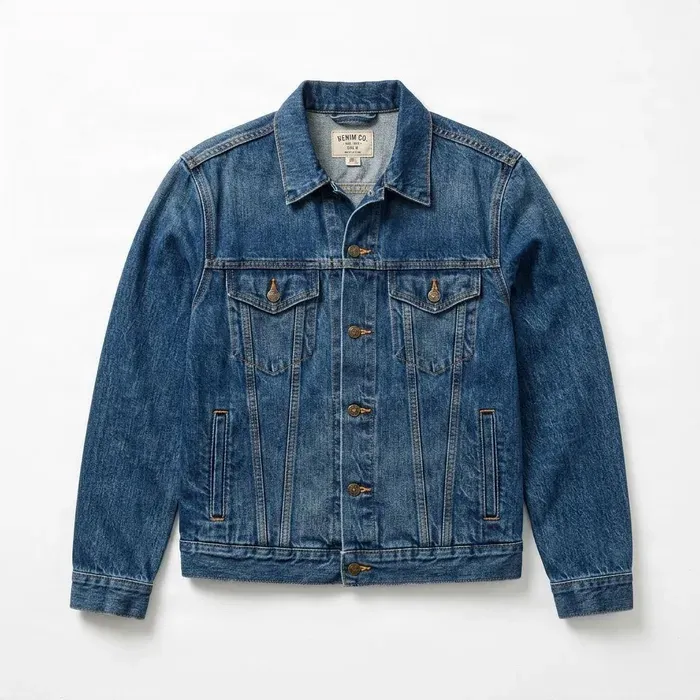 Jacket
Drag to compare — the same person in a different outfit.
Upload a model photo and a flat-lay garment image to get started.
Have a clothing product photo but no model shot? Upload a flat-lay garment image and a model photo to preview how the garment may look when worn. Create flexible on-model visuals for ecommerce, social content, merchandising, and creative testing.
See it in action
From Flat Garment to On-Model Preview
Use a product image and model photo to explore a visual try-on result.
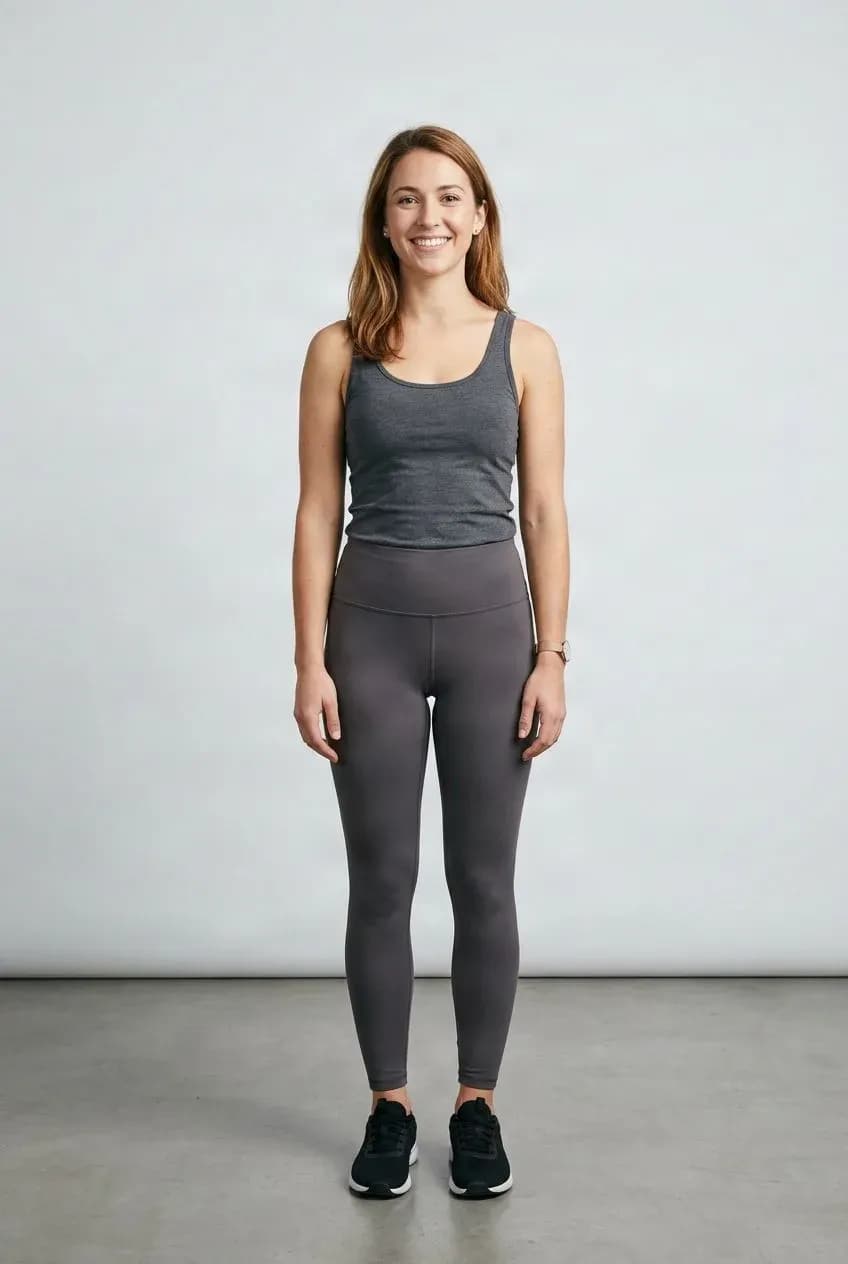
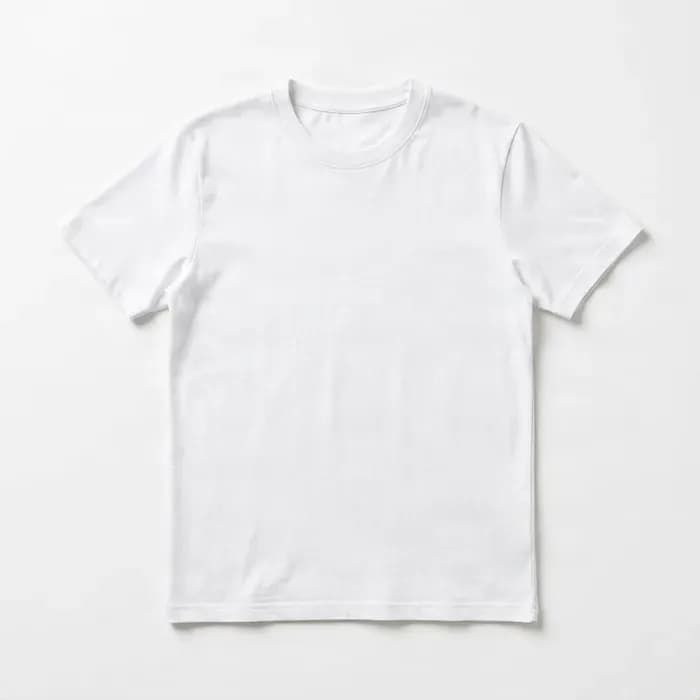
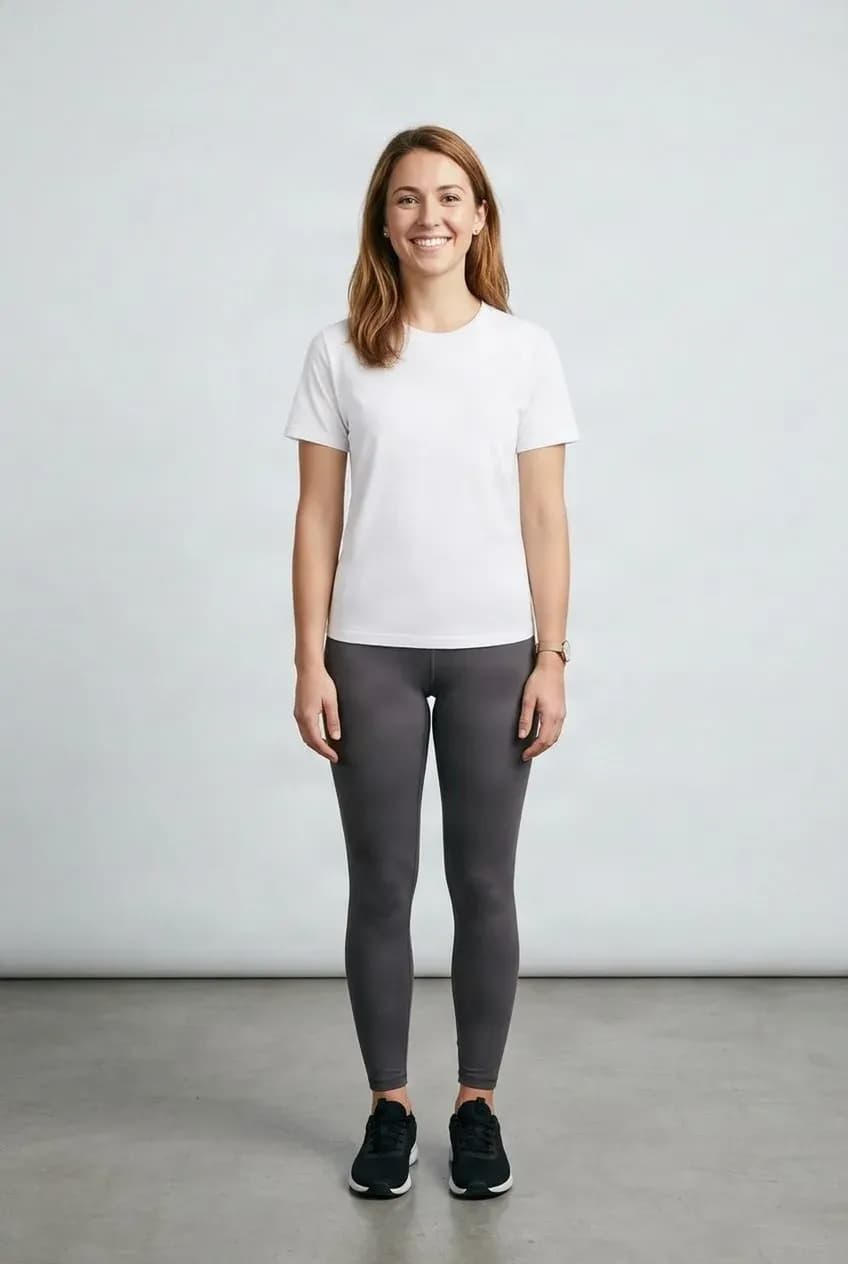
Try a Different Clothing Look
Preview how a garment may appear on a person.
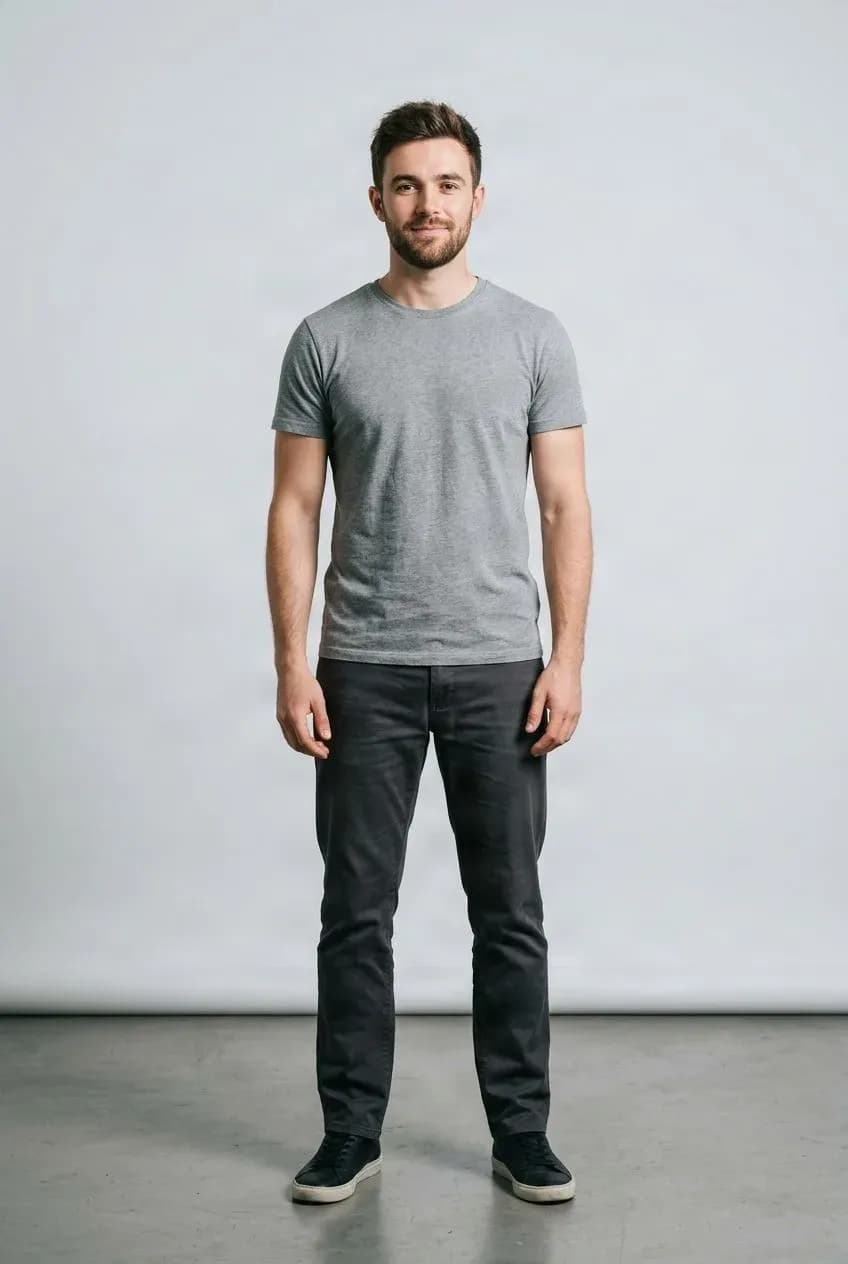
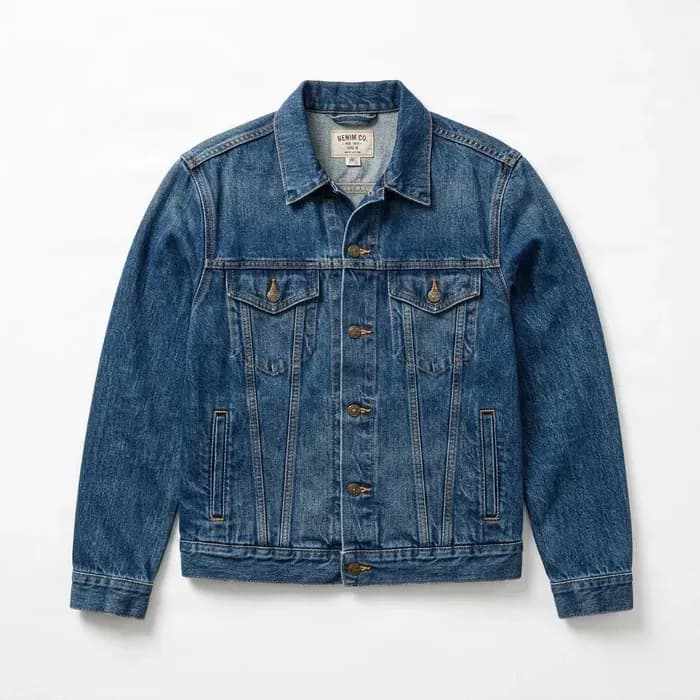
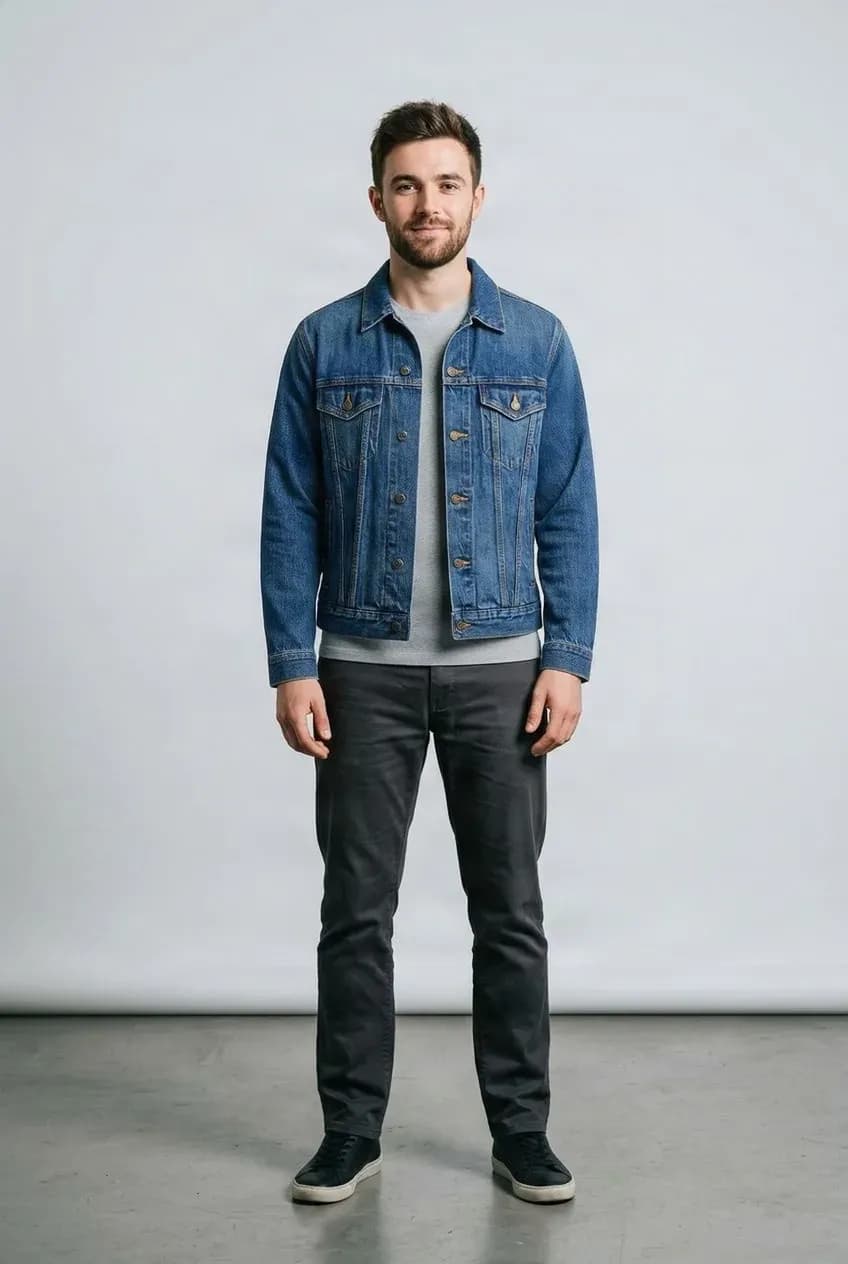
Explore Product Styling
Use the same model photo with another garment.
Use the Clothing Photos You Already Have
Many apparel sellers have clean flat-lay product images but no matching model shoot for every color, style, collection, and product variation.
Combine an existing garment image with a model photo to explore an on-model visual before arranging additional photography.
Explore Flat-Lay Try-On Workflows
Built for Ecommerce
Useful for Shopify, Etsy, TikTok Shop, Amazon apparel, independent brands, wholesalers, and fashion marketing teams.
Tops, Bottoms, and Dresses
Try shirts, hoodies, sweaters, pants, jeans, skirts, shorts, dresses, jumpsuits, and other supported garments.
POD Product Presentation
Explore model photos, colorways, social concepts, and product presentation from existing POD assets.
Fashion Creative Testing
Compare models, colors, collections, and campaign directions before scheduling photography.
Reuse One Model Photo
Preview multiple garments against one person photo for collection planning and merchandising.
Reuse One Garment
Explore the same clothing item on different models and audience concepts.
Better Product Drafts
Create catalog, ecommerce, marketplace, and social content drafts for internal review.
More From Existing Catalogs
Turn flat-lay product photos into on-model previews and campaign concepts without a new shoot for every idea.
From Flat Garment to Try-On Preview
Upload a Model Photo
Choose the person you want to use for the try-on.
Add a Flat-Lay Garment
Use a clear photo with the full clothing item visible.
Generate and Review
Check the appearance, silhouette, colors, and important product details.
Use or Refine the Result
Use it as a visual draft for ecommerce, merchandising, social content, or planning.
A Visual Preview, Not a Fit Measurement
The result is an AI-generated visual approximation. It does not know real garment or body measurements and cannot determine physical fit, size, stretch, comfort, exact garment length, or real-world drape. Review generated images carefully, especially before commercial use.
Related Try-On Tools
Flat Lay to Model Try-On FAQ
What is Flat Lay to Model Try-On?
An AI workflow that combines a flat-lay garment photo with a model photo to generate a visual preview of the garment being worn.
What is a flat-lay clothing photo?
A garment laid flat on a surface and photographed without a person wearing it, commonly used in ecommerce catalogs.
Can I put a flat-lay shirt on a model?
Yes. Upload a flat-lay shirt and a model photo to generate a try-on preview.
Can I use flat-lay T-shirts?
Yes. A clear image with the full T-shirt visible works well as an input.
Can I use hoodies and sweatshirts?
Yes, when their structure is clearly visible.
Can I use pants or jeans?
Yes. Supported pants, jeans, skirts, and shorts can be used with a suitable model photo.
Can I use dresses?
Yes. Dresses and other supported one-piece garments work best with a model photo showing enough of the body.
Can I use a garment photo with a white background?
Yes. Clean product images on simple backgrounds are suitable.
Do I need to remove the garment background first?
Usually not. Upload a regular product image if the garment is clearly visible.
Can I use clothing photos from my Shopify store?
Yes, if you have the rights to use those images.
Can Etsy sellers use this?
Yes. It can help apparel sellers explore on-model presentations from product-only photos.
Can POD sellers use flat-lay apparel images?
Yes. Supported T-shirts, hoodies, sweatshirts, and other garments can be used.
Does the tool generate a model automatically?
No. This workflow requires both a model photo and a garment image.
Can I use the same model for multiple garments?
Yes. Keep the model image and try different garment inputs; review each result.
Can I use the same garment on different models?
Yes. Reuse the garment image with different model photos to explore presentations.
Will the garment look exactly as it does in real life?
Not necessarily. AI output may differ in details, folds, texture, graphics, or garment structure. Review it carefully.
Does it preserve logos and prints perfectly?
Not always. Inspect text, logos, prints, seams, and small details before use.
Can it tell me what size fits the model?
No. It does not calculate physical measurements or garment size.
Can it predict whether clothing will be tight or loose?
Not reliably. It does not know measurements, stretch, or physical comfort.
Can it accurately simulate fabric stretch?
No. Material properties cannot be determined exactly from a flat image.
Does it work with oversized clothing?
It can generate a visual preview, but real-world looseness and drape are not guaranteed.
Does it work with fitted garments?
It can generate a visual preview, but this is not a fit or sizing prediction.
Can I use a ghost mannequin image instead?
Yes, it may be useful. A dedicated ghost mannequin workflow may be better for that specific input type.
What model photo works best?
A clear, high-resolution image with one person in a natural pose and the relevant body area visible.
What garment photo works best?
Show the full garment, centered, clear of obstructions, and not heavily folded.
Can I use hanger photos?
They may be less reliable than flat-lay or ghost mannequin photos because the hanging shape can be ambiguous.
Can I use photos with multiple garments?
For better results, use one main garment per input; overlaps can make the intended item unclear.
Can I use the generated image on my product page?
Review output carefully and use it only if it does not materially misrepresent the product and you meet applicable requirements.
Is this a replacement for real product photography?
Not in every situation. It is useful for experimentation and drafts; exact product representation may still call for real photography.
Can I use generated try-on images commercially?
Commercial use depends on your rights to the model photo, garment image, trademarks, artwork, and other source materials. Only process and publish authorized content.
Put Your Flat-Lay Garment on a Model
Upload a model photo and a flat-lay clothing image to generate an AI try-on preview.
Generate Flat-Lay Try-On