
Ghost Mannequin to Real Model
Upload Your Model and Ghost Mannequin Garment
Upload one model photo and one ghost mannequin garment image to get an on-model visual preview.
Model Photo
Upload the person who should wear the garment.
A natural pose with the relevant body area in view works best.
Ghost Mannequin Garment
Upload an invisible mannequin or hollow-man clothing image.
Use a clean garment image with the full product visible and minimal obstruction.
Garment type
Optional instructions
Add a note to guide styling or specify which garment to use.
On-Model Try-On Preview
Example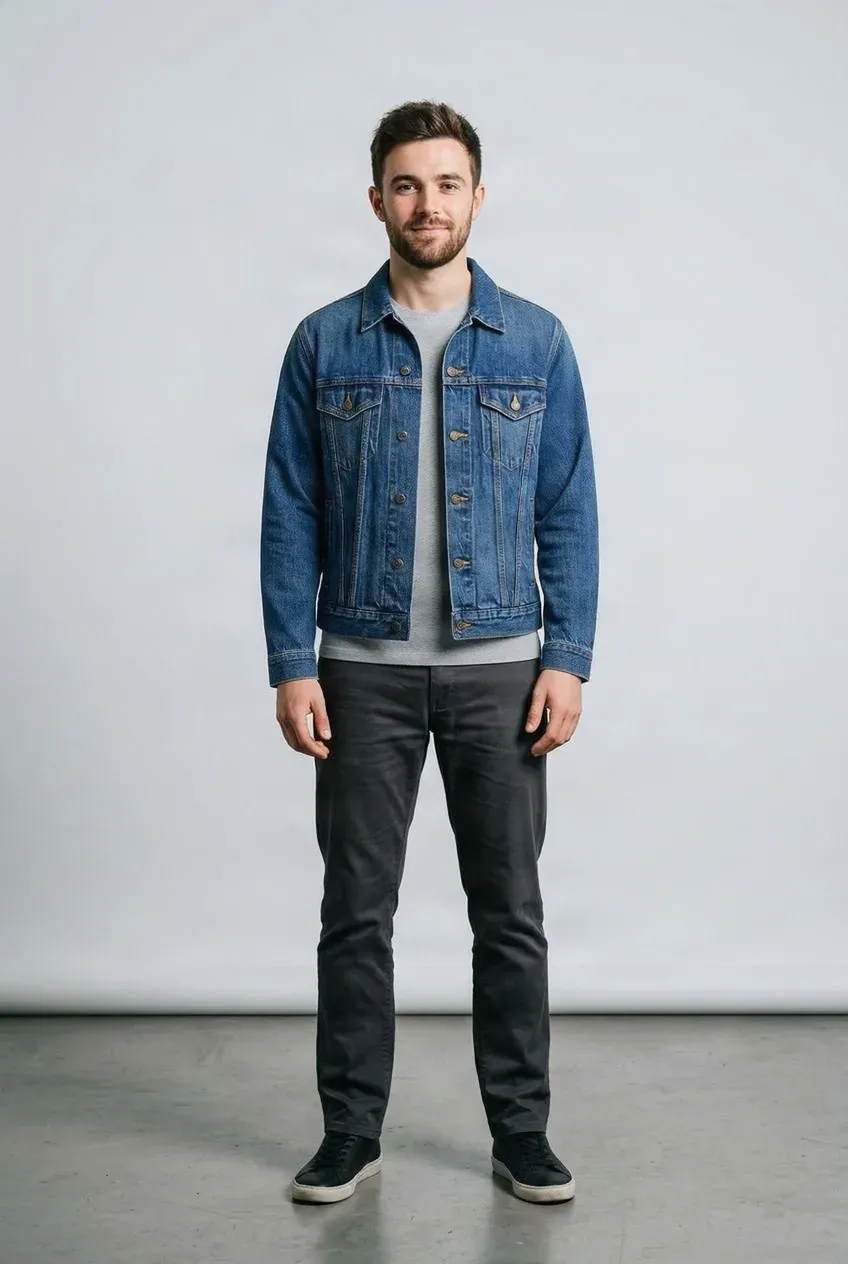
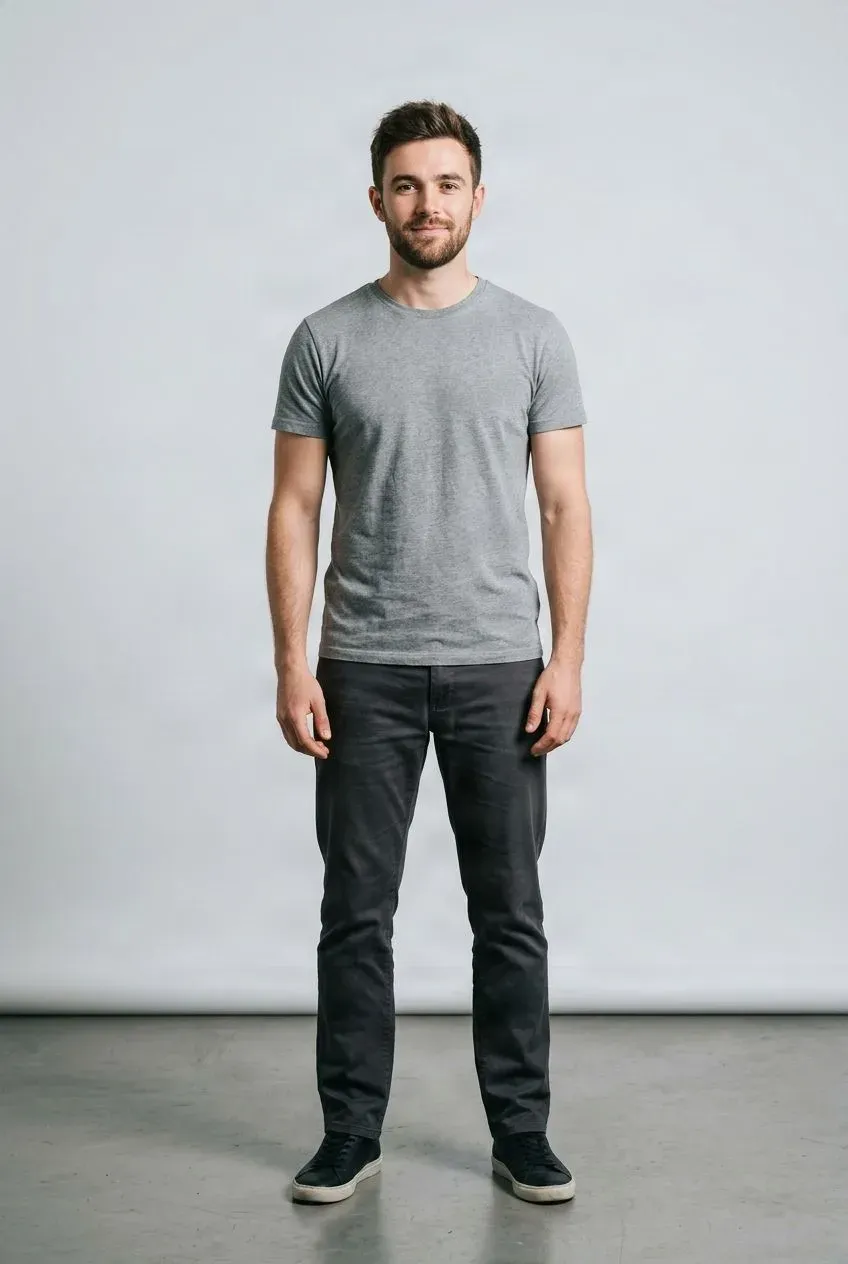
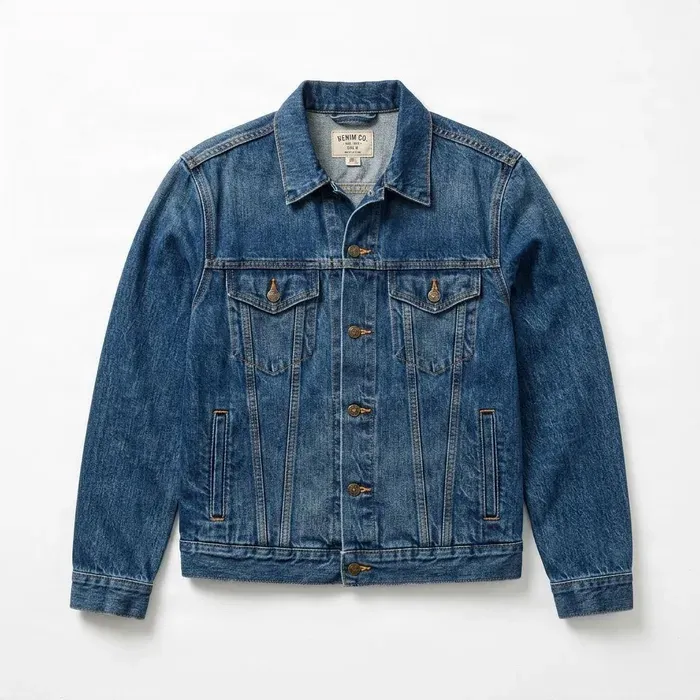 Jacket
Drag to compare — the same person in a different outfit.
Upload a model photo and a ghost mannequin garment image to get started.
Turn Ghost Mannequin Clothing Into On-Model Images
Already have clean ghost mannequin product photos? Upload your ghost mannequin garment image and a model photo to generate a visual preview of the clothing being worn. Reuse existing ecommerce product photography to create more flexible on-model visuals for listings, catalogs, campaigns, social content, and merchandising.
See it in action
From Ghost Mannequin to On-Model Preview
Combine an existing garment product image with a model photo to explore an AI-generated on-model visual.
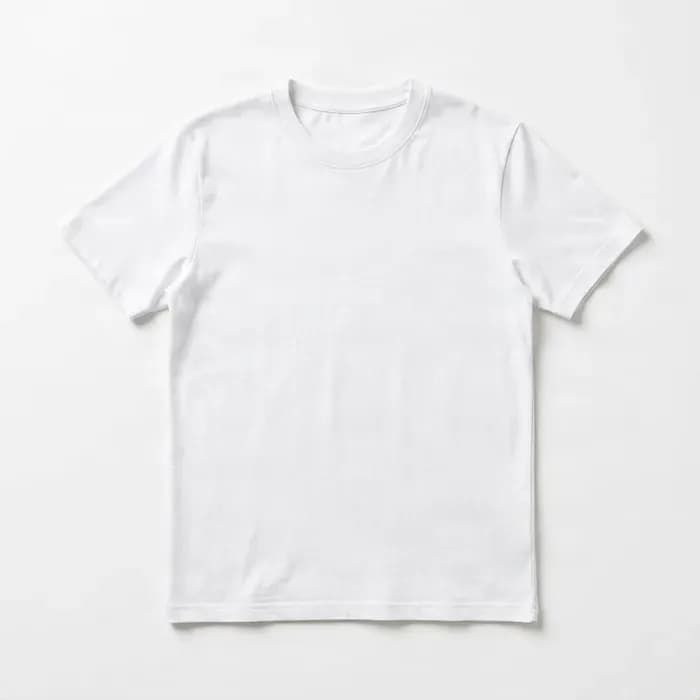
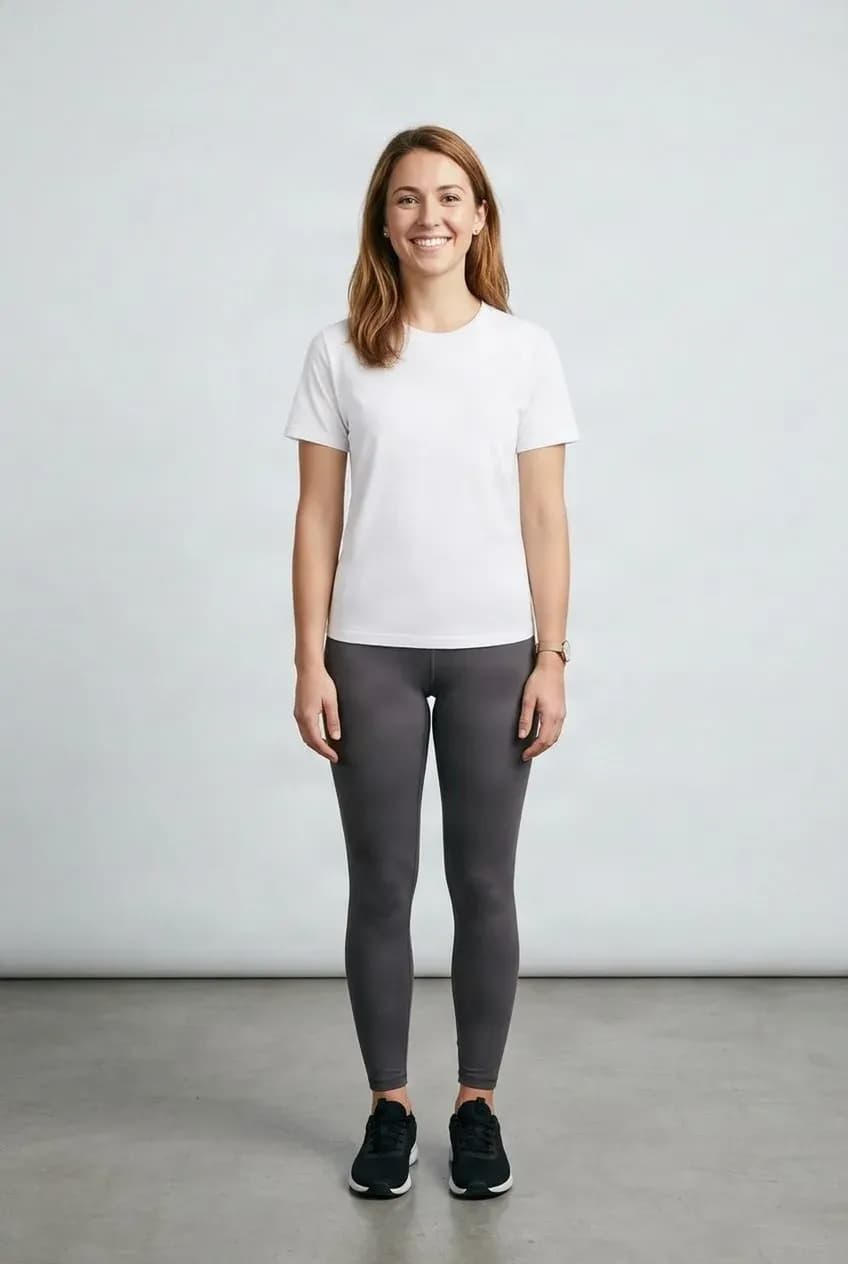
Reuse Existing Catalog Photos
Start with a ghost mannequin image you already use in your catalog.
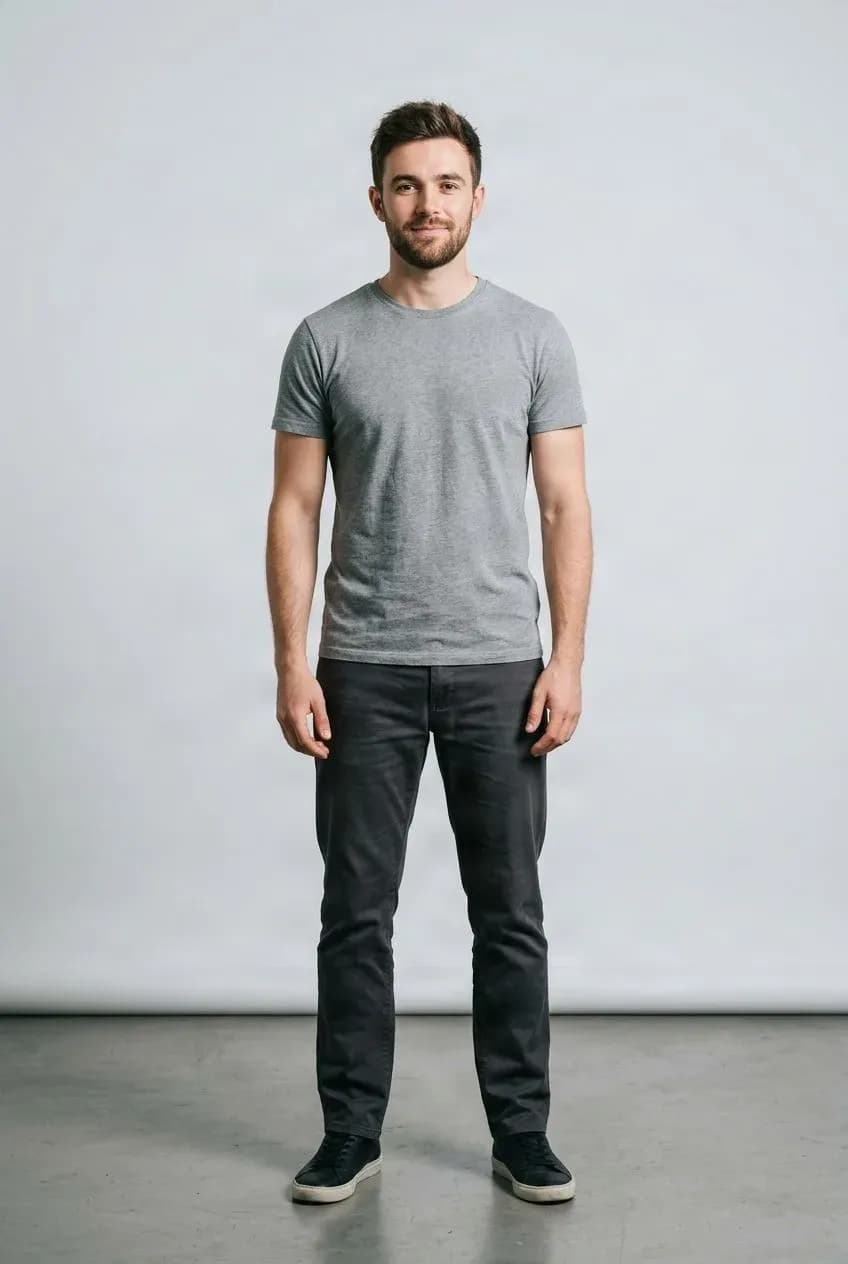
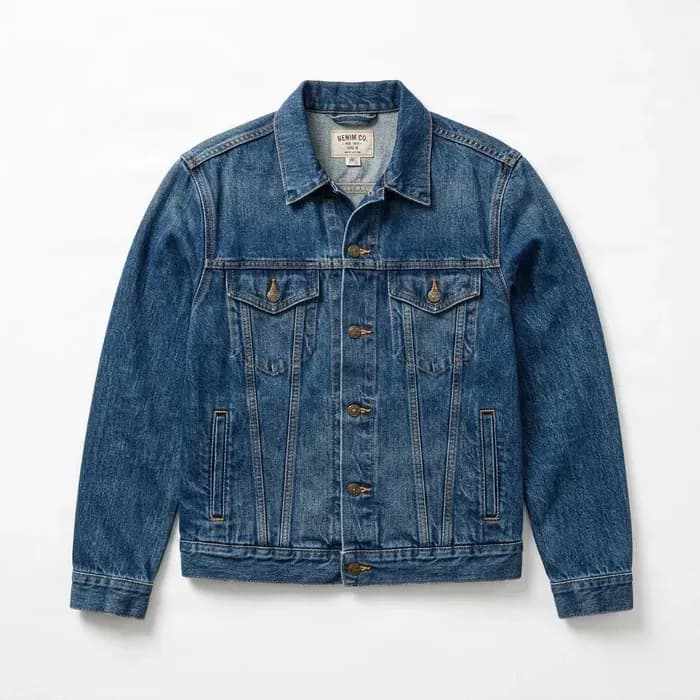
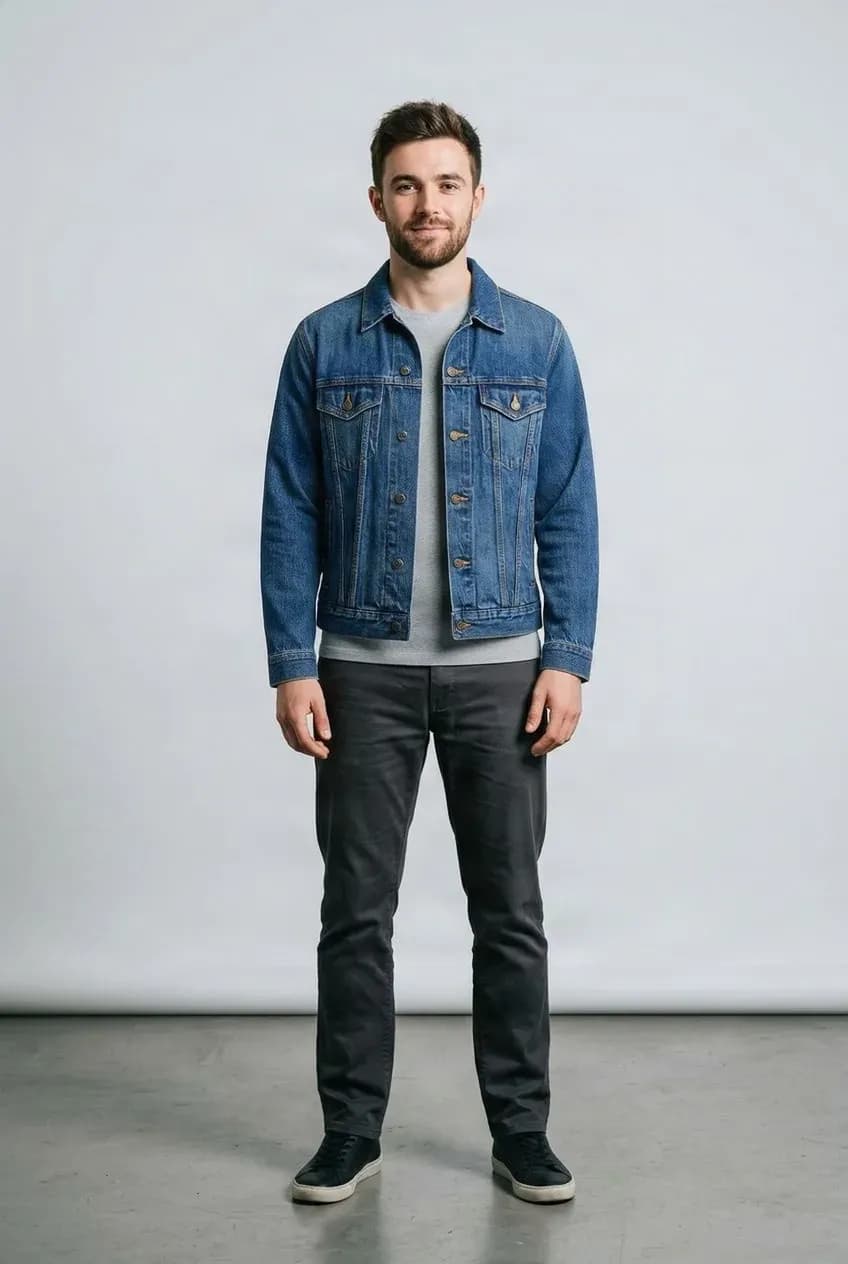
Explore On-Model Styling
Preview the garment on a selected model for creative review and merchandising.
Reuse the Product Photography You Already Have
Ghost mannequin photography keeps a garment’s three-dimensional shape while removing the visible mannequin. It is common in fashion ecommerce, product catalogs, marketplace listings, wholesale catalogs, brand lookbooks, and clothing product pages.
Combine that existing garment image with a model photo to explore an on-model preview before arranging additional photography. The result is an AI-generated visual approximation and should be reviewed before final use.
About Ghost Mannequin Photography
Keep the Garment Shape Without Showing the Mannequin
Ghost mannequin photography, also called invisible mannequin or hollow-man photography, shows clothing on a mannequin that is removed during editing. The result keeps more of the garment’s three-dimensional shape than a flat-lay image while showing the clothing without a visible person.
This workflow helps turn those existing product assets into more flexible visual content.
- Product catalogs and fashion ecommerce
- Marketplace listings and wholesale catalogs
- Brand lookbooks and clothing product pages
Why This Input Works
Start With a Garment That Already Has Visible Shape
Compared with a completely flat garment photo, ghost mannequin photography often retains useful information about the garment’s volume, openings, structure, silhouette, and front-facing geometry. That can make it a useful input format for virtual try-on.
Results remain an AI visual approximation. Review them before use.
- Garment volume, neck openings, sleeve structure, and waist shape
- Hem position and general silhouette
- Visible product design and front-facing garment shape
Built for Fashion Ecommerce
Ghost mannequin photography is already common in professional fashion catalogs. This workflow can help Shopify stores, Amazon apparel sellers, Etsy fashion sellers, TikTok Shop merchants, fashion brands, clothing wholesalers, ecommerce agencies, and retail merchandising teams explore additional presentation options from assets they already have.
Begin with existing catalog photography instead of organizing a new shoot for every garment and model combination.
Put Ghost Mannequin Tops on a Model
Use invisible mannequin images of upper-body garments. For better results, choose an input image where the product is clearly visible and not heavily distorted.
- T-shirts, shirts, and blouses
- Hoodies, sweaters, and sweatshirts
- Jackets and casual tops
Preview Ghost Mannequin Bottoms on a Model
Use a model photo that clearly shows the relevant lower-body area. Supported bottom garments may include pants, jeans, skirts, shorts, trousers, and casual bottoms.
Turn Ghost Mannequin Dresses Into On-Model Visuals
One-piece clothing can also be used in the try-on workflow. Choose a model photo that shows enough of the body for the garment to be placed naturally.
- Dresses
- Jumpsuits
- Rompers and other one-piece fashion garments
Move From Garment-Only Photography to Worn Presentation
A ghost mannequin photo shows clothing clearly, but shoppers still have to imagine the garment on a person. An on-model visual can help people explore its silhouette, relative proportions, styling direction, visual scale, color combinations, and relationship to a human pose.
AI try-on provides a visual preview using the model image you select. It is not a physical fit measurement.
Create More On-Model Variations From the Same Product
Test one garment against different model photos, creative directions, body shapes, campaign concepts, audience segments, or catalog presentations. Review each generated image individually.
Test Multiple Garments on the Same Model
Reuse a model photo that fits your visual direction across different garments. This can support collection planning, catalog concepts, product comparisons, outfit testing, internal merchandising, and social campaign drafts.
Ghost Mannequin vs Flat Lay
Ghost mannequin photos are useful when the garment has already been photographed with some three-dimensional structure. Flat-lay photos are useful when clothing is photographed lying flat on a surface. Existing on-model photos are useful when you already have someone wearing the garment.
All three are valid ecommerce asset types, but they provide different visual information. This workflow is designed around ghost mannequin product images.
Use AI for Visual Exploration, Not Physical Fit Validation
AI try-on can help you explore on-model presentation without immediately organizing a full photoshoot. It can support creative testing, catalog drafts, model selection, product launches, social concepts, and internal review.
It does not replace every form of real-world photography. Exact product documentation, fit testing, or high-end final campaign work may still call for real photography.
Review Important Garment Details Before Publishing
AI generation may alter small product details. Inspect commercially important features carefully before using or publishing a result.
- Logos, printed text, and patterns
- Seams, stitching, buttons, zippers, and pockets
- Materials, decorative trims, and small accessories
Choose a Clear Model Image
A clear source image gives the try-on workflow useful visual information.
- Use one person, a natural pose, and sufficient resolution.
- Keep the relevant body area visible, especially for full-length garments.
- Avoid heavy occlusion from bags, crossed arms, hair, or other objects.
Use a Clean Ghost Mannequin Input
A straightforward product view helps the garment remain easy to interpret.
- Show the full garment and use a clear front-facing view.
- Keep the product unobstructed with clear edges.
- Avoid heavy editing artifacts, broken cutouts, or unnatural edges.
- Choose a source image that clearly shows important design details.
Use the Model Photo as the Base
The workflow is designed to use the selected person as the visual base while changing the garment appearance. It may preserve general pose, body shape, face, hair, background, and camera framing, but results can vary with the source images.
This Is Not a Size or Fit Calculator
The tool does not know exact garment or body measurements, fabric stretch, material stiffness, compression, physical comfort, or whether a garment will fit. Do not use the result as a replacement for size charts or real fit testing.
Fabric Drape Is an AI Approximation
A single product image does not provide the full physical properties of a garment. Fabric weight, stretch, structure, thickness, sheerness, stiffness, construction, and movement cannot be measured by this workflow. It estimates appearance from the supplied images rather than simulating physical cloth.
Useful for Wholesale and B2B Catalogs
Wholesalers and manufacturers often distribute product images without full model photography for every SKU. Ghost mannequin assets can help create presentation options for buyer presentations, sales decks, seasonal catalogs, marketplace preparation, retail partner previews, and internal merchandising.
Create Faster Drafts for Agency Review
Ecommerce agencies and content teams can explore model options, garment combinations, campaign directions, and product launch concepts during early client review.
A Practical Ecommerce Workflow
Start with an existing ghost mannequin photo, select the person who should wear the garment, generate an on-model visual, review key product details and quality, then use the result where appropriate for planning, creative drafts, social concepts, or further editing.
Get More Value From Existing Product Photography
Professional ghost mannequin photography takes time and effort. Reuse those garment-only assets as a starting point for additional on-model visual concepts without immediately organizing another full shoot.
Explore Ghost Mannequin Try-On Workflows
Catalog Expansion
Explore additional on-model variations from existing product images.
Fashion Ecommerce
Create visual drafts for product listings, catalogs, campaigns, social content, and merchandising.
Wholesale and B2B
Prepare visual options for buyer presentations, seasonal catalogs, and retail partners.
Agency Creative Review
Test model choices and campaign directions before planning a production shoot.
Ghost Mannequin + Model Photo → On-Model Result
Upload a Model Photo
Choose the person you want to use for the try-on.
Upload the Ghost Mannequin Garment
Use a clear invisible mannequin product photo with the full garment visible.
Generate and Review
Check the garment appearance, silhouette, color, and important product details.
Use or Refine the Result
Use the image for creative review, ecommerce drafts, merchandising, social concepts, or further editing.
A Visual Preview, Not a Fit Measurement
The result is an AI-generated visual approximation, not a physical fit simulation. It cannot measure body or garment dimensions, determine size, comfort, fabric behavior, or exact product details. Review logos, text, patterns, seams, and other important features before publishing.
Related Try-On Tools
Ghost Mannequin to Real Model FAQ
What is ghost mannequin photography?
It is a product photography style where clothing is photographed on a mannequin and the mannequin is removed during editing, leaving the garment shape visible.
Is ghost mannequin the same as invisible mannequin?
Yes. Ghost mannequin, invisible mannequin, and hollow-man photography commonly describe the same fashion product image style.
Can I turn a ghost mannequin image into a model photo?
Yes. Combine a ghost mannequin garment image with a model photo to generate an AI on-model visual preview.
Do I need to upload a model photo?
Yes. This workflow uses both a garment image and a model image; it does not create a completely new model from only the garment.
Can I use ghost mannequin T-shirts?
Yes. Supported upper-body garments such as T-shirts, shirts, blouses, hoodies, and sweaters can be used.
Can I use jackets?
Yes. Jackets and similar upper-body garments can be processed, though complex layers and structural details should be reviewed.
Can I use pants or jeans?
Yes. Supported pants, jeans, skirts, and shorts can be used with a suitable model photo.
Can I use dresses?
Yes. Ghost mannequin dresses and other supported one-piece garments can be used.
Is ghost mannequin better than flat lay for virtual try-on?
Not always. Ghost mannequin images often contain more information about three-dimensional garment shape, but the best input depends on the source image and garment.
Do I need to remove the background first?
Usually no. A regular ecommerce ghost mannequin photo can work when the garment is clearly visible.
Can I use white-background catalog photos?
Yes. Clean product photos on white or simple backgrounds are suitable.
Can I reuse one model photo for many garments?
Yes. Use the same model photo with different garment inputs and review each result separately.
Can I put the same garment on different models?
Yes. Try the same garment image with different model photos to explore visual presentations.
Will the garment look exactly the same as the original product?
Not always. AI generation may change folds, proportions, textures, logos, stitching, or small details. Review every result.
Does it preserve logos perfectly?
Not necessarily. Logos, text, prints, and other fine graphics may change during generation. Inspect them carefully.
Can it preserve patterns?
Patterns may be represented visually, but complex repeats or small details can be altered. Check the output before publishing.
Can it predict real clothing fit?
No. This is a visual try-on workflow, not a physical fit simulation.
Can it tell me which size the model should wear?
No. The tool does not calculate real garment sizes or body measurements.
Can it show whether a garment is tight or loose?
It can generate a visual silhouette, but cannot reliably determine real-world tightness, comfort, or physical fit.
Does it simulate real fabric physics?
No. It approximates fabric appearance from the images and does not perform exact physical cloth simulation.
Can Shopify stores use the result?
You can use it if you have the necessary rights to the source images and review that the result represents the product appropriately.
Can Amazon apparel sellers use this?
It can support visual experimentation, subject to marketplace requirements and accurate product representation.
Can fashion wholesalers use it?
Yes. Ghost mannequin assets are common in wholesale catalogs and can be used to explore additional presentation options.
Can agencies use it for client content?
Yes. It can help with drafts, creative testing, campaign concepts, and ecommerce content exploration.
Is this a replacement for professional model photography?
Not in every situation. It is useful for experimentation, while exact product documentation or high-end final campaigns may call for real photography.
What model photo works best?
Use a clear image with one person, a natural pose, sufficient resolution, and the relevant body area visible.
What ghost mannequin image works best?
Choose a clean product photo with the full garment visible, clear edges, minimal obstruction, and a straightforward product view.
Can I use heavily edited ghost mannequin images?
You can, but strong editing artifacts, broken garment edges, and unnatural cutouts may reduce result quality.
Can I use side-view garment photos?
Front-facing images are generally a better starting point. Unusual angles may produce less predictable results.
Can I use generated images commercially?
Commercial use depends on your rights to the model photo, garment image, product artwork, trademarks, and other source material. Only process and publish content you are authorized to use.
Turn Your Ghost Mannequin Garment Into an On-Model Preview
Upload an invisible mannequin product image and a model photo to generate an AI try-on visual.
Generate On-Model Try-On