
Plus Size Virtual Try-On
Upload Your Photo and Garment
Upload one photo of yourself and one garment image to generate an AI try-on preview.
Your Photo
Upload a clear photo of yourself.
Good lighting and a natural pose help provide a clear visual starting point.
Garment Photo
Upload the clothing item you want to preview.
Use a clear product image where the garment is fully visible.
Garment type
Optional instructions
Add a note to guide the clothing style or garment area.
Virtual Try-On Preview
Example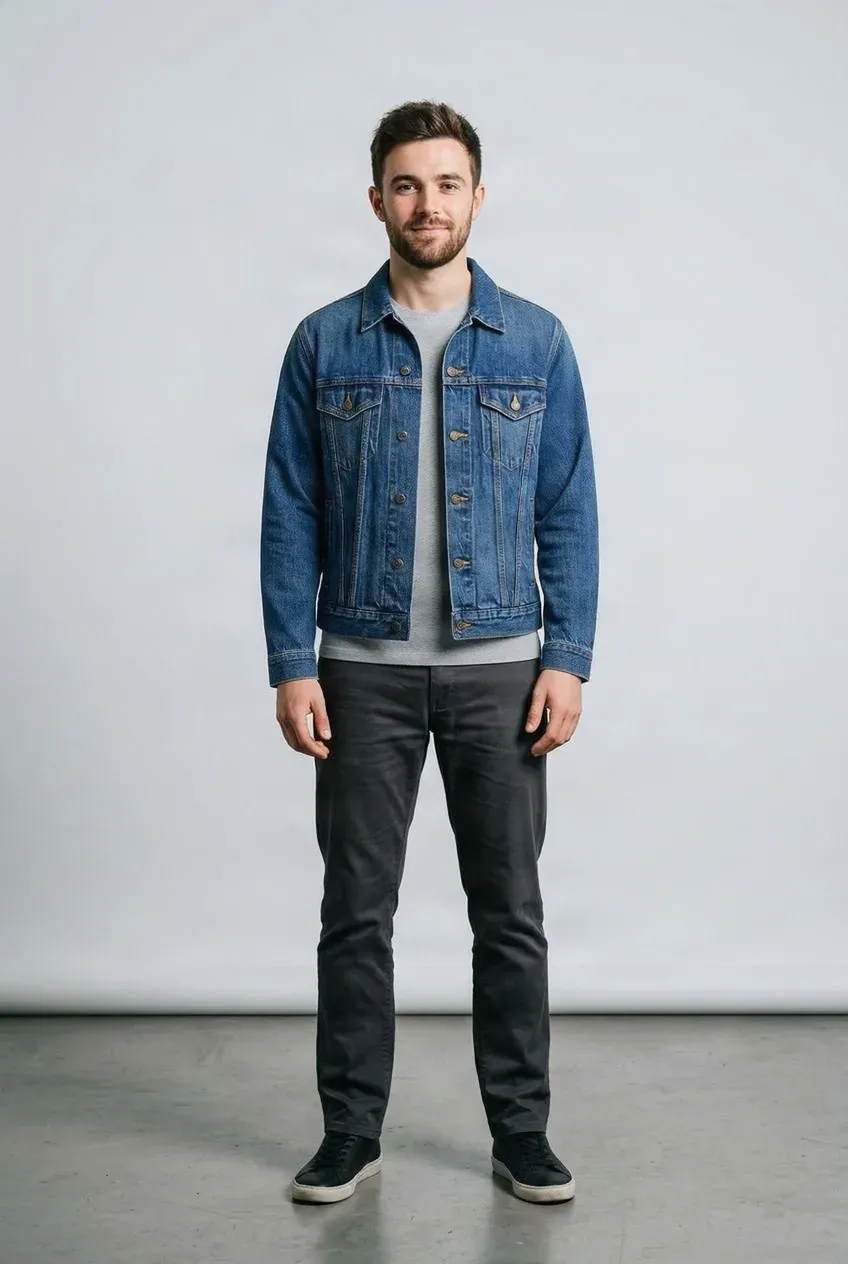
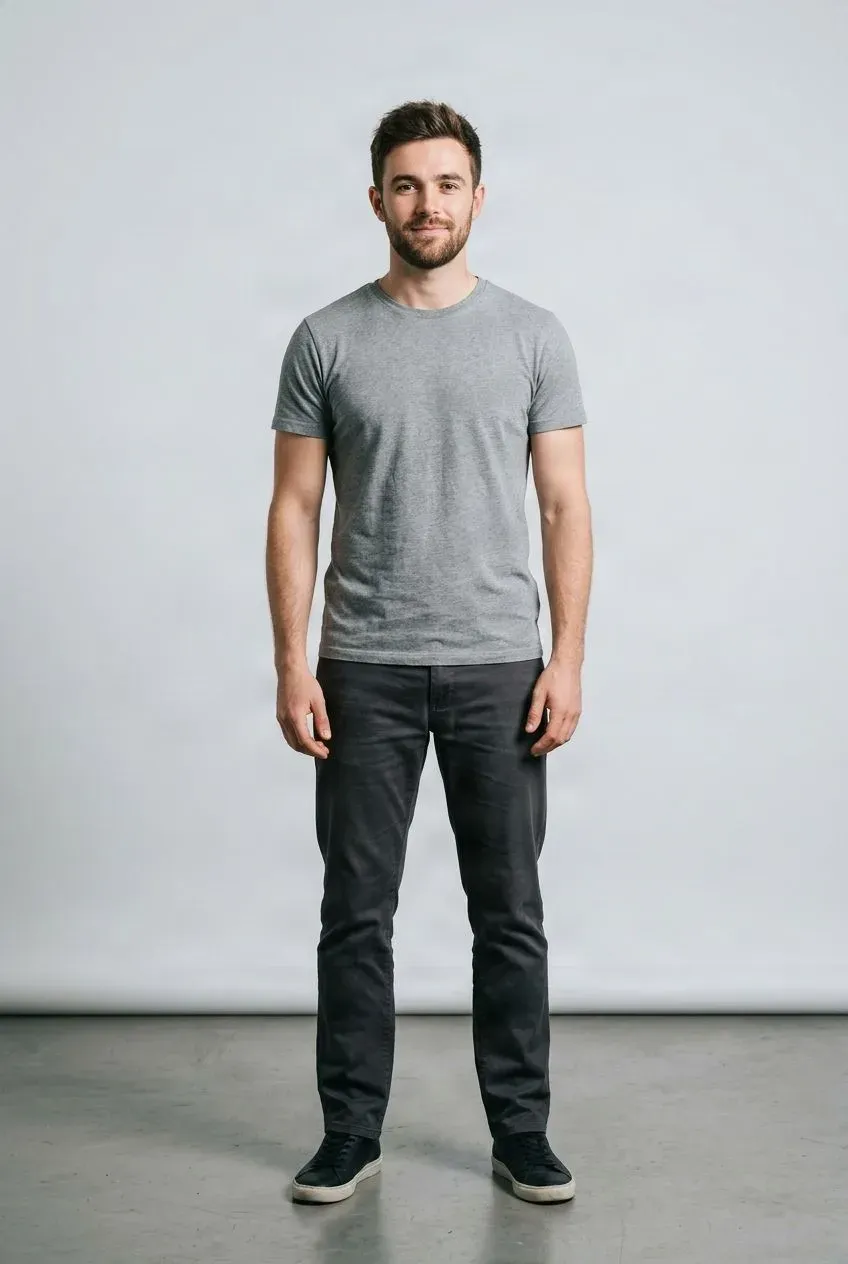
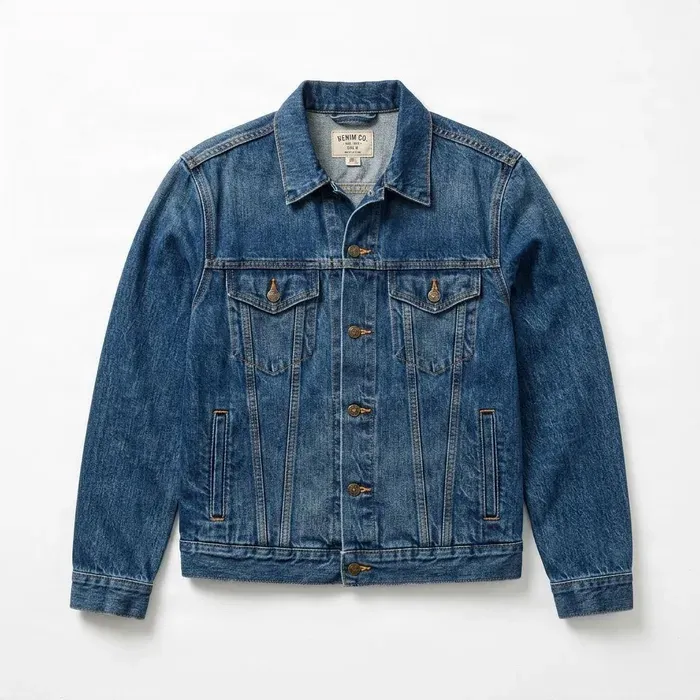 Jacket
Drag to compare — the same person in a different outfit.
Upload your photo and a garment image to get started.
See How Clothes May Look on Your Body
Online clothing photos often show only one body type. Upload your own photo and a garment image to preview how clothing may look on a plus-size or curvy body. Use your photo as the visual starting point instead of imagining the outfit from a standard model photo.
See it in action
Preview Clothing on Your Own Photo
Use your photo and a garment image to create another visual reference for shopping or styling.
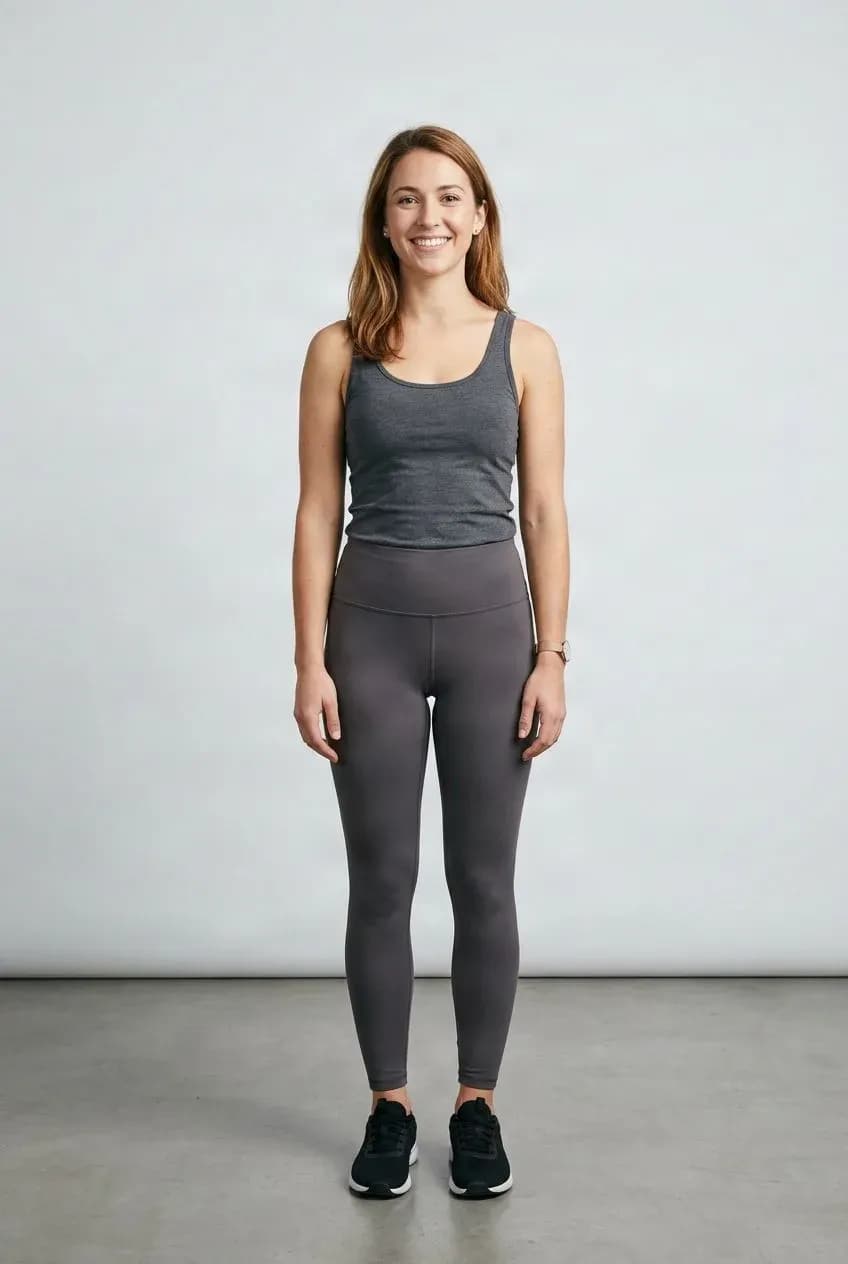
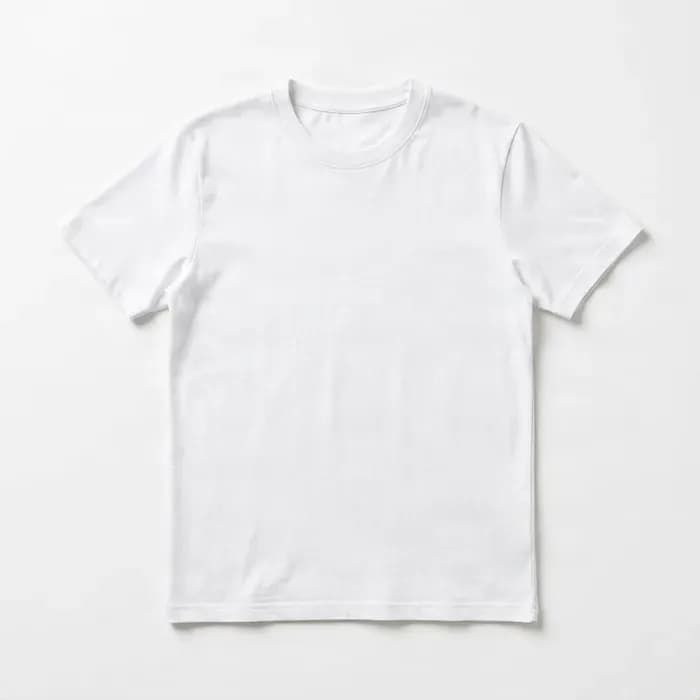
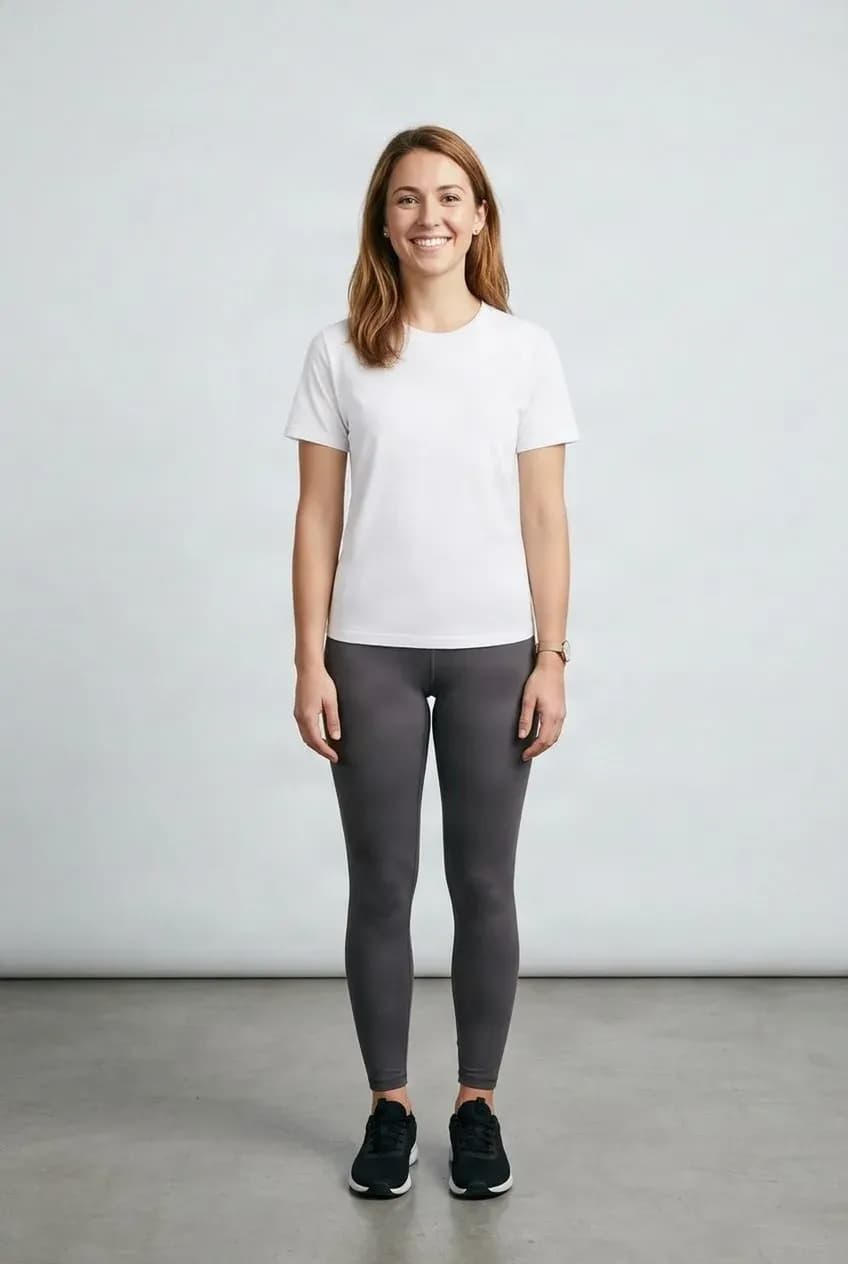
Your Photo as the Starting Point
Preview clothing on the person shown in your uploaded image.
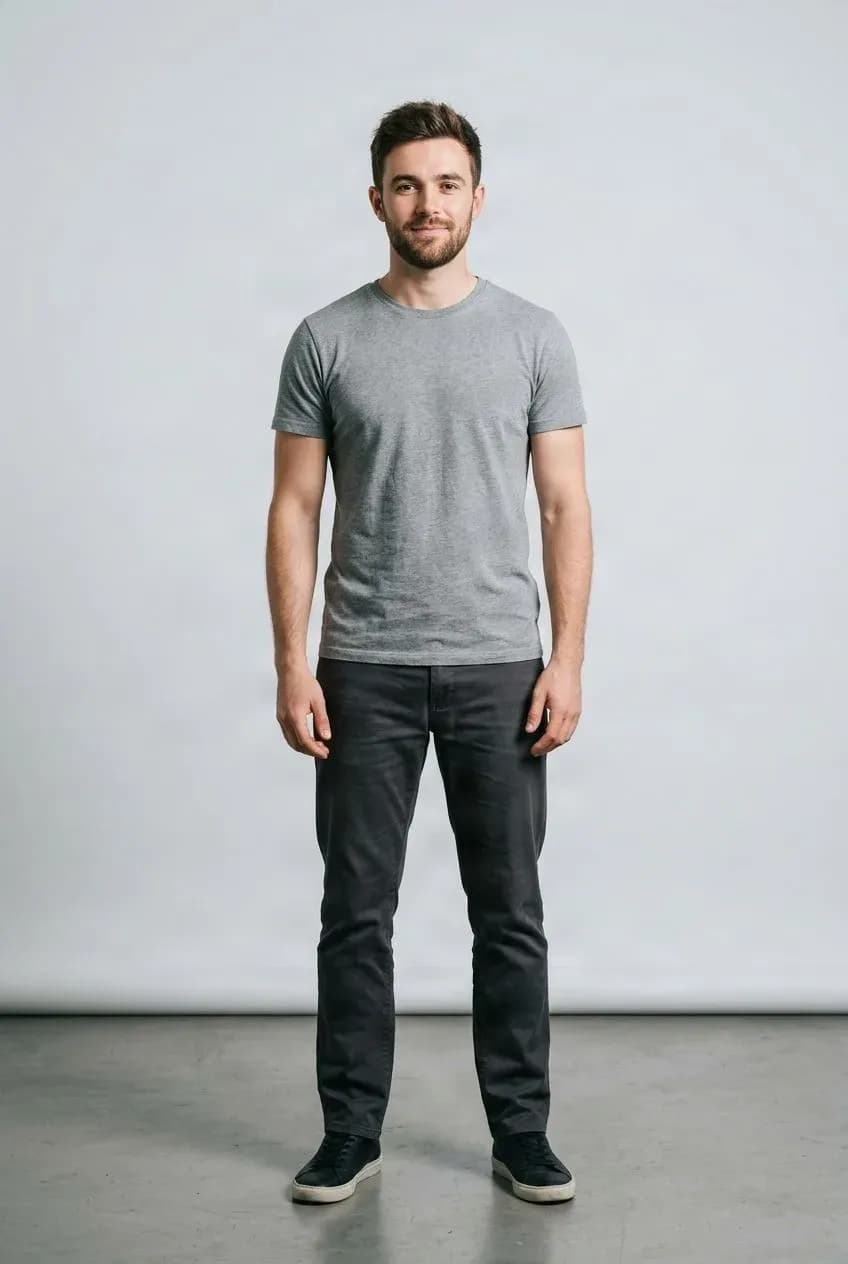
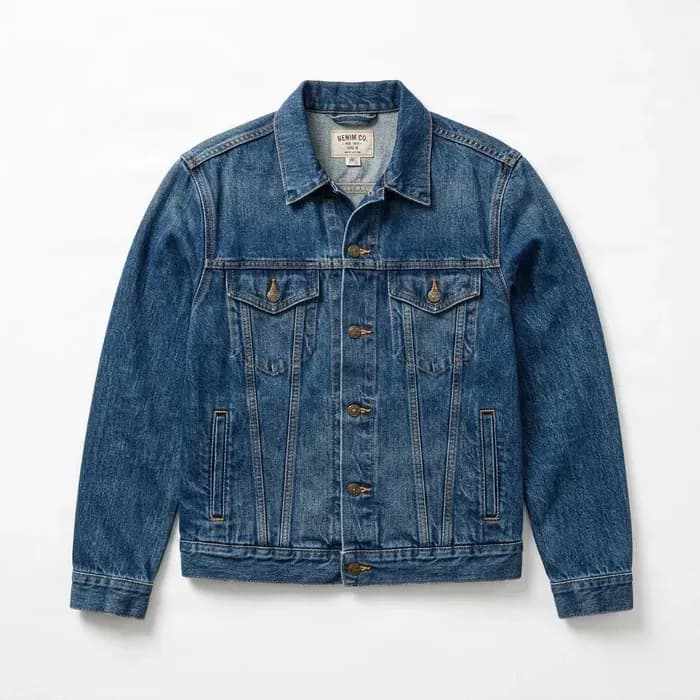
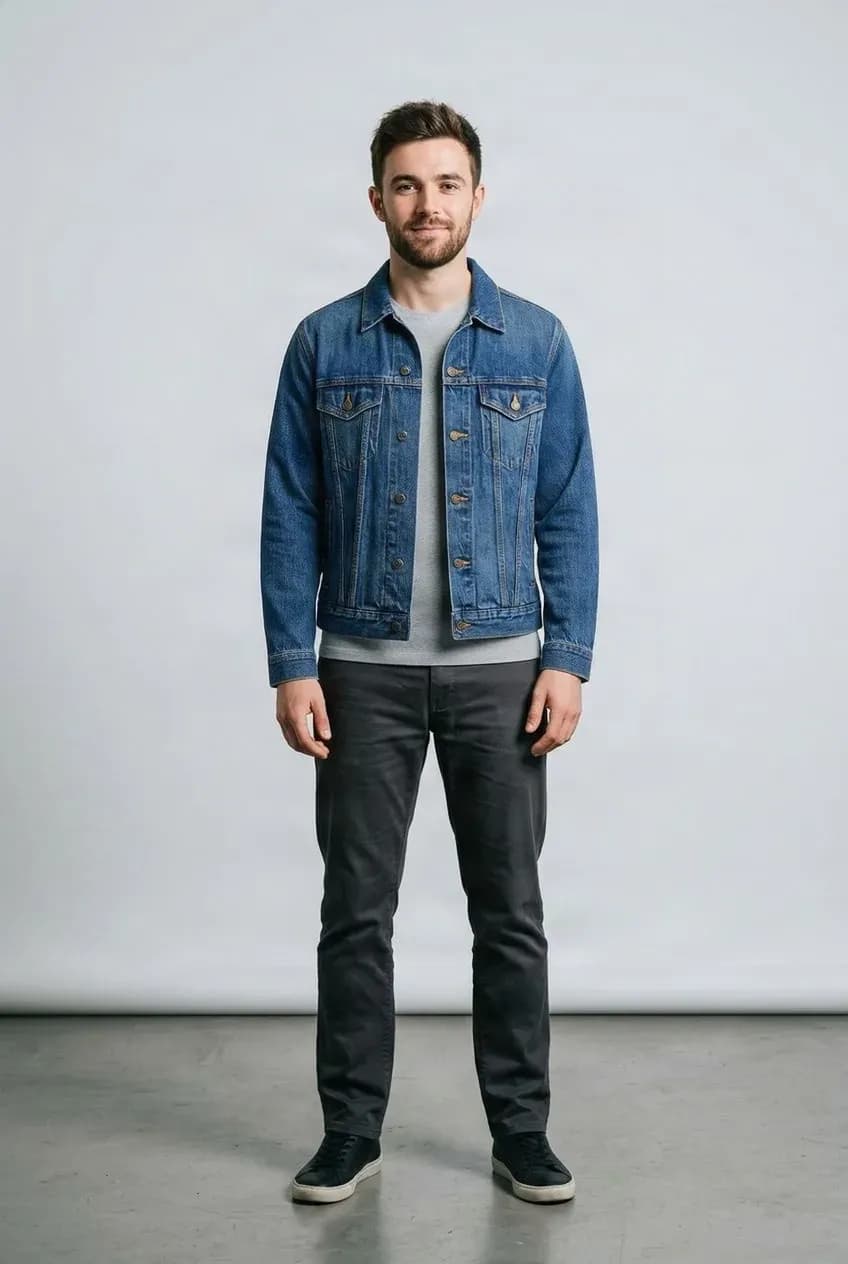
Compare Clothing Looks
Explore garments, colors, and outfit ideas using the same photo.
Use Your Own Body as the Starting Point
This workflow starts from the person in your uploaded photo and previews a garment on that visual base. Its purpose is to show another perspective on clothing, not to replace you with a different body type.
The output is an AI-generated visual approximation. Results vary with the source images and garment, and it is not a measurement or real fit prediction.
A More Personal Reference
Stop Guessing From One Standard Model Photo
A product page may show one model, one body type, one styling choice, and one pose. That does not always help you imagine the same garment on your own body.
The same dress, top, jacket, skirt, or pair of pants can look visually different depending on body proportions, height, pose, styling, garment cut, and camera angle. Using your own photo offers another reference point.
Preview Clothing Without Replacing Your Natural Shape
The workflow uses the person in your uploaded photo as the visual starting point. The goal is to preview the garment while keeping the person’s overall appearance recognizable, rather than changing them into a different body type.
Results vary depending on source photos and garment complexity.
Preview Different Clothing Categories
Depending on the garment and source image, you can try tops, bottoms, and one-piece clothing. Choose a photo that clearly shows the body area where the garment should appear.
- Tops: T-shirts, blouses, shirts, sweaters, hoodies, jackets, and casual tops
- Bottoms: pants, jeans, skirts, shorts, and trousers
- One-piece garments: dresses, jumpsuits, rompers, and other supported clothing
Preview Dresses on a Curvy or Plus-Size Body
A visual try-on can help you explore a dress’s overall silhouette, visual length, color, styling, relative proportion, and appearance with the body shape in your selected photo.
This is a visual approximation. It does not tell you the exact physical size or fit.
See How Tops May Look on Your Photo
Try T-shirts, shirts, blouses, sweaters, hoodies, jackets, and similar garments. This can provide another visual reference when product pages show clothing on a body type that does not resemble your own.
Preview Pants, Jeans, Skirts, and Shorts
Bottom garments can look different depending on body proportions and styling. Explore the overall visual effect using a photo where the lower body is clearly visible.
Use Virtual Try-On Across Different Body Shapes
There is no single plus-size body. People have different proportions in the bust, waist, hips, legs, torso, and shoulders. Using your own photo can provide a more personally relevant visual reference than relying only on a generic model image.
The generated output is an AI visual approximation, not a measurement tool.
Get Another Visual Reference Before You Decide
Compare colors, garment styles, cuts, outfits, similar products, and styling ideas. A preview can support visual decision-making, but it does not guarantee real-world fit.
Test Outfit Ideas Before Getting Dressed
Explore outfit ideas, color combinations, different tops and dresses, silhouettes, and styles you might not normally try. Use the result for styling inspiration rather than as a physical fitting guarantee.
Your Photo Should Still Look Like You
The try-on workflow uses your uploaded photo as the visual base. Its goal is to change the clothing appearance while keeping the person’s identity, pose, and body shape recognizable. Results may vary with image quality and garment complexity.
No Need to Change Your Body Before Trying Clothes
Plus Size Virtual Try-On is not designed as a body slimming, reshaping, or weight-loss tool. You do not need to make your body look smaller before using virtual try-on. The purpose is simply to preview clothing on the person in your photo.
Looking Right Is Not the Same as Fitting Right
Virtual try-on can help preview appearance, but it cannot know exact body or garment measurements, fabric stretch, waistband pressure, shoulder tension, real-world drape, fabric weight, or physical comfort. Use the result as a visual reference, not a substitute for size charts or real fitting.
Virtual Try-On Does Not Choose Your Clothing Size
The tool does not recommend XL, 1X, 2X, 3X, 4X, or another size. Sizing varies between brands and garment types. Use the retailer’s size chart, garment measurements, and return policy when deciding which size to purchase.
Tightness Cannot Be Predicted From an Image Alone
Stretch denim, leggings, knitwear, shapewear, fitted dresses, and elastic waistbands depend on physical material properties. A garment image does not provide enough information to determine exact stretch, compression, pressure, or comfort.
Use Both Images Together
Your photo provides the person, body shape, pose, and visual context. The garment photo provides the clothing appearance. The quality and visibility of both inputs affect the generated result.
How to Get Better Plus-Size Try-On Results
For your photo, use one person in a natural pose, keep the relevant body area visible, avoid heavy occlusion, and choose a clear image with good lighting and sufficient resolution. Simple standing poses are generally easier to interpret.
Use a Clear Clothing Image
Show the full item, keep it unobstructed, and use a clean product view. Flat-lay, ghost mannequin, or other clear garment images can provide useful inputs. Preserve visibility of colors, prints, and garment structure.
Compare Different Colors on the Same Photo
If a garment comes in several colors, use the same person photo to compare black and white, neutral and bright, warm and cool tones, seasonal colors, or different prints. AI-generated colors and details may not perfectly match the product, so inspect the result.
Try Styles You Might Normally Skip
Explore oversized tops, fitted dresses, wide-leg pants, cropped jackets, long skirts, statement colors, and new fashion aesthetics. Treat the result as inspiration, not a physical fitting guarantee.
Make Online Clothing Browsing More Personal
When shopping online, people often have to imagine a garment from a retailer’s model to themselves. This workflow provides another visual reference using your photo, which can help when comparing styles, colors, or new silhouettes.
Explore More Inclusive Product Concepts
Fashion retailers and creative teams can use existing product photography, model images, or flat-lay catalog assets to explore additional visual concepts across body shapes. Review generated images carefully for product accuracy before customer-facing use.
Check Important Details Before Publishing or Buying
AI generation may alter garment details. Review prints, logos, text, seams, pockets, buttons, zippers, pattern placement, and decorative details. Do not assume every generated detail exactly matches the real garment.
Every Try-On Is Different
Results can depend on pose, body visibility, garment category and complexity, image resolution, lighting, occlusion, source image quality, and pattern complexity. Clear person and garment images provide more useful visual information.
Know the Limits Before You Use the Result
This tool provides an AI-generated visual preview. It does not measure your body or the garment, recommend clothing sizes, guarantee fit, predict comfort or fabric stretch, simulate real compression, guarantee exact garment length or perfect print preservation, or replace a real fitting room.
See the Outfit in Three Steps
Upload a clear photo of yourself, add the garment you want to preview, then generate and review the result. You can compare different clothing options without manual photo editing to get started.
See More Than the Retailer’s Model Photo
Use your own photo to explore style, compare garments, and get another visual reference before making a decision. The focus is the outfit and how it appears in your image, not changing your body.
Explore Plus-Size Virtual Try-On Workflows
Before Buying
Compare garment styles, colors, and outfit ideas with your photo as the visual starting point.
Personal Styling
Explore silhouettes, combinations, and styles for inspiration.
Plus-Size and Curvy Clothing
Preview supported tops, bottoms, dresses, and other garments on your photo.
Retail and Brand Concepts
Explore more inclusive visual concepts, then review generated imagery for product accuracy.
Upload Your Photo + Garment → Try-On Preview
Upload Your Photo
Choose a clear image of yourself with the relevant body area visible.
Upload the Garment
Use a clear image of the clothing item you want to preview.
Generate the Try-On
Create a visual preview and compare clothing options.
Visual Try-On, Not Size or Fit Prediction
The result is an AI-generated visual approximation. It does not measure the person or garment, select a size, predict fit, stretch, compression, or comfort, or replace a retailer’s size chart or real fitting. Review garment details carefully.
Related Try-On Tools
Plus Size Virtual Try-On FAQ
What is plus-size virtual try-on?
It uses a photo of a person and a garment image to generate a visual preview of clothing on that body. It helps users see clothing on a wider range of body shapes.
Can I use my own photo?
Yes. Your photo provides a personally relevant visual reference instead of showing the garment only on a retailer’s model.
Does the tool change my body shape?
The goal is to use the person in your photo as the visual base while changing the garment. It is not designed as a body-slimming or reshaping application.
Is this only for plus-size users?
No. The workflow can be used with different body shapes. This page focuses on plus-size and curvy users seeking a more relevant clothing preview.
What clothes can I try on?
Supported garments can include tops, bottoms, dresses, jumpsuits, jackets, shirts, hoodies, pants, skirts, shorts, and other apparel.
Can I try on dresses?
Yes. Use a clear person photo showing enough of the body and a clear dress image.
Can I try on jeans or pants?
Yes. Use a photo where the lower body is visible.
Can I try on tops and jackets?
Yes. Tops, shirts, sweaters, hoodies, jackets, and similar garments can be used.
Can I use a product photo from an online store?
Yes, provided you are authorized to use the image. Clear product images generally work better than heavily edited or obstructed photos.
Will the try-on show exactly how the garment fits?
No. The result is a visual simulation, not a physical fit prediction.
Can it tell me what size to buy?
No. Virtual try-on does not calculate clothing size. Use the retailer’s size chart and garment measurements when choosing a size.
Does it know my measurements?
No. It does not calculate exact bust, waist, hip, inseam, or other body measurements.
Does it know the garment’s measurements?
No. A clothing image does not contain reliable real-world measurement data.
Can it show whether clothing will feel tight?
No. It cannot predict physical pressure, tightness, or comfort.
Can it simulate stretch fabric accurately?
Not exactly. Fabric stretch depends on physical material properties that cannot be reliably determined from an image alone.
Can it show whether leggings are compressive?
No. A generated image cannot reliably tell you how much compression a real garment provides.
Can I compare two outfits?
Yes. Generate separate try-ons using the same person photo and different garments.
Can I compare different colors of the same garment?
Yes. This can help compare which colors or styles you prefer visually.
Can I use a full-body photo?
Yes. Full-body photos are useful for dresses, pants, skirts, and garments covering larger areas.
Can I use a cropped photo?
Yes, if the body area needed for the garment is visible. An upper-body image may work for a shirt but not full-length pants.
What pose works best?
A natural standing pose with the body clearly visible is generally a better starting point. Extreme poses can make garment placement less predictable.
Can I use a mirror selfie?
A clear mirror selfie may work, but phones, arms, or other objects covering the clothing area can affect the result.
Does hair covering the body matter?
It can. Hair covering the chest, shoulders, or clothing area may make garment rendering more difficult.
Can I try oversized clothing?
Yes. The result is not an exact prediction of real-world looseness or drape.
Can I try fitted clothing?
Yes. The visual result may show a fitted silhouette, but it cannot confirm real sizing or comfort.
Can retailers use this for plus-size product imagery?
It can support creative exploration and broader body-type representation. Review generated images carefully for product accuracy before publishing.
Will logos and patterns stay exactly the same?
Not always. Small text, logos, patterns, seams, and prints may change during AI generation.
Is the result a real photo?
No. The output is AI-generated based on the person and garment images you provide.
Is this a replacement for trying clothes on in person?
No. It provides another visual reference but cannot reproduce physical fit, comfort, fabric behavior, or real-world movement.
Can I use virtual try-on before buying clothes online?
Yes. It can help compare appearance, colors, and styles. Choose a size using actual measurements and retailer sizing information.
Do I need to create an avatar first?
No. You can use a normal photo directly.
Can I try clothes on a curvy body?
Yes. The workflow can use a photo of a curvy person as the visual base for the try-on.
Does the tool make plus-size users look thinner?
That is not the intended purpose. The goal is to preview clothing on the person in the uploaded image, not to perform body slimming.
What photo quality works best?
Use a clear, sufficiently large photo with one person, good visibility of the relevant body area, and limited obstruction.
Can I use the generated image commercially?
Commercial use depends on your rights to the person photo, garment image, trademarks, and other source materials. Only use content you are authorized to process and publish.
Preview Your Next Outfit on Your Own Photo
Upload your photo and a garment image to create an AI virtual try-on preview.
Try Clothes on My Photo