
See Yourself in the Wedding Dress Before You Commit
Try On a Wedding Dress Online
Your photo + wedding dress → bridal preview.
Your Photo
Upload a clear photo where your body and pose are easy to see.
The AI uses your photo as the person reference.
Wedding Dress
Upload the bridal gown you want to try.
Use a clear dress reference where the silhouette, neckline, sleeves, skirt, and overall design are visible.
Optional instructions
One clear complete dress reference is usually the simplest place to start.
Your Bridal Preview
Example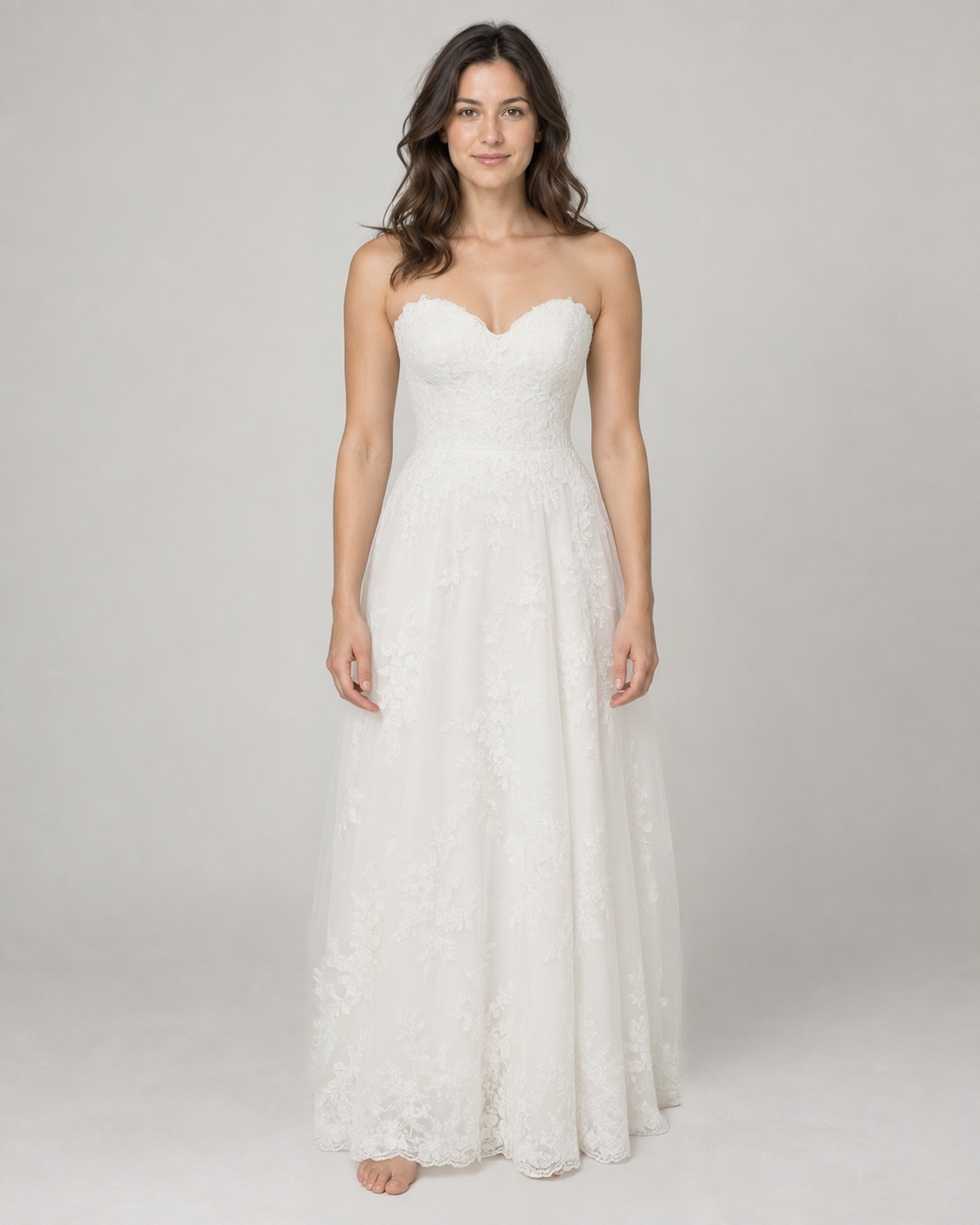
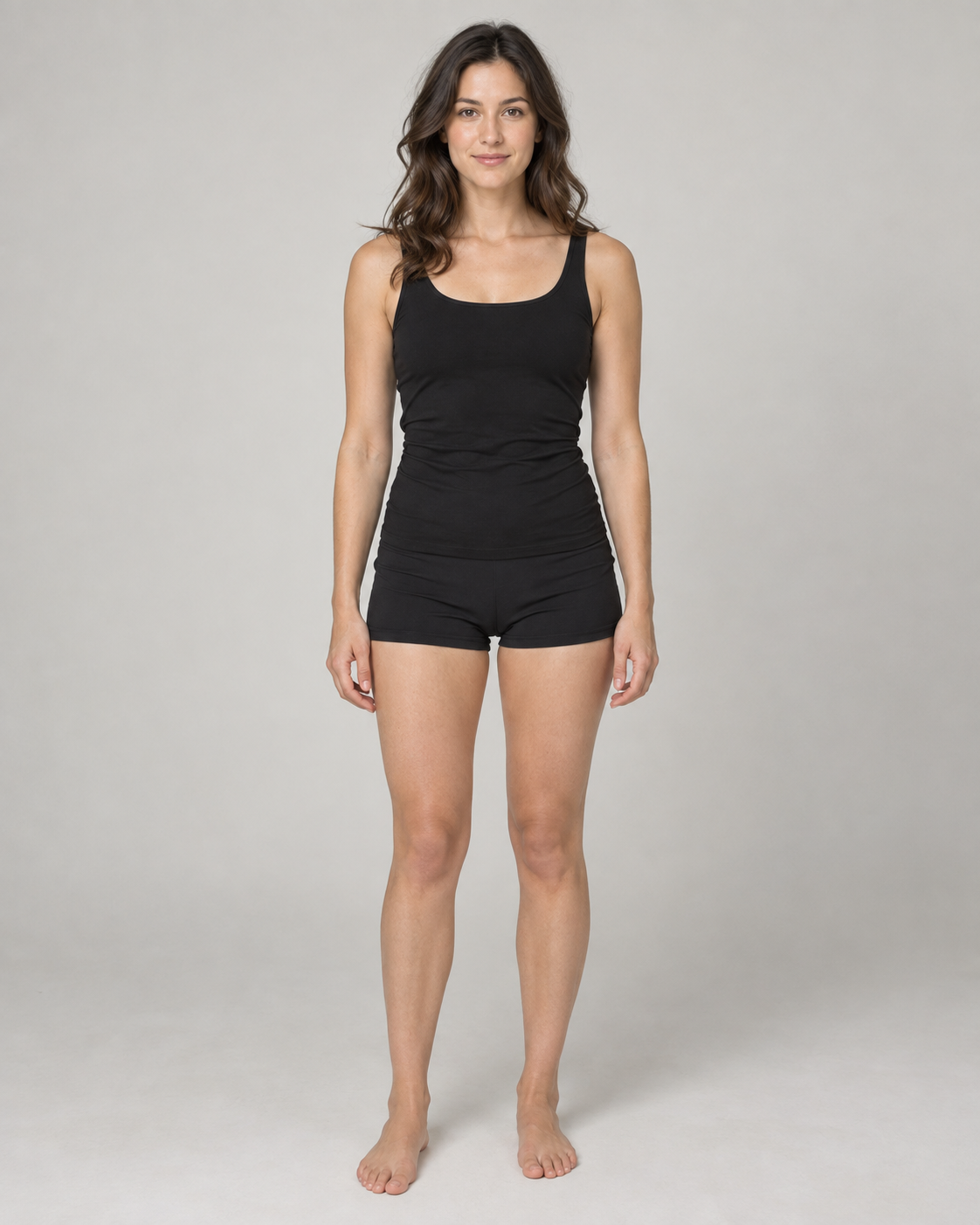
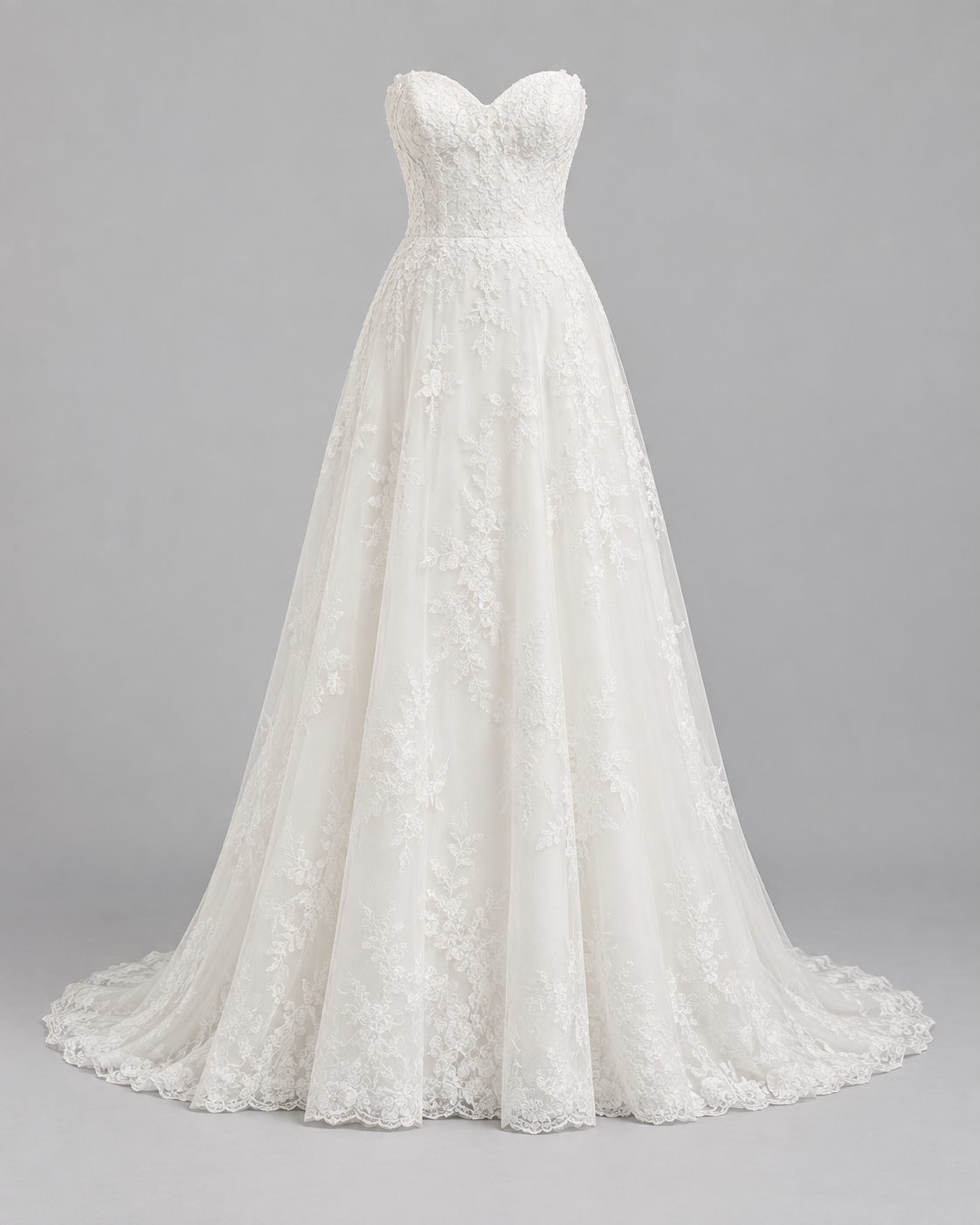 Wedding Dress
Drag to compare — the same person in a different outfit.
Upload your photo and a wedding dress reference to get started.
Found a wedding dress you love, but still wondering what it would actually look like on you? Upload your photo and a wedding dress reference to create an AI-generated bridal preview.
See it in action
From Dress Inspiration to Your Bridal Preview
Start with your photo, add the gown you're considering, and see an AI-generated preview before adding it to your shortlist.
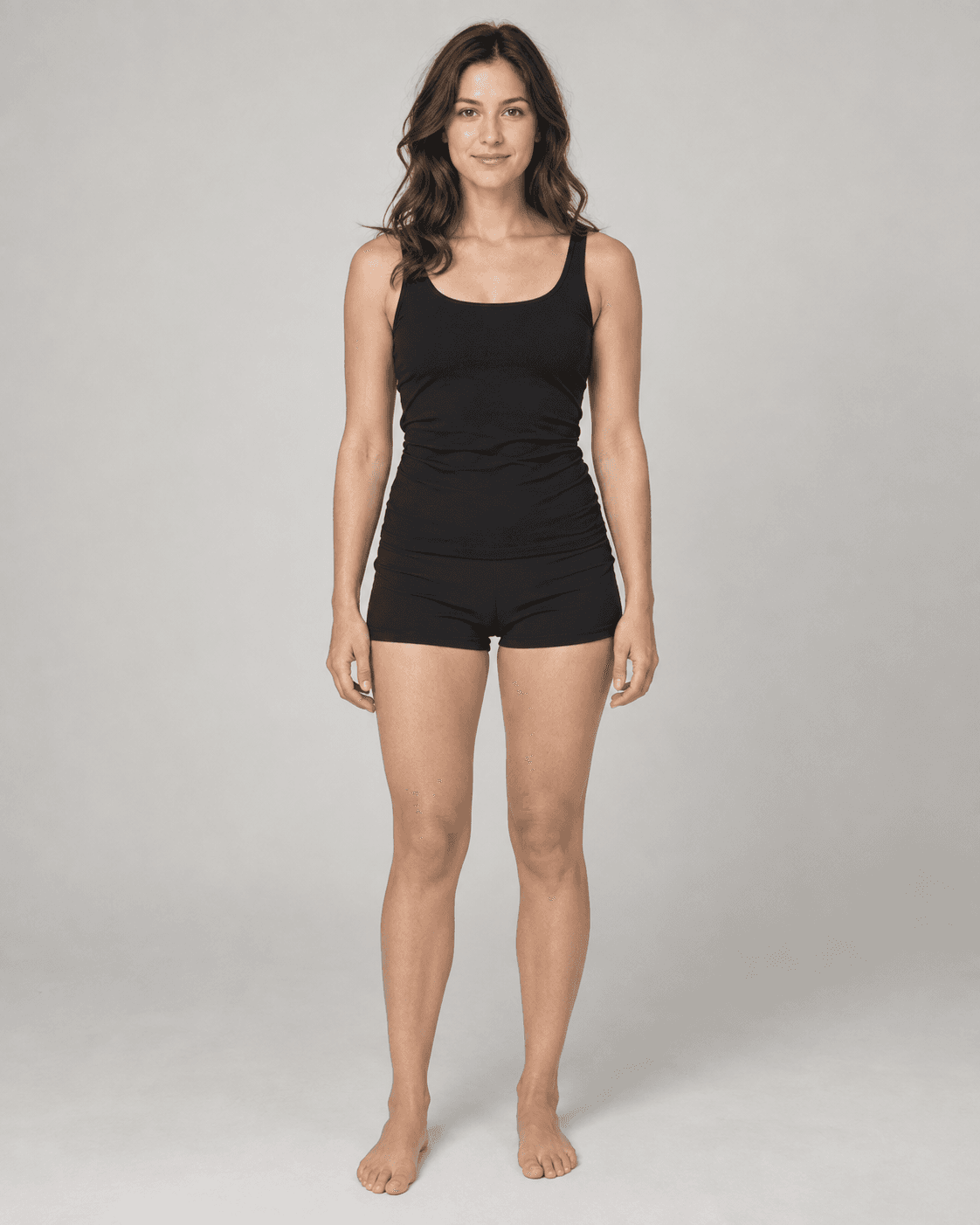
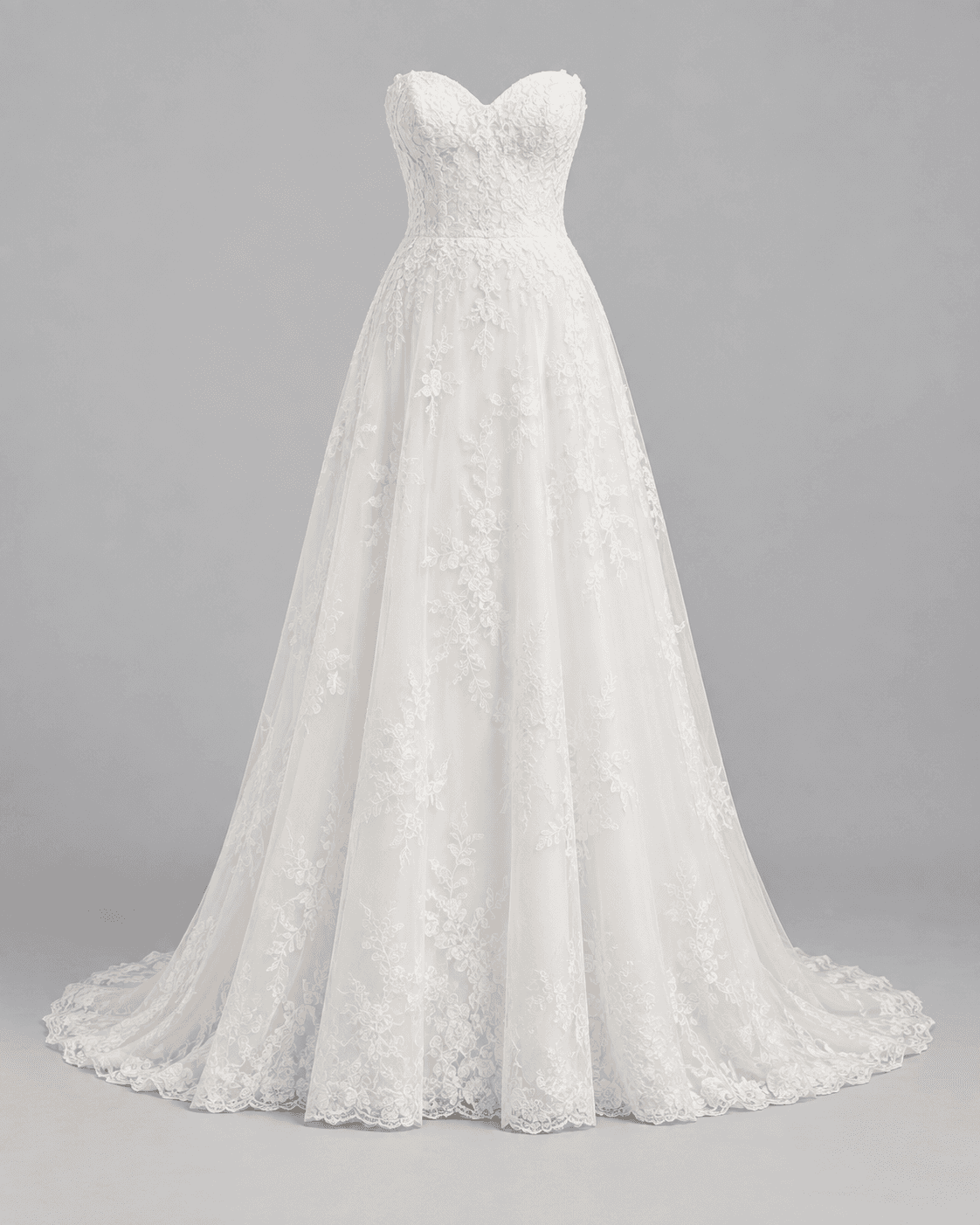
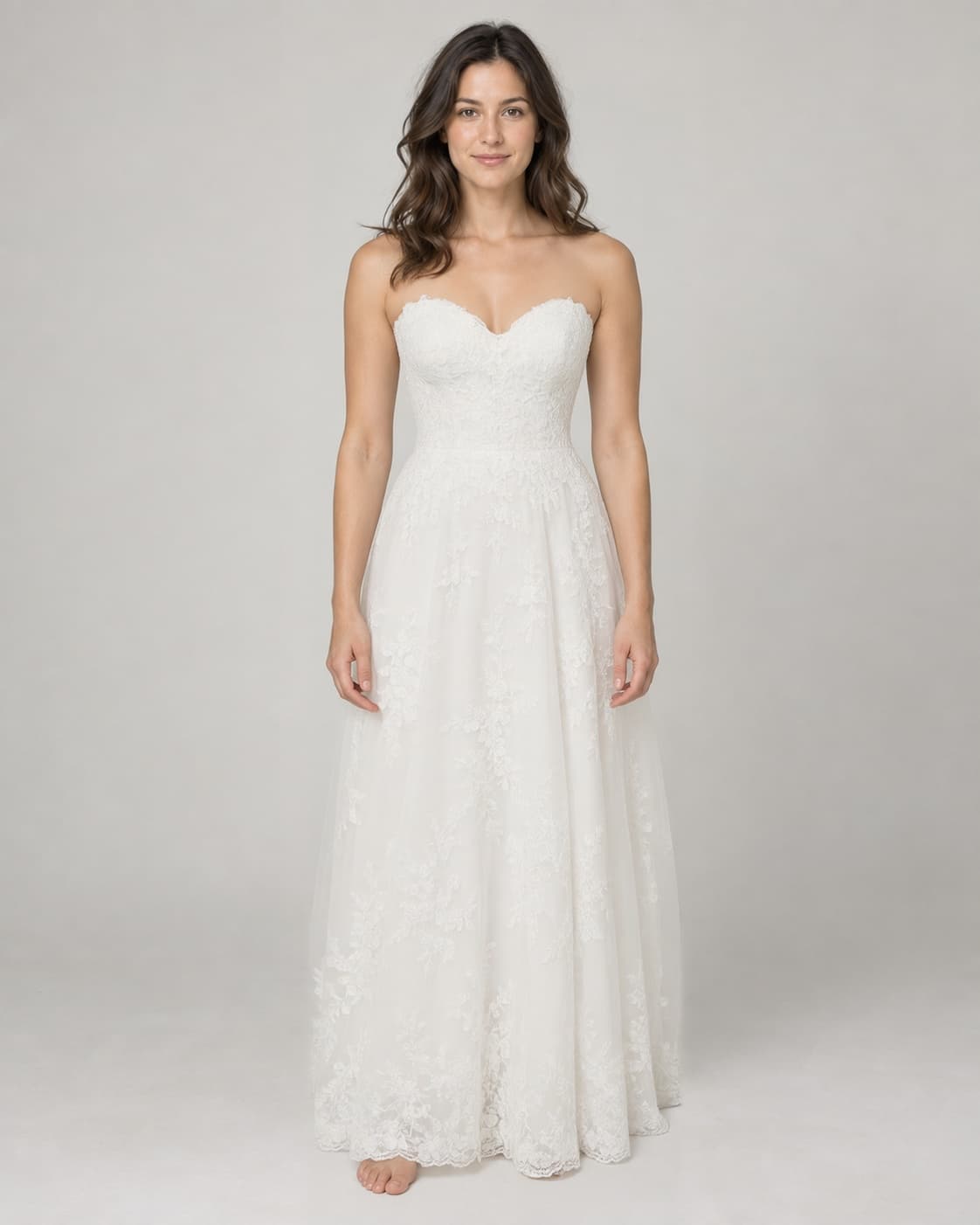
Your Photo + Wedding Dress
A simple personal photo, a clear A-line dress reference, and a bridal preview.
A Beautiful Dress on a Model Doesn't Always Answer the Question
You may already know that you love the dress. But you still want to know whether the silhouette, neckline, sleeves, or skirt shape feels right for you.
A virtual preview will not replace a bridal fitting, but it can help you decide which dresses are worth your attention first.
Compare Wedding Dresses Before You Commit
Before a Bridal Appointment
Explore styles so you arrive with a clearer idea of what you want to try.
Before Ordering Online
Preview the visual direction before buying a dress you have not tried in person.
Compare Favorites
Use the same photo with several dresses to narrow down your shortlist.
Explore Silhouettes
Compare A-line, ball gown, mermaid, sheath, and other shapes.
Try Necklines and Sleeves
See how different upper-body designs change the overall bridal look.
Plan a Second Dress
Explore reception dresses, ceremony alternatives, or additional bridal looks.
From Saved Dress to Bridal Preview
Upload Your Photo
Choose a clear image of yourself.
Add the Wedding Dress
Upload the bridal gown you are considering.
Generate the Preview
See an AI-generated bridal look based on both images.
A Virtual Preview Is Not a Bridal Fitting
The generator does not know your exact measurements, garment measurements, fabric stretch, corset structure, alterations, bust support, heel height, train behavior, or tailoring requirements. Use the preview to help choose what to try, not what size to buy. Lace, beading, embroidery, sequins, sheer fabric, tiny straps, and train details may also be reinterpreted.
Related Try-On Tools
Wedding Dress Virtual Try-On FAQ
What is a Wedding Dress Virtual Try-On?
It uses your photo and a wedding dress reference to create an AI-generated image showing how the bridal style could look on you.
Do I need to own the wedding dress?
No. You can use a dress reference you have the right to use for visualization, such as a product image or your own saved reference.
Will the wedding dress look exactly like the original?
Not necessarily. AI may reinterpret fine lace, beading, embroidery, trains, patterns, sheer details, and other small elements.
Can I use a full-body photo?
Yes. A full-body or mostly full-body photo is generally the most useful input for a full-length gown.
Can I use a selfie?
A selfie may work for neckline or sleeve details, but it is not ideal for evaluating a complete wedding dress silhouette.
Can I compare several wedding dresses?
Yes. Keep the same photo and generate separate previews with different dresses.
Can I try different silhouettes and necklines?
Yes. Use suitable references to compare A-line, ball gown, mermaid, sheath, sweetheart, square, V-neck, strapless, and other styles.
Can this tell me which wedding dress fits best?
No. It provides a visual preview and does not measure your body or predict physical fit.
Can I use it before a bridal boutique appointment?
Yes. It can help you narrow down the styles you want to try in person.
Is this a replacement for trying on a wedding dress in person?
No. It is a visual exploration tool that can help you narrow down styles before an in-person fitting or purchase.
Find the Dresses You Actually Want to Try
Upload your photo, add the wedding dress you are considering, and see the look before adding it to your shortlist.
Try On a Wedding Dress