
Turn Flat Visual Novel Sprites Into Editable Character Layers
Upload Your Character Sprite
Separate character artwork into editable PSD & PNG layers (hair, face, clothing, body).
Upload a Character
Supports JPG, PNG, and WebP
or drag and drop
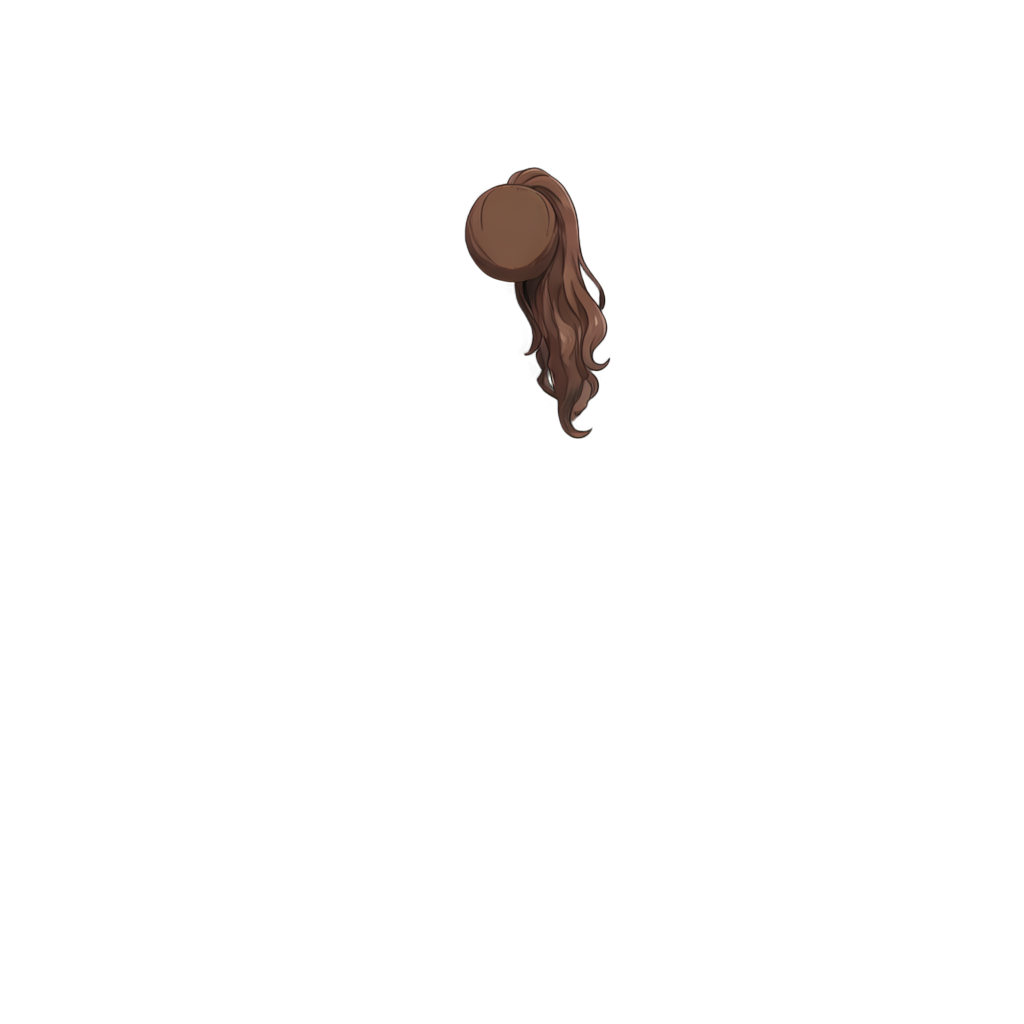
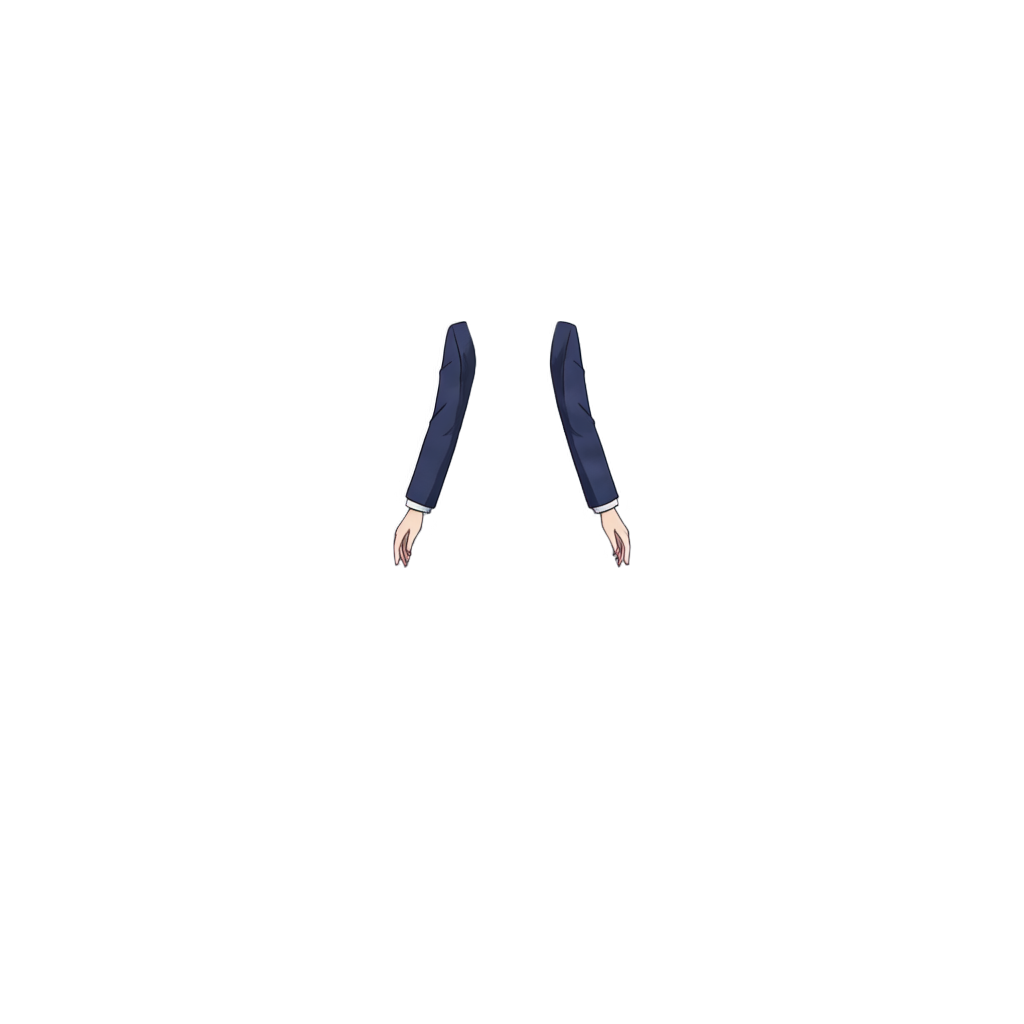
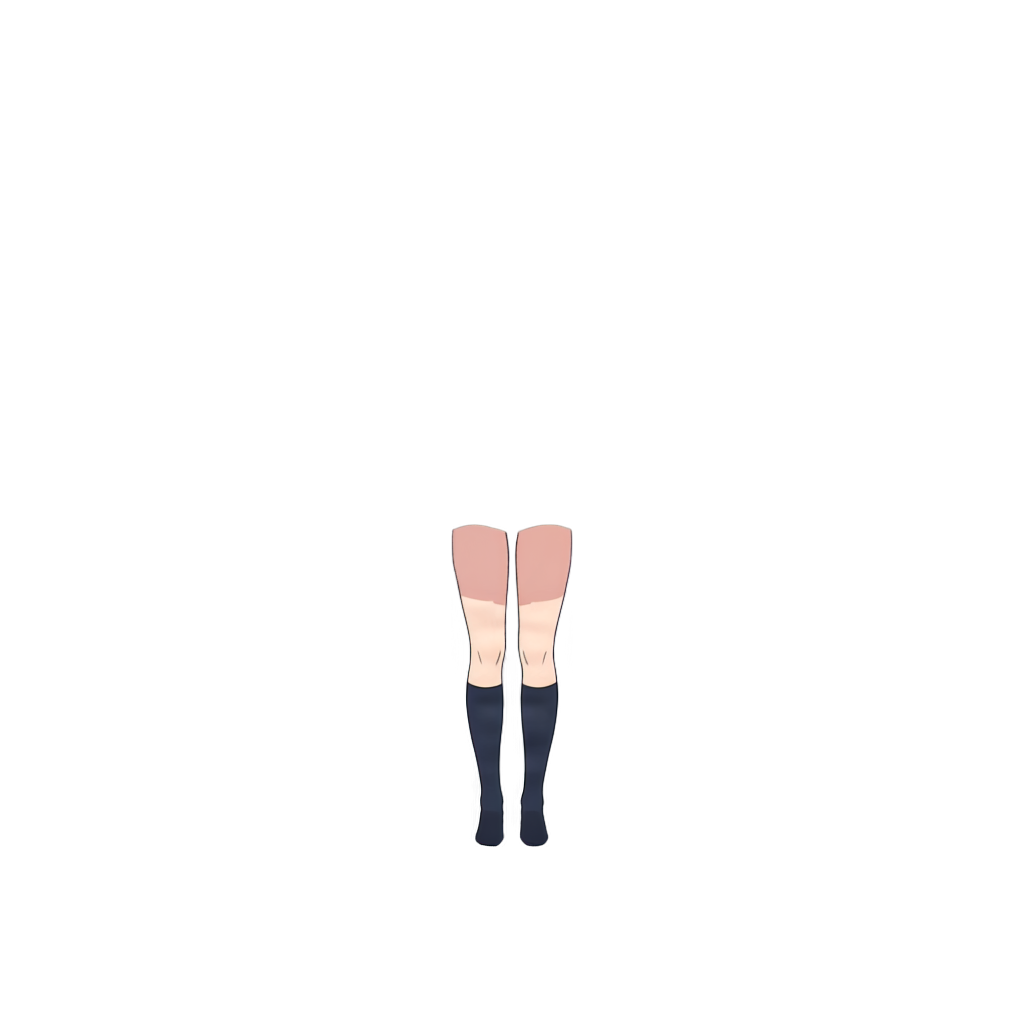
Ready to test with your own or this sample character
Upload one complete character with a visible face and body. Isolated hair, clothing, or accessory layers may return only partial results.
Your source image stays private
Uses 30 credits per image
Processing time varies with image complexity. Detailed characters and complex poses may take longer.
Convert a finished anime-style character sprite into a more flexible layered asset. ImageToLayers can separate supported parts such as front and back hair, face, eye whites, irises, eyelashes, eyebrows, mouth, clothing, and accessories for expression editing, outfit changes, character variations, and visual novel production.
Upload a flat anime-style character image and let ImageToLayers separate supported semantic character parts into individual layers. For better results, use one clearly visible character, a clean sprite, medium- or high-resolution artwork, readable facial features, and minimal heavy occlusion or extreme effects.
A Finished Sprite Is Easy to Use — Until You Need to Change It
Visual novel sprites are often flat PNGs. That works until you want another expression, eye direction, mouth, hairstyle, outfit, accessory, costume, or story state. Without the original layered source, even a small change can mean manual repainting. This workflow rebuilds a more editable structure from the flat image.
Split One Character Sprite Into Multiple Editable Regions
Depending on the artwork, supported regions may include front and back hair, face, eye whites, irises, eyelashes, eyebrows, mouth, ears, neck, topwear, bottomwear, handwear, legwear, footwear, eyewear, accessories, and other identifiable parts. Not every image produces the same structure.
Make Expression Editing Easier
Visual novels often need neutral, happy, sad, angry, surprised, embarrassed, worried, or tired expressions. Separated irises can help with gaze, eyebrows with emotion, mouths with alternate shapes, and eyelashes or eye whites with eye variations. The tool prepares layers; it does not automatically create a complete expression pack.
Edit Clothing Without Rebuilding the Entire Character
Visual novels may need seasonal, school, casual, formal, battle, or story-event outfits. Supported clothing regions can include topwear, bottomwear, legwear, footwear, handwear, and other visible regions. They give you a starting point for recoloring, replacing, or refining outfits; they do not design new clothing automatically.
Separate Front Hair and Back Hair
Bangs can overlap the face and eyes, while back hair may sit behind the head, shoulders, or clothing. Supported front and back hair layers can help with recoloring, bang edits, alternate hairstyles, independent movement, motion effects, and hair accessories.
Rebuild Areas Hidden Behind Hair and Clothing
Moving hair or clothing can reveal missing pixels because hidden artwork was not visible in the flat image. Depending on the artwork, AI-assisted decomposition may reconstruct face or forehead behind bangs, back hair behind the head, body behind clothing, or regions under accessories. These are estimates and may need cleanup.
Prepare Character Artwork for Ren’Py Projects
Layered artwork can help prepare expression, eye direction, mouth, outfit, accessory, story-state, and recolor variants for a Ren’Py project. The tool does not generate Ren’Py code, image definitions, ATL animations, or complete expression sets.
Create More Variations From One Base Sprite
Use separated supported parts as a starting point for expressions, outfit and hairstyle changes, accessory variations, palette edits, and story states such as damaged, tired, wet, magical, or alternate versions.
Rebuild Editable Assets When the Original PSD Is Missing
A project may retain exported PNG sprites after source files are lost, inherited from another artist, or left behind in old game builds. This workflow can create a new semantic layer structure from the visible image; it does not recover the exact original PSD.
Generated Layers Are a New Reconstruction
A flattened image does not contain the original artist’s full working history. Exact layer names, folders, hidden sketches, clipping masks, adjustment layers, blend modes, brush strokes, guides, and file history cannot be restored. The output is a new semantic structure based on identifiable parts.
From Flat Sprite to Editable Character Asset
Upload a flat anime-style sprite, generate supported regions, review hair, face, eye, clothing, and accessory layers, create edits or variations, then export final sprites for your engine or production workflow.
Continue Working With Characters You Already Have
Use finished sprites, AI-generated or commissioned artwork, old game assets, exported PNGs, or portraits without source files. Clear artwork gives the system more information for semantic decomposition.
Turn AI Character Art Into More Usable Game Assets
AI image generators usually provide a flat result. Layer separation can make anime characters easier to edit for expressions, gaze, outfits, hair, accessories, consistency, and alternate states. Results depend on image quality and consistency.
Layer Separation Is Only One Part of Visual Novel Production
The tool does not create a complete expression pack, mouth phonemes, finished blink animations, Ren’Py scripts, sprite atlases, character poses, new outfits from scratch, turnarounds, finished Live2D rigs, or original PSD recovery. It prepares layered artwork for those workflows.
How to Get Better Results
Use one main, clearly visible anime-style character with a readable face and sufficient resolution. Keep the character large, important features visible, and avoid heavy blur, glow, particles, or extreme lighting that obscures boundaries.
Useful for Many Visual Novel Character Workflows
Good starting points include visual novel and Ren’Py sprites, dating sim characters, anime game portraits, Galgame-style art, interactive fiction, expression and outfit variations, indie game editing, and AI-generated character cleanup.
Some Images May Need More Cleanup
Very small sprites, overlapping characters, strong perspective distortion, heavy effects, extreme facial occlusion, abstract art, realistic photography, and pixel-perfect pixel art may be less reliable. The workflow is optimized for anime-style character art.
Spend Less Time Rebuilding Character Sprites
Manual preparation can involve cutting hair from the face, separating eyes and mouth, repainting hidden skin, rebuilding back hair, separating clothing, cleaning accessories, and organizing layers. Automating much of that first decomposition lets you focus on the variations your story needs.
Frequently Asked Questions
What are visual novel character layers?
Separate editable parts of a character sprite—such as hair, face, eyes, mouth, clothing, and accessories—that make expressions and variations easier to create.
Can I turn a flat visual novel sprite into layers?
Yes. The workflow can analyze a flat anime-style character image and separate supported semantic parts into individual layers.
Can it separate eyes and mouth for expression editing?
Depending on the image, supported features may include eye whites, irises, eyelashes, eyebrows, mouth, and face.
Does it automatically create expression variants?
No. It separates parts but does not generate a full set of emotional expressions. Use the layers as a starting point to create variants.
Can I use it with Ren’Py?
Yes, the generated artwork can help prepare character images for Ren’Py. It does not create scripts or image definitions.
Can it create different mouth shapes for dialogue?
It may separate the mouth but does not generate phoneme sets. Use the layer as a starting point for variants.
Can it separate the iris for gaze changes?
It may produce separate iris layers that can help with eye direction edits.
Can it separate eyebrows?
Visible eyebrows may be separated, which can help prepare expressions.
Can it separate front and back hair?
Yes, these are supported regions; results depend on the image and hairstyle.
Can it separate clothing?
Depending on the character, regions may include upper and lower clothing, legwear, footwear, handwear, and other identifiable areas.
Can I use it to create alternate outfits?
Separated clothing can help with outfit edits, but the tool does not design entirely new clothing.
Can it separate glasses and accessories?
Clearly visible eyewear and accessories may be separated. Small or overlapping items may need cleanup.
Can it reconstruct parts hidden behind hair?
It may estimate supported hidden regions such as forehead or face behind bangs. Generated areas may need refinement.
Can it rebuild back hair hidden behind the character?
It may reconstruct portions hidden behind the head, body, or clothing, depending on the source.
Can it recover the original PSD?
No. It creates a new semantic decomposition and does not restore the original artist’s file.
Can I use it if I lost the original source files?
Yes. If you still have a flat exported sprite, the workflow can help create a new editable structure.
Does it work with AI-generated visual novel characters?
Yes, if the visual structure is clear enough for semantic decomposition.
Can I use it for dating sim characters?
Yes. Such sprites often need expression and outfit variations, making them a suitable use case.
Can I use it for Galgame-style character sprites?
Anime-style Galgame artwork aligns with the illustrated character workflow.
Does it work with manga characters?
It can work with manga-style art, though monochrome, screened, or low-detail panels may differ from full-color sprites.
Does it work with chibi characters?
It may process anime-style chibi art; simplified proportions can affect the resulting layers.
Does it work with realistic photos?
Realistic portrait photography is not the primary use case; the workflow is designed for illustrated anime-style characters.
Does every sprite generate the same number of layers?
No. Output depends on visible parts, clothing, accessories, pose, and image quality.
Do I need to crop the character first?
Usually not. Upload the full sprite or illustration and keep the main character clearly visible.
Do I need to remove the background first?
Usually no. You can upload the original character image.
Can the generated layers be used for commercial games?
Commercial rights depend on your rights to the source artwork. Only process artwork you are authorized to use.
Are the generated layers production-ready?
They provide a starting point. Review professional assets; overlaps, fine details, and reconstructed areas may need cleanup.
Is this the same as automatic sprite generation?
No. It separates an existing image; it does not generate a complete new sprite set.
Is this the same as background removal?
No. Background removal isolates the whole character; this attempts to separate parts inside the character.
What type of image works best?
Clear anime-style art with one main character, readable facial features, good resolution, and a clean composition is a strong starting point.
Turn Your Flat Character Sprite Into Editable Layers
Upload an anime-style character image and create a more flexible starting point for expression editing, outfit changes, and visual novel production.
Separate Character SpriteStart from a flat image. Continue with a more editable character structure.