
Turn Flat Anime Character Art Into a Layered PSD
Upload Your Anime Character
Separate character artwork into editable PSD & PNG layers (hair, face, clothing, body).
Upload a Character
Supports JPG, PNG, and WebP
or drag and drop
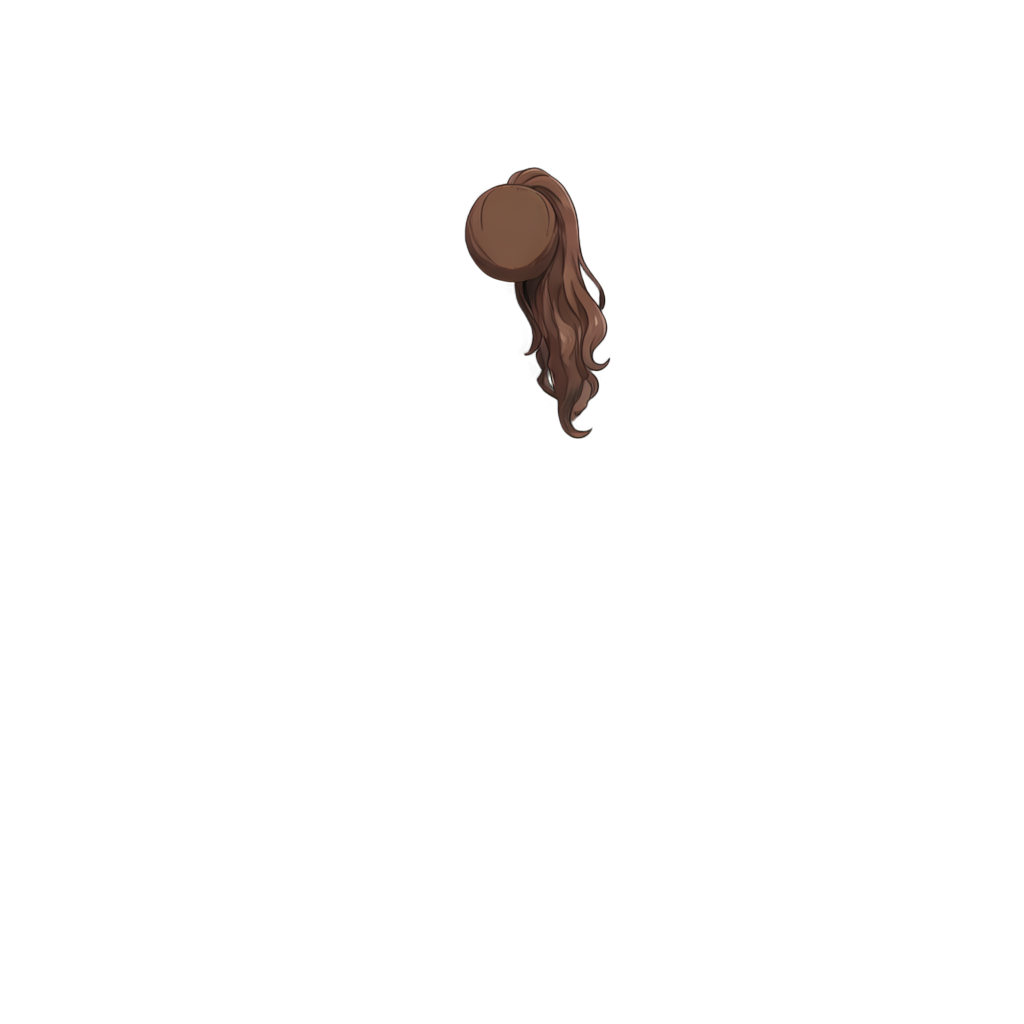
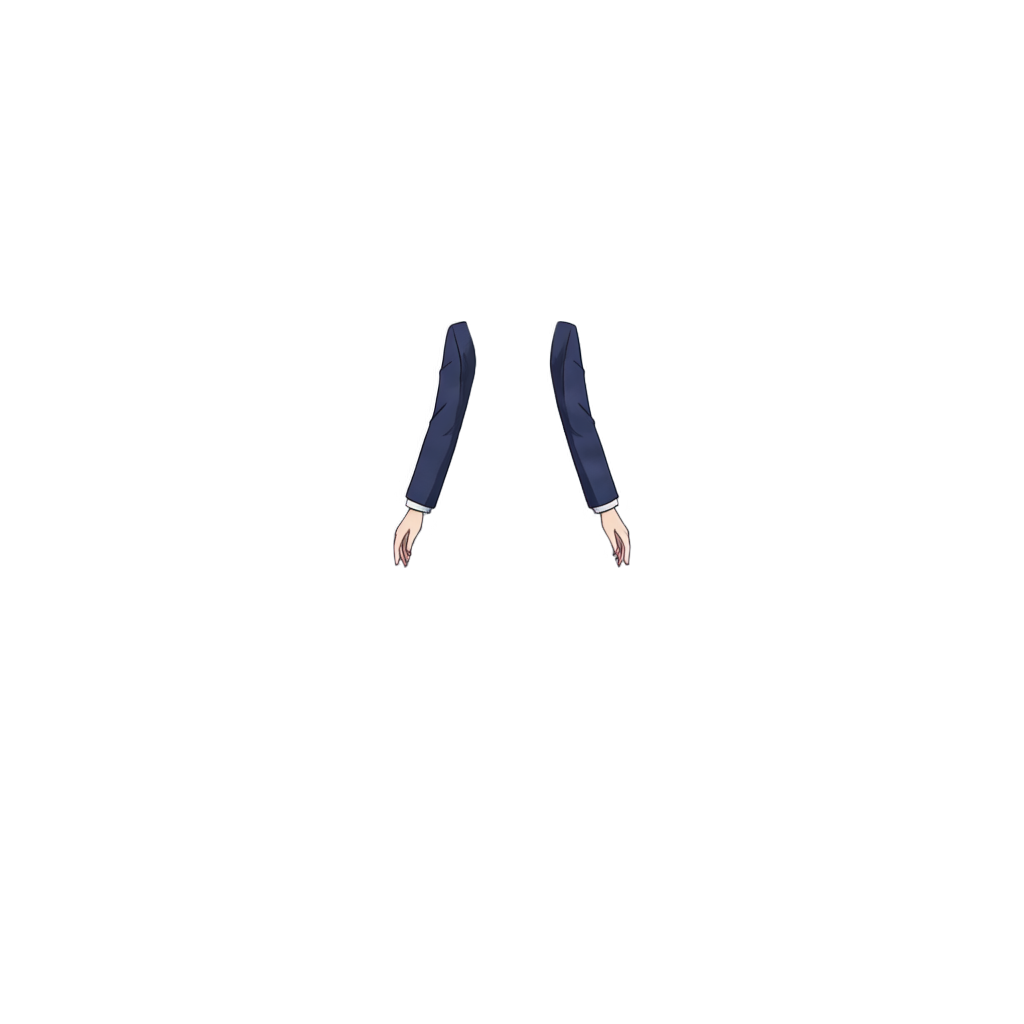
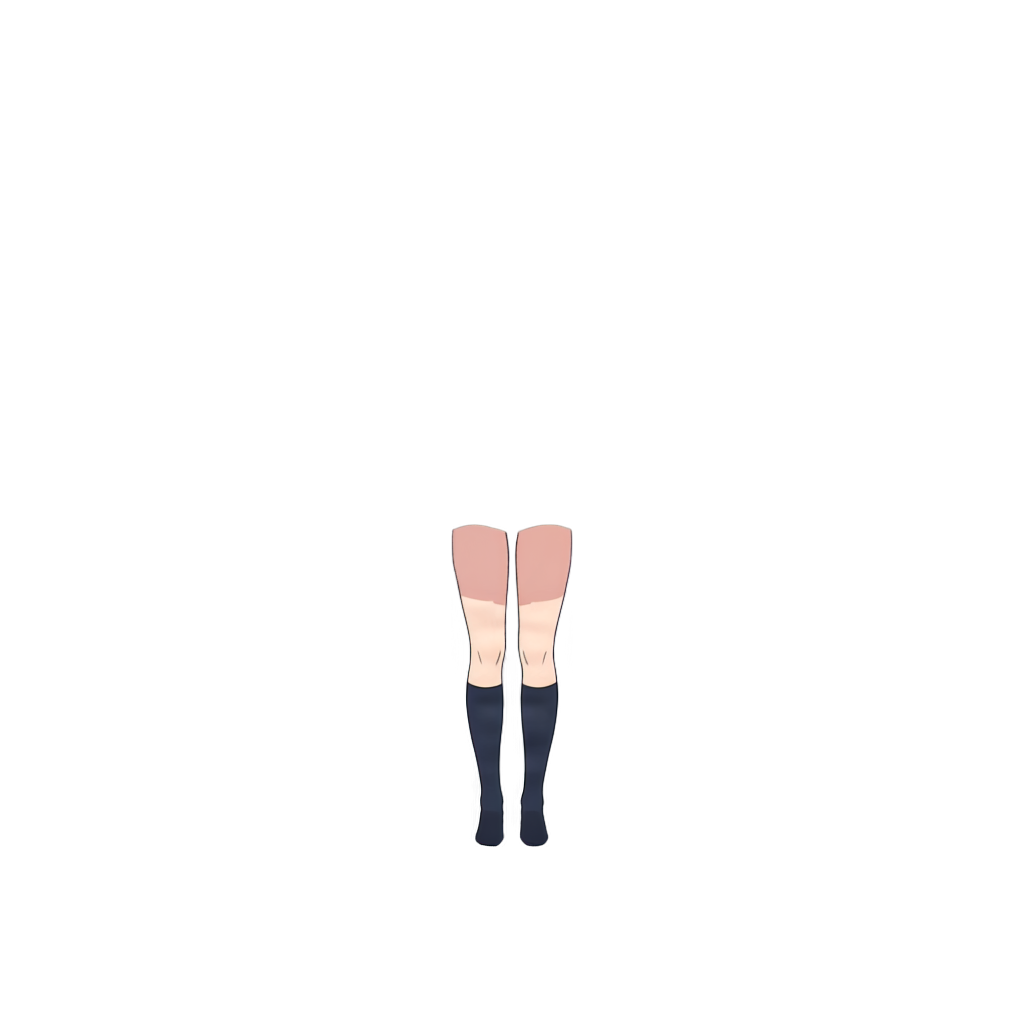
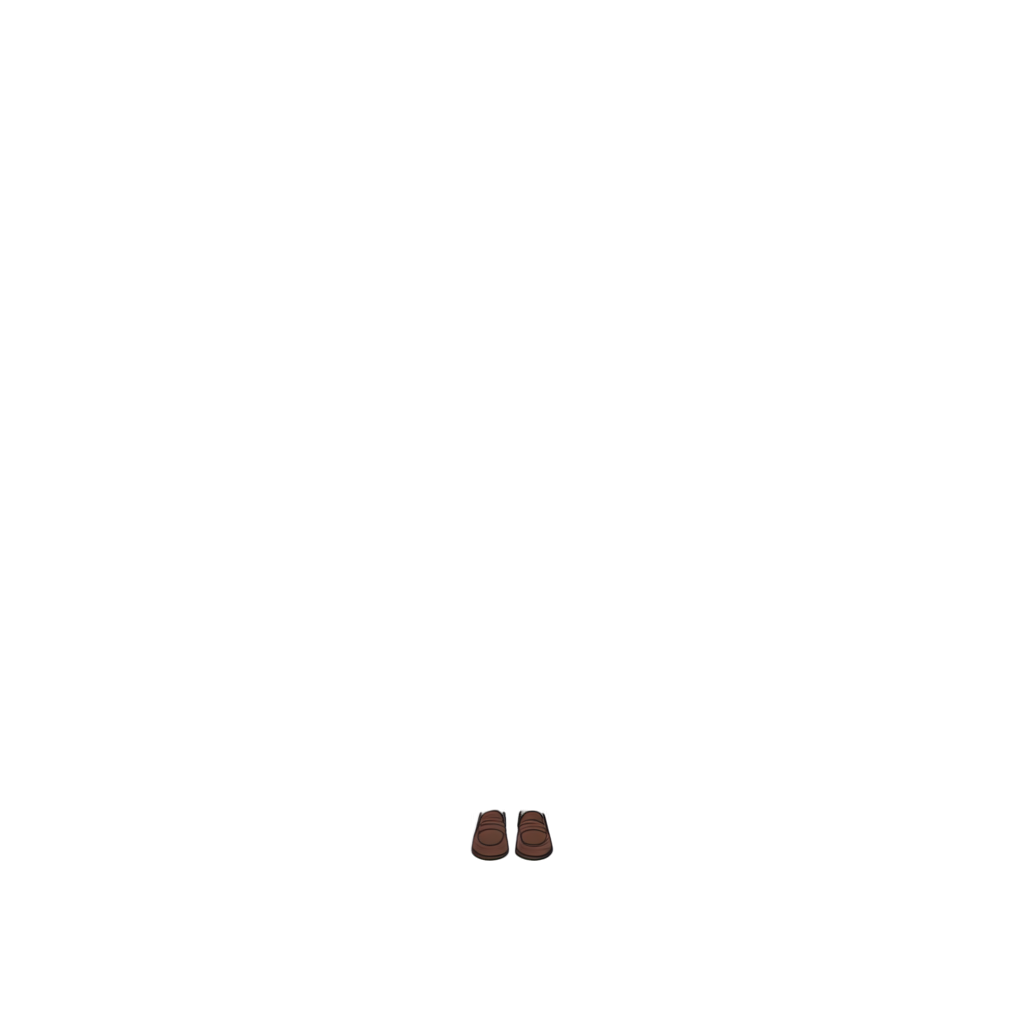
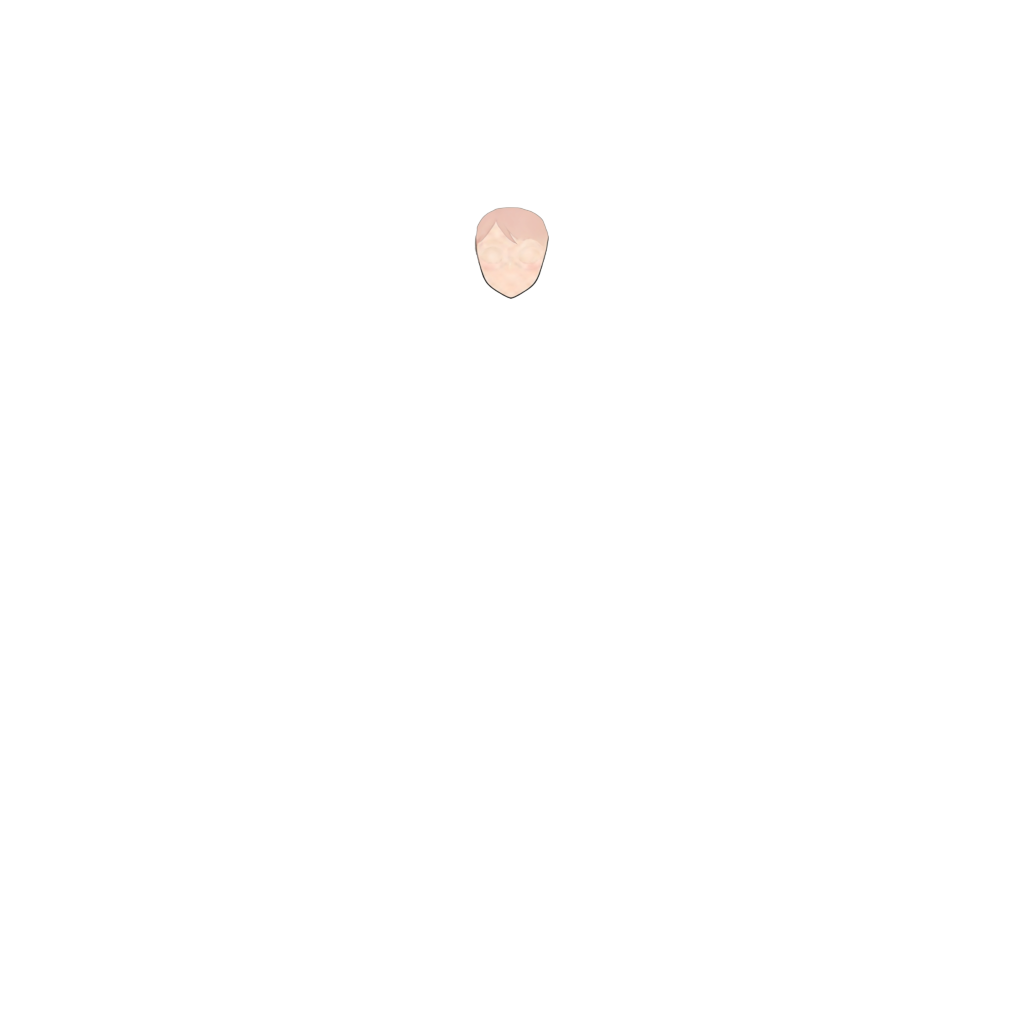
Ready to test with your own or this sample character
Upload one complete character with a visible face and body. Isolated hair, clothing, or accessory layers may return only partial results.
Your source image stays private
Uses 30 credits per image
Processing time varies with image complexity. Detailed characters and complex poses may take longer.
Convert a finished anime-style character image into a more editable layered structure. ImageToLayers separates supported parts such as front and back hair, face, eye whites, irises, eyelashes, eyebrows, mouth, clothing, and accessories so you can keep editing without rebuilding every layer manually. Generate a layered character asset for illustration, animation, and rigging preparation.
Upload a flat character illustration and let ImageToLayers separate supported semantic parts into individual layers. For better results, use one main anime-style character, a clearly visible face and hairstyle, medium- or high-resolution artwork, clean silhouettes, and limited heavy occlusion or motion blur.
Stop Rebuilding Character Layers by Hand
A finished character image may look complete, but flattening merges important parts. Hair overlaps the face, eyes blend into skin, the mouth is painted onto the face, clothing overlaps the body, and accessories cover other regions. Rebuilding those parts for editing, animation, or rigging can take hours. This workflow automates much of the initial decomposition.
Separate Supported Character Parts Into Semantic Layers
Depending on the character and source image, generated regions may include front and back hair, face, eye whites, irises, eyelashes, eyebrows, mouth, ears, neck, topwear, bottomwear, handwear, legwear, footwear, eyewear, accessories, and other supported regions. Layer count varies with visible and identifiable parts.
Work With Character Parts Instead of One Flattened Canvas
A layered PSD provides a more flexible starting point than one flat surface. You can recolor hair or clothing, adjust eye color, move the iris, edit the mouth, reposition accessories, prepare expressions, refine hidden regions, organize assets, and continue painting without affecting the whole character. The value is meaningful layer structure, not just PNG-to-PSD format conversion.
This Is Not Just PNG to PSD
A basic converter can place one flattened PNG inside a PSD. This workflow instead aims to separate supported internal character parts: one character image becomes multiple semantic character layers for editing and animation preparation.
Separate Front Hair and Back Hair
Bangs can cover the forehead, eyes, eyebrows, and ears; back hair can sit behind the head, shoulders, or clothing. Separating supported front and back hair provides a better starting point for recoloring, motion, Live2D preparation, hairstyle edits, animation, and redesign.
Separate Eyes, Mouth, and Facial Features
Supported facial regions may include a base face, eye whites, irises, eyelashes, eyebrows, and mouth. Edit these independently for eye movement, blink preparation, expression adjustments, or mouth changes. The output is a starting point for Live2D, VTuber, or other 2D animation workflows.
Reconstruct Areas Hidden Behind Other Character Parts
Some artwork is hidden in a flattened image: bangs cover the forehead, hair covers ears, clothing covers the body, accessories overlap hair or face, and the head hides back hair. AI-assisted decomposition can reconstruct supported hidden regions and reduce repainting. Reconstructed areas are estimates and may need manual refinement.
Continue Editing in a Layer-Based Workflow
Continue with generated layers in compatible image-editing software for painting corrections, color changes, cleanup, asset organization, expressions, character variations, and animation preparation. Review and refine layers before professional delivery.
Use the Layered Character as a Starting Point for Live2D
Separate front and back hair, irises, eyelashes, eyebrows, mouth, face, clothing, and accessories before rigging. You can refine the result in your usual Live2D workflow. The tool does not create meshes, ArtMeshes, deformers, parameters, physics, eye tracking, lip sync, or finished rigging.
Rebuild a More Editable VTuber Character Asset
When the original layered source is unavailable, this workflow can create a new semantic structure from flat VTuber artwork. It can help with rigging preparation, revisions, expressions, motion tests, eye and mouth preparation, hair separation, and asset recovery. Professional assets may need cleanup and additional drawing.
Prepare Character Artwork for Motion
Separate layers can start workflows for hair and eye movement, facial expressions, parallax, camera motion, cutout or puppet animation, and pose adjustments. This speeds preparation without replacing a complete animation pipeline.
Make Flat Character Sprites Easier to Modify
Visual novel sprites often need expression, eye direction, mouth, hair, clothing, accessory, and color variations. A layered structure provides a better starting point when the original sprite is flattened.
Turn AI-Generated Anime Characters Into More Editable Assets
AI image generators usually provide flat images rather than original editable layers. Decomposition can help with character refinement, animation preparation, outfit and hair edits, expression changes, eye adjustments, and asset organization. Results depend on source quality and consistency.
It Does Not Recover the Original Artist’s PSD
This creates a new AI-generated semantic decomposition; it cannot restore information absent from the flattened image. It does not recover exact original layer names, folders, masks, adjustment layers, blend modes, brushes, vector paths, sketches, references, precise layer order, or working history.
Layer Count Depends on the Artwork
The result varies with visible body parts, pose, hairstyle, clothing, accessories, face visibility, occlusion, resolution, and style. A character without glasses will not need an eyewear layer; a full-body image may provide more body regions than a cropped portrait.
How to Get Better Character Layer Separation
Use clear anime-style artwork with one main character, a visible face and hairstyle, a clean silhouette, sufficient resolution, and limited heavy occlusion or motion blur. Keep the character large and important facial features visible.
Good Use Cases
The workflow is suited to anime and manga illustrations, VTuber art, Live2D preparation, visual novel sprites, game character portraits, AI-generated anime characters, chibi characters, 2D animation assets, and character redesign.
Some Image Types May Need a Different Workflow
This is not a universal PSD generator. Realistic or product photography, landscapes, complex machinery, vehicles, architecture, pixel-perfect pixel art, pure logos, and generic graphic layouts are outside its primary illustrated-character use case.
Background Removal Gives You One Subject. Character Layering Goes Further.
Background removal usually returns a background and a transparent character. This workflow attempts to separate regions inside the character, such as front hair, back hair, face, eyes, mouth, clothing, and accessories.
Reduce the Most Repetitive Part of Character Preparation
Manual preparation can involve tracing, masks, repainting hidden areas, rebuilding the face, separating hair and eyes, isolating the mouth, cleaning clothing edges, and organizing layers. AI-assisted decomposition automates much of this first pass so you can focus on review and artistic refinement.
From Flat Character Image to Layered Asset
Upload a flat anime-style image, generate supported semantic parts, review hair, face, eye, clothing, and accessory layers, download the layered result, then refine edges or reconstructed areas and organize it for your workflow.
Get to the Editable Stage Faster
The hard part of flat character artwork is often rebuilding the structure lost when it was flattened. ImageToLayers helps automate that step so you can spend more time on areas that need artistic judgment.
Frequently Asked Questions
What is an Anime Character PSD Generator?
It turns a flat anime-style character image into a more editable layered structure by attempting to separate supported character parts into semantic layers.
Can it turn a PNG into a layered PSD?
Yes. The goal is to create a layered character result from a flat image, rather than simply placing a PNG in a PSD. Output depends on visible supported parts.
Is this the same as a normal PNG-to-PSD converter?
No. A basic converter keeps the image flattened in a PSD. This workflow focuses on separating supported character parts.
What character parts can be separated?
Depending on the image: front and back hair, face, eye whites, irises, eyelashes, eyebrows, mouth, ears, neck, clothing, eyewear, and other supported parts.
How many layers will I get?
There is no fixed count. It depends on the design, pose, visible body parts, clothing, accessories, and clarity of boundaries.
Can it separate front hair and back hair?
Yes, these are supported semantic regions. Quality depends on hairstyle and source image.
Can it separate anime eyes?
It may separate eye whites, irises, eyelashes, and eyebrows for later expression or animation work.
Can it separate the mouth?
It may produce a separate mouth layer when the feature is identifiable.
Can it reconstruct the face behind bangs?
It may generate supported hidden regions such as parts of the face or forehead. These estimates may need cleanup.
Can it reconstruct hidden back hair?
It may reconstruct portions hidden by the head, body, or other parts. Results depend on available visual information.
Does it recover the original PSD?
No. It creates a new semantic decomposition and cannot recover the original artist’s file or exact layer structure.
Will layer names match the original artist’s PSD?
No. Exact names cannot be inferred from flattened artwork; generated layers reflect detected semantic parts.
Will it recover original masks and clipping groups?
No. Original masks, groups, adjustment layers, blend modes, hidden layers, and editing metadata cannot be recovered from the flattened source.
Can I edit the generated PSD in Photoshop?
The layered result is intended for continued editing in compatible layer-based image-editing workflows. Review and refine it before production.
Can I use it for Live2D?
Yes, as a starting point. You may need to divide, repaint, rename, reorganize, or clean layers before rigging.
Does it create a Live2D model automatically?
No. It does not create meshes, deformers, parameters, physics, eye tracking, lip sync, or a finished rig.
Can I use it for VTuber art?
Yes, for a more editable starting structure. Professional work may still need illustration cleanup and rigging.
Can I use it for visual novel sprites?
Yes. Separated features, hair, clothing, and accessories can help with expression, outfit, and character variations.
Can I use it for AI-generated anime characters?
Yes, if the character is visually clear enough. Results vary by source image quality and consistency.
Does it work with Midjourney or other AI image generators?
Clear anime-style character images from AI image generators can be processed; quality varies by image and style.
Does it work with chibi characters?
It can work with anime-style chibi art, though simplified proportions or features may change the layer structure.
Does it work with manga characters?
It can process anime and manga-style artwork. Monochrome line art, screentones, or low-detail panels may yield different results.
Does it work with realistic portraits?
Realistic photography is not the primary use case; the workflow is designed for illustrated anime-style characters.
Does it work with pixel art?
Pixel art is not the primary target. Processing may alter tiny pixel structures, so it is not recommended when exact pixel-grid preservation matters.
Can it separate clothing?
Supported clothing regions may be separated, such as upper or lower clothing, legwear, footwear, and other identifiable areas.
Can it separate accessories?
Visually identifiable accessories may be separated. Tiny, complex, or overlapping items may need cleanup.
Are the generated layers perfect?
No. Complex overlaps, unusual designs, small details, effects, low resolution, or ambiguous boundaries can cause artifacts or incomplete layers.
Do I need to remove the background first?
Usually not. Upload the character artwork directly; clear compositions can help.
What image quality works best?
Medium- or high-resolution anime-style illustrations with one clearly visible character are a good starting point.
Can I use the generated layers commercially?
Commercial use depends on your rights to the source artwork. Only process artwork you are authorized to use.
Turn Your Flat Anime Character Into Editable Layers
Upload one anime-style character image and generate a layered character asset with supported hair, face, eyes, mouth, clothing, and other parts.
Generate Layered PSDStart from a flat image. Continue editing from a more structured character asset.