
AI Image Layer Separator
Split a Flat Image into Multiple Editable Layers
Upload a JPG, PNG, or WebP image and let AI separate its major visual elements into individual layers. Preview each layer, adjust the order, and export transparent PNG files, a ZIP package, or a layered PSD for further editing.
Click or drag image to upload
Upload your image
JPG, PNG, WebP up to 10MB · Drag & drop anywhere
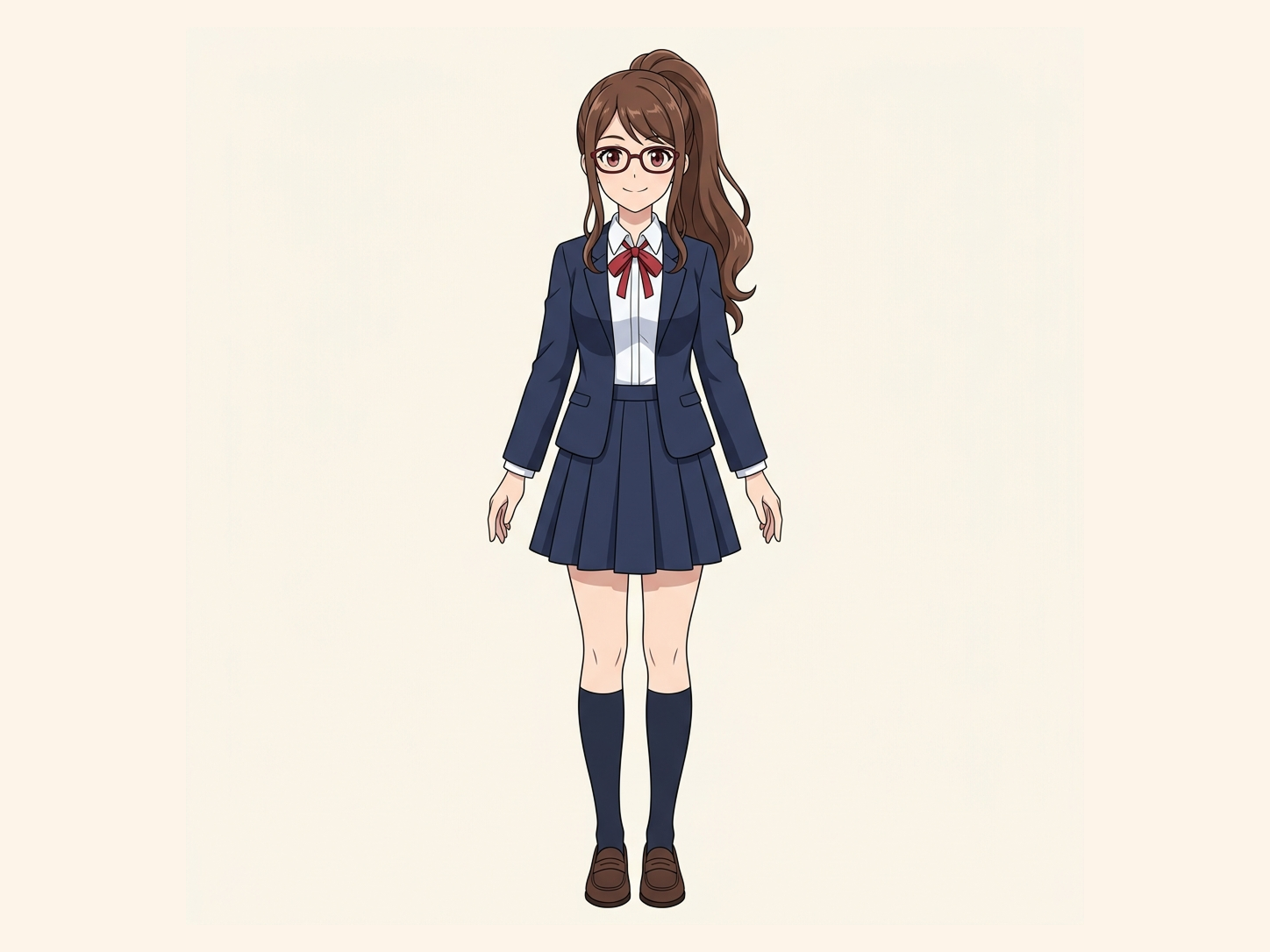
Need hair, face, eyes, mouth, clothing, or body-part layers?
Settings
Leave this blank to let Detailed Layers identify the main editable elements automatically. Or name the parts you want separated.
Want more control over your layers?
Learn how to guide Detailed Layers with simple prompts, choose useful elements, and get cleaner layer structures from different types of images.
Upload an Image to Continue
Private File Handling
Uploaded files are associated with your account and delivered through signed URLs. You can delete completed jobs manually.
Transparent PNG Output
Detailed Layers returns each detected element as its own layer on a transparent background.
Continue Editing in Agent Workspace
Multi-Agent SuiteOpen the layered result in Agent Workspace to clean up elements, create visual variations, or continue working from the same project.
See How Image Separation Works
Separate visual elements into individual layers while reconstructing the background hidden behind them.
Layer Hierarchy
9/9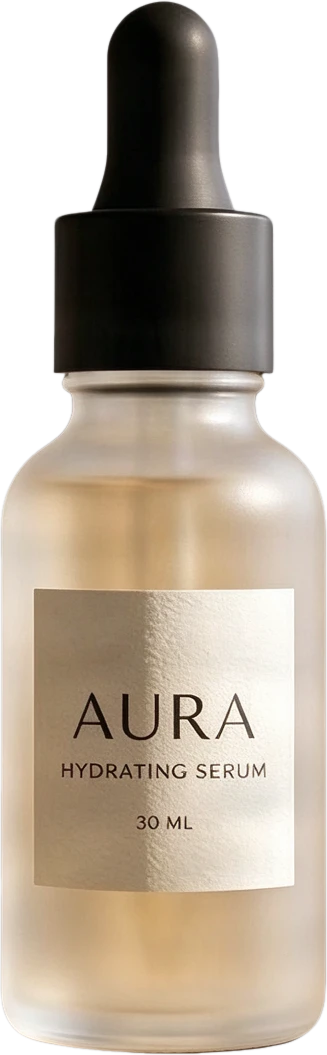 08
08AURA serum bottle
Frosted clear serum bottle with black dropper cap and AURA typography, presented as a standalone product.
 07
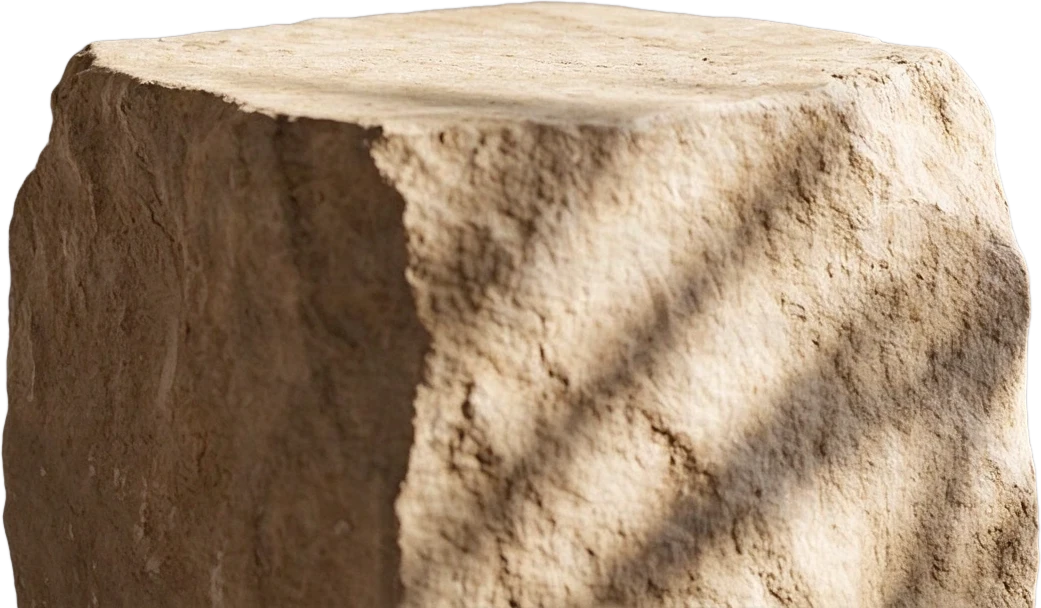
07Stone display stand
 06
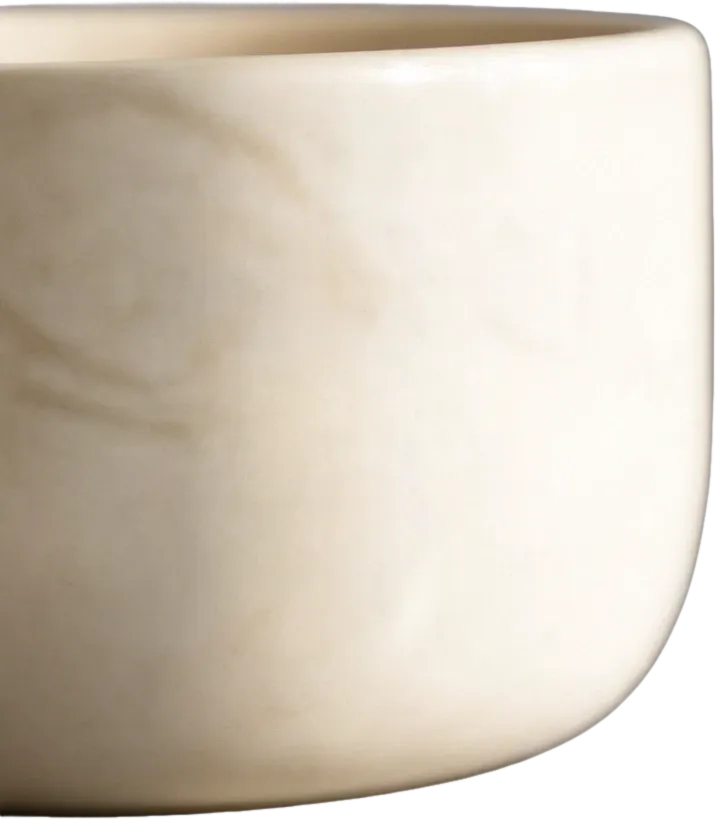
06White ceramic bowl
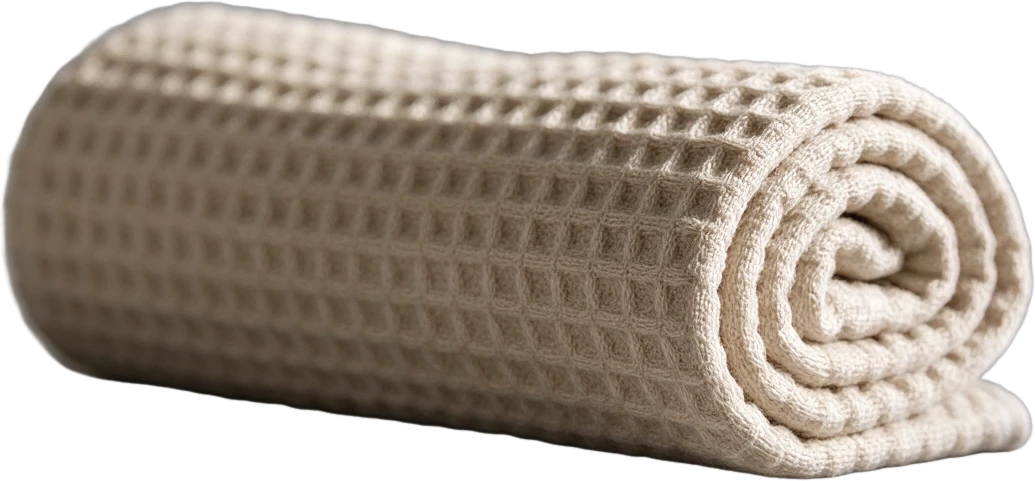 05
05Rolled waffle towel
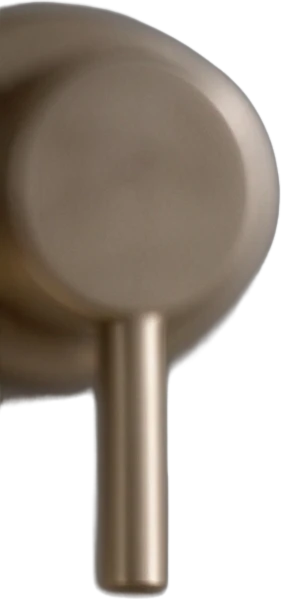 04
04Metal faucet
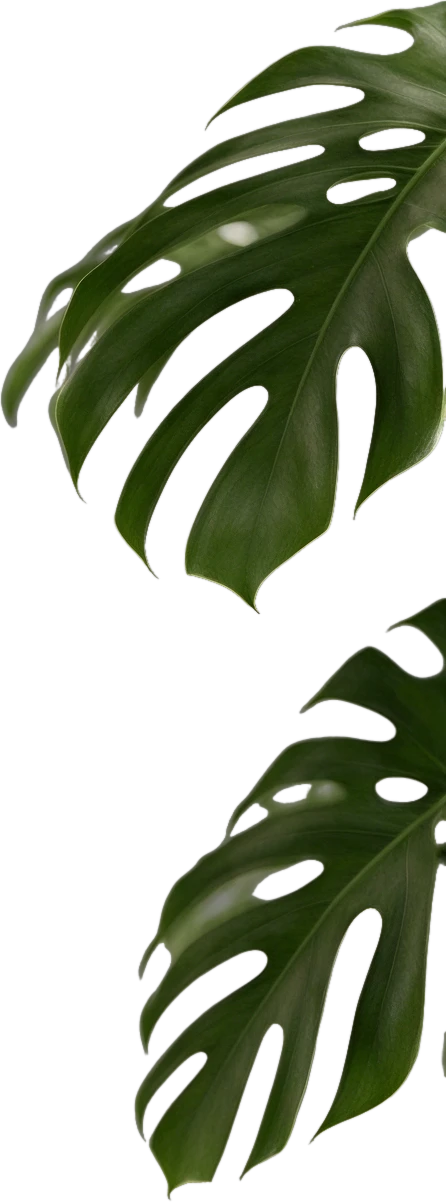 03
03Monstera leaf
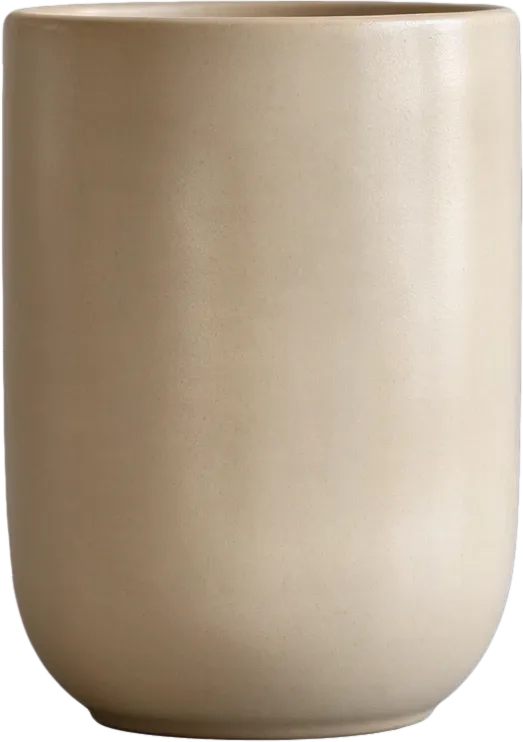 02
02Beige ceramic cup
 01
01Circular window decor
 00
00Inpainted background
Final Layers
More Than Background Removal
Background removers create a transparent cutout. ImageToLayers also reconstructs the area hidden behind the subject, giving you complete assets for editing and composition.
Most images are processed in 60–120 seconds.
Reviewable layer assets
One Flat Image, Multiple Editable Parts
Unlike background removal, an image layer separator attempts to identify several meaningful elements in the composition and return them as separate visual assets.
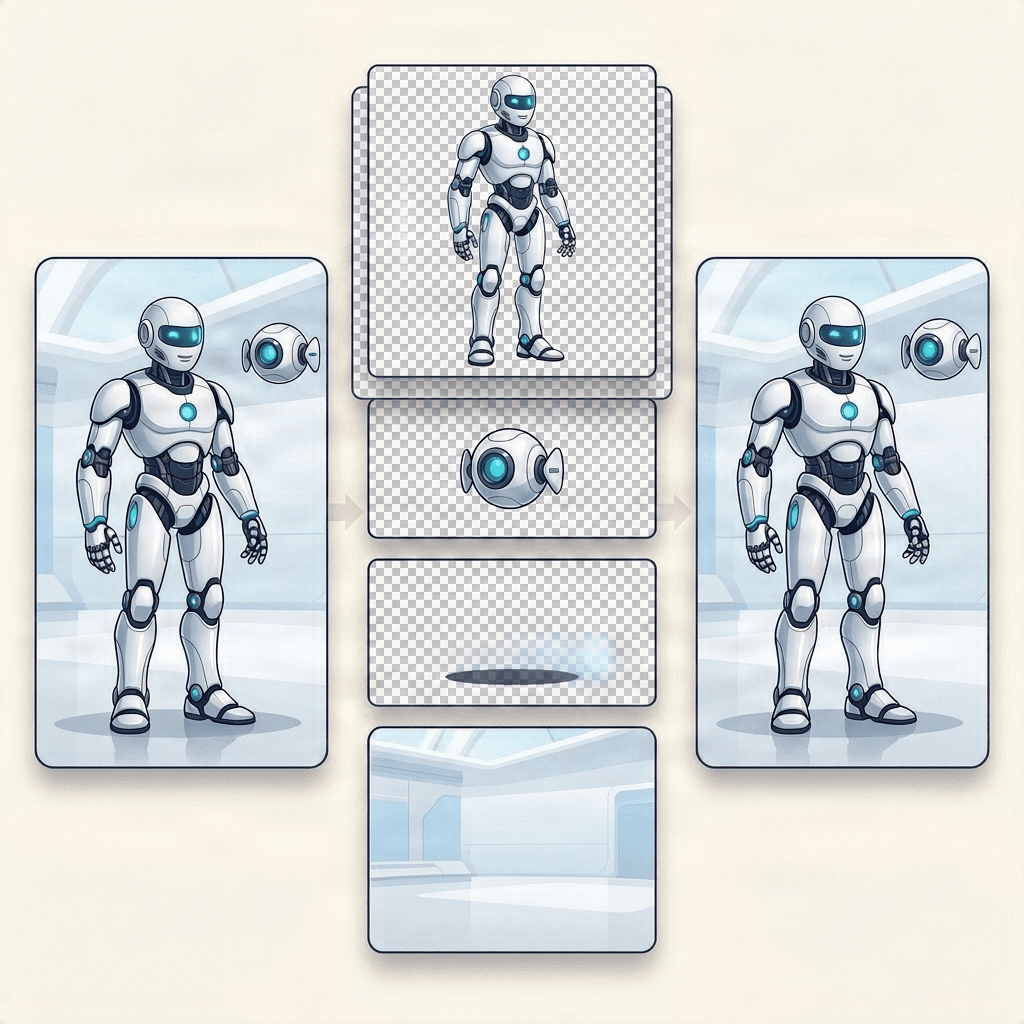
Main Subject
Supporting Objects
Foreground Details
Completed Background
Choose the right workflow
More Than Foreground and Background Separation
A background splitter creates two primary assets: the foreground subject and the reconstructed background. An image layer separator goes further by attempting to divide the composition into several meaningful visual parts.
Need only two layers? Try Background SplitterBackground Splitter
- One main foreground subject
- One reconstructed background
- Best for text-behind-subject effects and simple compositing
Image Layer Separator
- Multiple subjects and objects
- Supporting props and decorative elements
- Reconstructed background
- Best for PSD handoff, asset reuse, design adaptation, and motion preparation
Inspect the Layers, Then Choose the Right Export
Generated assets remain raster layers. Review their edges, transparency, order, and reconstructed areas before downloading.
Transparent PNG Layers
PNG ZIP Package
Layered PSD
How to Separate an Image into Layers
Upload a Flat Image
Choose the Layer Detail
Review Each Layer
Export for Editing
Separate Images for Real Editing Workflows
Product and Ecommerce Visuals
Promotional Graphics
Illustration and Character Art
Social Media and Thumbnails
What AI Layer Separation Can—and Cannot—Recover
AI creates a new editable layer structure from a flattened image. It does not recover the original Photoshop, Figma, or illustration source layers. Areas hidden behind subjects are estimated from visible surroundings. Complex overlaps, reflections, glass, fine hair, motion blur, and very small elements may require additional cleanup after export.
Only need two layers?
Just the subject and the background? Try Background Splitter
When a photo only has one subject in front of a background, Background Splitter gives you a transparent foreground and a reconstructed background in one step, without setting up a full multi-object layer split.

Original photo
The source image with a single subject and background.

Transparent foreground
The subject isolated as a clean transparent PNG.

Reconstructed background
The scene behind the subject, rebuilt and reusable on its own.
Need more than two layers, multiple objects, props, or text? Use the workspace above instead.
Image Layer Separator FAQ
What is an image layer separator?
An image layer separator analyzes a flattened image and attempts to divide its visible subjects, objects, decorations, and background into independently editable visual layers.
How is this different from background removal?
Background removal normally returns one transparent foreground subject. Image layer separation attempts to create several semantic layers, including multiple objects and a reusable background.
Are these the image's original design layers?
No. The layers are generated by AI from visible pixels in the flattened source image. They are new editable assets, not the original layers used to create the image.
Can I export a layered PSD?
Yes. Supported plans can export the generated composition as a layered PSD. You can also download transparent layers as individual PNG files in a ZIP package.
Can hidden parts of objects be restored?
AI may generate plausible content for partially hidden areas, but it cannot recover pixels that were never visible in the source image. Generated areas should be reviewed before production use.
Which images work best?
Images with clear visual separation, recognizable objects, strong edges, and limited overlap generally produce easier-to-edit layers.
Does it separate text into editable Photoshop text?
Detected text may be included as a raster visual layer. It is not guaranteed to become a native editable font or Photoshop text layer.
Ready to Separate Your Image?
Upload a flat image and turn its major visual elements into reviewable, editable layer assets.