Turn Your Pet Photo into Editable Shadow Box Layers
Upload a photo of your pet and let AI separate the animal, fur contours, and background into editable image layers. Then convert selected pet layers to SVG for Cricut, laser cutting, or personalized shadow box design work.
Separate Pet & BackgroundDownload Editable Image LayersConvert Selected Layers to SVG
1
Click or drag image to upload
Upload your image
JPG, PNG, WebP up to 10MB · Drag & drop anywhere
Change Image
Layer explorer17 layers
Hover or tap a box to inspect a layer
Separated layers17 layers
Protected exampleClick a layer to inspect it
2
Settings
Leave this blank to let Detailed Layers identify the main editable elements automatically. Or name the parts you want separated.
Focus on the Pet Details That Matter
Add a short description of your pet and the parts of the scene you want to preserve, such as the face, ears, tail, collar, favorite toy, or surrounding scenery. Inspect generated layers carefully, especially around fur and facial features.
Upload a JPG, PNG, or WebP photo you own or have permission to use.
Image separation: 60 credits. Optional Image to SVG conversion: 30 credits per selected layer. SVG files may require additional editing before cutting.
FROM PET PHOTO TO SVG
From Your Pet Photo to Editable Layers and SVG
01
Upload Pet Photo
Start with your favorite dog or cat photo
02
Generate Layers
60 credits per generation
03
Choose a Layer
Select the pet silhouette or foreground element
04
Convert to SVG
30 credits per selected layer
Review and refine fur outlines, whiskers, and structural bridges before using artwork with a cutting machine.
Need SVG for Your Pet Shadow Box?
You can continue beyond image separation.
After separating your pet photo into editable layers, select your pet's silhouette and open it directly in our Image to SVG tool. Convert the selected image into vector artwork for Cricut vinyl, laser cutting, or personalized shadow box design.
No need to upload the same layer again when continuing from a supported result.
Image to SVG is optional and charged separately at 30 credits per selected image.
SVG conversion does not automatically produce a complete, cut-ready multi-layer shadow box template.
Start with the Photo You Love Most
Start with a photo that captures your pet. Explore its visible subjects and scenery as individual layers instead of tracing every element by hand.
Upload your favorite pet picture and explore its separated subjects and scenery. Review individual image layers before making further design changes.
Separate Pet & BackgroundDownload Editable Image LayersConvert Selected Layers to SVG
This tool separates visual image elements. It does not guarantee exact portrait preservation or automatically generate a finished paper-cutting template.
Discover how AI layer separation works
One Picture Can Contain Many Editable Elements
A photograph or illustration may look like one finished image, but its subjects and surrounding details can often be explored separately.
Try our existing woodland examples to see how the same AI layer separation workflow works with an animal, landscape, and background scenery.
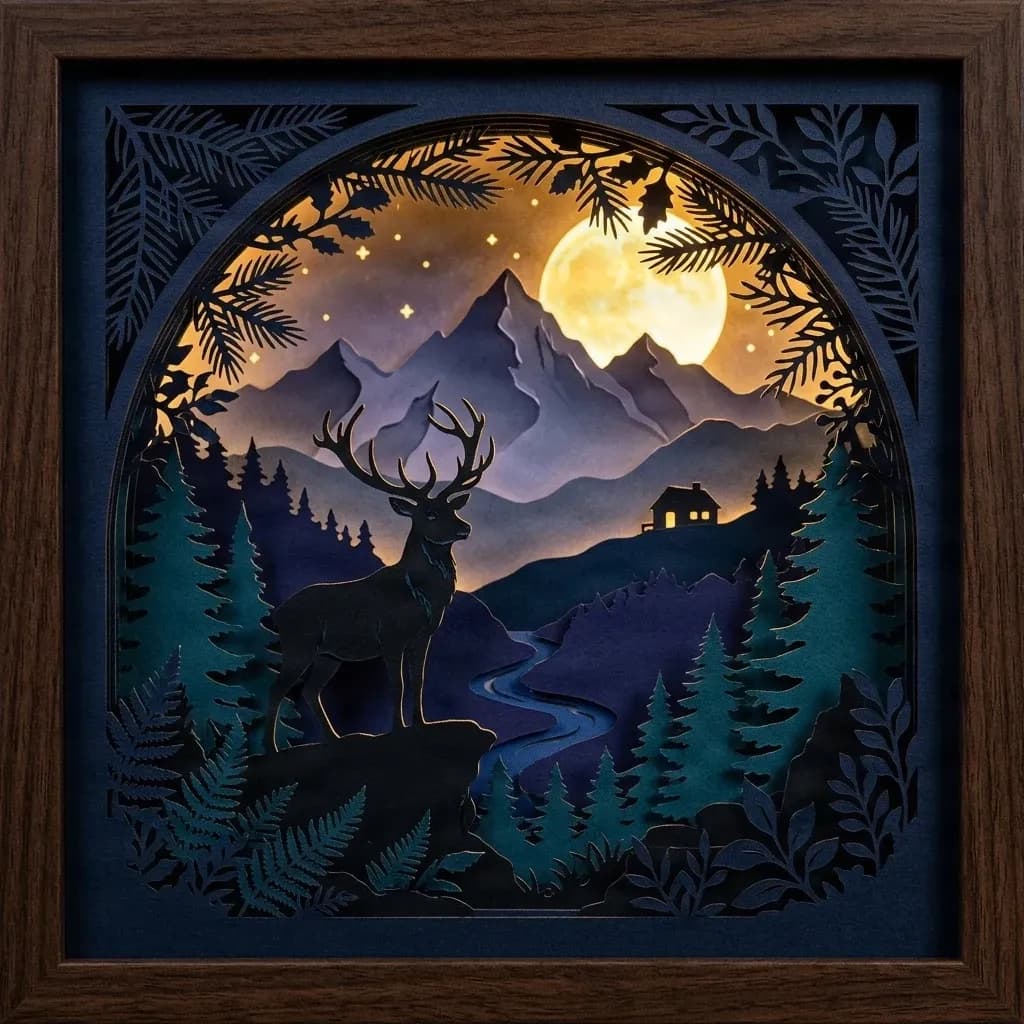
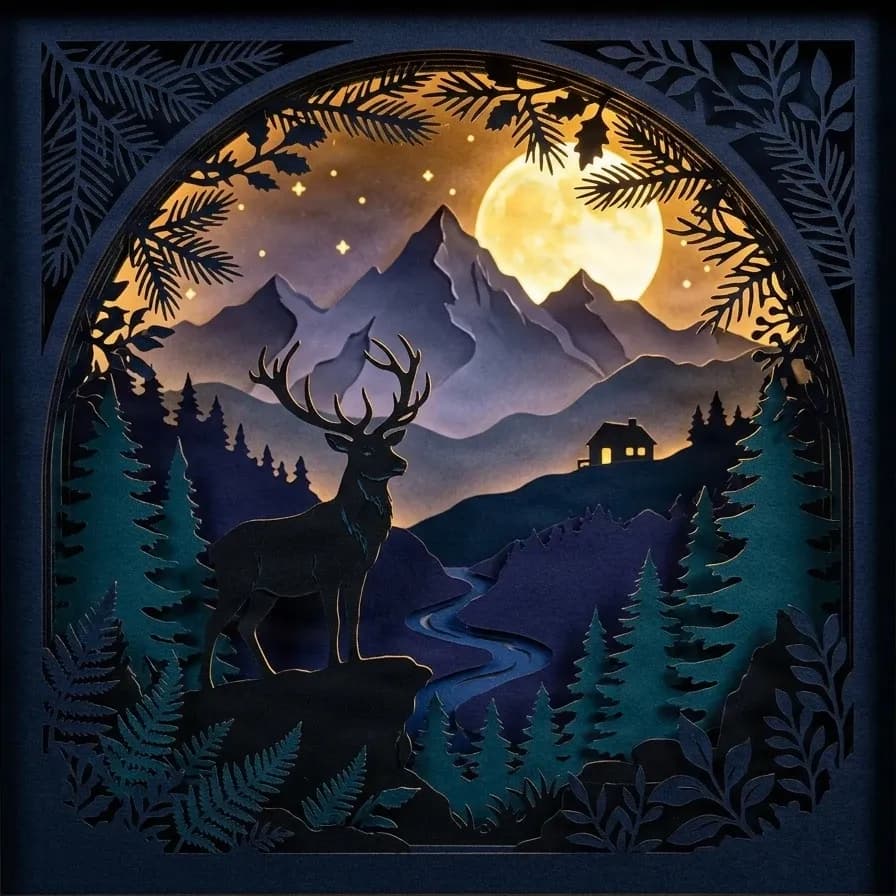
Framed Woodland Scene
17 AI image layers
Explore a complete woodland illustration with a deer, full moon, pine trees, mountains, cottage, and decorative frame. Select individual elements to inspect how they have been separated from the original picture.
Layers in these examples
Wooden picture frame
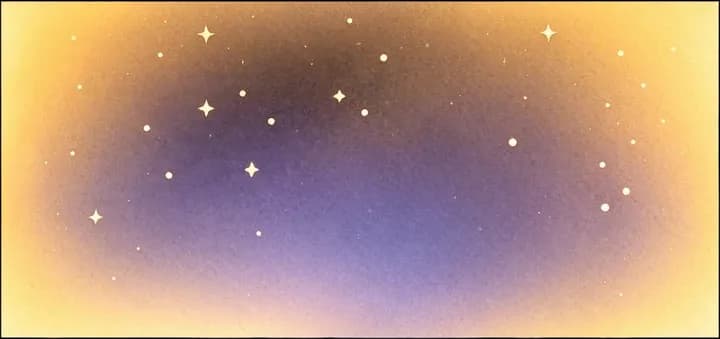
Star sky background
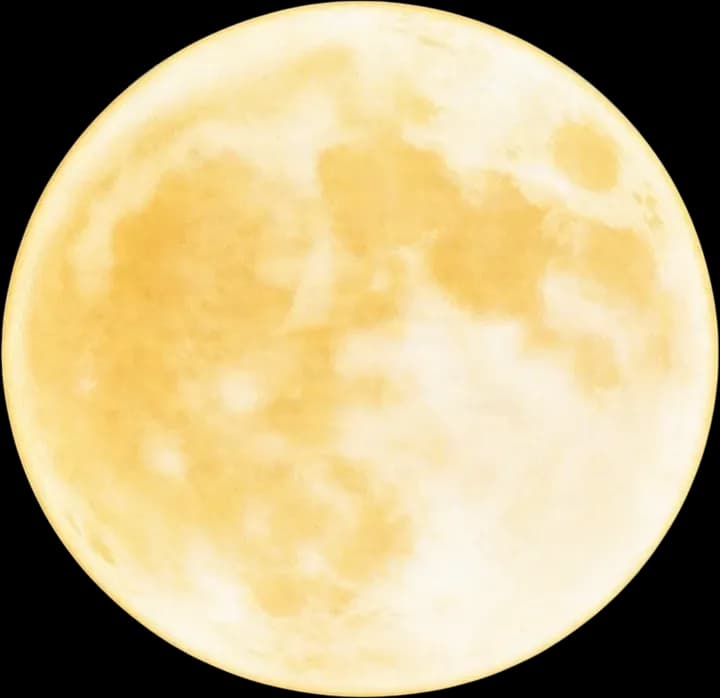
Full moon
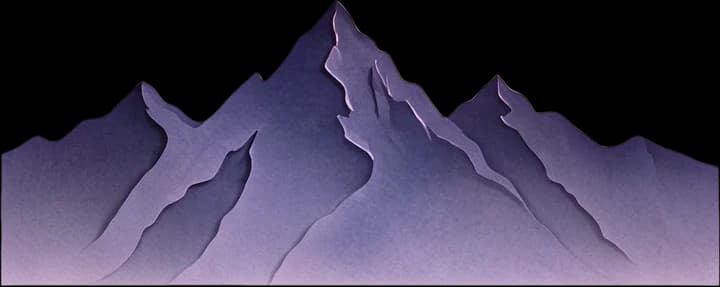
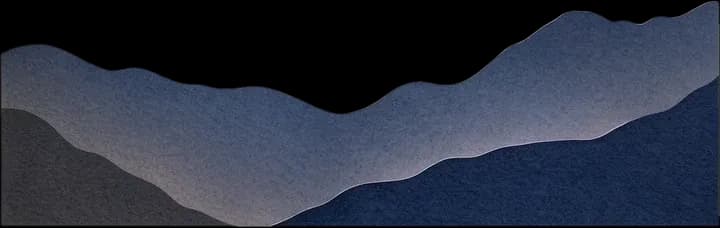
Distant mountain range
Inner frame dark blue base
Top-left plant
Top-right plant
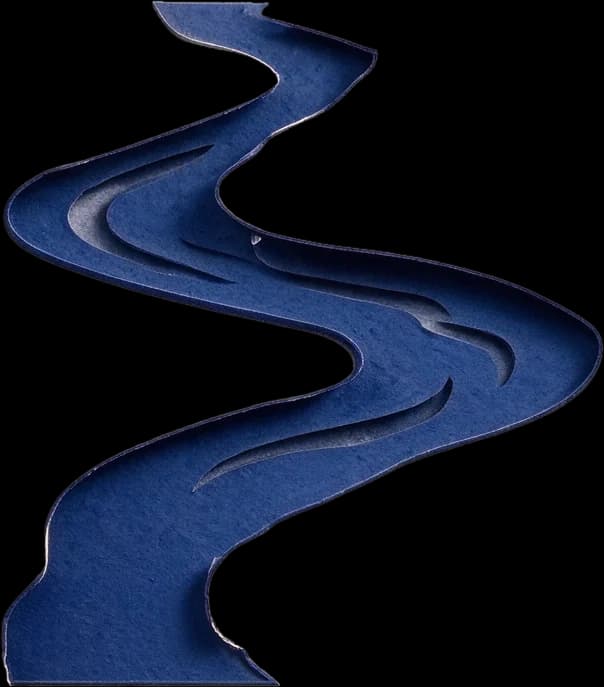
Stream
Left dark forest
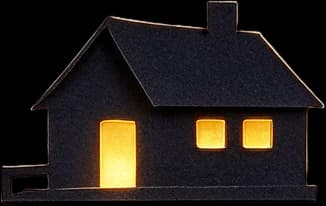
Hillside cabin
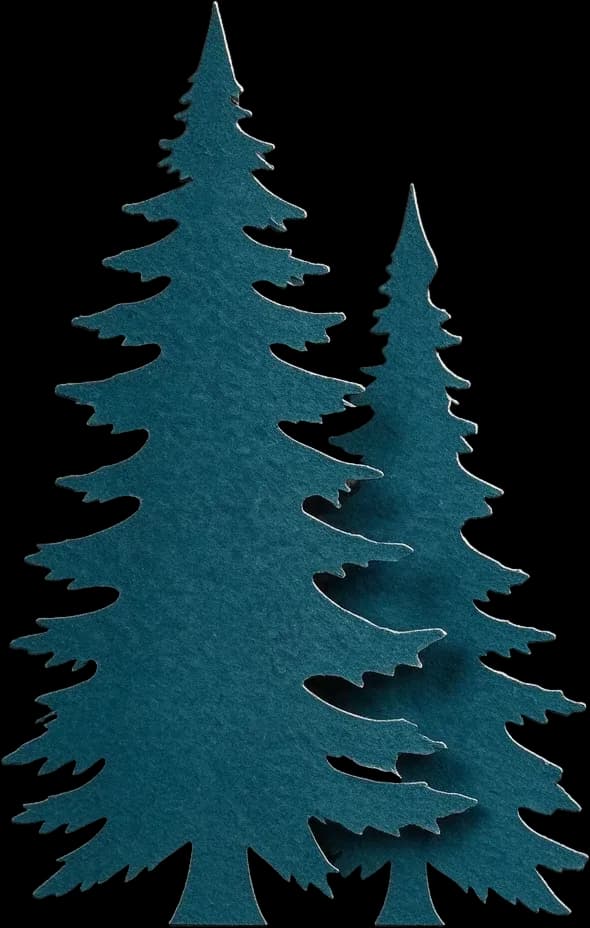
Left foreground conifer
Right foreground conifer
Top pine branch
Bottom fern plant
Bottom-right plant decoration
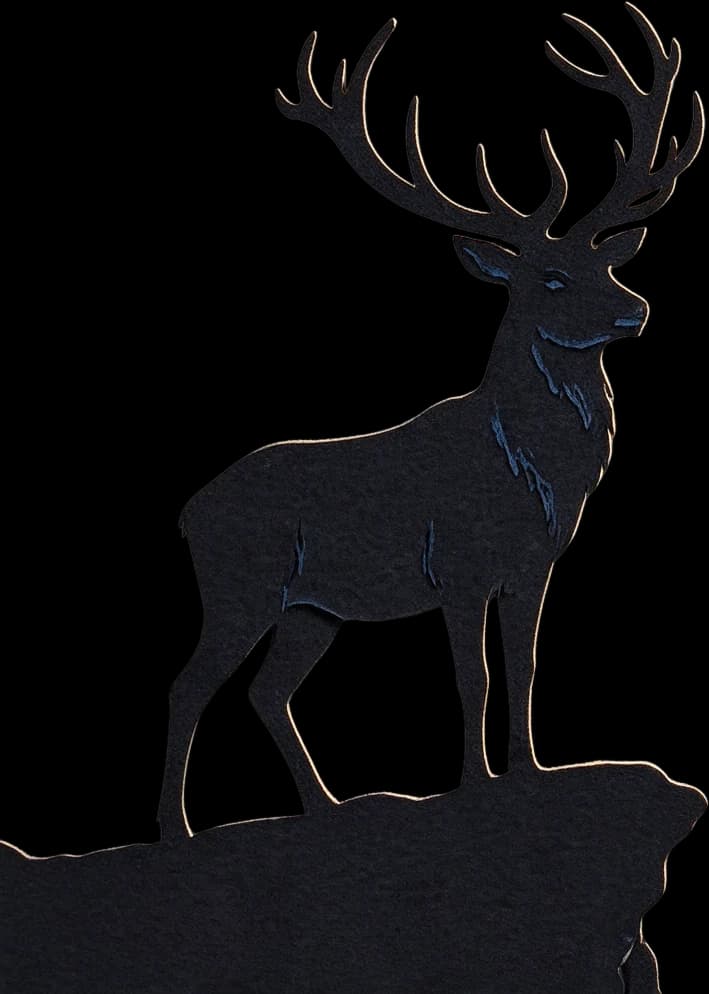
Foreground stag main
Woodland Scene Without the Frame
16 AI image layers
Examine the same artwork without its outer frame. Explore the separate animal, landscape, and decorative elements and see how they contribute to the full composition.
Layers in these examples
Starry sky background
Purple distant mountain range
Dark gray midground mountain range
Full moon
Hilltop cabin
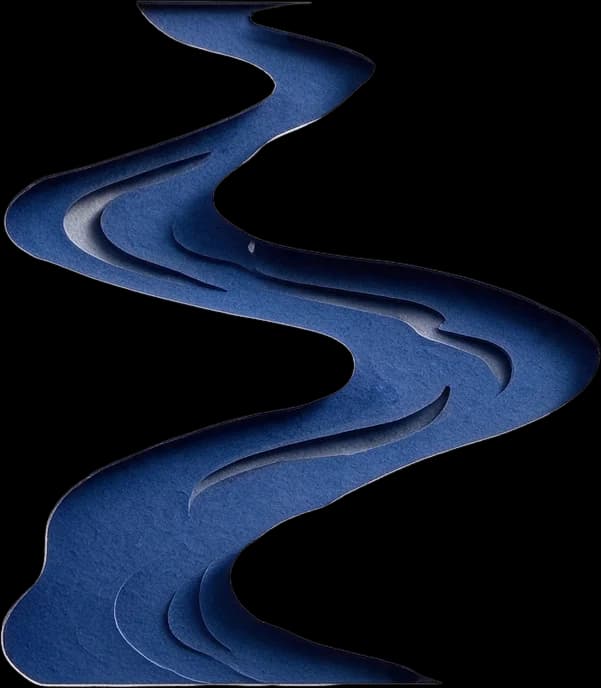
Winding river
Left fir tree cluster
Right fir tree cluster
Bottom fir tree cluster
Foreground stag
Stag's rocky platform
Top arched pine branch
Bottom fern
Bottom broadleaf plant
Outer dark decorative border
Select a layer to inspect it, then return to the complete artwork to compare the original scene.
These are real AI-separated woodland illustrations, not dog or cat photo results. They demonstrate the image separation workflow only. Pet photo results depend on the uploaded image, and details such as fur, eyes, ears, and markings may require review or correction.
Make it personal
Because Your Pet Isn’t Just Any Dog or Cat
A favorite photograph can capture the little details that make your own pet recognizable. Start with those memories and explore the visible elements individually.
Start with a Familiar Face
Use the picture you chose, with the pet and pose that matter to you.
Work on the Subject Separately
Explore separating your pet from the sofa, garden, floor, or other surroundings.
Keep Meaningful Details in View
Inspect a familiar collar, favorite toy, or background object and decide whether to include it in your further design.
Build Around a Personal Memory
Use a photo from a birthday, adoption anniversary, favorite outing, or everyday moment at home.
Make Creative Changes More Easily
Work with individual image elements instead of repeatedly editing a single flattened photograph.
Prepare Artwork for Custom Gifts
Use separated image elements as starting material for a personalized shadow box or other creative keepsake.
From favorite photos to personal creative projects
Turn a Favorite Pet Picture into a Creative Starting Point
Explore possibilities for dog and cat portraits, personal keepsakes, and custom gifts using a photo you already care about.
Dog Portrait Shadow Boxes
Start with a favorite photograph of your dog, from a close-up portrait to a playful outdoor picture. Explore separating the subject and scene before developing a personalized layered design.
Cat Photo Shadow Boxes
Use a photo that captures your cat’s expression, posture, or favorite place to relax. Work with the subject and background separately as you refine the artwork.
Pet Memorial Keepsakes
Begin with a meaningful photo and develop remembrance artwork at your own pace. Image separation can help prepare elements for a frame, custom paper art, or personal tribute.
Birthday & Adoption Anniversary Gifts
Explore personalized artwork from a photo taken on a special day for a pet owner, friend, or family member.
Pet Portrait Paper Art
Prepare the subject and background from an authorized photo before designing simplified silhouettes or layered paper shapes.
Custom Pet Gift Designs
Use permitted customer photographs as starting material for personalized pet-themed artwork.
These are creative design use cases. The tool does not automatically produce complete framed products, personalized nameplates, or finished cutting files.
Your pet photo, step by step
From a Favorite Photo to Editable Shadow Box Artwork
Step 1
Choose a Pet Photo
Pick a photo of your dog, cat, or other pet. Look for a clear face, recognizable pose, and visible body details.
Step 2
Upload and Generate Layers
Use Detailed Layers to attempt to separate the pet, surrounding scene, and other visible objects into editable image elements.
Step 3
Check the Important Details
Inspect the eyes, ears, nose, paws, tail, collar, markings, and fur. Review areas where the model has estimated details hidden in the original photo.
Step 4
Refine and Download
Use available layer editing options and export supported image formats for further work.
Step 5
Continue Your Shadow Box Design
Choose the elements you want to keep. Simplify shapes, prepare cutting paths if needed, and arrange the artwork for your intended project.
Image separation is the first stage. Creating a physical layered shadow box requires additional design and construction work.
A photo with a story
The Best Pet Gifts Start with a Real Memory
Maybe it’s the first photo you took together, your dog looking out the car window on a favorite trip, or your cat curled up in the same sunny spot every afternoon.
Those moments can be more meaningful than a generic illustration of the same breed. Start from a photo you care about and explore its visual elements individually.
Develop the result into artwork for a framed keepsake, layered paper portrait, personalized gift, or a design that simply makes you smile.
Explore making personal artwork from a favorite photograph of your own pet.
Handmade Gift Makers
Prepare image elements for personalized pet-themed gifts, framed art, and custom keepsakes.
Etsy & Custom Portrait Sellers
Work with original or authorized customer photographs as starting material for further design and product preparation.
Paper-Cut Artists
Separate subjects and backgrounds before developing simplified shapes for paper art compositions.
Cricut & Laser Cutting Creators
Prepare selected visual elements before converting and checking cutting paths in compatible software.
Memorial & Keepsake Designers
Use meaningful pet photographs as a starting point for thoughtfully developed remembrance artwork.
Know what you’re creating
Editable Image Layers Are Not the Same as Finished Paper Layers
A pet photograph contains fur, color, lighting, shadows, and fine facial details. A physical paper-cut portrait uses material shapes, outlines, and an intentional stacking arrangement.
These are different kinds of design.
What ImageToLayers Helps You Do
Start with an existing pet photo
Attempt to separate visible subjects and scenery
Inspect individual image elements
Refine available layers
Download supported PNG and PSD exports
Continue selected layers into SVG conversion
What Still Needs Design Work
Decide how to simplify your pet’s appearance
Check recognizable facial features and markings
Turn appropriate elements into workable silhouettes
Combine or reorganize visual elements into physical sheets
Prepare suitable vector cutting paths
Plan dimensions, spacing, framing, and assembly
Test the final physical design
The tool does not automatically create a precise multi-layer paper portrait or guarantee a cutting-ready pet shadow box template.
A better photo makes the result easier to review
Six Photo Tips Before You Upload
Choose a source image where your pet’s most meaningful features are visible.
Keep Your Pet Clearly Visible
Choose a picture where your pet is recognizable and not heavily obscured by furniture, people, or other animals.
Look for Good Lighting
A clearly visible face, fur markings, and body shape are easier to inspect after separation.
Include the Ears and Tail When Possible
If these details matter, choose a photo where they are visible instead of cropped off at the edge.
Avoid Heavy Motion Blur
A sharply focused photo makes it easier to evaluate whether important features have been preserved.
Choose a Manageable Background
Grass, dense fur, shadows, and overlapping objects may need extra attention.
Check the Expression You Want to Remember
Choose a photo that captures the look or moment you care about. AI separation cannot guarantee every expression or small marking will remain unchanged.
You can use a pet photo as the starting point for creating editable image layers. These layers can help prepare artwork for a shadow box, but the tool does not automatically create a finished physical shadow box or complete cutting template.
Can I upload an ordinary phone photo of my dog or cat?
Yes. You can use a supported image file from your phone or camera. A clear photo with visible details is generally easier to inspect after AI separation.
Does this tool work for both dogs and cats?
Yes. The model can attempt to separate visible subjects in dog and cat photographs. It may also process photos of other pets, although results depend on the individual image.
Can I use photos of rabbits, birds, horses, or other pets?
You can upload supported photos of different animals. The model analyzes the image rather than relying on a fixed list of pet breeds or species, but separation quality is not guaranteed.
Will the AI keep my pet’s face exactly the same?
Exact preservation is not guaranteed. The model may change subtle details such as the eyes, muzzle, fur patterns, or expression. Carefully inspect the result, especially for portraits and memorial artwork.
Can it separate my pet from the background?
The AI can attempt to separate the pet and surrounding visual elements into individual image layers. Fur, shadows, overlapping objects, and low-contrast boundaries may require additional cleanup.
Will it preserve fine fur and whiskers?
Not perfectly in every case. Fine fur, whiskers, feather edges, and other small details can be difficult to isolate or reconstruct. Review these areas before using the result.
Can I keep my pet’s collar or favorite toy?
The model may identify visible accessories or nearby objects as separate elements, depending on the image. Inspect the results and decide which elements to retain in your further design.
Can I use a photo with two pets?
You can upload a photo containing multiple animals, but the model does not guarantee each pet will be separated into a clean, independent layer. Overlapping pets may remain combined or have imperfect boundaries.
Can I remove a leash, person, or distracting object?
Layer separation may help you work with individual objects, but it does not guarantee one-click removal of unwanted elements. Some images may require additional editing.
Does this tool automatically turn my pet into paper-cut art?
No. It separates visual image elements from the source photo. Creating a simplified paper-cut illustration, a particular artistic style, or a finished layered portrait may require further design work.
Can I use it to make a pet memorial shadow box?
Yes, as a design preparation step. Start from a meaningful pet photo and use separated elements to develop memorial artwork. Physical assembly, personalization, and cutting-file preparation are separate tasks.
Can I choose exactly six or eight paper layers?
Not automatically. Detailed Layers attempts to identify visual elements in the photo rather than generate a fixed number of physical paper sheets. You may need to combine or reorganize them.
Can I download PNG and PSD layers?
The existing workflow supports individual PNG layers and layered PSD exports, subject to the available result and applicable export access. These formats can help with further editing.
Does ImageToLayers support Image to SVG for pet photos?
Yes. After separating your pet photo into editable image layers, you can select your pet's layer and continue to our Image to SVG conversion tool. This is a separate paid step and does not automatically convert every layer.
Can I use the results to create custom pet gifts for sale?
You can use the workflow as part of a commercial design process, subject to ImageToLayers’ service terms and your rights to the source photographs. Review the final artwork and confirm it is suitable before selling finished products or files.
How much does Pet Photo to Shadow Box cost?
Detailed Layers currently uses 60 credits per generation. Optional Image to SVG conversion currently uses 30 credits per selected image. These are separate paid operations.
What if the AI changes important details in my pet photo?
Review the generated layers and use available editing tools where appropriate. You may also choose a clearer source photo or continue refining in external software. The model cannot guarantee a perfect likeness or exact reconstruction of hidden details.
Can I convert my pet photo into SVG for Cricut or laser cutting?
You can generate image layers from your pet photo, then convert the selected pet silhouette into SVG. The resulting vector artwork may be used as a starting point for Cricut or laser cutting designs, but fine fur outlines and bridges must be reviewed before cutting.
Start with the Pet Photo That Means the Most to You
Your pet has a personality all their own. The artwork you create can start with a picture that reflects it.
Upload a favorite photo, explore the separated subjects and scenery, and begin preparing something personal for your home, your next gift, or your creative business.