
Turn AI-Generated Character Art Into Editable Layers
Upload Your AI-Generated Character
Separate character artwork into editable PSD & PNG layers (hair, face, clothing, body).
Upload a Character
Supports JPG, PNG, and WebP
or drag and drop
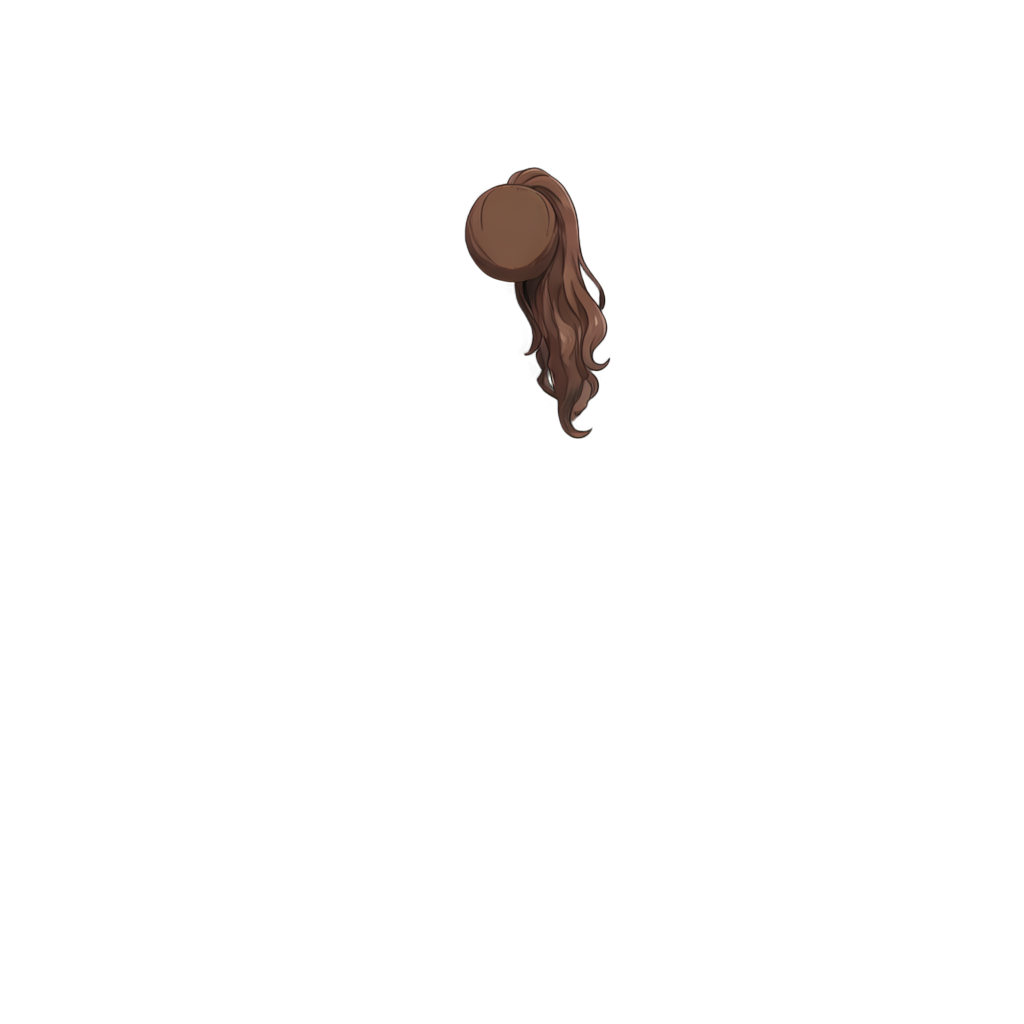
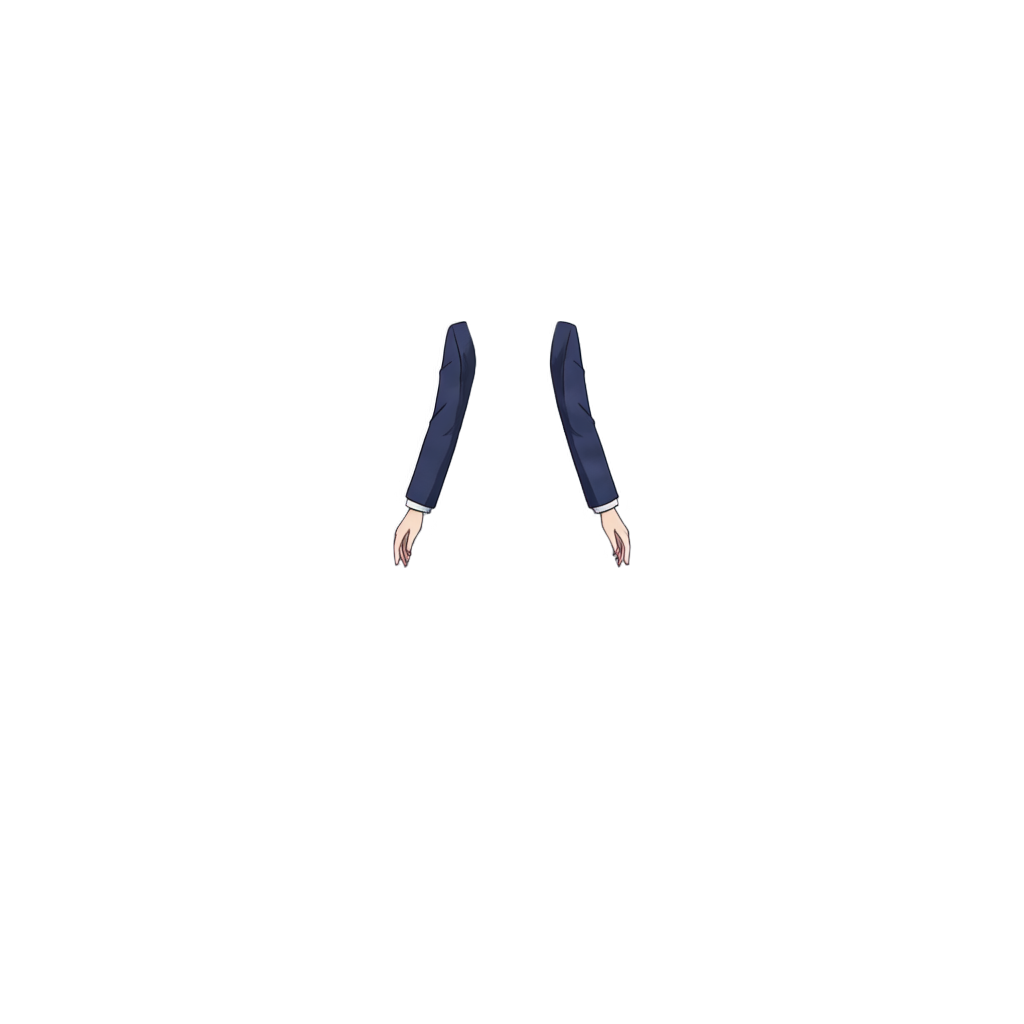
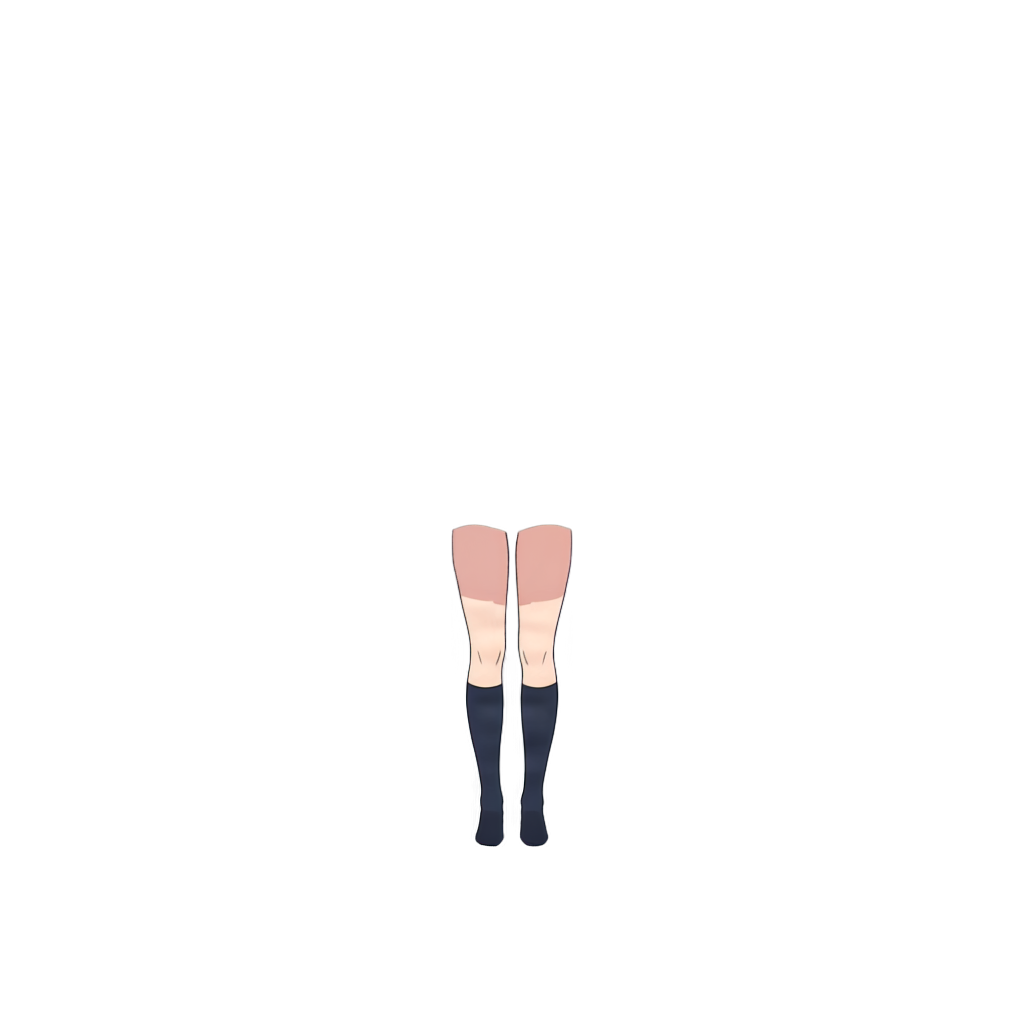
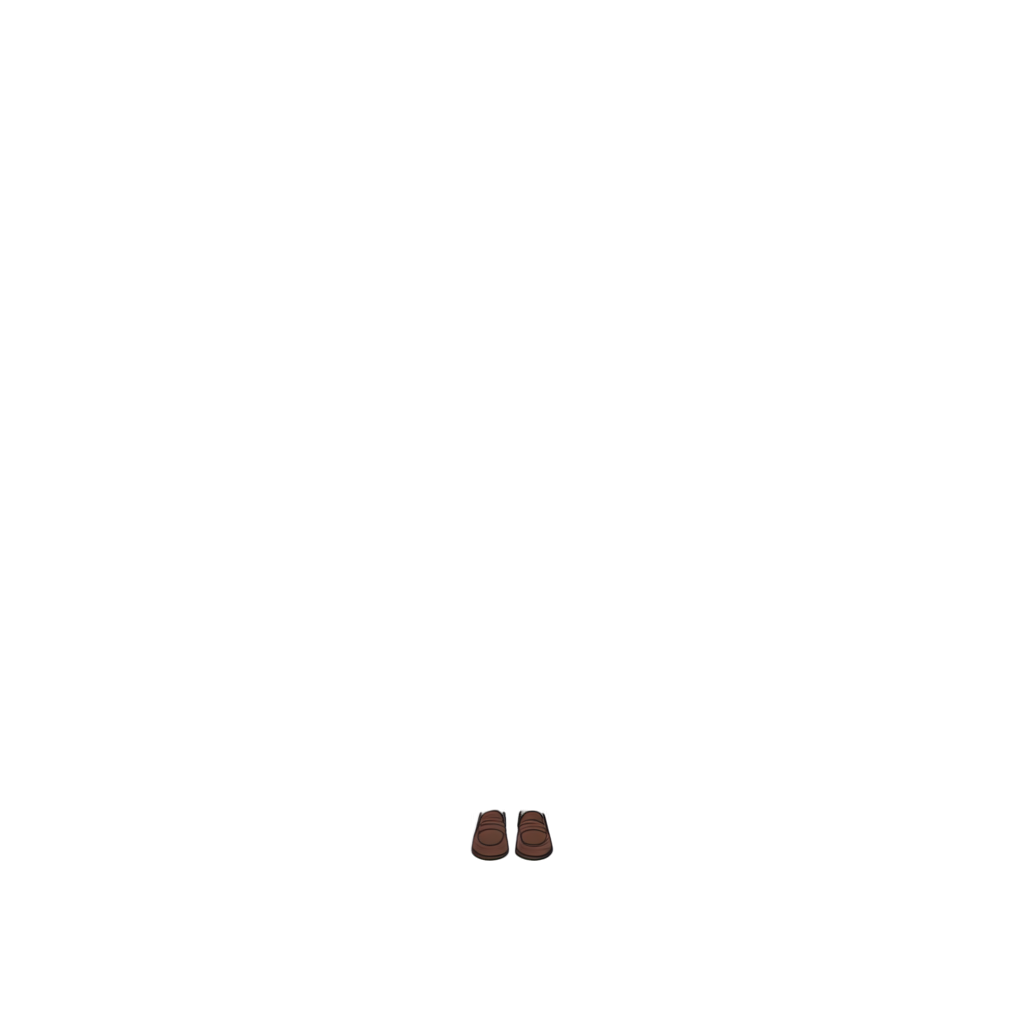
Ready to test with your own or this sample character
Upload one complete character with a visible face and body. Isolated hair, clothing, or accessory layers may return only partial results.
Your source image stays private
Uses 30 credits per image
Processing time varies with image complexity. Detailed characters and complex poses may take longer.
AI image generators can create polished anime characters, but the result is usually one flat image. ImageToLayers helps separate supported parts such as front and back hair, face, eye whites, irises, eyelashes, eyebrows, mouth, clothing, and accessories into a more editable structure for further editing, animation, or rigging preparation.
Upload a flat AI character image and let ImageToLayers separate supported semantic character parts into individual layers. For better results, use one clearly visible anime-style character with a readable face and hairstyle, medium- or high-resolution artwork, clear character boundaries, and limited heavy effects or motion blur.
A Finished AI Image Is Not the Same as an Editable Character Asset
AI generators create finished-looking illustrations, but the character is usually flattened: hair, eyes, mouth, clothing, skin, and accessories merge together. That is fine for a final image, but a problem when changing expressions, hair, eyes, outfits, or preparing Live2D, VTuber, visual novel, or animation assets. This workflow rebuilds a more editable structure.
Turn One Flat AI Character Into Multiple Editable Regions
Depending on the source, supported regions may include front and back hair, face, eye whites, irises, eyelashes, eyebrows, mouth, ears, neck, clothing, eyewear, accessories, and other visible parts. Output varies based on which regions are identifiable.
Add an Editing Step After Your Character Generator
A basic workflow is Prompt → Generate → Download. For further production, add Separate → Edit → Animate or Reuse. Layer separation provides a next step after image generation.
Use Anime-Style Characters From Different AI Image Generators
This is not tied to one generator. Anime-style artwork from Midjourney, Niji, Stable Diffusion, FLUX, ChatGPT Image, or other tools can be used. Visual structure matters more than generator name; clear characters are a better starting point than merged or ambiguous details.
Separate Front Hair and Back Hair
Bangs may overlap forehead, eyes, brows, and ears; back hair may hide behind the head or body. Supported hair layers can help with recoloring, bang and hairstyle edits, motion preparation, and alternate color variants.
Separate Eyes, Mouth, and Facial Features
Supported face regions may include the base face, eye whites, irises, eyelashes, eyebrows, and mouth. Edit, recolor, or reposition supported features independently for a more flexible starting point.
Rebuild Areas Hidden Behind Hair, Clothing, and Accessories
Moving hair can reveal incomplete forehead pixels; back hair may be missing under the head. AI-assisted decomposition may reconstruct supported areas behind bangs, clothing, or accessories. These are estimates and may need manual refinement.
Prepare AI-Generated Characters for Live2D Workflows
Separate supported hair, irises, eyelashes, eyebrows, mouth, face, clothing, and accessories before rigging, then refine them in illustration software. The tool does not create Live2D meshes, ArtMeshes, deformers, parameters, physics, eye tracking, lip sync, or finished rigging.
Turn AI Character Concepts Into More Editable VTuber Assets
A flat AI concept is not ready for professional rigging. This workflow can create a structured starting point; manual cleanup, repainting, and dedicated rigging may still be needed.
Prepare AI-Generated Character Sprites for Further Editing
Use separated parts as a base for visual novel, dating sim, RPG, dialogue scene, indie game, or interactive fiction assets. Create expression, gaze, outfit, hair, accessory, and story-state variants yourself; the tool does not generate them automatically.
Make AI-Generated Characters Easier to Modify
Separated regions can help with hair recoloring, iris edits, gaze adjustments, mouth changes, outfit recoloring, accessory cleanup, and character variations.
Background Removal Gives You One Character. Layer Separation Goes Further.
Background removal usually gives one transparent character PNG. This workflow attempts to separate supported parts inside the character: hair, face, eyes, mouth, clothing, and accessories.
AI Image Generators Do Not Contain Recoverable Original Character Layers
This does not unlock hidden layers from the image generator. Most AI images are flat. ImageToLayers creates a new semantic decomposition; it cannot recover original masks, internal generation steps, exact composition, editing or brush history, or prompt tokens as visual layers.
Layer Separation Cannot Fix Every Problem in the Source Image
Fused hair and accessories, unclear clothing boundaries, broken anatomy, asymmetric features, extra details, impossible overlaps, inconsistent hands, or merged objects can affect the result. The tool separates the supplied artwork; it cannot guarantee that the source is structurally correct.
Layer Separation Does Not Automatically Make Multiple AI Images Consistent
Different generations may vary in hair, clothing, face, eyes, accessories, and proportions. Processing each image separately does not solve multi-image character consistency.
How to Get Better AI Character Layer Separation
Use one large, clearly visible anime-style character with a readable face and sufficient resolution. Keep boundaries clear and avoid heavy glow, particles, fog, motion blur, extreme lighting, or crowded scenes.
Useful for Many AI Character Workflows
Suitable starting points include anime character art, VTuber concepts, Live2D, visual novel sprites, game portraits, 2D animation, recoloring, redesign, expression preparation, and AI asset cleanup.
Some Images May Require More Manual Cleanup
Results may be less reliable with overlapping characters, tiny images, strong perspective, heavy effects, abstract styles, realistic photography, pixel-perfect art, complex mechanical designs, or fused details.
From Generation to Editable Character Asset
Generate a character with your preferred AI tool, choose a clean image, upload it, review hair, face, eye, mouth, clothing, and accessory layers, then use the result for cleanup, animation, rigging, or variations.
Keep Working After Your AI Generator Stops
Generation is often only the first step. Separate hair, rebuild face areas, edit eyes and mouth, adjust clothing, prepare expressions and variants, and make animation assets. This workflow bridges a finished AI image and a more editable asset.
Explore Character Layer Workflows
Frequently Asked Questions
Can I turn an AI-generated character into layers?
Yes. Upload a flat anime-style character image to separate supported semantic parts.
Which AI image generators can I use?
Anime-style character art from Midjourney, Niji, Stable Diffusion, FLUX, ChatGPT Image, and other generators can be used. Results depend on visual clarity, not the generator name alone.
Does the tool recover the original AI layers?
No. Most generators output flat images. ImageToLayers creates a new structure from visible artwork.
Can it separate front and back hair?
Yes, these are supported character regions; results depend on hairstyle and image.
Can it separate anime eyes?
Supported regions may include eye whites, irises, eyelashes, and eyebrows.
Can it separate the mouth?
It may separate an identifiable mouth region.
Can it separate clothing?
Supported regions may include topwear, bottomwear, legwear, footwear, handwear, and other visible areas.
Can it separate glasses or accessories?
Visually clear eyewear and accessories may be separated; complex overlaps may need cleanup.
Can it reconstruct the face behind hair?
It may estimate supported hidden regions such as face or forehead behind bangs. These are AI-generated estimates.
Can it reconstruct hidden back hair?
It may reconstruct portions hidden behind the head or body, depending on the source.
Can I use the result for Live2D?
Yes, as a starting point. Further cleanup and organization may be needed before rigging.
Does it automatically create a Live2D model?
No. It does not create meshes, deformers, physics, eye tracking, parameters, or rigging.
Can I use it for VTuber artwork?
Yes, it can create a more editable starting structure; production may still need refinement.
Can I use it for visual novel characters?
Yes. Separated features can help with expression and outfit variations.
Does it automatically create expressions?
No. It separates supported parts but does not generate a complete expression set.
Can I change eye color after separation?
If the iris is separated, you can recolor it independently.
Can I change hair color?
Separated hair regions can make recoloring easier.
Can I create new outfits automatically?
No. Clothing layers can help you edit outfits, but new outfits are not automatically designed.
Does it work with Midjourney characters?
Yes, when the anime-style character structure is clear.
Does it work with Niji characters?
Yes, Niji-style character images are a natural use case.
Does it work with Stable Diffusion characters?
Yes, if the character structure is visually clear.
Does it work with FLUX-generated characters?
Anime-style FLUX outputs can be used when character regions are recognizable.
Does it work with ChatGPT Image characters?
Anime-style character images can be used as source artwork.
Does it work with realistic AI portraits?
Realistic portraits are not the primary use case; this is designed for illustrated characters.
Does it work with chibi characters?
It can work with anime-style chibi art, though simplified features may change the result.
Does it work with manga characters?
It can process manga-style art; monochrome line art and screentones may differ from full-color images.
Can it fix bad AI anatomy?
No. Separation does not automatically correct source anatomy.
Can it fix fused AI details?
Not reliably. Fused hair, clothing, accessories, or body parts remain ambiguous.
Can it make several AI images consistent?
No. It processes each image independently and does not solve character consistency.
Can it recover the original prompt?
No. It does not recover prompts or internal generation settings.
Do I need to remove the background first?
Usually not. Upload the original image; a clean composition can help.
What kind of AI character image works best?
Clear anime-style artwork with one main character, visible facial features, readable boundaries, sufficient resolution, and little visual clutter.
Are generated layers production-ready?
They provide a starting point. Review professional assets; overlaps, reconstructions, and AI artifacts may need cleanup.
Can I use the generated layers commercially?
Commercial use depends on rights to the source image and the generator’s terms. Only process authorized artwork.
Turn Your AI-Generated Character Into Editable Layers
Upload an anime-style AI character and create a more editable structure for hair, face, eyes, mouth, clothing, and other supported parts.
Separate AI CharacterStart with a flat AI-generated image. Continue with a more flexible character asset.