
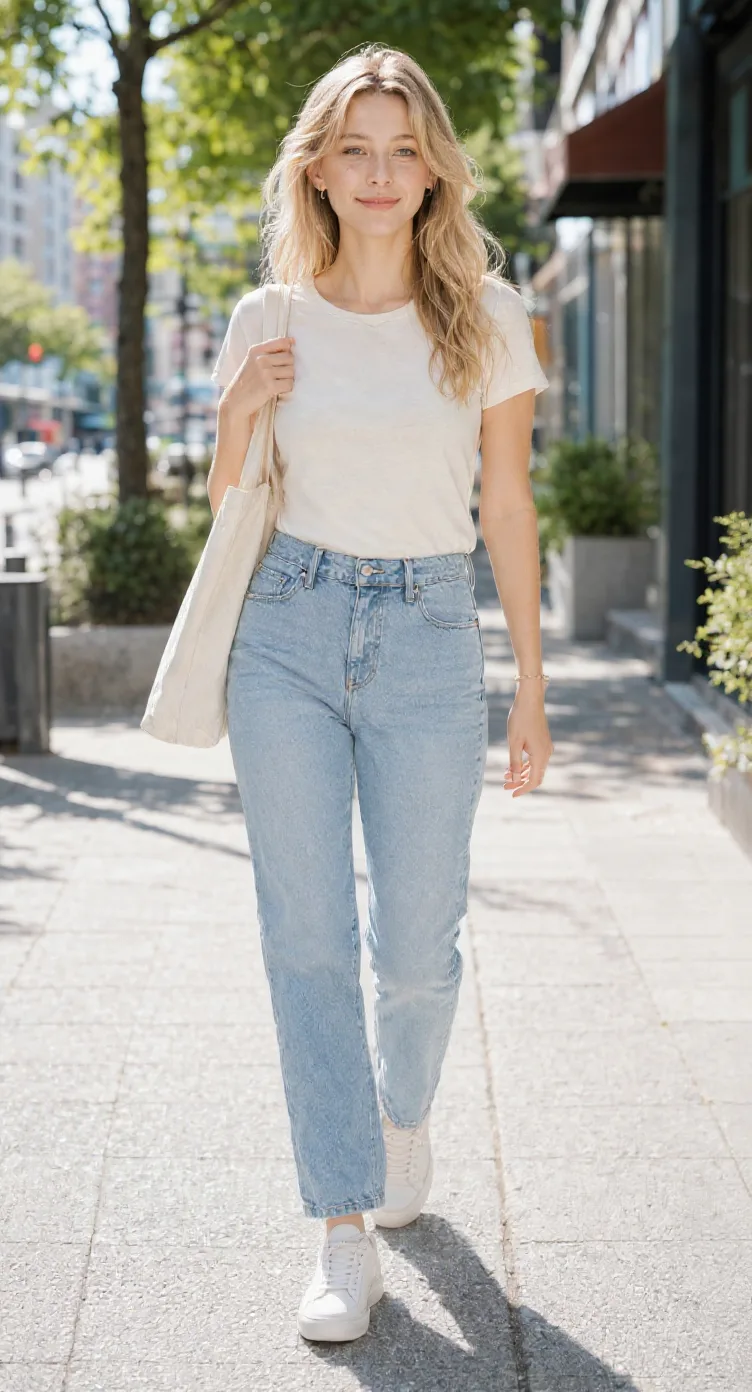
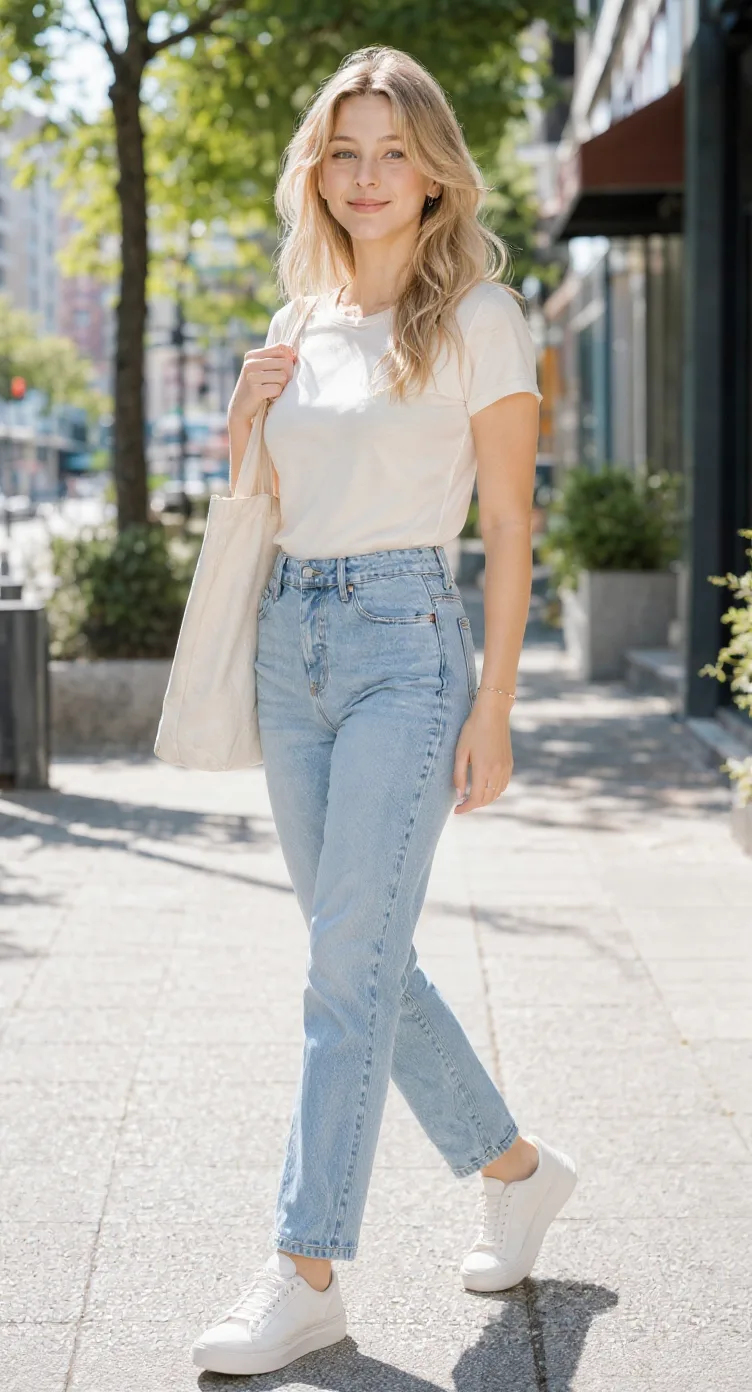
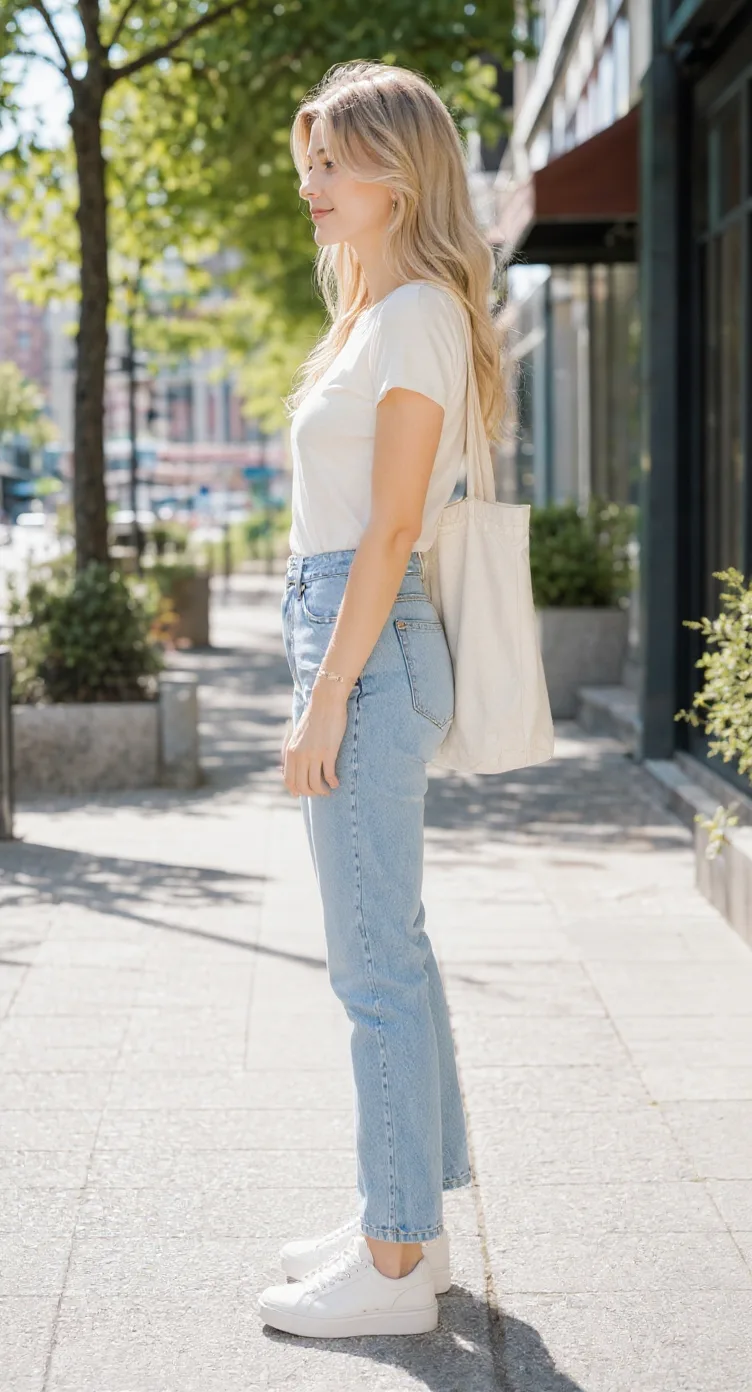
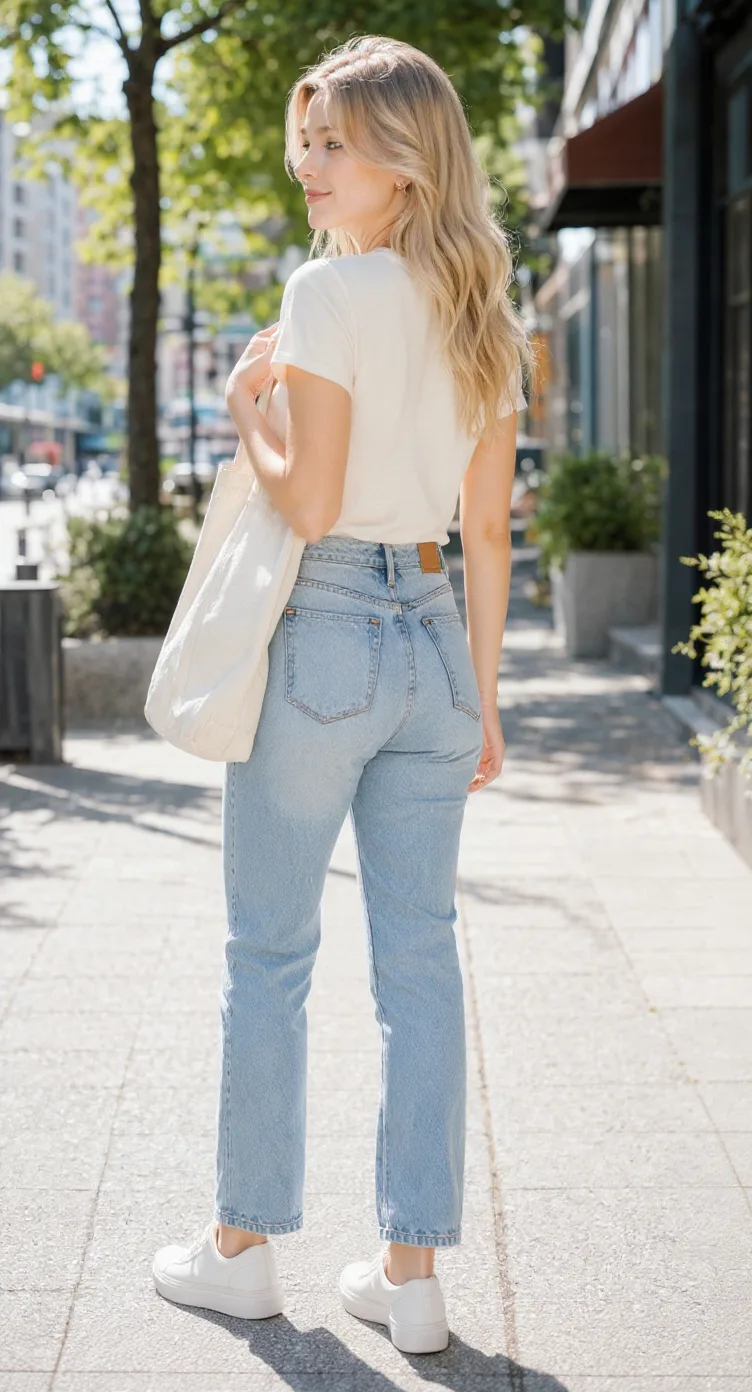
NEWGPT Image 2.5 is here — make focused edits with less rework.

Try GPT Image 2.5

AI Character Model Sheet Generator

Your character looks great from the front. What about every other angle? Upload your character artwork and generate front, side, back, and three-quarter views. Review the design across multiple perspectives, then download the views together as a character model sheet.

1Character reference
2Generation mode Recommended
3Views5 perspectives
Front(0°)Front ¾(45°)Side(90°)Back ¾(135°)Back(180°)
Character detailsReview results
Face identity
Costume details
Colors
Body proportions

Sheet preview

5-view model sheet preview

Consistency mode generates five reference views from one normalized character reference.

Front
0°
Active
FrontExample
Front ¾
45°
Front ¾Example
Side
90°
SideExample
Back ¾
135°
Back ¾Example
Back
180°
BackExample
Angle preview
Angle preview0°
Angle loopPreview

One Character Design. A Model Sheet You Can Work With.

A front view can look finished while leaving important questions unanswered. How does the character’s hair fall behind the shoulders? What does the jacket look like from the side? Does the silhouette still read clearly from behind?

Use multiple views to review more of the design before it moves into the next stage of production.

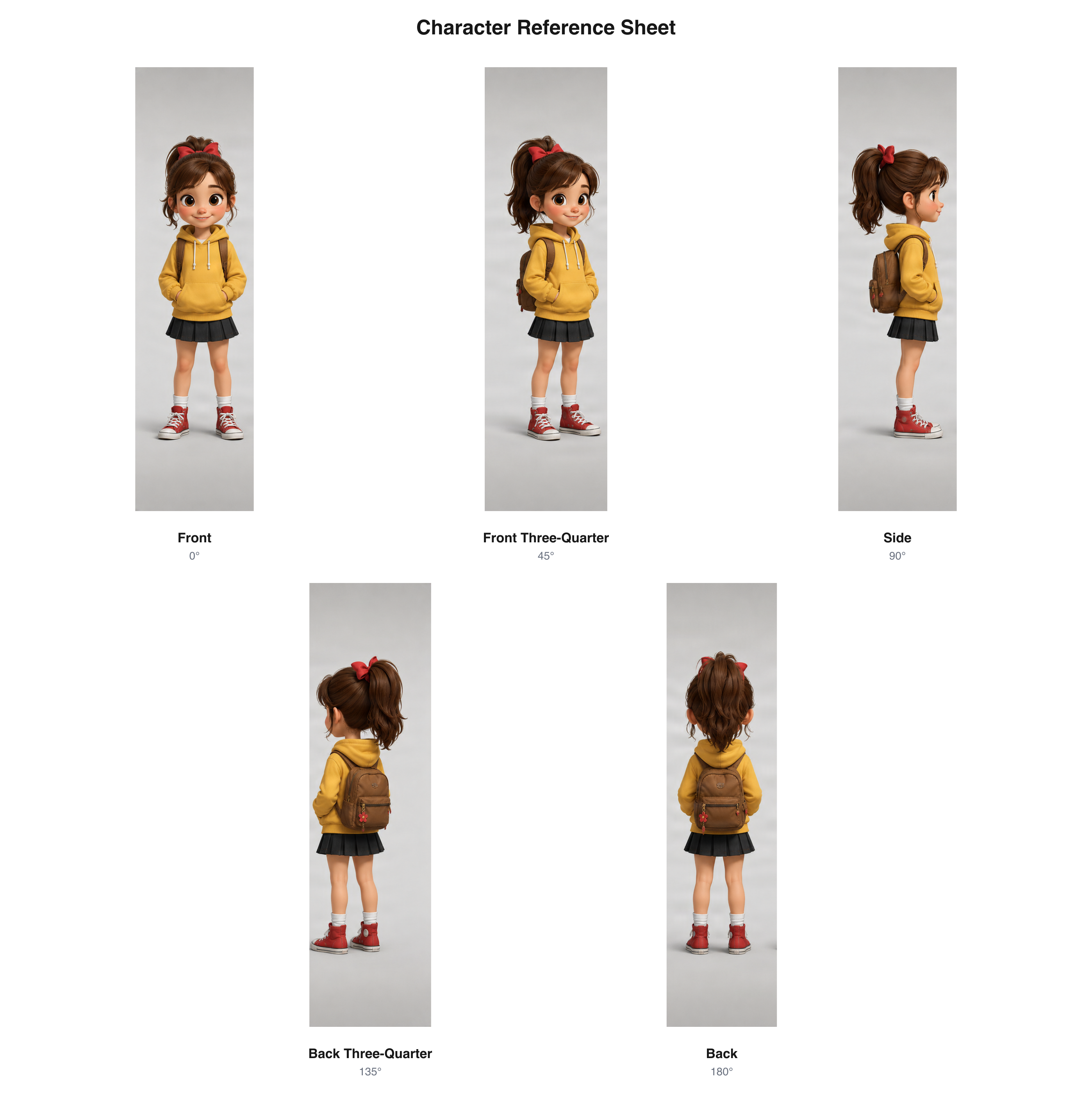
Cartoon character model sheet

Keep a cartoon character recognizable across different views. Review the head shape, hairstyle, clothing, and silhouette before creating new scenes or poses.

Five cartoon character views arranged in a labeled model sheet

Cartoon character views arranged as a model sheet.

Download sample PNG

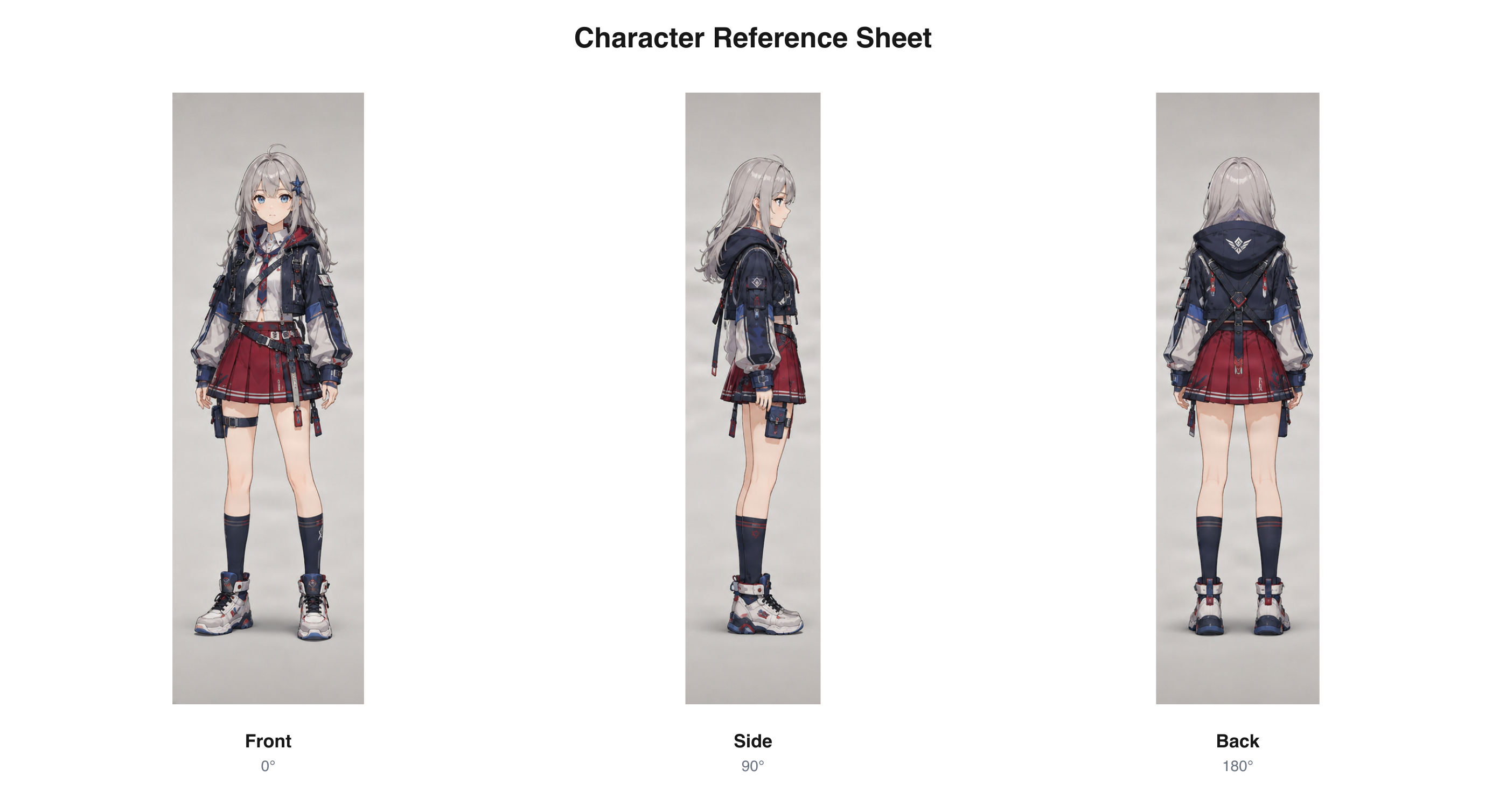
Anime character model sheet

Take your anime character beyond a single illustration. Explore how the hairstyle, costume, and accessories may look from different directions.

Anime character front, side, and back views arranged in a model sheet

Five-view anime character sheet reformatted from existing sample artwork.

Download sample PNG

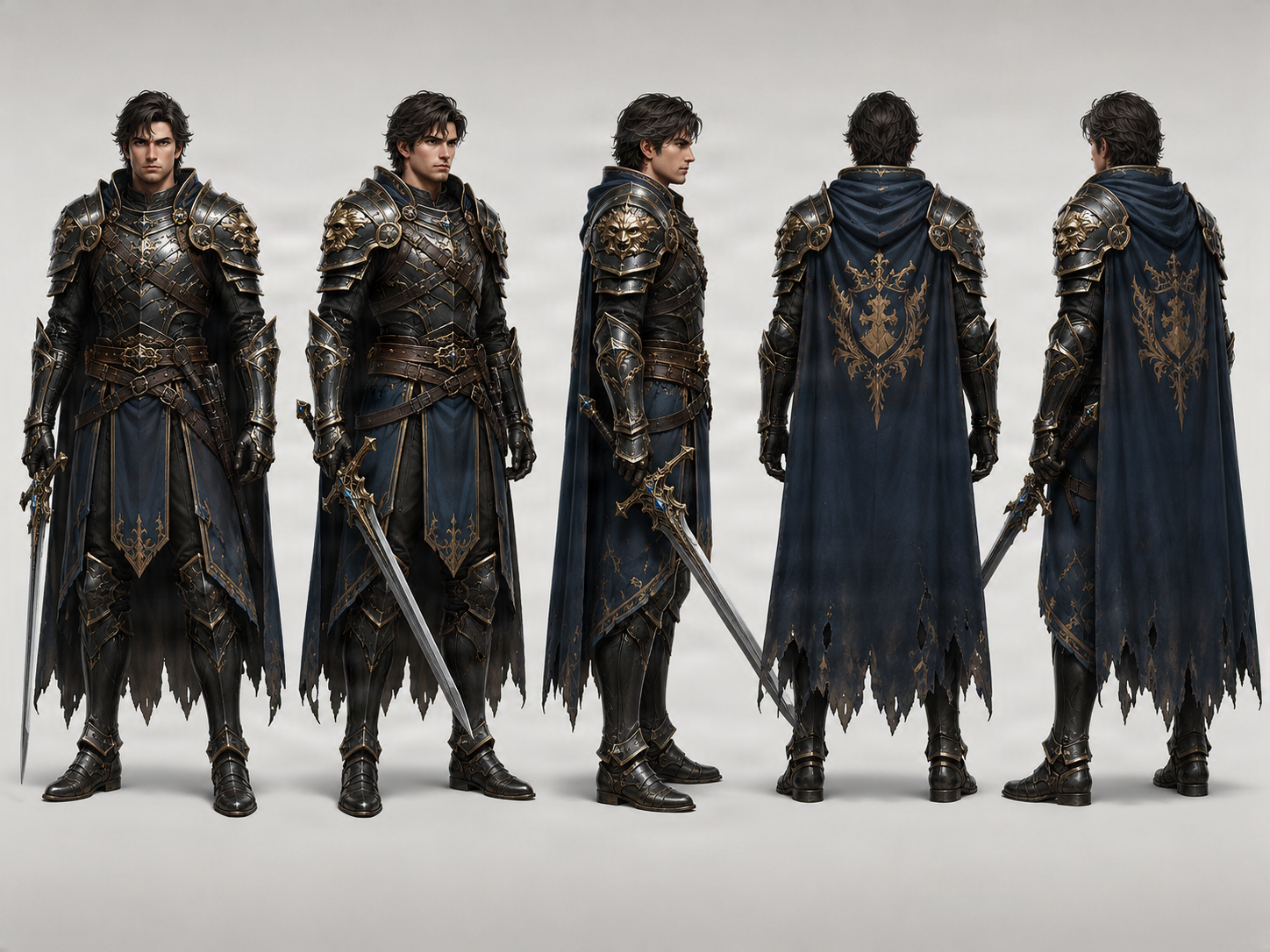
Fantasy game character views

Review how armor, capes, boots, belts, and other design elements may appear from several angles. Use the views as a starting reference for character artwork or conversations with a modeler.

Existing multi-view fantasy character turnaround sample

Existing fantasy character turnaround sample, shown as a multi-view design reference.

The cartoon and anime sheets are layout demonstrations made from published example artwork. The fantasy image is an existing turnaround sample. These are not new generation tests. Labels printed inside the sheet PNGs are in English.

Start from your design

Use existing character artwork as the visual reference.

See the missing angles

Generate additional perspectives to review the same character design.

Keep the views together

Export a multi-view sheet for design review and collaboration.

Three Views for the Essentials. Five for a Closer Look.

Choose the amount of visual detail that fits your next character design step.

3-view character model sheet

Front, side, and back provide the essential perspectives for reviewing a character.

Included views

  • Front — 0°
  • Side — 90°
  • Back — 180°

Useful for

  • Basic design review
  • Checking front and rear costume details
  • Sharing a first visual guide

5-view character model sheet

Add two three-quarter perspectives to see more of the transitions between front, profile, and back.

Included views

  • Front — 0°
  • Front three-quarter — 45°
  • Side — 90°
  • Back three-quarter — 135°
  • Back — 180°

Useful for

  • Animation and game art references
  • Reviewing layered costumes and accessories
  • Character design collaboration

Five views provide more visual information and require more generation credits. The workbench shows the current cost before you generate.

Your Character Shouldn’t Become a Different Person From the Side.

You spend time making your character look right. Then you need a profile for an animation, a rear view for a game scene, or a guide for another artist. A single front-facing image leaves too much open to interpretation.

A multi-view model sheet gives you views to compare, review, and refine before you commit to more artwork.

Understand the silhouette

See the overall character shape from the front, side, and back.

Review costume details

Inspect how clothing layers, accessories, and distinctive shapes appear around the character.

Give artists a starting point

Share a multi-view reference with illustrators, animators, and modelers.

Find differences earlier

Compare generated views and identify details that may need correction before further artwork.

Keep Every Angle Organized and Easy to Share.

Download a combined model sheet PNG after the selected views meet applicable checks. You can also keep the individual images for annotation or separate reference.

Combined model sheet PNG

Keep the generated perspectives together in one labeled image.

Individual view images

Inspect, annotate, or reference each angle separately.

ZIP archive

Download the generated view images together for your project files.

Model Sheets for Animation, Game Art, and Character Design

A multi-view model sheet can help communicate an existing design during early planning and collaboration.

Animation pre-production

Plan how the design reads as a character turns, and identify areas that need additional drawings.

Indie game developers

Share a clearer character reference before requesting more game artwork or a 3D model.

3D character artists

Use the views to understand the intended appearance and identify details that need manual interpretation.

Concept artists and small teams

Give collaborators a common visual starting point for review and revision.

The Face, Outfit, and Silhouette Should Tell the Same Story.

Review each perspective side by side. A model sheet is useful when it helps you notice where the generated interpretation differs from your intended design.

Facial features and head shape

Compare recognizable features and the shape of the head across angles.

Clothing and costume construction

Check how coats, armor, layers, and fabric details appear from the side and rear.

Character proportions

Look for changes in height, body shape, and the relationship between major forms.

Accessories and distinctive details

Confirm that important accessories remain visible and recognizable.

Review before further production

Correct or annotate inconsistencies before using the views as a production reference.

A Clearer Character Image Makes a Better Starting Reference.

A clear source image gives the generator more useful design information.

Use a full-body image when possible

For full-body views, choose a source that shows the character from head to toe.

Make the costume visible

Show the clothing, armor, hairstyle, and accessories you want to retain.

Avoid unnecessary obstructions

Large objects, complex backgrounds, and overlapping characters can make the design harder to interpret.

Expect hidden details to be inferred

If the back of a jacket or hairstyle is not visible, the generated angle will interpret those details.

Different Names. Different Creative Goals.

These pages use the same multi-view generation capability for distinct tasks.

Character Model Sheet Generator

Review a character’s silhouette, proportions, costume, and overall appearance across multiple views.

Character Reference Sheet Generator

Arrange character views into one convenient image for sharing.

Character Turnaround Generator

Generate front, profile, rear, and three-quarter perspectives from an existing character.

A Faster Starting Point for Character Design Work.

Create multi-view visual references from a character image you already have. The views can support review, collaboration, and early production planning, while final design decisions remain with your team.

  • 3-view and 5-view model sheets
  • Front, side, back, and three-quarter perspectives
  • Combined PNG, individual images, and ZIP archive
  • Visual references based on an existing character
  • Exact orthographic alignment may need manual work
  • No 3D mesh, rig, expression sheet, or production-ready construction guide

Generated views are visual design references. Exact construction, measurements, and proportional alignment should be checked before production use.

How to Create a Character Model Sheet With AI

Step 1 — Upload your character design

Start with an image of the character you want to develop. A clear full-body illustration is useful when costume, footwear, accessories, and proportions matter.

Step 2 — Choose views and pose

Select three essential perspectives or five views with additional three-quarter angles. Choose Neutral, A-Pose, T-Pose, or Match Original to guide the reference.

Step 3 — Generate, review, and download

Generate the selected views and examine the face, hairstyle, silhouette, outfit, and accessories across images. When required views pass available quality checks, download the model sheet PNG and individual views.

Character model sheet generator FAQ

What is a character model sheet?

A character model sheet communicates how a character should look, often using multiple viewing angles. It may also include expressions, proportions, or construction details. This generator focuses on front, side, back, and optional three-quarter views from an existing image.

Can AI create a character model sheet from one image?

Yes. Upload a character image and choose three or five views. AI uses the artwork as a visual reference for additional perspectives. Review the results before using them.

Do I need to draw the front, side, and back views myself?

No. You can start with one character illustration. The generated views are visual references and may need correction when precise construction is required.

What is the difference between a character model sheet and a turnaround?

A turnaround shows a character from different directions, usually in a consistent pose. A model sheet is a broader design reference that may also include construction or expressions. This page focuses on a multi-view model-sheet-style result.

Can I use the model sheet for animation?

Yes, as a visual reference during animation planning. Professional animation may need additional drawings, corrections, expression references, or approved construction guides.

What views can I generate?

Three views include Front (0°), Side (90°), and Back (180°). Five views add Front Three-Quarter (45°) and Back Three-Quarter (135°).

Should I choose three views or five views?

Choose three for the main front, side, and back references. Choose five to review more detail around the head, hairstyle, clothing, and accessories. Five views use more generation credits.

Can I create an anime character model sheet?

Yes. Upload an anime-style character illustration to generate additional perspectives and review how the hairstyle, clothing, and silhouette appear from different directions.

Can I generate a cartoon character model sheet?

Yes. Use an existing cartoon character image as the source and generate additional views for visual development and design review.

Does the tool support T-Pose and A-Pose?

The workbench includes Neutral, T-Pose, A-Pose, and Match Original preferences. These guide generation; check the resulting pose and alignment for your needs.

Will the character remain identical across all views?

Perfect consistency is not guaranteed. Costume elements, proportions, and facial details may change between views, so review the results before treating them as final references.

What happens to clothing details the original image does not show?

The AI interprets details hidden from the source. For example, the back of a jacket may be an interpretation if only its front appears in the original.

Can I download a complete model sheet as one PNG?

Yes. When the selected views pass applicable checks, download them together as a combined sheet PNG. The workflow also supports individual views and a ZIP archive.

Can I use the model sheet for Blender or other 3D software?

You can use it as a visual character reference. The views are not guaranteed to be orthographic or proportionally aligned, so review and adjust them before precision modeling.

Does this generate a 3D character model?

No. It generates 2D character perspective images, not a GLB, FBX, rigged character, or 3D mesh.

Can I generate facial expressions and pose sheets?

This workflow focuses on viewing angles. Expression studies, action poses, and construction notes require additional work.

Does arranging the model sheet cost additional generation credits?

Generating the selected character perspectives uses credits shown in the workbench. Arranging successfully generated views into a sheet does not start another AI image-generation run.

What if a generated view fails or needs review?

The result page shows the state of each perspective. If a required view fails or needs review, the complete sheet export may remain unavailable until the required set passes applicable checks.

Your Character Is Already Designed. Now See More of It.

Upload your existing character design, choose your views, and create a model sheet that gives you and your collaborators more visual information to work with.

Create my character model sheet

One character image · 3 or 5 views · Download a model sheet PNG

    AI Character Model Sheet Generator | ImageToLayers