
Explore the profile
Review a proposed side view of the head, body, hairstyle, and costume.
You have the character design. Now get the views you need to start modeling.
Upload Your Character
Upload your existing character illustration
Review your character across the selected reference views.
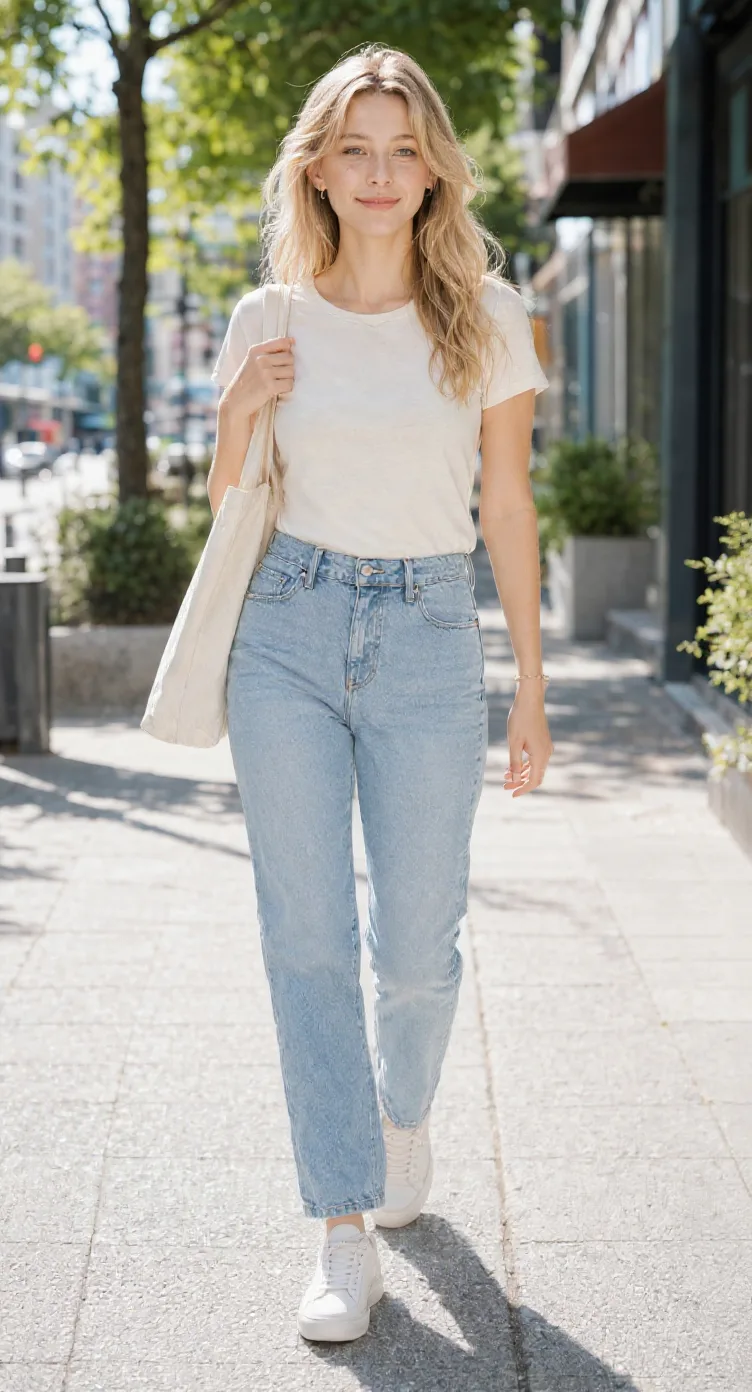
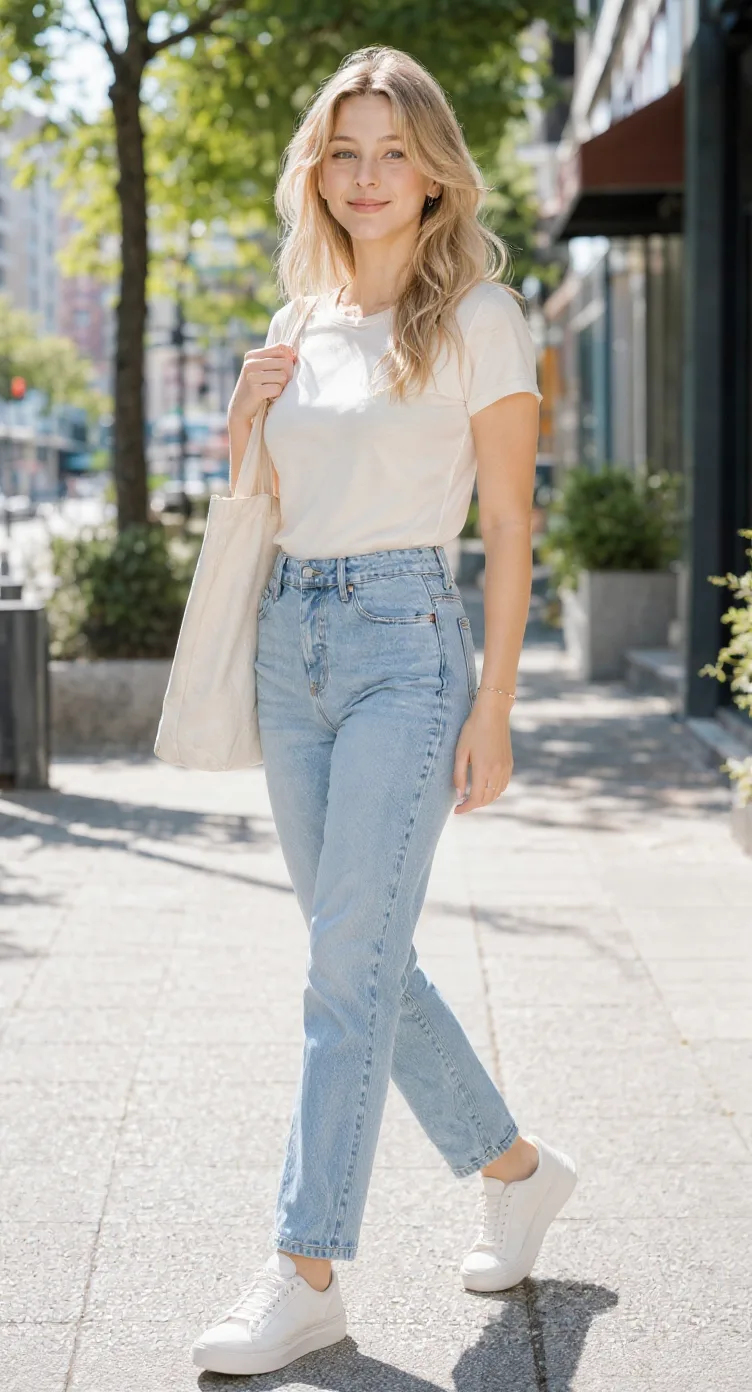
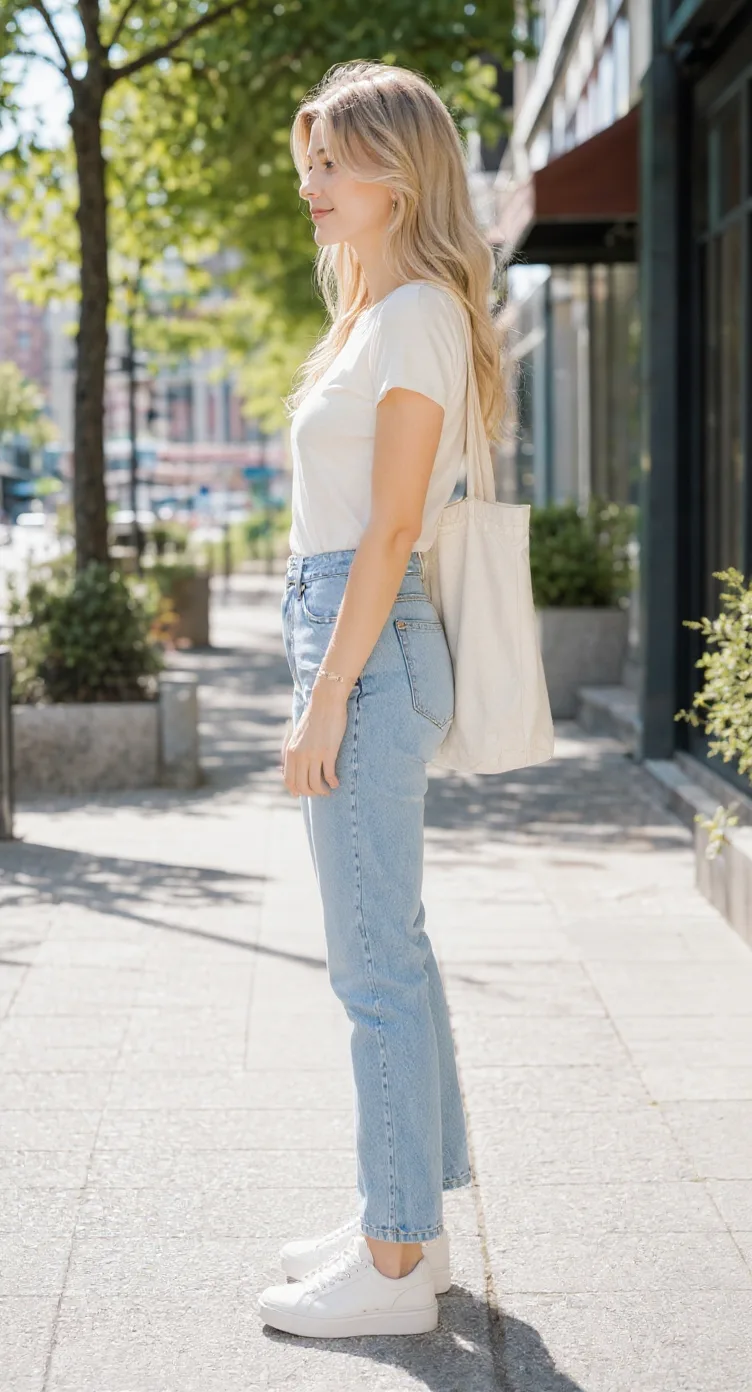
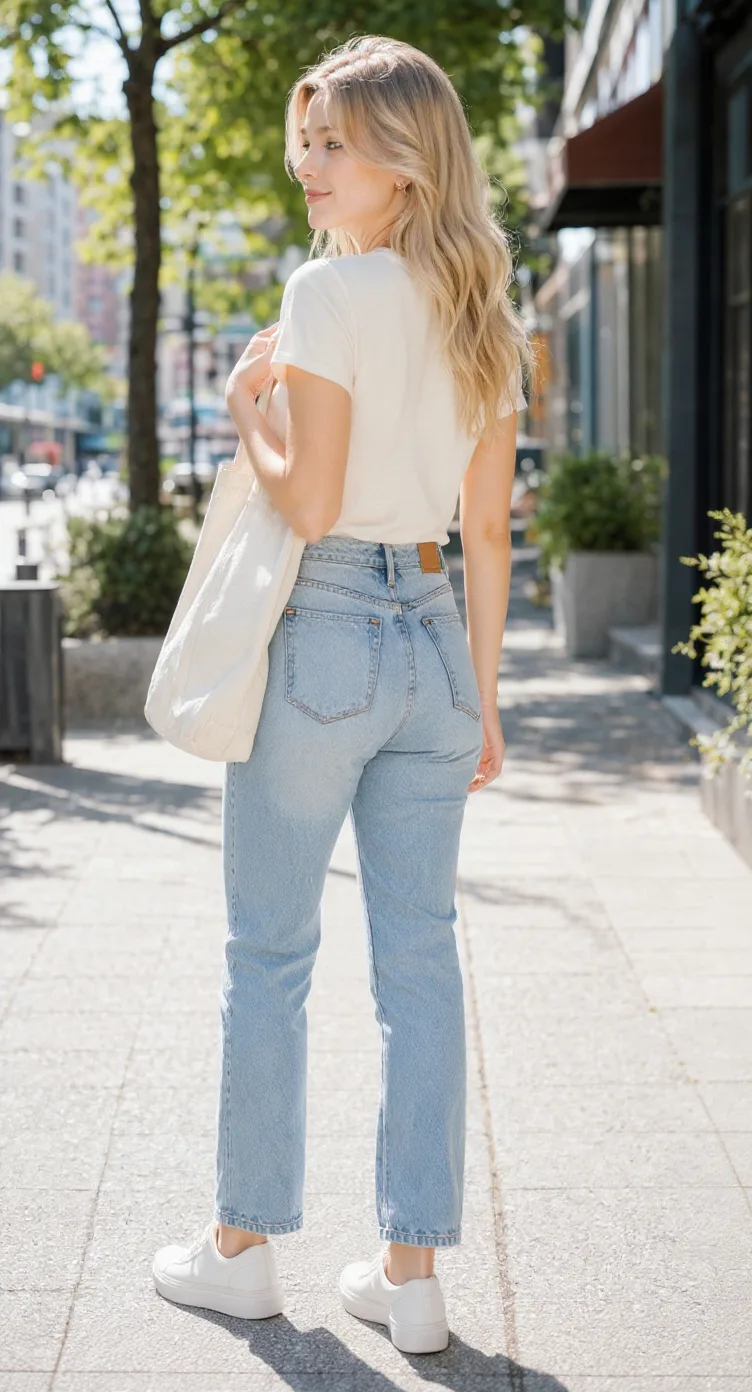
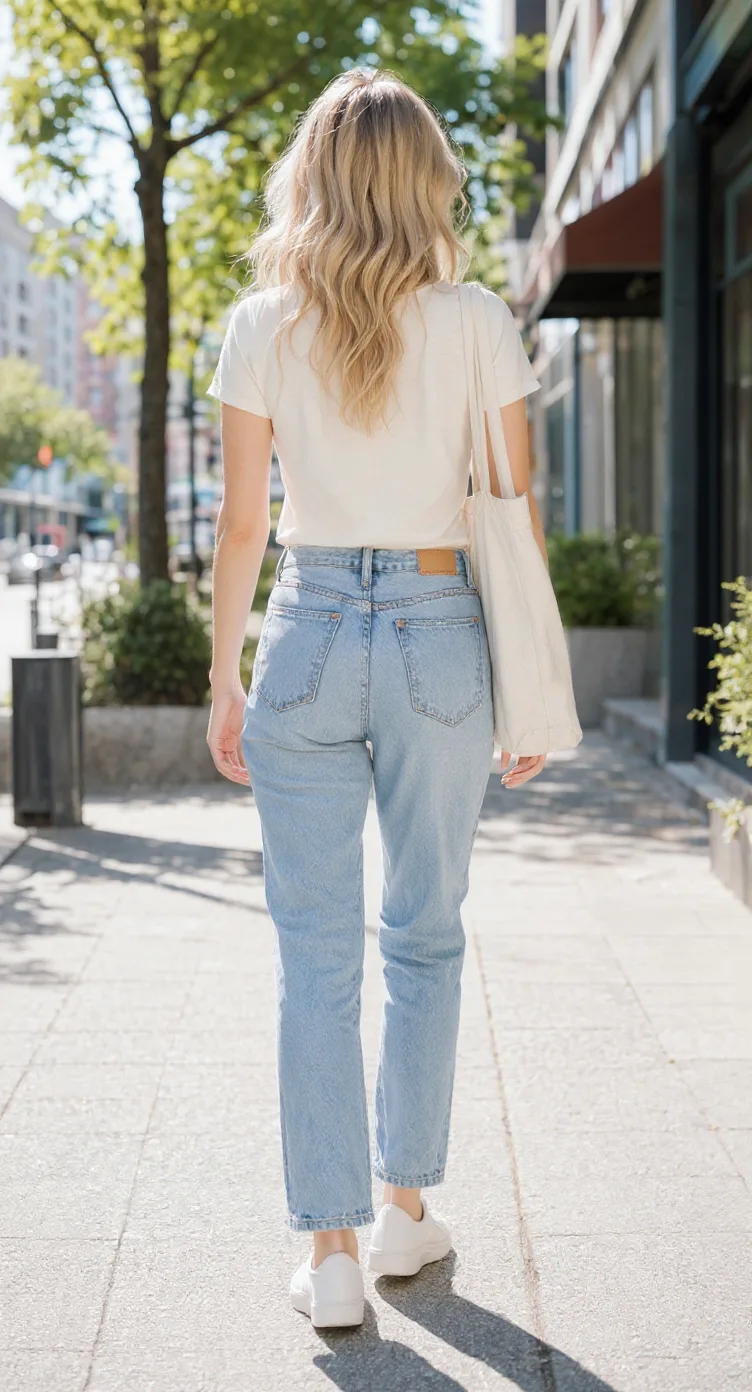
This tool creates 2D character reference images for 3D modeling. It does not generate a 3D mesh or guarantee perfectly orthographic, scale-aligned views. Upload one character image · Choose 3 or 5 views · Download PNG references
Have a character illustration you want to turn into a 3D model, but only have one angle to work from? Upload your existing character artwork and generate front, side, back, and three-quarter reference views. Download individual images or bring them together into one character reference sheet for Blender and other 3D modeling workflows.
Front, side, back & 3/4 views in one run
Lateral, heel & outsole sneaker views
Front, side & rear model reference sheets
Share your original character in multiple views
Prepare multi-view references for model artists
Generate a rear perspective from a character image
Prepare multi-view references for 2D animation planning
Front, side, back & 3/4 views for anime characters
One left or right profile, 30 credits
Clean marketplace angles for listings
Interactive 360° rotatable spin view
Precise azimuth & elevation controls
A single concept illustration may not show the rear silhouette, profile, clothing layers, or accessory placement. Additional reference views help you explore those missing parts before building a mesh.
Review armor, costume, cape, boots, and silhouette from more angles.
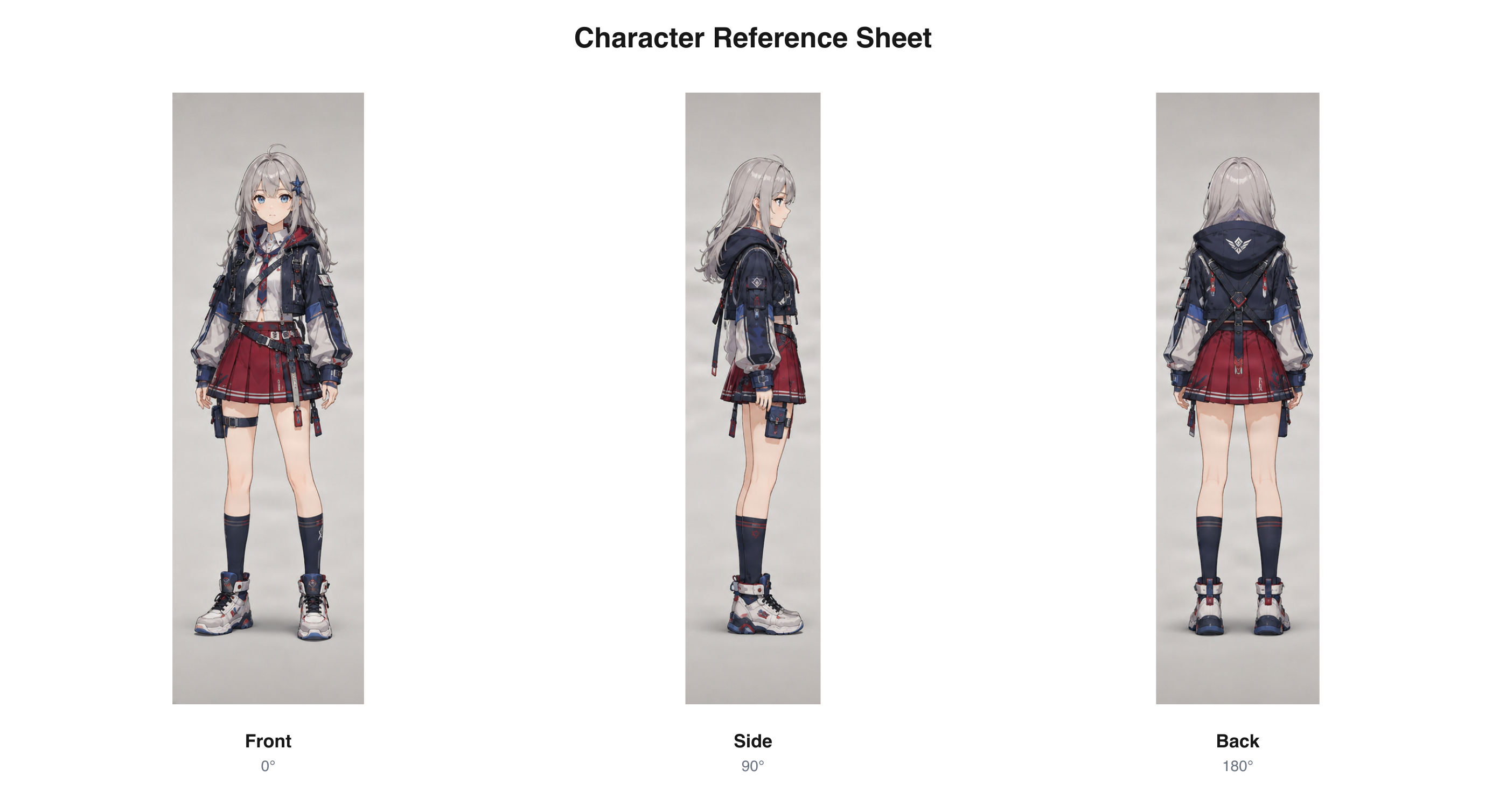
Existing fantasy character turnaround used as a general multi-view format example, not a 3D modeling test.
Download sample PNGExplore a character’s profile and back, including the silhouette, hairstyle, and main costume features.
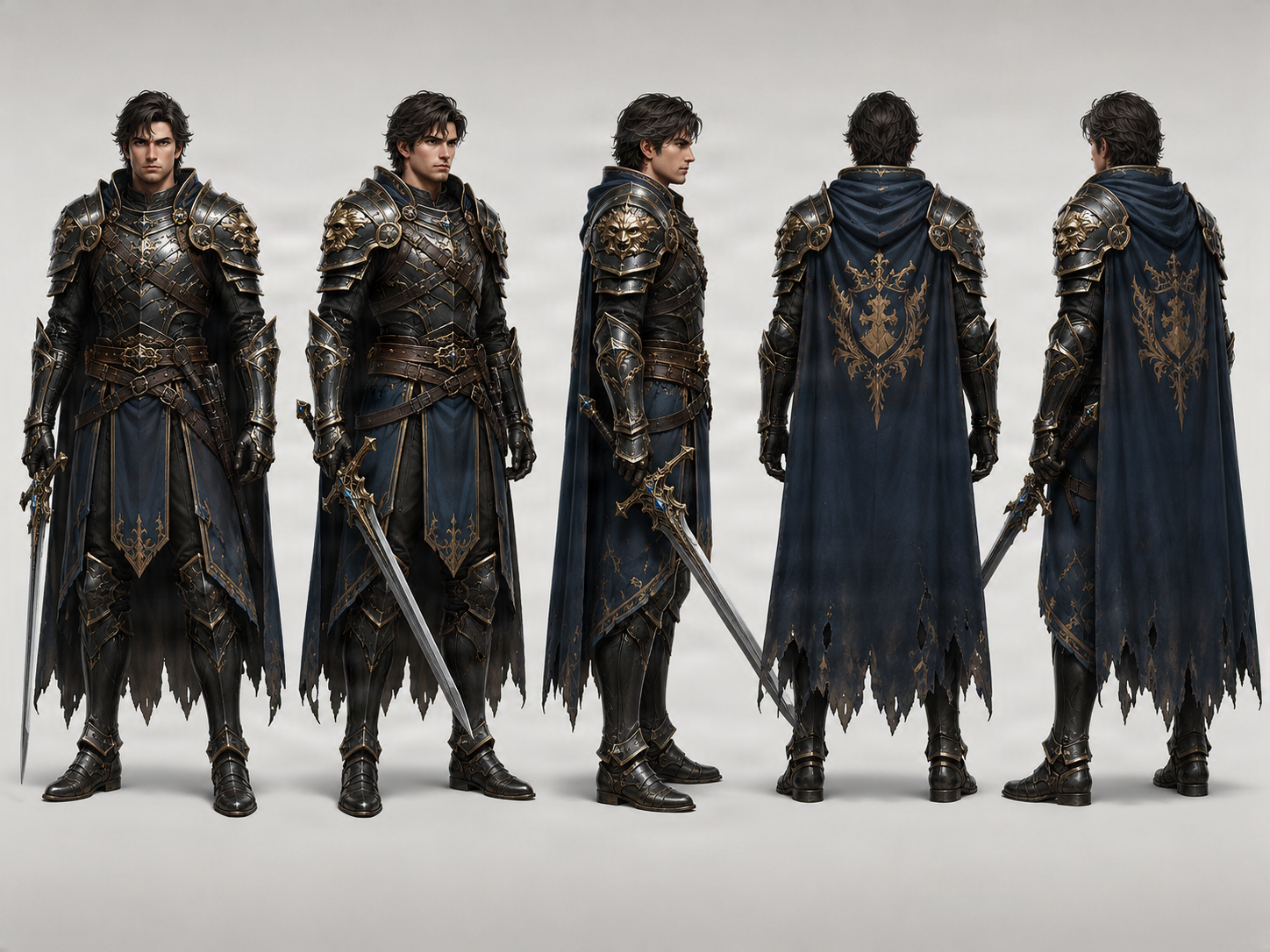
Existing stylized character sheet used as a general example, not a 3D modeling test.
Download sample PNGExplore additional viewpoints of an anime character illustration before planning a model.
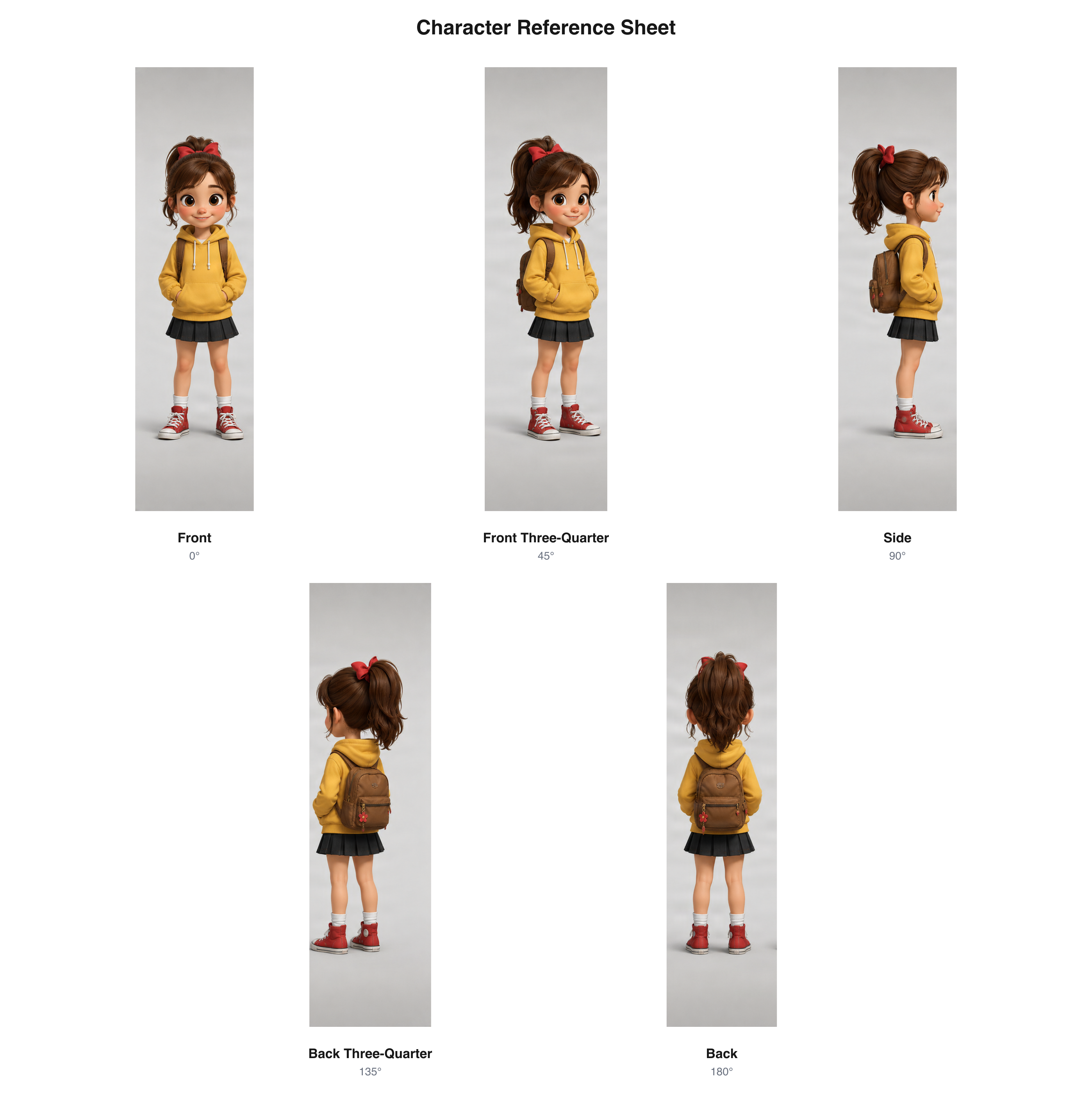
Existing anime-style character sheet used as a general format example, not a 3D modeling test.
Download sample PNGThese examples demonstrate existing character views and sheet layouts. They are not validated modeling blueprints or exact orthographic output.
Use an existing character design rather than starting from a text prompt.
Generate front, profile, back, and optional three-quarter interpretations.
Download individual views or review them together in one reference sheet.
The front view may look clear, but building the head, torso, costume, or hair can leave you guessing about depth, profile, rear details, and silhouette. Multi-view references provide more visual information to review before making those modeling decisions.
Review a proposed side view of the head, body, hairstyle, and costume.
Generate an interpretation of clothing, hair, and accessories not visible in the source.
Review the character outline across angles before choosing how to build the form.
Use additional images as concept references for modeling, blockout, or a handoff to a 3D artist.
Choose an illustration that clearly shows the character’s shape, hairstyle, costume, and accessories. Full-body artwork is especially helpful when you need references for the entire character.
Select three views for front, side, and back, or five views to add front and back three-quarter perspectives. Choose Neutral, A-Pose, T-Pose, or Match Original as your pose preference.
Check proportions, hairstyle, outfit, and details inferred by AI. Download separate perspective images or save approved views together as a reference sheet PNG.
Choose the view set that fits the questions you want to answer while planning your model.
The essential front, side, and back references.
Included views
Useful for
Additional angles to explore more of the design.
Included views
Useful for
More views provide additional visual information, but do not guarantee exact geometric alignment or identical proportions. Check the current view count and credit cost in the workbench.
Use generated views as visual guides while making your own decisions about form, proportions, anatomy, and construction.
Save the front, side, and back images. Separate images are often easier to place as individual references.
Set up the project where you will build or sculpt the character. Prepare front and side orthographic viewports if useful.
Use Blender’s image reference feature to place the front image in the front view and the side image in the side view.
Compare landmarks such as the head top, shoulders, hips, knees, and feet. Crop, scale, and position images as needed.
Use the references to guide the general silhouette and major forms. Treat inferred details as concepts, not measurements.
Compare your model with the generated views and adjust construction and design details as needed.
Each view helps you examine another part of the character’s appearance.
Study the general appearance, symmetry, outfit, and silhouette.
Consider the face, chest, torso, hair, and clothing from the side.
Review hairstyle, rear outfit design, capes, backpacks, armor, or accessories.
Explore how major features may look between the front and side.
Explore the transition between side and back, including clothing layers and accessories.
Pose preferences guide generation, but do not guarantee exact skeletal alignment, symmetrical anatomy, or matching joint locations between views.
A simple standing position for reviewing the character.
A familiar reference pose with arms angled away from the torso, which can reveal more of the shoulders and upper body.
A recognizable pose with arms extended outward, useful for discussing proportions and construction.
Use the source artwork’s pose as the preferred starting reference when the stance matters to the design.
Additional perspectives can help communicate an existing character design before modeling or sculpting begins.
Get more visual information before starting a first character mesh.
Review silhouette, hairstyle, clothing, and design decisions before building detailed geometry.
Compare perspectives before sculpting the head, torso, costume, and accessories.
Share clearer visual references when collaborating with a 3D artist.
Develop additional perspectives as drafts to review, revise, or build upon.
Communicate the character’s appearance while keeping model, rig, and production work separate.
AI may interpret parts of the original design differently. Compare the features that matter before using generated views for modeling.
Check the apparent skull shape, hairstyle, eyes, and facial profile.
Compare height, torso, limbs, shoulders, and overall body shape.
Look for missing, changed, or conflicting clothing features.
Examine the position, shape, and presence of distinctive items.
Treat unseen features as generated design proposals, not confirmed source details.
Inspect whether camera angle creates apparent changes in scale or proportions.
Generated views are visual references, not orthographic blueprints, calibrated modeling plans, or 3D assets. Review inferred details and align images manually when your workflow requires precision.
This generator helps you explore an existing character design from several directions. It creates 2D visual references, not three-dimensional geometry.
The uploaded character is the starting point for generating new perspectives. Make the features you care about easy to see.
Artwork showing the whole character is helpful when you need full-body references.
Make the hairstyle, costume, accessories, and silhouette easy to understand.
A dramatic camera angle can make the source proportions harder to judge.
A standing pose or A-Pose/T-Pose preference may be easier to inspect than an action pose.
A clear background and unobstructed character make the source easier to interpret.
The AI may infer unseen details. Review whether they match your intended design.
Manually review and align anatomical landmarks before using views in orthographic modeling.
These are different steps in character creation.
Best when you need more views of an existing design. Output: 2D images, a combined sheet PNG, and an image ZIP.
Best when your goal is exploring viewing angles. Output: 2D multi-angle character views.
Best for reviewing visual appearance, silhouette, costume, and proportions across views.
Best when you need geometry. Modeling quality, topology, rigging, and formats depend on that separate tool or workflow.
Create a visual starting point for your own work or for collaborators helping bring a character into 3D.
Explore costume, hairstyle, and silhouette from different directions.
Prepare views that help communicate a recognizable appearance.
Examine armor, capes, clothing layers, and accessories around a character.
Review proportions and distinctive features before building a simplified mesh.
Give a modeler multiple visual references instead of one dramatic illustration.
It is a set of character images used to guide or communicate a 3D character design, often showing front, side, and back views. This tool generates 2D visual references; it does not create a 3D model.
Yes. Upload an existing character illustration and choose three or five views. The AI uses it as the source for additional perspectives.
No. It generates 2D reference images. It does not create a mesh, rig, UV layout, or 3D project file.
Yes, as reference images. Download individual views and place them in Blender using its image-reference features. Cropping, scaling, and alignment may be needed.
No. Exact orthographic projection is not guaranteed. Perspective, proportions, and camera alignment can vary, so treat the views as concepts unless you manually verify and correct them.
Yes. Three-view mode generates front, side, and back perspectives from an uploaded character image. Review and download the images individually or in a combined sheet.
Five views add front and back three-quarter perspectives to the main angles. They provide more visual information but do not guarantee geometric accuracy.
Yes, as visual references during modeling or sculpting. Import and placement depend on the software, and alignment may need manual adjustment.
Yes. Pose preferences include Neutral, T-Pose, A-Pose, and Match Original. They guide generation but do not guarantee exact anatomy or joint alignment.
It depends on your workflow. A-Pose angles the arms away from the torso; T-Pose extends them outward. Neither guarantees technical rigging alignment.
Not necessarily. Head size, limb proportions, costume construction, and other details can vary. Compare and align images manually before precision work.
Yes, as a proposed interpretation. Details hidden from the source, such as rear hair or clothing seams, are inferred and should be reviewed.
Yes. You can upload anime, cartoon, fantasy, or other supported artwork. Results depend on the clarity and complexity of the source.
It can help during reference and planning. It does not generate a game-ready model, animation, textures, or engine-ready asset package.
Yes. The results workflow provides individual generated views and a ZIP archive, subject to each view’s available quality status.
Yes. Once required views are generated and approved, you can download a combined reference sheet PNG.
No. It generates 2D images, not 3D geometry or BLEND project files.
Use it as a visual design reference. Rigging and animation require actual model geometry or production artwork and additional technical work.
Generating selected views uses the credit cost displayed in the workbench. Arranging already generated, approved views into a sheet does not require another AI image run.
The results page indicates each view’s status. If a required view fails or is flagged for review, the complete sheet may remain unavailable until checks are satisfied. Existing quality and settlement rules still apply.
Generate front, side, back, and three-quarter perspectives of an existing character.
Character Reference Sheet GeneratorArrange multiple character views into one shareable sheet.
Character Model Sheet GeneratorReview silhouette, costume, proportions, and appearance across several views.
Anime Character Turnaround GeneratorExplore multiple perspectives of anime-style character artwork.
Character Side View GeneratorGenerate a profile view when you need an additional character angle.
AI Multiple AnglesExplore tools for creating new perspectives from existing images.
You already have the character concept. Generate more visual information to plan its shape, costume, and appearance. Upload your artwork and download references for your modeling workflow.
One character image · 3 or 5 generated perspectives · Downloadable PNG references
Creative Toolkit Index
Quick access to precision layer extraction, AI photo editing & asset tools.