
Show the back of the character
Explore hair and outfit details that are not visible in a front-facing image.
Your VTuber looks great from the front. Show your model artist the rest.
Upload your VTuber
Upload an existing VTuber character image. JPG, PNG, or WebP.
Five views for a fuller design handoff.
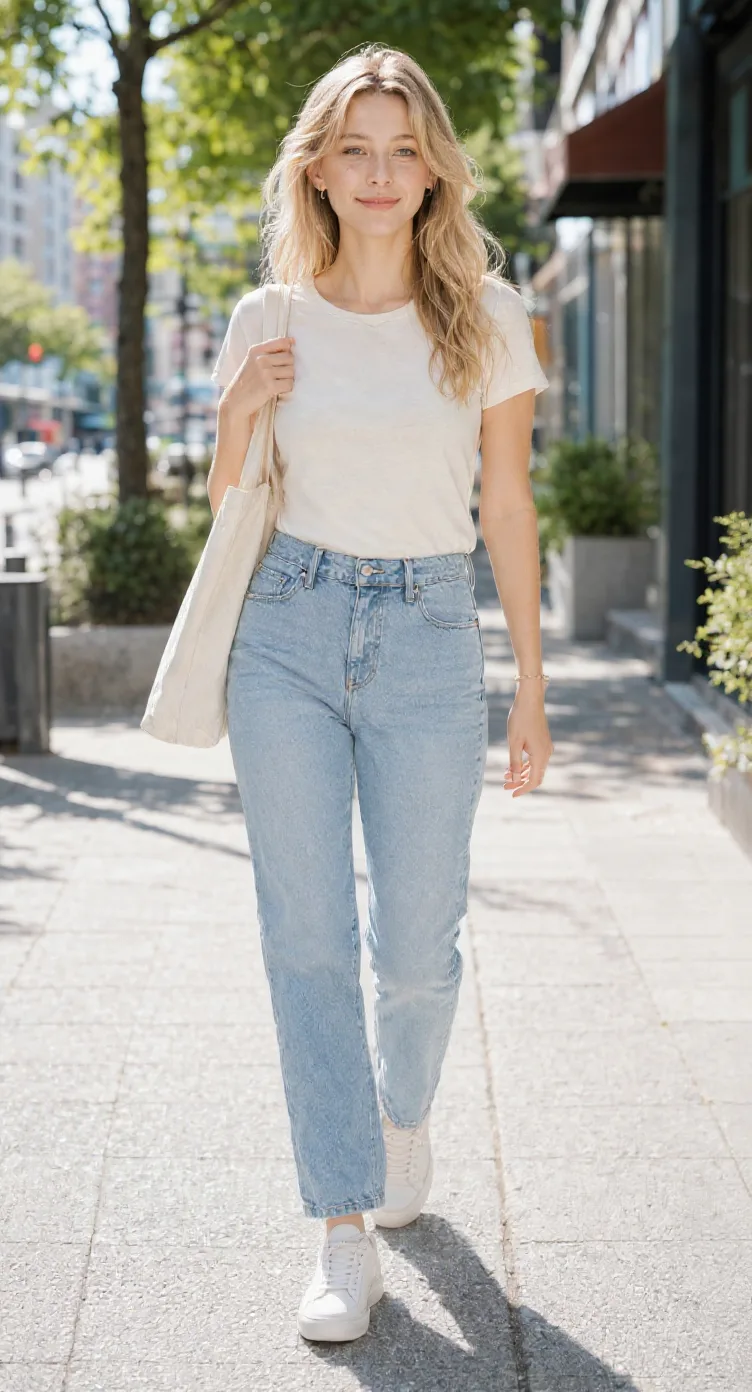
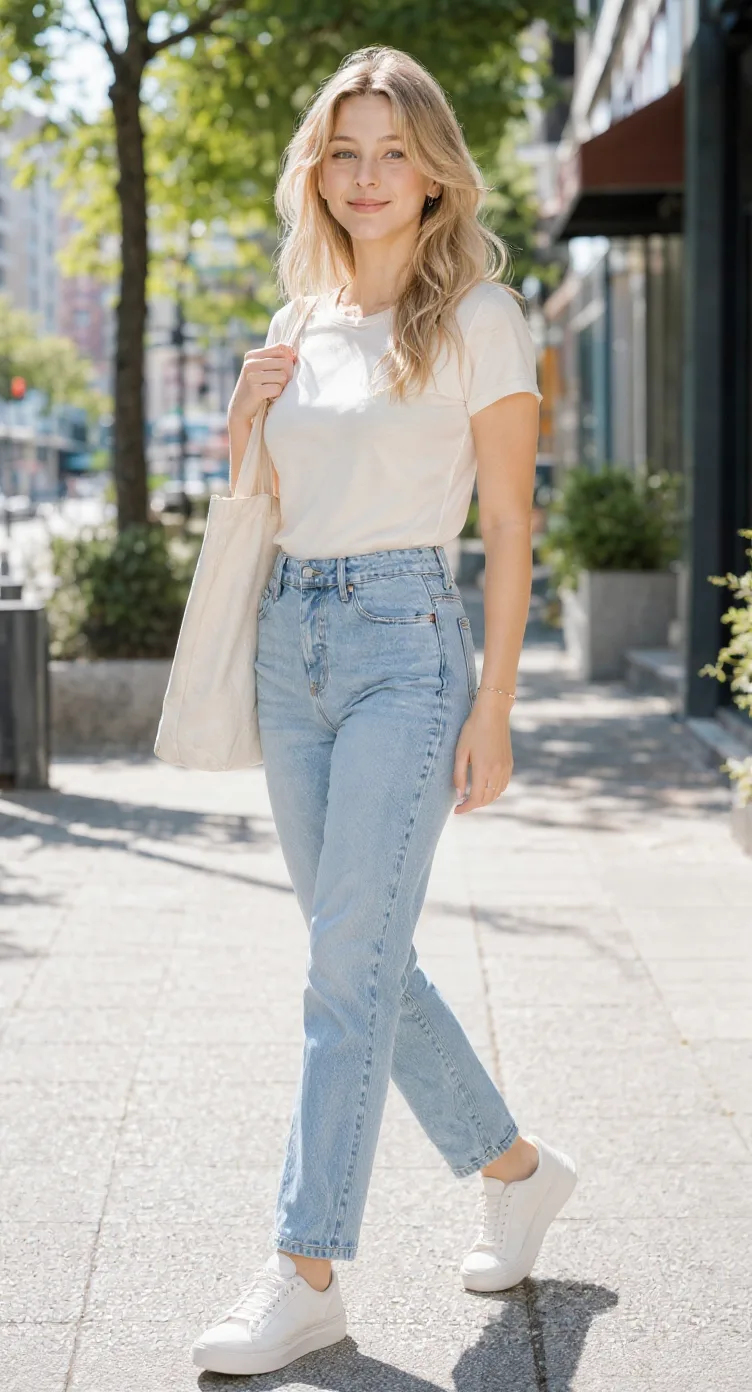
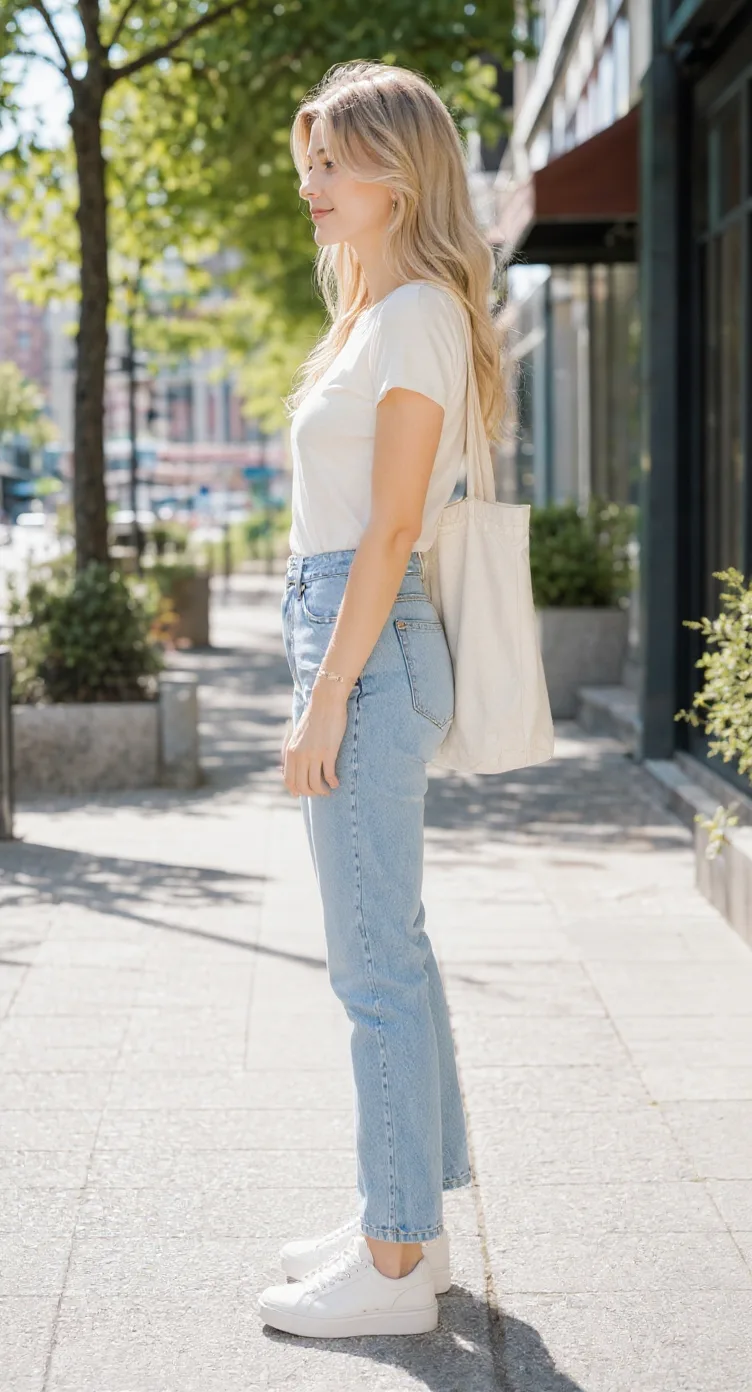
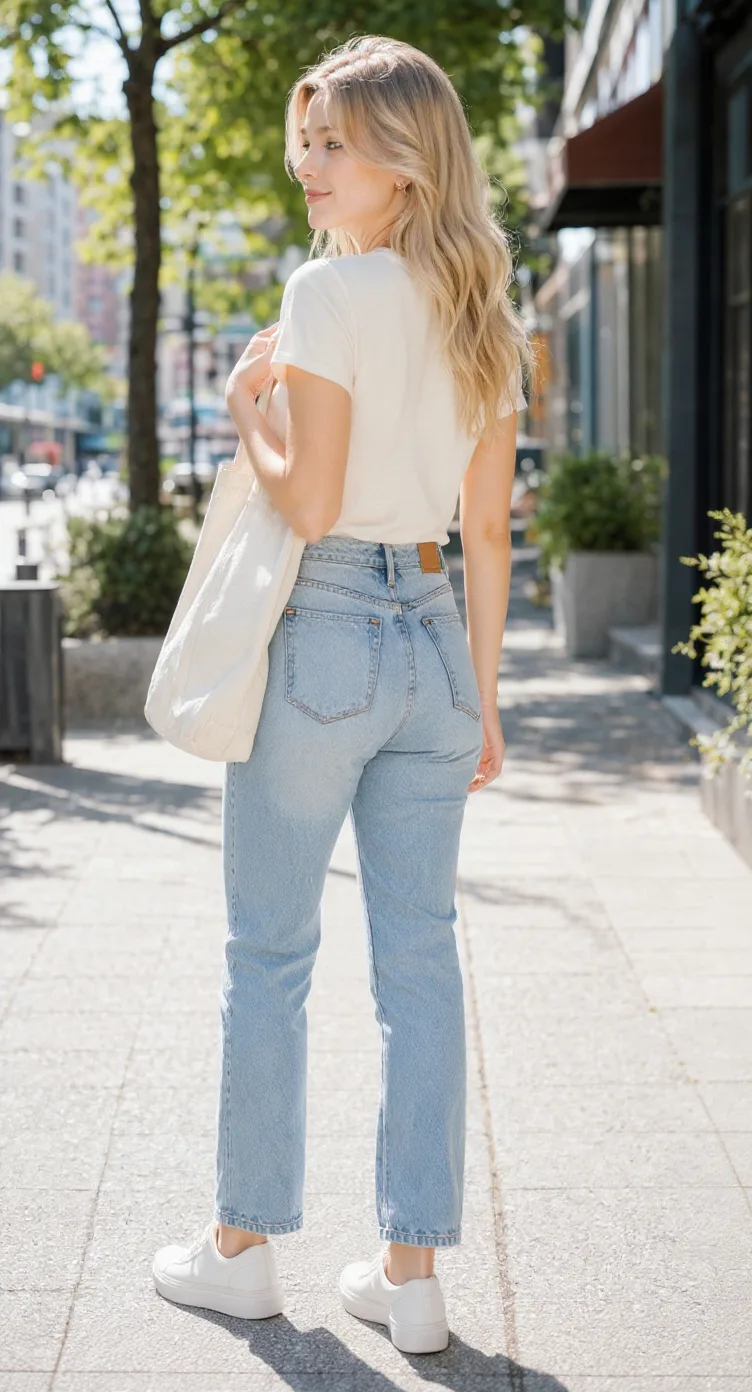
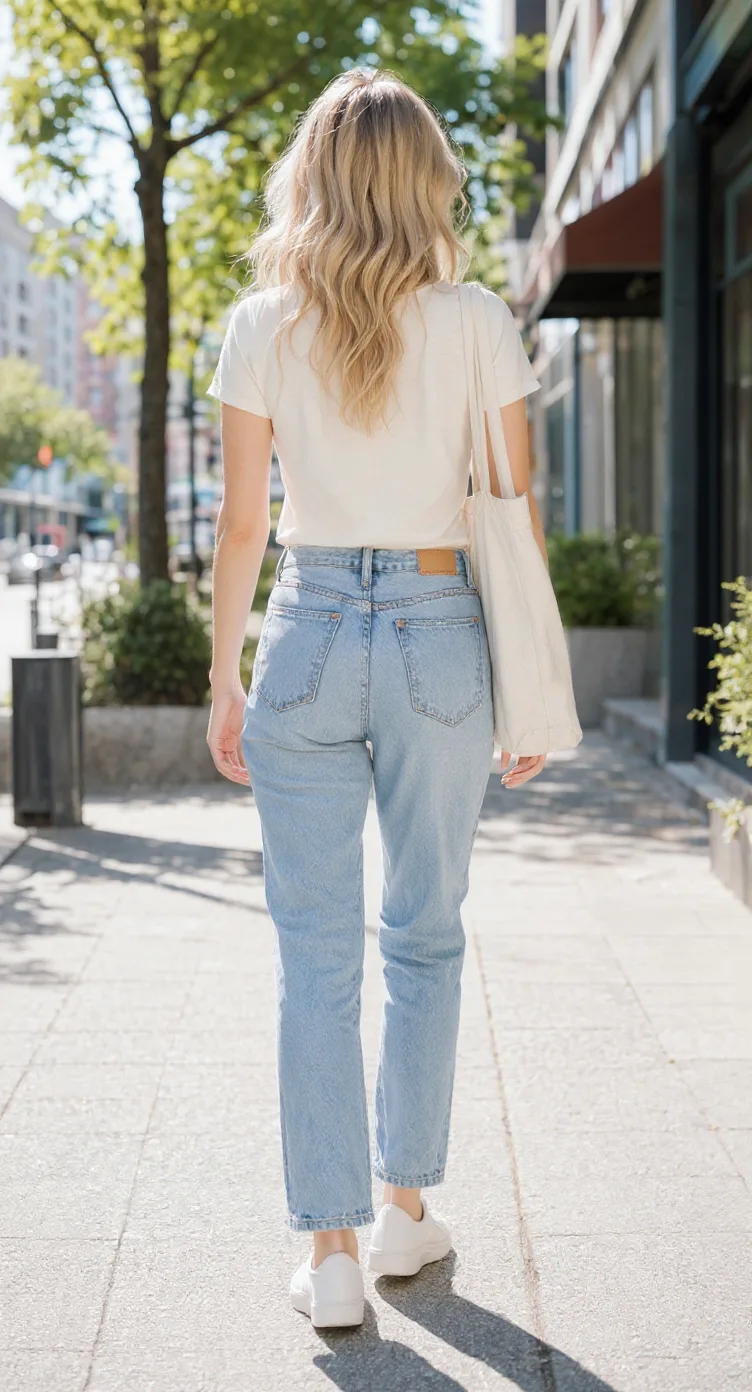
Front, side, back & 3/4 views in one run
Lateral, heel & outsole sneaker views
Front, side & rear model reference sheets
Share your original character in multiple views
Prepare character views for Blender and 3D modeling
Generate a rear perspective from a character image
Prepare multi-view references for 2D animation planning
Front, side, back & 3/4 views for anime characters
One left or right profile, 30 credits
Clean marketplace angles for listings
Interactive 360° rotatable spin view
Precise azimuth & elevation controls
A front-facing illustration may not show the hairstyle behind the shoulders, how a jacket fits from the side, or what is on the back of an outfit. A multi-view sheet helps you explore those details before discussing the next steps with an artist.
Explore how a character’s hairstyle, head shape, outfit, and silhouette may appear from several directions.
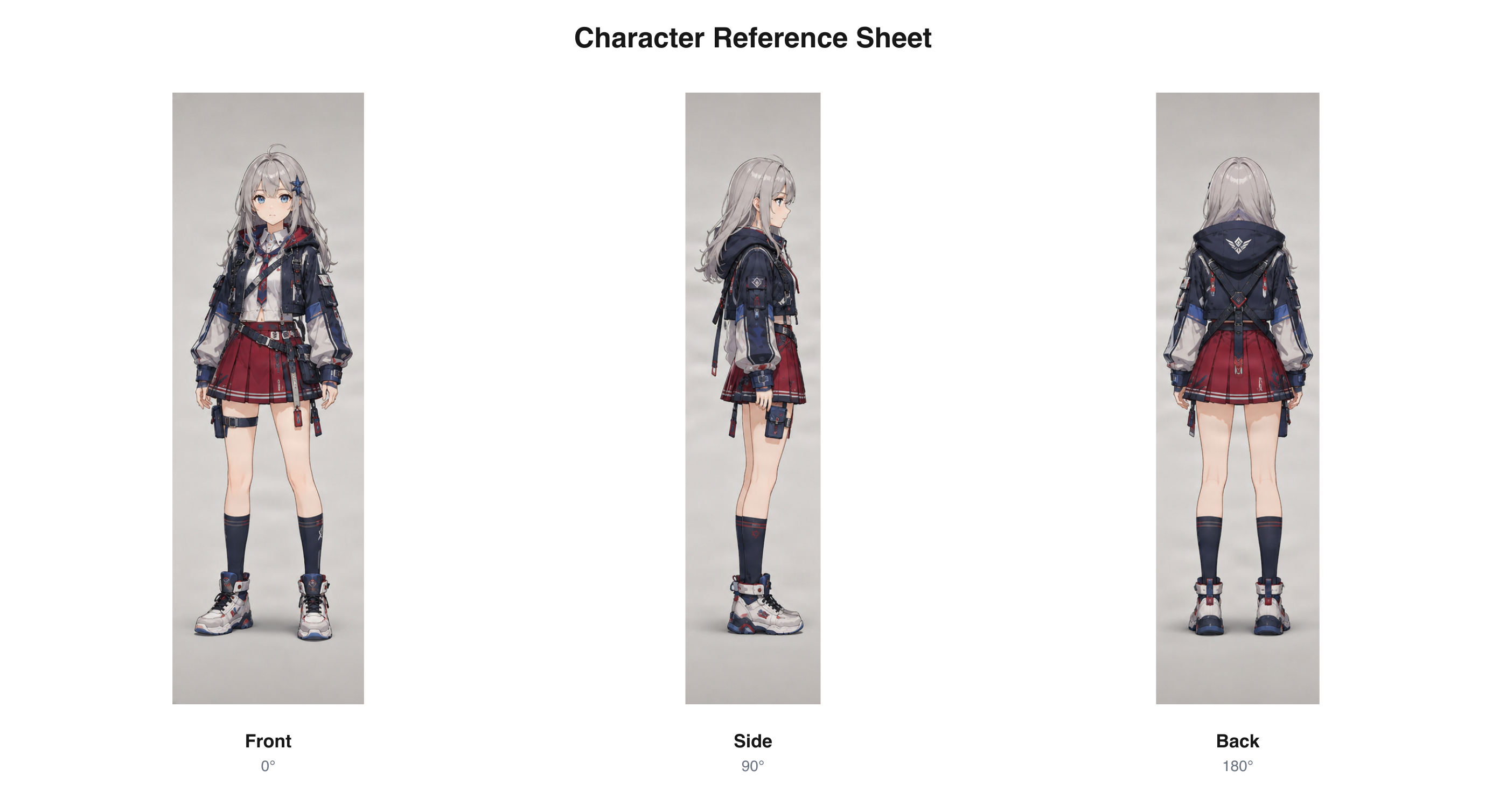
Existing anime-style character views arranged as a three-view sheet. This is a general format example, not a VTuber-specific result.
Download sample PNGReview cloaks, decorative clothing, armor-inspired accessories, and distinctive hairstyle elements from different angles.
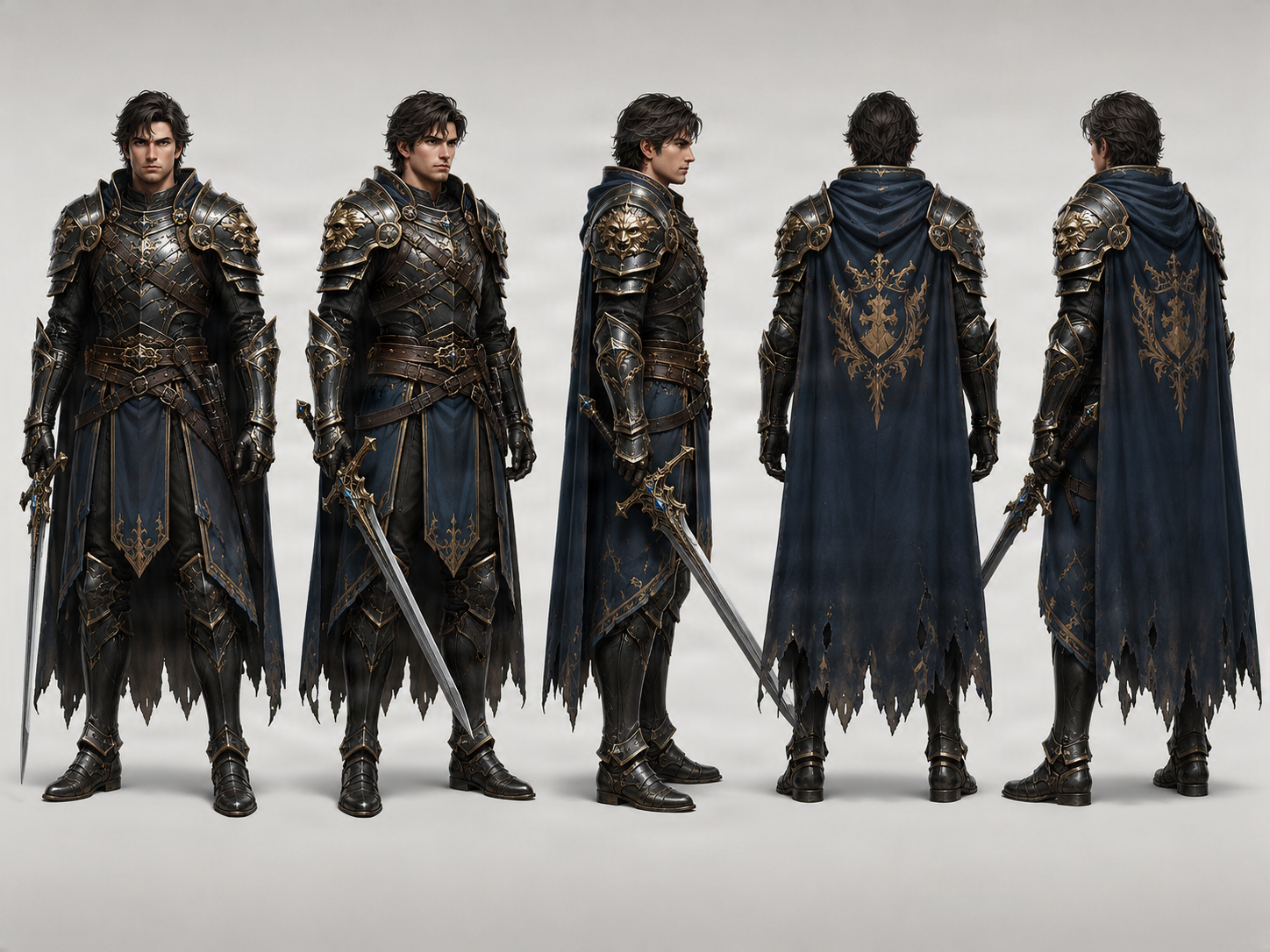
Existing fantasy character turnaround sample. This is a general format example, not a VTuber project result.
Download sample PNGCompare a stylized character’s proportions, outfit, and recognizable features across multiple perspectives.
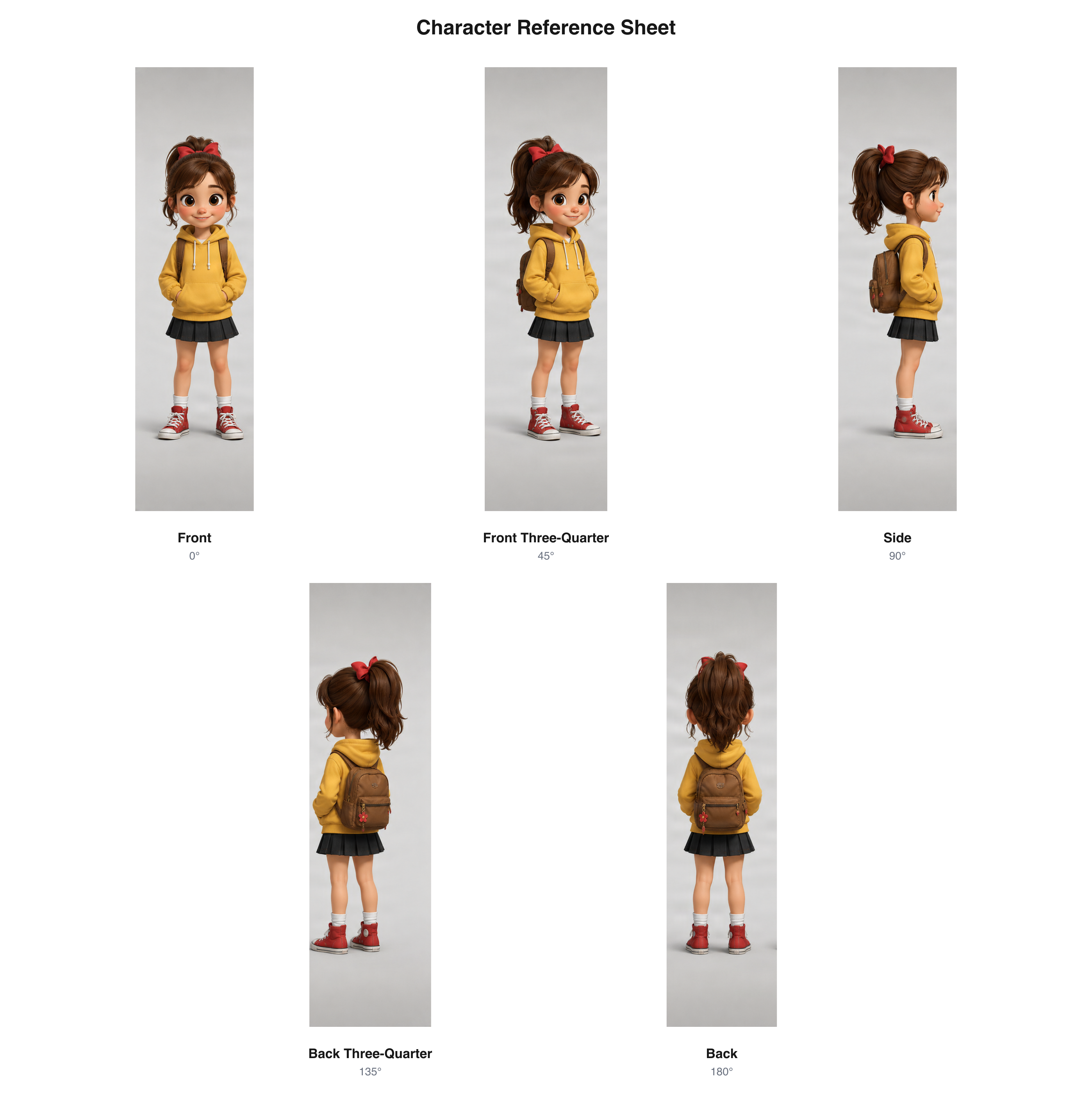
Existing cartoon character views arranged as a five-view sheet. This is a general format example, not a VTuber-specific result.
Download sample PNGThese examples reuse existing character artwork and multi-view results. They demonstrate view and sheet formats and are not VTuber-specific generation tests or commissioned VTuber model references.
Explore how hair, clothing, silhouette, and accessories may look from other directions.
Give a model artist more visual context before discussing the final artwork.
Download one organized PNG reference for later conversations and projects.
You may know exactly how your VTuber should look, but only have a front-facing illustration to share. A multi-view reference gives you more visual material for discussing the hairstyle, clothing, and accessories with an artist.
Explore hair and outfit details that are not visible in a front-facing image.
Use several angles when explaining the character to a model artist.
Check generated views and decide which details to keep, change, or clarify.
Keep multiple perspectives together for future commissions and design updates.
Start with an existing VTuber illustration. A clear full-body image can show the hairstyle, clothing, footwear, and accessories.
Select front, side, and back, or add front and back three-quarter perspectives. Choose a pose preference in the workbench.
Generate and review the views, including details the AI had to infer. Once required views pass applicable checks, download a combined PNG or keep individual images and the ZIP archive.
Choose a set of reference views that fits the design conversation you want to have.
See the character from the front, side, and back.
Included views
Useful for
Explore additional views between the main angles.
Included views
Useful for
The views are static 2D references, not a continuously rotating 3D model, and they are not automatically rigged. Check the current view count and credit cost in the workbench.
A VTuber model art commission often starts with a discussion about the character’s appearance. A multi-view sheet gives you more visual material to share when your original image only shows the front.
Give the artist a clearer sense of the silhouette, hairstyle, costume, and visible accessories.
Use side and back views to discuss details hidden in the original image.
Review AI-generated perspectives and identify details that match your intended design.
Save the sheet for future conversations and commissions.
When preparing a VTuber character for a Live2D workflow, it can help to discuss the intended hairstyle, accessory placement, and outfit from more than one direction. Use a multi-view sheet during that planning stage.
Explore how bangs, side hair, ponytails, and other elements may appear from multiple directions.
Inspect collars, sleeves, skirts, jackets, capes, and other clothing features around the character.
Review hair clips, ribbons, horns, ears, and decorative elements.
Compare the general shape across front, side, back, and three-quarter views.
Discuss the intended design before an artist prepares the final model artwork.
The hairstyle, outfit, and accessories help define your VTuber. Compare those features across the generated views, especially where the source artwork did not show the details.
Compare the general face, hairstyle, and head proportions.
Look for changes in the shape and placement of important clothing features.
Review ribbons, animal ears, horns, hair ornaments, and other defining details.
Compare major colors and recognizable design choices across views.
Inspect the character silhouette and body shape for visible inconsistencies.
Create a shared visual starting point for your character and the people helping bring it into your creative work.
Explore an existing avatar design before commissioning more artwork.
Show your artist more than the front view and call out details that need clarification.
Review hairstyle, outfit construction, and overall appearance during design planning.
Develop an existing character design from additional perspectives.
Document the character design when preparing additional artwork or avatar variations.
Share a visual reference for streaming illustrations, promotional art, and character design.
Individual images help when you need to inspect one angle. A single organized sheet is easier to compare and share with an artist.
Keep the selected character views together in one image.
Save a perspective separately when you need to examine it closely.
Keep generated views together with your character design files.
Identify the front, side, back, and three-quarter perspectives on the sheet.
The uploaded artwork is the visual source for the additional perspectives. Make the features you care about easy to see.
A full-body design provides more information about clothing and proportions.
Hair is often one of the most recognizable parts of a VTuber design.
Keep distinctive ribbons, horns, ears, bows, or jewelry visible.
Complex backgrounds or objects covering the character can make the source harder to interpret.
A simple standing pose can make views easier to compare.
If the rear of the hair or outfit is not shown, the AI must interpret it. Review whether the result fits your design.
A reference sheet, model artwork, and rigging have different roles in a character-production workflow.
Used to communicate visual design. It contains multi-view PNG references and separate view images.
Prepared by an artist for the intended model workflow, including the required separated parts. Deliverables depend on the artist’s specifications.
Adds deformations and controls to prepared model artwork. It produces a rigged model and related files according to the agreed workflow.
These pages share the multi-view character workflow but serve different creative tasks.
Best for preparing a multi-view design handoff for a VTuber model artist.
Best for organizing general character perspectives into a shareable sheet.
Best for sharing an original character in commissions, art trades, and personal projects.
Best for exploring front, side, back, and optional three-quarter views.
Best for additional perspectives of anime-style character artwork.
This generator creates additional views of an existing VTuber character and arranges approved perspectives into a reference sheet. It cannot guarantee perfect consistency or replace the decisions involved in professional model creation.
Generated views are visual references, not Live2D-ready PSD artwork or a rigged model. Review inferred details before using them as final design instructions.
A VTuber reference sheet is a visual guide to a character’s appearance. It helps communicate the hairstyle, outfit, silhouette, and accessories to artists and collaborators. This workflow focuses on additional views from an existing character image.
Yes. Upload an existing illustration and choose three or five views. The generator creates additional perspectives from the artwork, which you can review and download together as a sheet.
No. Start with an existing character image. The AI generates additional views, but details hidden from the source image must be inferred. Review them before using the results as final design instructions.
Yes, as a visual design reference. Share it with a model artist to discuss the hairstyle, outfit, accessories, and overall appearance. The artist may also need exact color references, expression examples, and technical specifications.
No. It creates static 2D reference images. It does not separate character artwork into rig-ready parts, create a Live2D model, or perform rigging.
The reference sheet is for visual planning, not a rig-ready file. Live2D model creation requires artwork prepared and separated into suitable parts, followed by rigging. A combined PNG does not contain those parts.
The three-view option includes front, side, and back perspectives. The five-view option adds front and back three-quarter angles for more detail between the main views.
Yes. Upload an existing anime-style VTuber illustration. The generator uses it as the source reference for additional perspectives.
Exact consistency is not guaranteed. Hair, clothing, facial features, proportions, and accessories may vary between generated views. Review the results and correct details before sharing them.
It can generate a proposed back view based on your source illustration. If the back is not visible, its design is inferred by the AI, so decide whether the result matches your intended character.
You can upload character artwork with those features. Unusual anatomy and complex accessories may be difficult to represent consistently, so check their shape, placement, and details in every view.
Yes. The workbench offers Neutral, T-Pose, A-Pose, and Match Original pose preferences. They guide generation but do not guarantee identical poses or exact anatomical alignment.
Yes, as a visual reference when discussing or planning other illustrations. It does not automatically create talking expressions, blink states, or ready-to-use PNGTuber animation files.
Not in this multi-view workflow. It focuses on different perspectives of an existing character. Expression sheets and individual expression assets require additional artwork.
No. This workbench starts from an uploaded character image. It is for creators who already have artwork and want more views of that design, rather than creating a new VTuber from text alone.
The workbench supports common image formats including PNG, JPG/JPEG, and WebP. A clear image that shows the character and important design details is a useful starting point.
You can download a combined reference sheet PNG, individual generated views, and a ZIP archive. The sheet is not a layered or rig-ready PSD.
Yes, as a visual character reference. The generated views are not guaranteed to be orthographic or proportionally calibrated. They are not 3D models and do not create VRM, VRoid, GLB, or FBX files.
Generating the selected views uses the credits displayed in the workbench. Arranging completed views into one reference sheet does not require another AI image-generation run.
The results page shows the status of each perspective. If a required view fails or is marked for review, the complete sheet export may remain unavailable until the applicable checks are satisfied.
Create front, side, back, and three-quarter views of an existing character.
Anime Character Turnaround GeneratorGenerate multi-angle references for anime-style characters.
Character Reference Sheet GeneratorBring multiple generated perspectives into one shareable character sheet.
OC Reference Sheet GeneratorPrepare multiple views of an original character for commissions and creative projects.
Character Model Sheet GeneratorReview a character’s silhouette, outfit, and appearance from different angles.
AI Multiple AnglesExplore more tools for generating new perspectives from existing images.
You have already chosen the look of your VTuber. Upload the character image, generate the missing views, and share a reference sheet in your next design conversation.
One VTuber image · 3 or 5 views · One shareable PNG sheet
Creative Toolkit Index
Quick access to precision layer extraction, AI photo editing & asset tools.